Know what factory reset changes
A factory reset removes saved router details and custom options. Keep the Wi-Fi name and password handy, and distinguish this from unplugging the extender for a simple restart.

 Best picksBest Dash Cam in Australia: Five Models Compared
 Best picksBest Wi-Fi Extenders in Australia for Different Homes
 Best picksThe Best Meat Thermometer for Every Kind of Cook
 Best picksBest Headlamp Torches for Different Uses in 2026
 Best picksBest Portable Air Coolers to Consider in Australia (2026)
 Best picksBest Winter Gloves for Everyday Wear and Outdoor Use
 Best picksBest Cordless String Trimmers for Australian Gardens (2026)
 Best picksBest air purifier for bedroom in Australia: five models compared
Gearjury may earn a commission from qualifying retailer links.
Guide
A factory reset clears saved setup. Locate the model reset button, wait for its reset indicator, then configure the extender again.
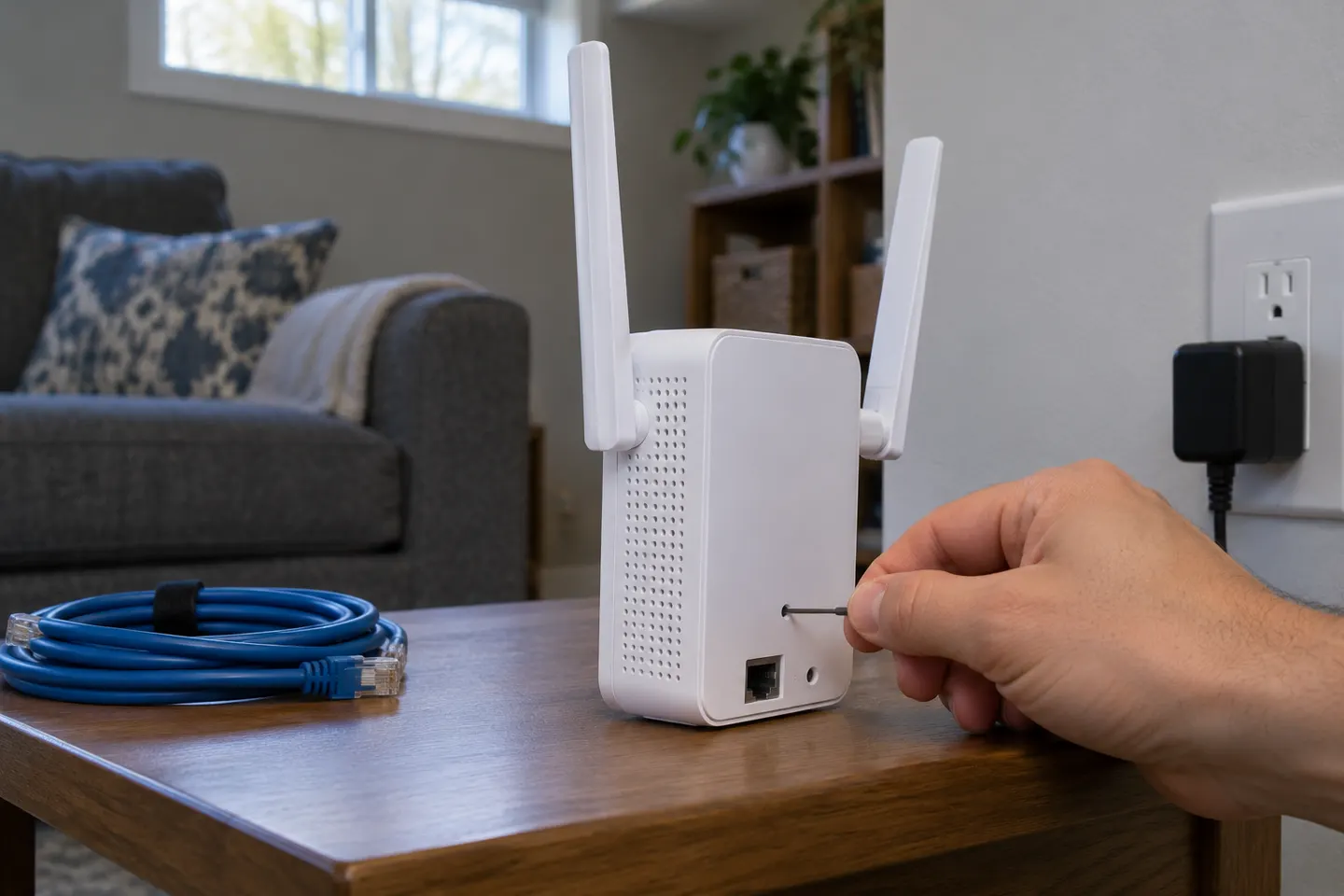
A factory reset removes saved router details and custom options. Keep the Wi-Fi name and password handy, and distinguish this from unplugging the extender for a simple restart.
NETGEAR instructs owners to locate the Reset or Factory Reset button. Its position varies by model, so use the label or manual to identify it.
With the extender powered, use a paper clip or similar tool to press and hold reset. NETGEAR support says to continue until the Power LED blinks, then release and let the unit reboot.
After factory defaults return, reconnect the extender to the router using its model guide. For EX6120, the user manual describes a seven-second hold until its Power LED turns amber.
Check the unit has power and that you are pressing Reset rather than WPS. If the interface is accessible, consult the model manual for its software reset route.
Common questions
Use the reset control while powered and follow the exact model manual. NETGEAR describes holding until the Power LED blinks; timing and indicators can vary.
Locate its Reset or Factory Reset control and follow the model-specific NETGEAR steps. Factory reset clears saved setup, so reconnect it to your router afterwards.
For EX6120, the manual says hold Factory Reset for seven seconds until the Power LED turns amber, then release and wait for reboot. Other models may differ.
AC1200 is a wireless class, not one reset sequence. Find the brand and model number and use that manufacturer manual.
Keep exploring

A Wi-Fi extender can help reach a weak-signal room when positioned within range of your router. Compare plug-in repeaters, mesh-compatible models, outdoor units and powerline kits by how they connect.

RE705X and RE715X are Wi-Fi 6 options; RE315 is an AC1200 alternative. Choose by router compatibility and the connection you need.

Start with the network standard and location of the dead spot. NETGEAR?s EX6120 is a dual-band AC model, while EAX15 adds WiFi 6; check exact router and firmware compatibility before buying.
The right Wi-Fi extender depends on the router signal at its location, your home layout and whether you need Ethernet, outdoor placement or powerline networking.