









 Official manufacturer image
Our picks
Top picks
Official manufacturer image Official manufacturer image
Garmin Dash Cam X310
Check price on Amazon UK Official manufacturer image
VIOFO A329S 2CH
Check price on Amazon UKHow-to guides
More topics
 Dash Cams That Connect to Your Phone
Common questions
Questions before you buy
How does a dash cam connect to a phone?
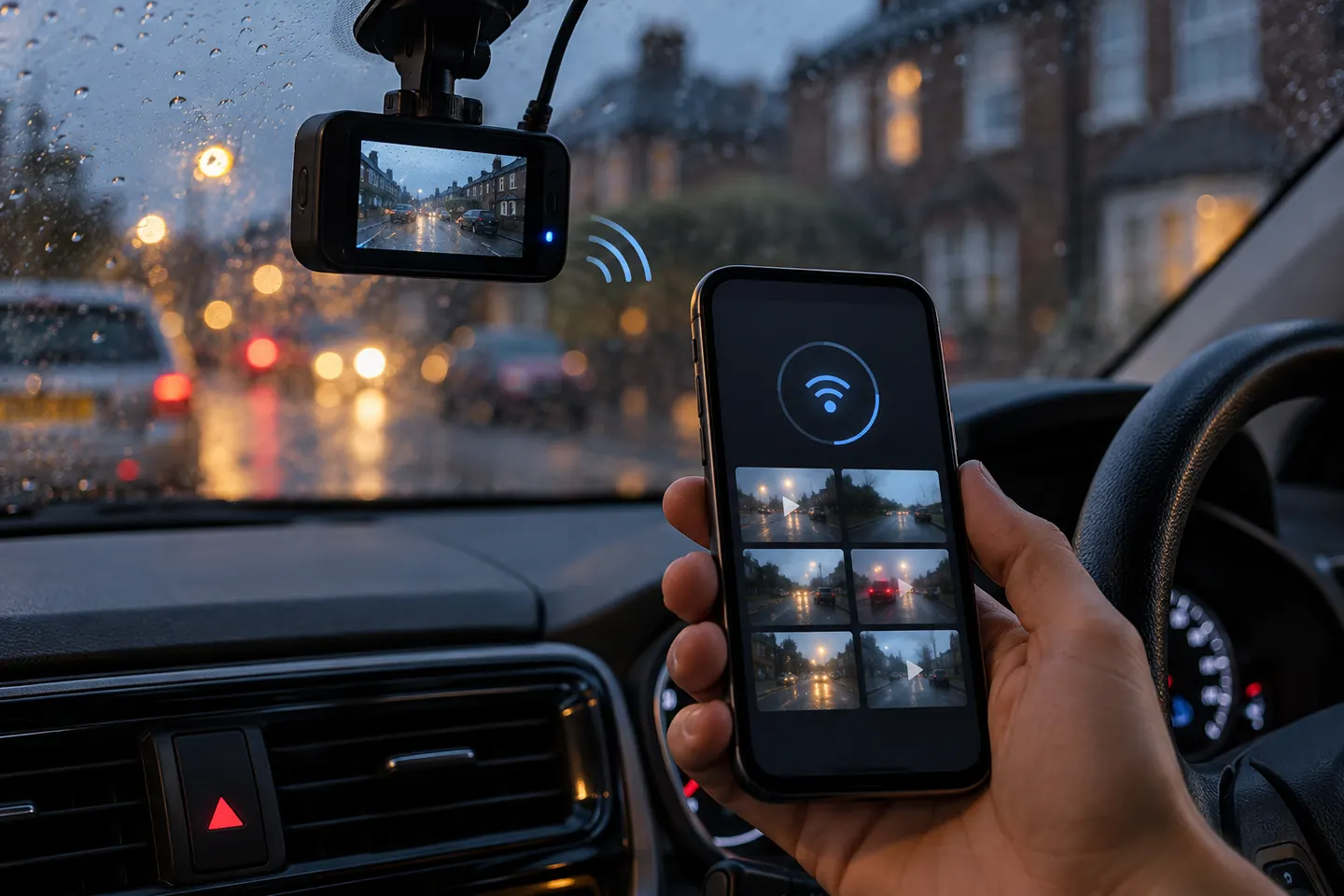
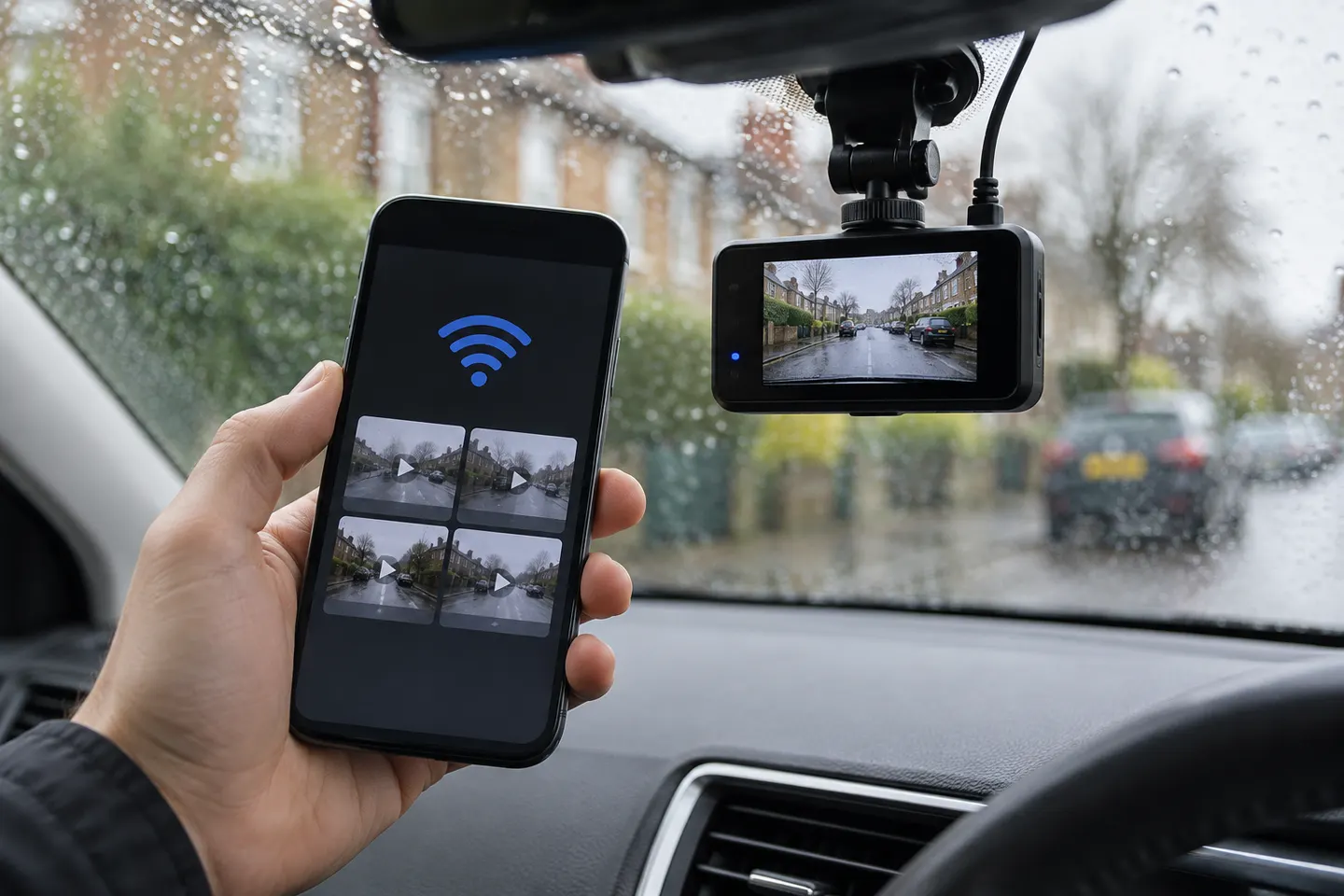
The usual method is Bluetooth-assisted pairing followed by a local Wi-Fi connection. The app then accesses settings, previews and saved clips.
Does a phone-connected dash cam need mobile data?
Not for a local Wi-Fi link in the car. Remote viewing, alerts or cloud uploads need an internet connection and may use mobile data.
Why does my phone say there is no internet when connected to the dash cam?
The camera’s Wi-Fi network may be local only. Stay connected long enough to use the app, or follow the app’s instructions for allowing mobile data alongside local Wi-Fi.
Can I watch my dash cam live when I am away from the car?
Only models with remote connectivity support that feature. Local Wi-Fi cameras generally work only when the phone is close to the vehicle.
Will the dash cam record if my phone is not connected?
A properly configured dash cam should perform its core recording independently, but connected features vary. Verify offline behaviour in the exact model manual.
Is dash-cam footage on a phone secure?
Use a unique account password, current firmware and app updates, and any available multi-factor authentication. For internet-connected video, encrypted transfer and access controls are important.