









 Official manufacturer image
Our picks
Top picks
Official manufacturer image Official manufacturer image
Garmin Dash Cam X310
Check price on Amazon UK Official manufacturer image
VIOFO A329S 2CH
Check price on Amazon UKHow-to guides
More topics
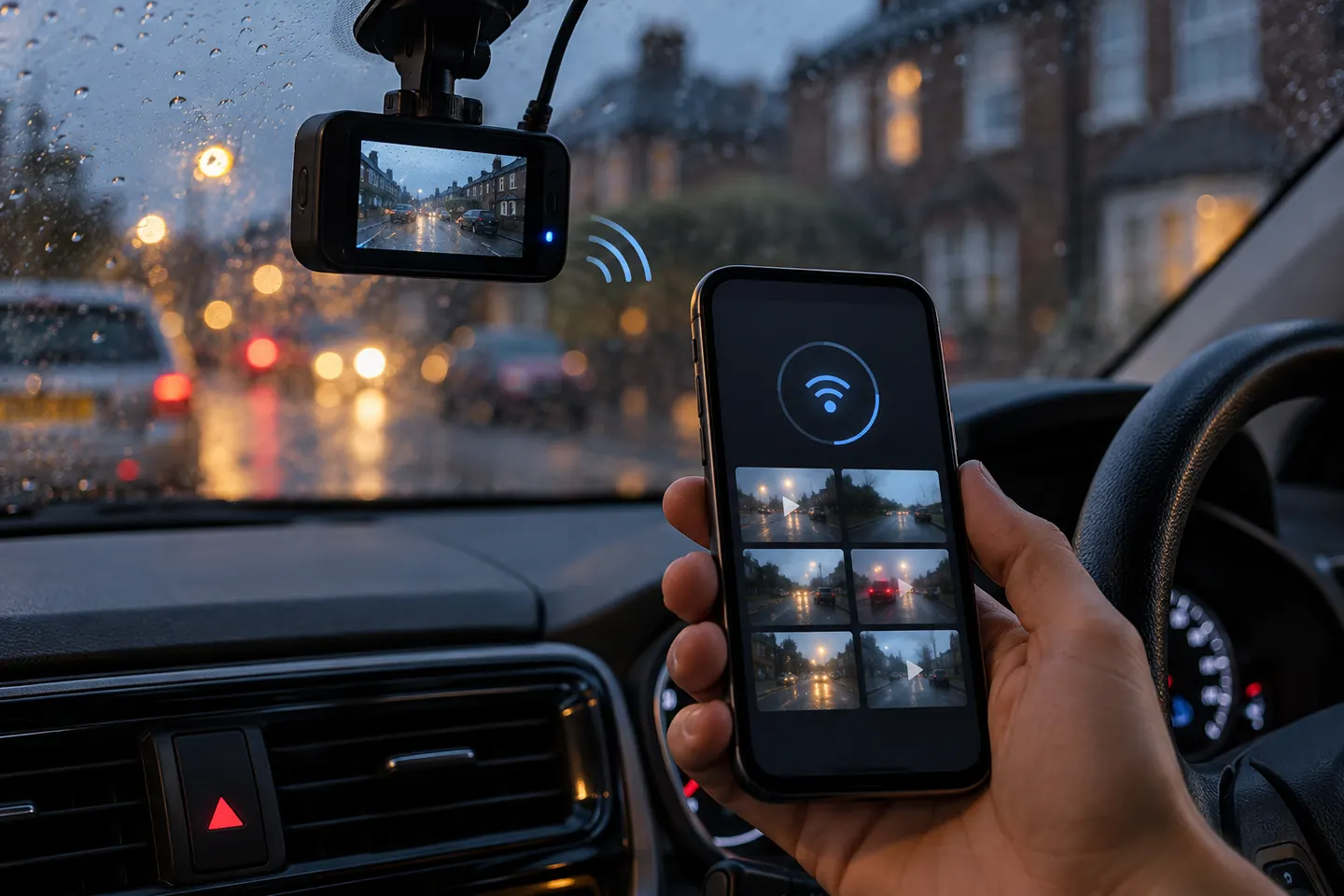 How a Dash Cam Connected to Your Phone Works
Common questions
Questions before you buy
Does a phone-connected dash cam need mobile data?
A direct camera Wi-Fi link usually does not need mobile data for local viewing or downloads. Cloud or remote features may need a data connection and service plan.
Can I watch my dash cam live from anywhere?
Not with ordinary local Wi-Fi alone. Remote viewing requires a model with supported cellular or cloud connectivity and continuous power.
Why does my phone say the dash cam Wi-Fi has no internet?
The camera is providing a local network for clips and settings, not general internet access. Stay on that network while using the app.
Can a dashcam connect to phone and wireless CarPlay at the same time?
Both may compete for the phone's Wi-Fi connection. Compatibility varies, so check the camera maker's guidance and expect to switch networks for downloads on some setups.