









 Official manufacturer image
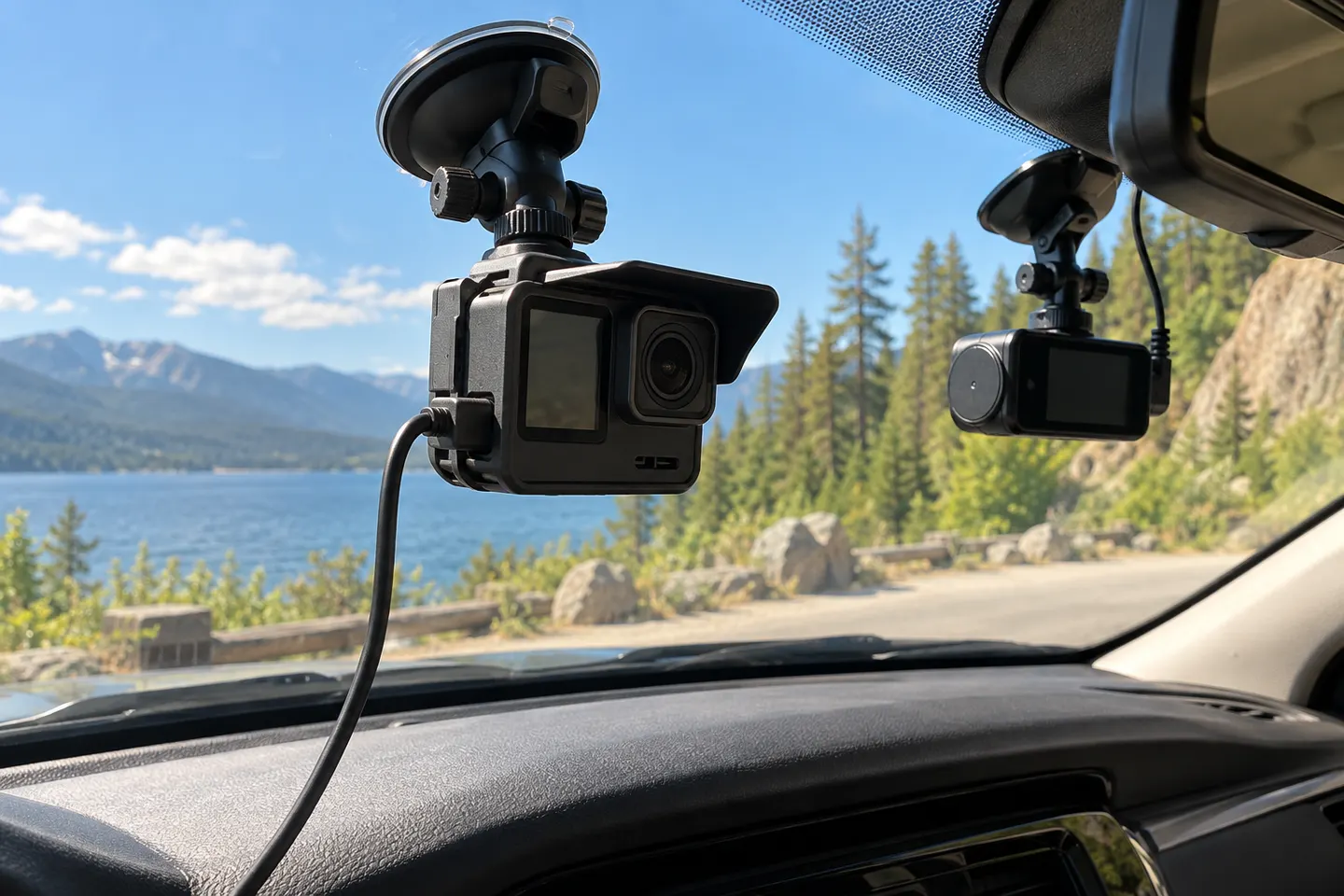
Our picks
Top picks
Official manufacturer image Official manufacturer image
Garmin Dash Cam X310
Check price on Amazon UK Official manufacturer image
VIOFO A329S 2CH
Check price on Amazon UKMore topics
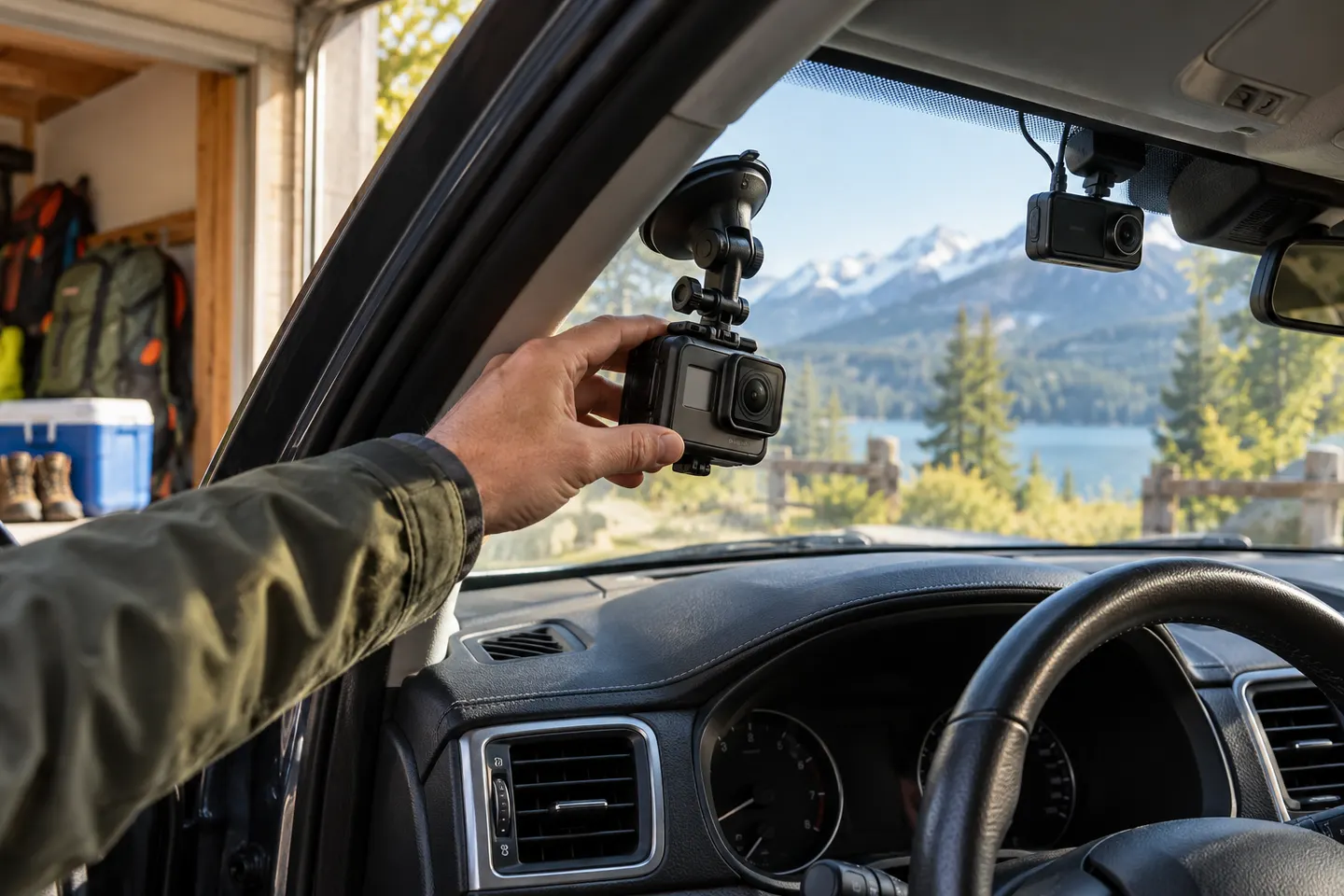 Dashcam GoPro Setup
Common questions
Questions before you buy
Can I use a GoPro as a dashcam?
Yes for manual or loop recording on compatible models. You must manage power, mounting, heat and file protection yourself.
Does a GoPro automatically start recording with the car?
Not in the same universal way as a dedicated dash cam. Behaviour depends on model, settings, USB power and whether the camera remains powered or requires manual input.
Will GoPro looping protect a collision clip?
Looping overwrites older segments as storage fills. Save important footage promptly because a GoPro does not necessarily lock incident clips like a dash cam with a G-sensor.
Can a dashcam be used as a webcam?
Only if the manufacturer provides a webcam mode or the device outputs compatible live video. A USB socket used solely for power or file transfer does not make it a webcam.