Plan the front and rear camera positions
Sit in the driving position and identify areas that do not obstruct your view. Check the rear glass movement, demister lines, wiper coverage and cable entry before removing adhesive liners.

 Best picksBest WiFi Extenders in the UK: Compare Five Practical Options
 Best picksThe Best Dashcams in the UK for 2026
 Best picksBest Portable Air Coolers: Five Models to Compare for 2026
 Best picksBest Meat Thermometers in the UK for 2026
 Best picksBest Headlamp Torches in the UK: Five Choices for 2026
 Best picksBest Winter Gloves in the UK: Five Activity-Based Choices for 2026
 Best picksBest Radar Detectors in the UK: Models Compared for 2026
 Best picksBest Value Cordless Strimmers in the UK (2026)
 Best picksBest Air Purifiers in the UK for Different Rooms and Needs
Gearjury may earn a commission when you buy through a retailer link.
Guide
Mount both cameras only after checking their views, then route the interconnecting cable without crossing airbags or moving trim. Use professional fitting if the safe path or electrical connection is uncertain.
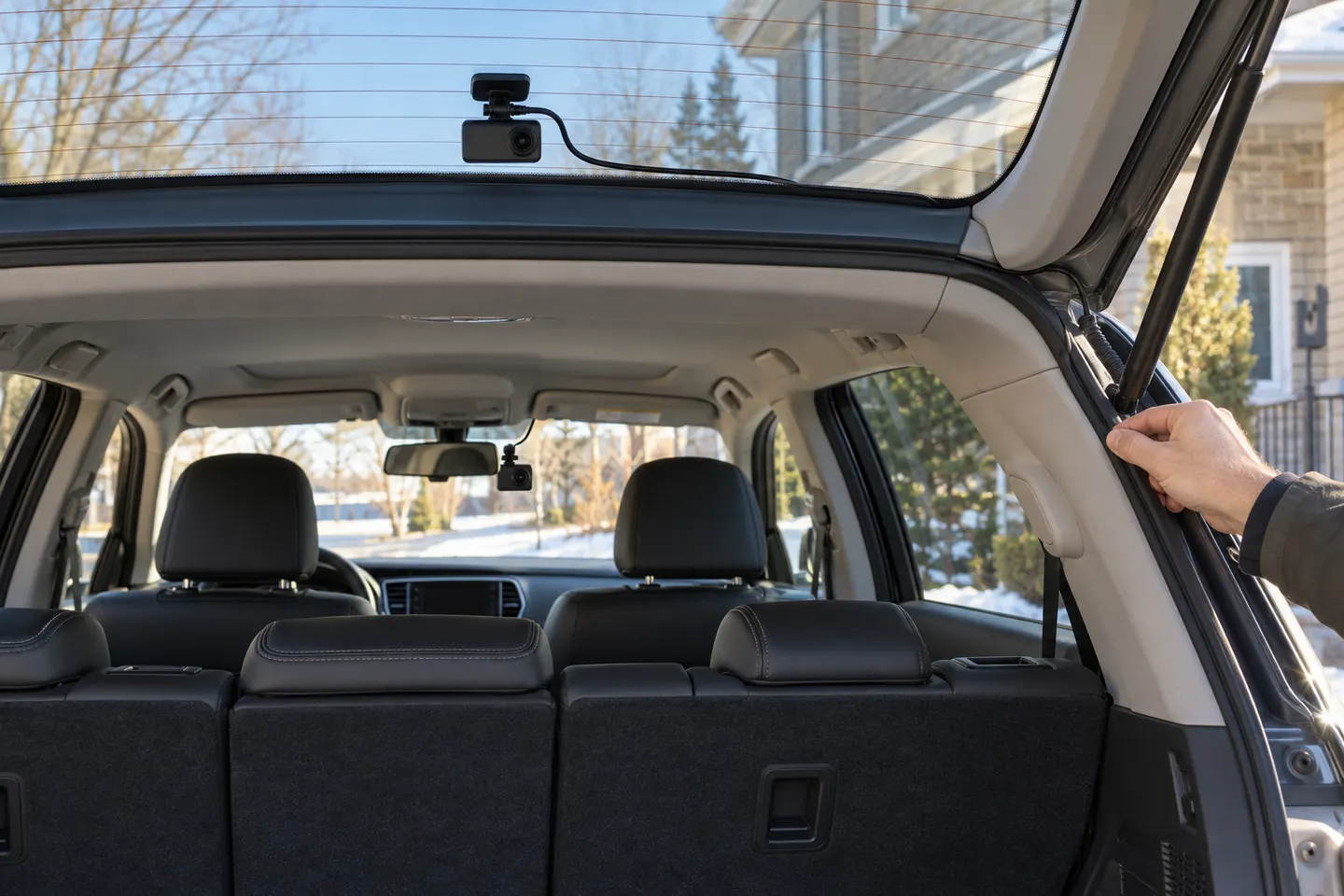
Sit in the driving position and identify areas that do not obstruct your view. Check the rear glass movement, demister lines, wiper coverage and cable entry before removing adhesive liners.
Clean and dry both mounting areas. Power the system temporarily, use its screen or app to confirm the horizon and make sure trim, spoilers and the bonnet do not dominate the frame.
Place the front unit high enough for a clear view but outside the driver's critical sightline. Leave access to the card and controls, then allow adhesive to bond for the time specified.
Follow the headlining edge and existing trim path without putting the cable over curtain airbags. Leave suitable slack at a hatch or tailgate and use the maker's recommended routing method.
Keep the lens clear of demister elements where practical and orient it correctly. Secure each connector so vibration or opening the boot cannot strain it.
A plug-in adaptor is easier to reverse; hardwiring can enable a cleaner fit and parking mode. Use only a compatible kit and have a qualified fitter identify circuits when necessary.
Check both channels, timestamps, audio setting and card status. Take a short stationary recording, play it back and recheck cable clearance around mirrors, pedals, airbags and moving panels.
Common questions
Yes, if you can follow the vehicle and camera instructions and route cables safely. Complex trim, airbags or hardwiring are good reasons to use a professional.
It normally follows protected trim edges between the cameras, avoiding airbags and sharp or moving parts. Hatchbacks need enough controlled slack for the tailgate.
Choose the position with the clearest wiped view and least obstruction, while avoiding interference with the driver's rearward view. Follow the model's orientation instructions.
Most kits power the rear camera through the front unit, but designs differ. Use only the cables and power arrangement specified for your model.
Keep exploring

A dual-camera kit is the direct choice when you want the road ahead and traffic behind in the same recording system. Check rear resolution and cable length, not just the headline front-camera specification.
The Nextbase 622GW is our balanced UK pick for its detailed recording, stabilisation and accessible touchscreen. Garmin Mini 3 suits a discreet fit, while VIOFO A329S covers the front and rear at high resolution.
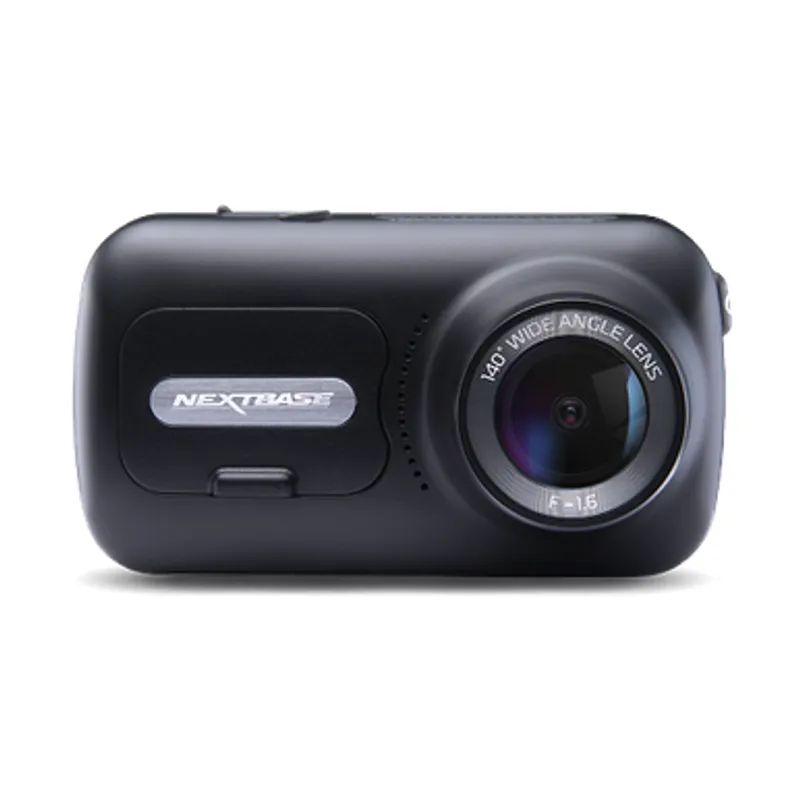
The 622GW has the strongest recording specification in this trio; the 522GW keeps the large touchscreen and polarising filter at 2K, while the 322GW covers the essentials.

Start with the coverage you need: a discreet front camera for the road ahead, or a front-and-rear system for evidence from both directions. Our guides then narrow the choice by installation, connectivity and brand.