









 Official manufacturer image
Our picks
Top picks
Official manufacturer image Official manufacturer image
Garmin Dash Cam X310
Check price on Amazon UK Official manufacturer image
VIOFO A329S 2CH
Check price on Amazon UKInstallation and accessories
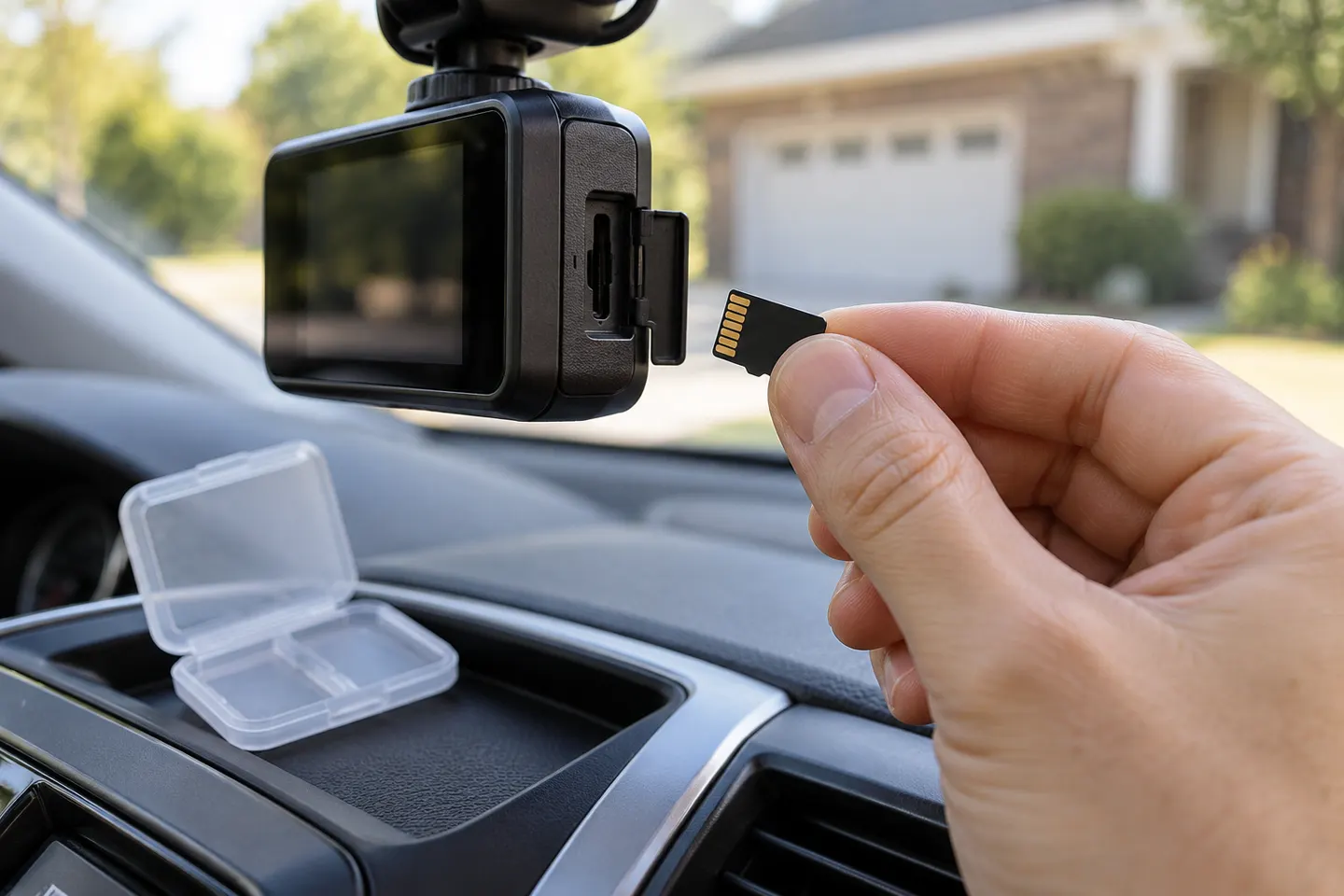 Sd card
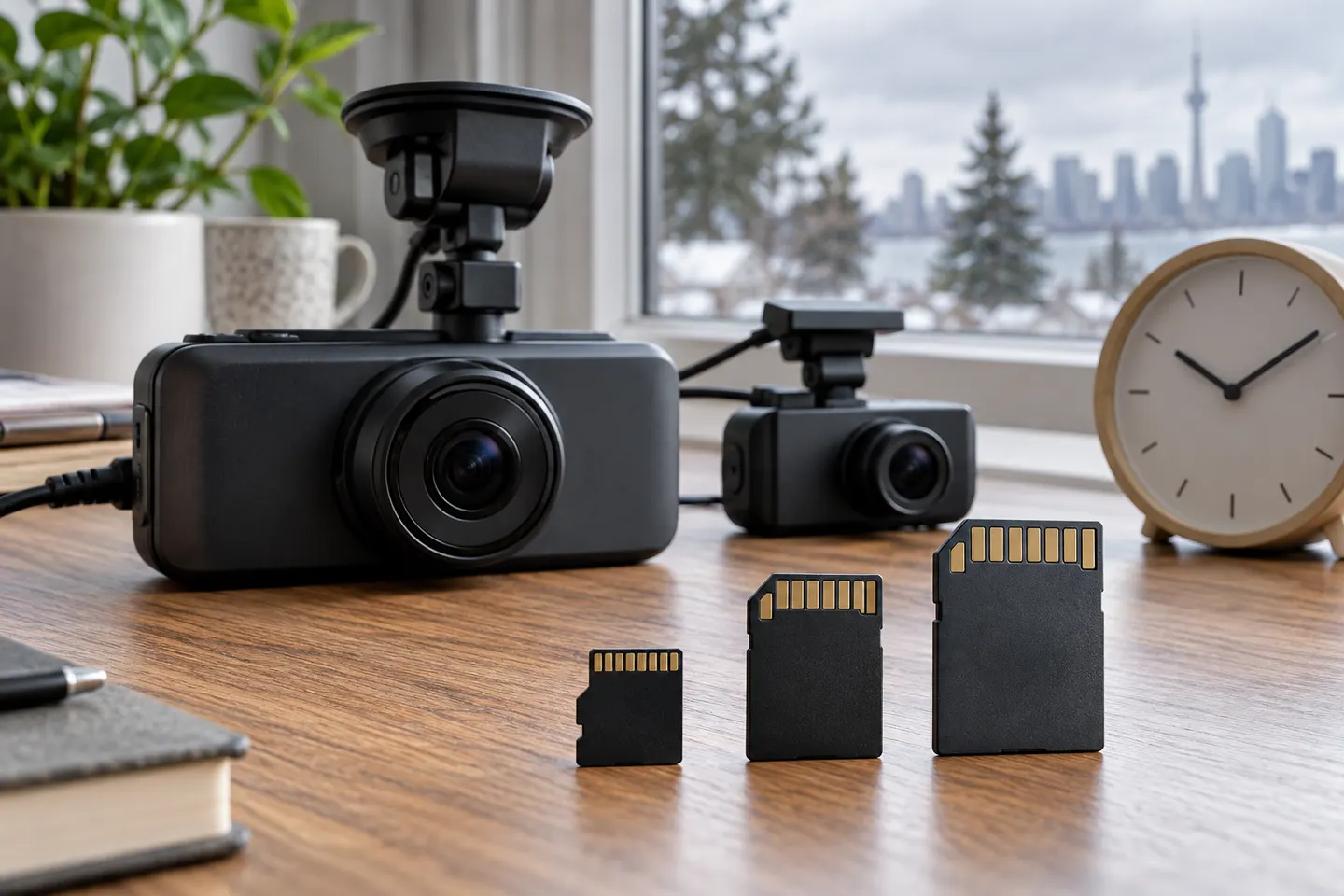 Memory card
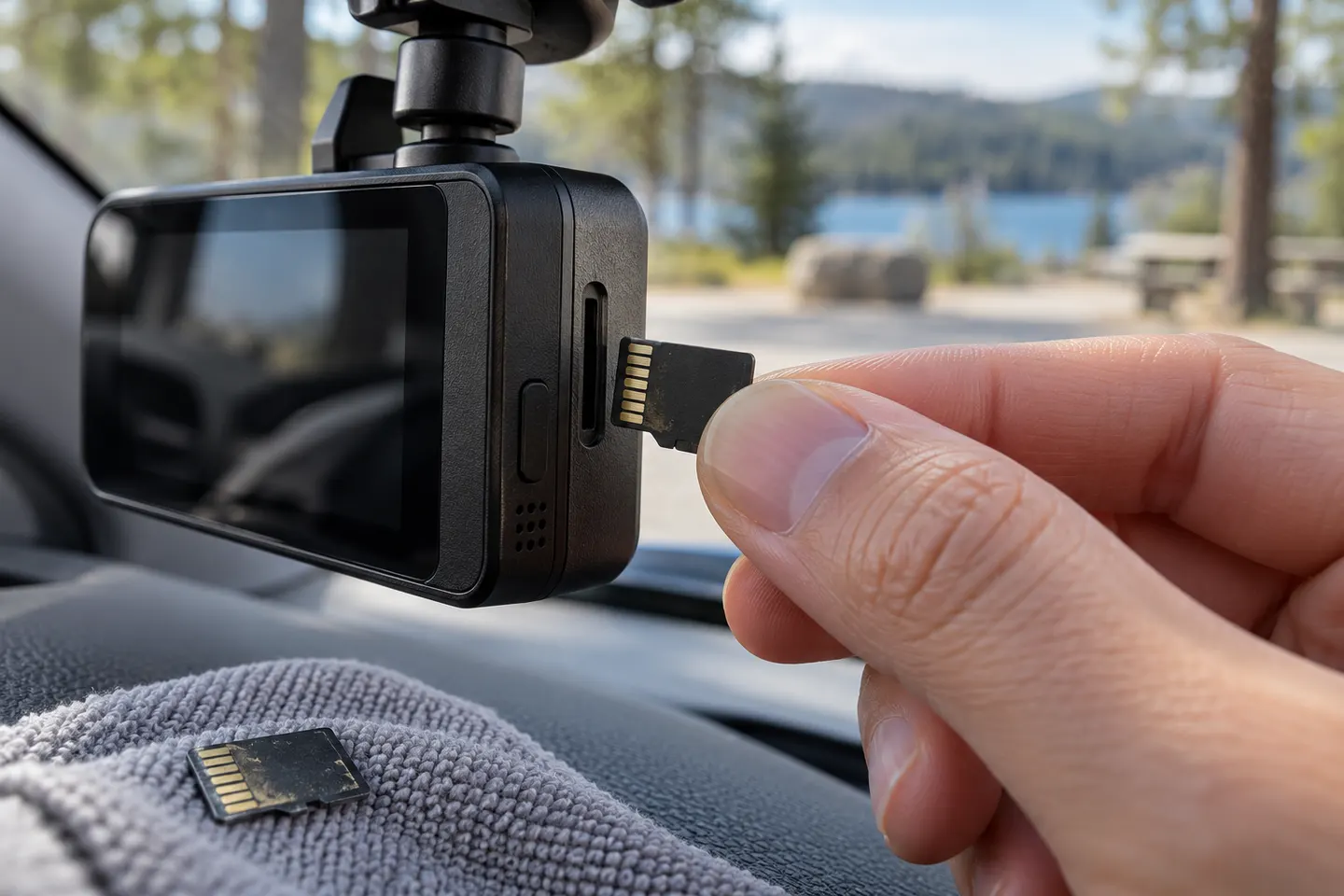 Micro sd card
Show all (6)
More topics
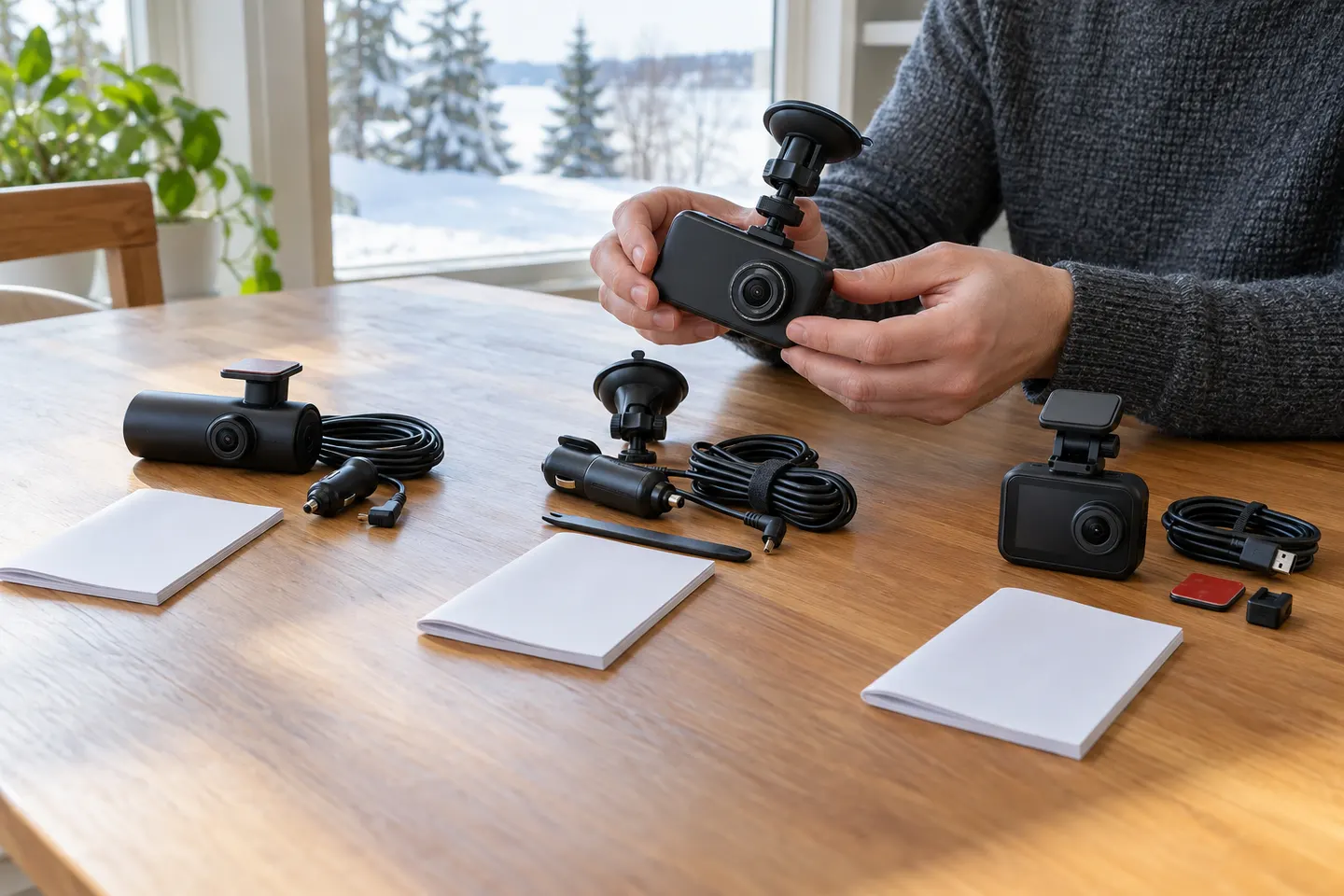 ORSKEY Dash Cams
Common questions
Questions before you buy
Why does my ORSKEY dash cam say the SD card is full?
Loop recording may be off, or protected clips may occupy space that the camera will not overwrite. Card corruption or wear can also stop normal recycling.
How do I clear a full ORSKEY dash-cam card?
Back up footage first, insert the card in the camera and choose Format in the settings. This removes all recordings, including protected clips, so preserve evidence before proceeding.
Should a dash cam automatically overwrite old footage?
Yes, when loop recording is enabled it should replace the oldest ordinary clips. Locked event files are normally retained and may need manual deletion or a full format.
Why does the card fill again after formatting?
Check that loop recording is enabled and that the impact sensor is not locking routine journeys. If the fault persists, confirm the supported card type and capacity in the manual for your exact ORSKEY model.
Can I remove the memory card while the dash cam is on?
Switch the camera off and let it finish writing before removal. Pulling a card during a write can corrupt the current clip or the card's file system.