









 Official manufacturer image
Our picks
Top picks
Official manufacturer image Official manufacturer image
Garmin Dash Cam X310
Check price on Amazon UK Official manufacturer image
VIOFO A329S 2CH
Check price on Amazon UKBy feature
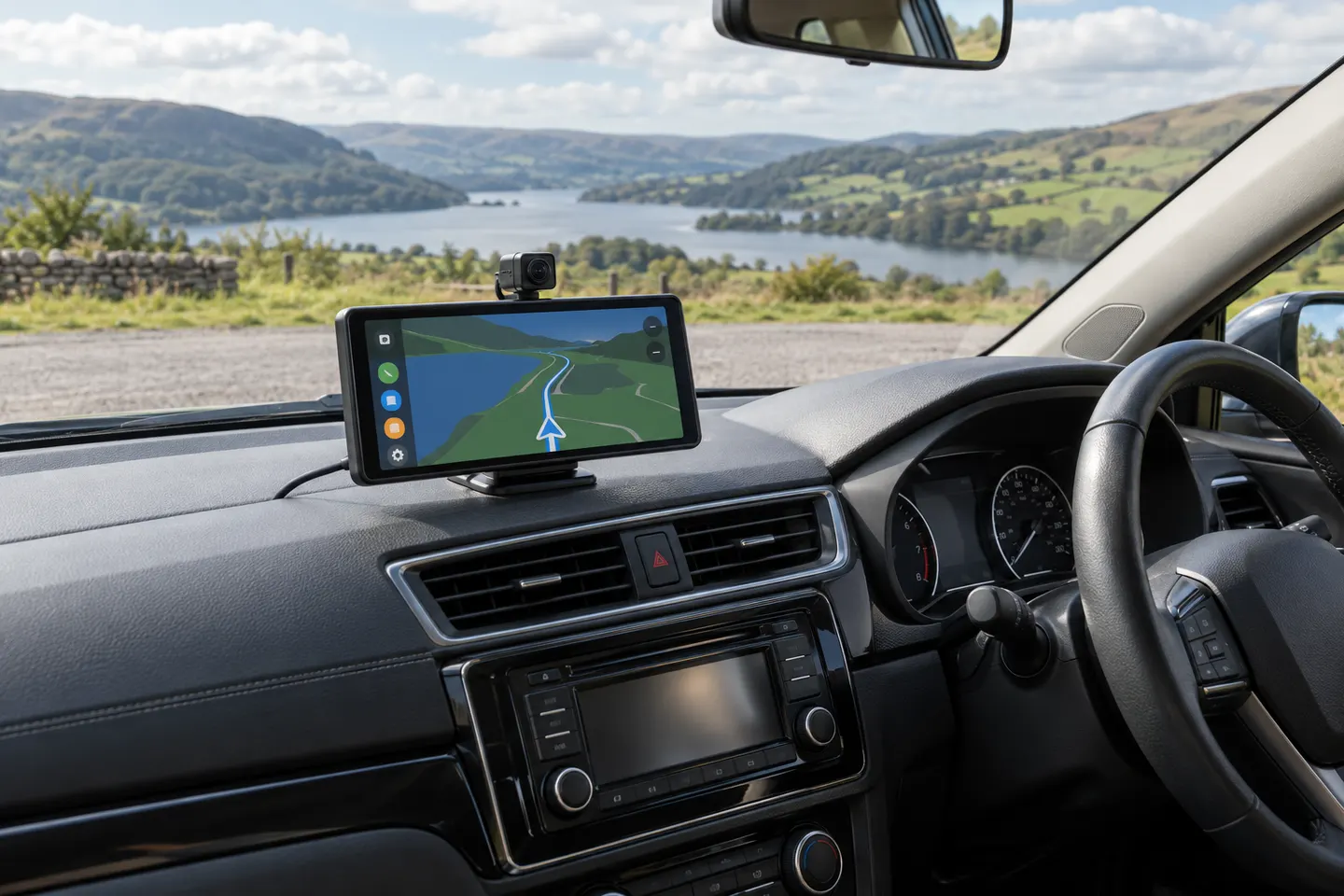 Carplay screen
More topics
Common questions
Questions before you buy
How do you set up a dashcam without a screen?
Most use a phone app for the live view, alignment and settings. Follow the manual and confirm the final road view with the vehicle parked.
How can I tell if a screenless dashcam is recording?
Use the status light, spoken prompt or app indication defined in the manual. Learn the warning pattern for a storage fault.
Can I view footage without the dashcam app?
Many cameras store standard video files on a removable card, but formats vary. Confirm computer and card-reader access before purchase.
Is a dashcam without a screen less distracting?
Its smaller body can be easier to place out of view, but notifications and phone interaction can still distract. Only adjust it while safely parked.