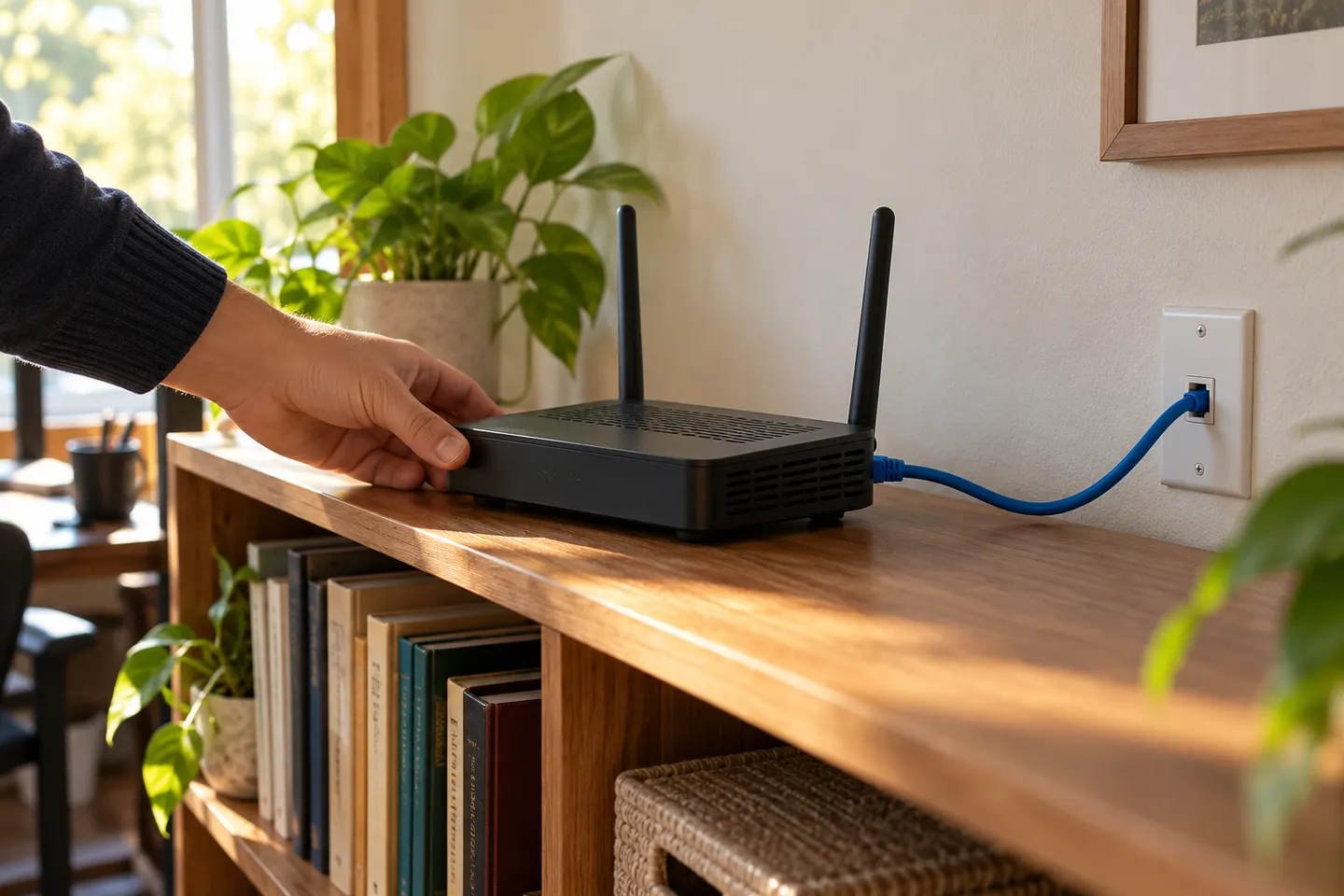
How to Use a Router as a WiFi Extender
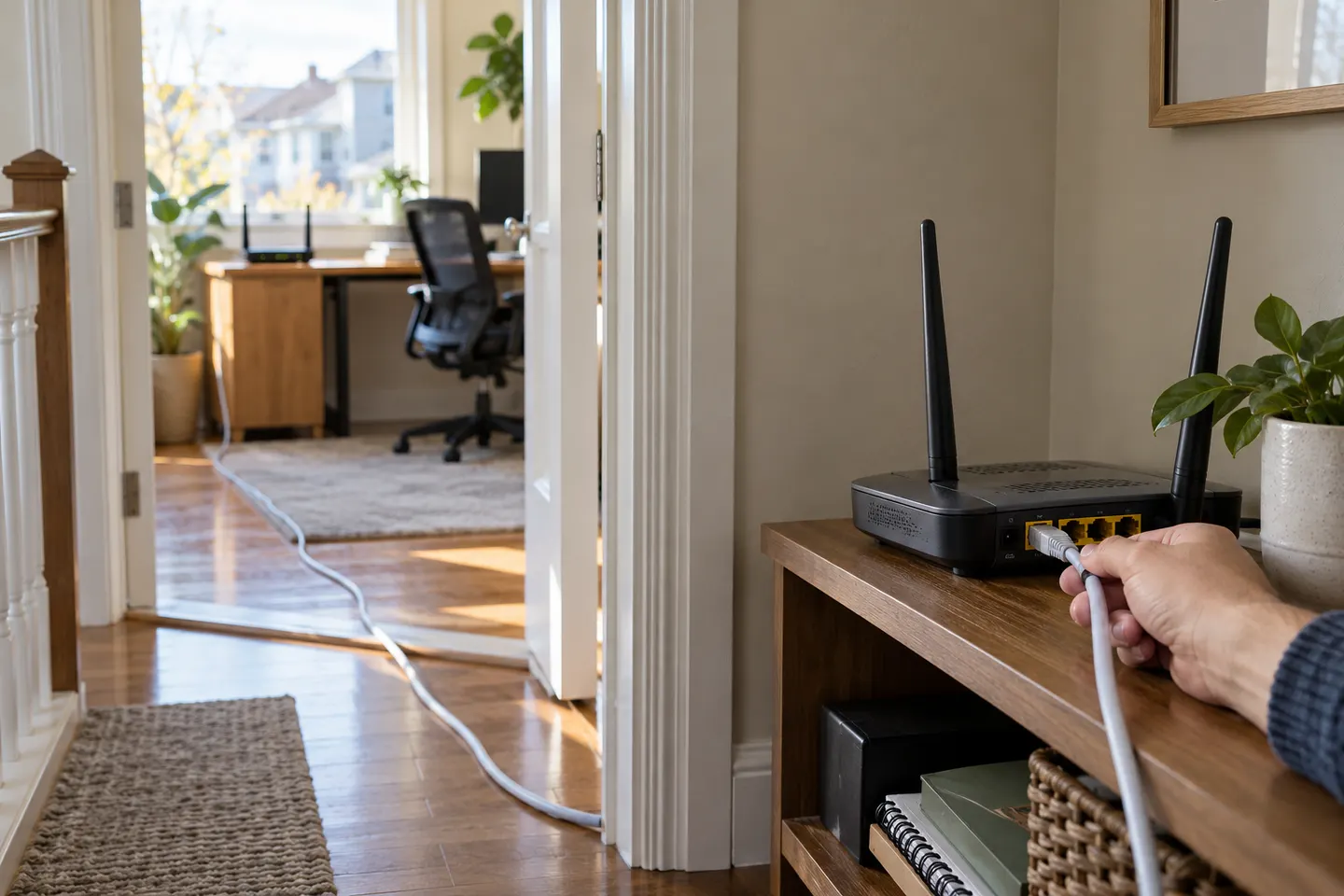
A spare router can extend coverage only if its firmware supports a compatible repeater or bridge mode. When available, wired access-point mode is often easier to configure and troubleshoot.

 Best picksBest WiFi Extenders in the UK: Compare Five Practical Options
 Best picksThe Best Dashcams in the UK for 2026
 Best picksBest Portable Air Coolers: Five Models to Compare for 2026
 Best picksBest Meat Thermometers in the UK for 2026
 Best picksBest Headlamp Torches in the UK: Five Choices for 2026
 Best picksBest Winter Gloves in the UK: Five Activity-Based Choices for 2026
 Best picksBest Radar Detectors in the UK: Models Compared for 2026
 Best picksBest Value Cordless Strimmers in the UK (2026)
 Best picksBest Air Purifiers in the UK for Different Rooms and Needs
Start here
A spare router can extend coverage only if its firmware supports a compatible repeater or bridge mode. When available, wired access-point mode is often easier to configure and troubleshoot.

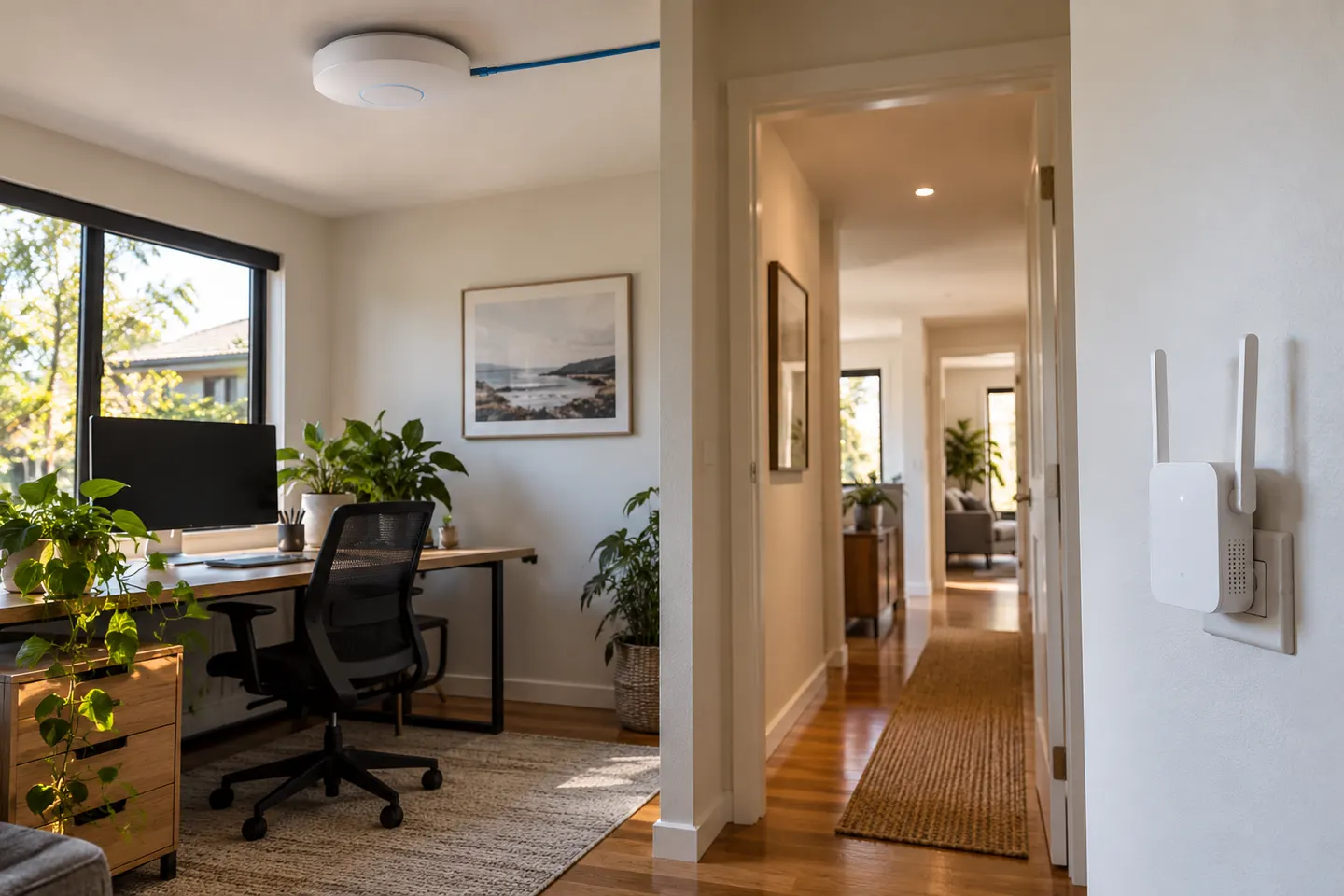
An access point adds WiFi from a wired network; an extender relays an existing WiFi signal. Some products support both modes.
Our picks
Official manufacturer image Official manufacturer image
 Official manufacturer image
Head to head
An access point adds WiFi from a wired network; an extender relays an existing WiFi signal. Some products support both modes.
Read more →Common questions
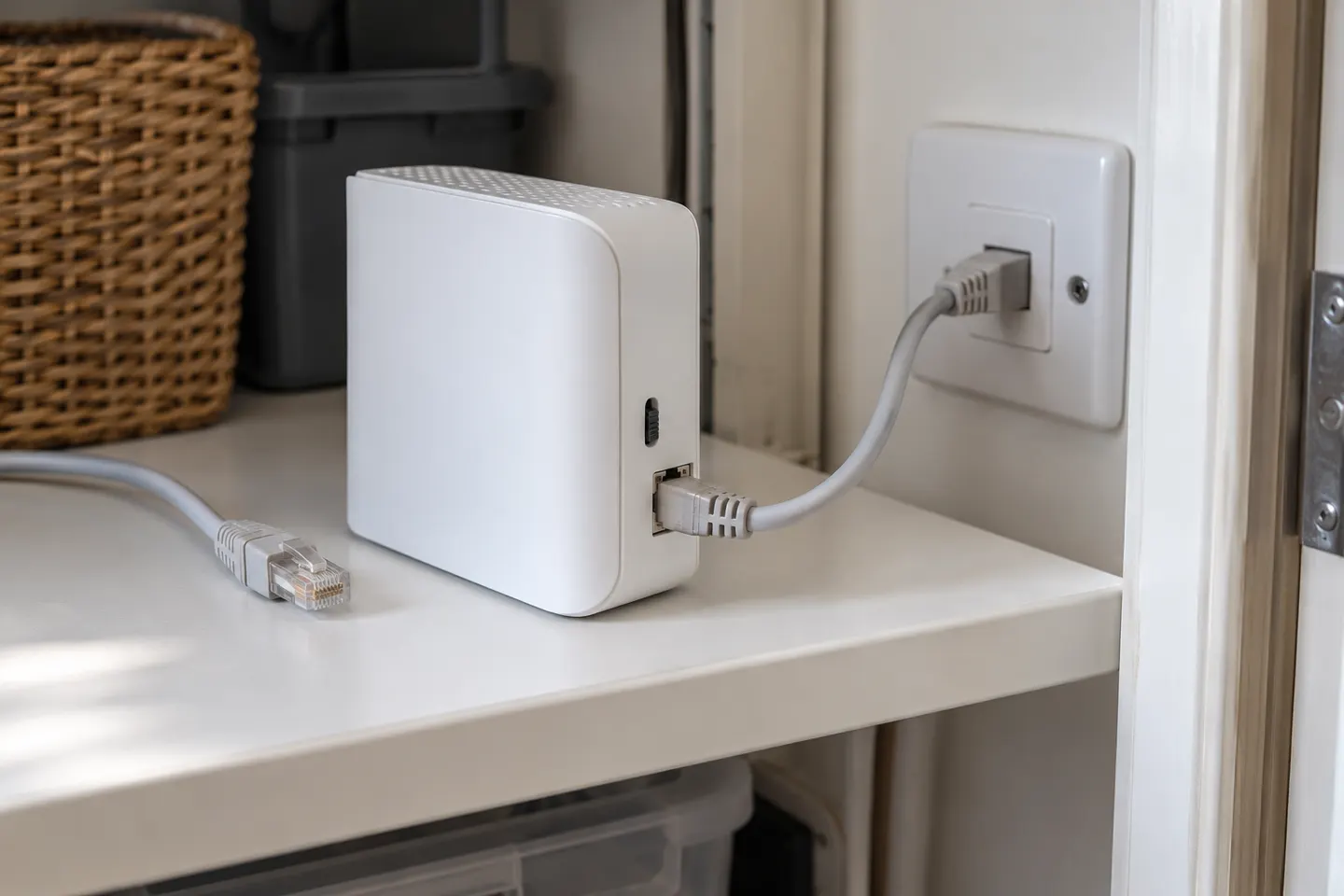
Some extenders have access point mode that connects to the router by Ethernet and broadcasts Wi-Fi. Check the exact model’s modes and port speed.
An access point uses a wired network connection to create Wi-Fi. Repeater mode receives Wi-Fi wirelessly and relays it, so the source signal matters.
Yes, it normally needs a wired Ethernet connection back to the router or network. A wireless uplink describes repeater or mesh operation.
A wired access point often provides a steadier link where you can run Ethernet. A wireless extender is simpler where cabling is impractical.
 Can You Use a WiFi Extender as a Router?
 How to Use a Router as a WiFi Extender
 WiFi Access Point Extenders
 Can You Use Google WiFi as an Extender?