









 Official manufacturer image
Our picks
Top picks
Official manufacturer image Official manufacturer image
NETGEAR EX6120
Check price on Amazon UK Official manufacturer image
TP-Link RE705X-Outdoor
Check price on Amazon UKBy type
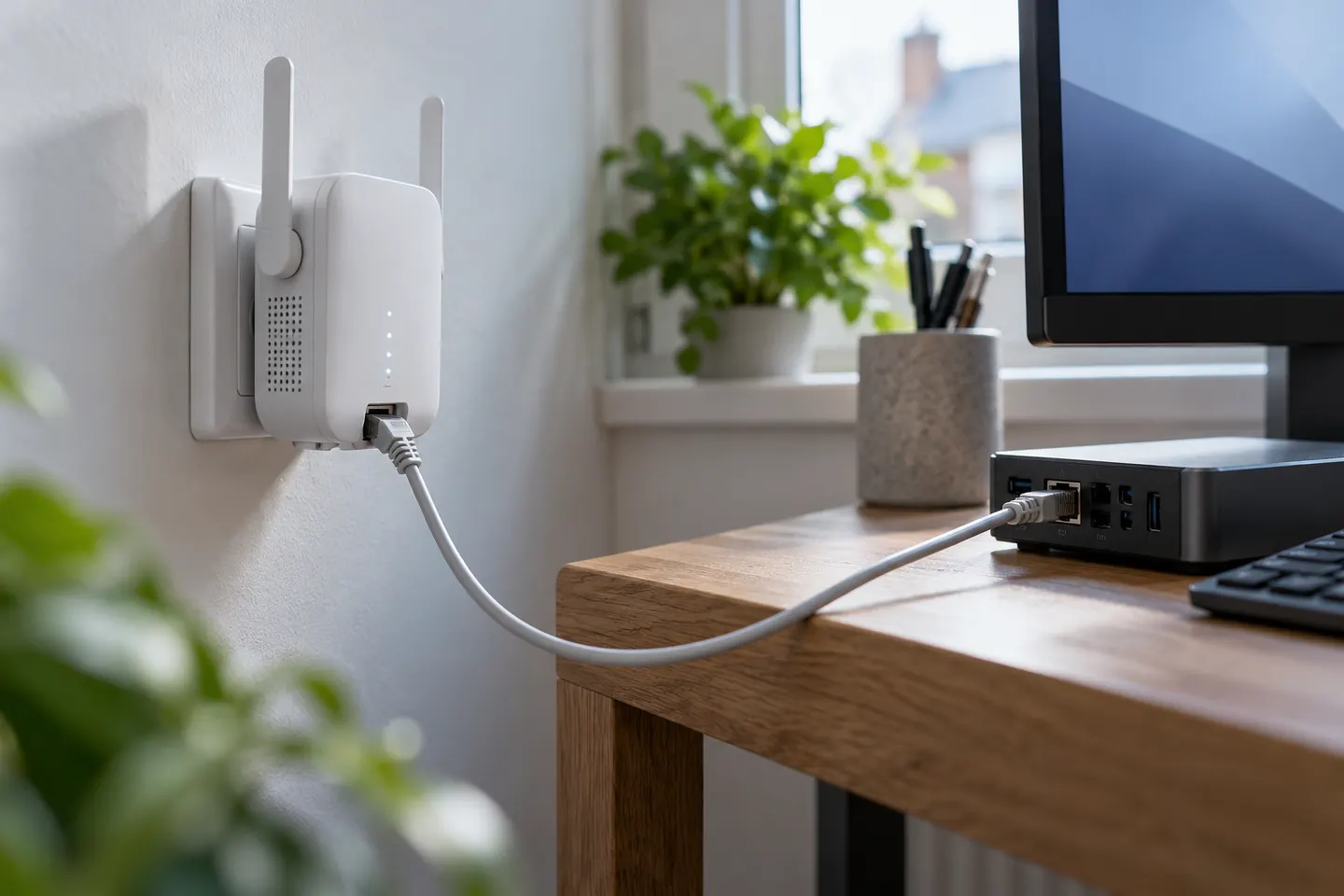 Ethernet port
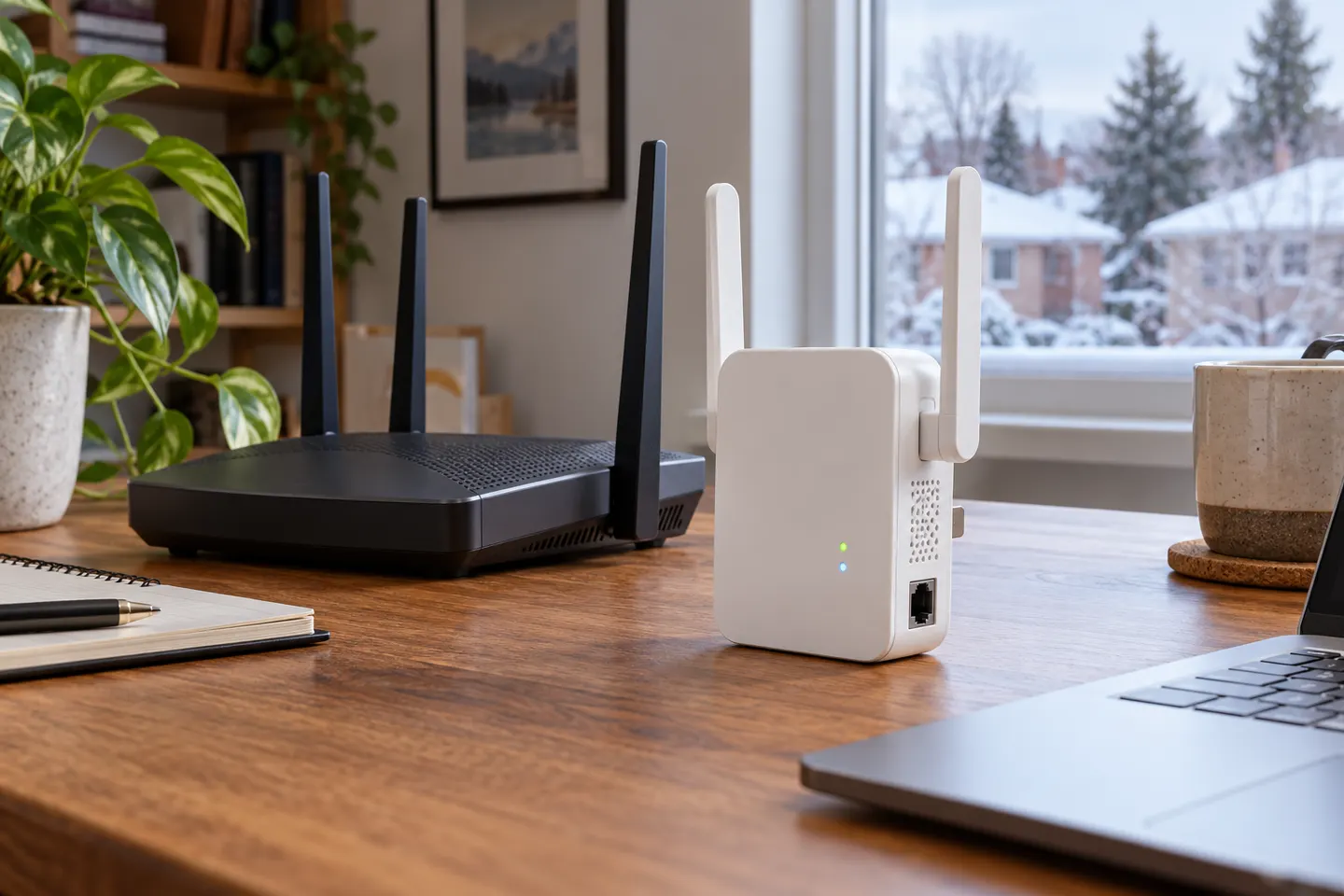 Ethernet
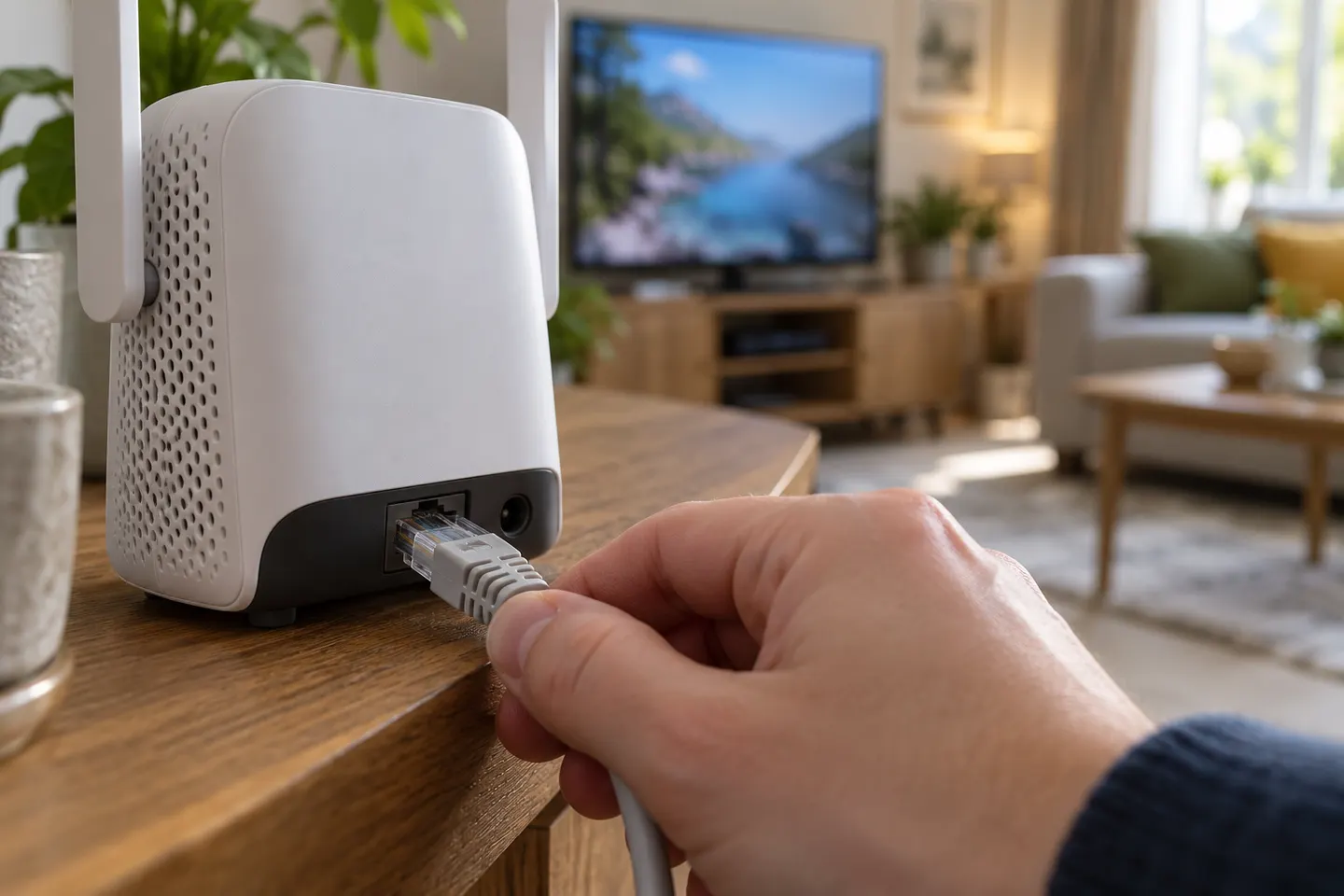 Ethernet cable
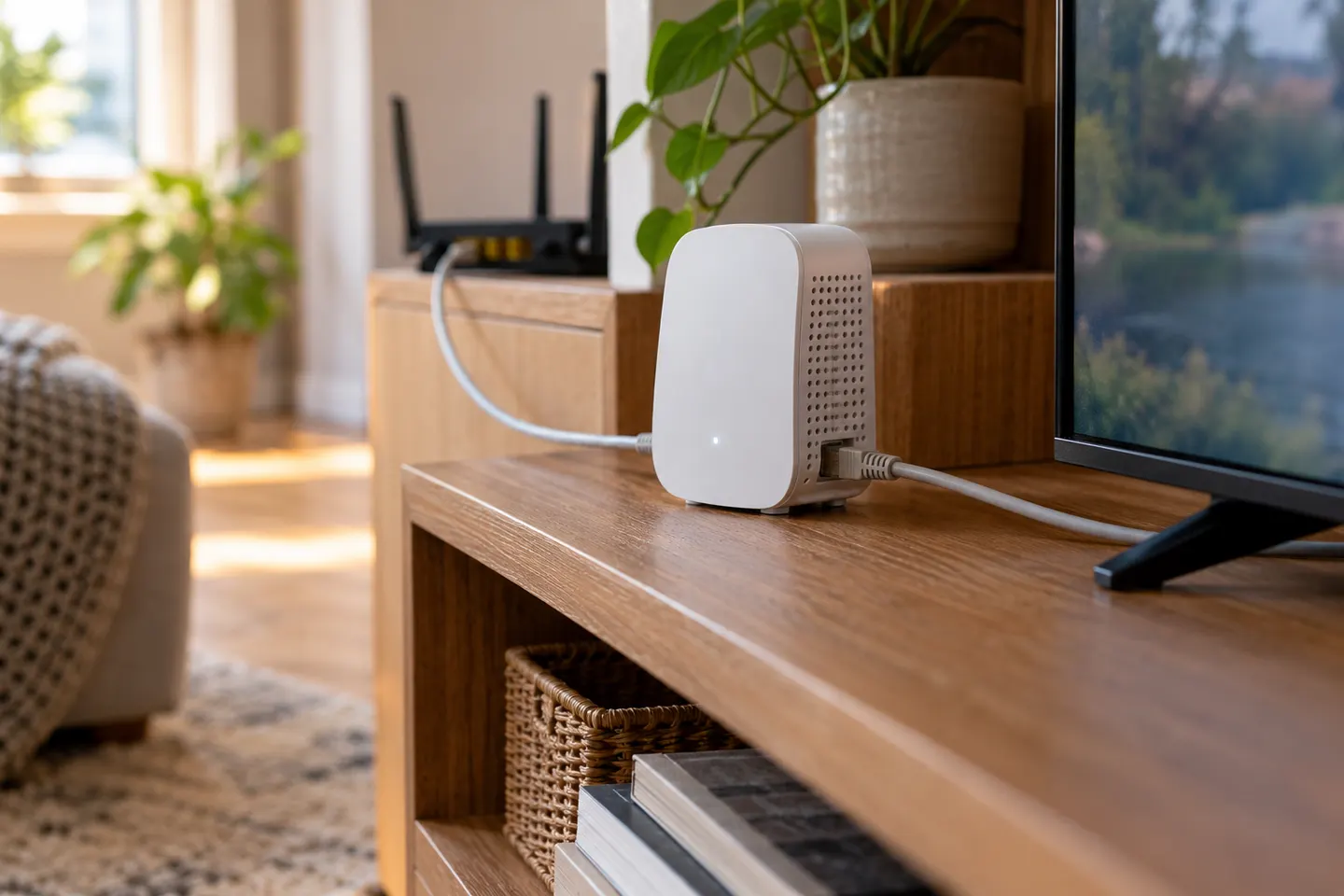 By ethernet
Show all (6)
More topics
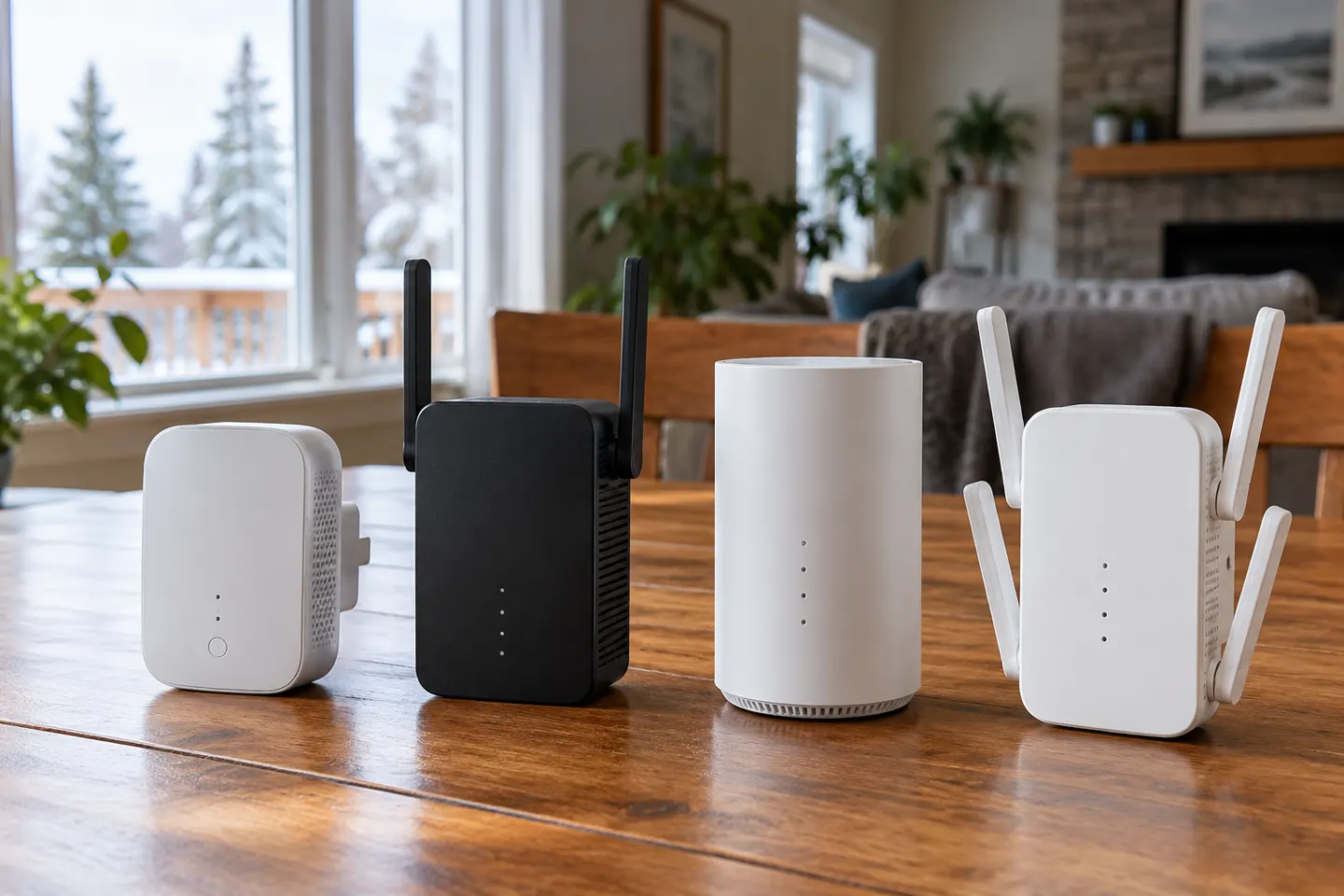 WiFi Extender Cable Setups
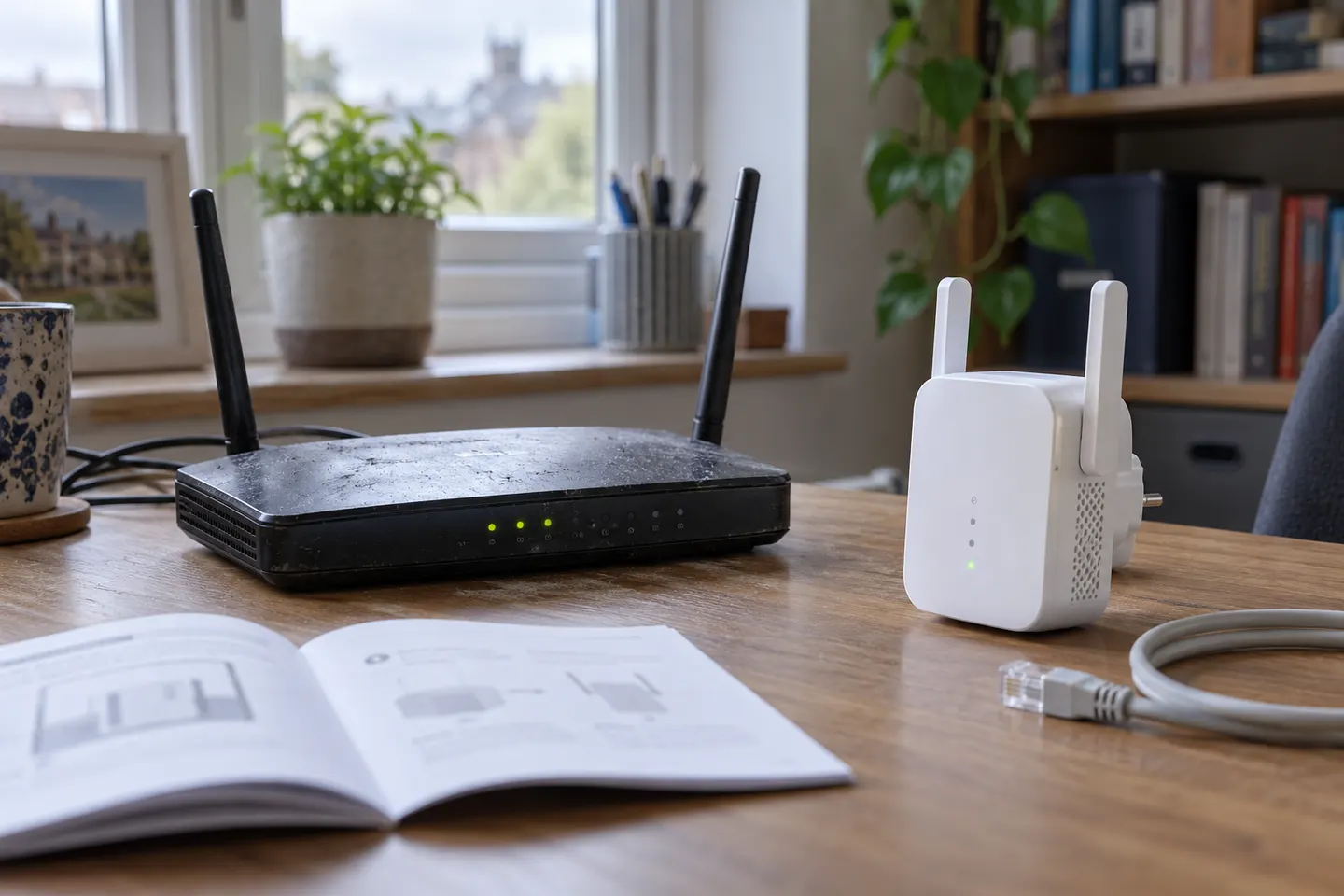 Using a WiFi Extender with an Old Router
Common questions
Questions before you buy
Can I connect a WiFi extender to my router with an Ethernet cable?
Yes, if the extender supports access point mode. Connect the cable from a LAN port on the router to the extender's Ethernet port, then configure the extender as an access point using its instructions.
Can I connect a device to a WiFi extender with Ethernet?
Some extenders let you connect a wired device through their Ethernet port while they are operating as a range extender. Check the specific model's manual, because port function and supported modes vary.
Is an Ethernet-connected extender faster than a wireless extender?
A wired link avoids using WiFi for the connection between the router and access point, but actual performance depends on the router, extender, cable, internet service and network conditions. A cable does not raise the speed beyond the limits of those components.
Where should I put an extender in access point mode?
Place it where the Ethernet cable can reach and where its WiFi can serve the area you want to cover. Follow the manufacturer's setup guidance and avoid hiding it behind large objects or inside a cabinet.