









 Official manufacturer image
Our picks
Top picks
Official manufacturer image Official manufacturer image
NETGEAR EX6120
Check price on Amazon UK Official manufacturer image
TP-Link RE705X-Outdoor
Check price on Amazon UKBy type
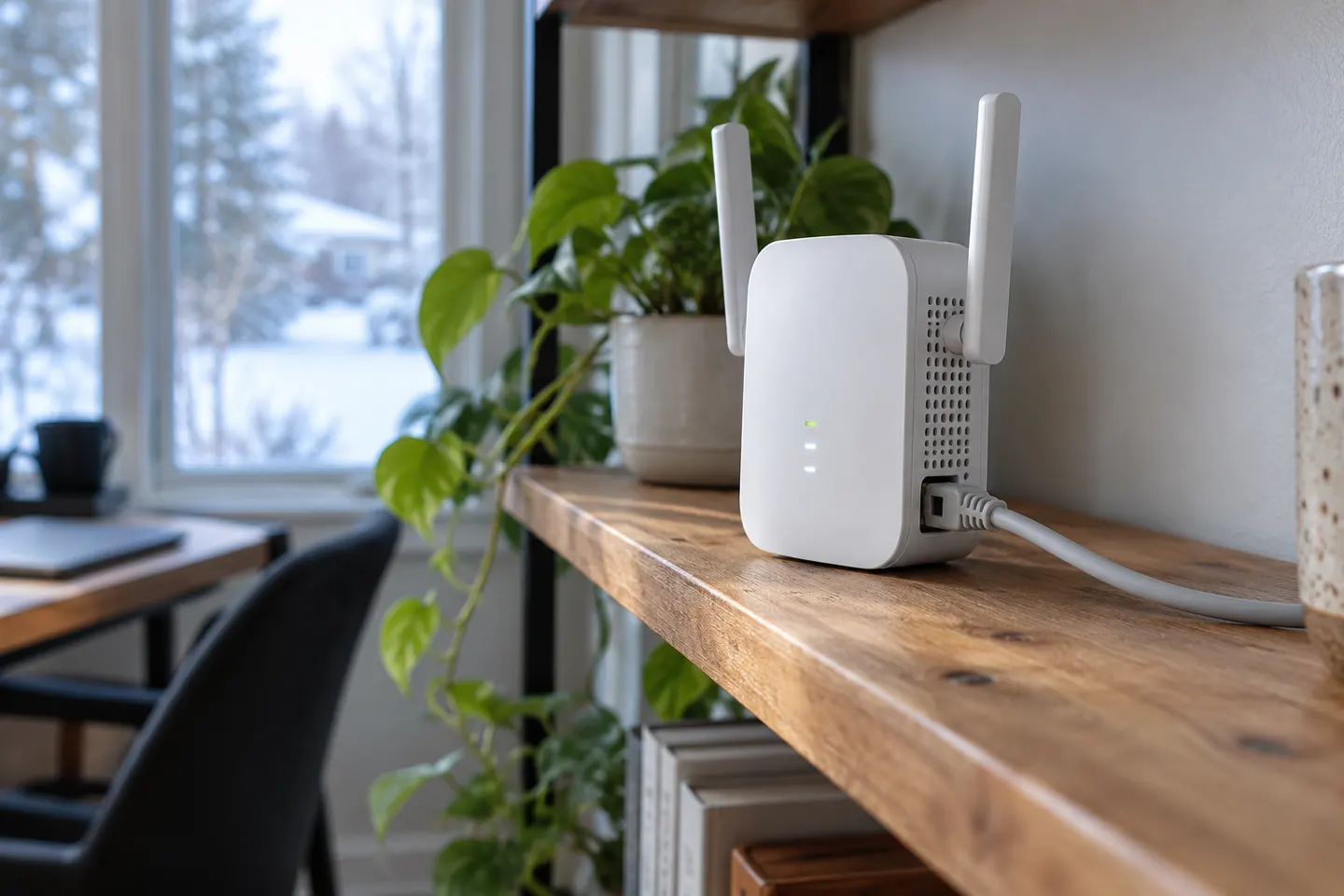 Using ethernet cable
More topics
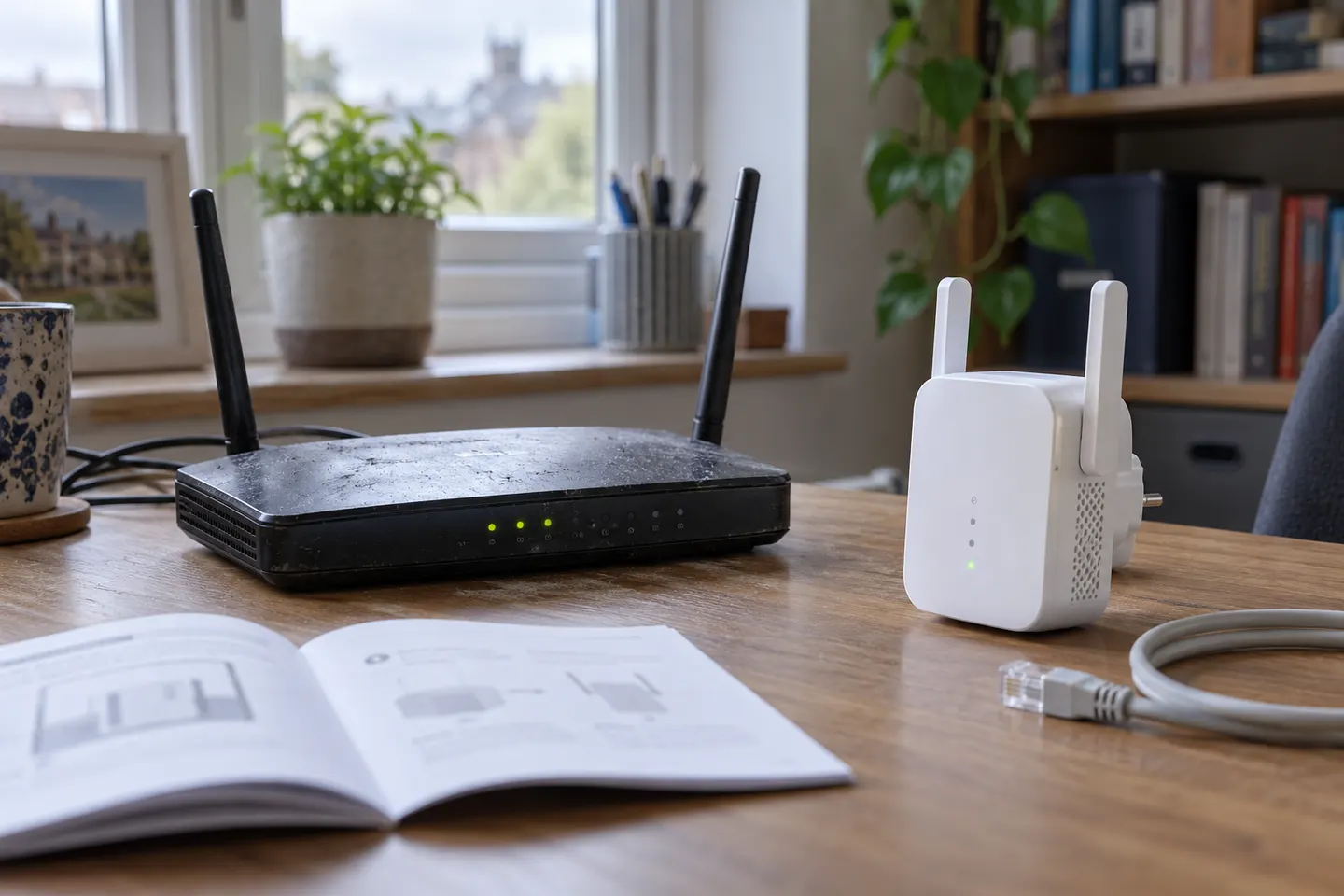 Using a WiFi Extender with an Old Router
Common questions
Questions before you buy
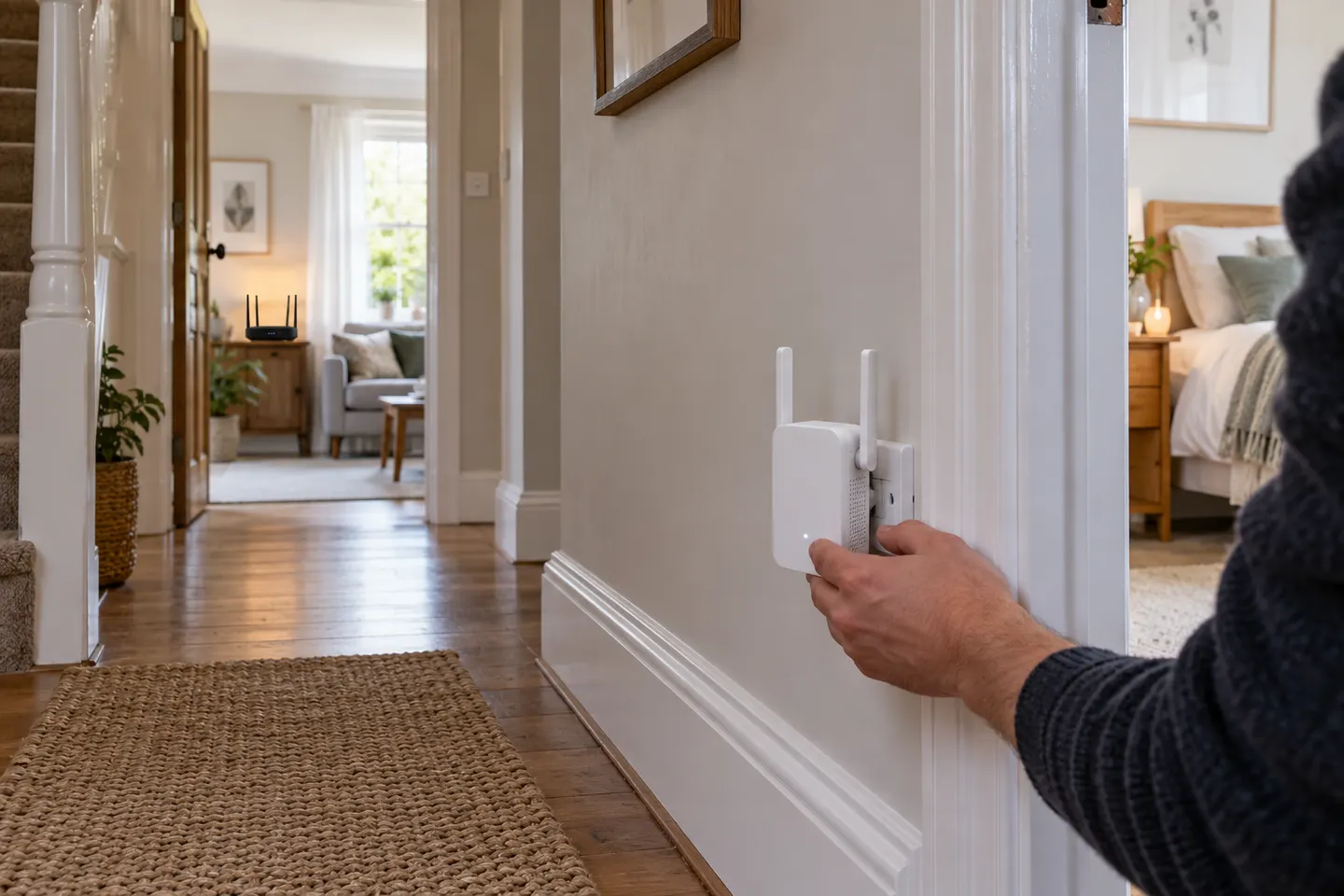
How do I connect a WiFi extender to my router?
Use the extender's setup app, web interface or WPS procedure as described in its manual. Select the correct router network and enter its current credentials; setup steps vary by model.
Can I use a WiFi extender with any router?
Many extenders support standard WiFi routers, but verify supported wireless standards and security modes. Mesh features may require compatible equipment from the same ecosystem.
Should the extender use the same WiFi name as my router?
That depends on the model and whether a compatible mesh feature is enabled. Some extenders create a separate network name; follow the manufacturer's setup guidance.
Why will my extender not connect to the router?
Check the password, distance, selected band and router security settings, then retry the model-specific setup. A firmware update or reset may be advised by the manufacturer if pairing still fails.