








 Official manufacturer image
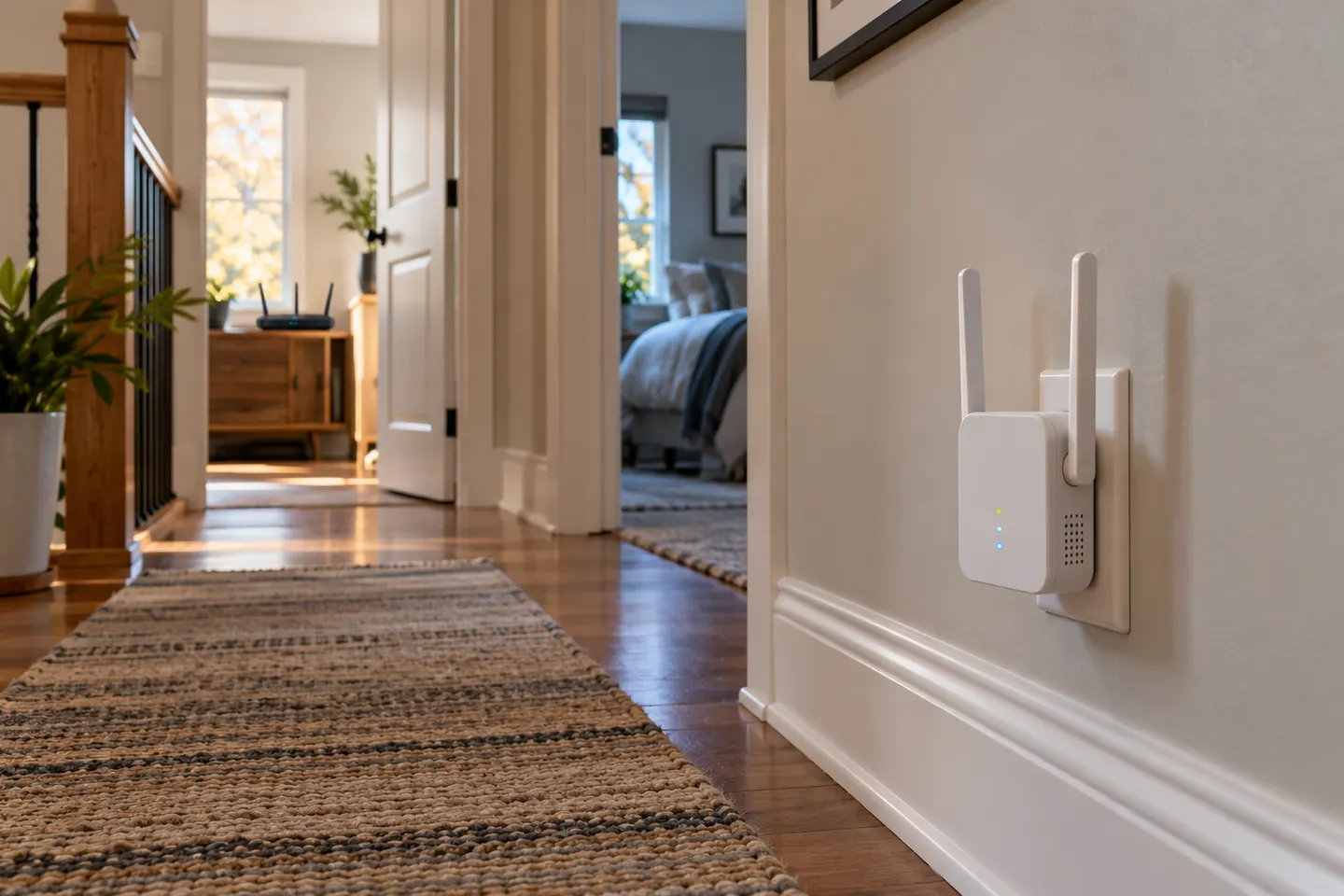
Our picks
Top picks
Official manufacturer image Official manufacturer image
TP-Link RE705X-Outdoor
Check price on Amazon AU Official manufacturer image
TP-Link TL-WPA8631P KIT
Check price on Amazon AUSetup and help
 Setup
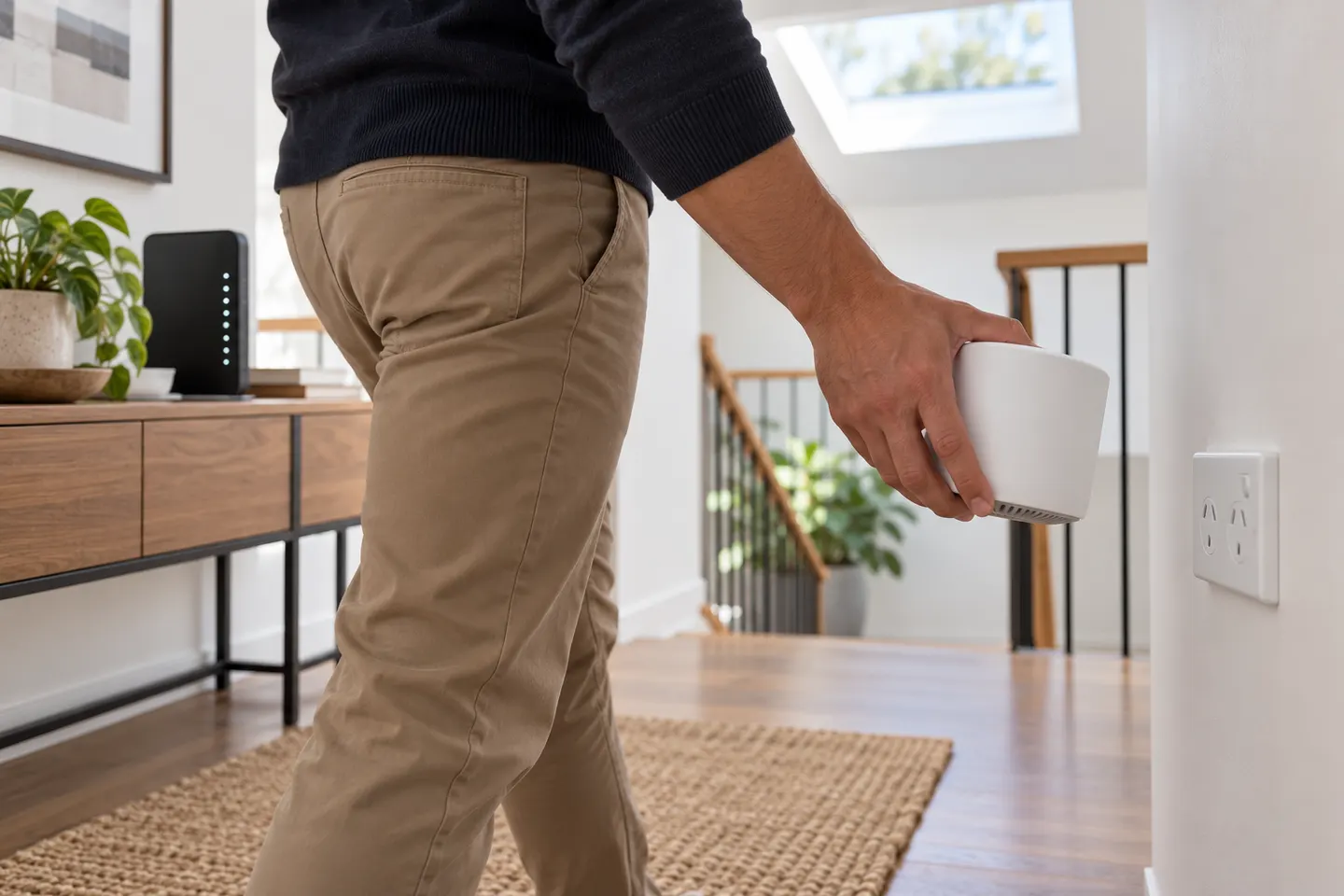 Telstra setup
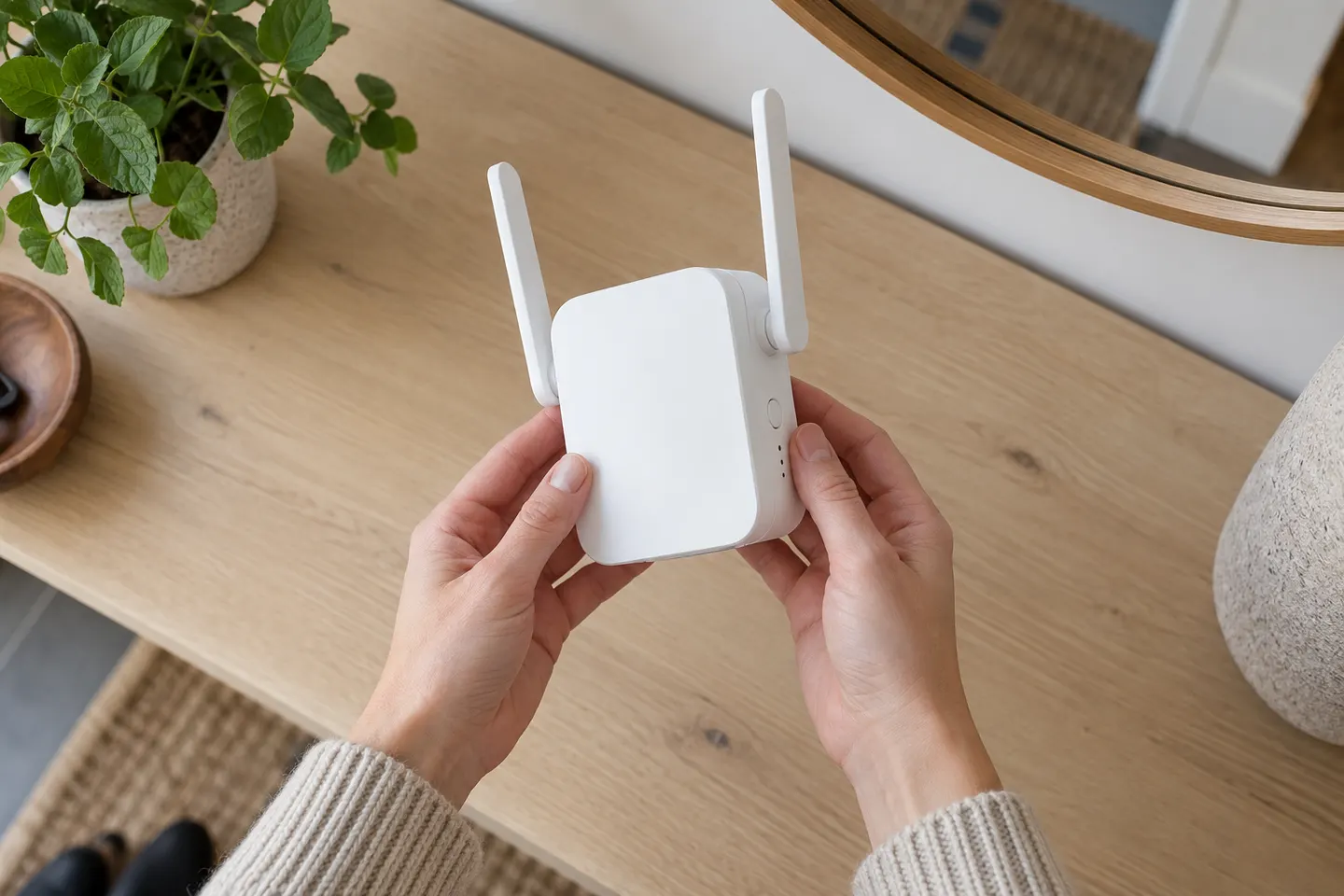 D link setup
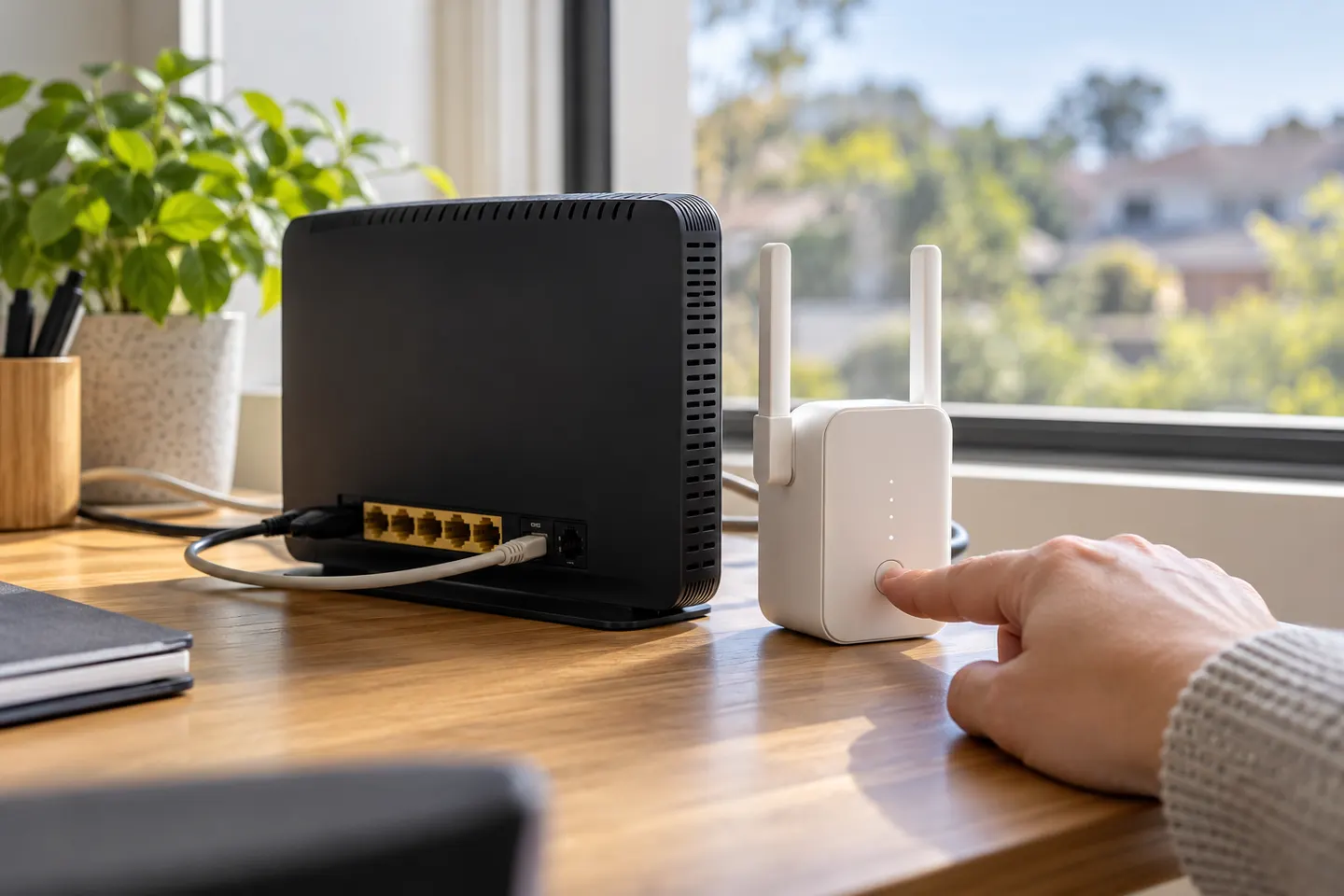 Telstra smart 3 setup
How-to guides
 How to Set Up a TP-Link WiFi Extender with Your…
 How to Set Up a NETGEAR WiFi Extender at Home
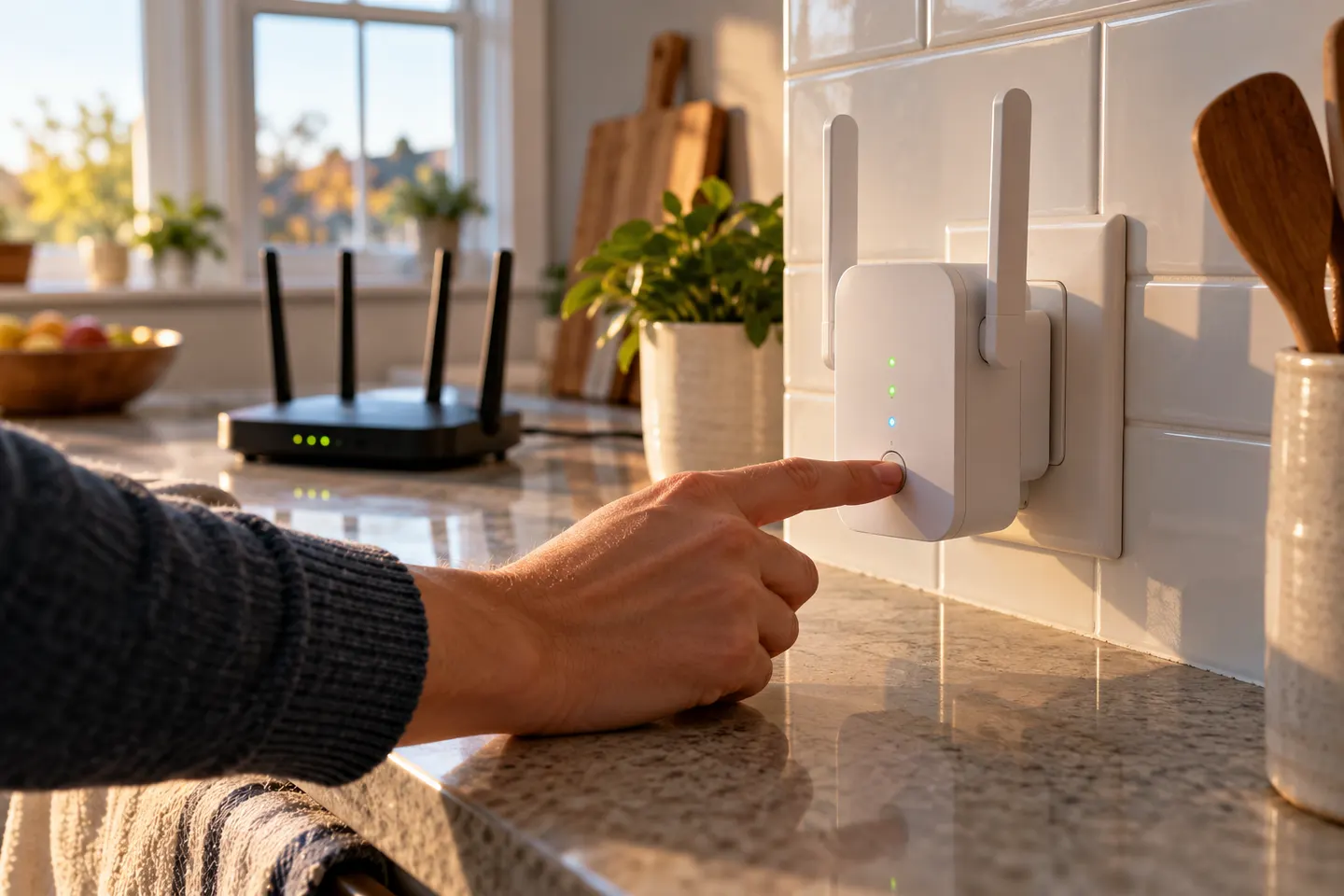 How to Set Up a WiFi Extender
More topics
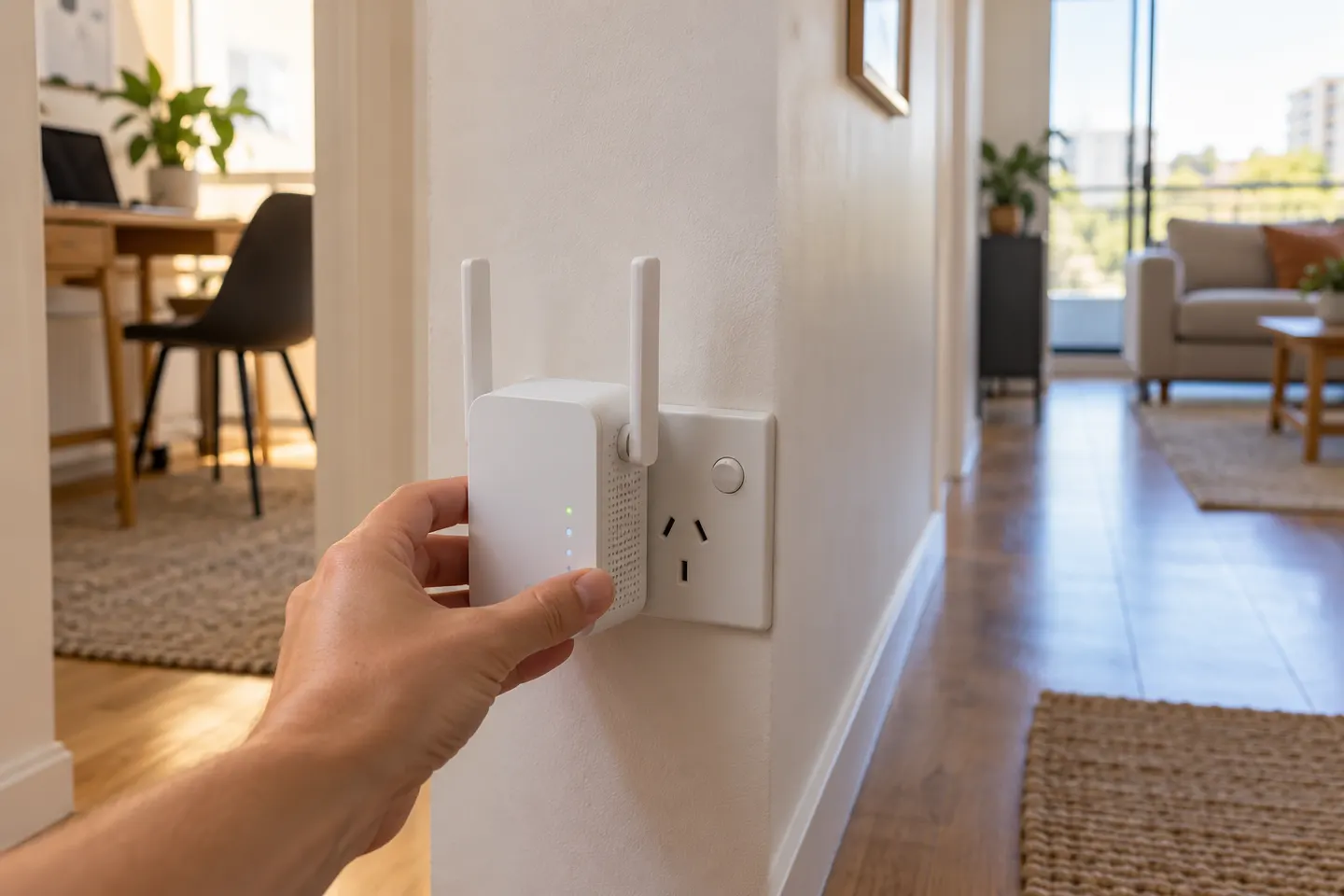 AC750 WiFi Extenders
Common questions
Questions before you buy
How do I set up an AC750 WiFi extender?
Check the model label and regional support page, power the unit near the router, and follow its WPS or app/browser setup instructions. After pairing, relocate it and check the model's indicator or management page for connection status.
How do I set up a TP-Link RE200 without WPS?
Use the RE200's supported web or app setup method. Connect to the extender as directed in the model guide, open its setup interface or Tether app, select the home WiFi network and enter its password, then complete configuration.
Can I set up an AC750 extender using a web browser?
Some models provide browser-based configuration. Connect to the extender's setup network and use the address or instructions in that model's quick installation guide; do not assume every brand uses the same address.
Where should I place an AC750 range extender after setup?
Choose a location between the router and the area that needs coverage, while keeping the extender within a usable signal from the router. Use the device's signal indicator or setup interface and adjust placement if the link is weak.
Do TP-Link RE200, RE205 and RE210 use identical setup steps?
They may share setup options, but button labels, firmware and instructions can differ by model and hardware version. Select the exact model and regional version in the manufacturer's support centre before following a procedure.