









 Official manufacturer image
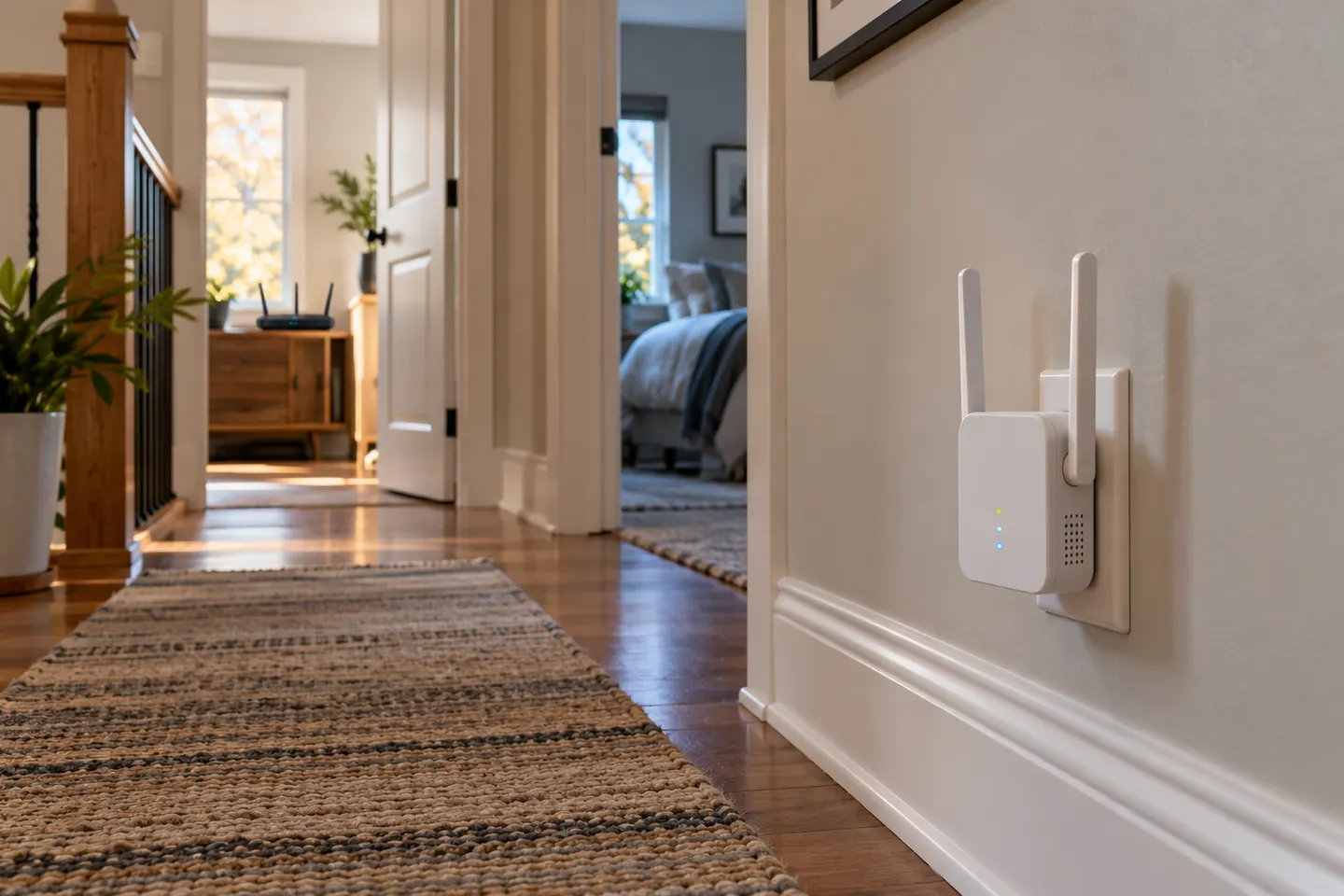
Our picks
Top picks
Official manufacturer image Official manufacturer image
NETGEAR EX6120
Check price on Amazon UK Official manufacturer image
TP-Link RE705X-Outdoor
Check price on Amazon UKSetup and help
 Setup
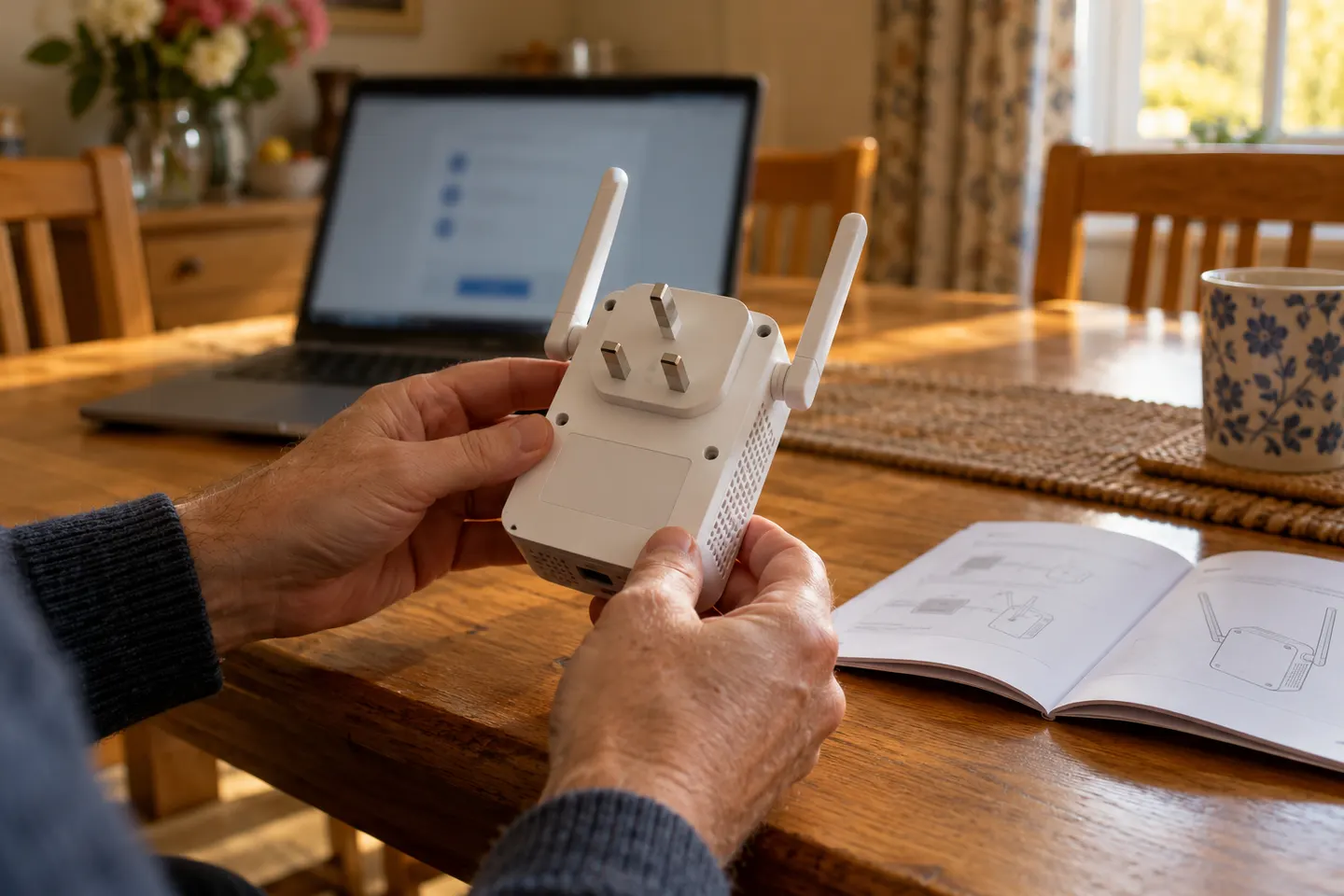 Qlocom setup
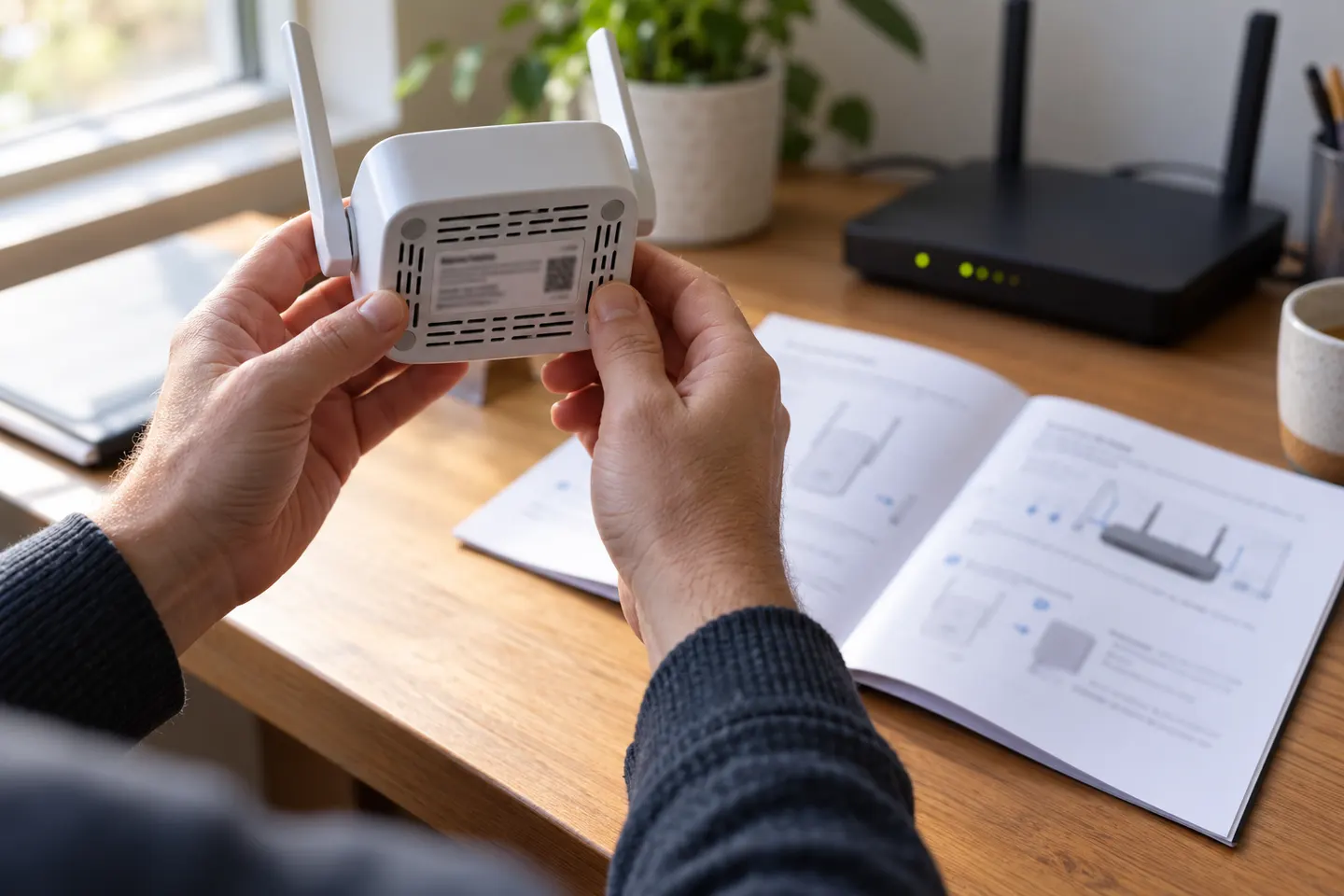 Brostrend setup
How-to guides
 How to Set Up a TP-Link WiFi Extender
 How to Set Up a NETGEAR WiFi Extender at Home
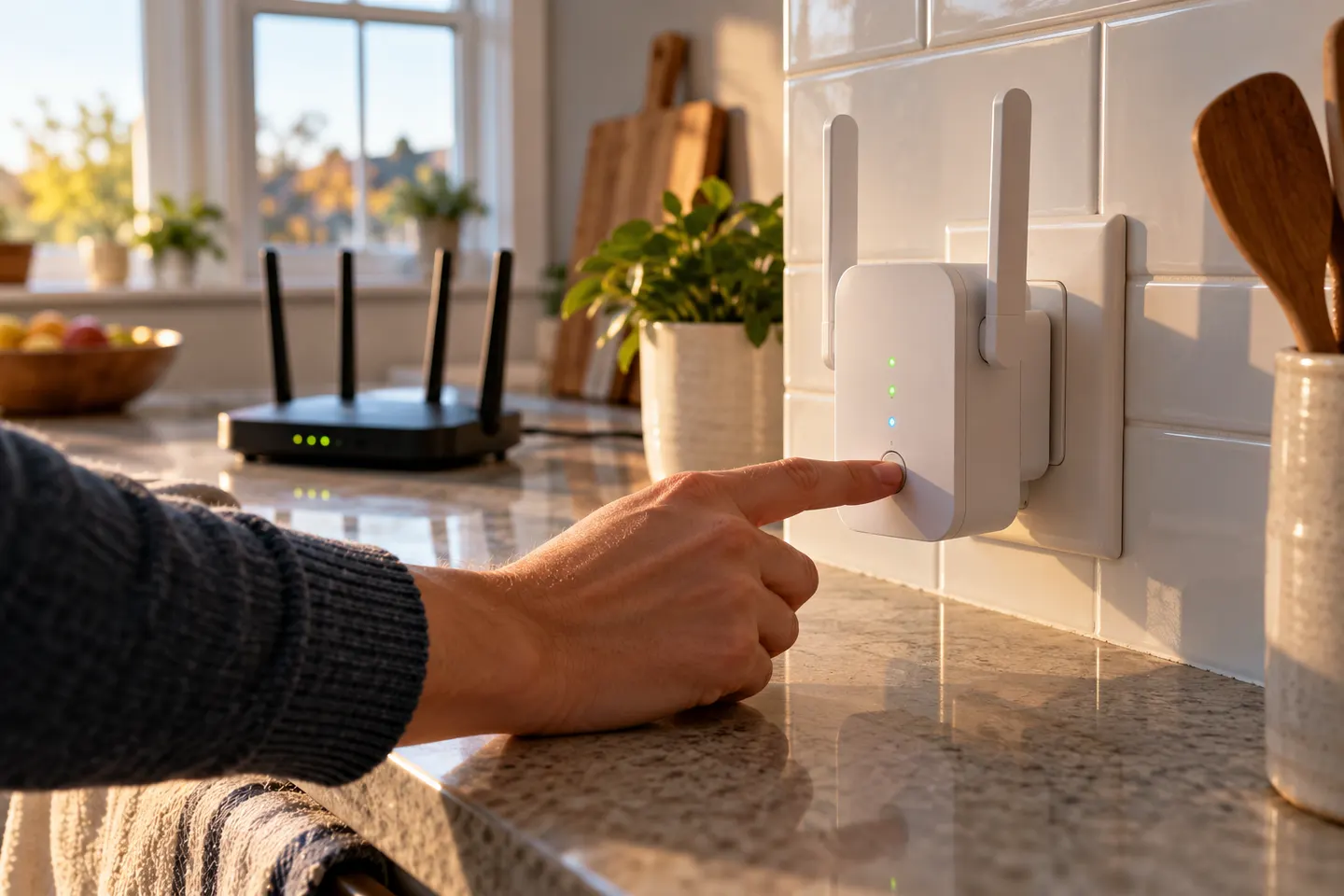 How to Set Up a WiFi Extender in Your Home
More topics
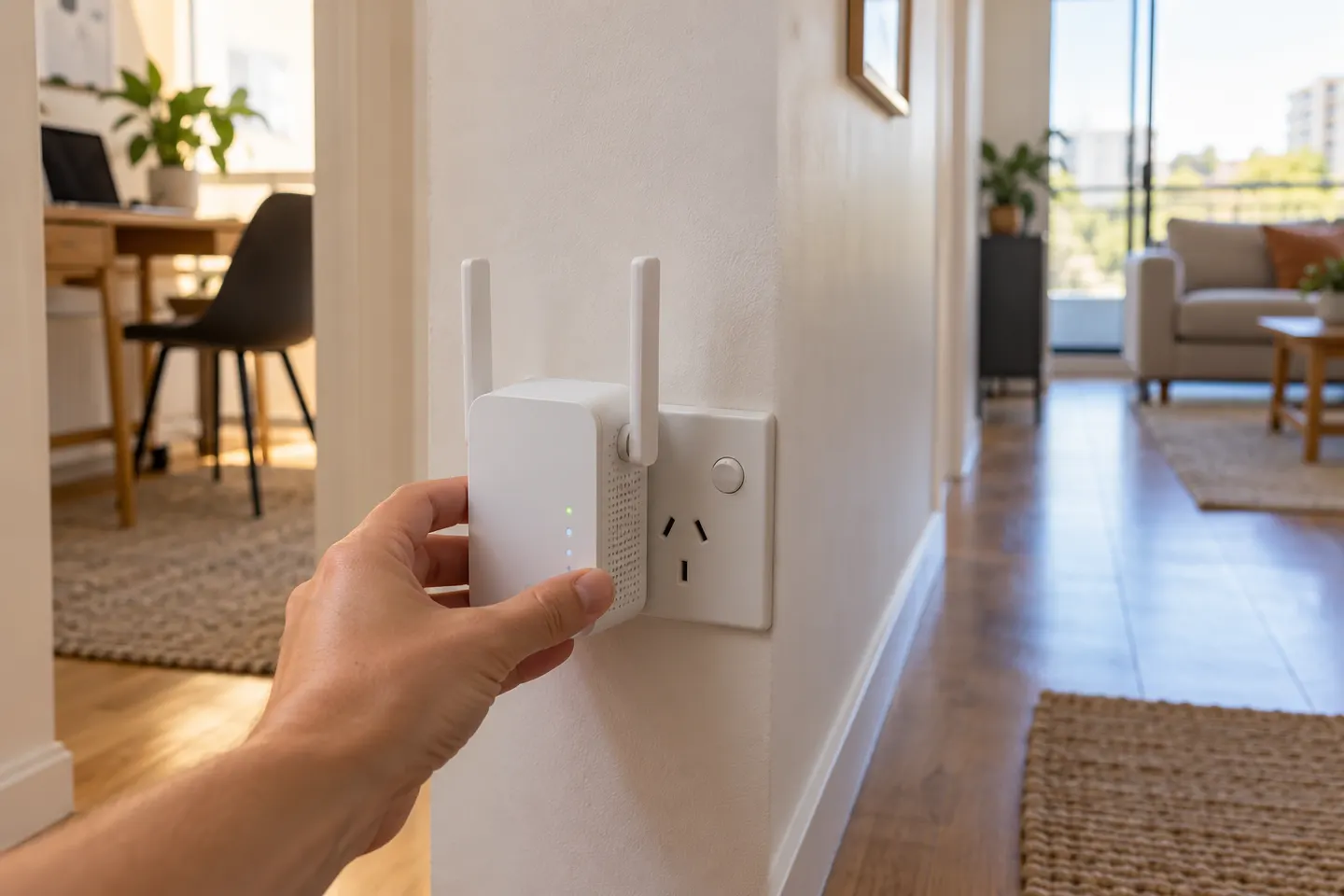 AC750 Wi-Fi Extenders
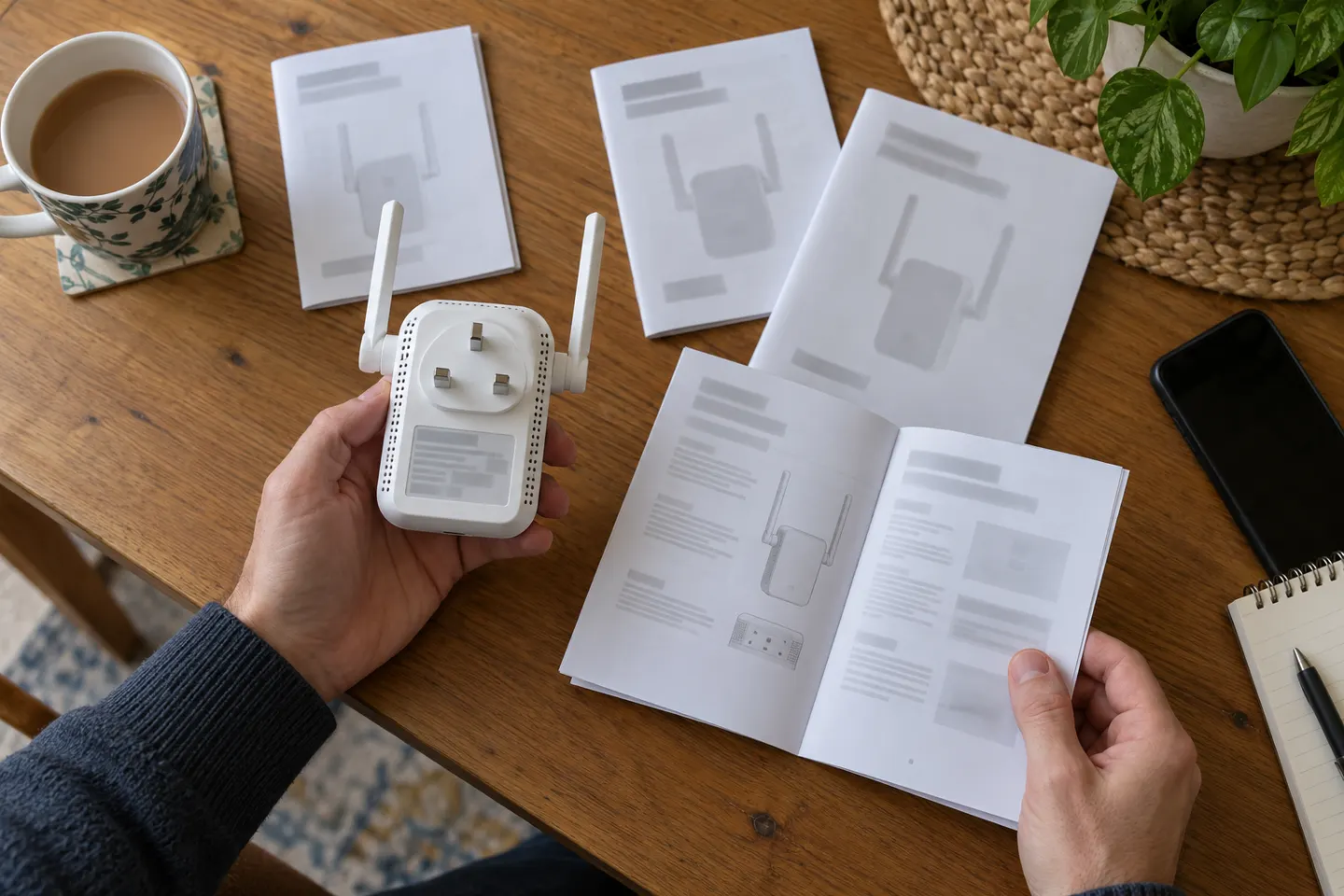 AC750 WiFi Range Extender Manuals by Model
Common questions
Questions before you buy
How do I set up an AC750 WiFi range extender?
Use WPS if both devices support it, or follow the model’s app or web setup instructions. Complete configuration near the router, then relocate the extender.
How do I set up an AC750 extender without WPS?
Use its manufacturer app or web interface if available. Select the existing network and enter its password as prompted in the exact model guide.
How do I set up a NETGEAR EX3700?
Follow the EX3700 user manual for its WPS or browser-based setup path. The manual identifies the device network and setup steps.
Can I set up a TP-Link RE220 without WPS?
TP-Link documents setup through the Tether app or web UI as alternatives to WPS. Follow the current instructions for the RE220.