Gearjury may earn a commission from qualifying retailer links. Our editorial conclusions rely on cited evidence.
Guide
How to Use a NETGEAR WiFi Extender at Home
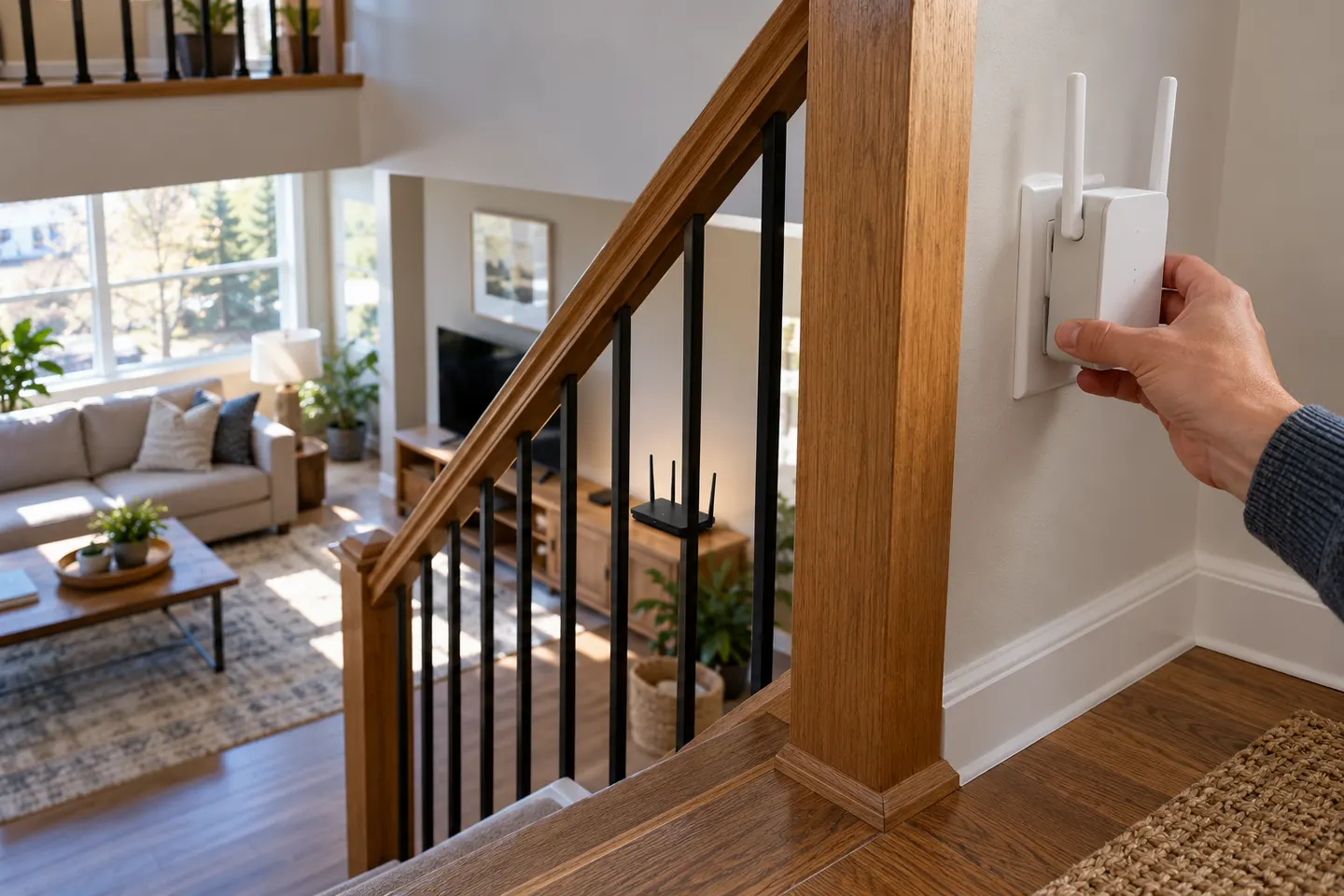
Set up the extender near your router using WPS or the NETGEAR setup flow, then move it to a midpoint with a usable router signal. Confirm the connection before testing devices in the weak area.
GGearjury editorial team · Updated 15 October 2026· 4 min
01
Check the NETGEAR extender model and instructions
Read the model number from the device label and open the matching NETGEAR manual. Setup menus differ between models, and a mesh extender may offer different network-name options from a basic range extender.
02
Plug it in close to the router for setup
Use a power outlet near the router for initial pairing. Wait for the extender's power indicator to settle, then follow the manual's WPS button sequence or app and browser setup instructions.
03
Connect the extender to your router WiFi
With WPS, press the router's WPS control and then the extender's WPS control within the interval specified by the manual. If WPS is unavailable, connect a phone or computer to the extender's setup network and complete the guided configuration.
04
Choose the right WiFi name and password
Some NETGEAR models copy the router's WiFi name with an extender suffix; mesh models may support One WiFi Name. Follow the model-specific prompts and use the correct router password. Do not assume the same roaming behaviour across all extenders.
05
Move the extender between the router and weak area
After pairing, move the unit to a midpoint where it still receives a reliable router signal. NETGEAR's guidance recommends placing an extender about halfway between the router and poor-coverage area; use its signal indicator or app to refine the spot.
06
Check devices and troubleshoot the link
Connect a phone or laptop near the weak area and confirm it has internet access. If the extender shows a poor router connection, move it closer; if it connects but devices fail, check the selected WiFi name, password and firmware instructions for your model.
Common questions
Questions before you buy
How do I use a NETGEAR WiFi extender with WPS?
Plug the extender in near the router, press WPS on the router, then press WPS on the extender as directed by its manual. Wait for its connection indicator before moving it to a midpoint location.
Where should I put a NETGEAR WiFi extender?
Place it between the router and the weak-signal area where it still receives a good router connection. A position inside the dead zone cannot repeat a signal it does not receive well.
Should my NETGEAR extender use the same WiFi name?
That depends on the model and setup mode. Some extenders create a network name with a suffix, while NETGEAR mesh models can support One WiFi Name; check the model's instructions.
Why is my NETGEAR extender connected but there is no internet?
Check that the extender's link to the router is stable, that the correct network and password were selected, and that the router itself has internet access. Restart or reset only using the sequence in the model's official guide.
A Wi-Fi extender can help reach a weak-signal room when positioned within range of your router. Compare plug-in repeaters, mesh-compatible models, outdoor units and powerline kits by how they connect.
Start with the network standard and location of the dead spot. NETGEAR?s EX6120 is a dual-band AC model, while EAX15 adds WiFi 6; check exact router and firmware compatibility before buying.
The right Wi-Fi extender depends on the router signal at its location, your home layout and whether you need Ethernet, outdoor placement or powerline networking.
RE705X and RE715X are Wi-Fi 6 options; RE315 is an AC1200 alternative. Choose by router compatibility and the connection you need.
Your privacy
We use cookies and similar technologies. Necessary ones keep the site working. With your permission we also use statistics cookies (Google Analytics and Microsoft Clarity) to understand which guides help readers. You can accept all, reject all or choose. You can change your choice at any time from "Cookie settings" at the bottom of every page. Cookie policy