








 Official manufacturer image
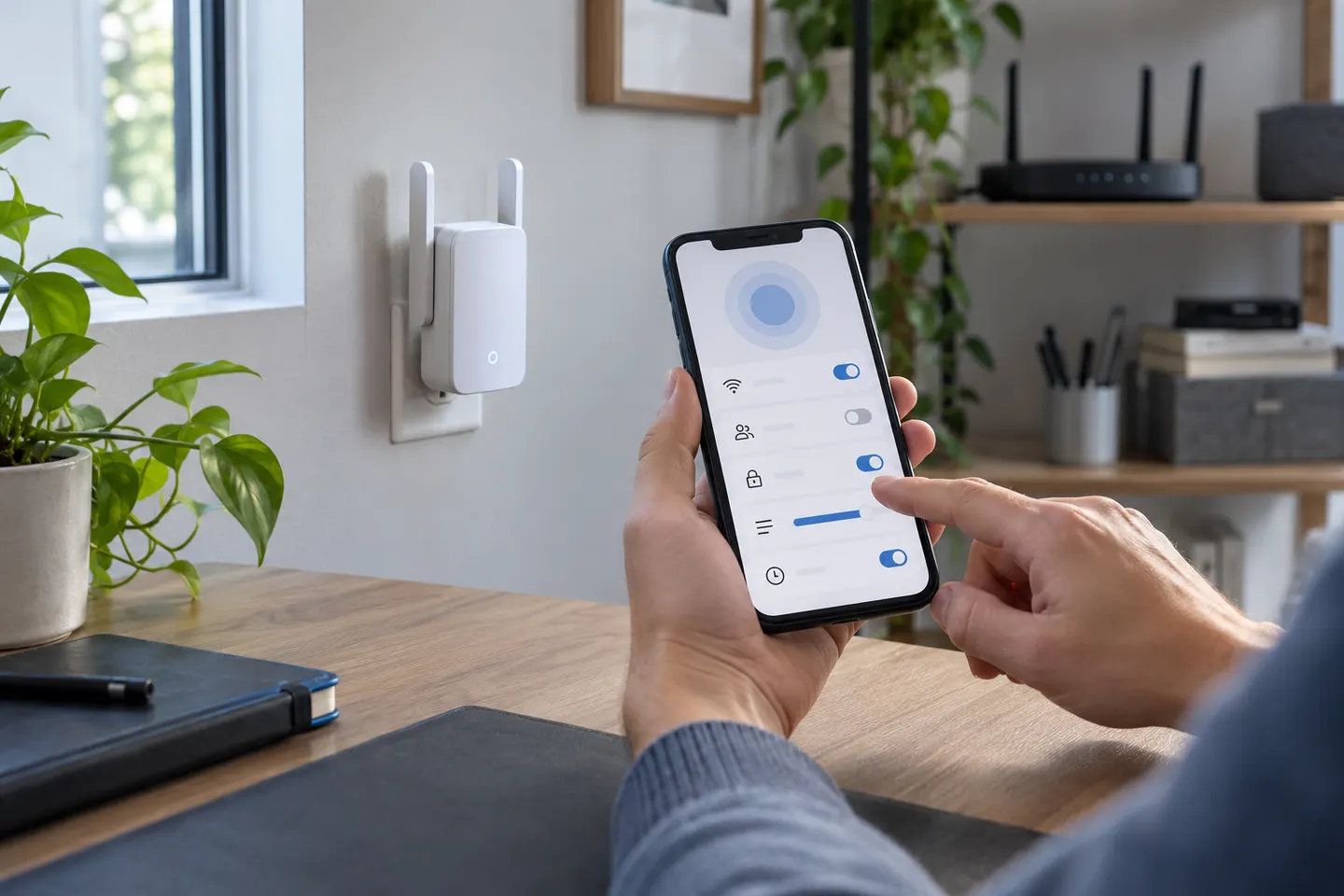
Our picks
Top picks
Official manufacturer image Official manufacturer image
TP-Link RE705X-Outdoor
Check price on Amazon AU Official manufacturer image
TP-Link TL-WPA8631P KIT
Check price on Amazon AUBy place and use
 Smart tv
Setup and help
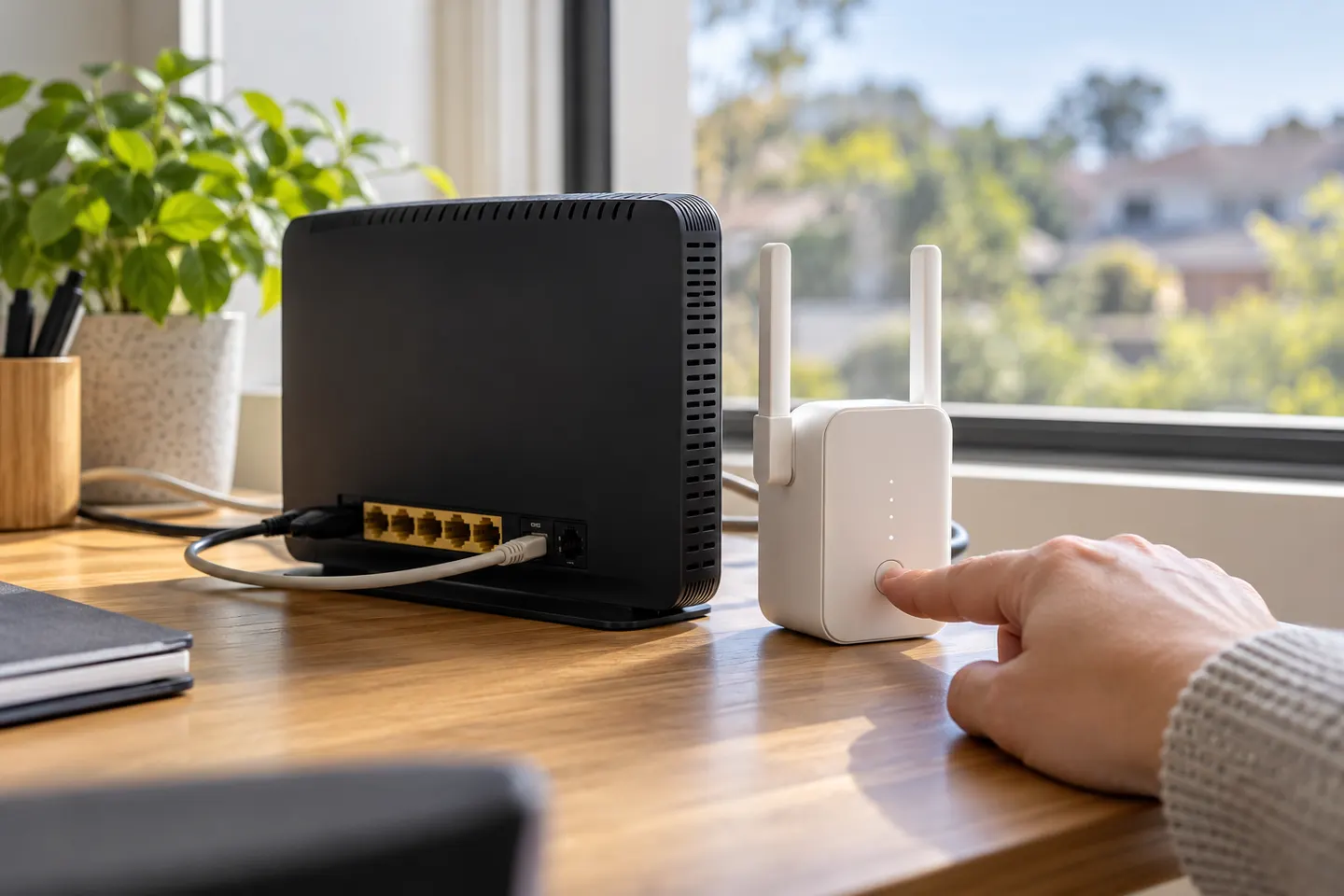 Telstra smart 3 setup
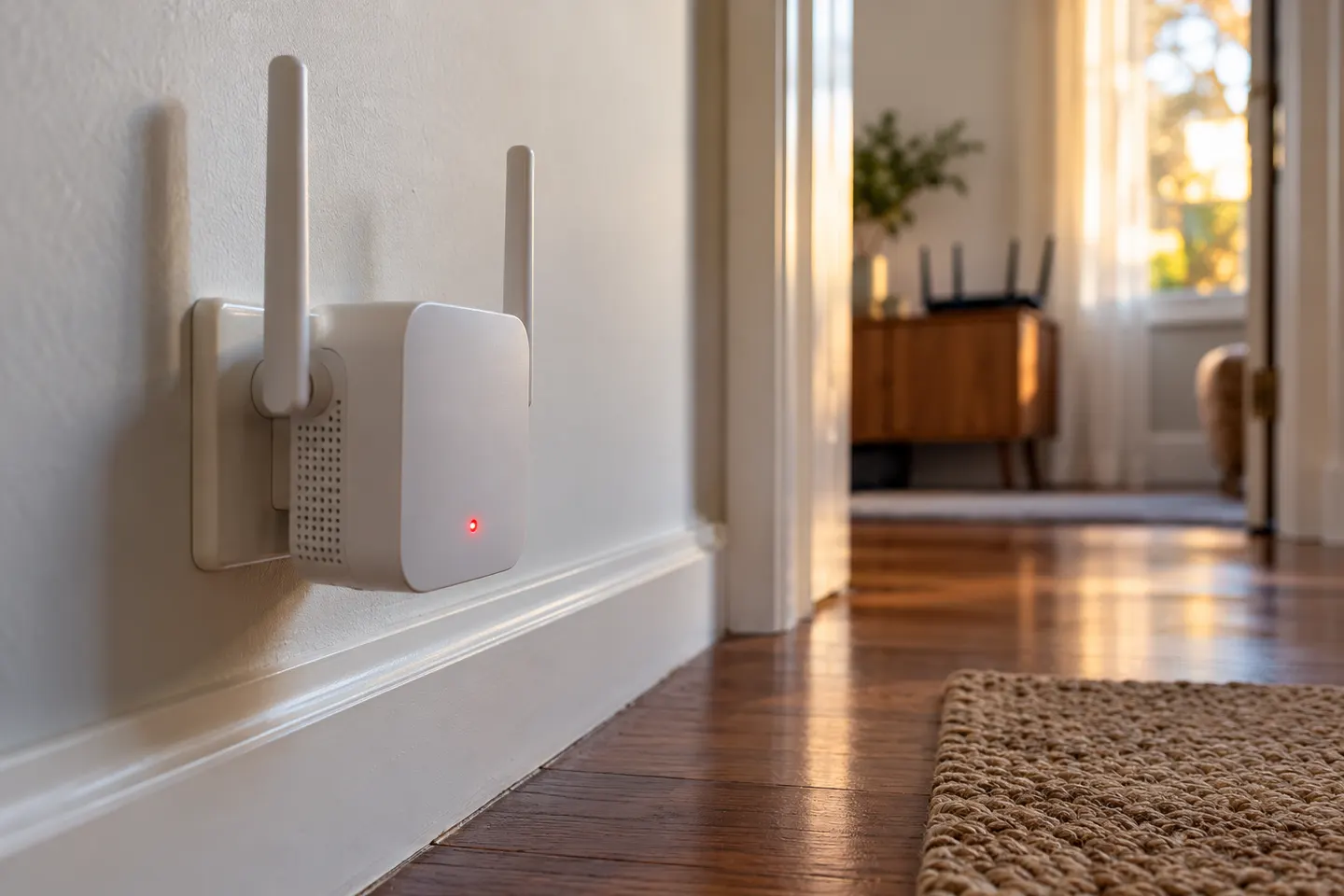 Telstra smart 3 red light
More topics
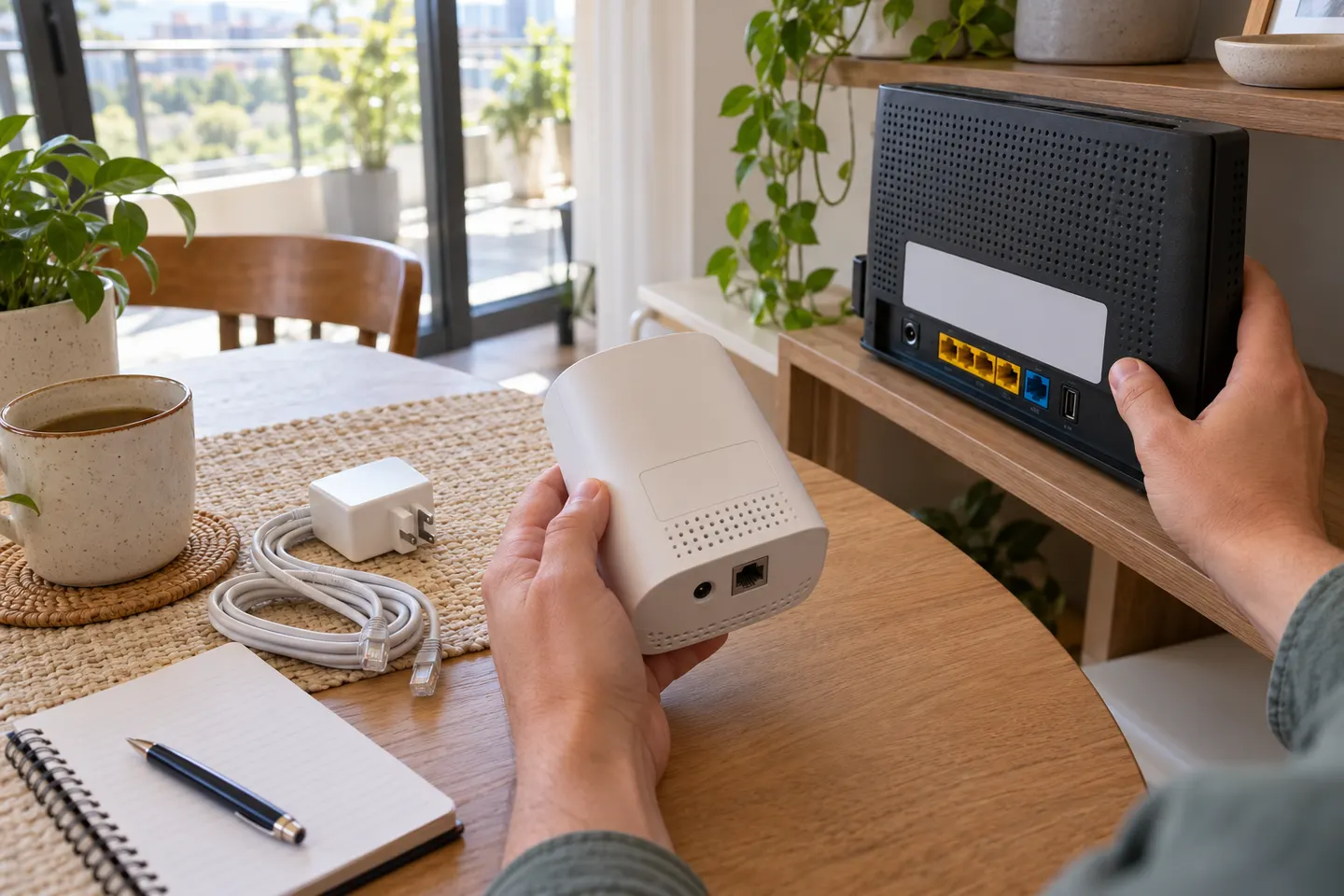 Telstra Smart WiFi Booster Gen 3
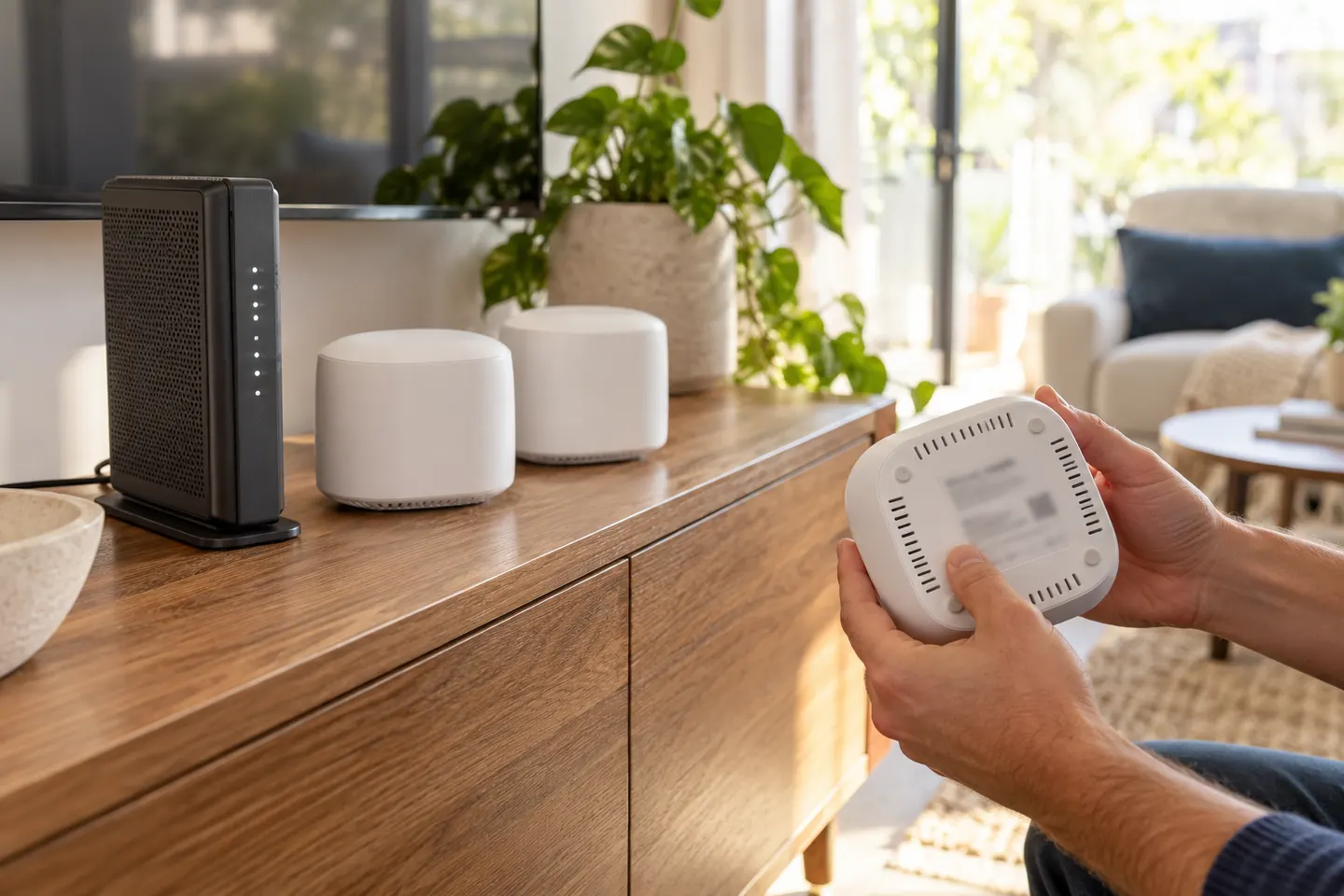 Telstra Smart WiFi Booster 3
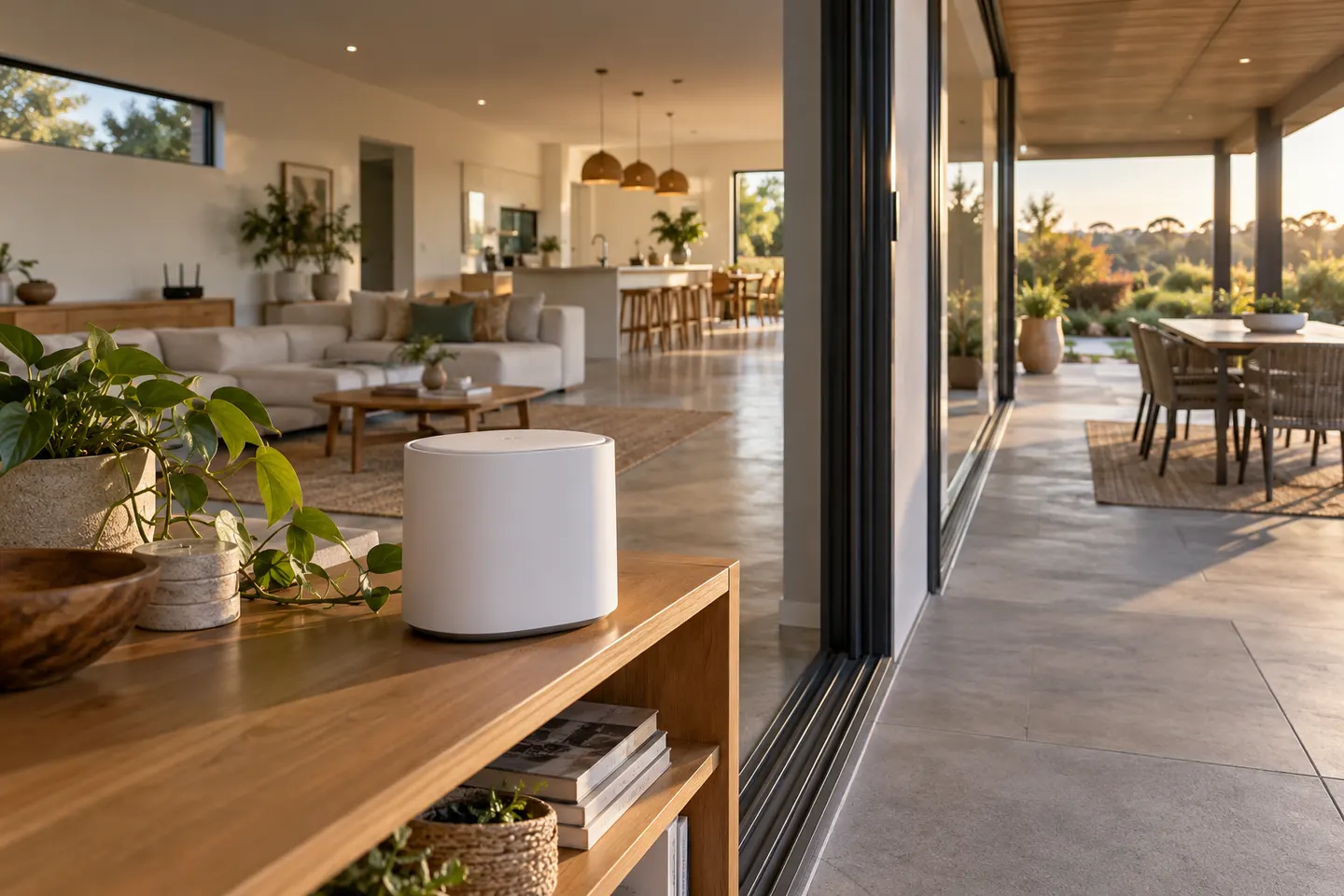 Telstra Smart WiFi Booster
Common questions
Questions before you buy
What makes a WiFi booster smart?
Smart features may include app-led setup, remote settings, guest networks, device controls or integration with a router platform. The term is not a standard feature checklist, so compare the functions listed for each model.
Can a smart WiFi booster use the same network name as my router?
Some systems support one network name or coordinated roaming, while standalone extenders may create a separate network. Check compatibility details for both the booster and router.
Do smart WiFi boosters need an app?
Some offer app setup and management, while others can be configured through a web interface. Confirm whether an account, cloud connection or particular phone operating system is required.
How do I keep a smart WiFi booster secure?
Use a unique administrator password, enable supported security settings, install manufacturer updates and disable features you do not need. Check the product's update policy before purchase.