








 Official manufacturer image
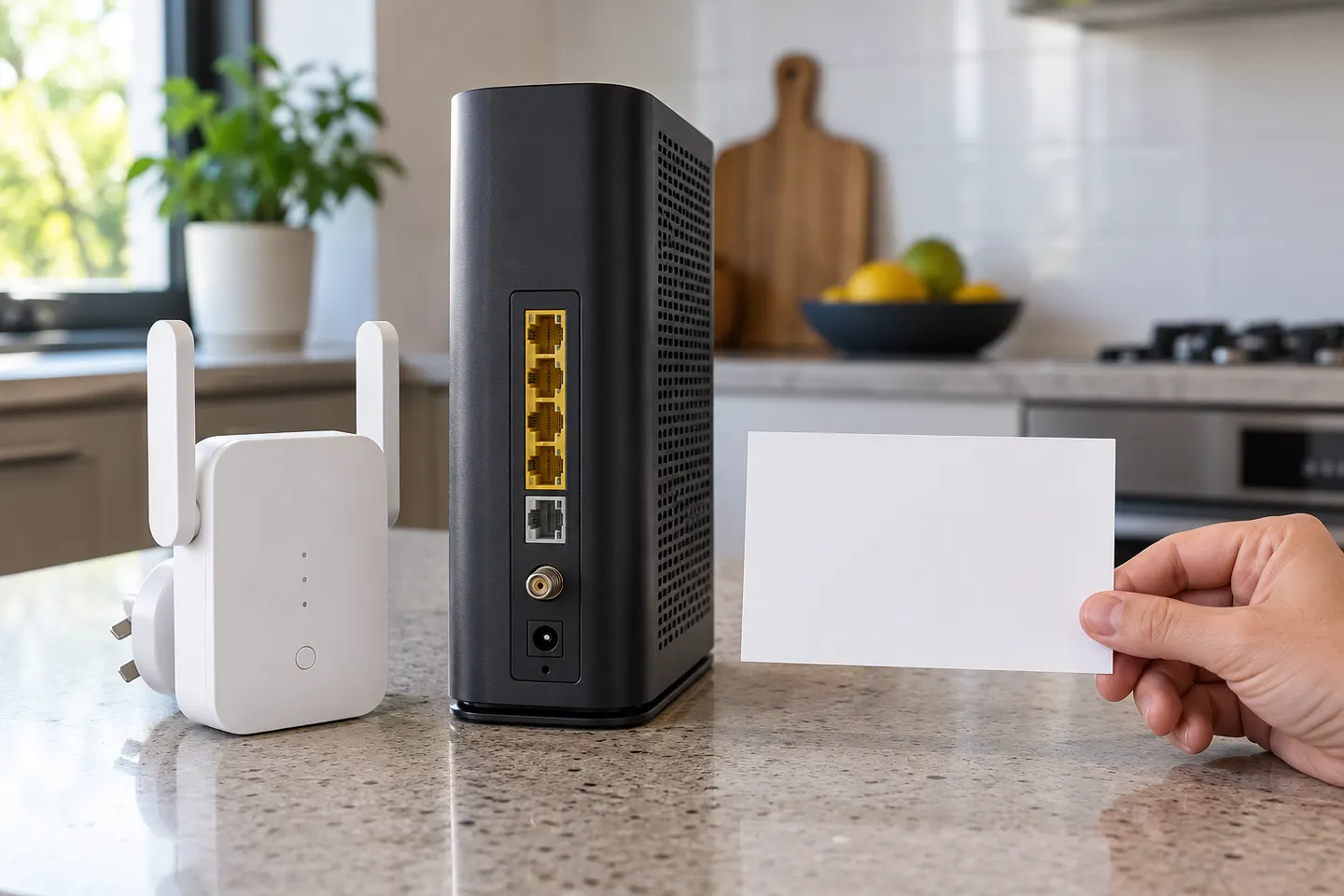
Our picks
Top picks
Official manufacturer image Official manufacturer image
TP-Link RE705X-Outdoor
Check price on Amazon AU Official manufacturer image
TP-Link TL-WPA8631P KIT
Check price on Amazon AUSetup and help
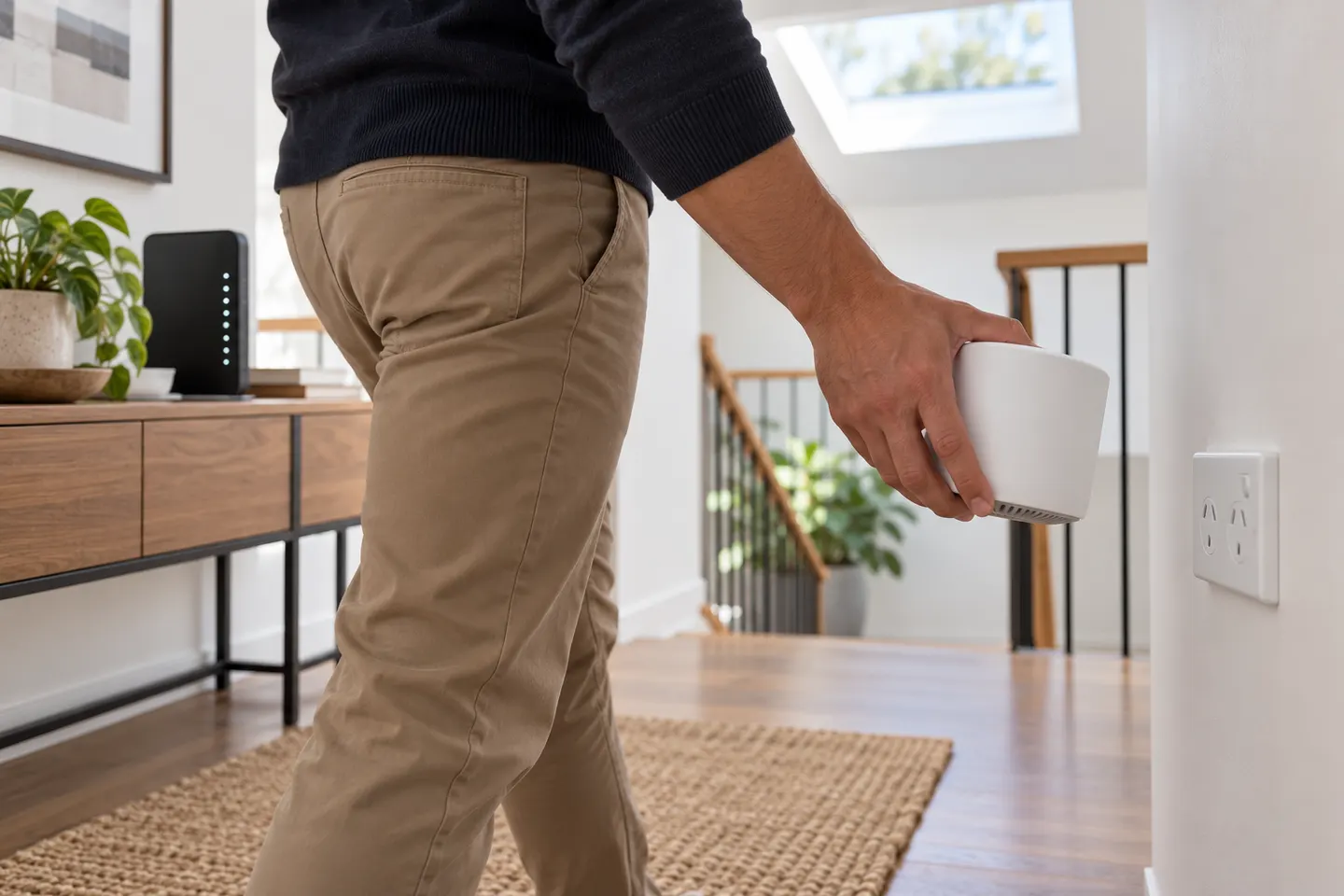 Telstra setup
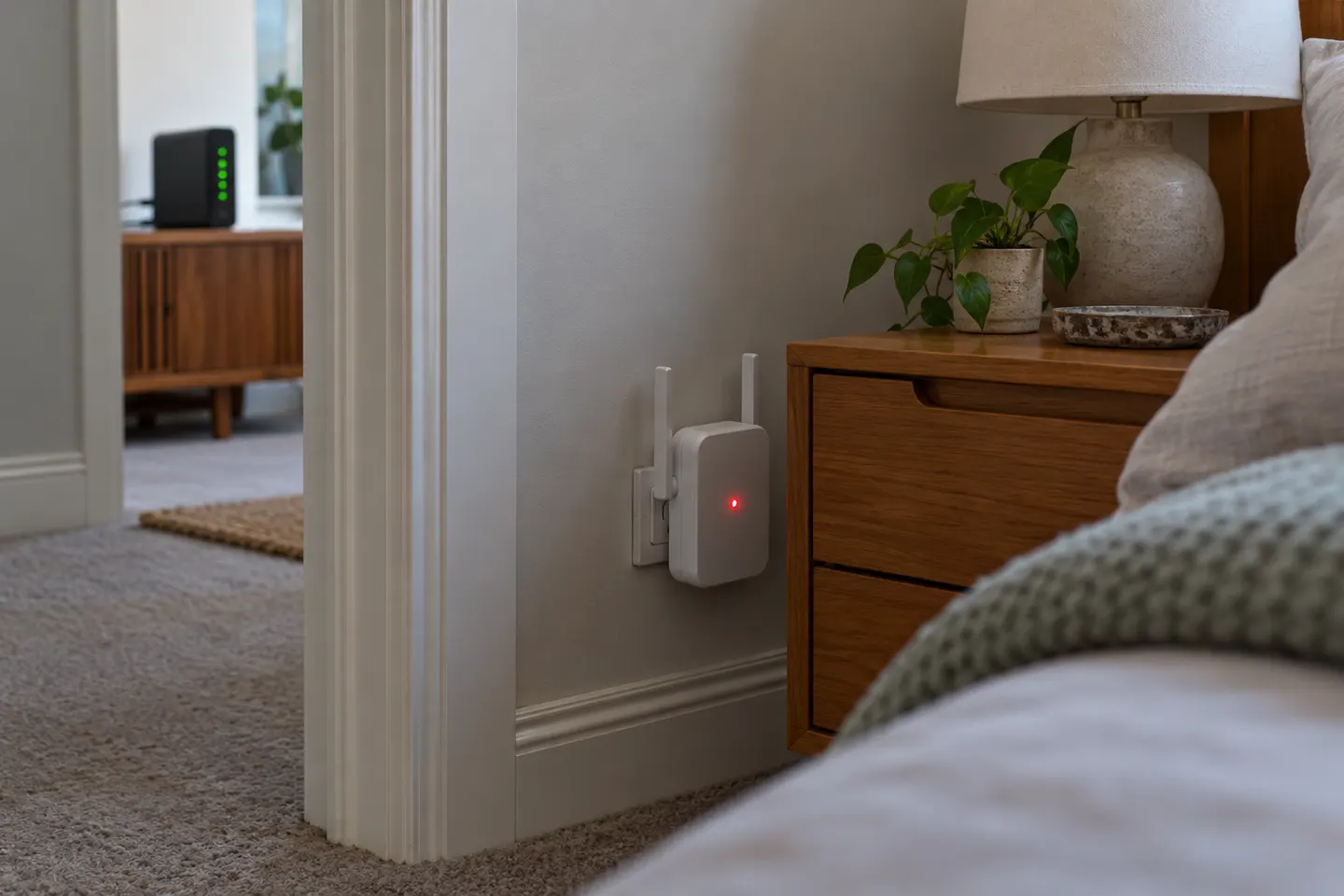 Telstra red light
More topics
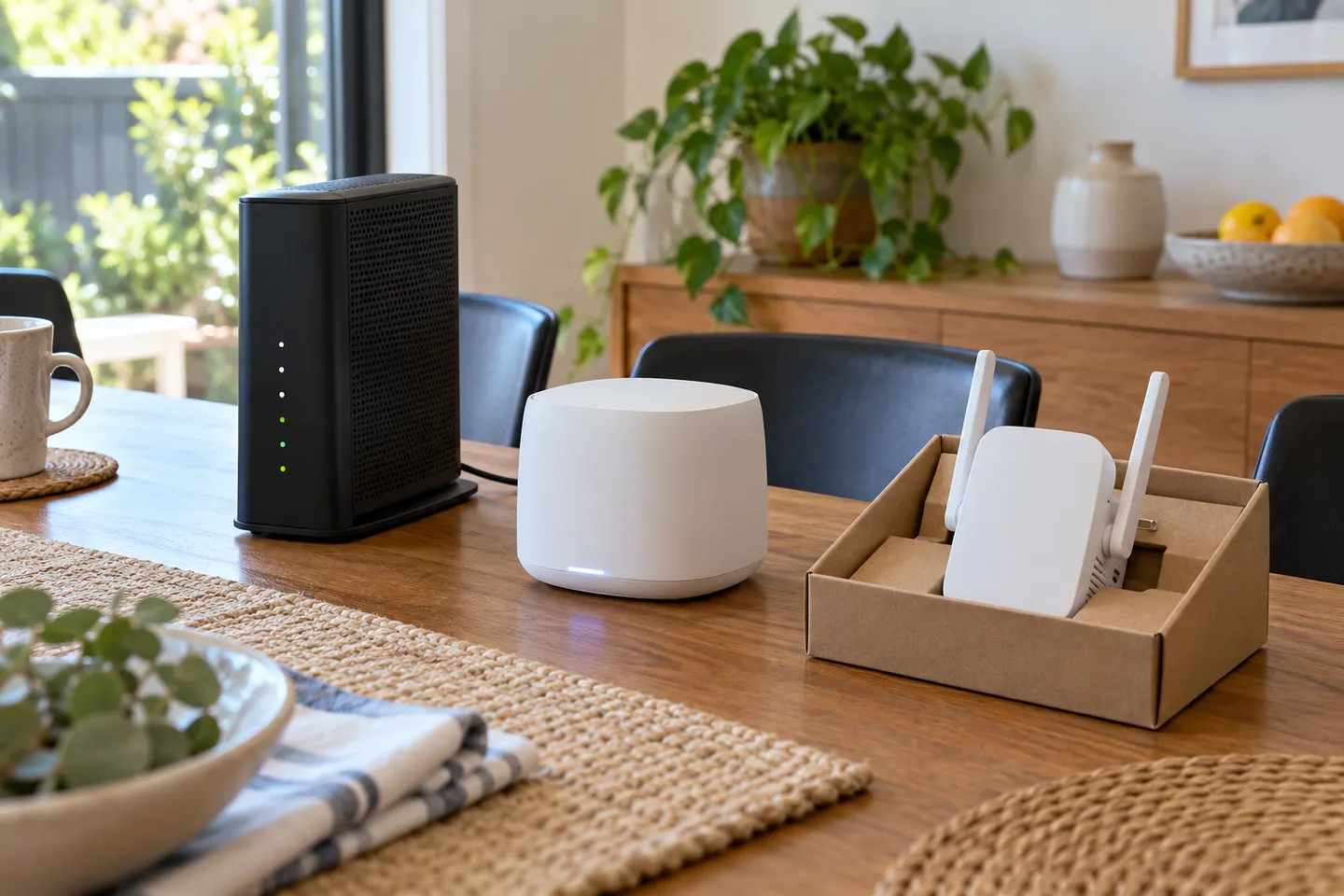 Telstra Wi-Fi Booster and Extender Options Explained
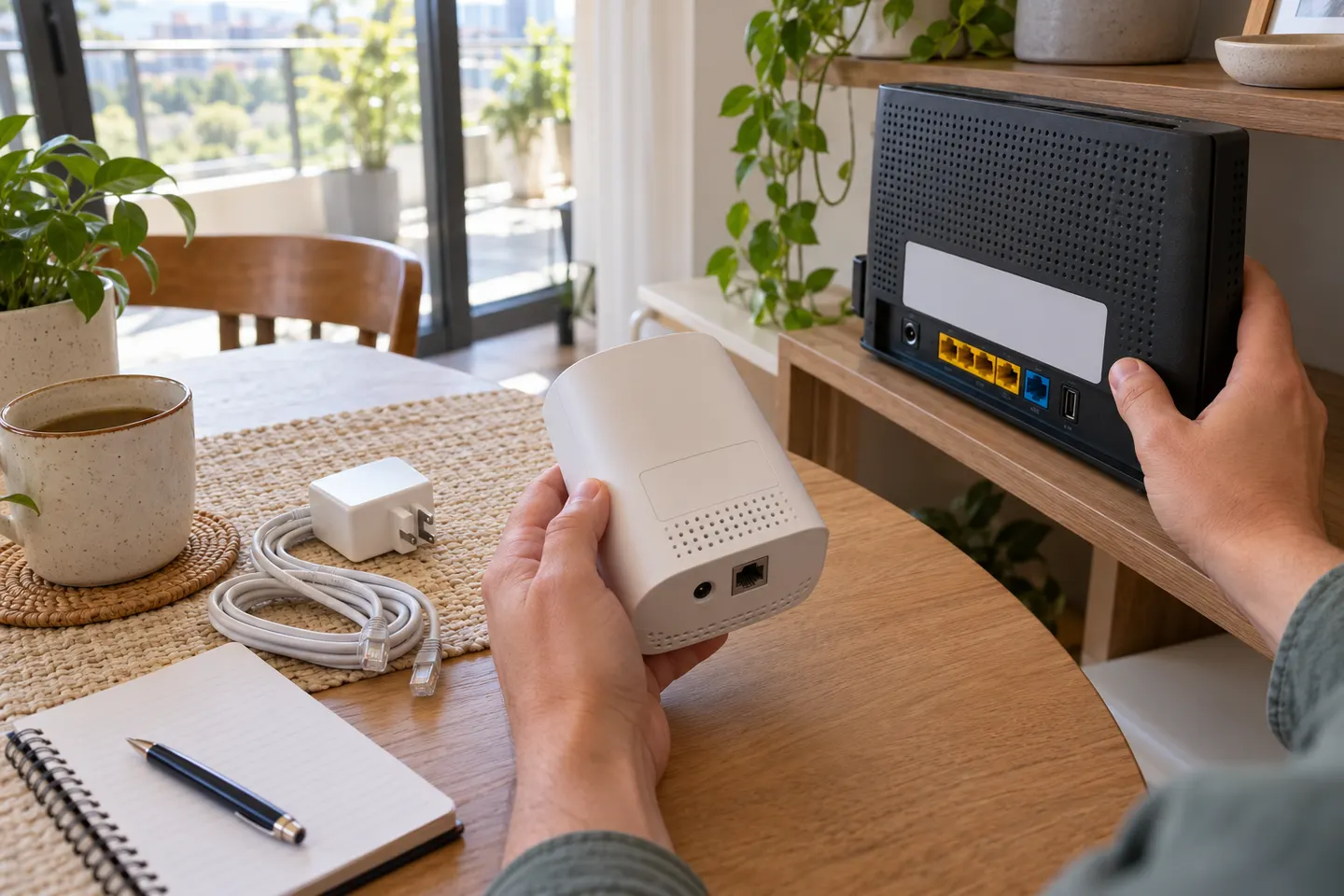 Telstra Smart WiFi Booster Gen 3
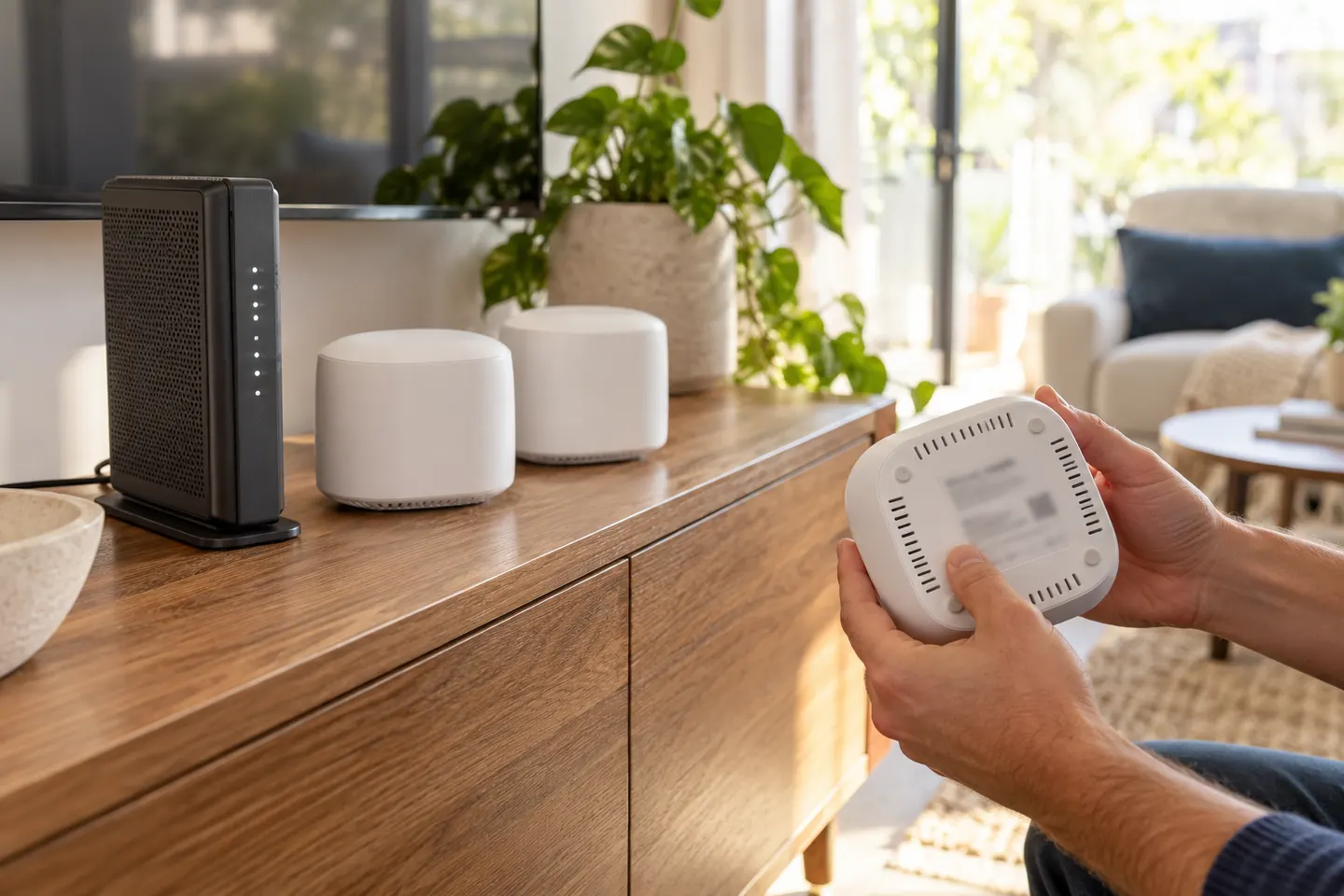 Telstra Smart WiFi Booster 3
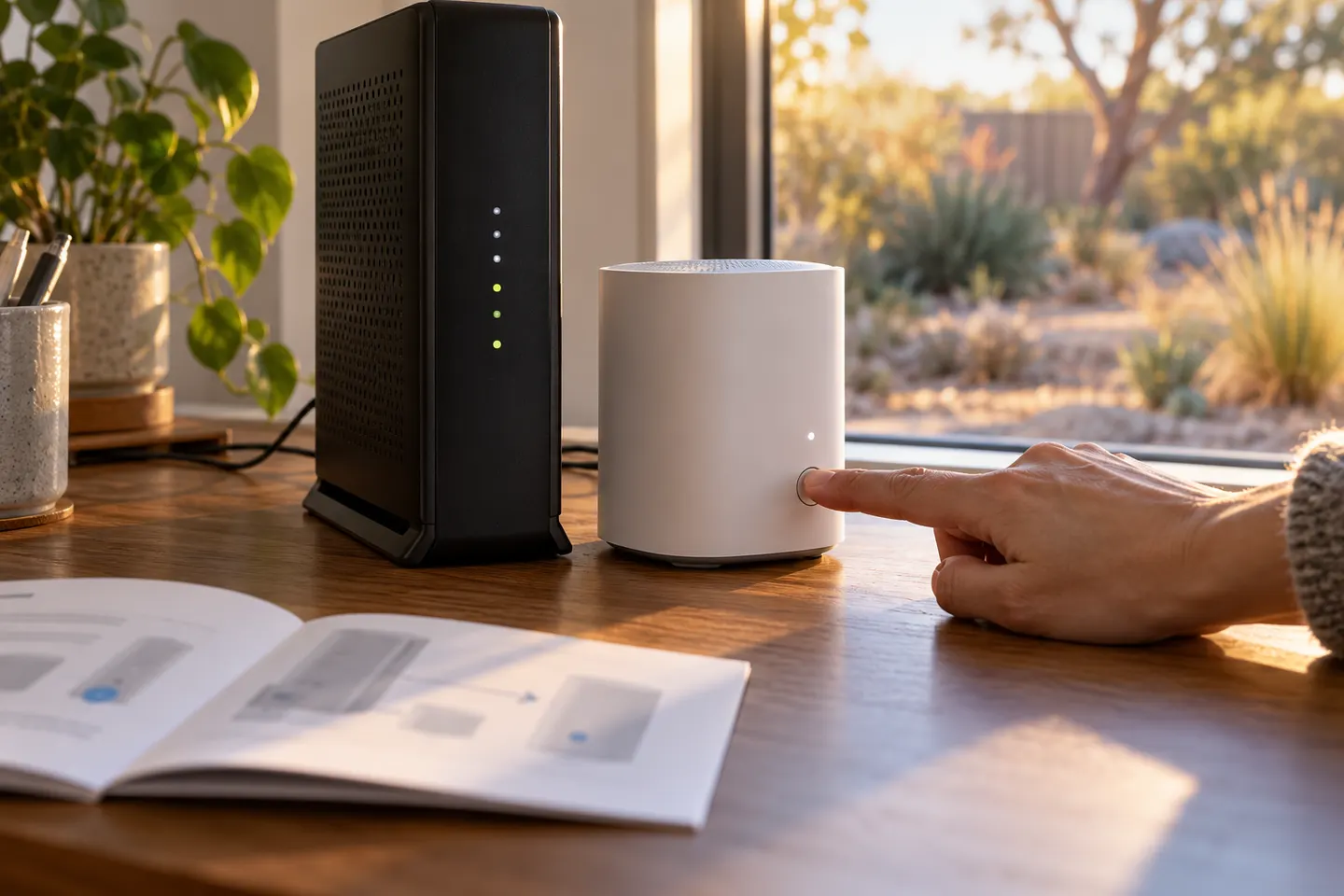 Optus Ultra WiFi Booster Gen 2
Common questions
Questions before you buy
Is there a Telstra Smart Wi-Fi Booster Gen 4?
Telstra's current public pages identify Smart Modem 4 and Smart Wi-Fi Booster Gen 3. The phrase may conflate the modem generation with the booster generation; confirm the product name with Telstra before buying.
Does the Telstra Smart Wi-Fi Booster work with Smart Modem 4?
Telstra support guidance discusses using a Smart Modem 4 with Wi-Fi Booster units and provides troubleshooting steps. Check the exact booster generation and current compatibility instructions for your service.
How do I set up a Telstra Wi-Fi booster?
Use Telstra's set-up guide for the specific booster generation. Pair it as instructed near the modem first, then relocate it to the weak-coverage area while maintaining a reliable connection.
Can I use a third-party WiFi extender with Telstra?
A third-party extender may connect to the modem's standard WiFi, but proprietary mesh features and seamless roaming may not carry over. Check the extender's router compatibility and Telstra modem settings.