









 Official manufacturer image
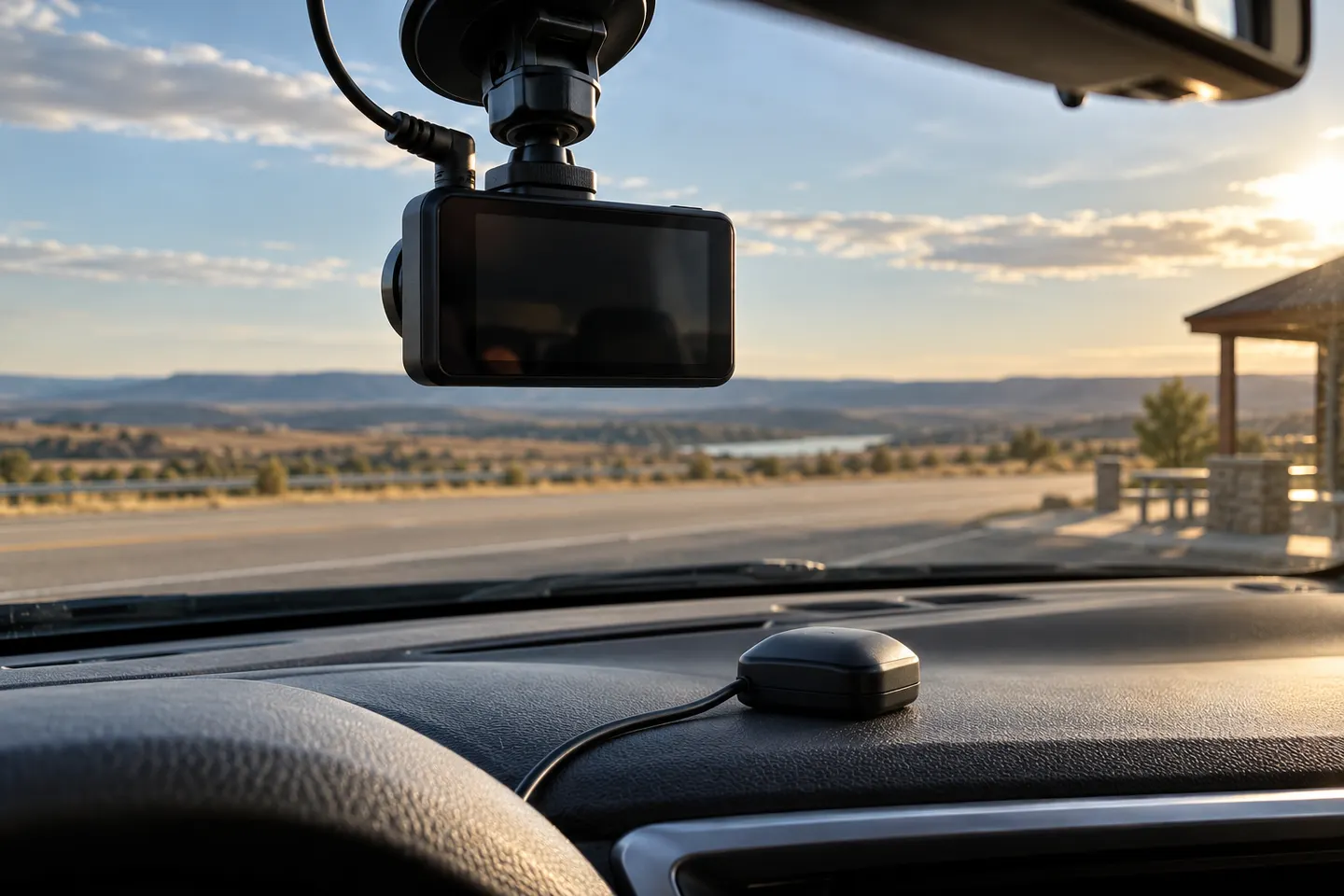
Our picks
Top picks
Official manufacturer image Official manufacturer image
Garmin Dash Cam X310
Check price on Amazon UK Official manufacturer image
VIOFO A329S 2CH
Check price on Amazon UKBy feature
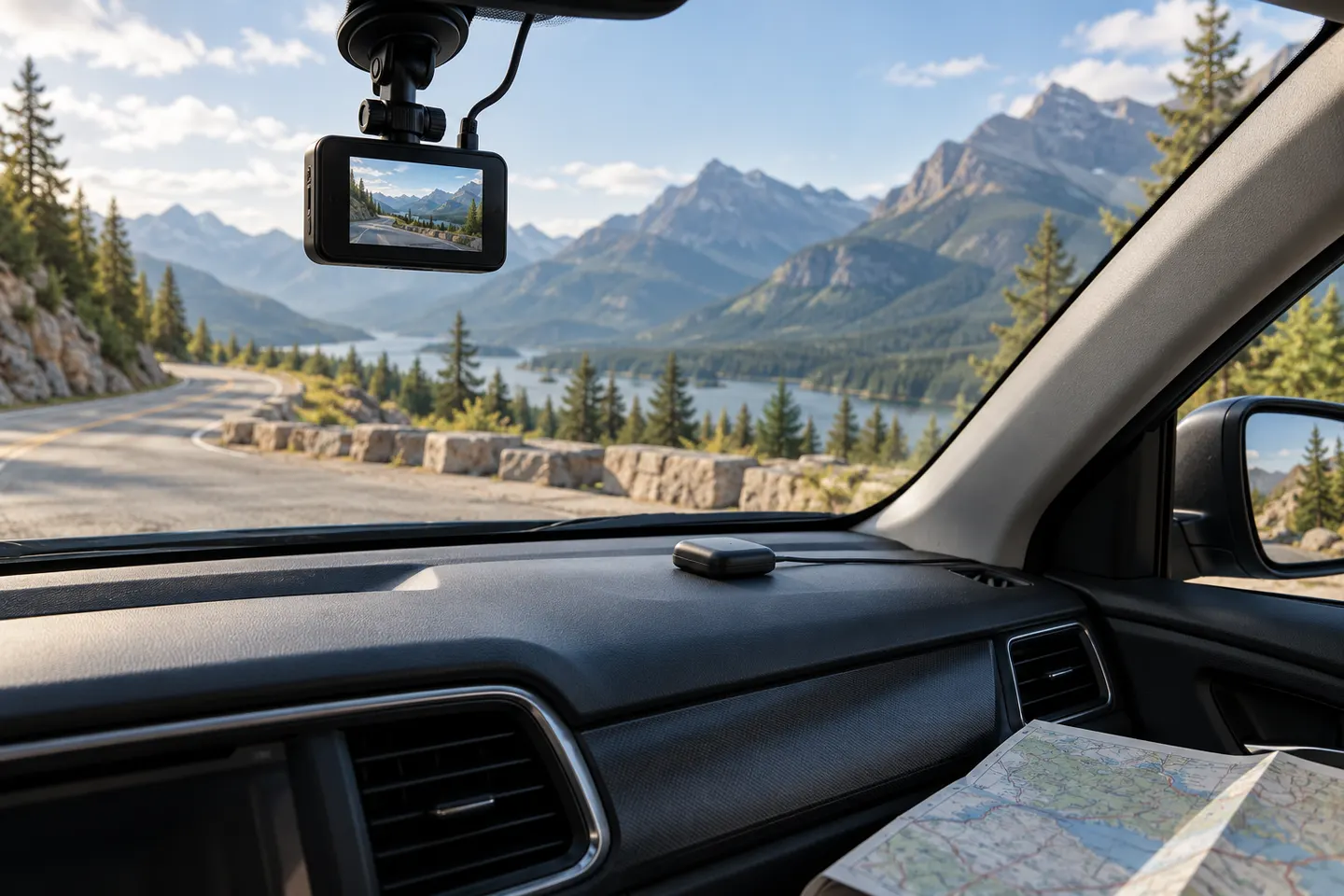 Gps
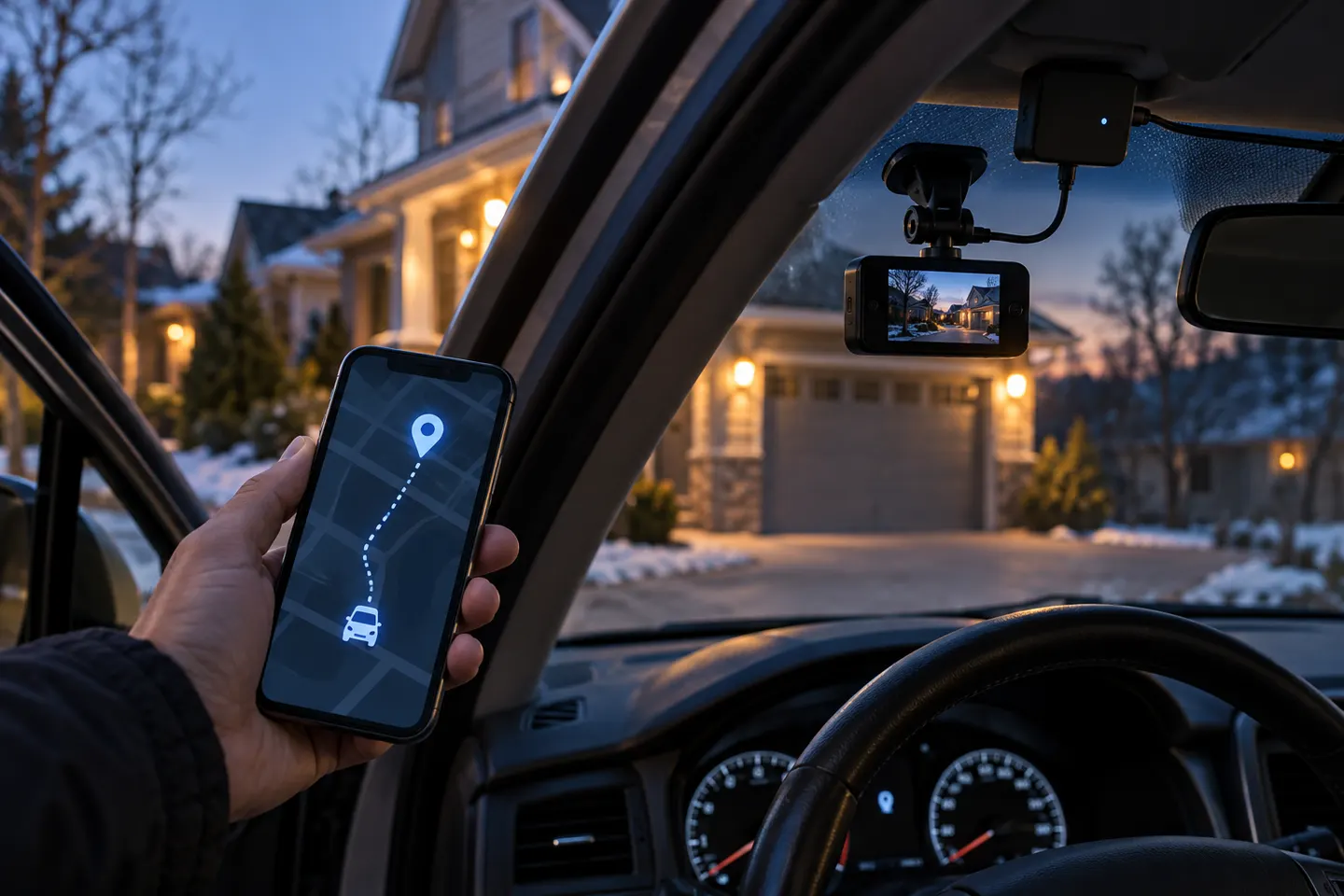 Gps tracker
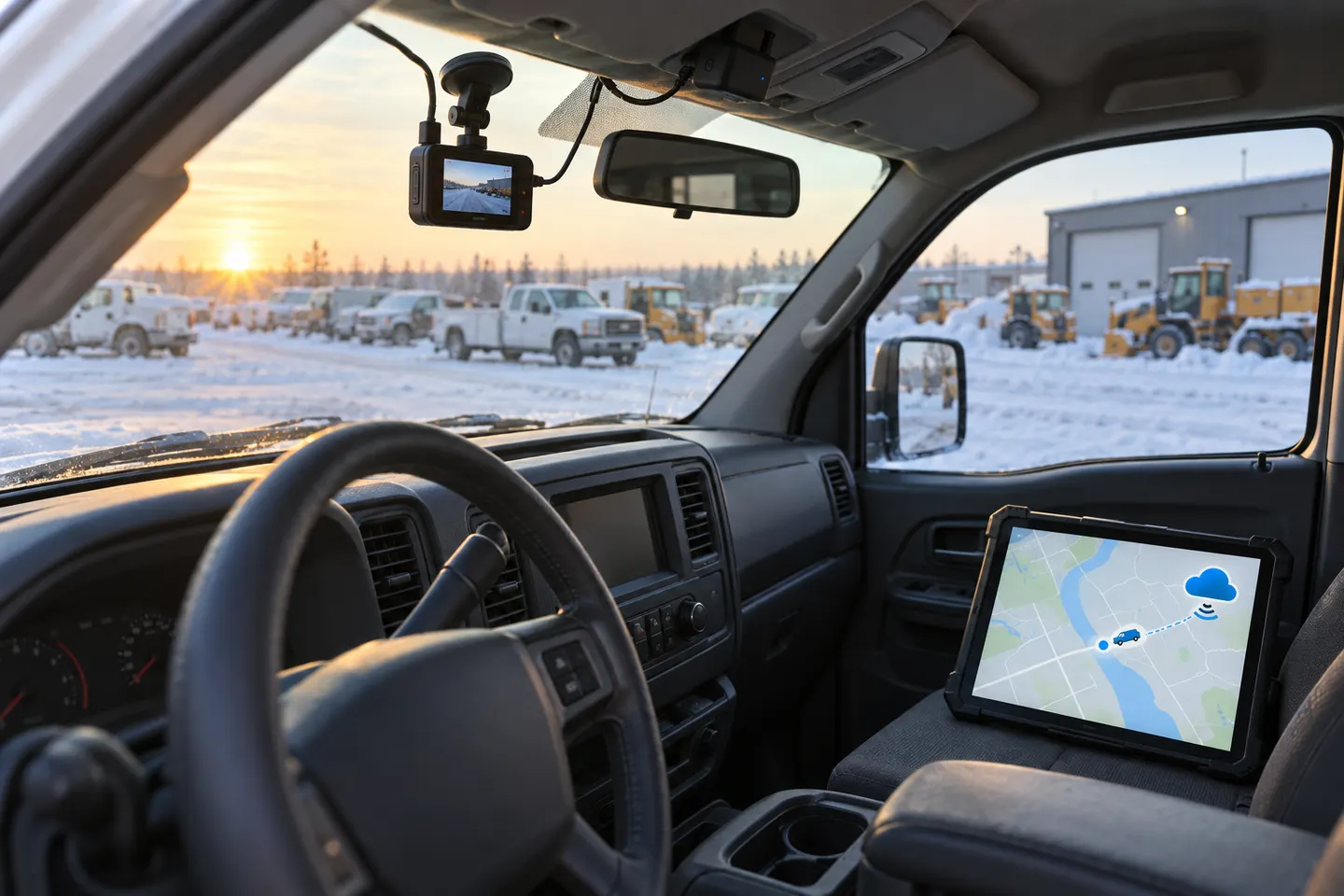 Gps tracking
Common questions
Questions before you buy
How does a dashcam calculate speed with GPS?
It estimates movement from changes in satellite-derived position over time. The result depends on signal quality, update rate and the device's processing.
Is dashcam GPS speed always accurate?
No. Buildings, tunnels, poor satellite reception and sampling can affect the reading, so it should not be treated as a calibrated instrument.
Can I turn off the speed stamp on dashcam video?
Many cameras allow this, but the option varies. Check the manual before buying if you want GPS location without a visible speed overlay.
Do I need GPS in a dashcam?
It is useful when location and route context matter. If you only need a clear recording of events, image quality and reliable saving may take priority.