









 Official manufacturer image
Our picks
Top picks
Official manufacturer image Official manufacturer image
Garmin Dash Cam X310
Check price on Amazon UK Official manufacturer image
VIOFO A329S 2CH
Check price on Amazon UKMore topics
 Recording Car Camera Guide
 Car Camera Recording for 24 Hours
Common questions
Questions before you buy
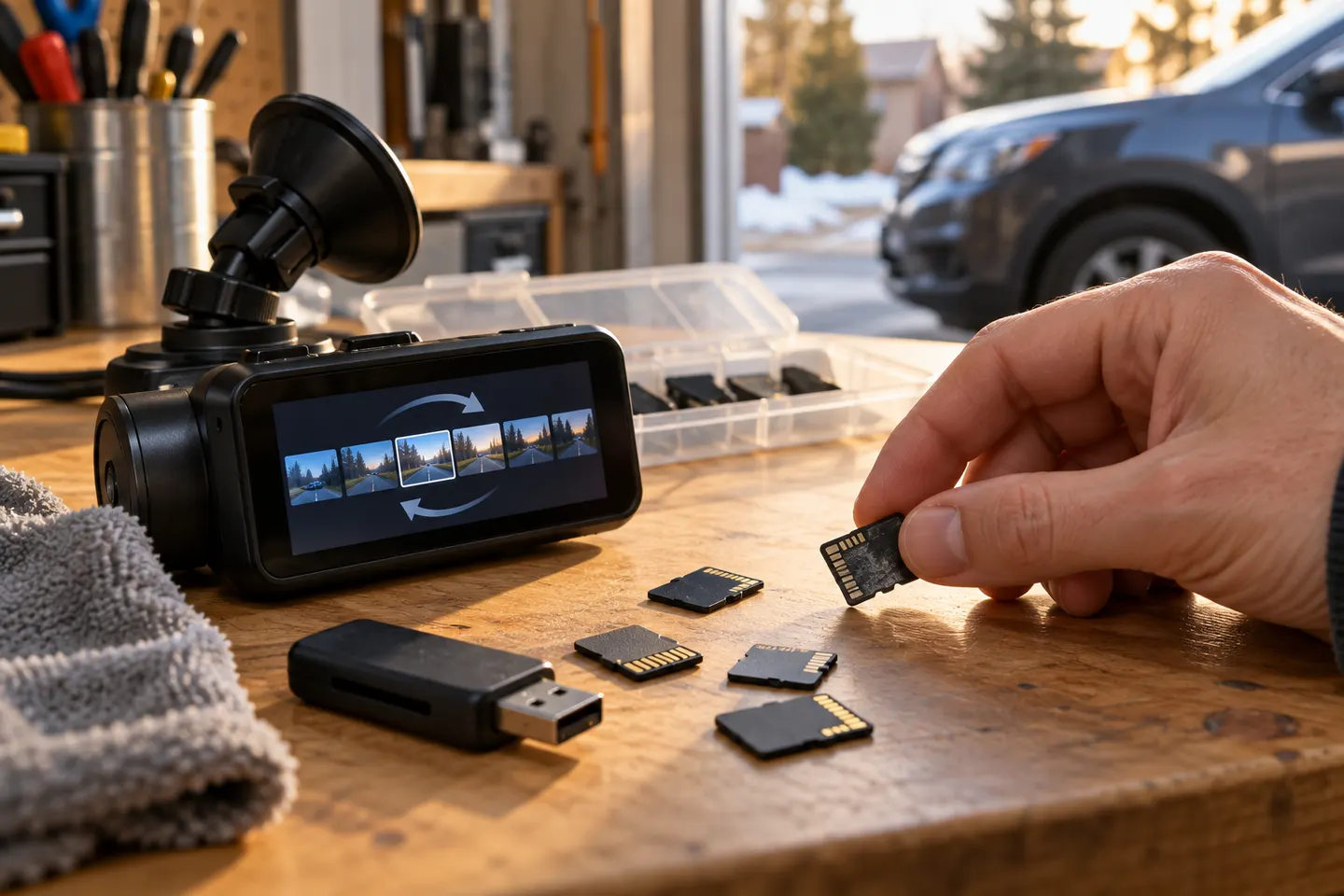
What is loop recording on a dashcam?
The camera saves video in short sequential files and, when usable storage fills, overwrites the oldest unprotected files so normal recording can continue.
Does loop recording delete accident footage?
A protected event file should be excluded from ordinary looping, but protection can fail or protected space can fill. Copy important footage to another device as soon as it is safe.
Is dashcam loop recording the same as 24/7 recording?
No. Loop recording manages files; 24/7 coverage additionally requires parking recording, a suitable permanent power arrangement and enough storage.
What loop length should I choose on a dashcam?
Use a supported setting that makes incidents easy to locate without creating excessive file fragmentation. The best choice depends on the model's event protection and app workflow.
Why does my dashcam stop loop recording?
Common causes include an unsuitable, worn or corrupted card, protected storage filling, incorrect formatting, interrupted power or overheating. Follow the exact manual before replacing parts.