









 Official manufacturer image
Our picks
Top picks
Official manufacturer image Official manufacturer image
Garmin Dash Cam X310
Check price on Amazon UK Official manufacturer image
VIOFO A329S 2CH
Check price on Amazon UKInstallation and accessories
More topics
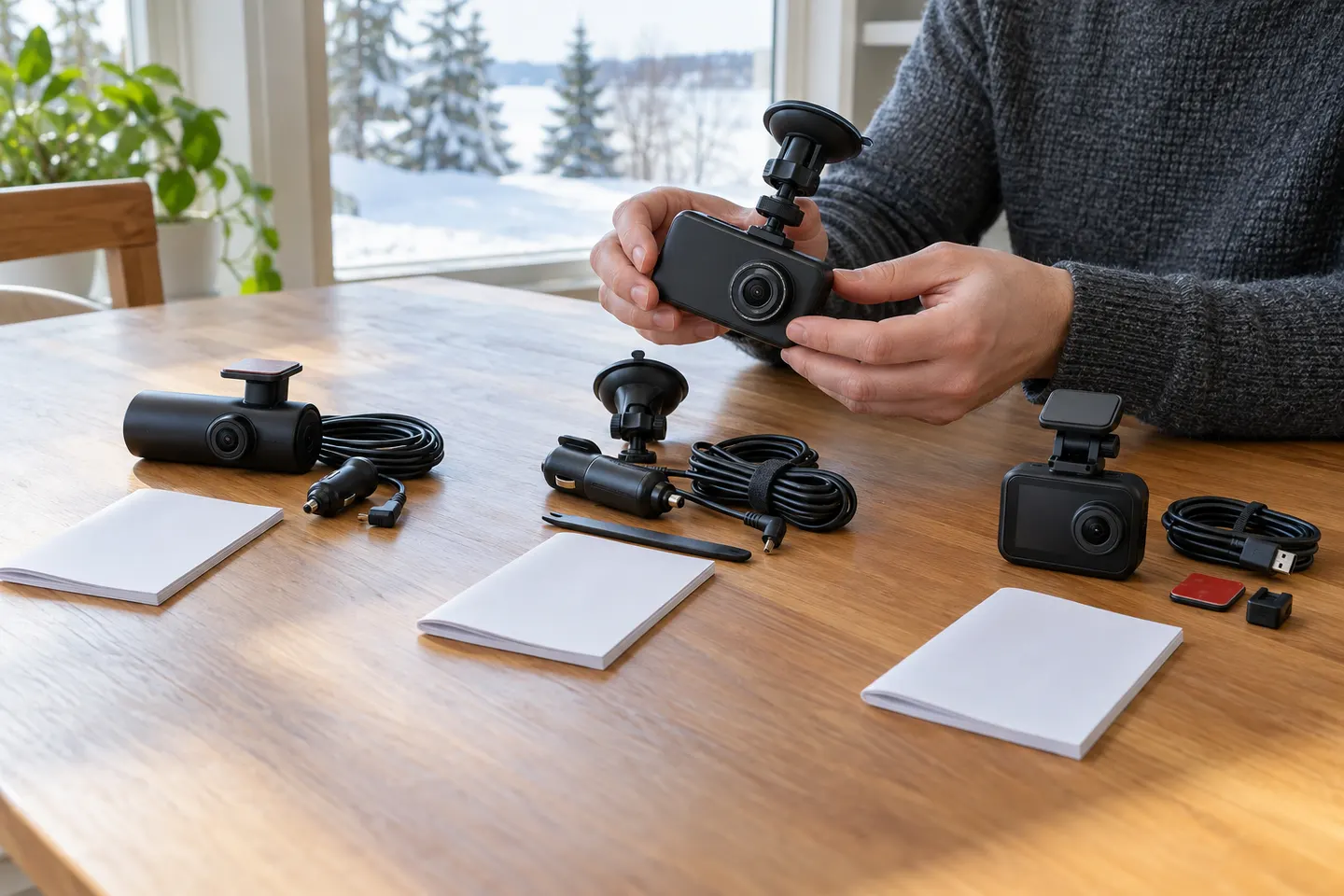 ORSKEY Dash Cams
Common questions
Questions before you buy
Is the ORSKEY S900 a front and rear dash cam?
S900 documentation describes a main front unit supplied with a wired rear camera. Confirm the contents of the particular bundle because used and marketplace packages can differ.
What memory card does the ORSKEY S900 use?
Use the card type and capacity stated in the manual supplied with your exact hardware revision. A high-endurance card is preferable for repeated dash-cam recording.
Why does my ORSKEY S900 stop recording?
Check power, card formatting, available capacity and whether too many clips have been locked. A worn or incompatible card can also cause interrupted loop recording.
How do I reset an ORSKEY S900?
Back up required footage, then follow the reset or default-settings procedure in the matching S900 manual. Do not assume instructions for another ORSKEY model use the same menus.