Independent buying guidance · UK editionHow we work
Gearjury
All categories
All categories
Best picksBest WiFi Extenders in the UK: Compare Five Practical Options
Best picksThe Best Dashcams in the UK for 2026
Best picksBest Portable Air Coolers: Five Models to Compare for 2026
Best picksBest Meat Thermometers in the UK for 2026
Best picksBest Headlamp Torches in the UK: Five Choices for 2026
Best picksBest Winter Gloves in the UK: Five Activity-Based Choices for 2026
Best picksBest Radar Detectors in the UK: Models Compared for 2026
Best picksBest Value Cordless Strimmers in the UK (2026)
Best picksBest Air Purifiers in the UK for Different Rooms and Needs
United KingdomEnglish

Category hub

Virgin Media WiFi Booster Price and Your Options

Virgin Media customers may have provider-specific Boosters or WiFi Pods, depending on their service. Check your account and offer first; third-party extenders are separate and compatibility varies.

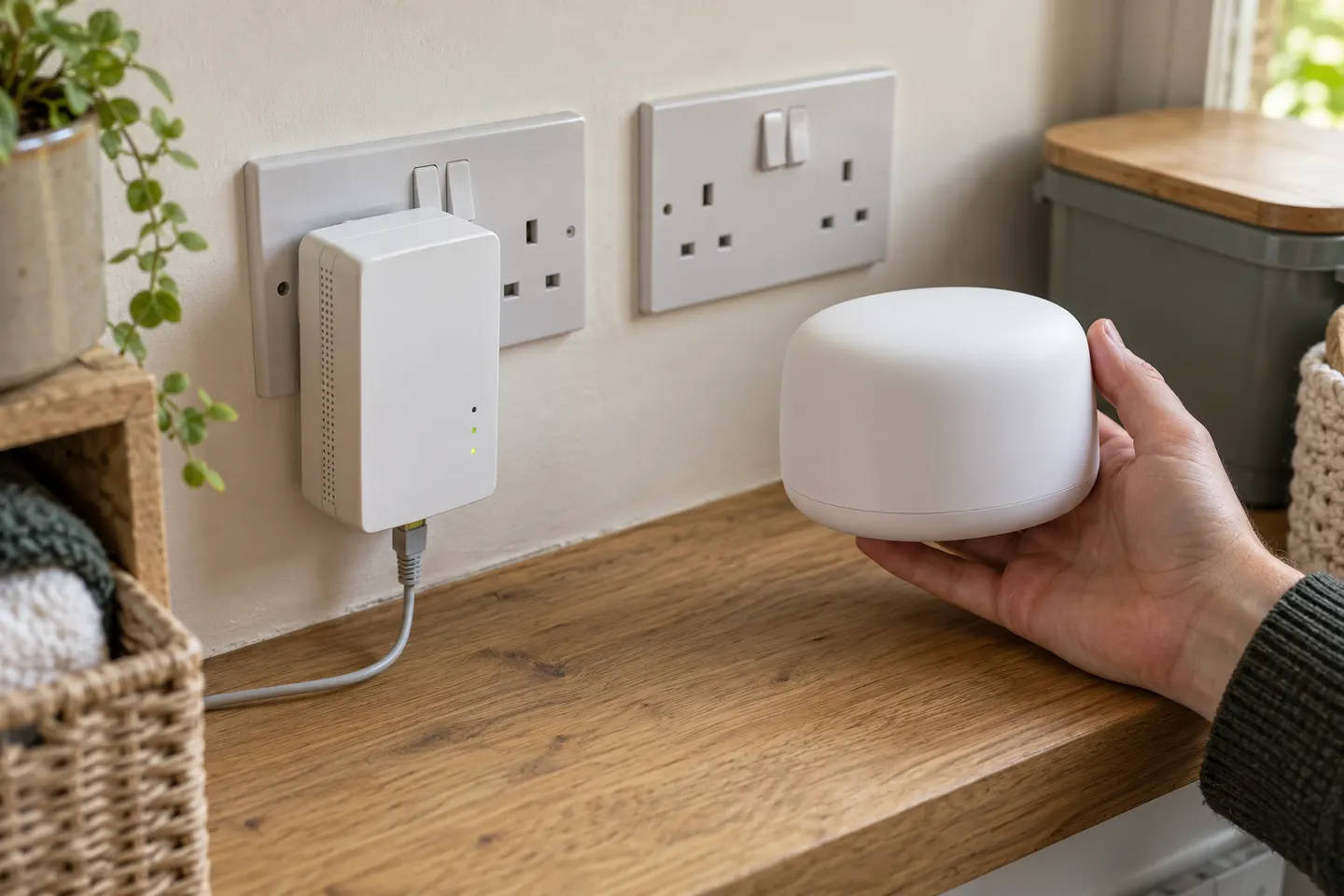
A Virgin Media WiFi booster price depends on which product you mean: a provider Powerline Booster, a WiFi Pod linked to WiFi Max, or a retail extender bought separately. Virgin Media help pages describe different equipment and eligibility paths, so identify your Hub and account package before comparing options. For a weak room, first use provider service checks and placement guidance. Universal devices include dual-band extenders and Ethernet access points; mesh may suit several rooms. Check support and current offers directly.

Virgin Media WiFi Booster Price and Your Options

Start here

The essentials

How to Connect a Virgin WiFi Booster to Your Hub

How to Connect a Virgin WiFi Booster to Your Hub

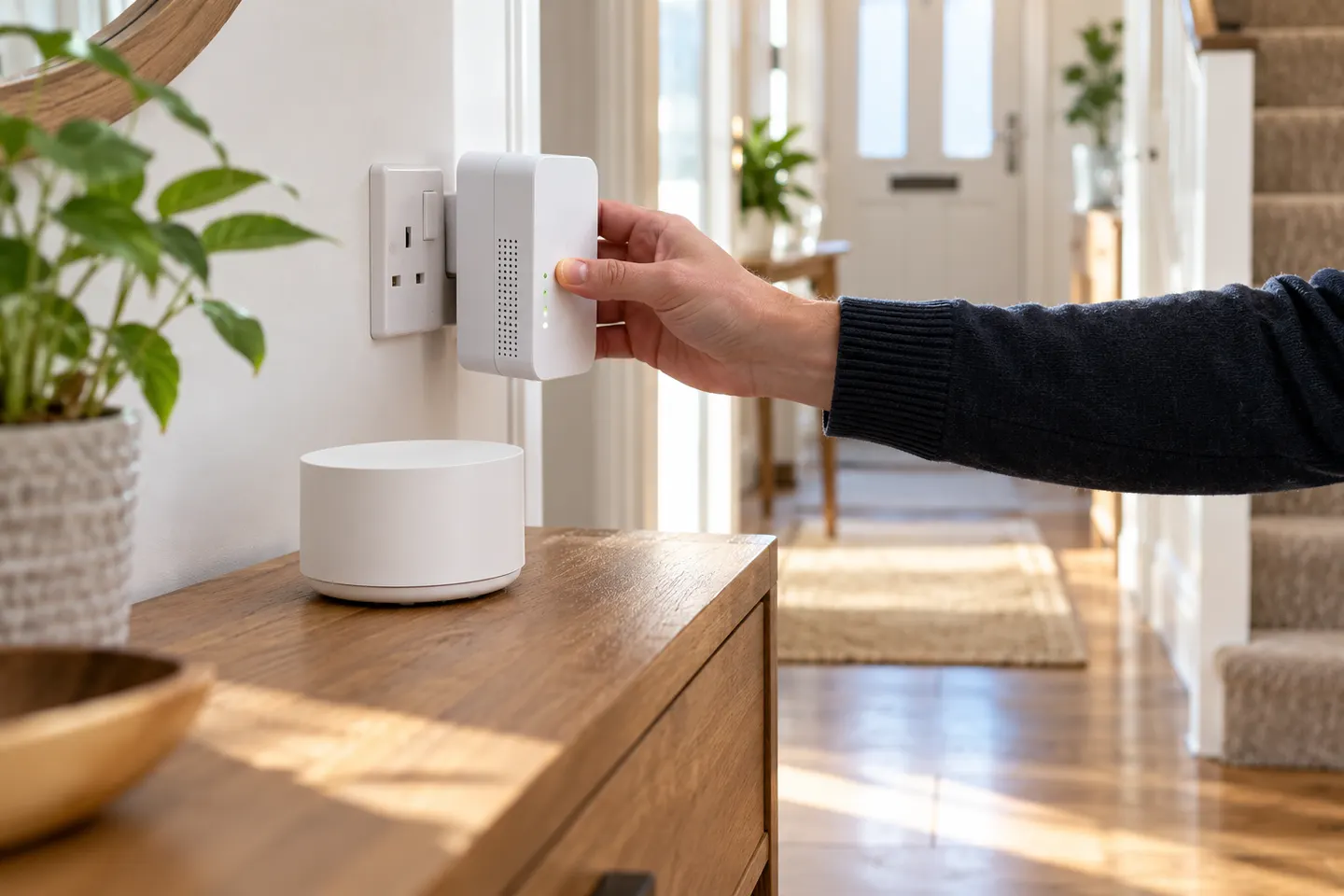
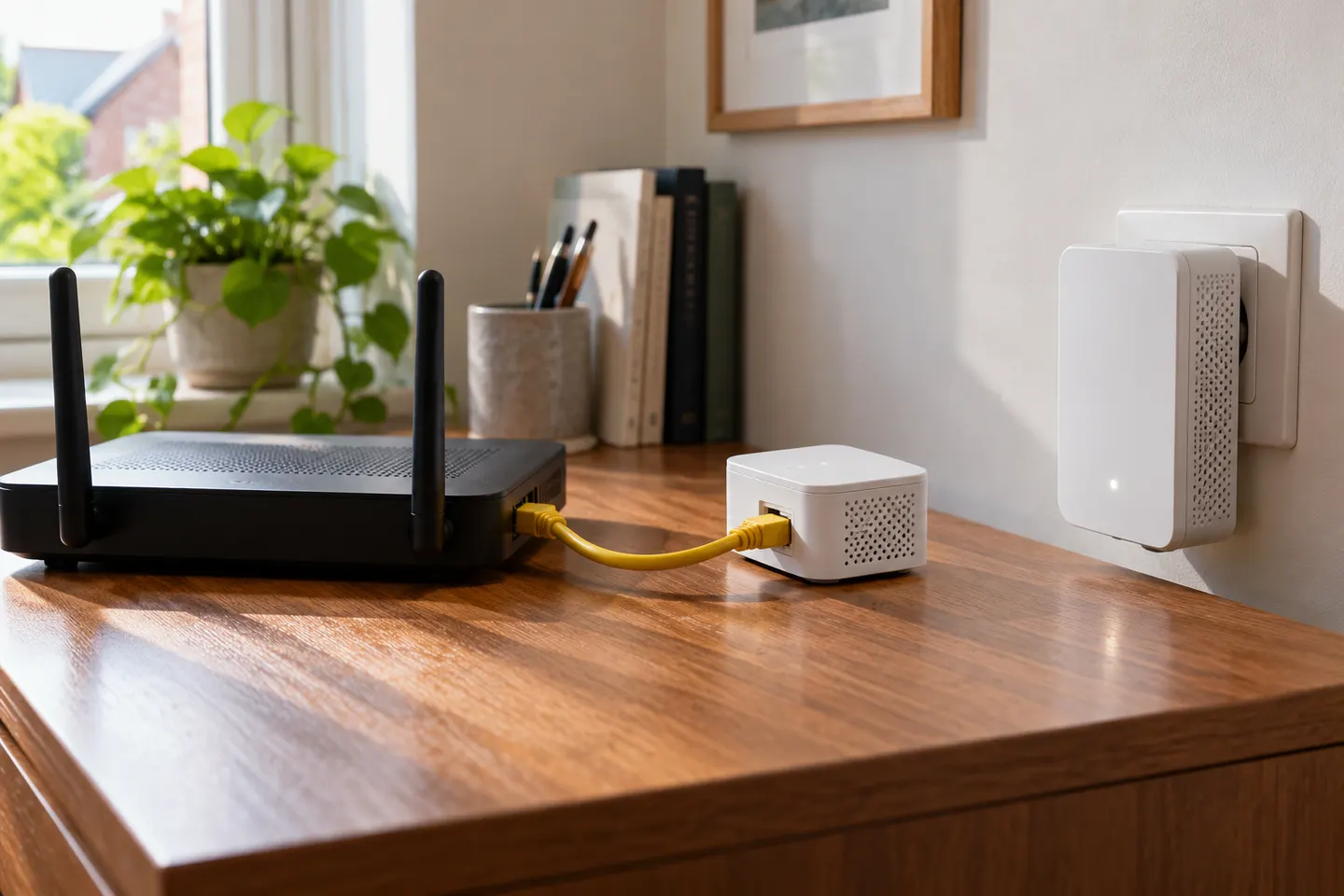
For Virgin Media’s wired booster kit, connect the smaller unit to the Hub by Ethernet first, then power and pair the larger unit using the WPS controls. Follow the instructions for your exact booster model, as Pods use a different setup.

Brands

2

How-to guides

3

Common questions

Questions before you buy

Will an extender increase my broadband speed?

No. It can improve wireless coverage where the router signal is weak, but cannot raise the speed supplied by your broadband plan.

Where should I place a Wi-Fi booster?

Put it where it still receives a good router signal and has a clear path towards the weak area. Inside the dead zone it may not receive enough signal to relay.

Should I choose an extender or mesh Wi-Fi?

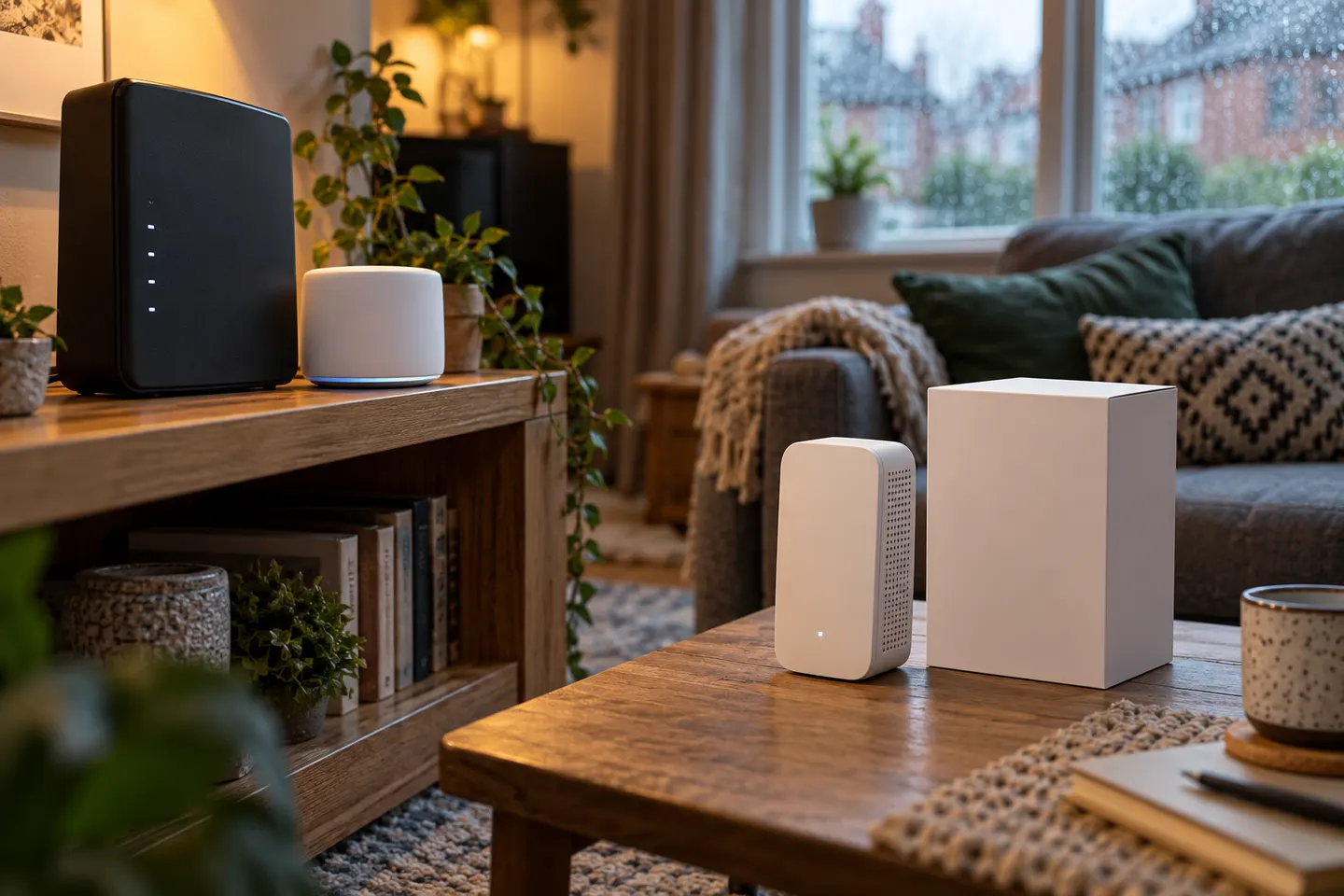
An extender can help with a local coverage gap. Mesh may suit several rooms, but check compatibility and whether wired or wireless backhaul suits your home.

Are Virgin Media Boosters compatible with other routers?

Virgin Media documents its own Booster equipment and Pods separately. Check the instructions for your exact kit and Hub before connecting other powerline or mesh products.