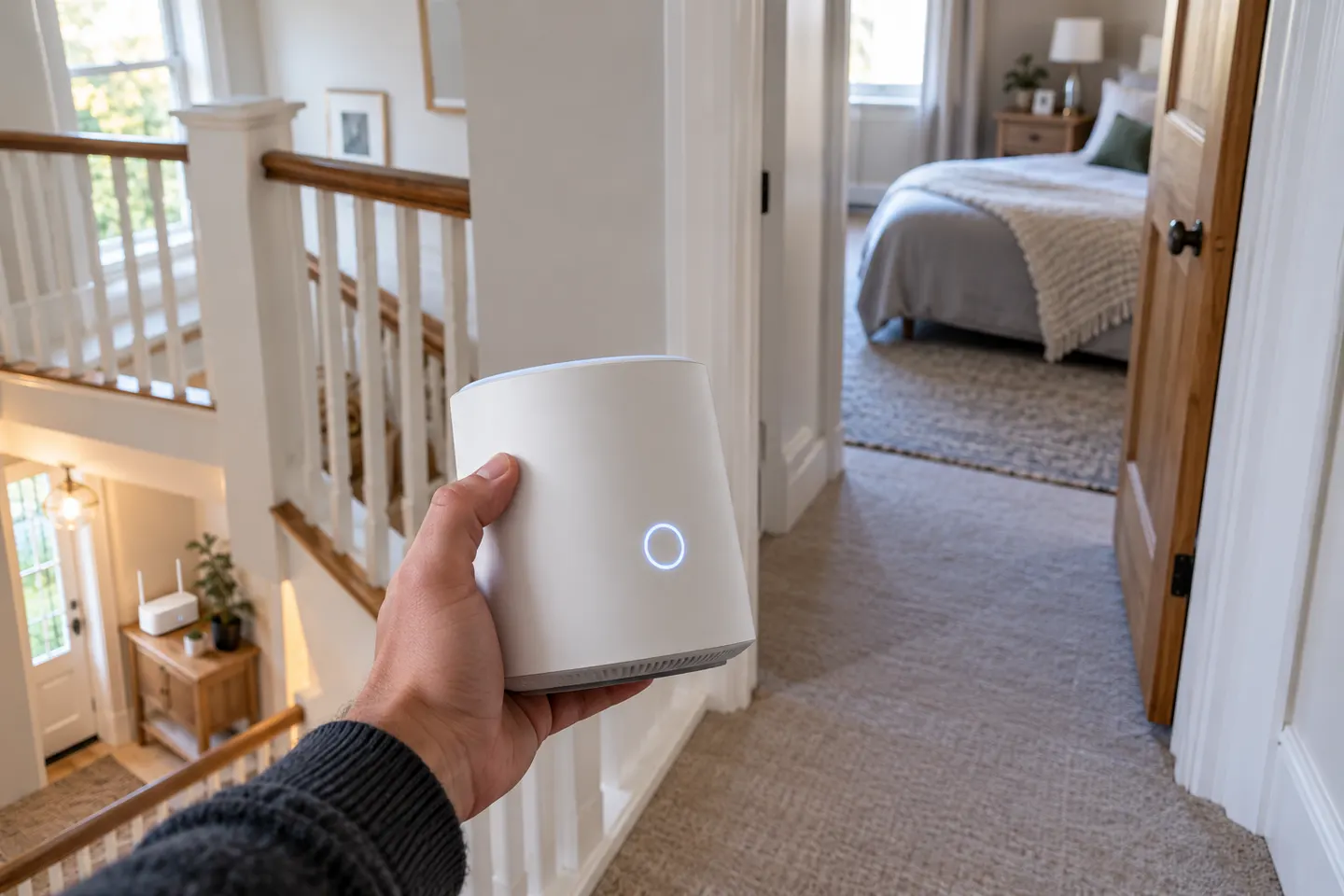
How to Set Up the Vodafone Super WiFi 6 Booster
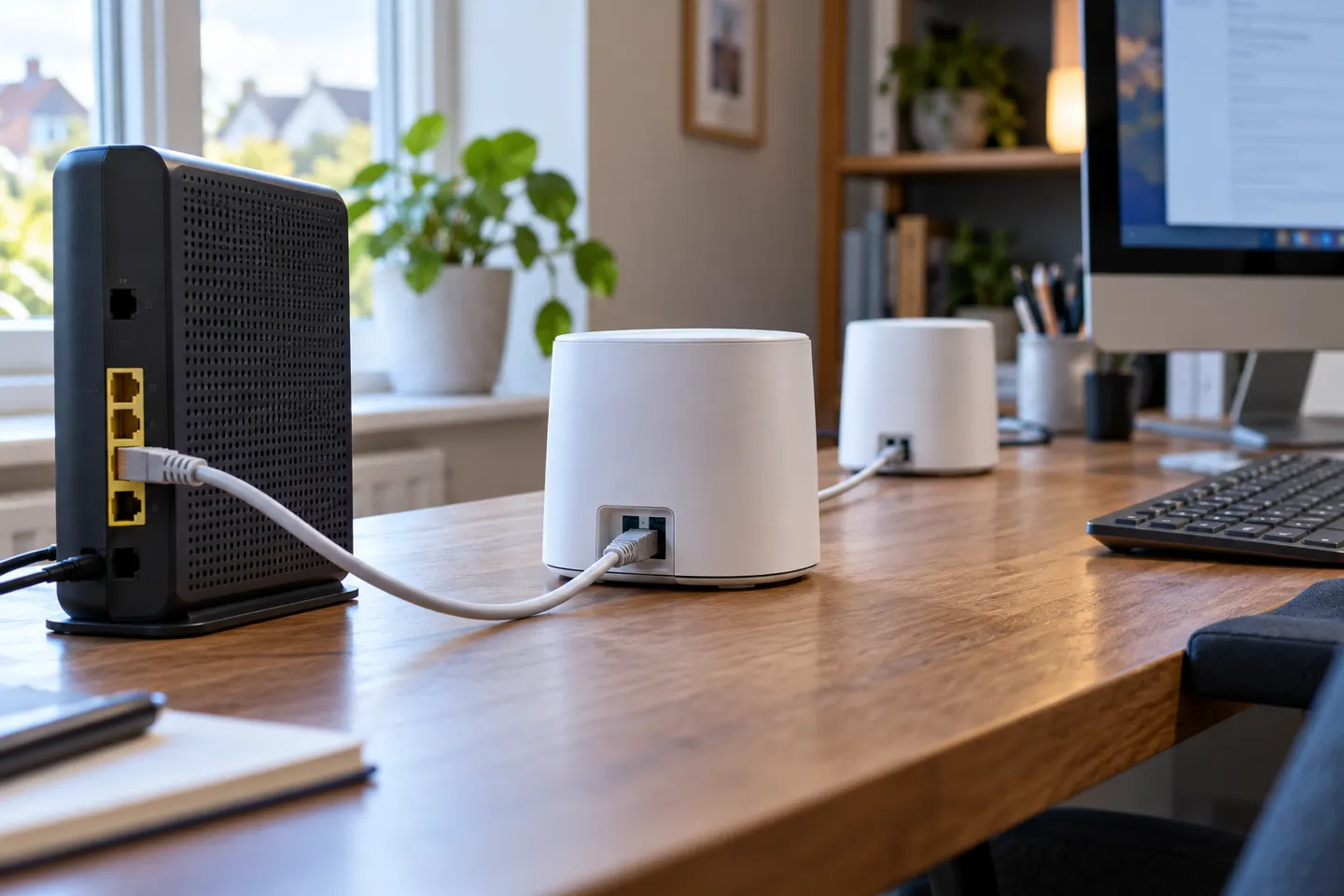
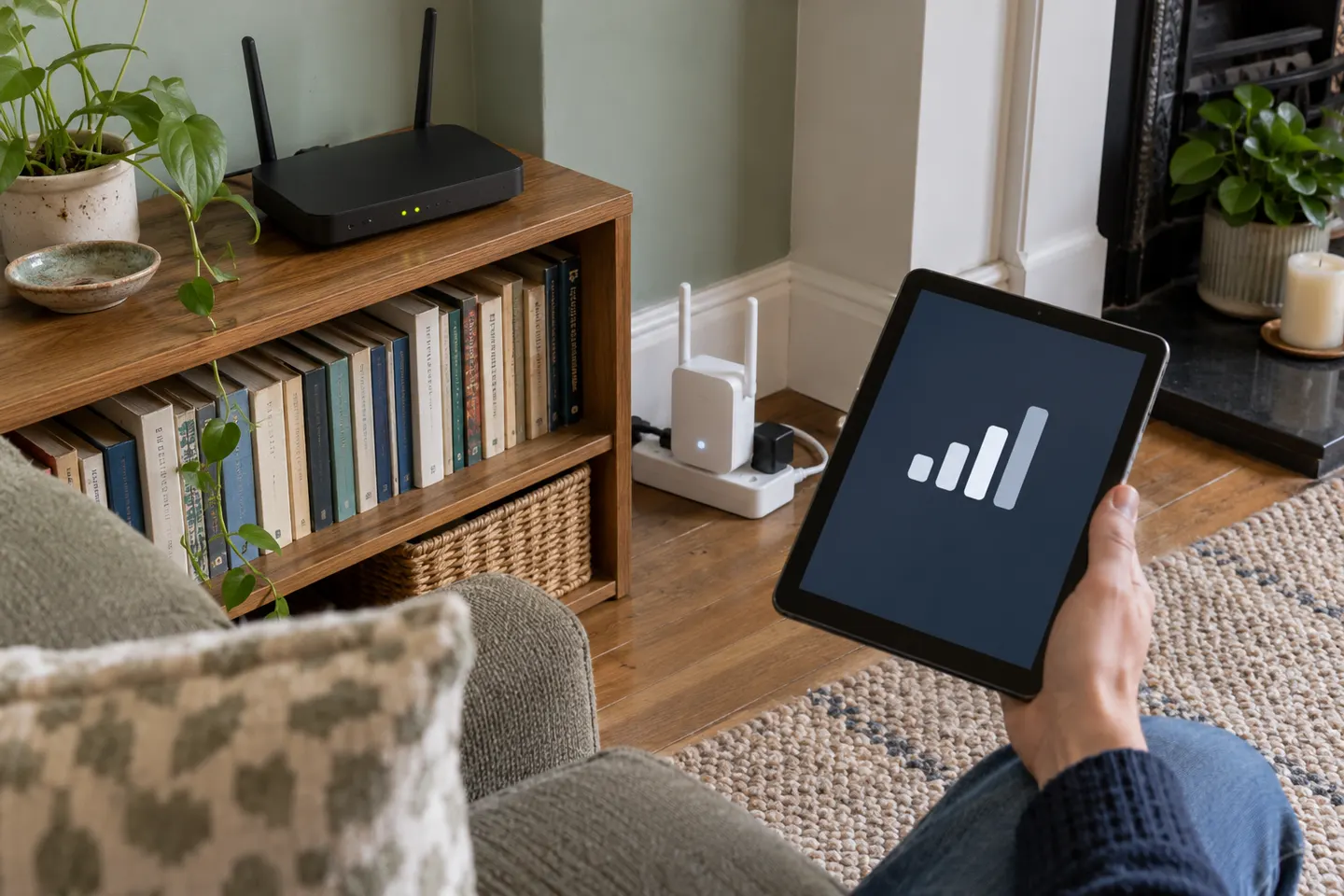
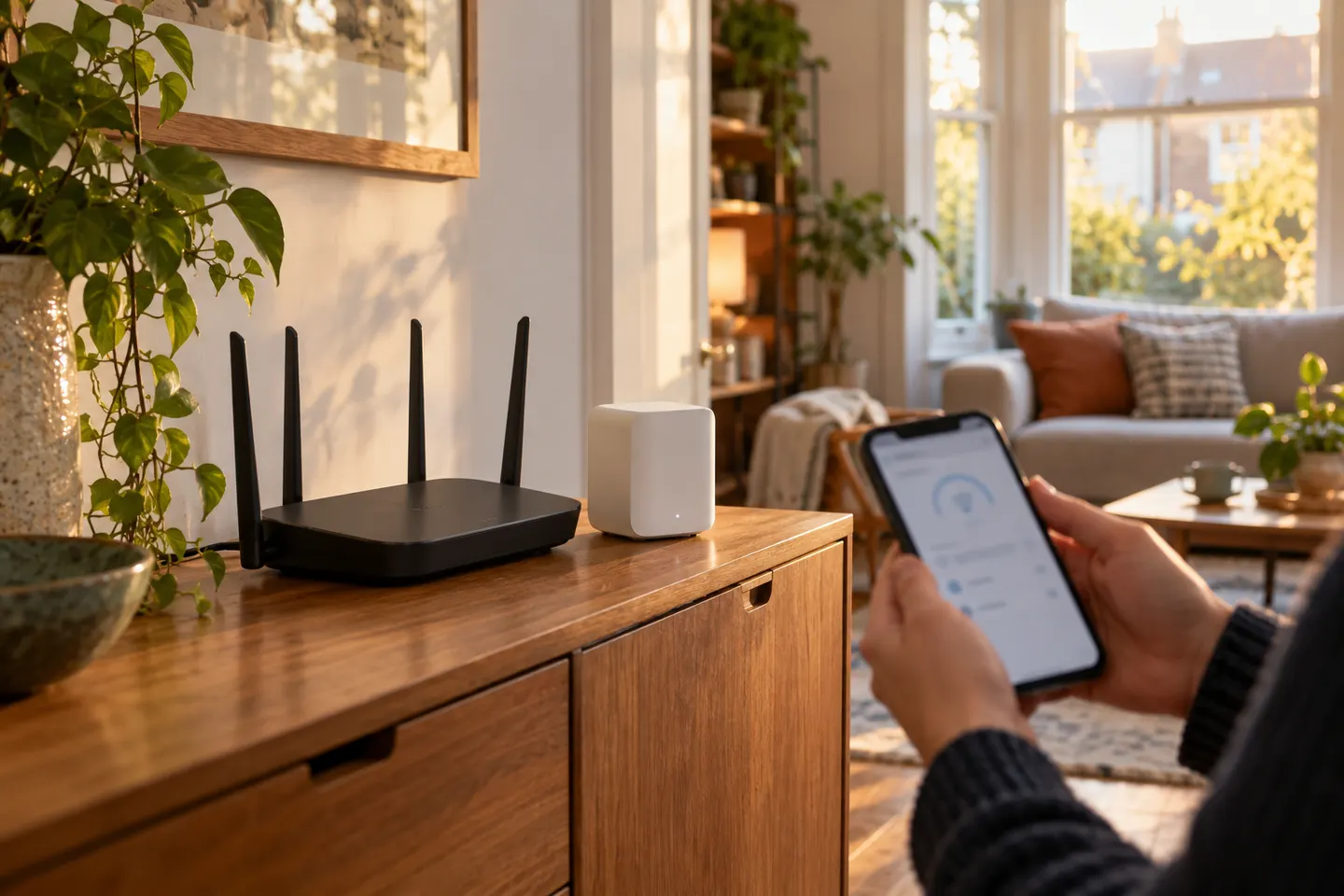
Pair the Super WiFi 6 Booster with a compatible Vodafone Hub near the router, then move it towards the weak-signal area. Check the exact device light guide because colour meanings vary by model.

 Best picksBest WiFi Extenders in the UK: Compare Five Practical Options
 Best picksThe Best Dashcams in the UK for 2026
 Best picksBest Portable Air Coolers: Five Models to Compare for 2026
 Best picksBest Meat Thermometers in the UK for 2026
 Best picksBest Headlamp Torches in the UK: Five Choices for 2026
 Best picksBest Winter Gloves in the UK: Five Activity-Based Choices for 2026
 Best picksBest Radar Detectors in the UK: Models Compared for 2026
 Best picksBest Value Cordless Strimmers in the UK (2026)
 Best picksBest Air Purifiers in the UK for Different Rooms and Needs

Start here
Pair the Super WiFi 6 Booster with a compatible Vodafone Hub near the router, then move it towards the weak-signal area. Check the exact device light guide because colour meanings vary by model.
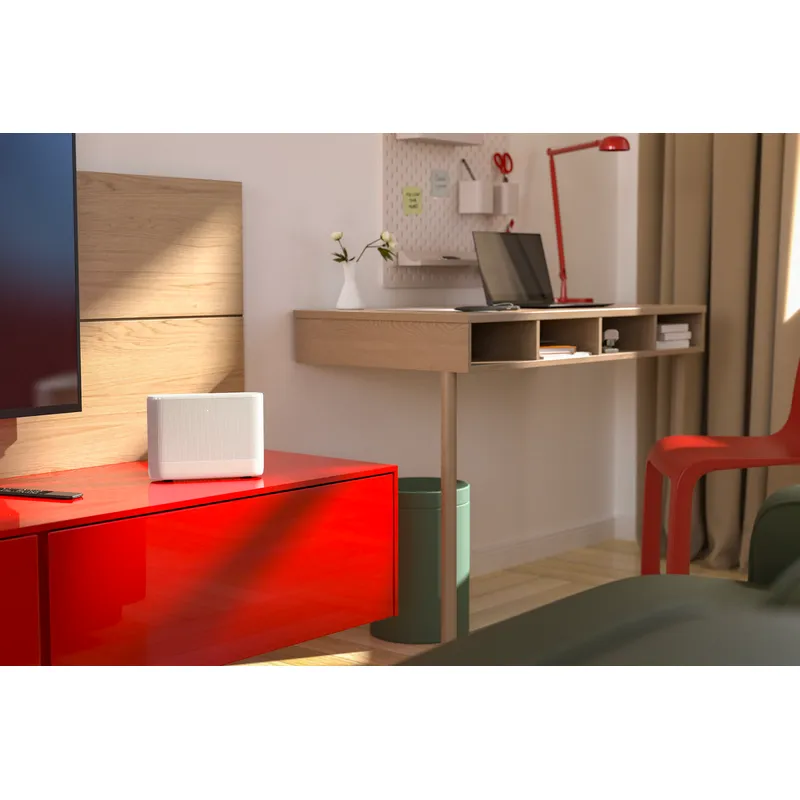
Vodafone’s Super WiFi boosters are part of its broadband offering and may be supplied with compatible plans. Check your account for the current booster generation and setup terms.
Our picks
 Official manufacturer image
 Official manufacturer image
 Official manufacturer image
Common questions
Vodafone presents Super WiFi 6E as a booster supplied with its Pro 2 broadband service. Confirm the specific equipment and plan terms for your address with Vodafone.
Vodafone says it comes with Pro 2. Inclusion in another package, eligibility and extra boosters can vary, so check your current contract or Vodafone’s live offer.
A standard Wi-Fi extender may connect to many routers, but mesh functions and provider support can differ. Check the extender maker’s compatibility notes and Vodafone’s guidance for your hub.
Review Vodafone’s current broadband plan and account terms or contact its support team. Charges and offers can change, so use the provider’s live information rather than an old quote.
 Super 6
 Vodafone
 Vodafone Super 6
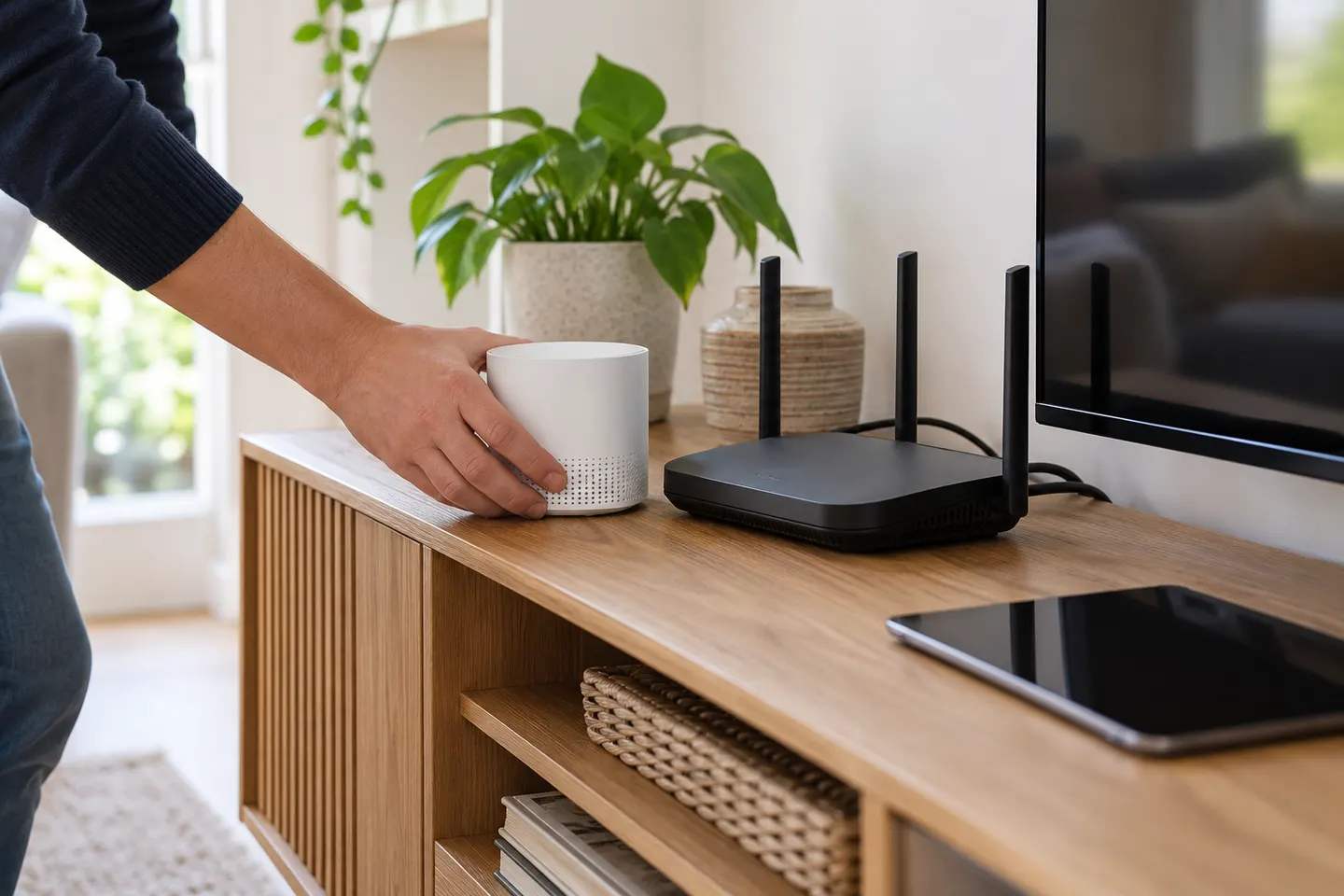
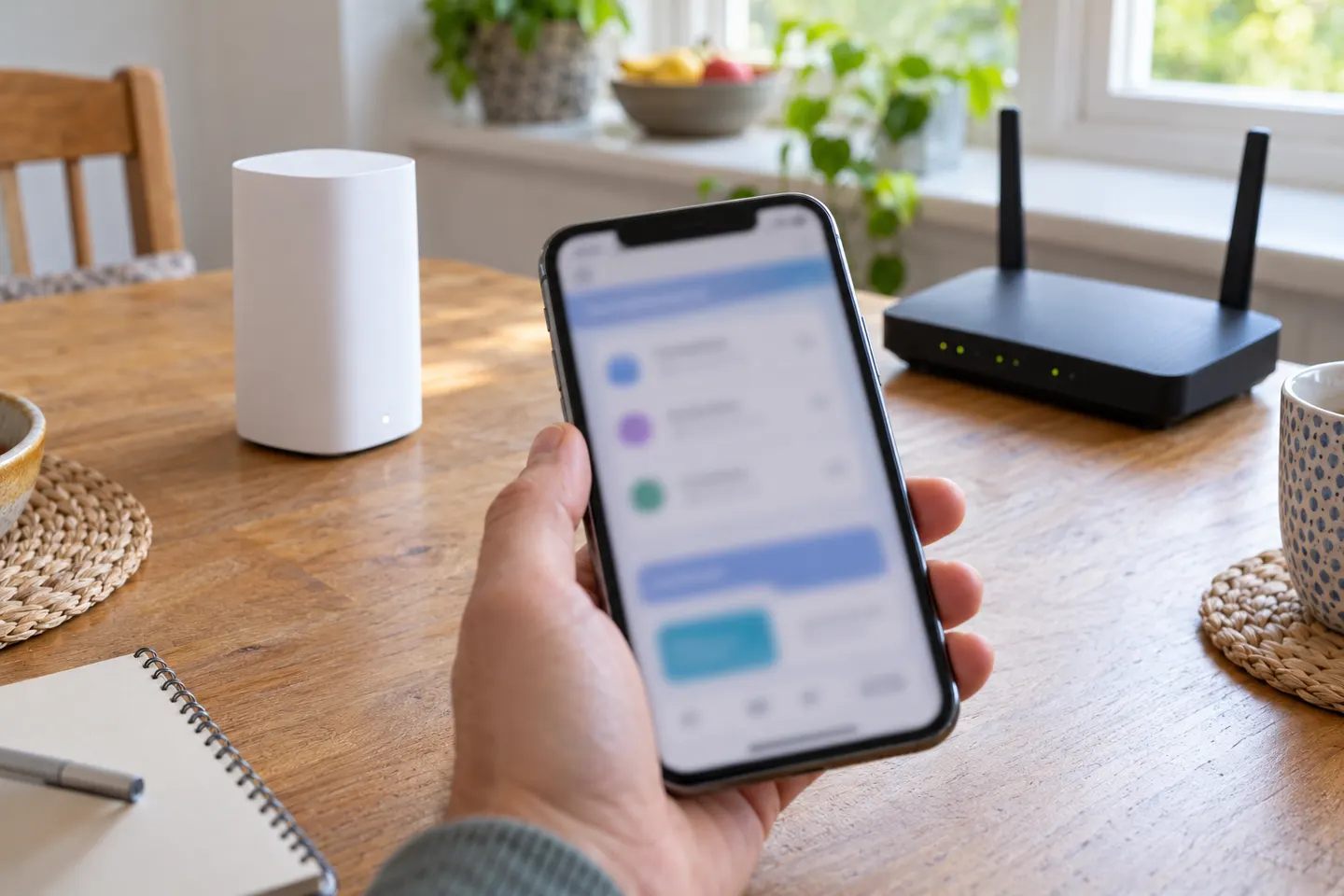
 How to Set Up a Vodafone WiFi Booster at Home
 How to Connect a Vodafone WiFi Booster to Your Hub