









 Official manufacturer image
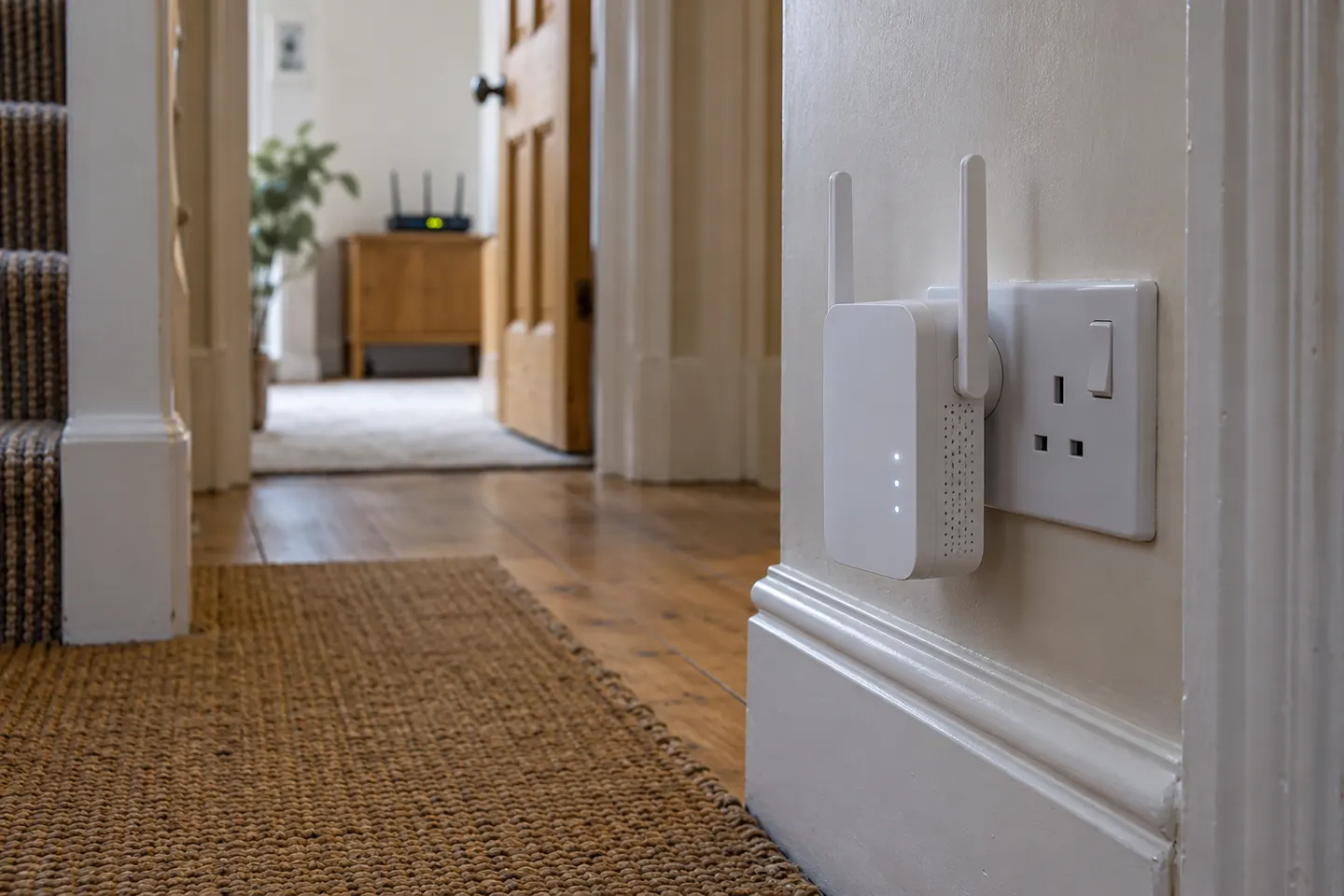
Our picks
Top picks
Official manufacturer image Official manufacturer image
NETGEAR EX6120
Check price on Amazon UK Official manufacturer image
TP-Link RE705X-Outdoor
Check price on Amazon UKBy type
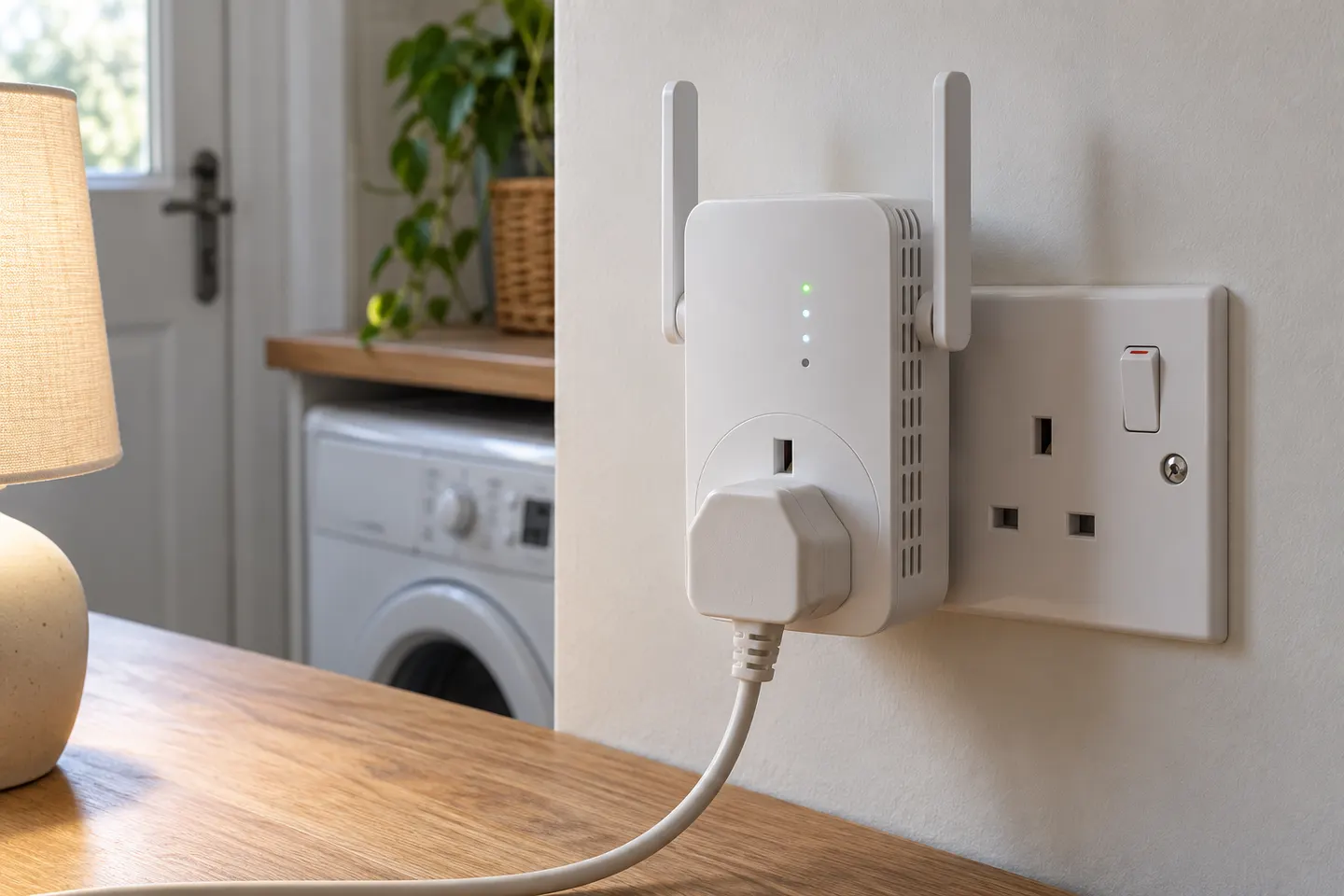 Plug socket
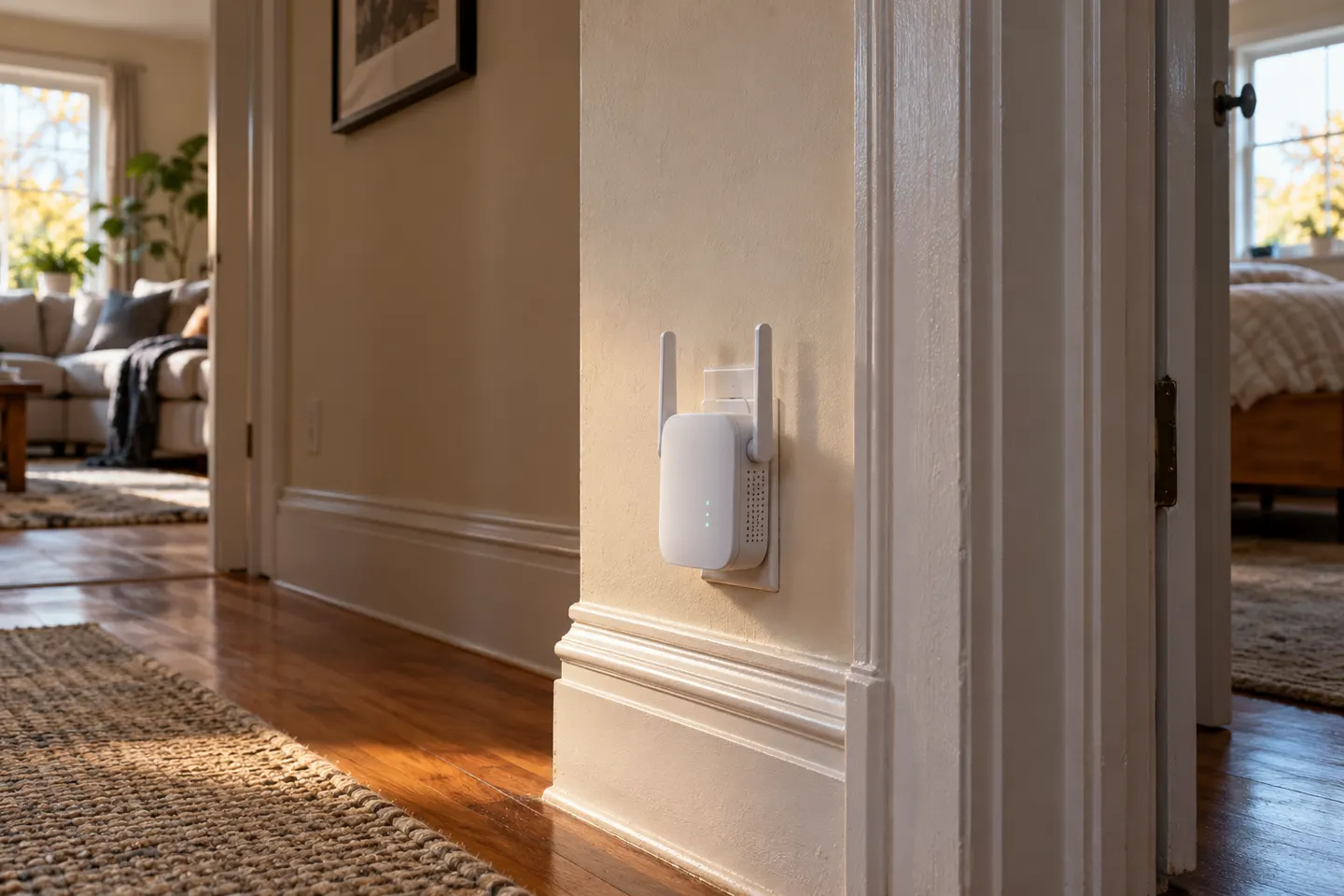 Wall plug
Setup and help
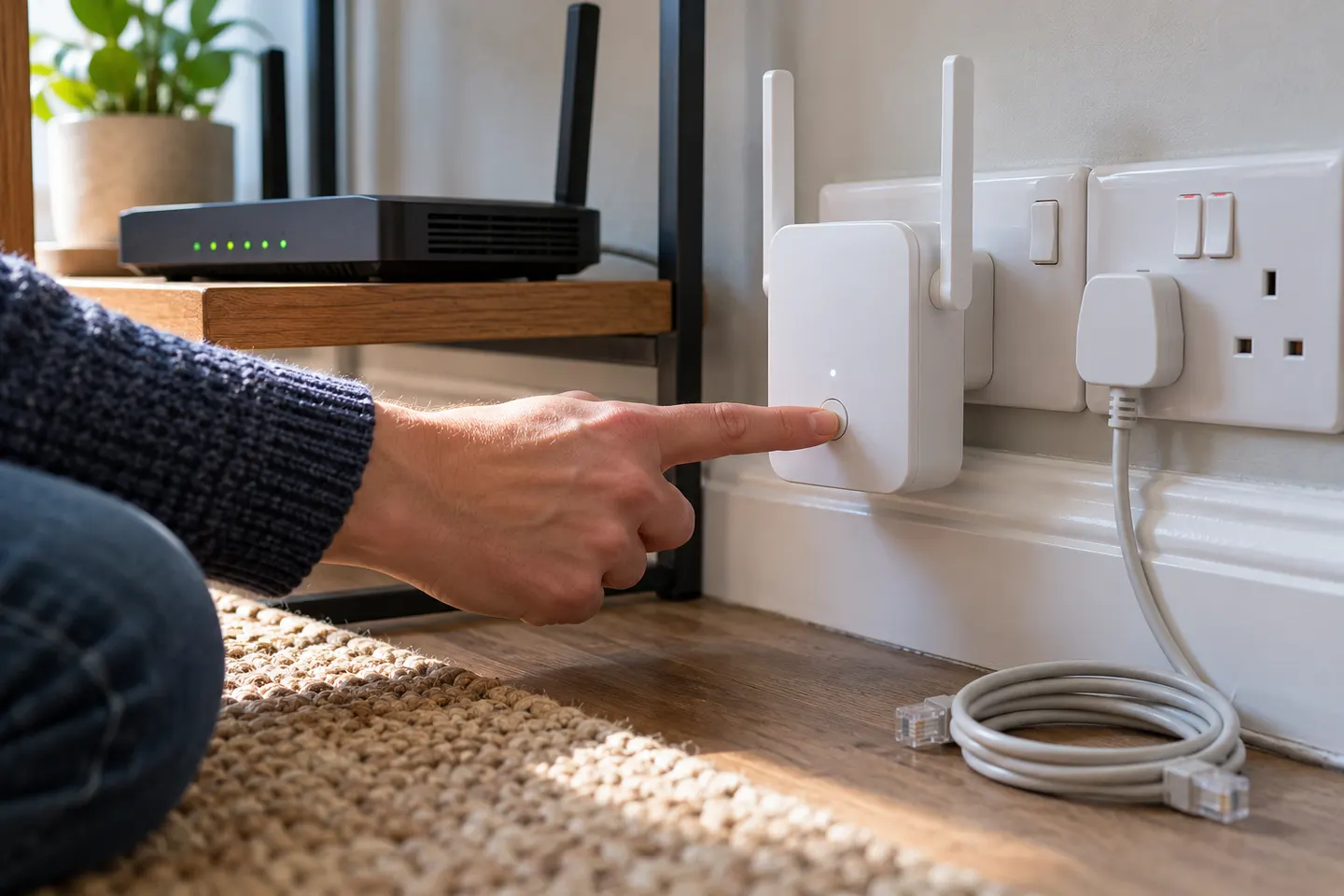 Socket setup
More topics
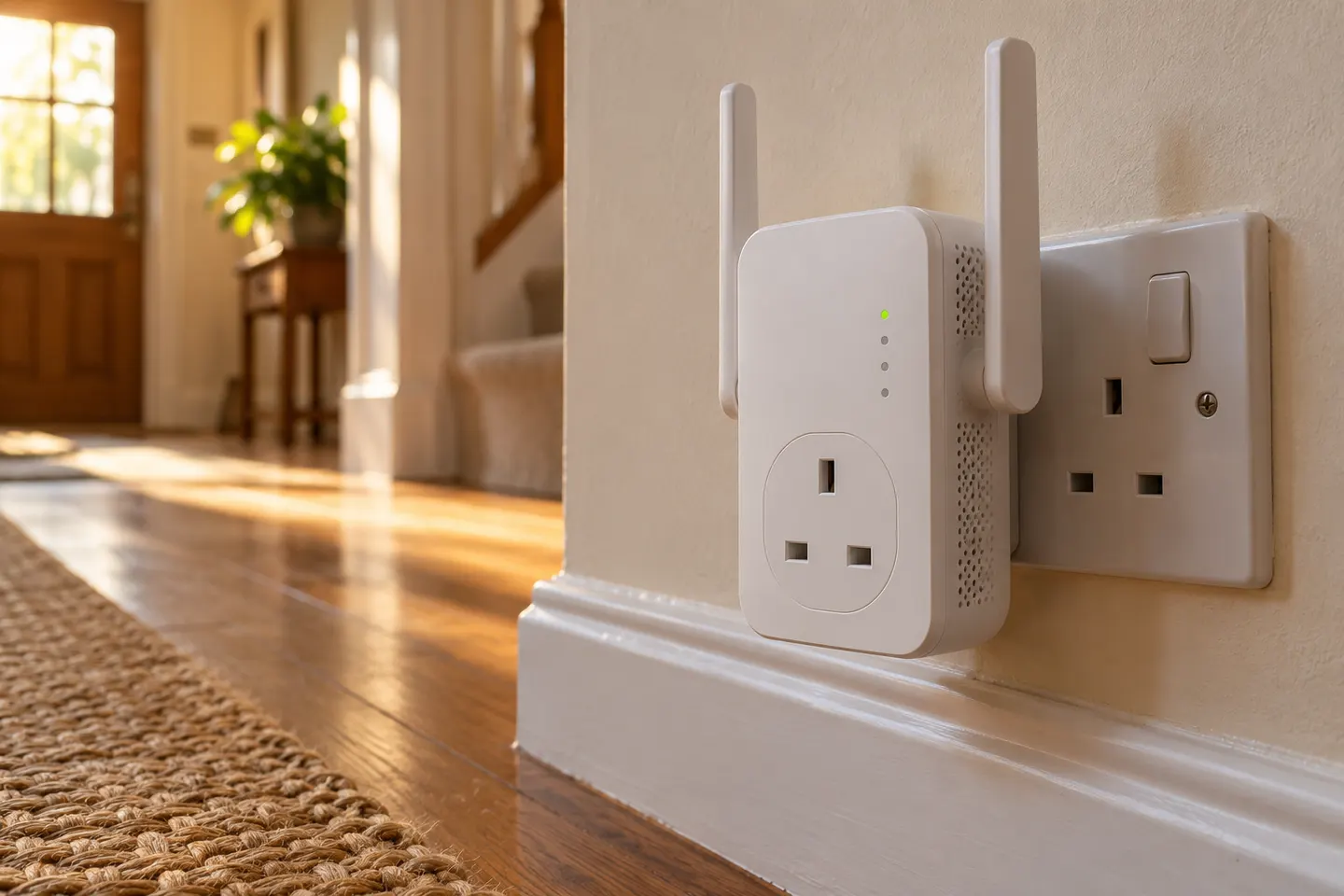 WiFi Extender Sockets
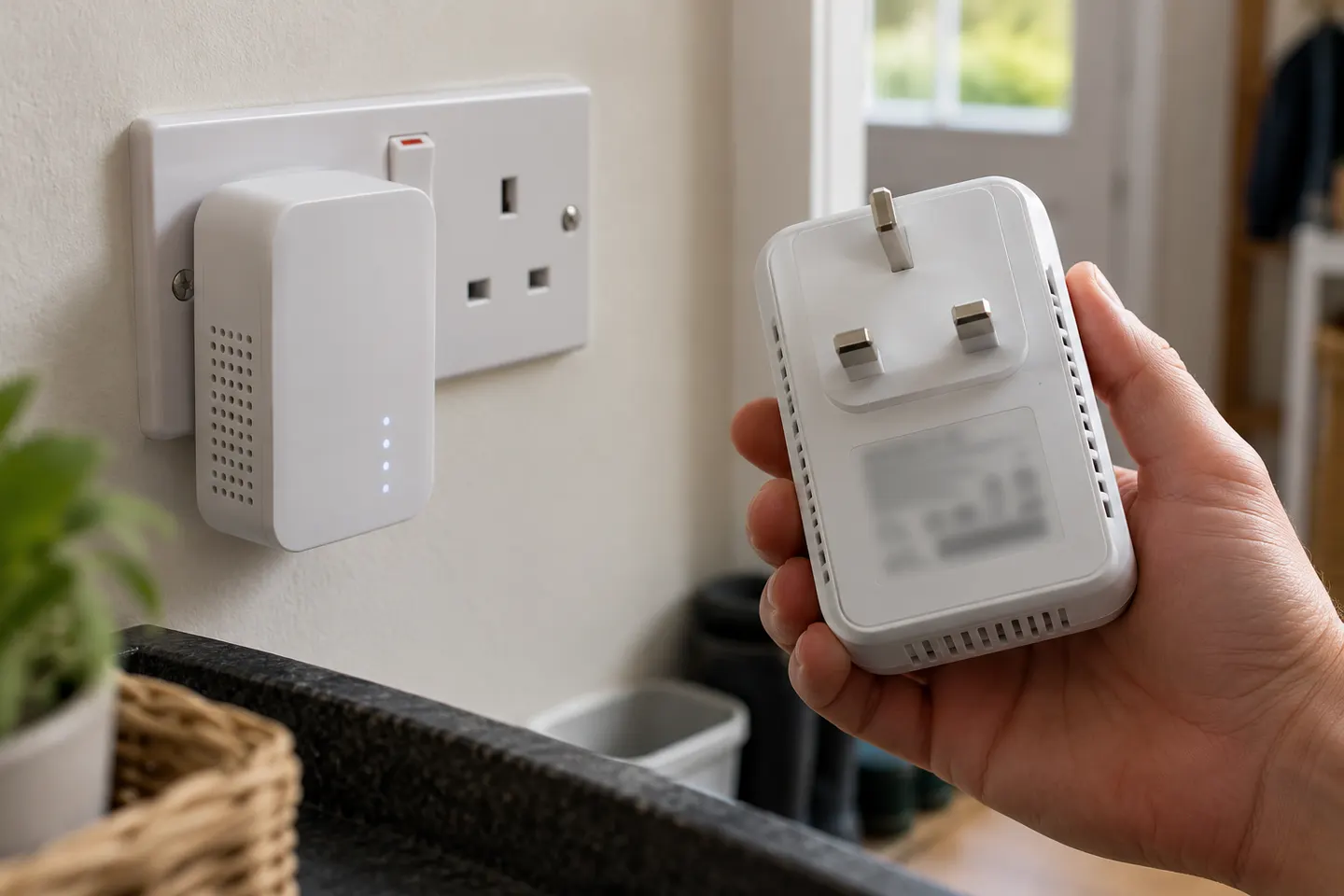 BG WiFi Extender Sockets and Range Extenders
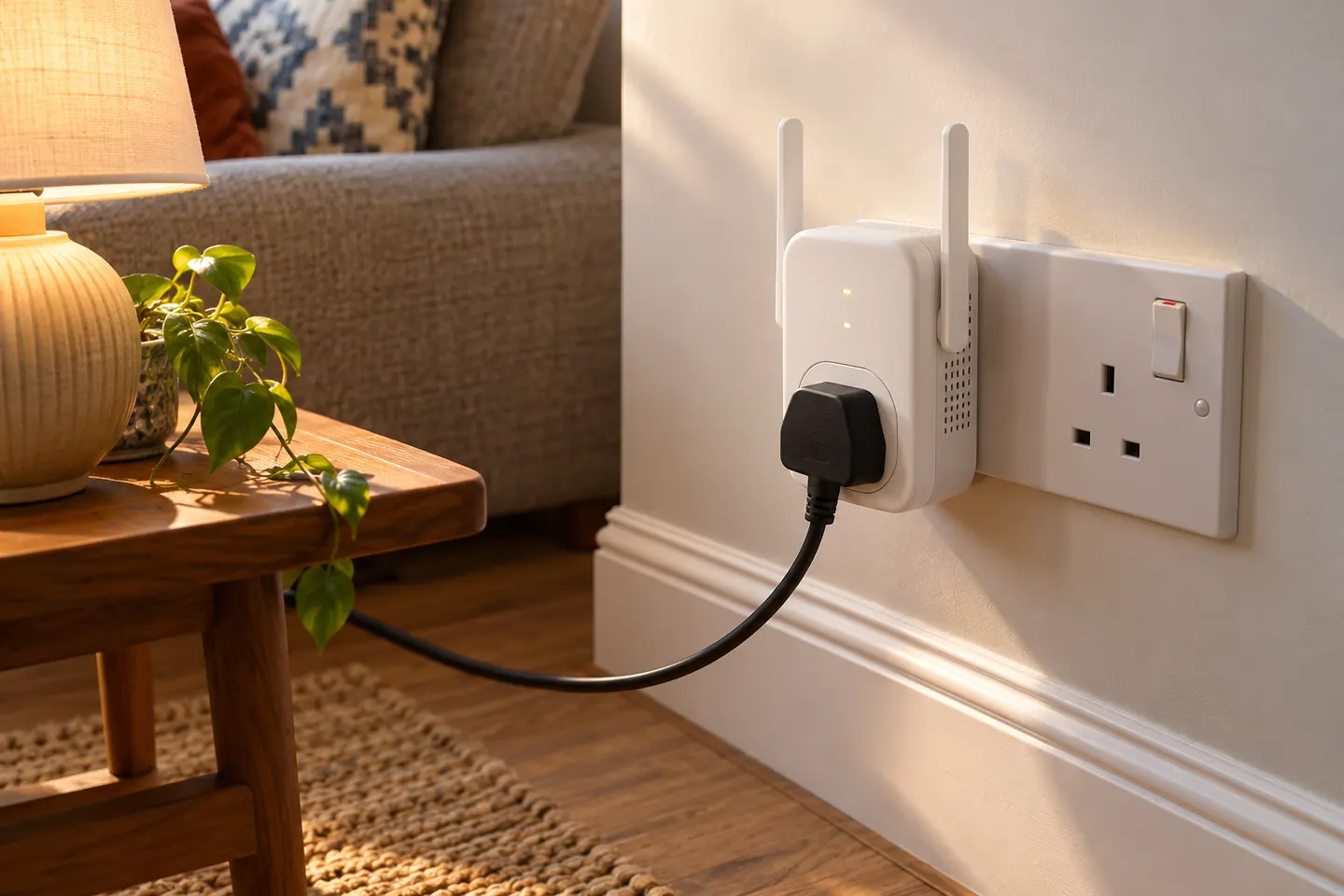 Wi-Fi Extenders with a Double Socket or…
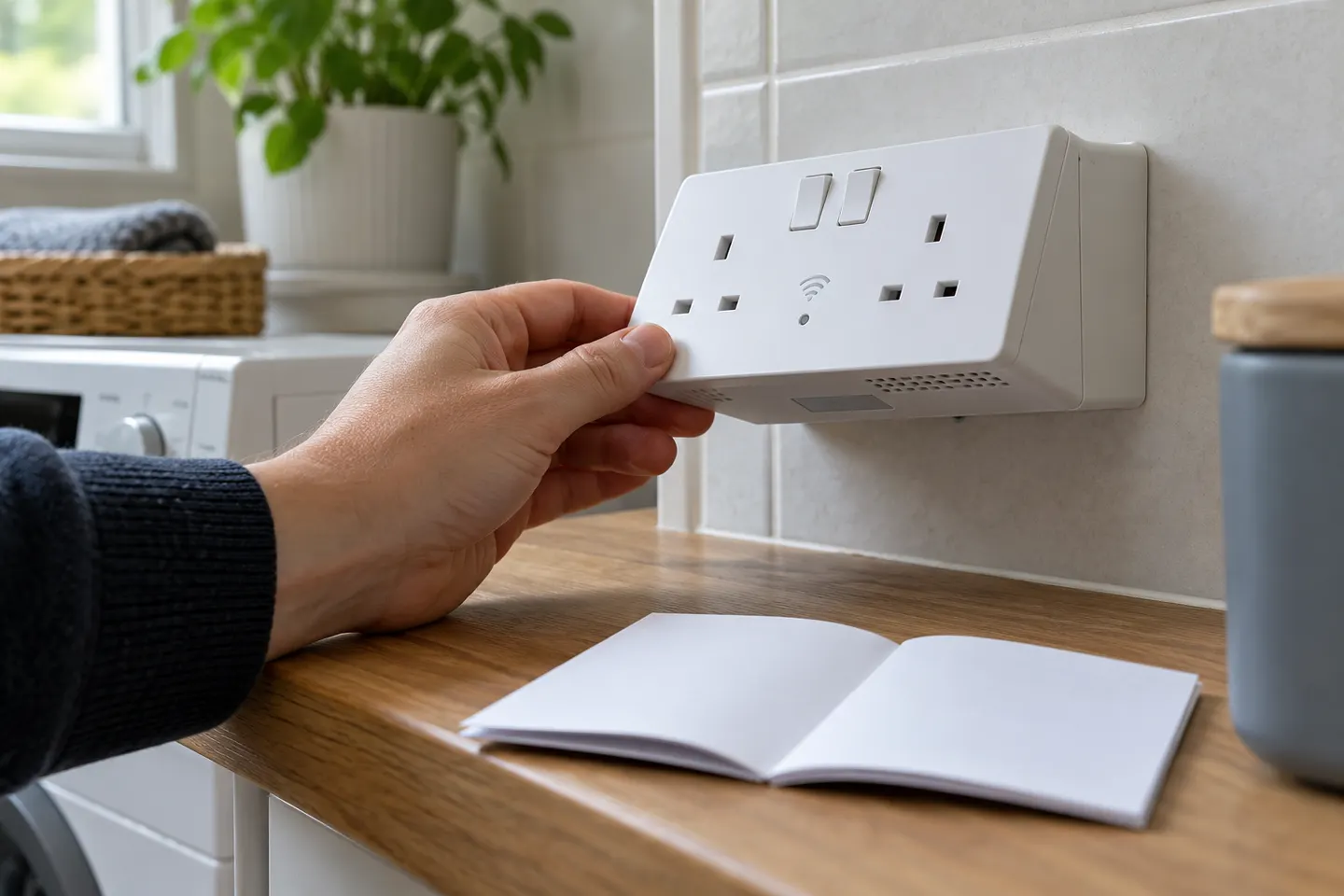 BG Wi-Fi Extender Socket Instructions
Show all (5)
Common questions
Questions before you buy
How does a wall plug WiFi extender work?
It connects to the router over WiFi and rebroadcasts the network to nearby devices. Setup and network-name behaviour depend on the model.
Do all wall socket extenders have a pass-through plug?
No. Some have an extra mains outlet and many do not. Check manufacturer specifications for an explicit pass-through socket.
Where should I plug in a WiFi extender?
Use an outlet between router and weak-signal area where the router connection remains dependable. Avoid enclosed or obstructed locations.
Does the TP-Link RE200 have an Ethernet port?
Yes. TP-Link lists a 10/100 Mbps Ethernet port for wired devices or access-point use as specified by the product.