









 Official manufacturer image
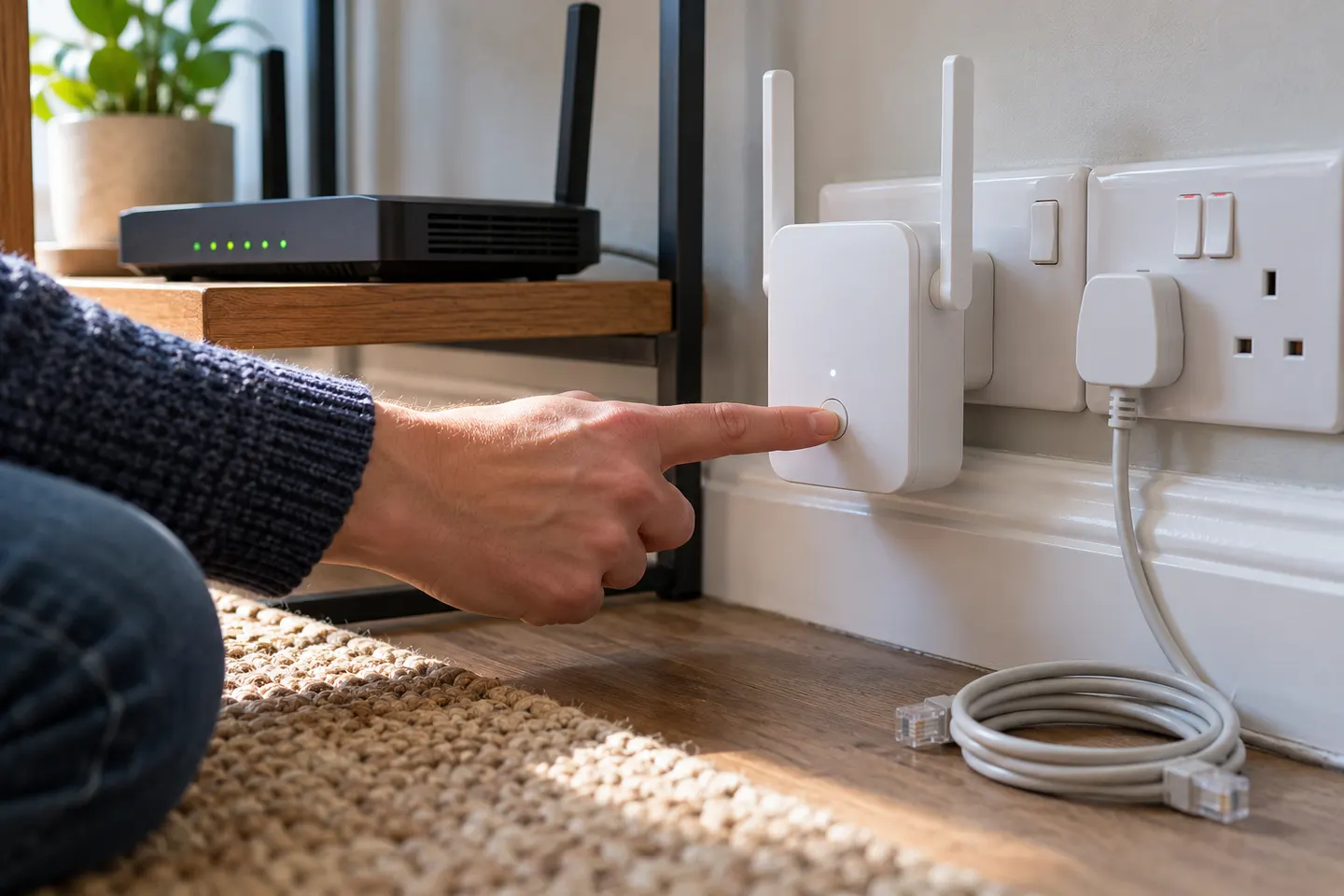
Our picks
Top picks
Official manufacturer image Official manufacturer image
NETGEAR EX6120
Check price on Amazon UK Official manufacturer image
TP-Link RE705X-Outdoor
Check price on Amazon UKBy type
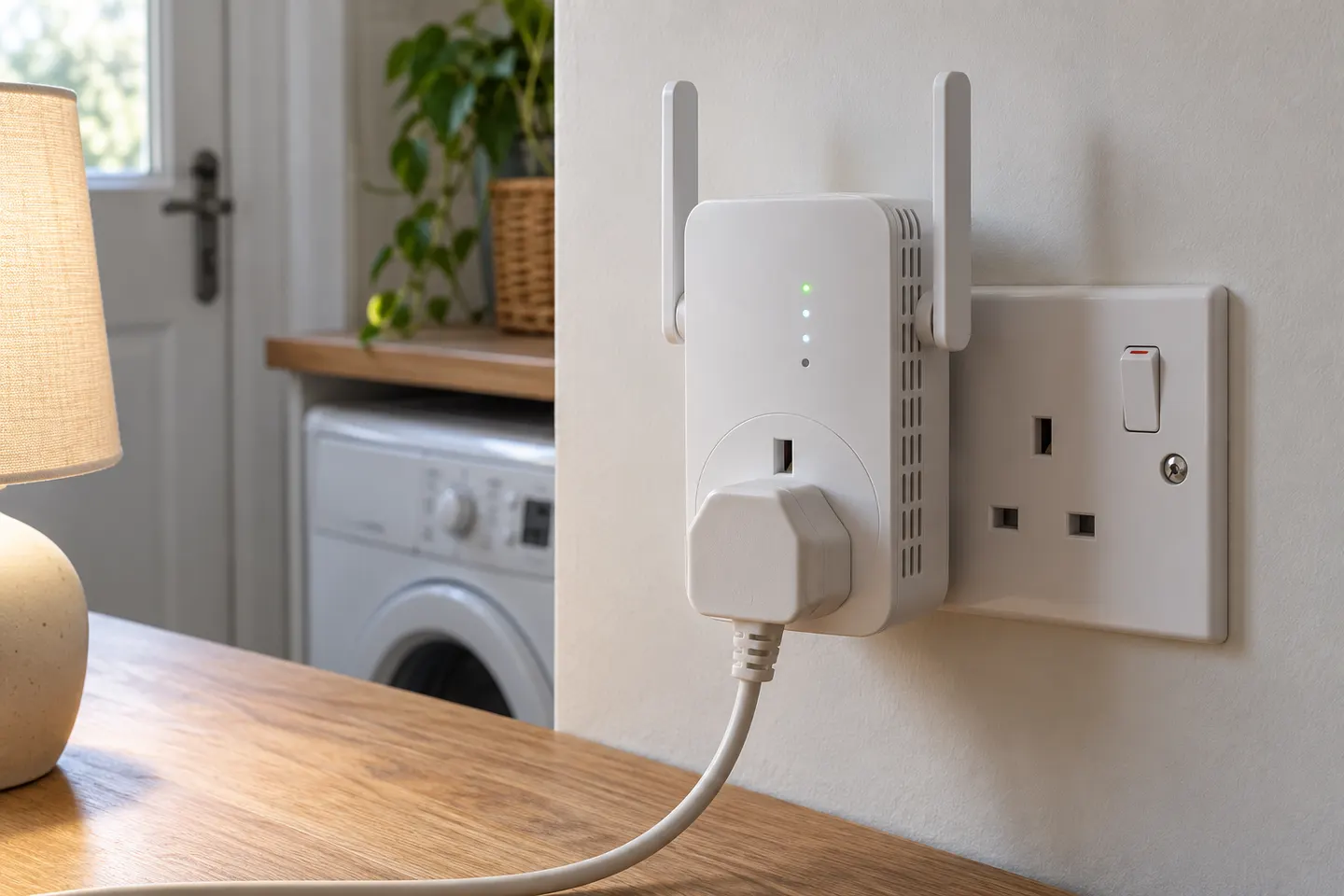 Plug socket
Setup and help
 Setup
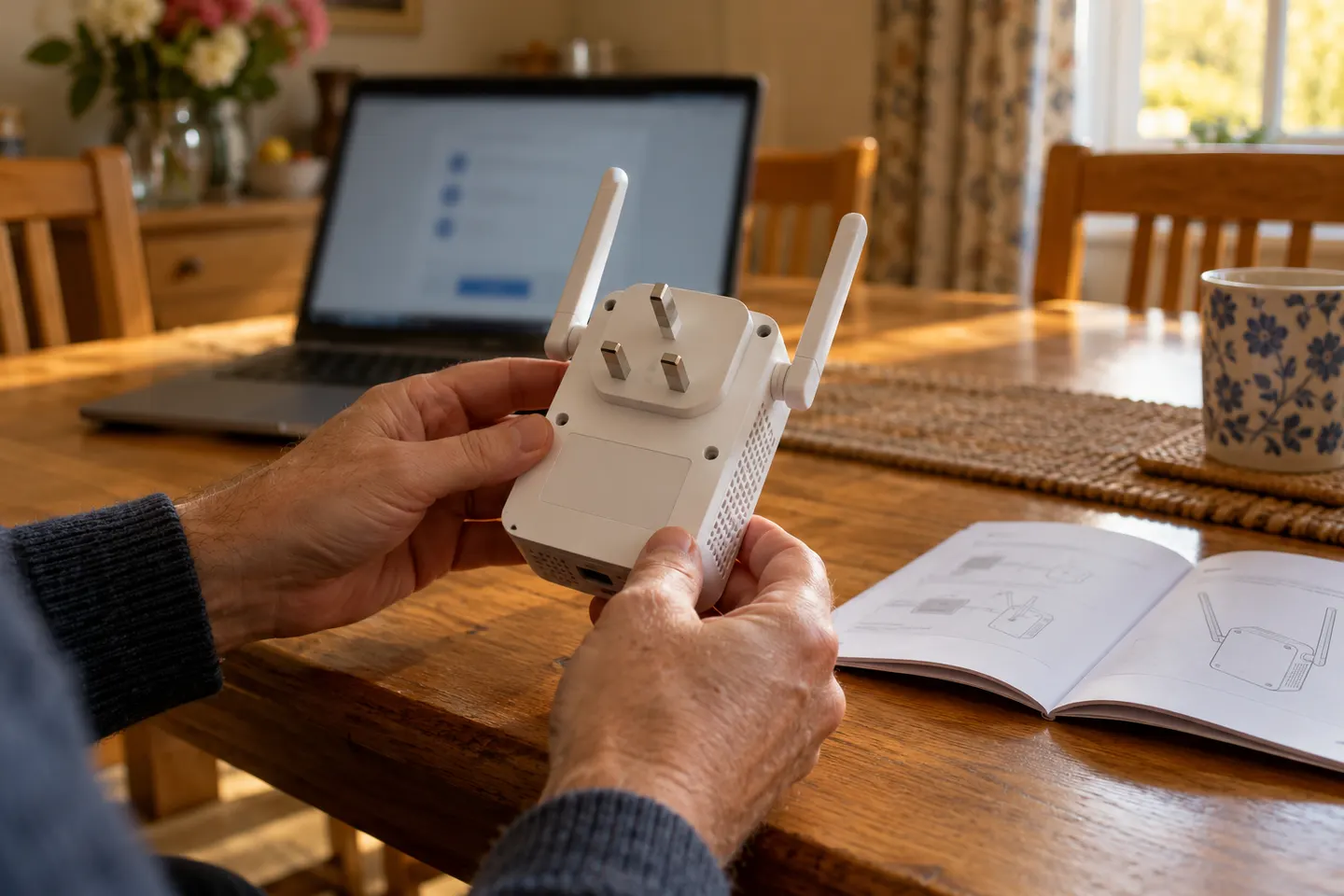 Qlocom setup
How-to guides
 How to Set Up a TP-Link WiFi Extender
 How to Set Up a NETGEAR WiFi Extender at Home
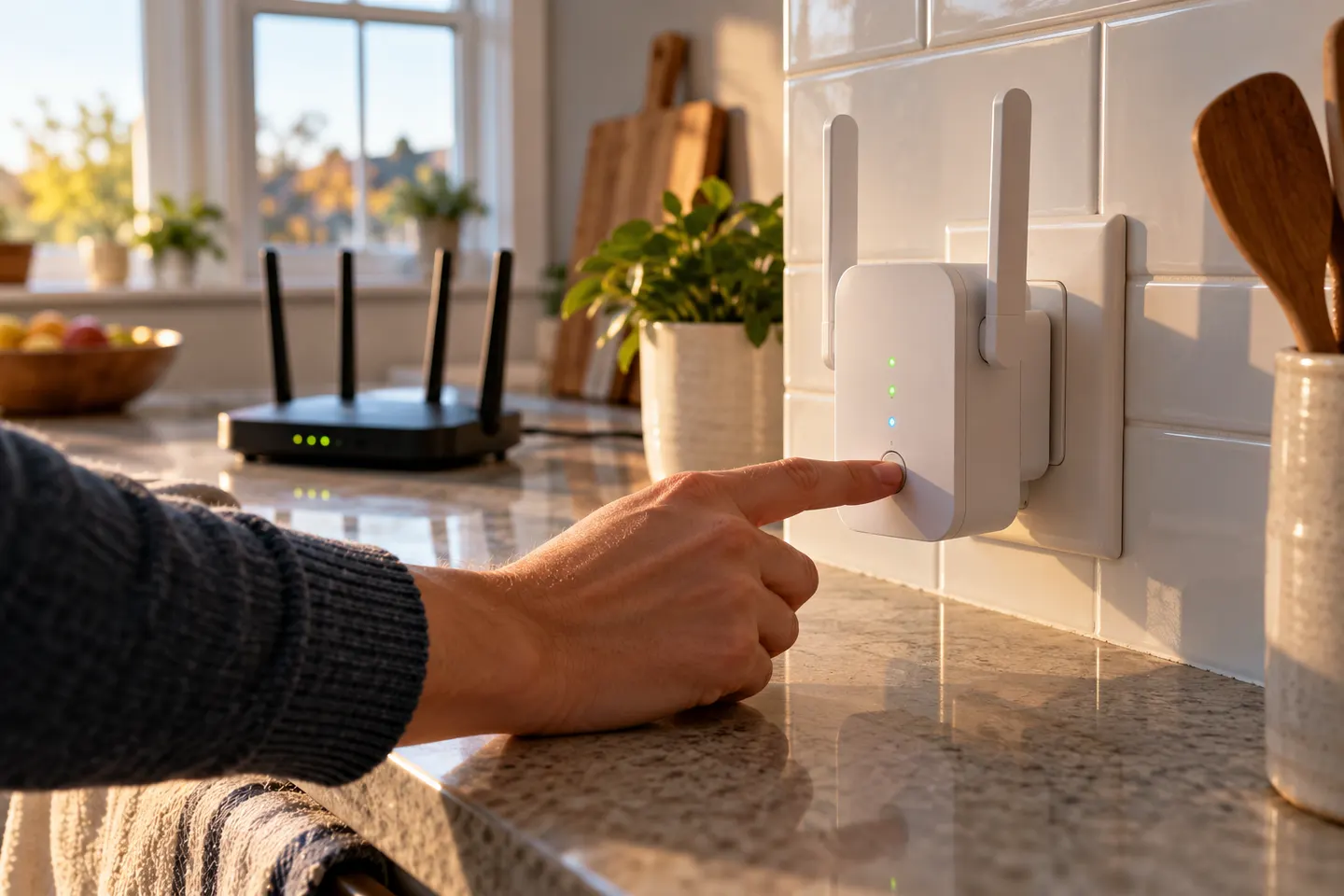 How to Set Up a WiFi Extender in Your Home
More topics
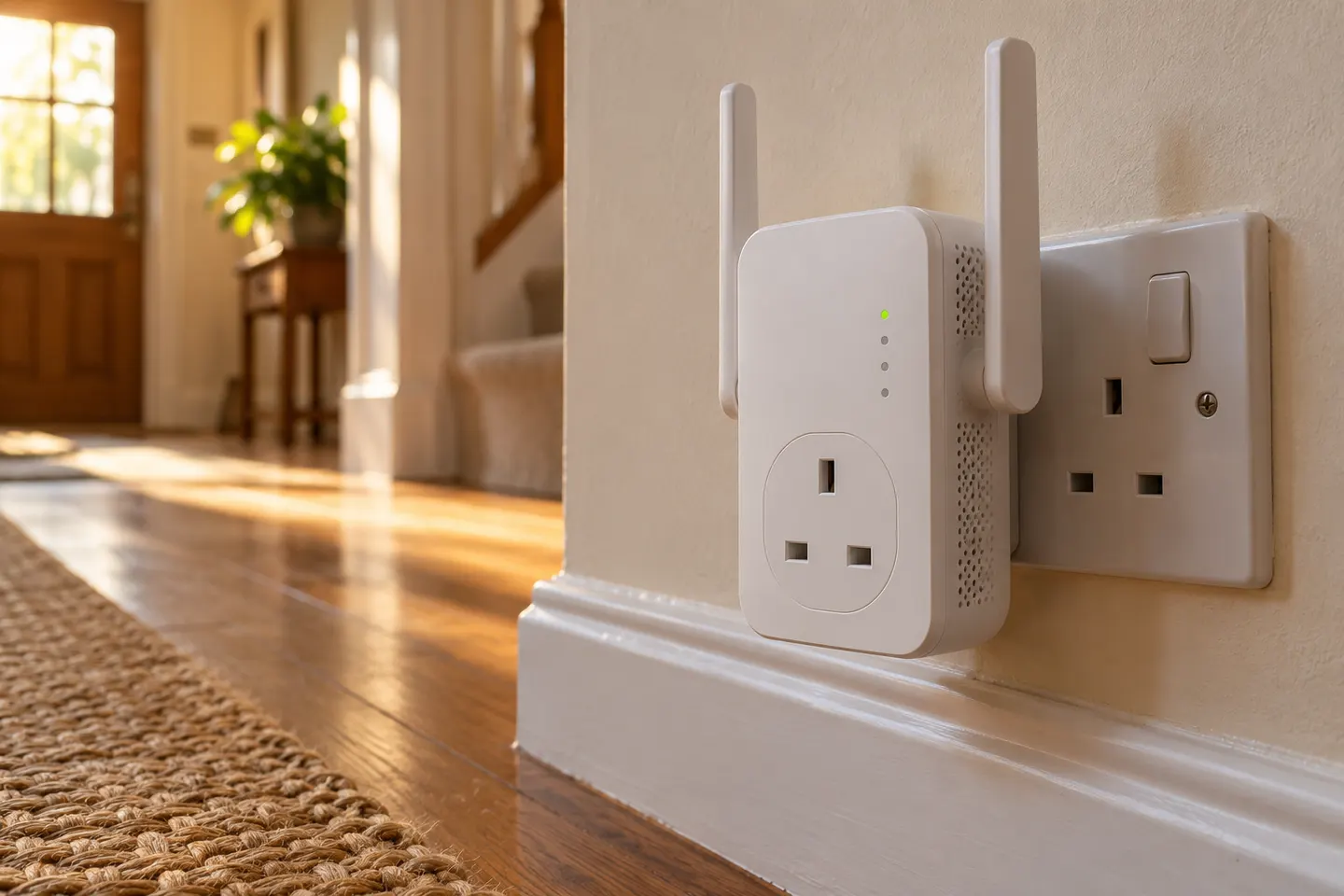 WiFi Extender Sockets
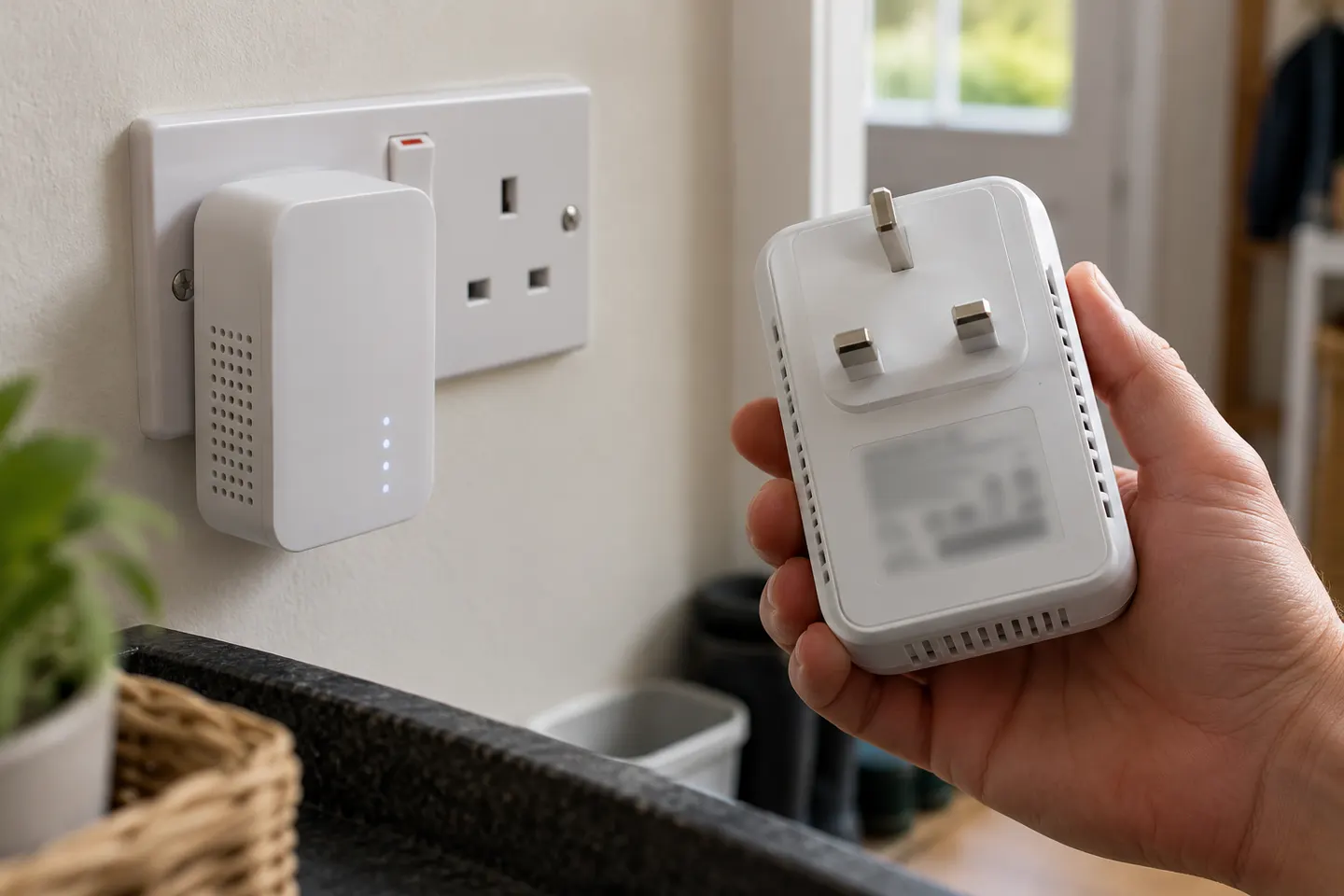 BG WiFi Extender Sockets and Range Extenders
Common questions
Questions before you buy
How do I set up a Wi-Fi socket extender?
Identify the model, then use its app, browser wizard or WPS instructions. Configure near the router first and check the status indicators before moving the unit.
Can I plug a Wi-Fi extender into an extension lead?
Check the device manual. Powerline kits commonly require direct wall sockets because extension leads or surge protection can interfere with their connection.
What do the lights on a socket extender mean?
Indicator meanings are specific to the model. Use its guide to interpret power, wireless and link lights before attempting another pairing.
Where should I put a plug-in Wi-Fi extender?
Choose an open socket between the router and the weak area where the device can still receive a usable signal. Keep vents clear and follow manufacturer placement advice.