








 Official manufacturer image
Our picks
Top picks
Official manufacturer image Official manufacturer image
VIOFO A229 Plus 2CH
Check price on Amazon AU Official manufacturer image
Garmin Dash Cam Mini 3
Check price on Amazon AUBy vehicle
More topics
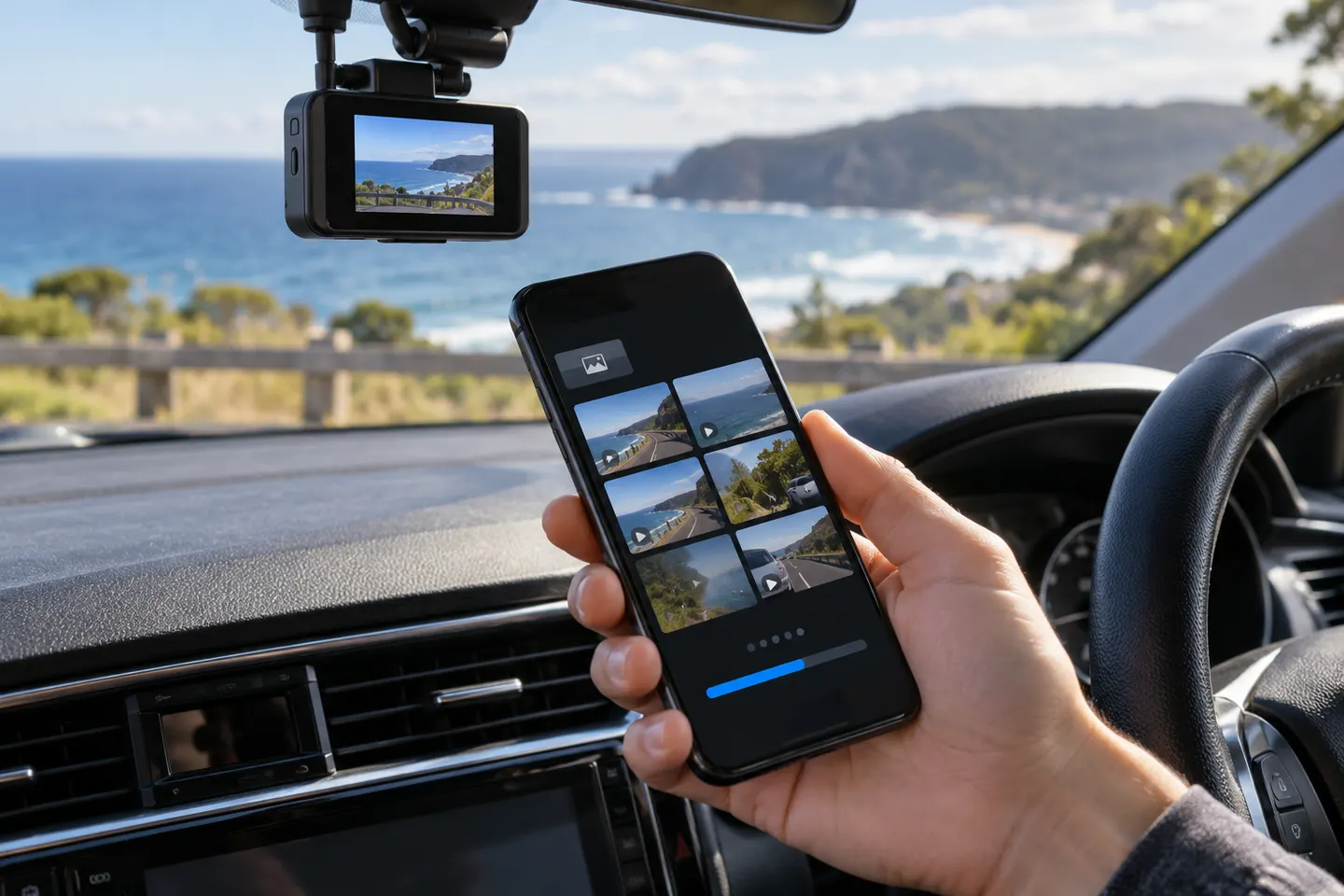 Dashcam Apps
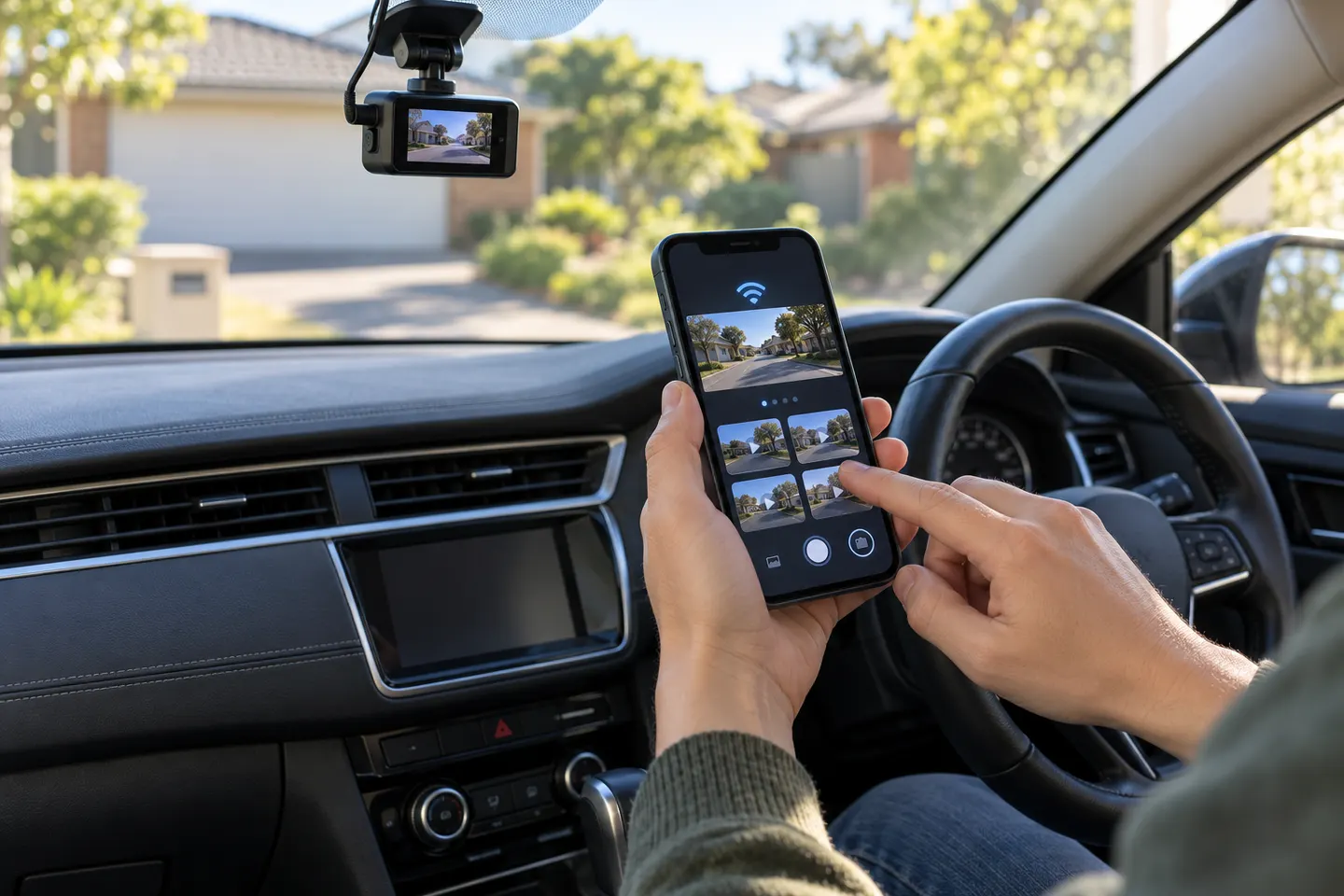 Dashcam Apps for iPhone
Common questions
Questions before you buy
Which app do I use for a Gator dash cam?
Use the app stated in the manual for your exact model number. Gator has sold multiple Wi-Fi cameras, so one app name does not cover every unit.
Why will my phone not connect to the Gator dash cam Wi-Fi?
Forget the saved camera network, restart both devices and reconnect using the password in the manual. Mobile data switching can also interrupt a local Wi-Fi link.
Can I watch Gator footage without removing the memory card?
On compatible Wi-Fi models, the specified app can preview and download clips. A computer and card reader remain useful for larger transfers.
Should I change dash cam settings while driving?
No. Park safely before pairing, reviewing footage or changing settings.