








 Official manufacturer image
Our picks
Top picks
Official manufacturer image Official manufacturer image
VIOFO A229 Plus 2CH
Check price on Amazon AU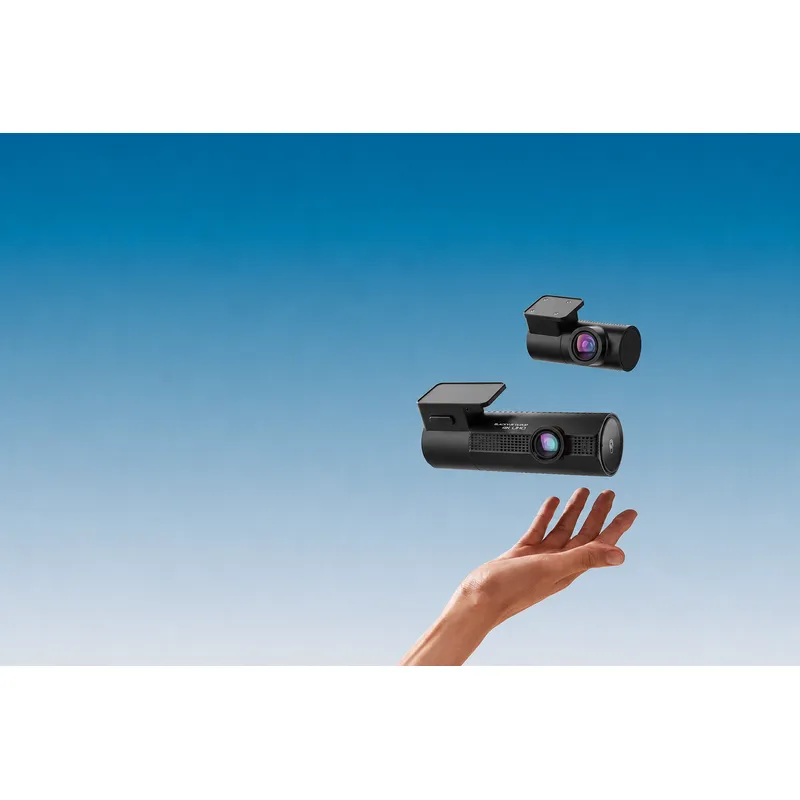 Official manufacturer image
BlackVue DR970X-2CH Plus
Check price on Amazon AUBy vehicle
More topics
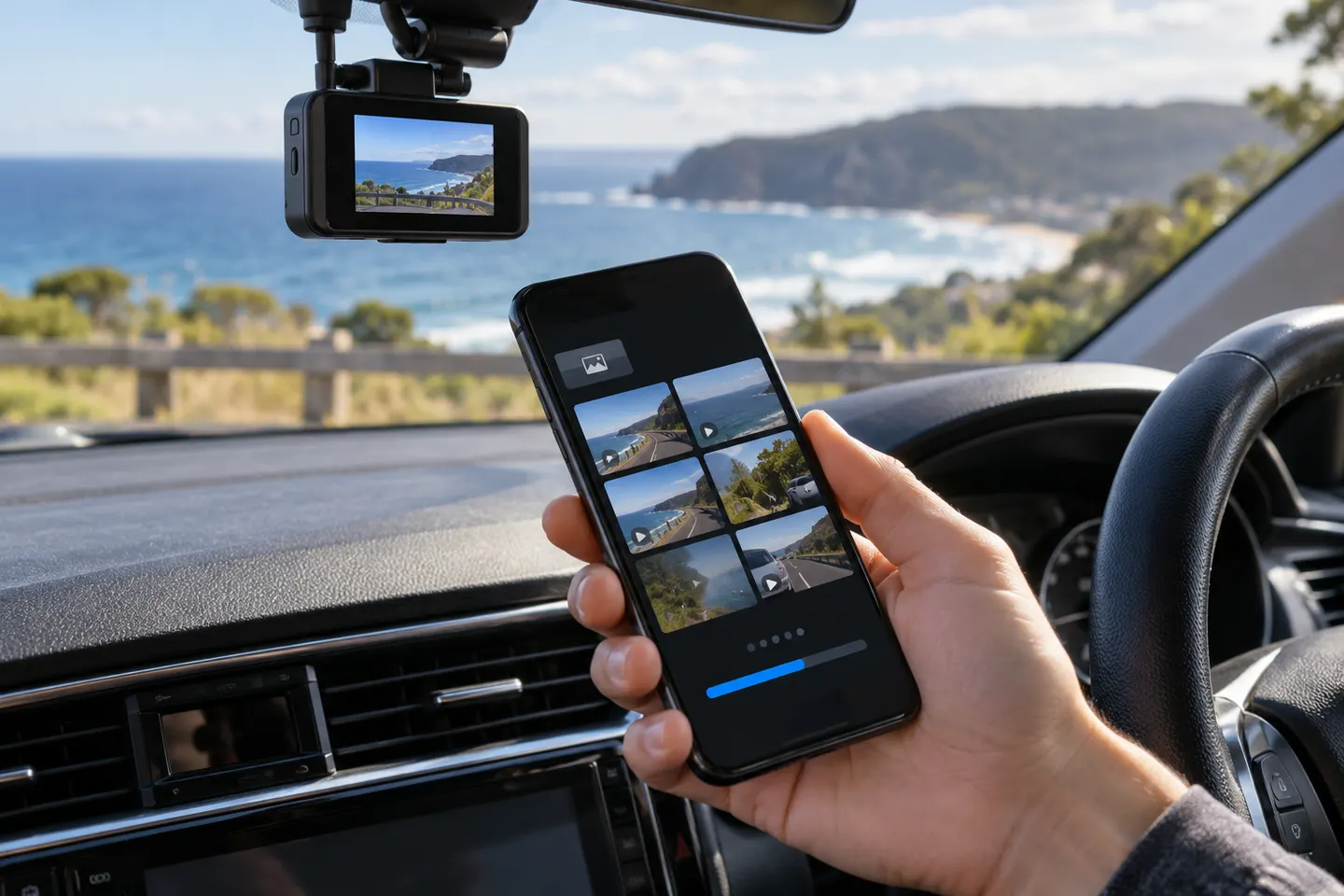 Dashcam Apps
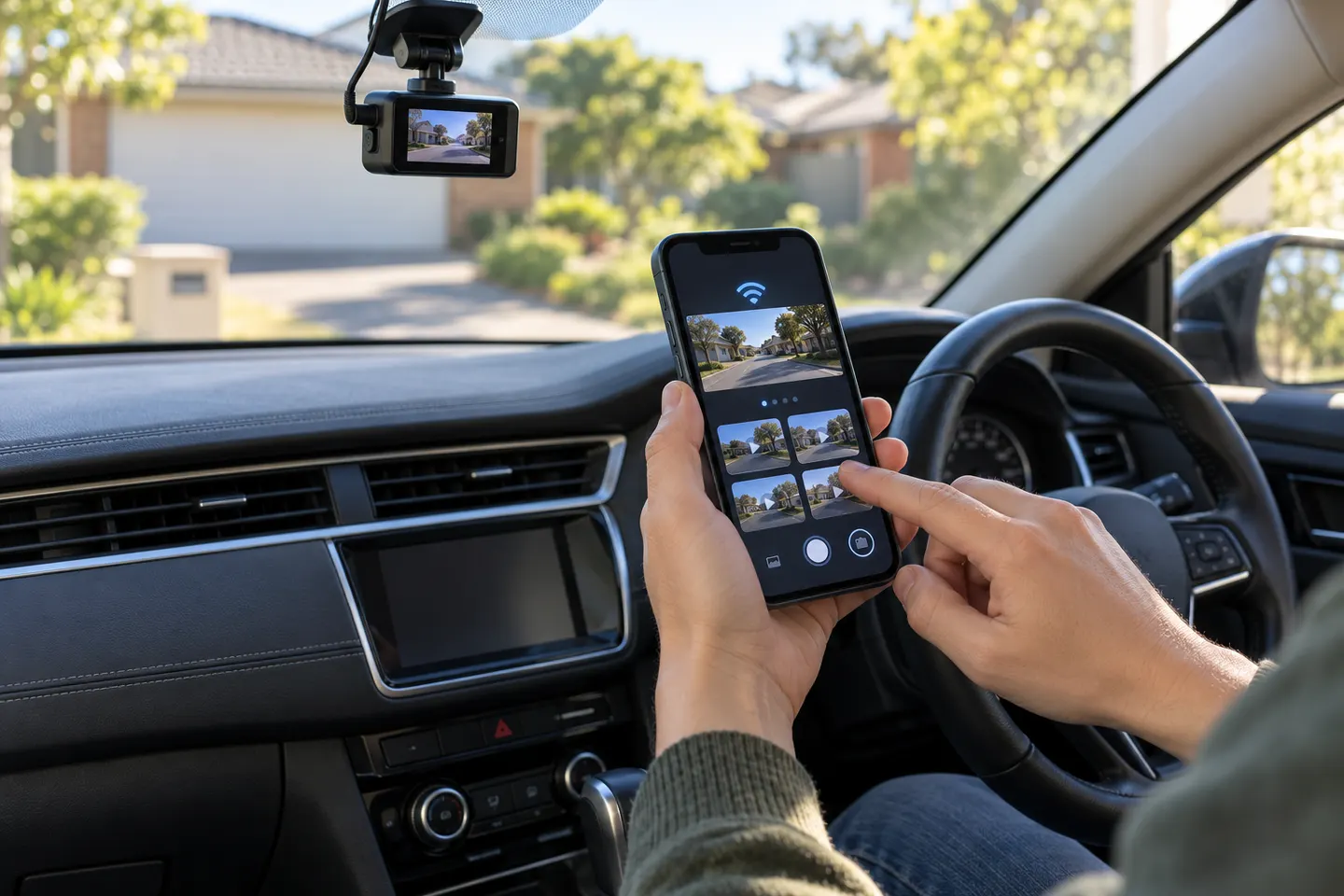 Dashcam Apps for iPhone
Common questions
Questions before you buy
What is the Pittasoft dash cam app called?
It is called BlackVue, and official guidance says the publisher may appear as Pittasoft or BlackVue.
Can I view BlackVue footage without removing the card?
Compatible cameras allow local Wi-Fi viewing through the app. Transfer speed and available functions depend on the model.
Does the BlackVue app need an account?
Local and Cloud workflows can differ by app version and camera. Follow the current official sign-in instructions shown for your setup.
Why will the BlackVue app not connect to my camera?
Check that the camera's Wi-Fi is enabled, the phone has joined the correct network and permissions are allowed, then consult the model support page.