








 Official manufacturer image
Our picks
Top picks
Official manufacturer image Official manufacturer image
VIOFO A229 Plus 2CH
Check price on Amazon AU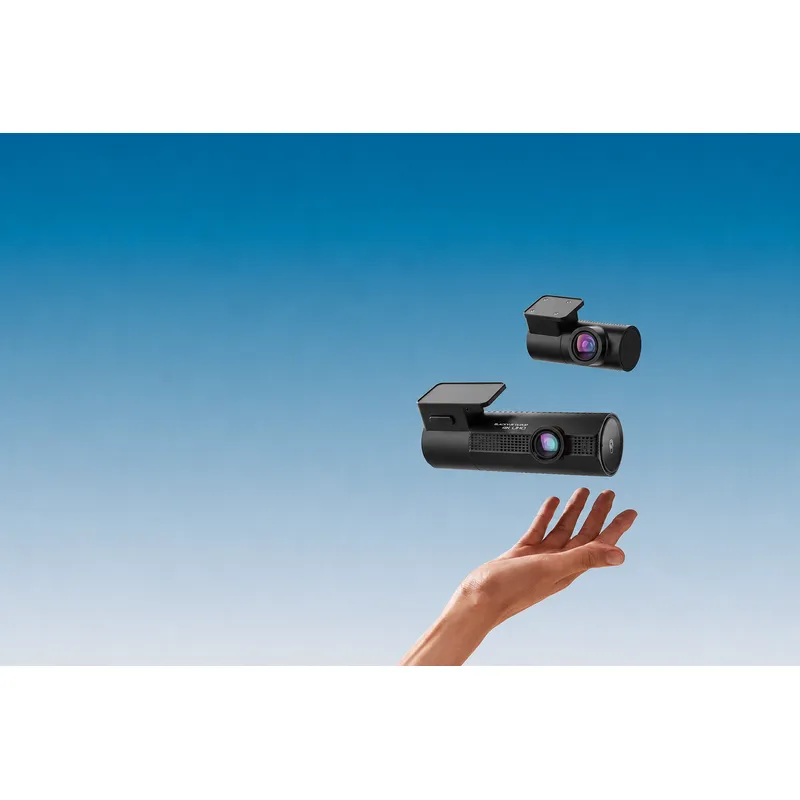 Official manufacturer image
BlackVue DR970X-2CH Plus
Check price on Amazon AUBy vehicle
More topics
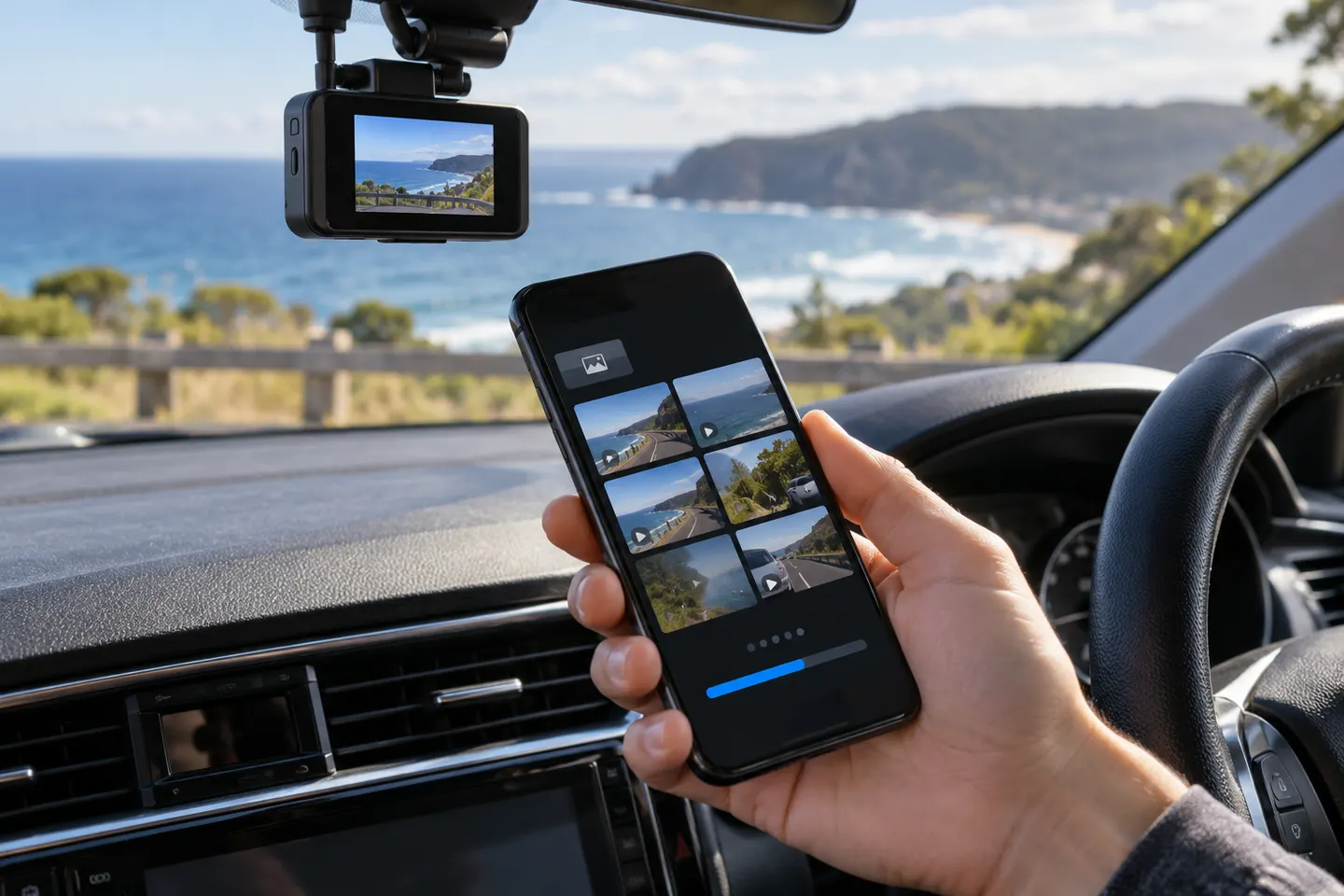 Dashcam Apps
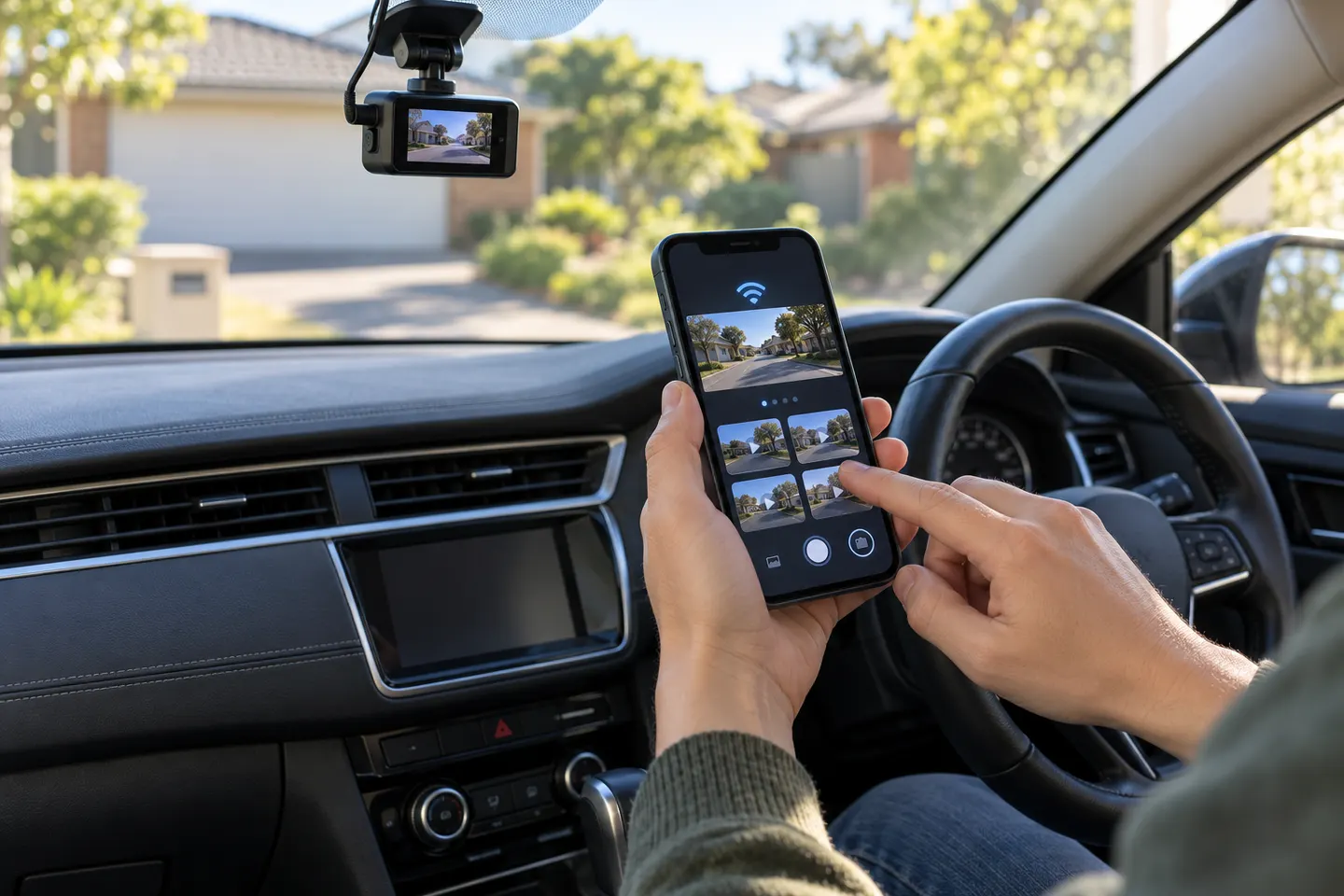 Dashcam Apps for iPhone
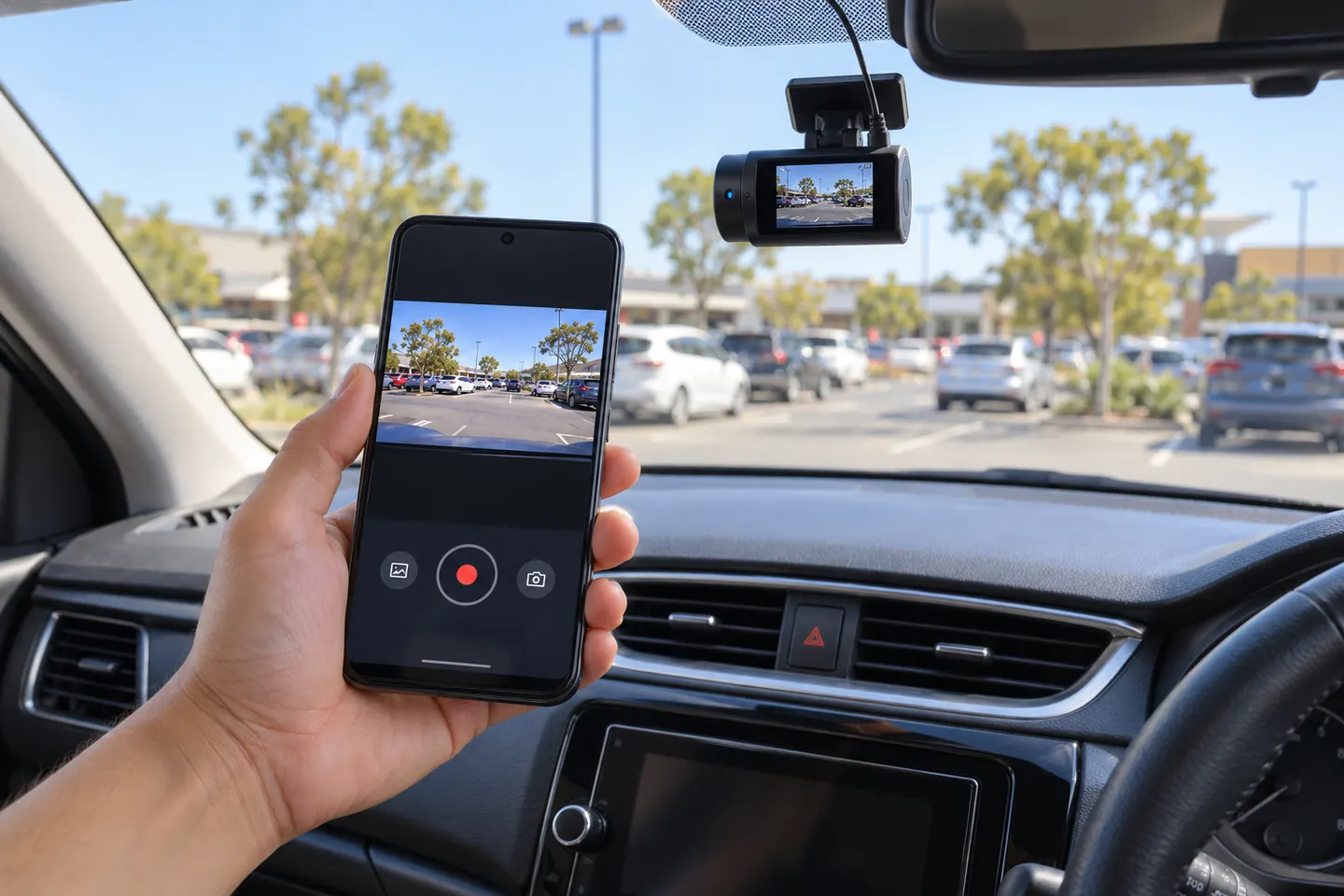 Dashcam Apps for Android Phones
Common questions
Questions before you buy
Which app works with a YI dash cam?
The official YI Smart Dash Camera app supports the models named in its store listing. Confirm your model before installing because YI home and action-camera apps are different.
What is the YI dashcam Wi-Fi password?
Check the camera's manual or official support for the model's default credentials. If they were changed, use the documented reset process rather than guessing repeatedly.
Where should I download YI dashcam firmware?
Use YI Technology's official dash-camera firmware page and select the matching serial number, region and camera condition.
Is it safe to download a YI dashcam APK?
An APK from an unofficial mirror carries security and compatibility risk. Prefer an official app store or a download explicitly supplied by YI.