








 Official manufacturer image
Our picks
Top picks
Official manufacturer image Official manufacturer image
VIOFO A229 Plus 2CH
Check price on Amazon AU Official manufacturer image
Garmin Dash Cam Mini 3
Check price on Amazon AUBy vehicle
More topics
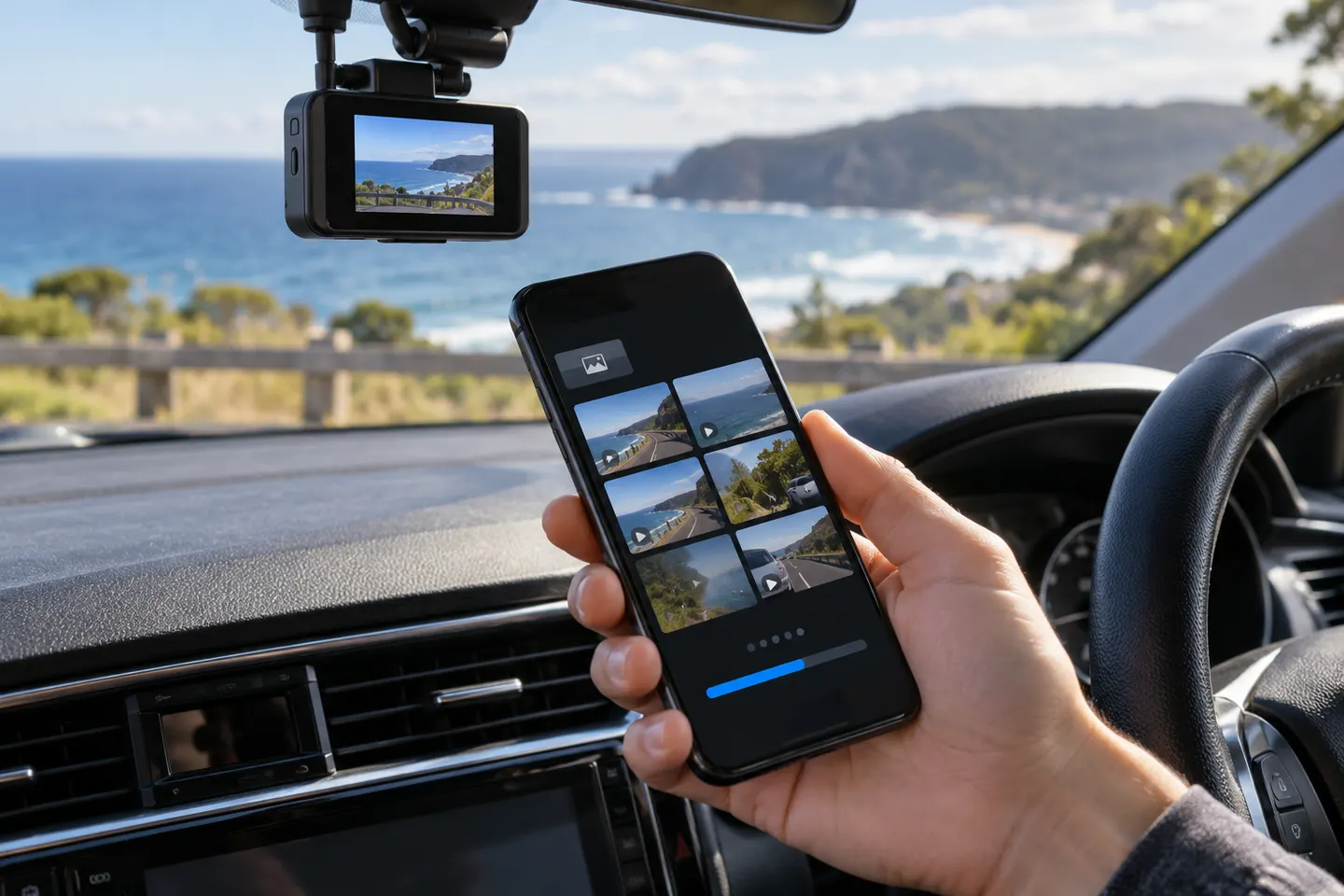 Dashcam Apps
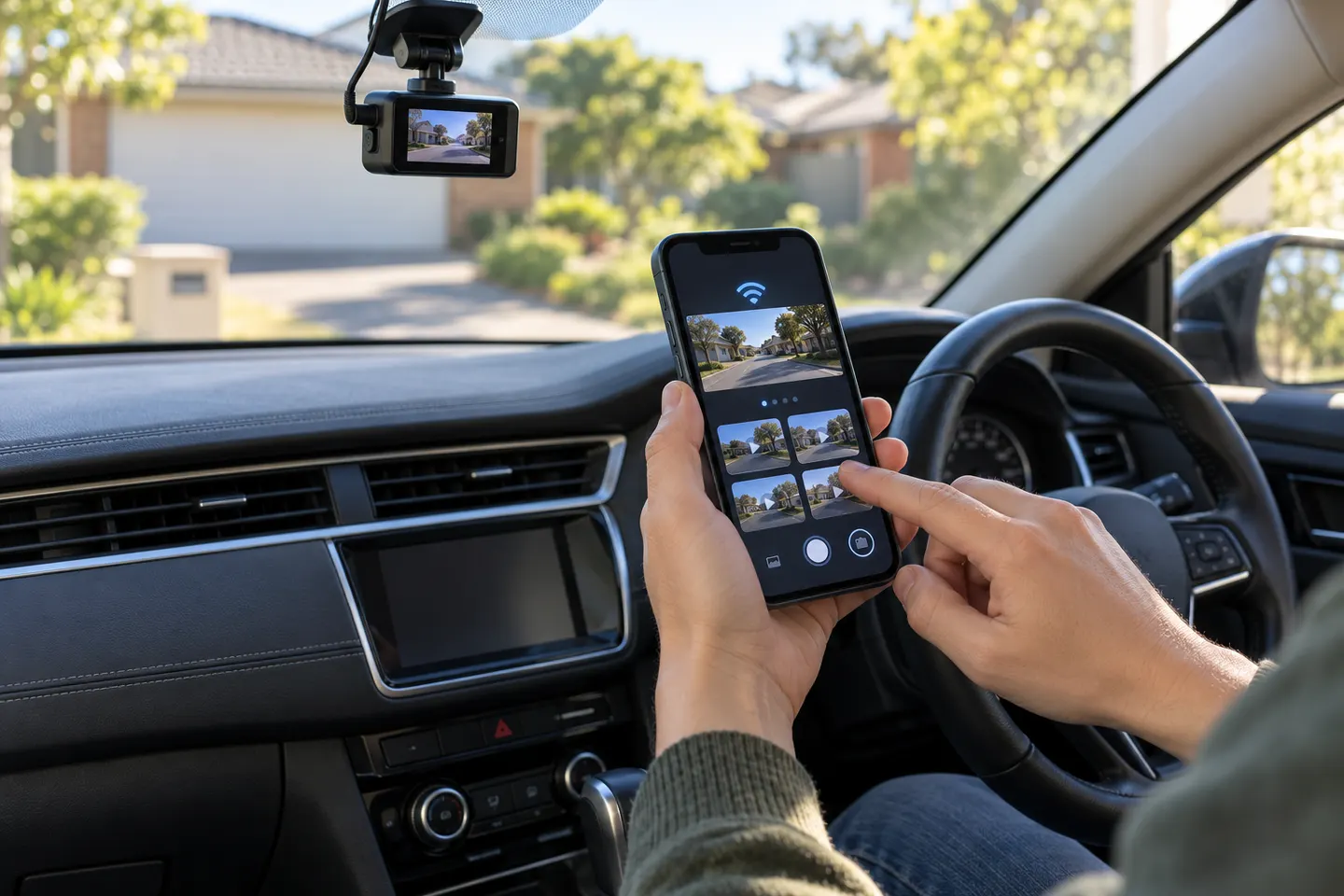 Dashcam Apps for iPhone
Common questions
Questions before you buy
What is the best dashcam app for an Android phone?
For dedicated hardware, the official app for your exact camera is the safest match. For phone-only recording, prioritise loop recording, protected incident files, clear privacy controls and reliable operation with the screen off.
Can I use my Android phone as a dashcam?
Yes, if it is mounted legally and securely, but it may overheat or stop recording when other apps and power controls intervene. A dedicated camera is better suited to repeat recording and remaining installed.
Why will my phone not connect to my dash cam Wi-Fi?
Allow the app’s requested local-network or nearby-device permissions, join the camera’s Wi-Fi network and temporarily disable automatic switching to mobile data if necessary. Follow the camera manual because pairing steps differ.
Do dashcam apps record when the screen is off?
Some do, but Android battery optimisation can suspend background activity. Test the exact app and phone settings on a short drive before depending on screen-off recording.
Does a dashcam app need mobile data?
A local Wi-Fi connection can often transfer clips without internet access. Cloud backup, maps, remote alerts and account functions may require mobile data or another internet connection.