








 Official manufacturer image
Our picks
Top picks
Official manufacturer image Official manufacturer image
VIOFO A229 Plus 2CH
Check price on Amazon AU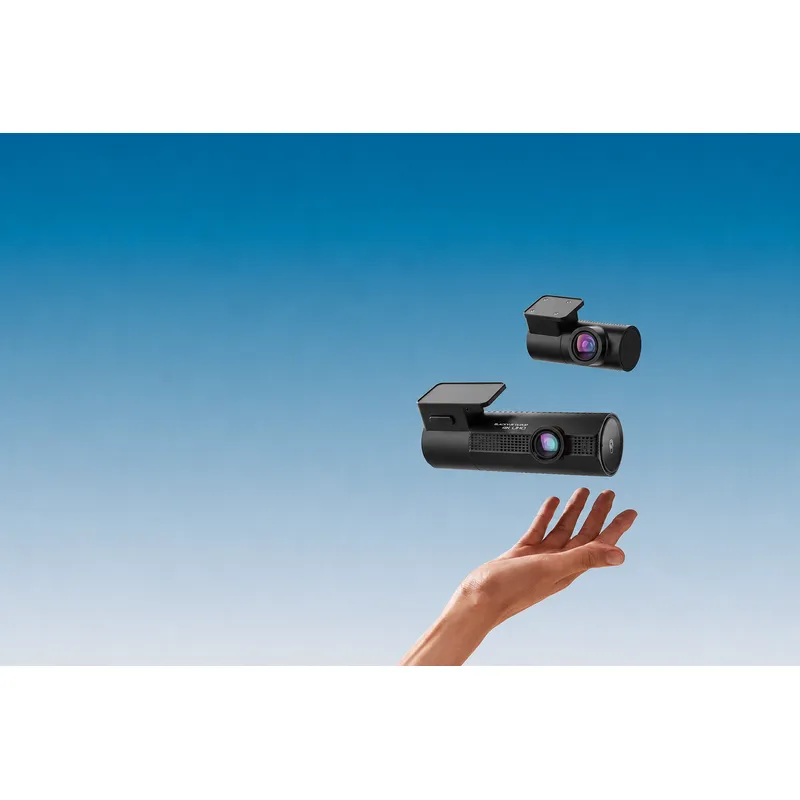 Official manufacturer image
BlackVue DR970X-2CH Plus
Check price on Amazon AUBy feature
 Front rear
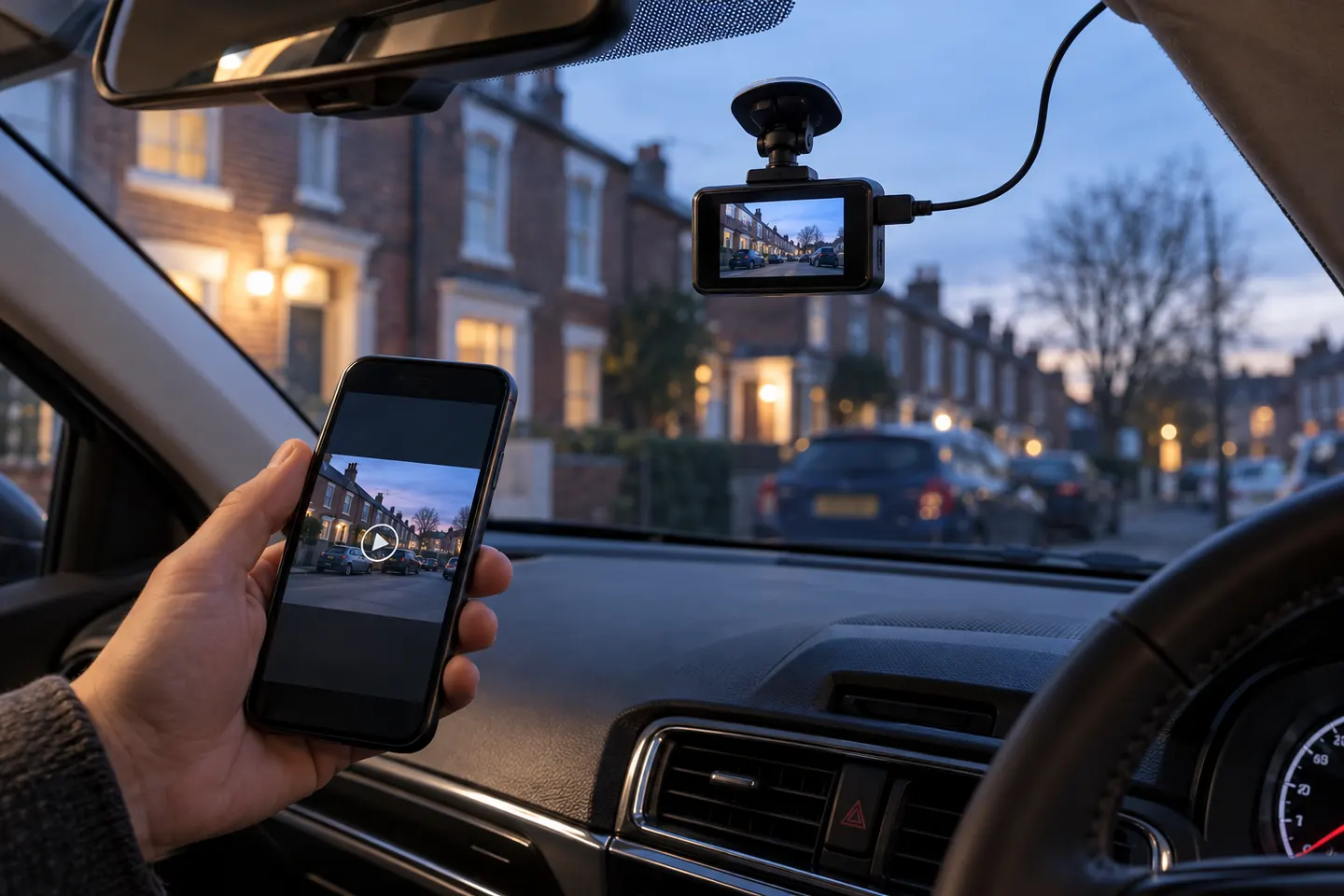 Wireless
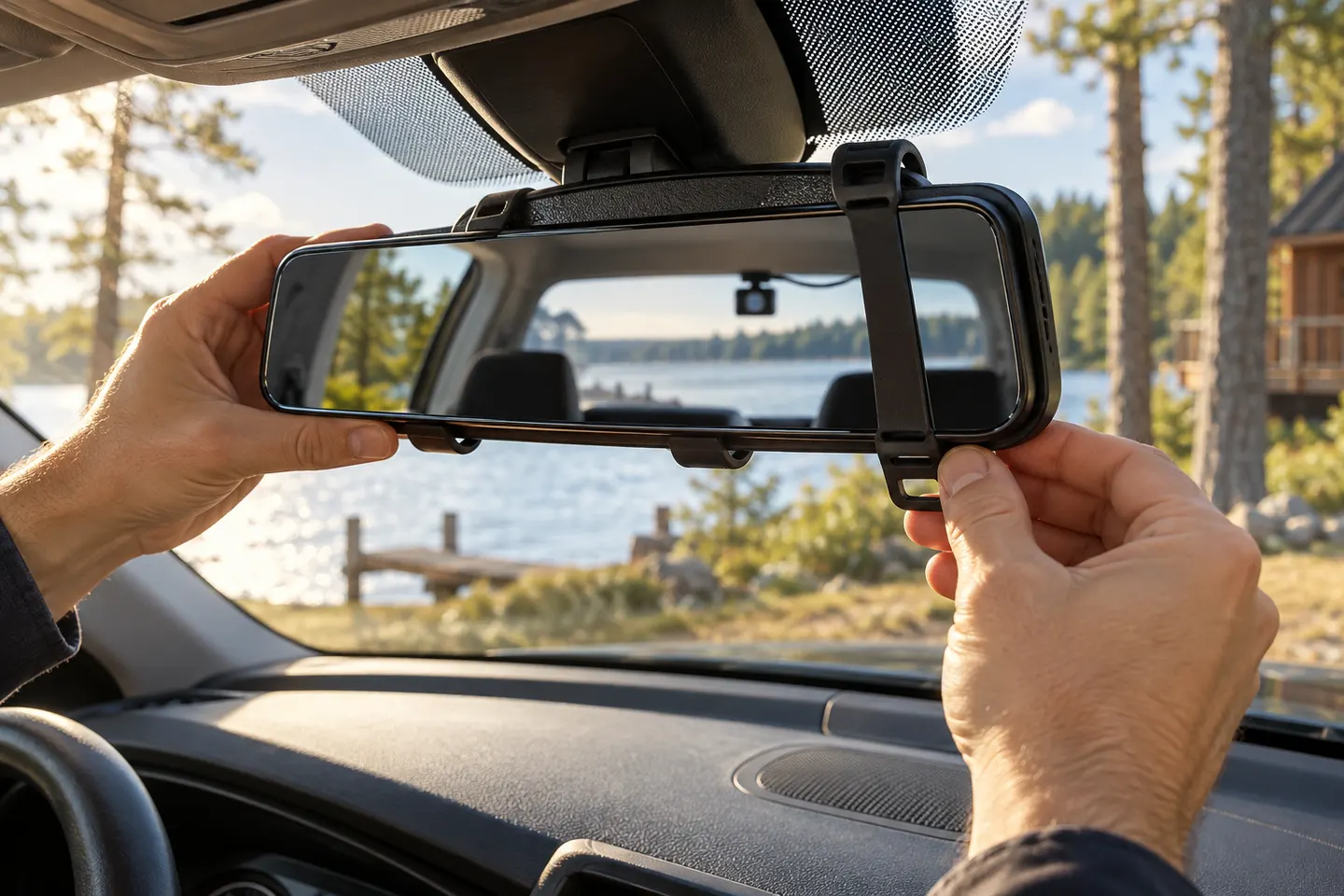 Rear view mirror
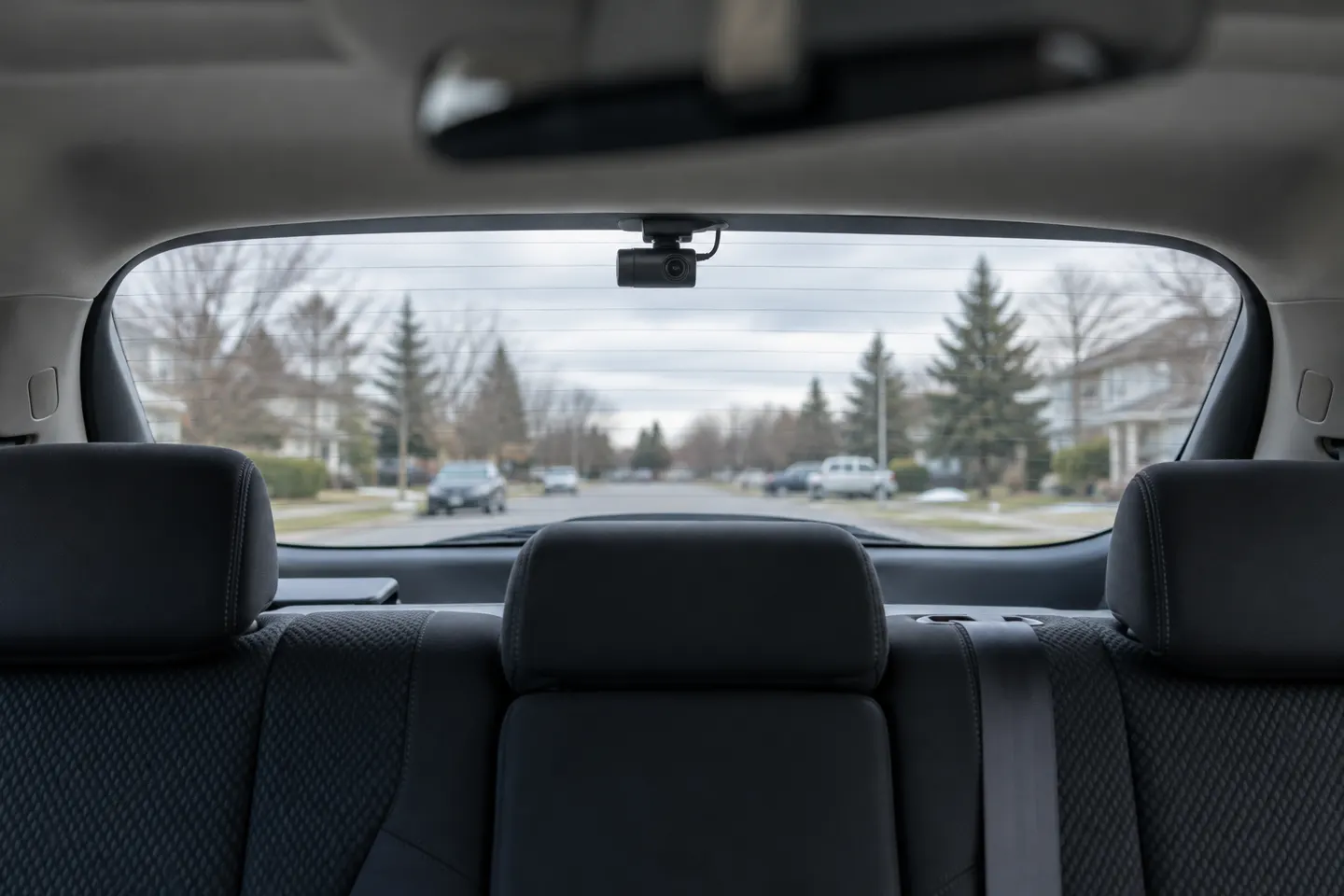 Rear
Common questions
Questions before you buy
Are wireless rear dash cams completely wire-free?
Usually not. The rear camera commonly needs a power cable even when video is transmitted wirelessly.
Does a wireless rear car camera record video?
Not always. Some products only show a live reversing image, so confirm that rear footage is actually saved with the dash-cam files.
Is a wireless rear camera better than a wired one?
It can simplify the signal route, but it introduces connection and rear-power considerations. A wired link may be more predictable when installation is practical.
Can I add a wireless rear camera to my current dash cam?
Only if the dash-cam maker explicitly supports that accessory. Rear channels use model-specific communication, pairing and recording formats.