








 Official manufacturer image
Our picks
Top picks
Official manufacturer image Official manufacturer image
TP-Link RE705X-Outdoor
Check price on Amazon AU Official manufacturer image
TP-Link TL-WPA8631P KIT
Check price on Amazon AUBy type
 2 4ghz
 2 ethernet ports
More topics
 Optus WiFi Booster and Extender Options for Your…
 Telstra Smart WiFi Booster Gen 3
 Optus Ultra WiFi Booster
 Optus Ultra WiFi Booster Gen 2
Common questions
Questions before you buy
Which modems work with the Optus WiFi Booster Gen 2?
Optus lists the Ultra WiFi 5G Internet Modem and NBN Ultra WiFi Modem Gen 2 as compatible. Check Optus support for the current list and your exact modem model.
Does the Optus Gen 2 booster work with a Nokia 5G modem?
Optus says the Gen 2 booster is not compatible with its Nokia Gen 1 or Gen 2 5G modems. Confirm the modem generation before arranging a booster.
How do I pair an Optus Ultra WiFi Booster Gen 2?
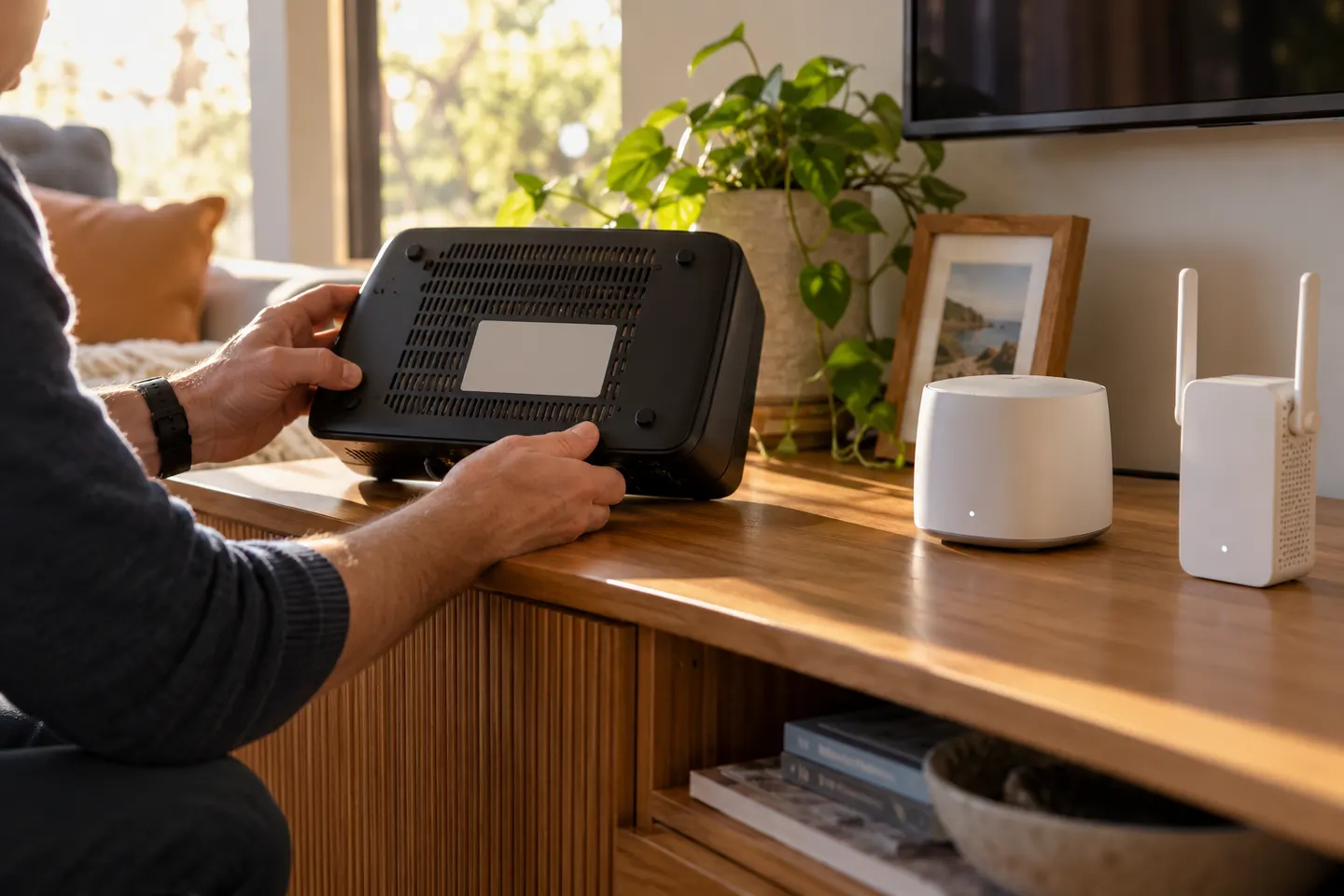
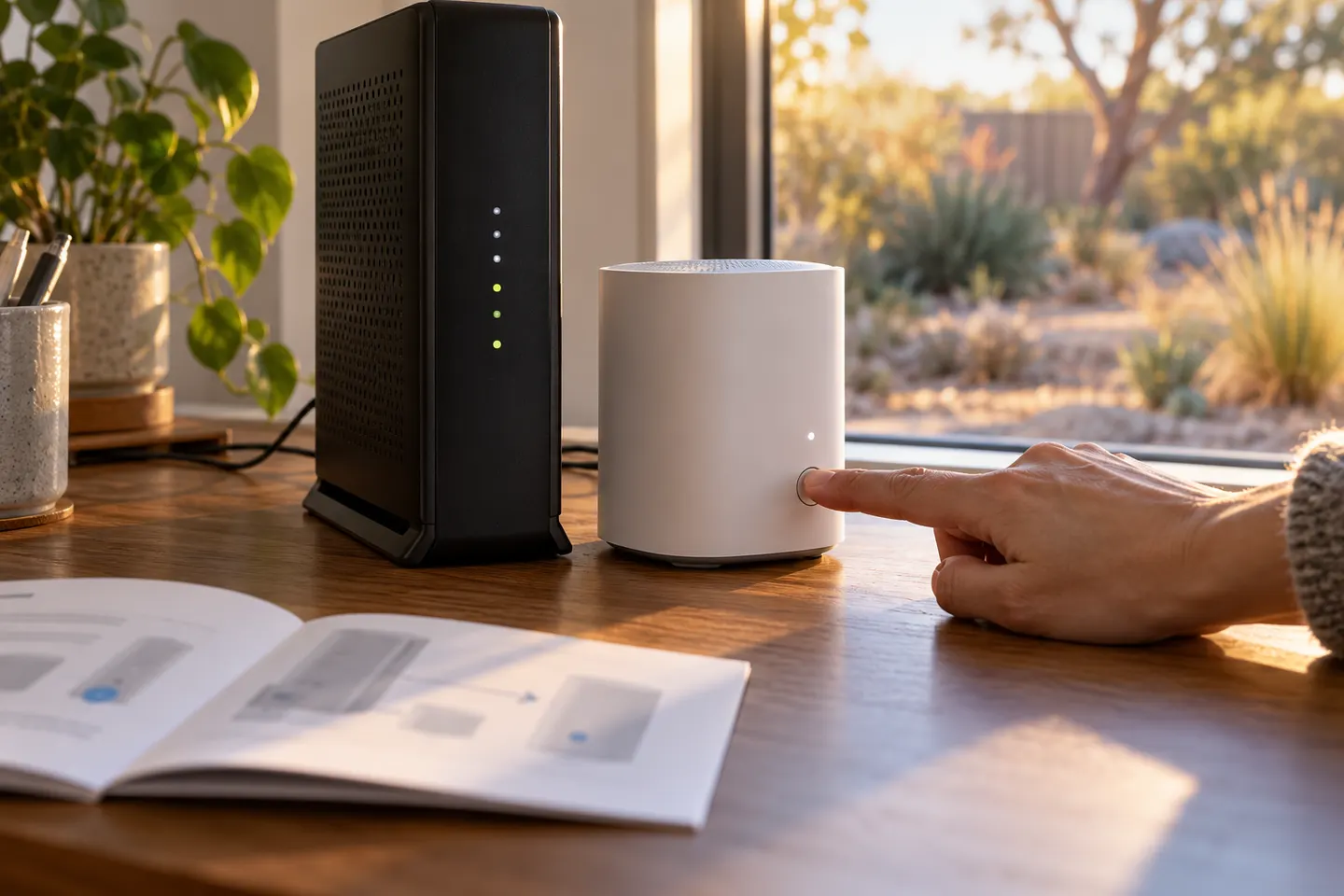
Optus documents Wi-Fi pairing and Ethernet pairing. Place the booster beside the compatible modem for pairing, follow the button sequence in the official guide, then move it to a suitable midpoint once its mesh indicator is solid green.
Can I use the Optus booster with another internet provider?
Optus describes it for compatible Optus-supplied modems. Its support pages do not establish compatibility with unrelated routers, so do not assume it will work as a universal repeater.
Where should the Optus booster go?
After pairing, Optus recommends placing it roughly halfway between the modem and the area needing coverage, away from thick walls and large appliances. A weak connection to the modem will limit its usefulness.