








 Official manufacturer image
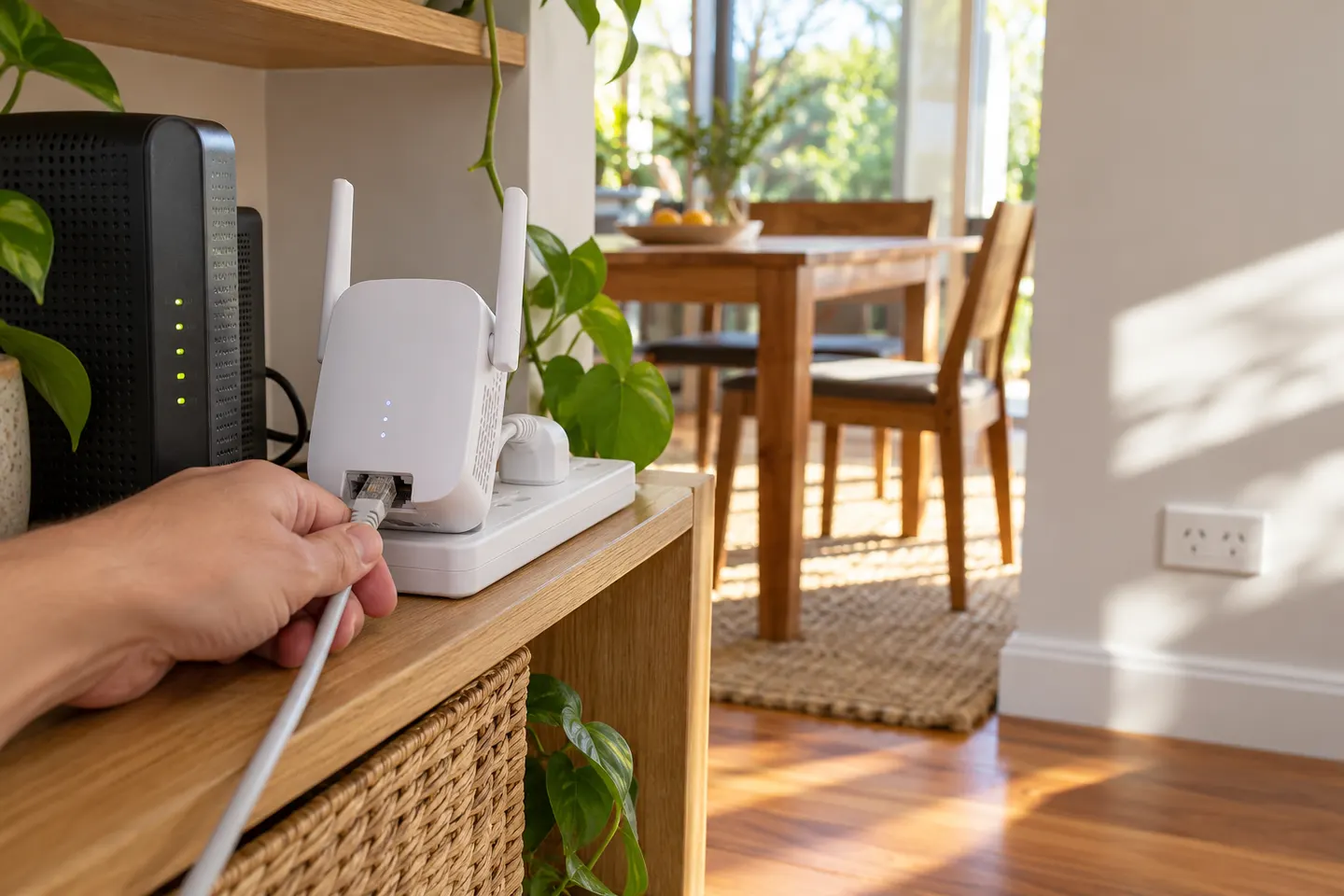
Our picks
Top picks
Official manufacturer image Official manufacturer image
TP-Link RE705X-Outdoor
Check price on Amazon AU Official manufacturer image
TP-Link TL-WPA8631P KIT
Check price on Amazon AUHow-to guides
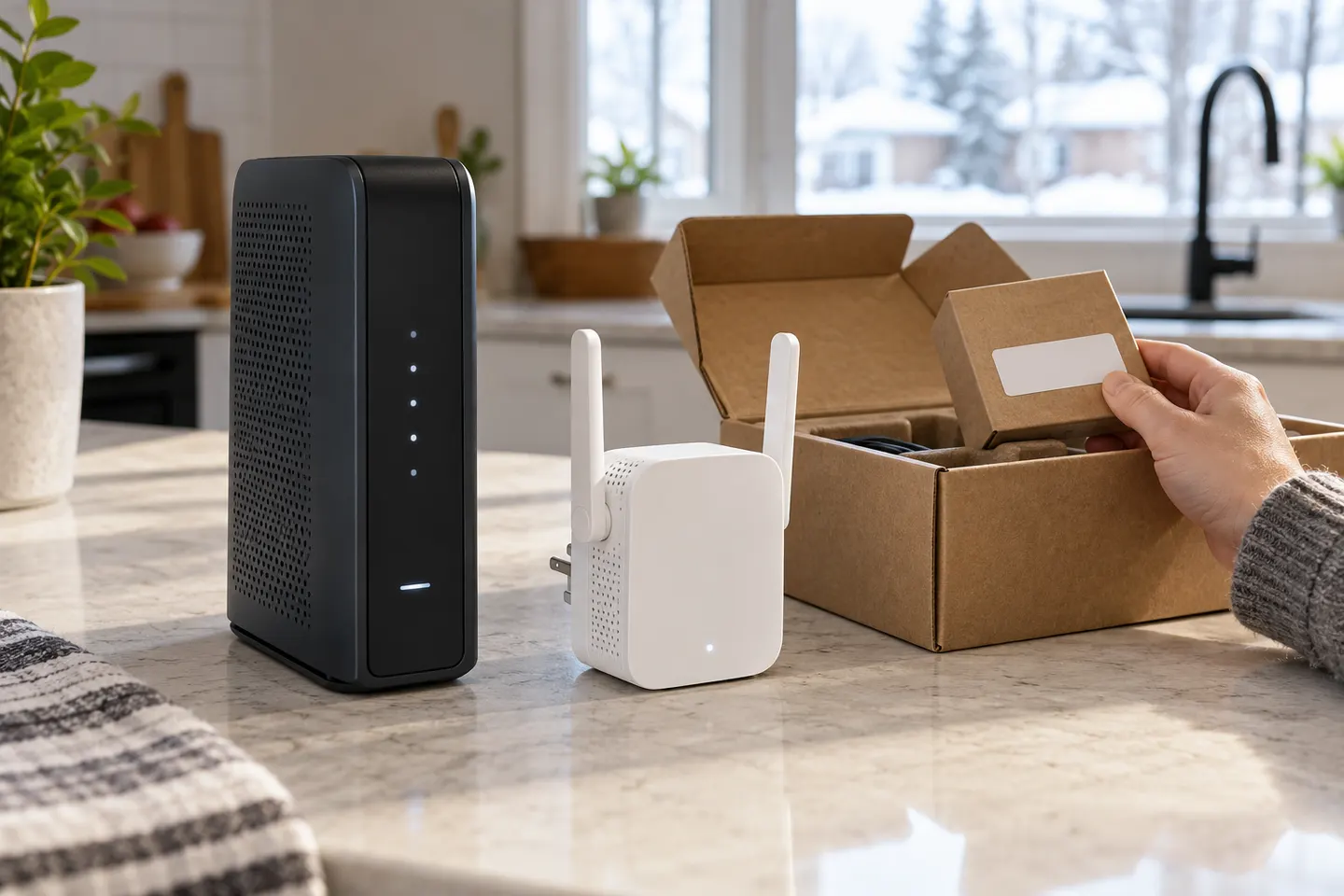 How to Set Up a TP-Link WiFi Extender Step by Step
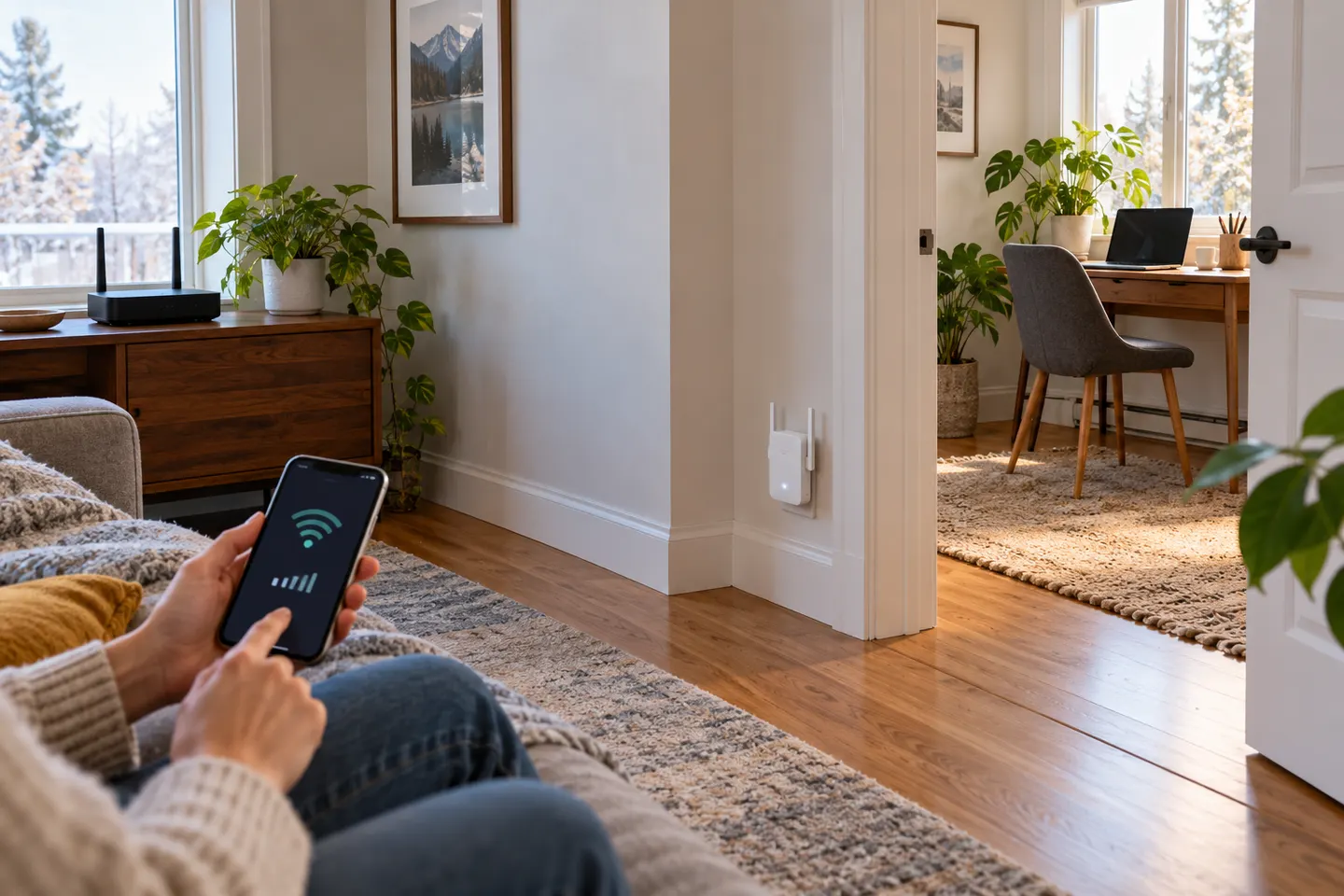 How to Set Up a NETGEAR WiFi Extender in Your Home
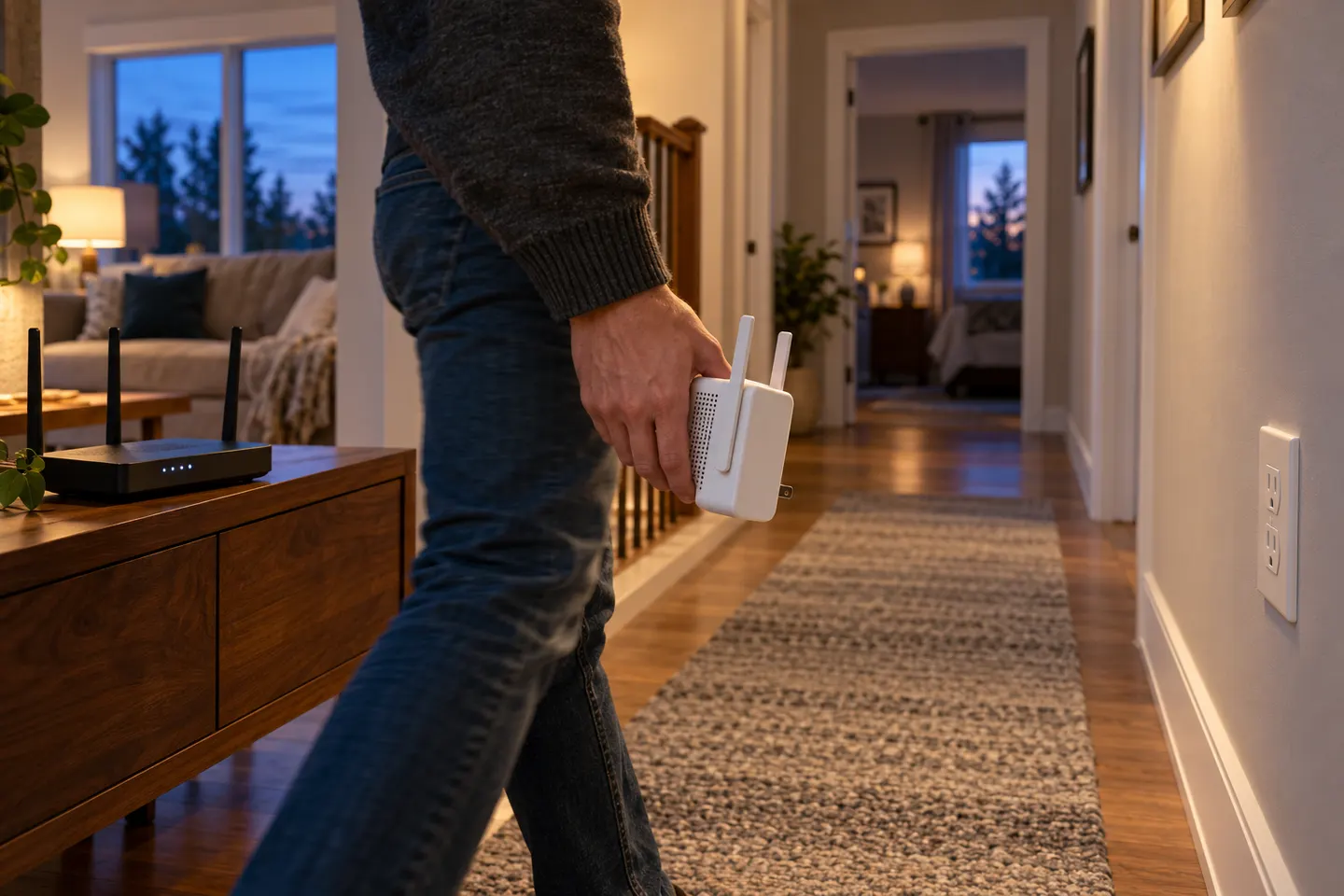 How to Set Up a WiFi Extender in Your Home
More topics
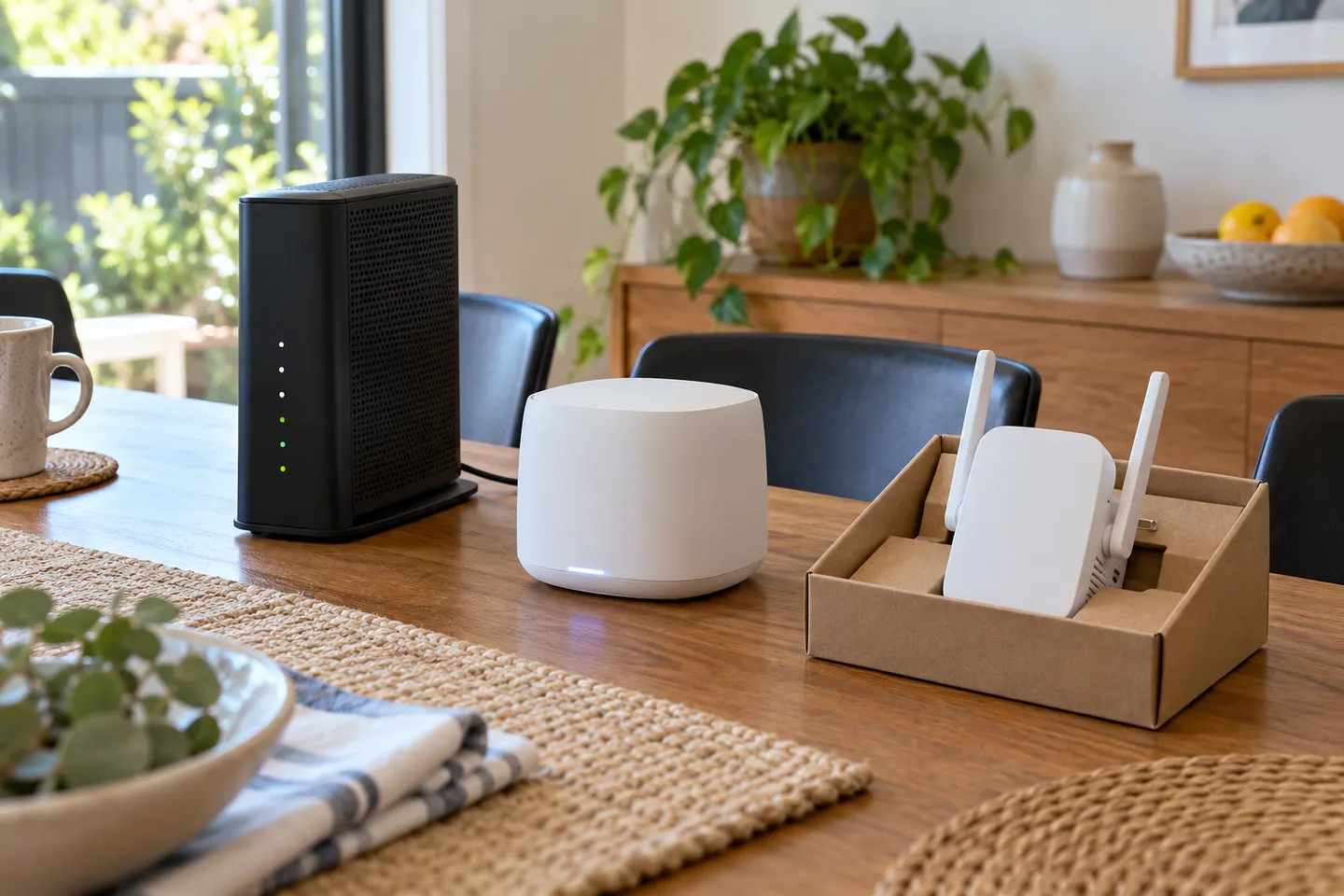 Telstra Wi-Fi Booster and Extender Options Explained
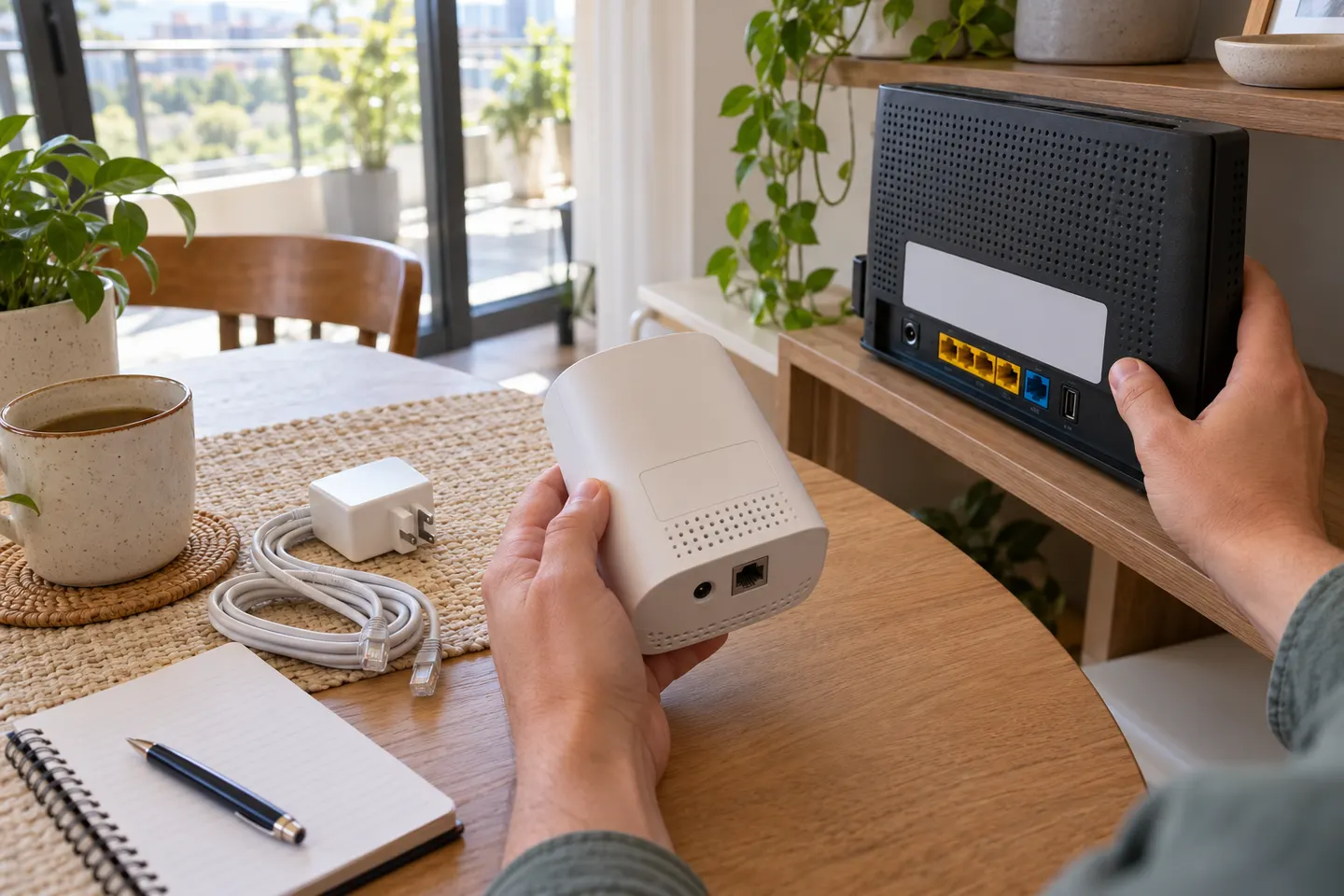 Telstra Smart WiFi Booster Gen 3
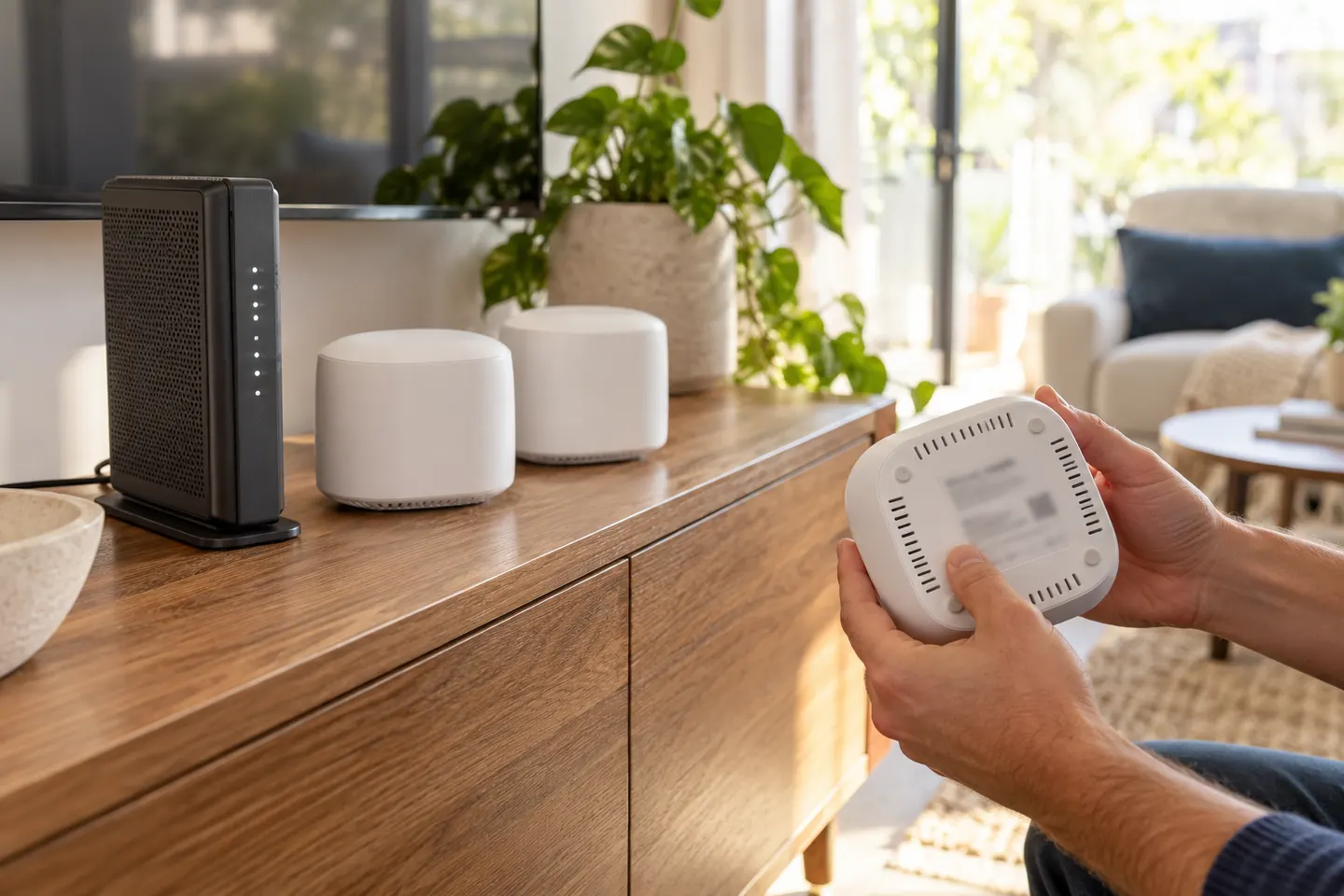 Telstra Smart WiFi Booster 3Telstra Smart Wi-Fi Booster Gen 2
Show all (5)
Common questions
Questions before you buy
How do I set up a Telstra WiFi booster?
Use the Telstra guide for your booster and modem combination. The usual process involves starting near the modem, following its pairing steps and checking the status light before moving the booster.
Where should I place a Telstra WiFi booster?
Put it between the modem and the area with weak WiFi, in a position where the booster itself still receives a healthy signal. Avoid hiding it behind large objects or inside cabinets.
How long does a Telstra booster take to connect?
Allow the period specified in the setup guide, especially if the device is starting or updating. Do not interrupt the process just because the indicator changes colour.
Can a Telstra booster work with a non-Telstra modem?
Compatibility and setup support depend on the booster model. Check its product instructions for supported routers and contact Telstra if the supplied device is intended for a Telstra service.