









 Official manufacturer image
Our picks
Top picks
Official manufacturer image Official manufacturer image
Garmin Dash Cam X310
Check price on Amazon UK Official manufacturer image
VIOFO A329S 2CH
Check price on Amazon UKBy vehicle
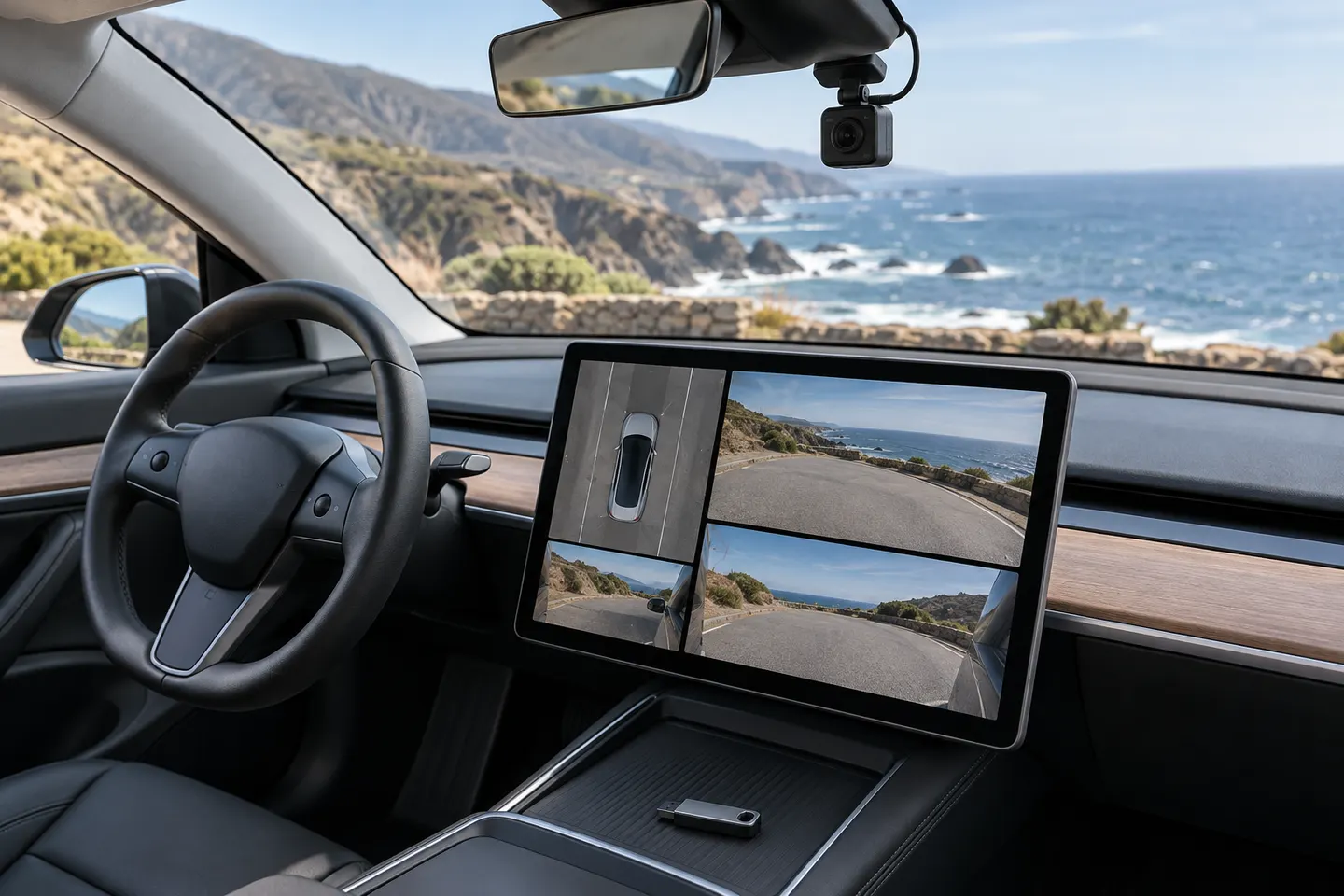 Tesla
By feature
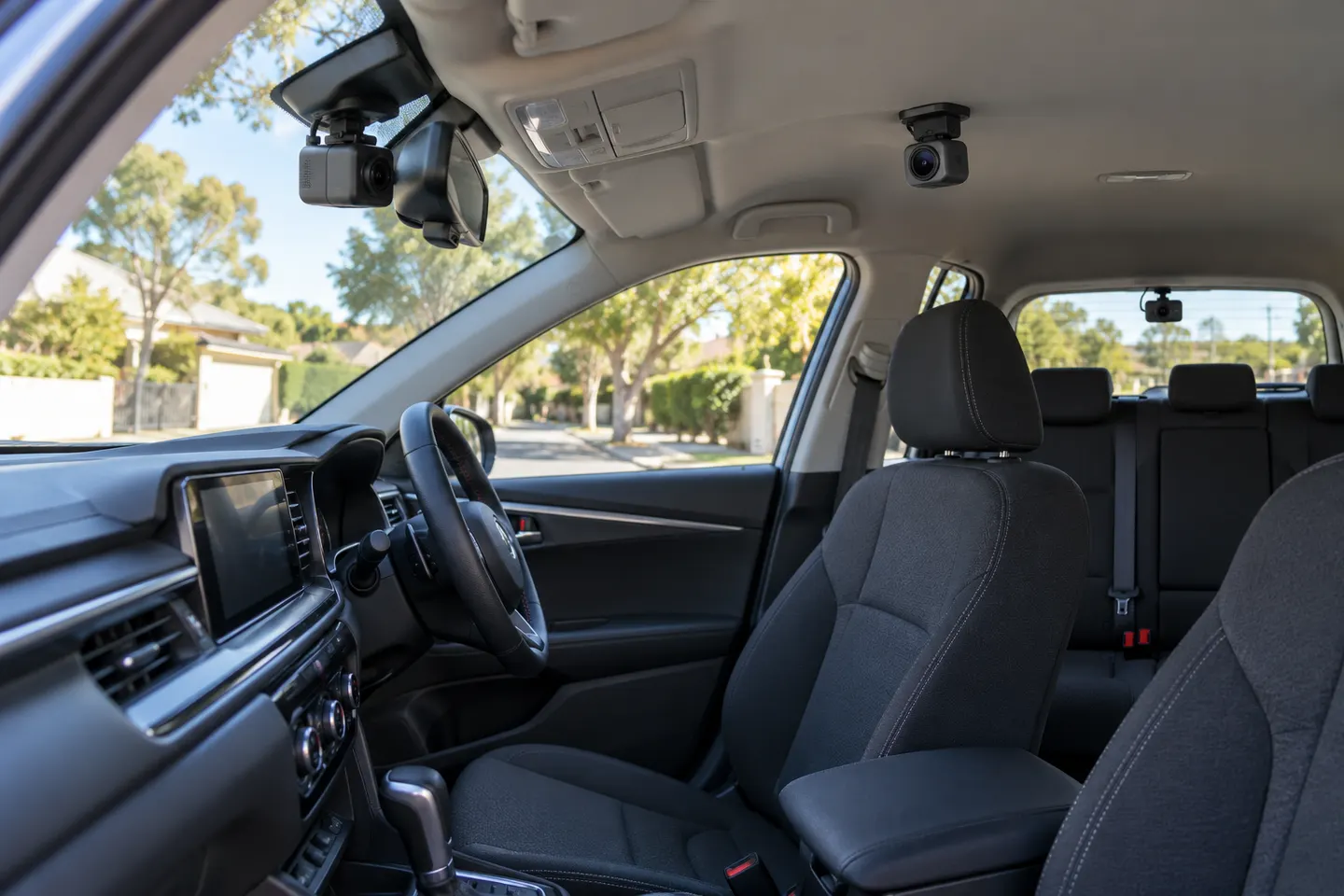 3 channel
Common questions
Questions before you buy
How to use dashcam Tesla Model 3?
Insert a compatible formatted USB drive, then go to Controls, Safety and Dashcam to choose a recording mode. Touch the Dashcam icon while driving when you want to save a manual clip.
Where is the Tesla Model 3 dashcam icon?
Tesla places it in the app launcher. You can drag the Dashcam app to the bottom bar for quicker access.
Where is the Tesla Model 3 dashcam USB location?
On current Model 3 vehicles, Tesla identifies the USB-A port inside the glovebox for Dashcam storage. Older configurations may use a data-capable front console port.
Why does Tesla say dashcam unavailable, check USB drive?
Check that the drive is in a data-capable port, is properly formatted and meets Tesla's storage and sustained-write requirements. Reinsert it and confirm the Dashcam icon returns.
How do I set up the dashcam on a Tesla Model Y?
Use a compatible USB drive and enable Dashcam under Controls and Safety. Consult the Model Y manual for the exact port and menu wording on your vehicle.
Does Tesla Model S have a dashcam?
Supported Model S configurations include Tesla Dashcam, but availability and operation depend on build, hardware and software version.