









 Official manufacturer image
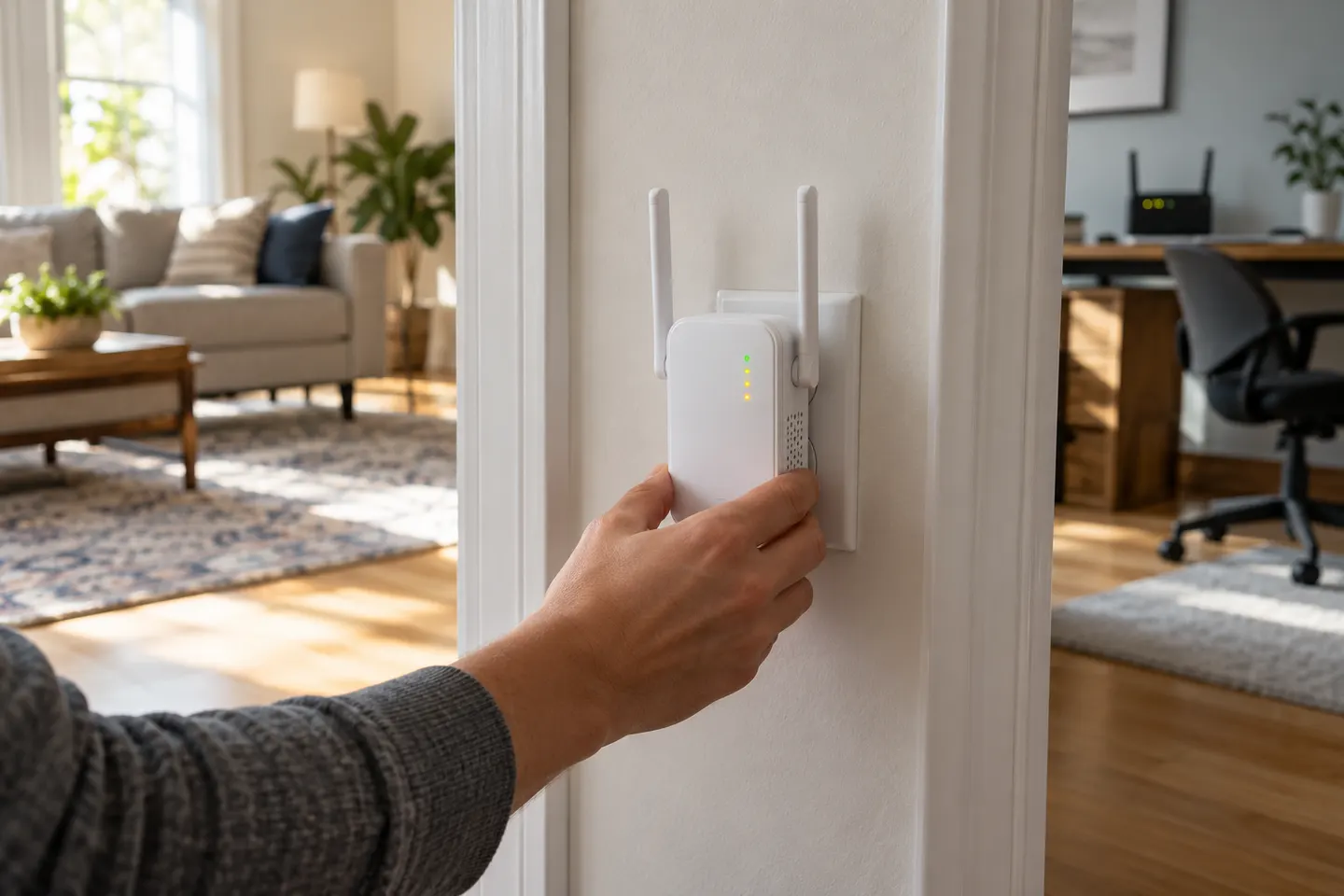
Our picks
Top picks
Official manufacturer image Official manufacturer image
NETGEAR EX6120
Check price on Amazon UK Official manufacturer image
TP-Link RE705X-Outdoor
Check price on Amazon UKSetup and help
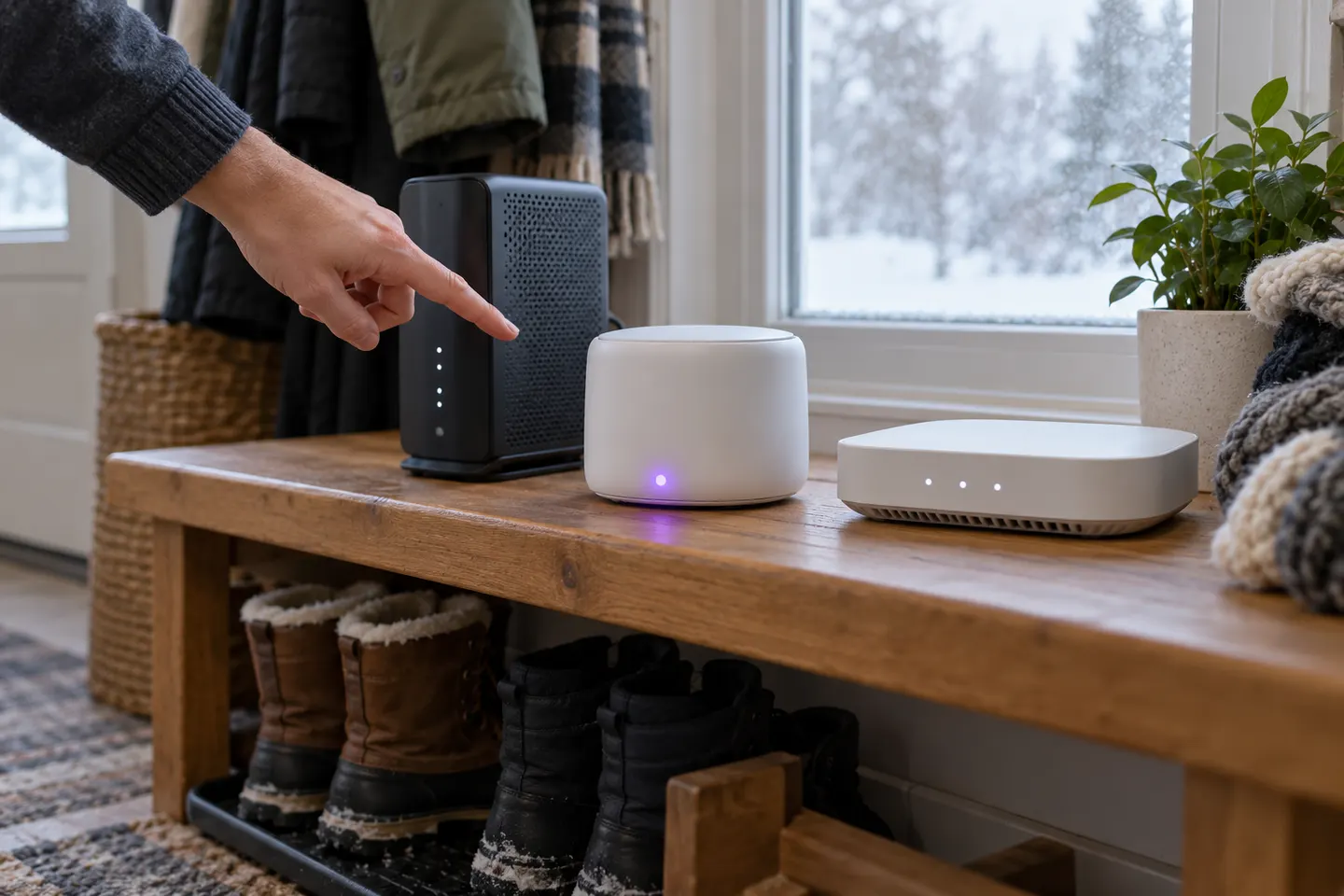 Install
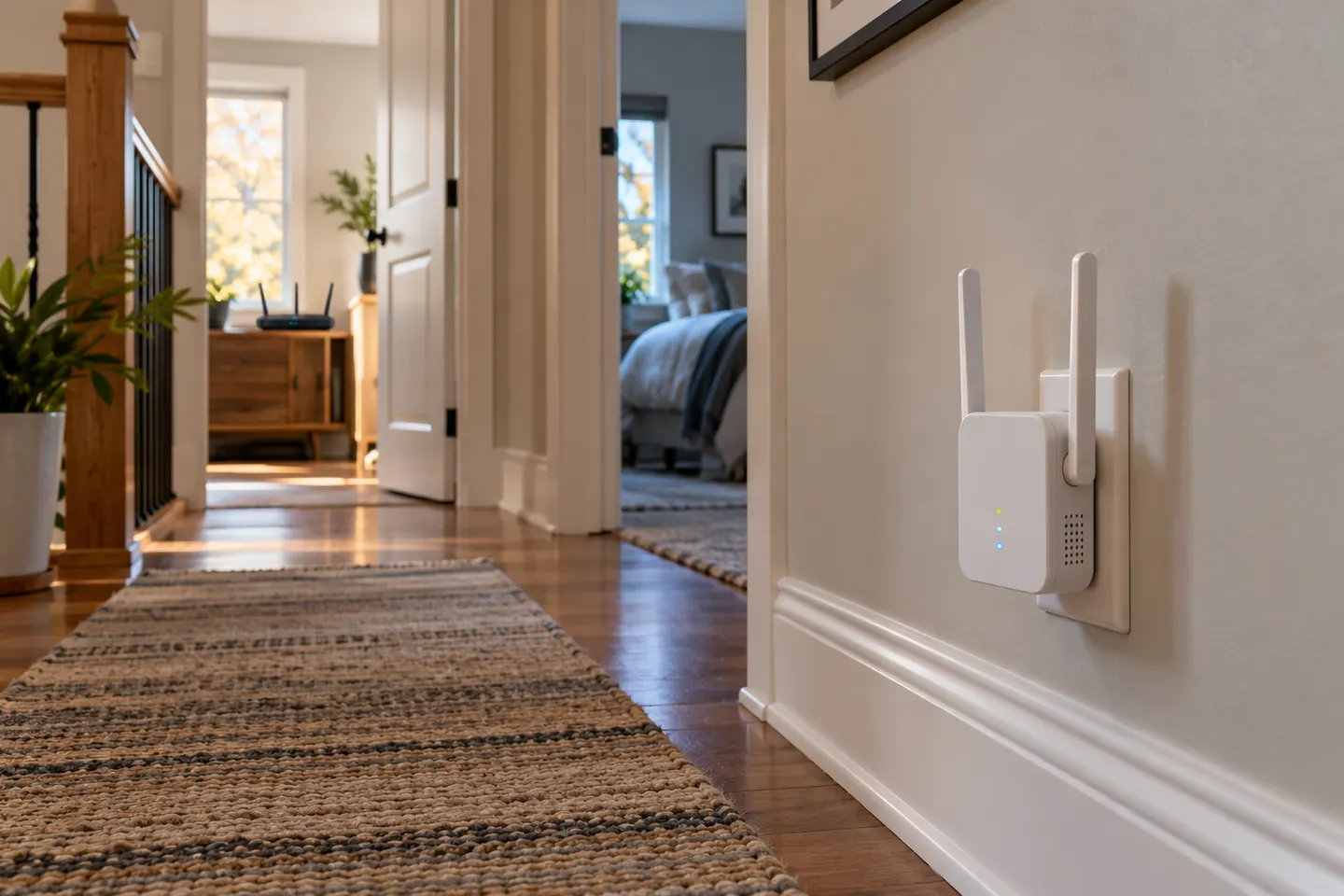 Ac750 setup
How-to guides
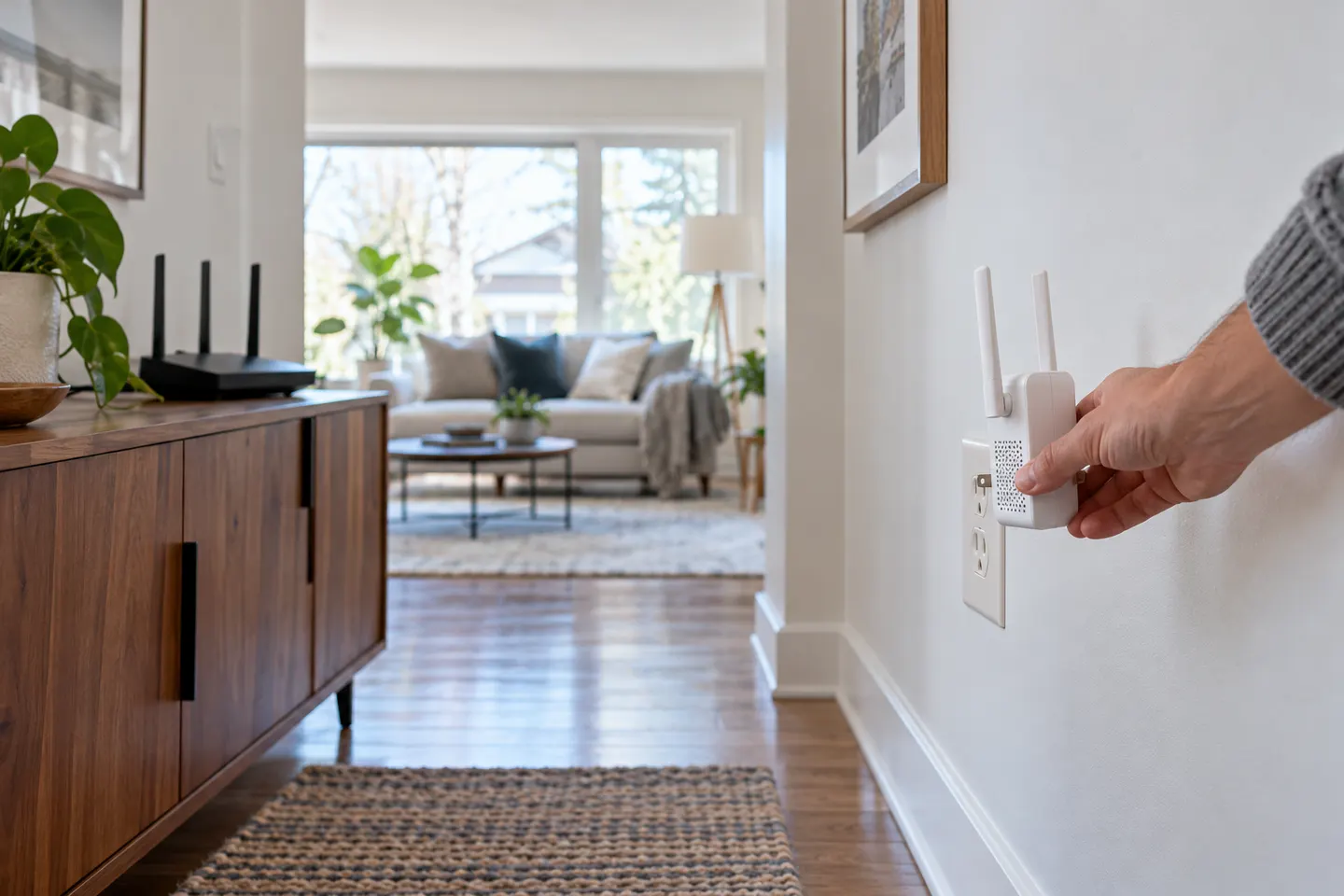 How to Install a WiFi Extender for Better Home…
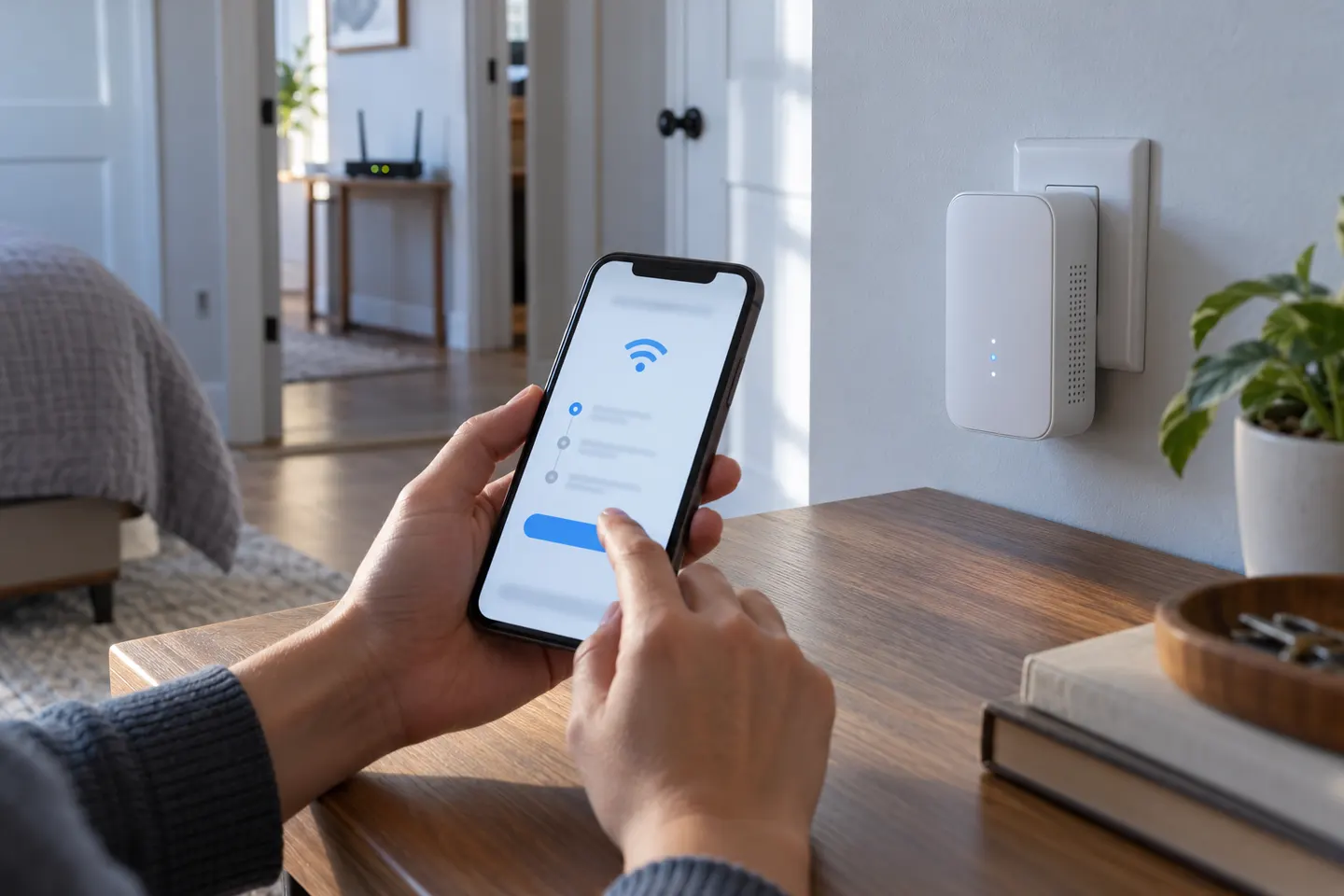 How to Install a TP-Link WiFi Extender and Connect…
More topics
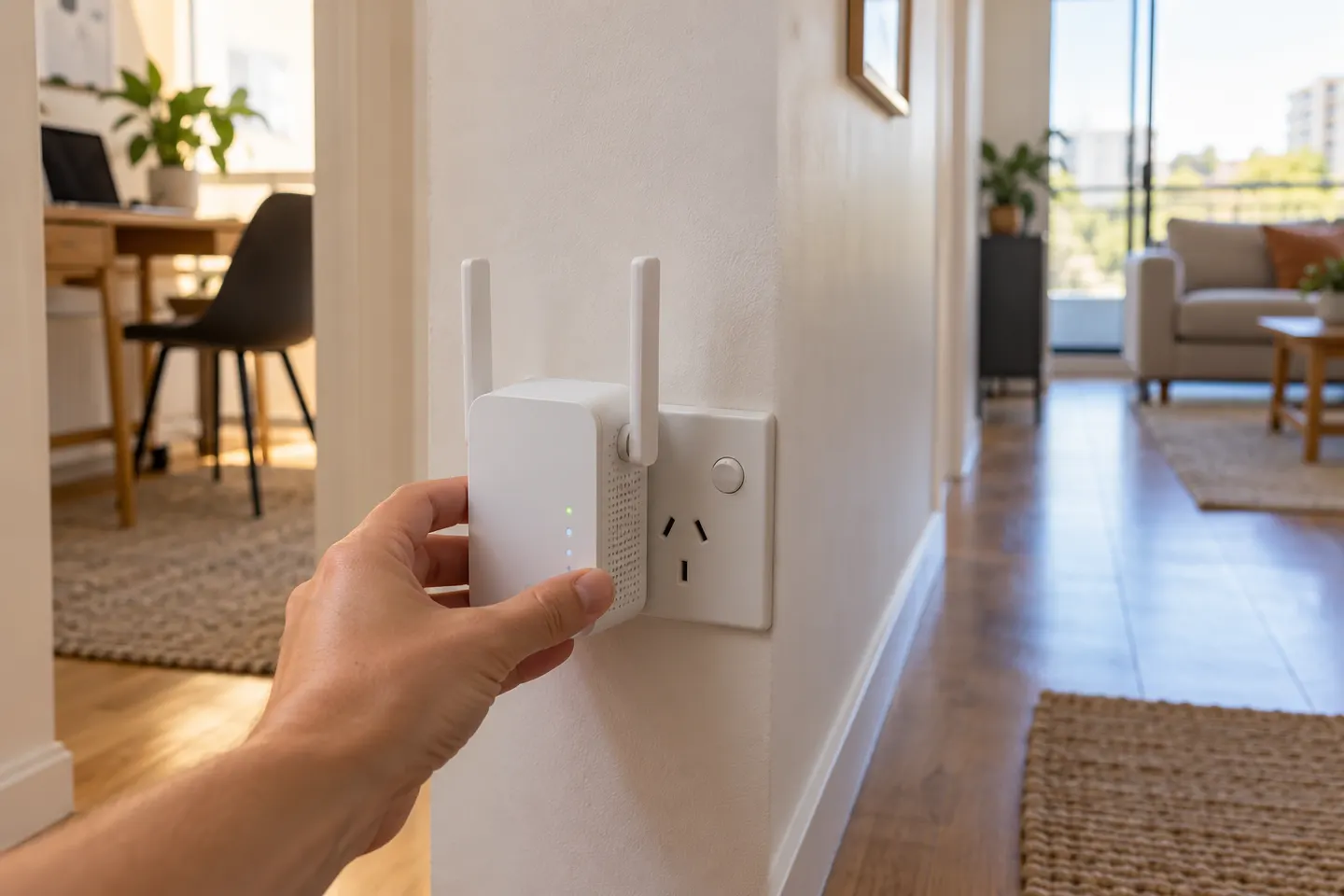 AC750 Wi-Fi Extenders
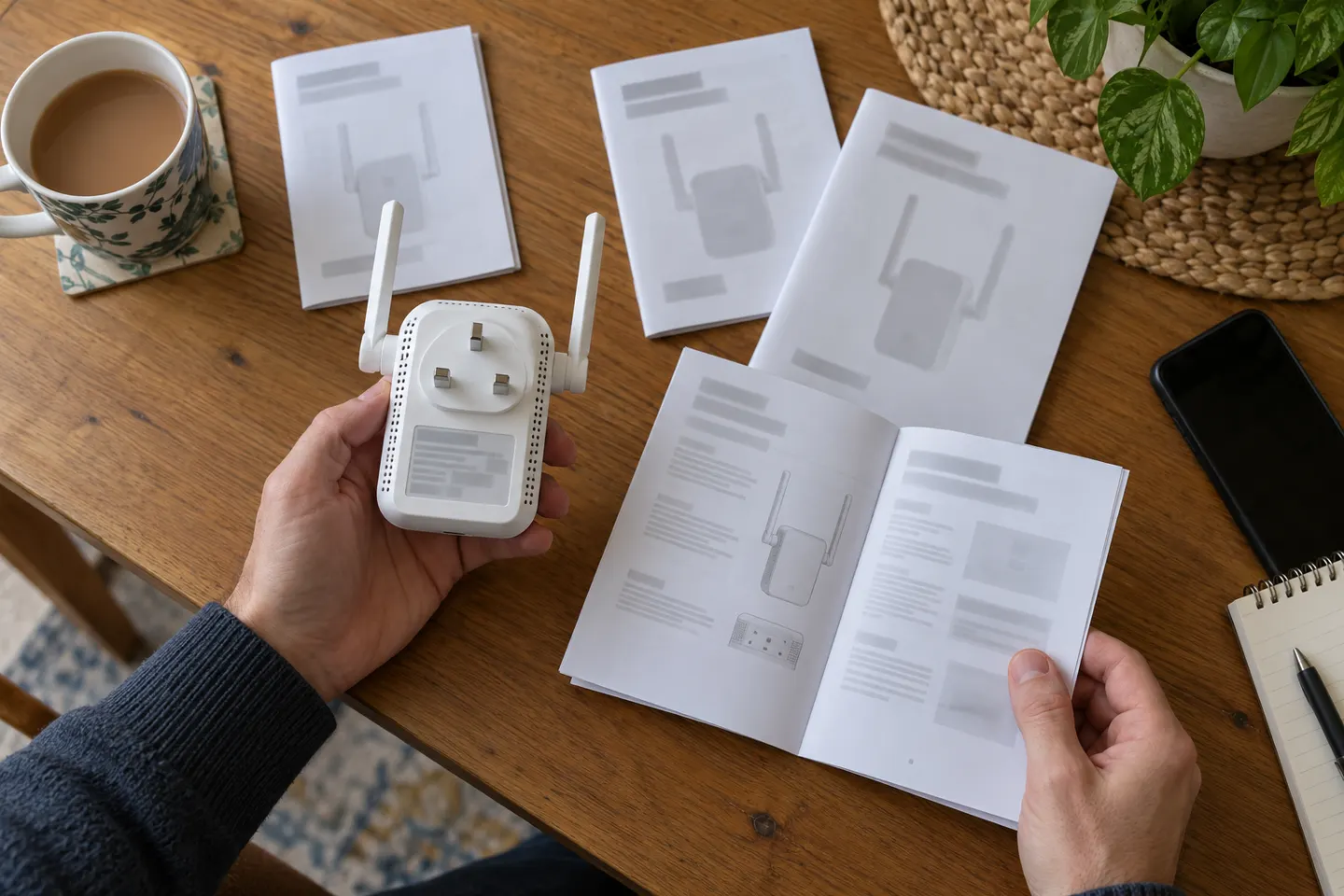 AC750 WiFi Range Extender Manuals by Model
Common questions
Questions before you buy
Where should I plug in an AC750 range extender?
Start near the router for setup, then move it towards the weak-coverage area. Choose a socket where the extender still receives a stable signal from the router; a dead zone is usually too far away.
Can I install a range extender without WPS?
Yes. Use the manufacturer’s app or web management page to select your existing WiFi network and enter its password. The exact address and steps depend on the model.
Will an AC750 extender create a new WiFi network name?
It depends on the model and setup choices. Some repeaters copy the host network name and password, while others let you set an extended-network name in the app or management page.
Why does my extender connect but still give weak WiFi?
It may be too far from the router, blocked by walls, or affected by nearby interference. Check the signal indicator or app and try a position with a clearer path back to the router.