









 Official manufacturer image
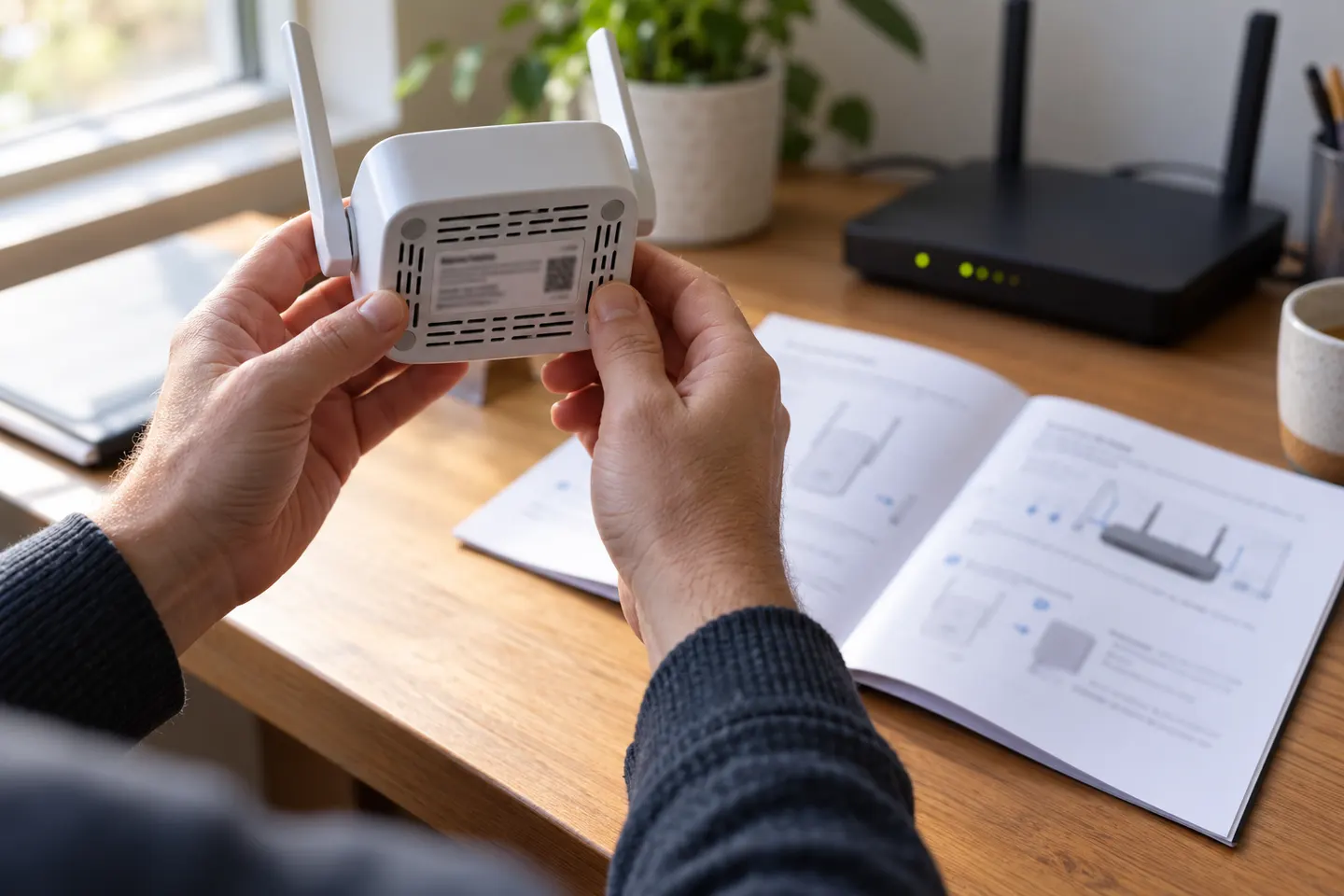
Our picks
Top picks
Official manufacturer image Official manufacturer image
NETGEAR EX6120
Check price on Amazon UK Official manufacturer image
TP-Link RE705X-Outdoor
Check price on Amazon UKSetup and help
 Setup
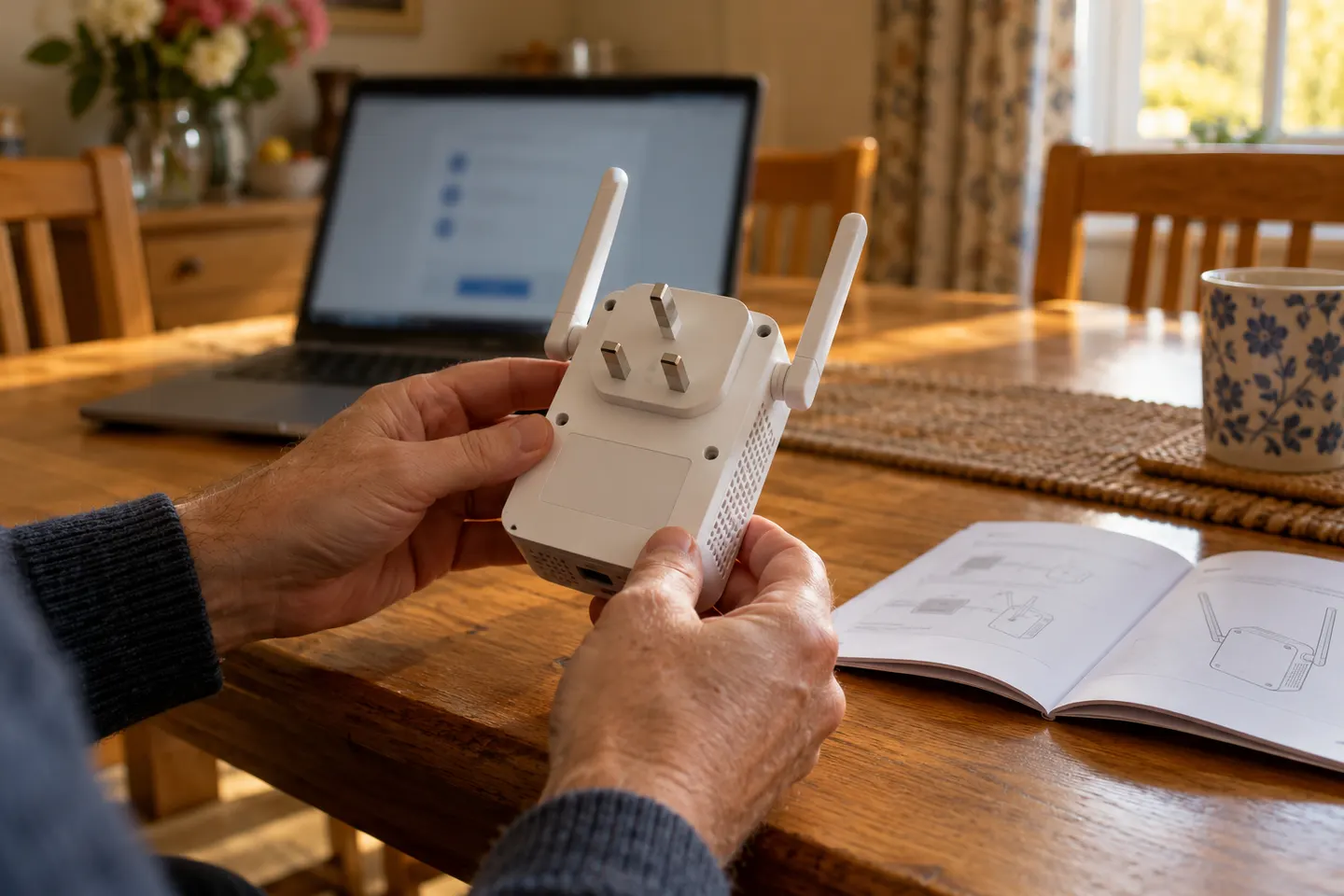 Qlocom setup
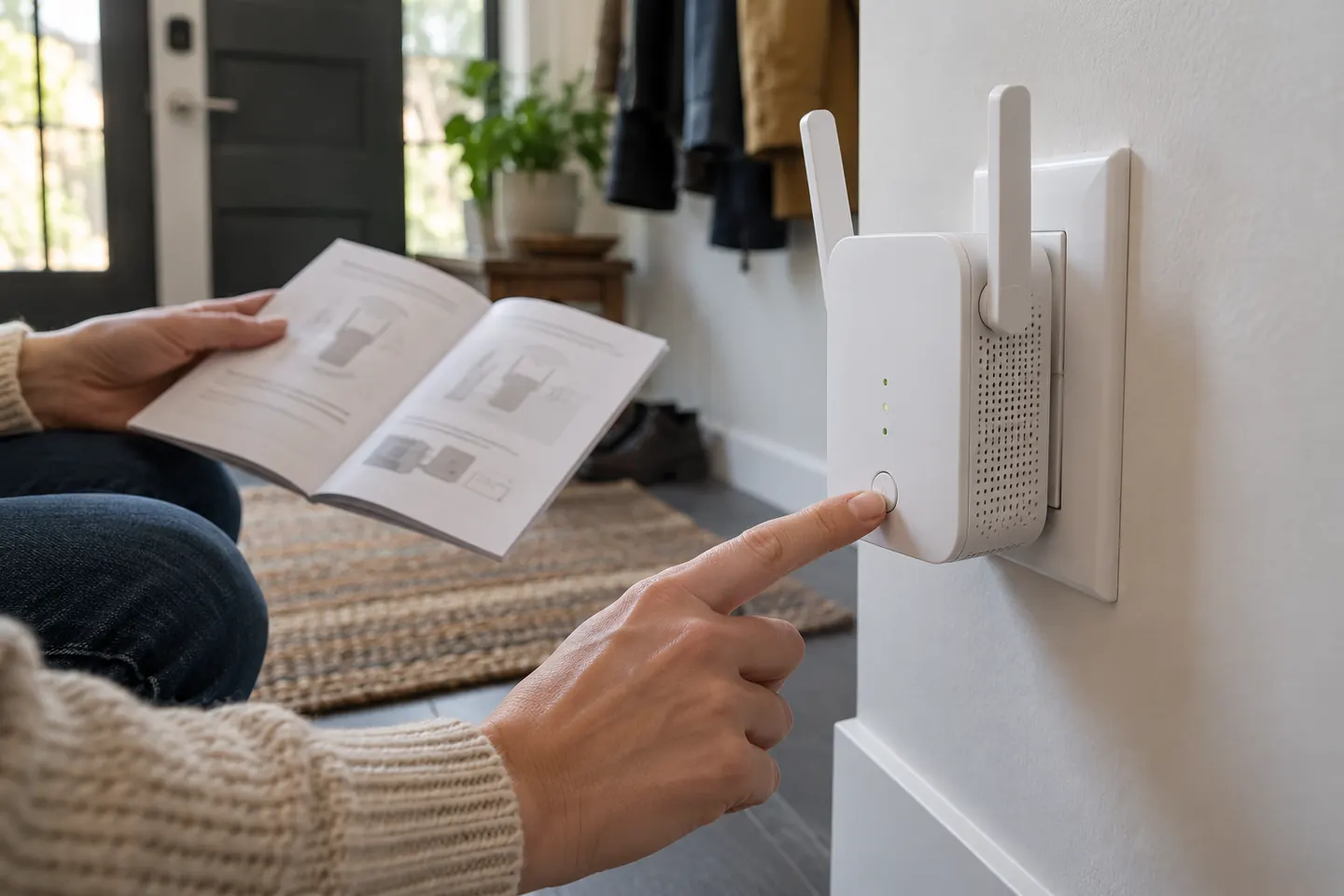 Brostrend set up
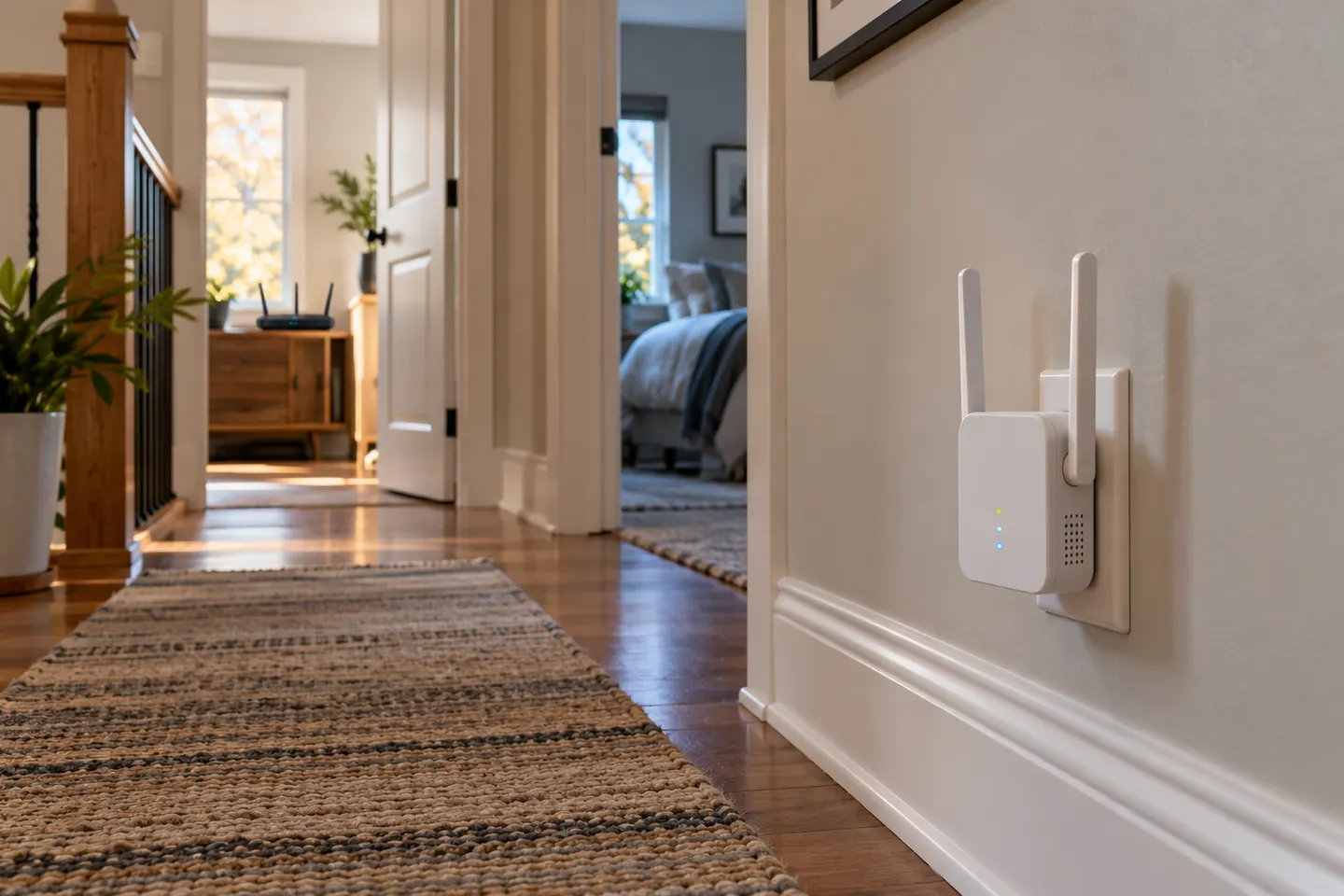 Ac750 setup
How-to guides
 How to Set Up a TP-Link WiFi Extender
 How to Set Up a NETGEAR WiFi Extender at Home
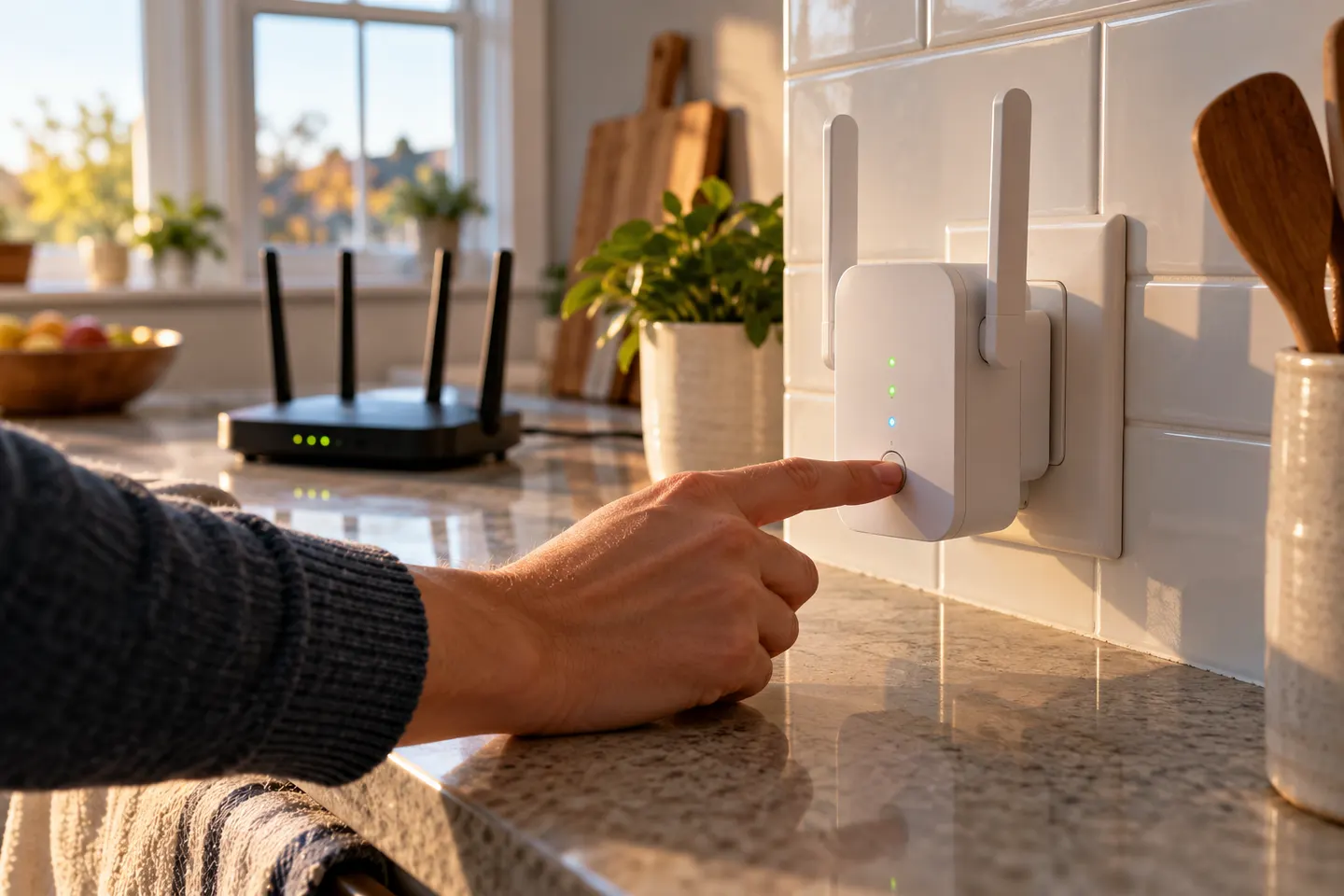 How to Set Up a WiFi Extender in Your Home
More topics
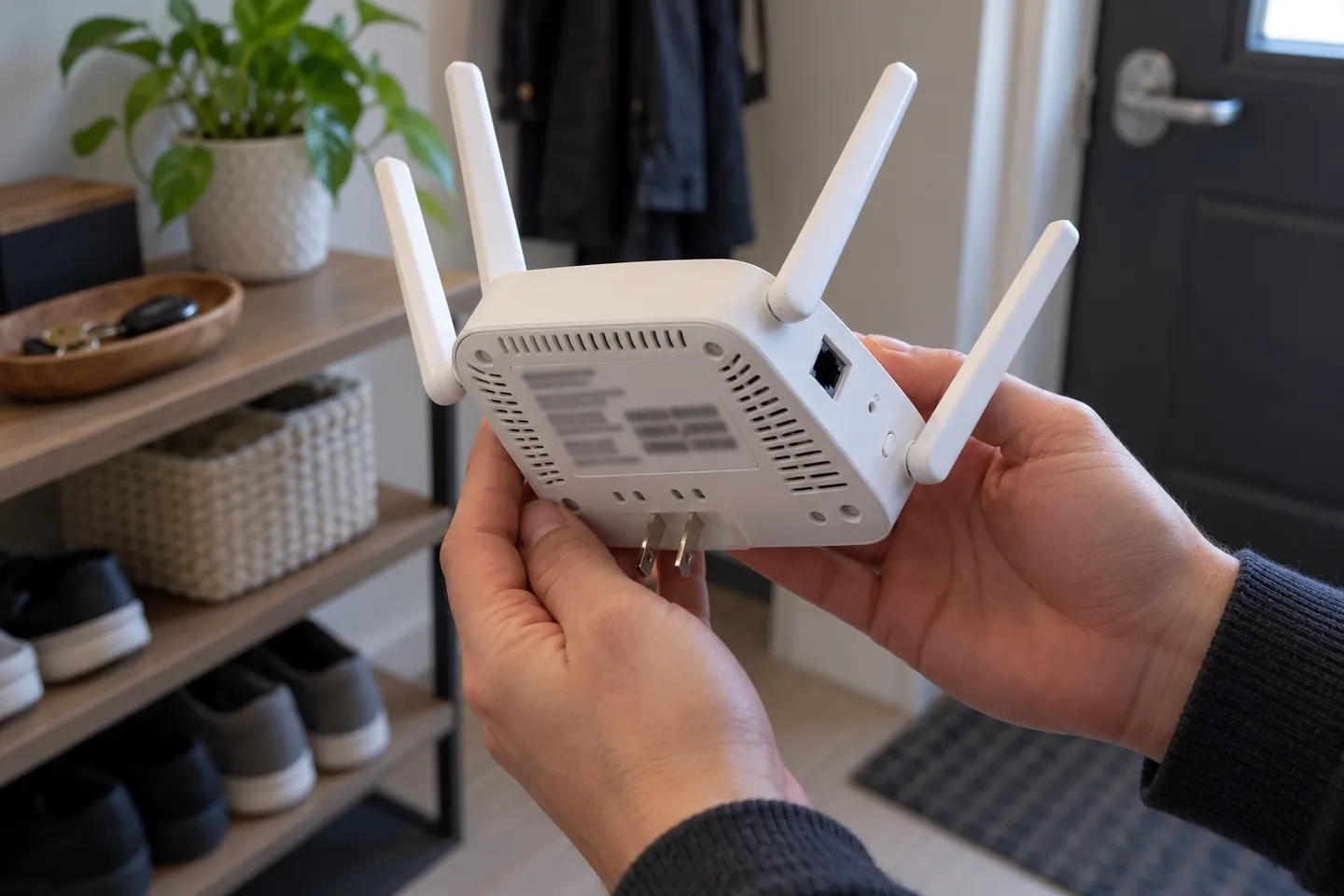 Brostrend WiFi Extenders
Common questions
Questions before you buy
Can I set up a BrosTrend extender without WPS?
Yes, supported models offer a browser setup route. Join the extender’s temporary WiFi network and use the address shown in its official model instructions.
What is the BrosTrend extender login address?
BrosTrend’s installation material identifies re.brostrend.com for supported devices. It is a local setup interface, so connect to the extender network before opening it.
Do I need to change my WiFi name after setup?
Follow the model’s setup prompts for the extended network name. Some products can reuse the host network name, while others may show a separate extender network.
How far from the router should I place a BrosTrend extender?
There is no single distance that suits every building. Choose a socket where the router signal remains usable and test coverage in the target area.