









 Official manufacturer image
Our picks
Top picks
Official manufacturer image Official manufacturer image
NETGEAR EX6120
Check price on Amazon UK Official manufacturer image
TP-Link RE705X-Outdoor
Check price on Amazon UKSetup and help
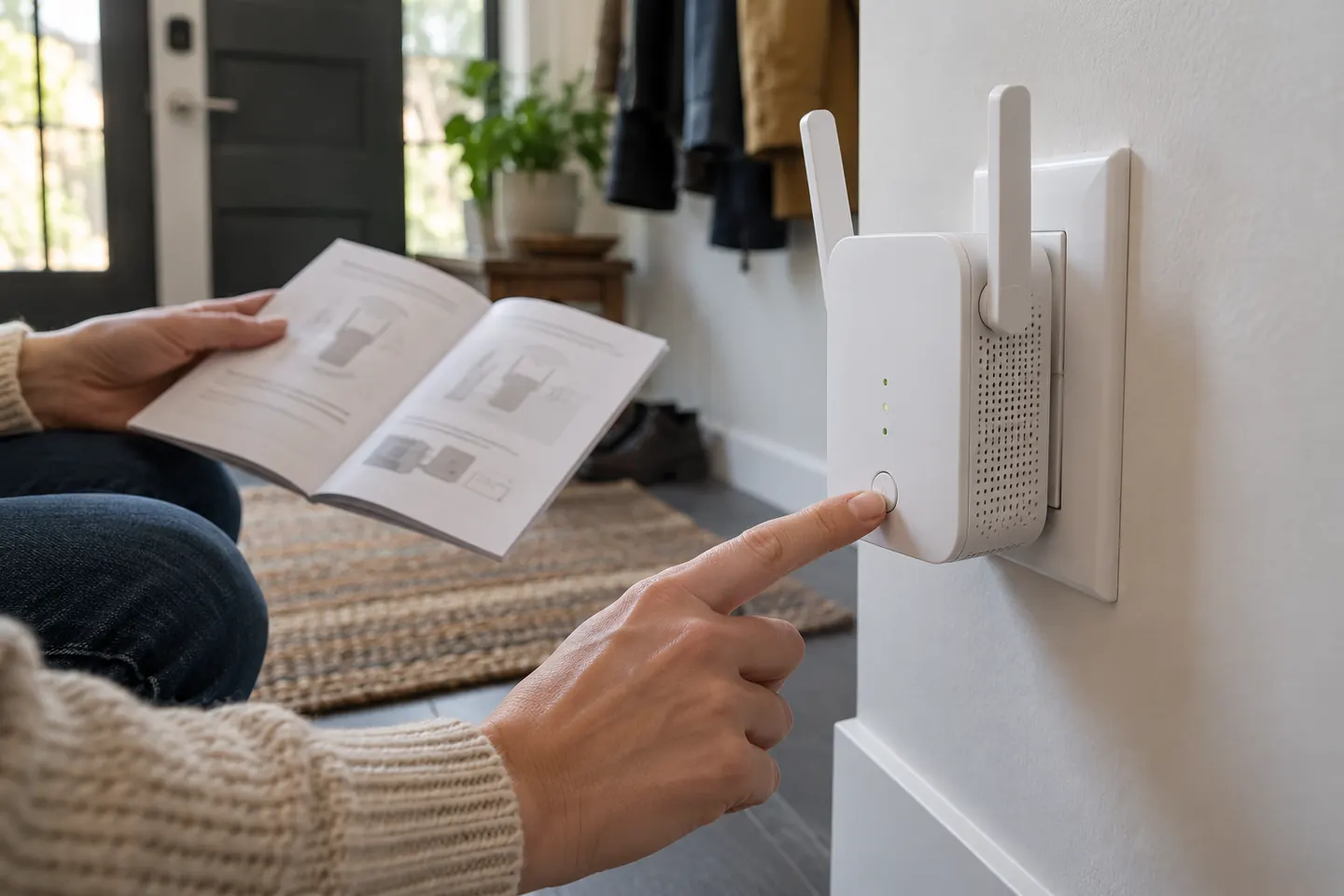
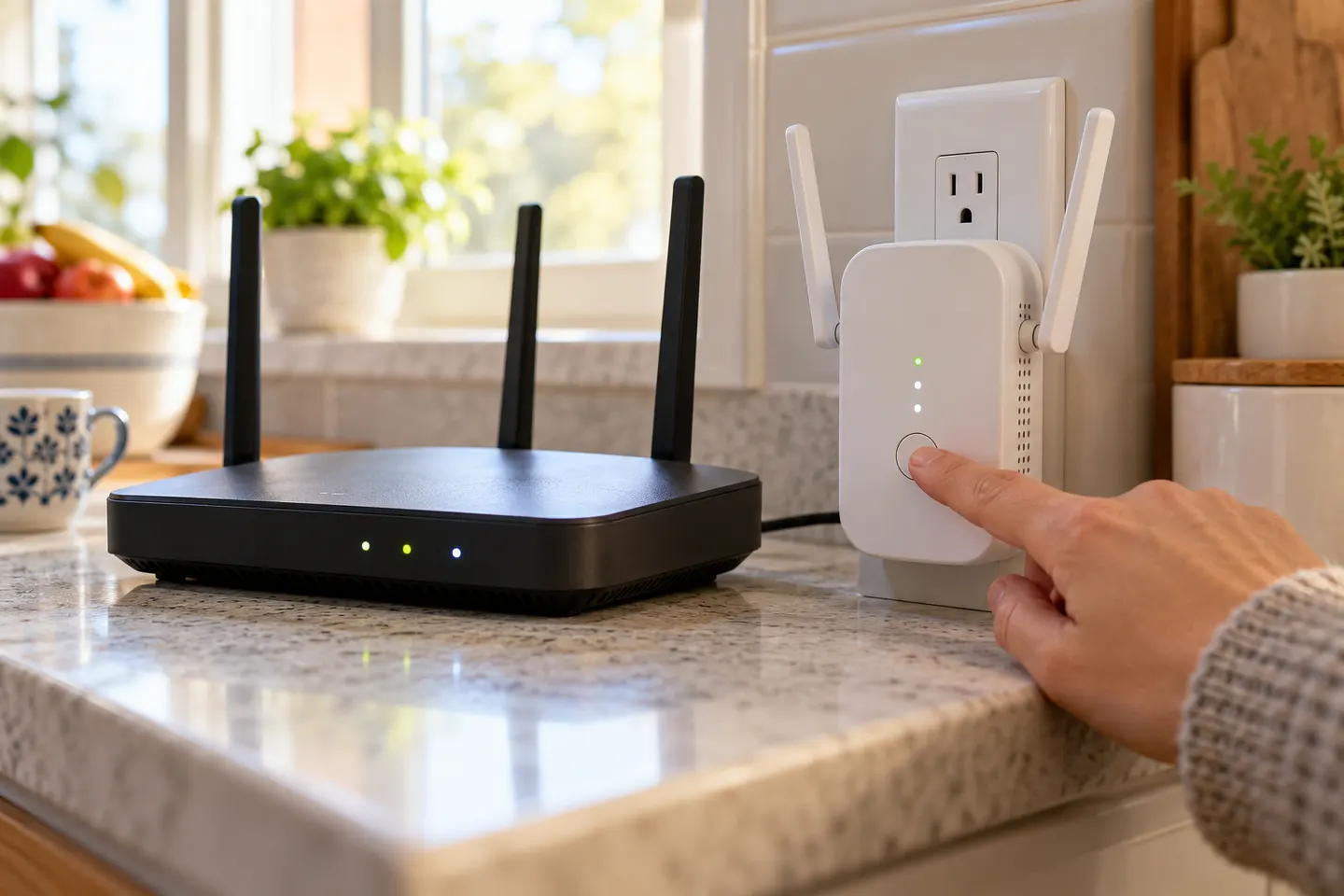 Set up
How-to guides
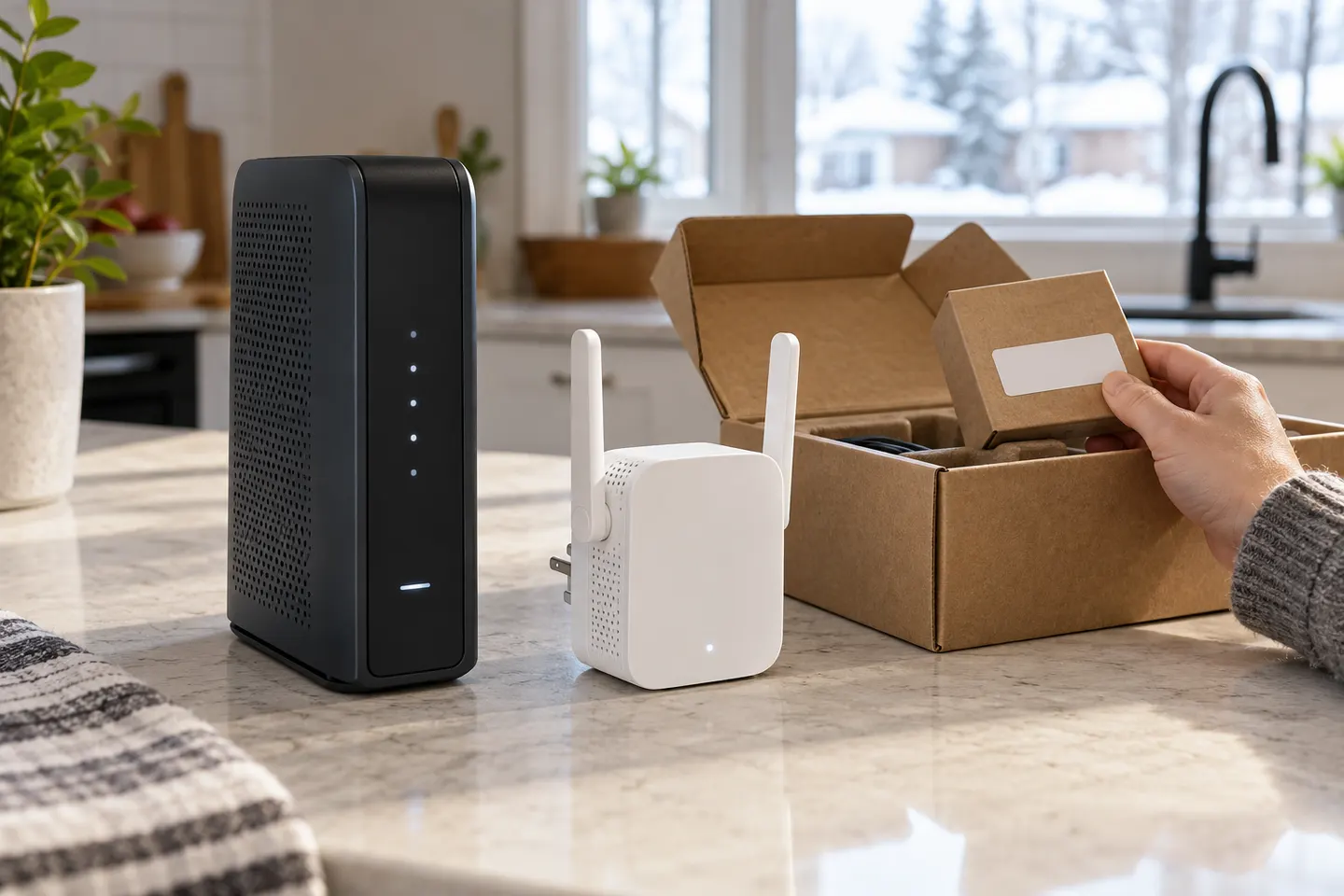 How to Set Up a TP-Link WiFi Extender for Better…
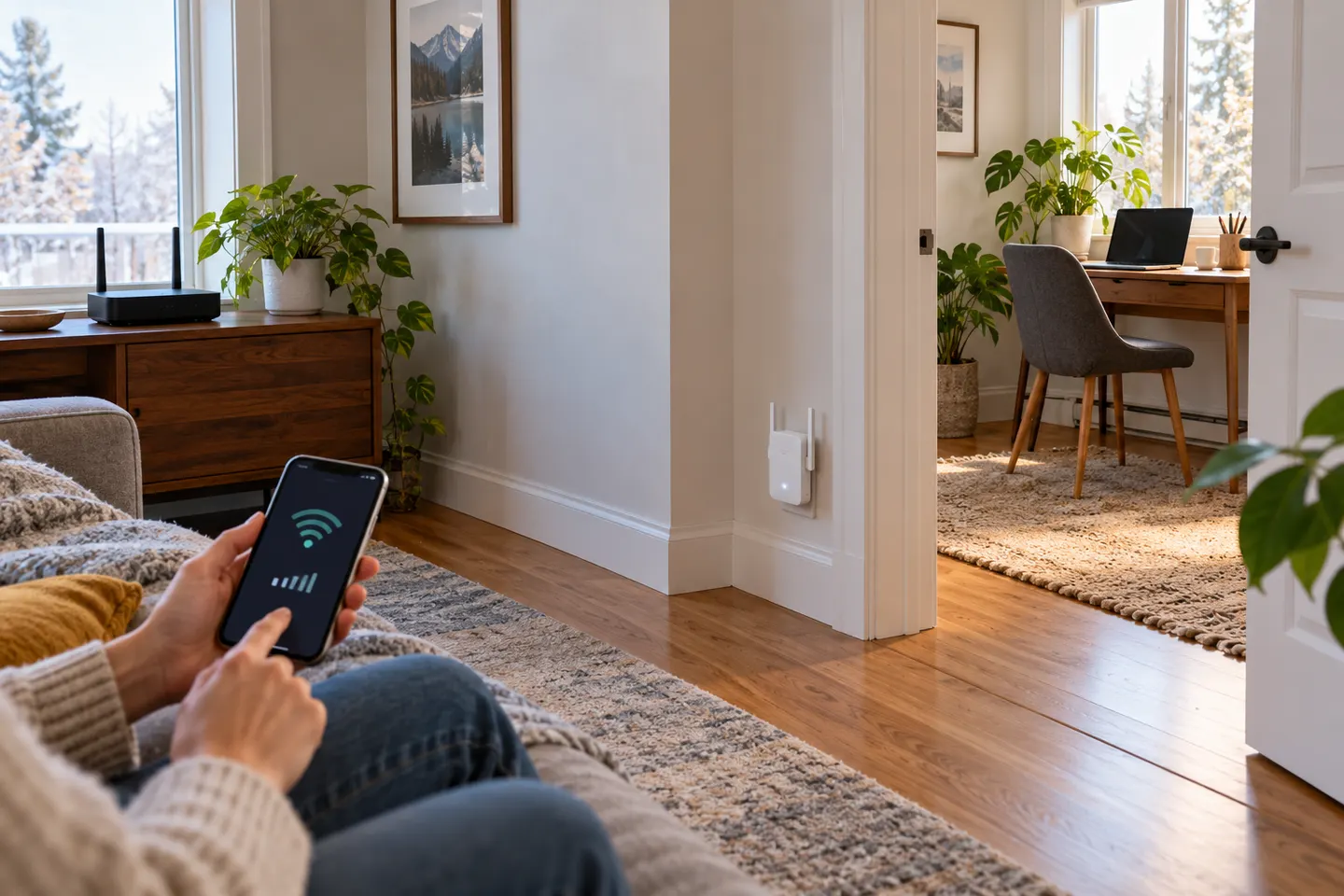 How to Set Up a NETGEAR WiFi Extender
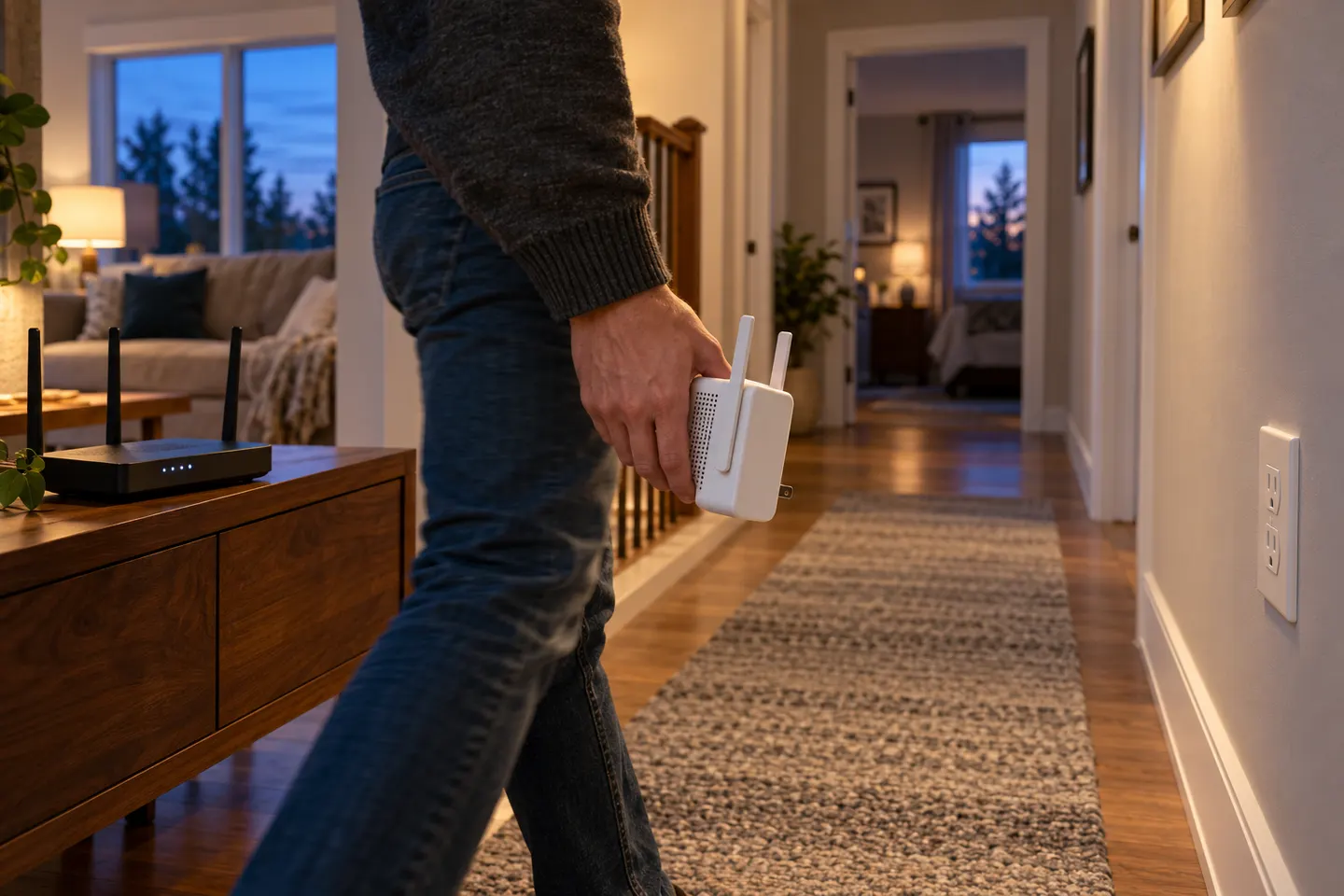 How to Set Up a WiFi Extender with Your Home Router
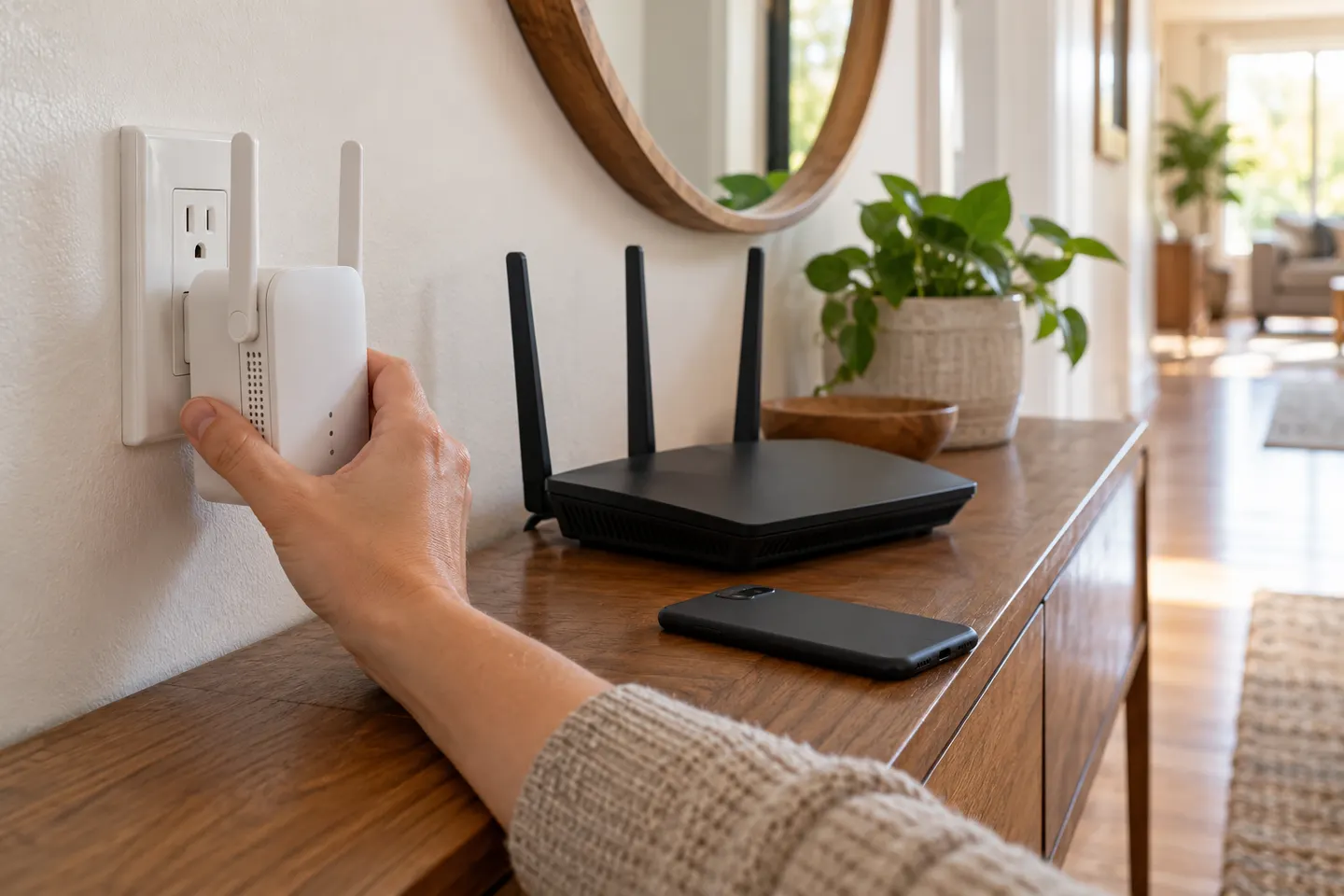 How Do I Hook Up a WiFi Extender to My Router?
Show all (5)
More topics
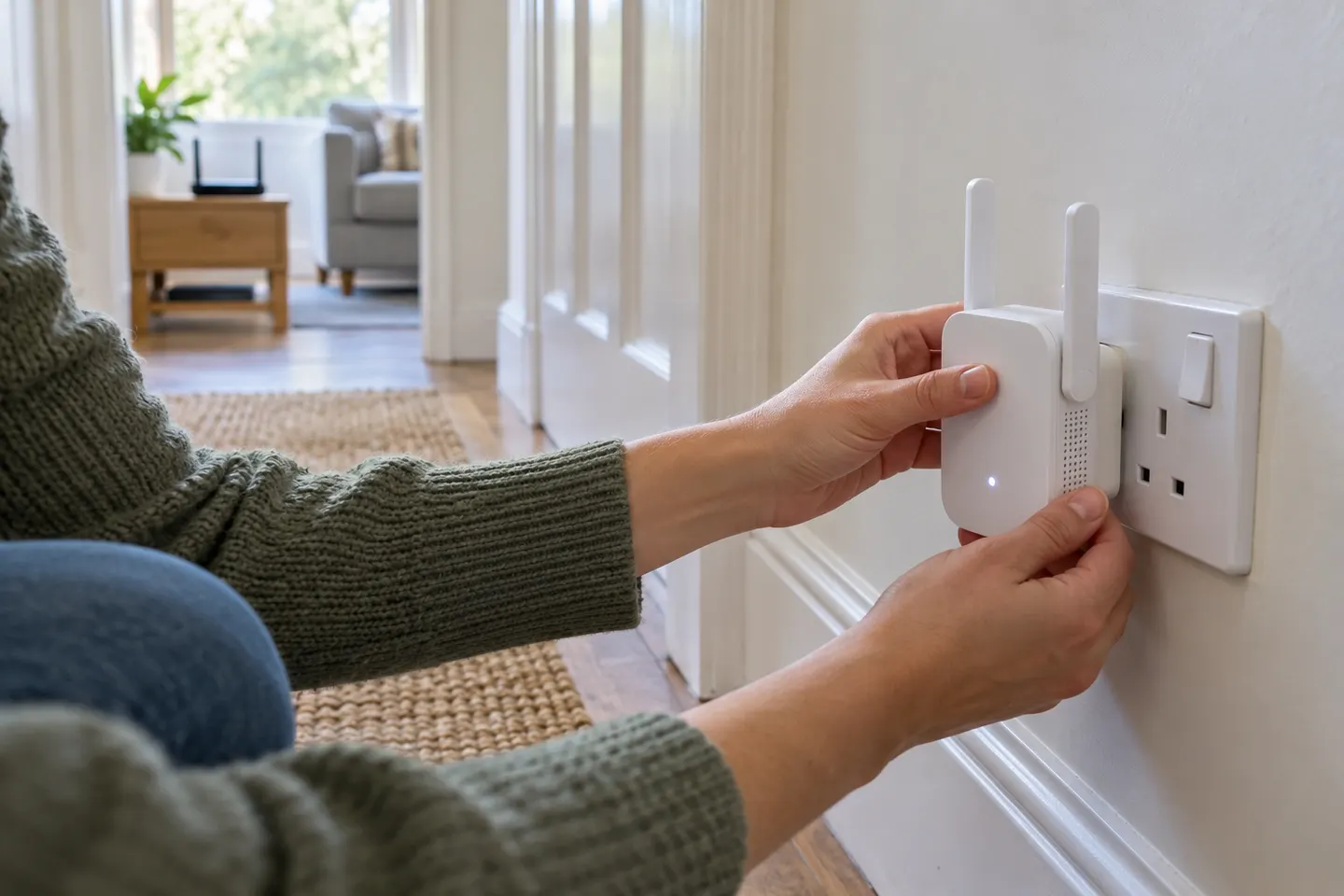 Setting Up a Wi-Fi Extender
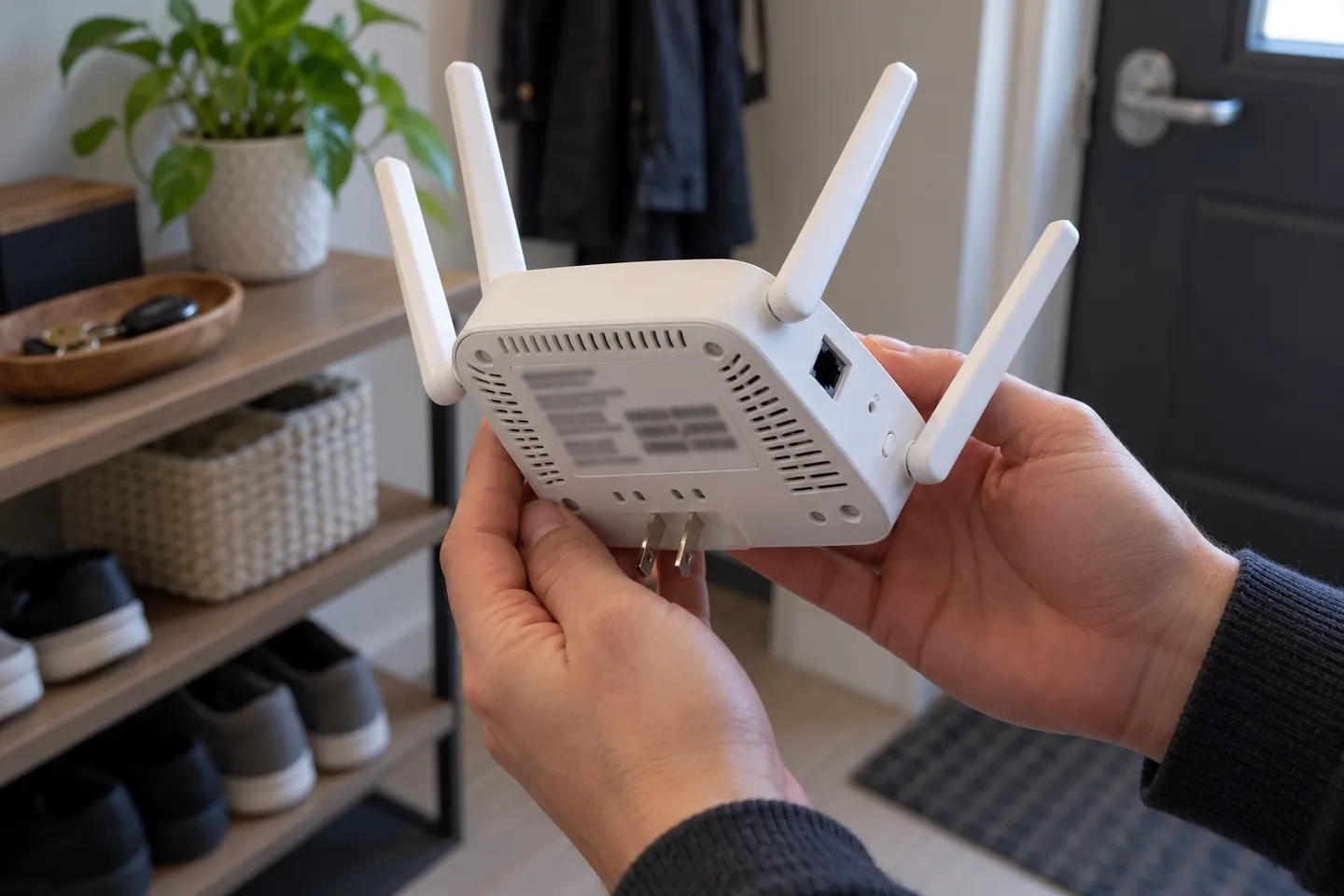 Brostrend WiFi Extenders
Common questions
Questions before you buy
How do I set up a BrosTrend WiFi extender?
Use WPS if both devices support it, or connect to the extender and open the web address stated in its manual. Follow the model-specific prompts and select your router’s WiFi network.
Where do I find the BrosTrend extender setup page?
BrosTrend’s support material points users to re.brostrend.com for supported extender models. Connect to the extender’s setup network first; if the address does not open, use the instructions for the exact model.
Should I set up the extender beside my router?
For initial pairing, placing it near the router avoids a weak setup link. Once connected, move it to a position that still receives a stable router signal.
Why is my BrosTrend extender not connecting?
Check that you selected the right router network and entered its current password. Move the unit closer during setup, then consult its manual for reset and compatibility steps.