








 Official manufacturer image
Our picks
Top picks
Official manufacturer image Official manufacturer image
VIOFO A229 Plus 2CH
Check price on Amazon AU Official manufacturer image
Garmin Dash Cam Mini 3
Check price on Amazon AUBy vehicle
More topics
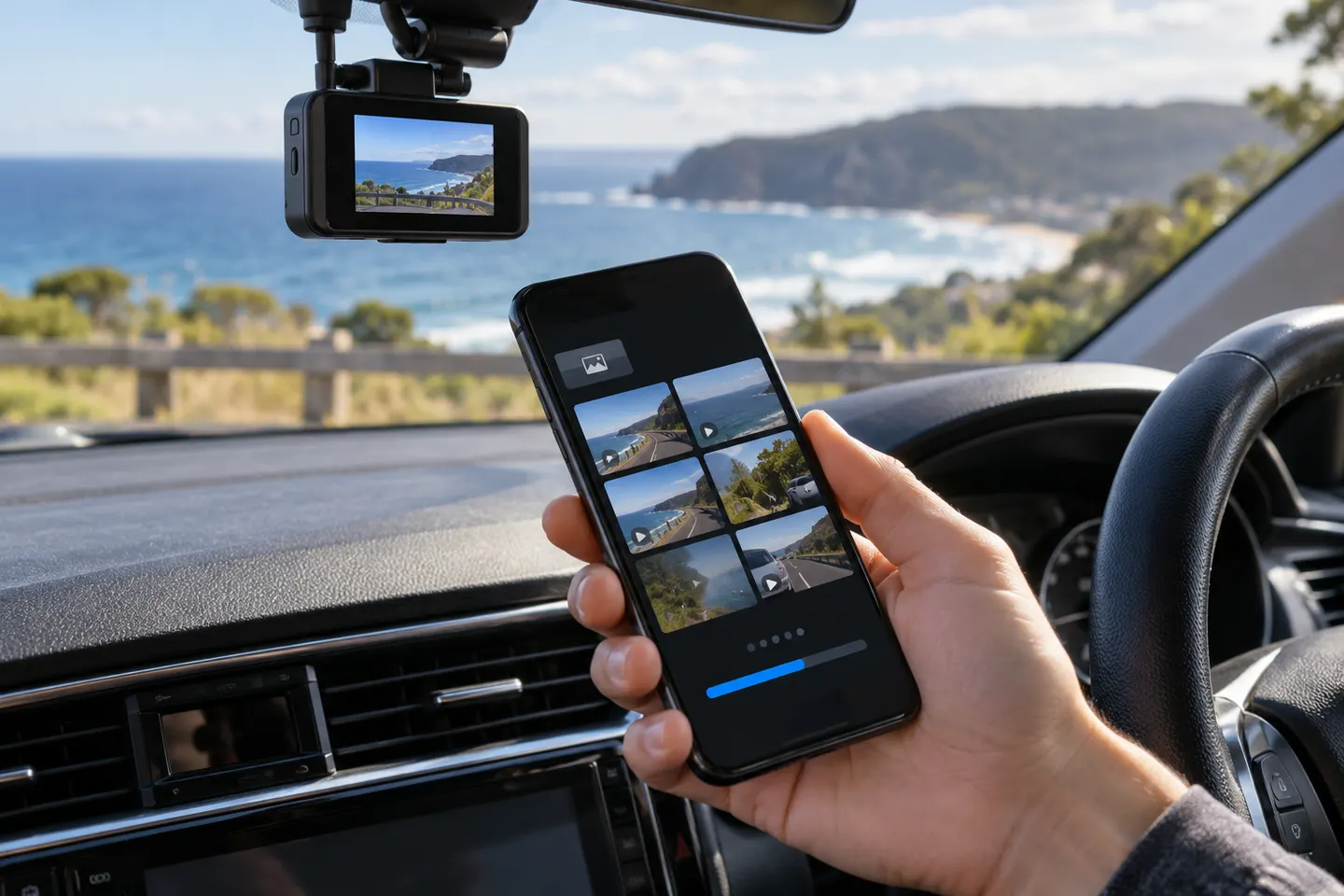 Dashcam Apps
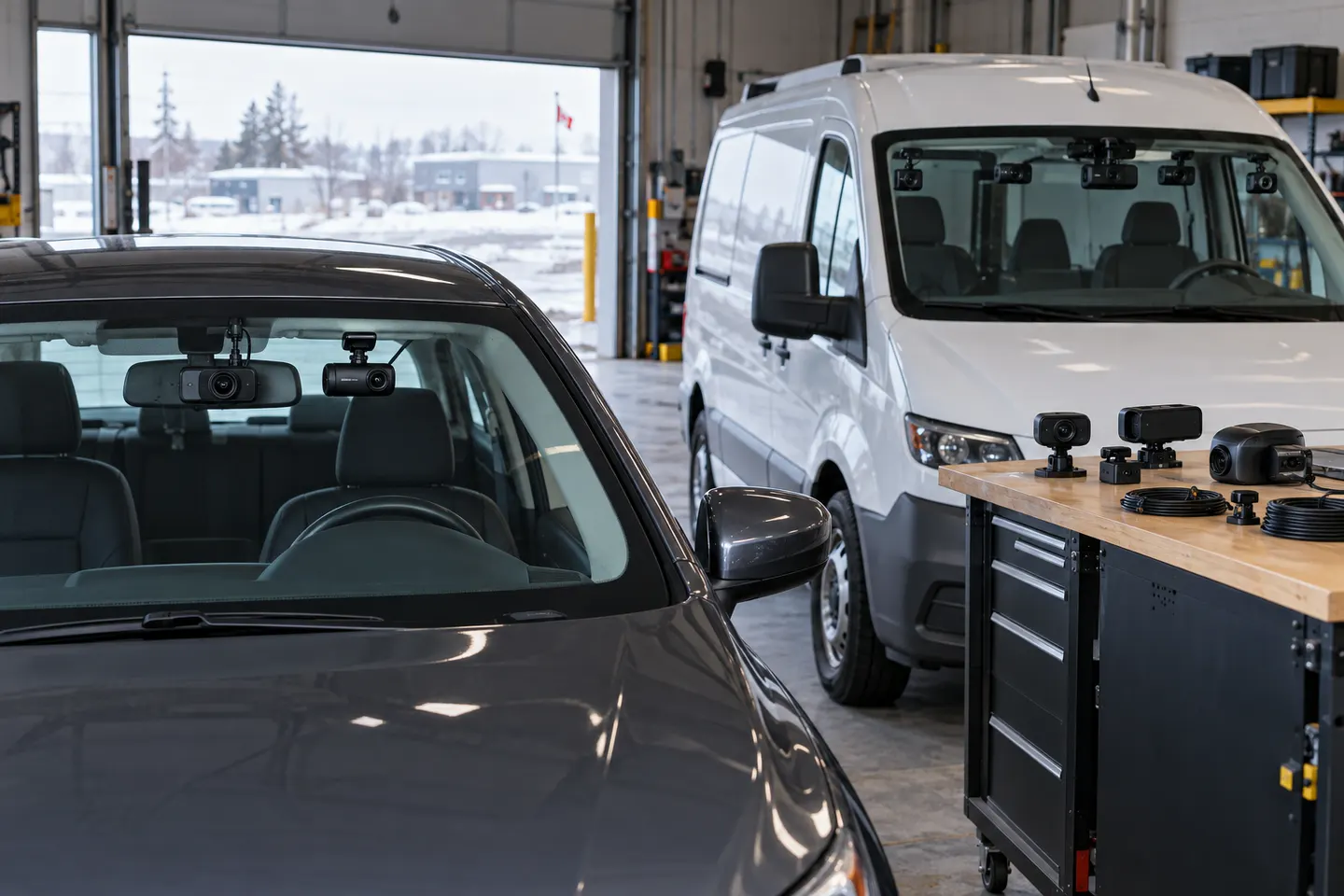 GNET Dash Cam Range
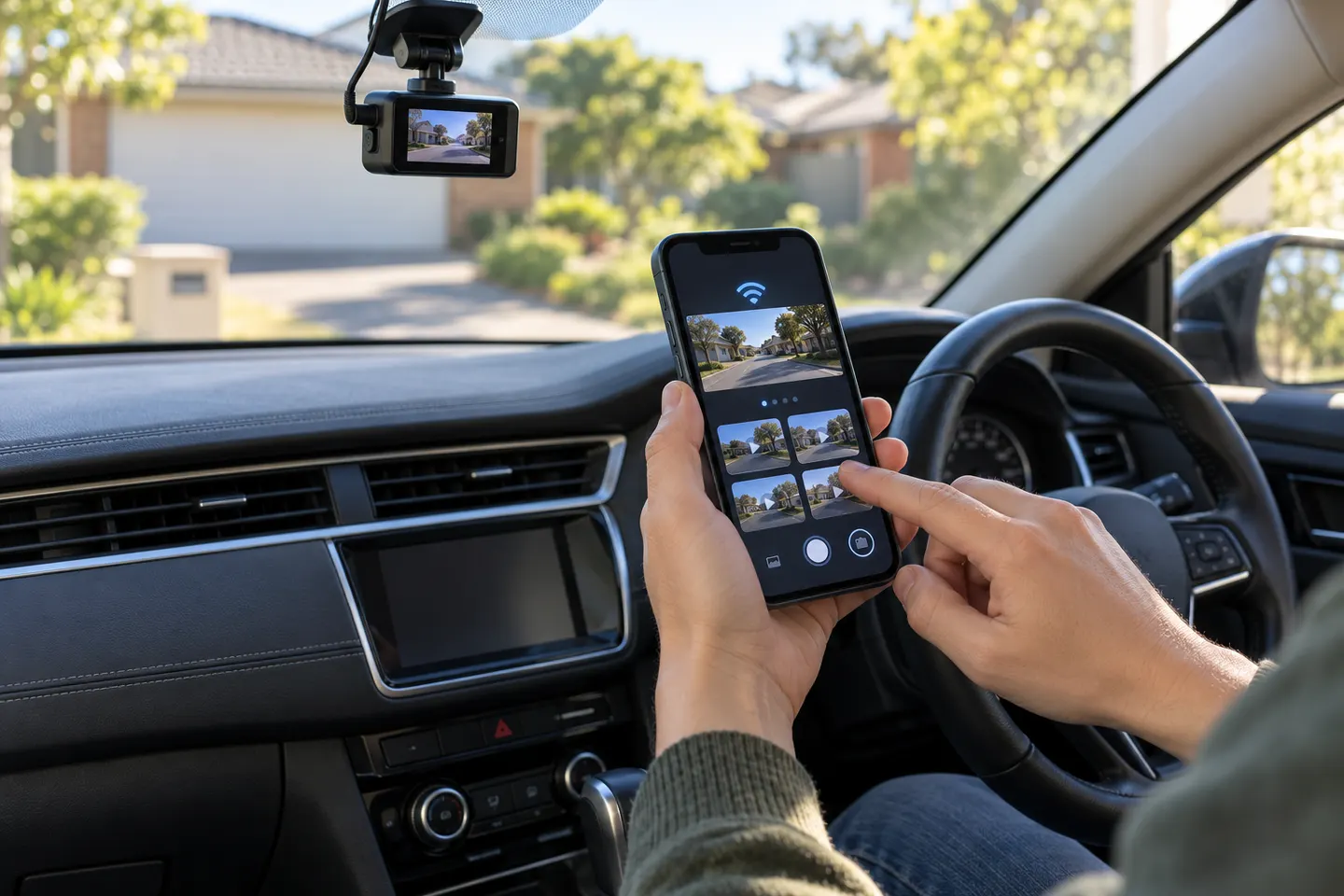 Dashcam Apps for iPhone
Common questions
Questions before you buy
How do I connect the GNET dash cam app?
Power the camera, enable its Wi-Fi, join the GNET network in phone settings and then open the official app. Follow the model-specific GNET quick guide for registration prompts.
Why does GNET Wi-Fi say there is no internet?
The phone is connected directly to the camera for data transfer, not to an internet router. Choose to remain connected so the app can communicate with the camera.
How do I download GNET footage to my phone?
Open the recorded-video list while connected to the camera, select the required file and use the app's backup or download control. Preserve the original file if it may be needed as evidence.
Why can the GNET app not find my dash cam?
Check camera power, Wi-Fi mode, phone permissions and whether automatic network switching has dropped the local connection. Restart both devices before changing camera settings.