








 Official manufacturer image
Our picks
Top picks
Official manufacturer image Official manufacturer image
TP-Link RE705X-Outdoor
Check price on Amazon AU Official manufacturer image
TP-Link TL-WPA8631P KIT
Check price on Amazon AUSetup and help
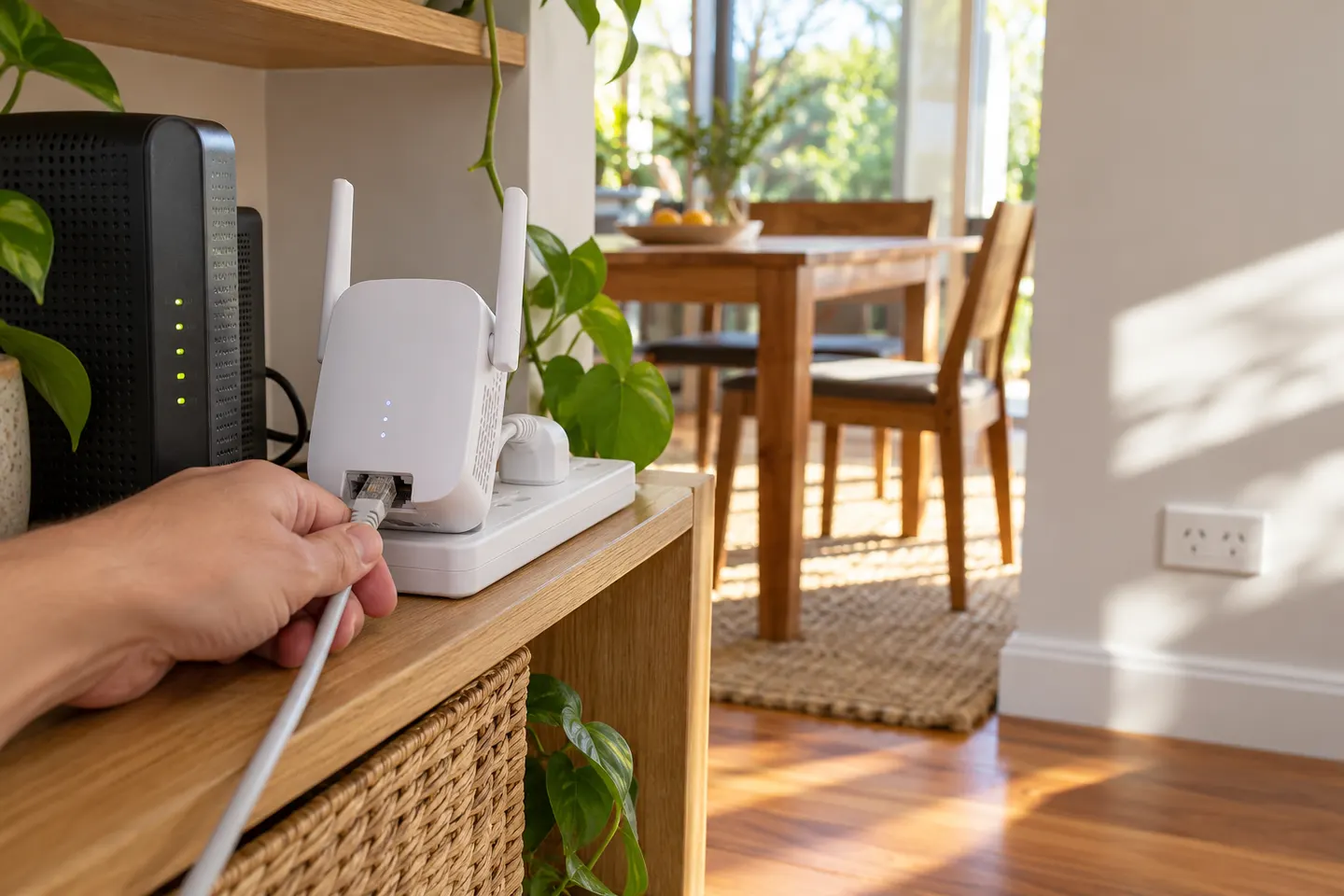 Telstra set up
How-to guides
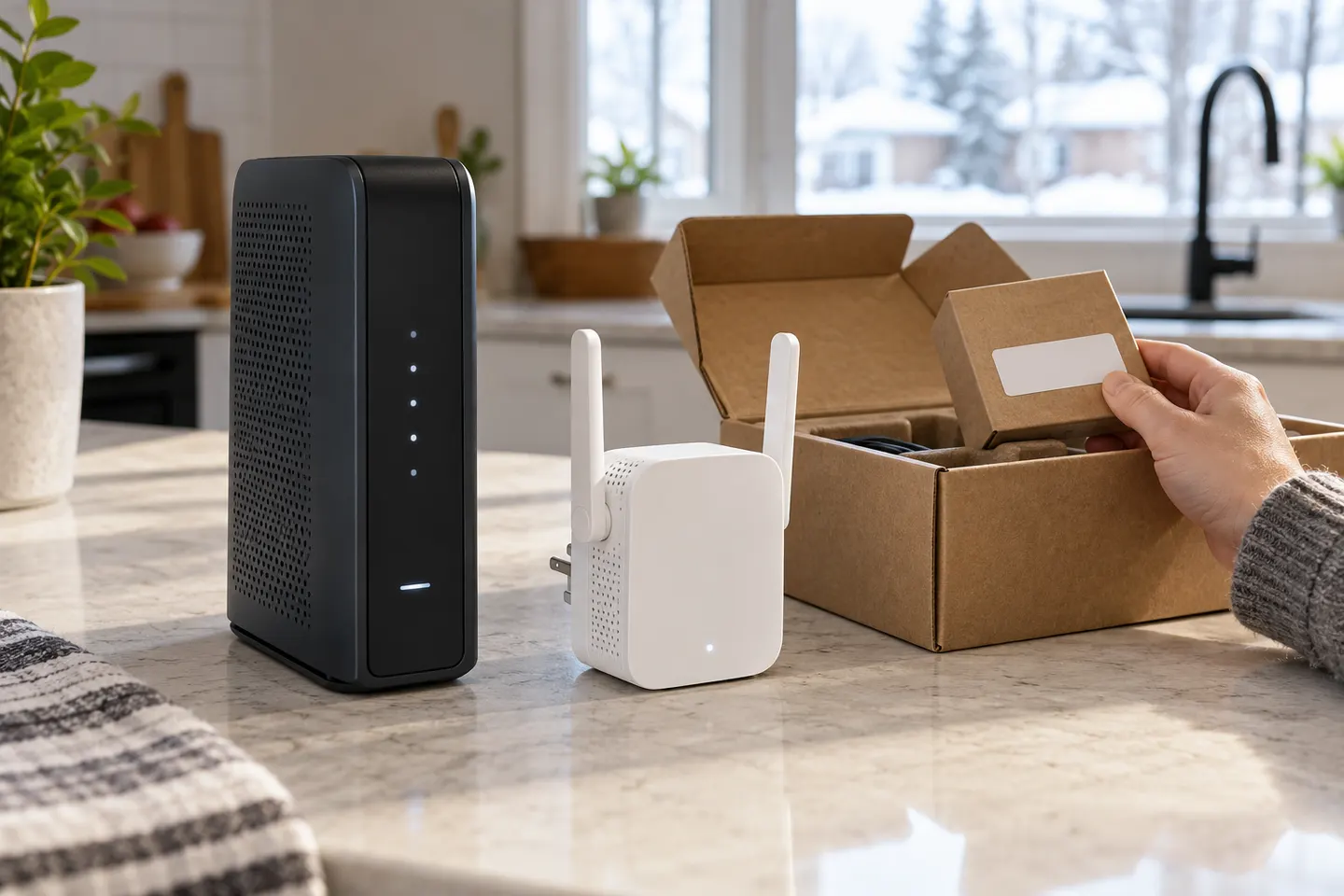 How to Set Up a TP-Link WiFi Extender Step by Step
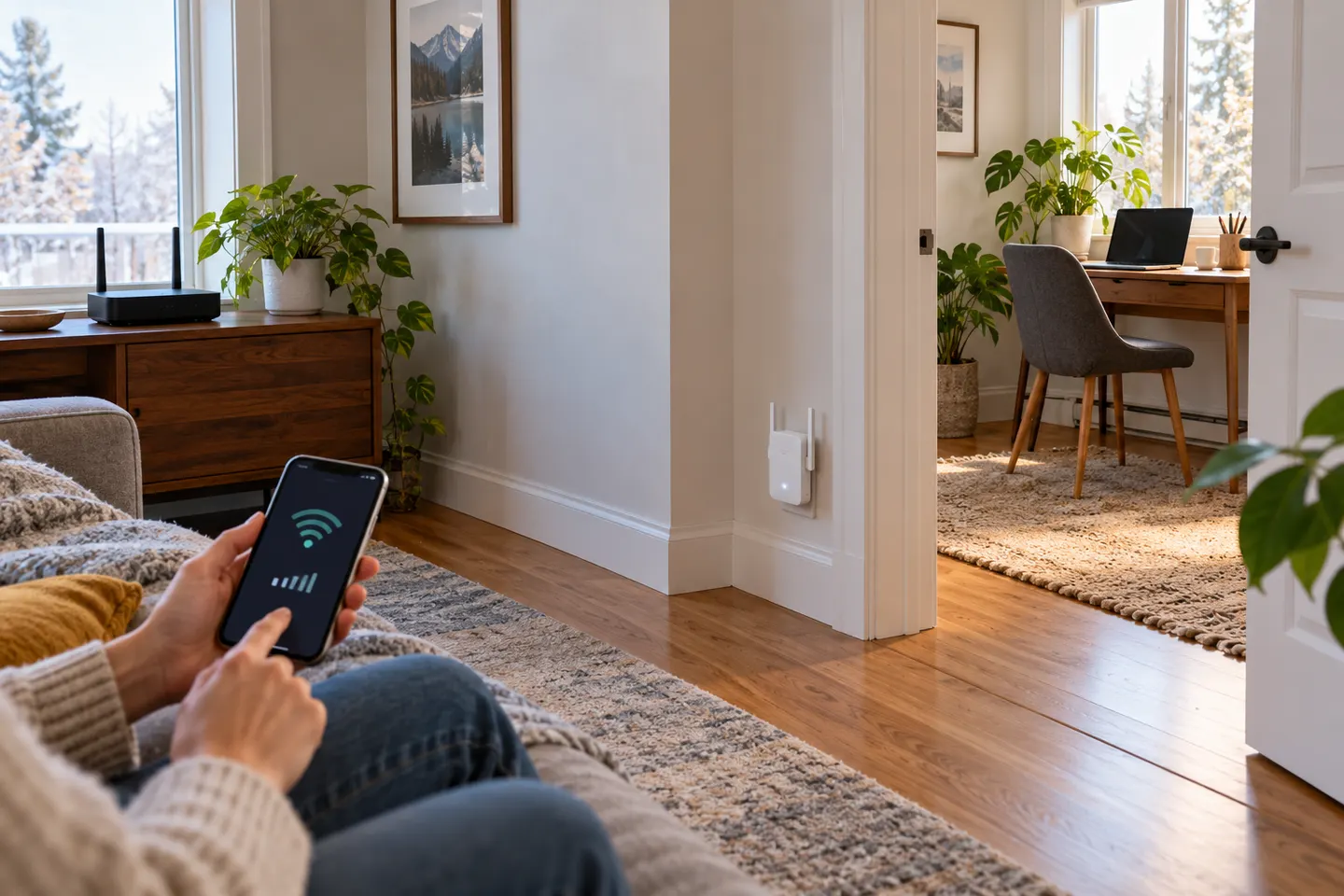 How to Set Up a NETGEAR WiFi Extender in Your Home
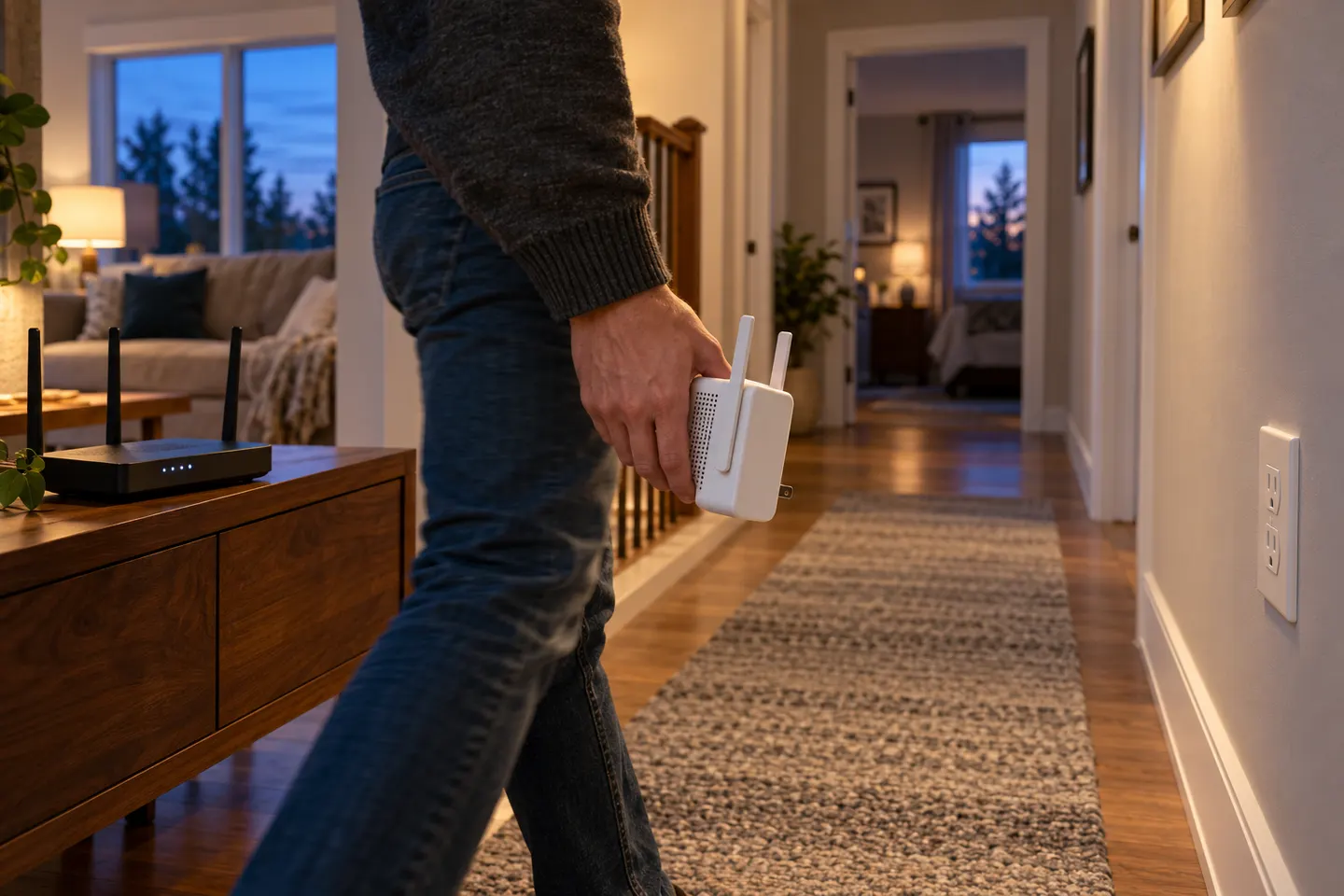 How to Set Up a WiFi Extender in Your Home
Common questions
Questions before you buy
Can I set up an extender without WPS?
Often yes, if its app or web setup supports it. Join the temporary setup network and follow the model instructions.
Should I configure it beside the router?
Use a nearby outlet for initial setup if recommended, then relocate it where router signal remains dependable.
Why does the extender disappear after setup?
Check status indicators, confirm the host network and password, then follow model-specific troubleshooting.
Do I need to set it up again after moving it?
A normal move usually retains configuration. A router or WiFi password change may require setup again.