WiFi Extender Brands and Their Range Extender Models
Start with your router and use case: TP-Link and Netgear offer standalone range extenders, while eero add-on nodes extend an eero mesh. Sky customers should check their provider equipment and compatible options.
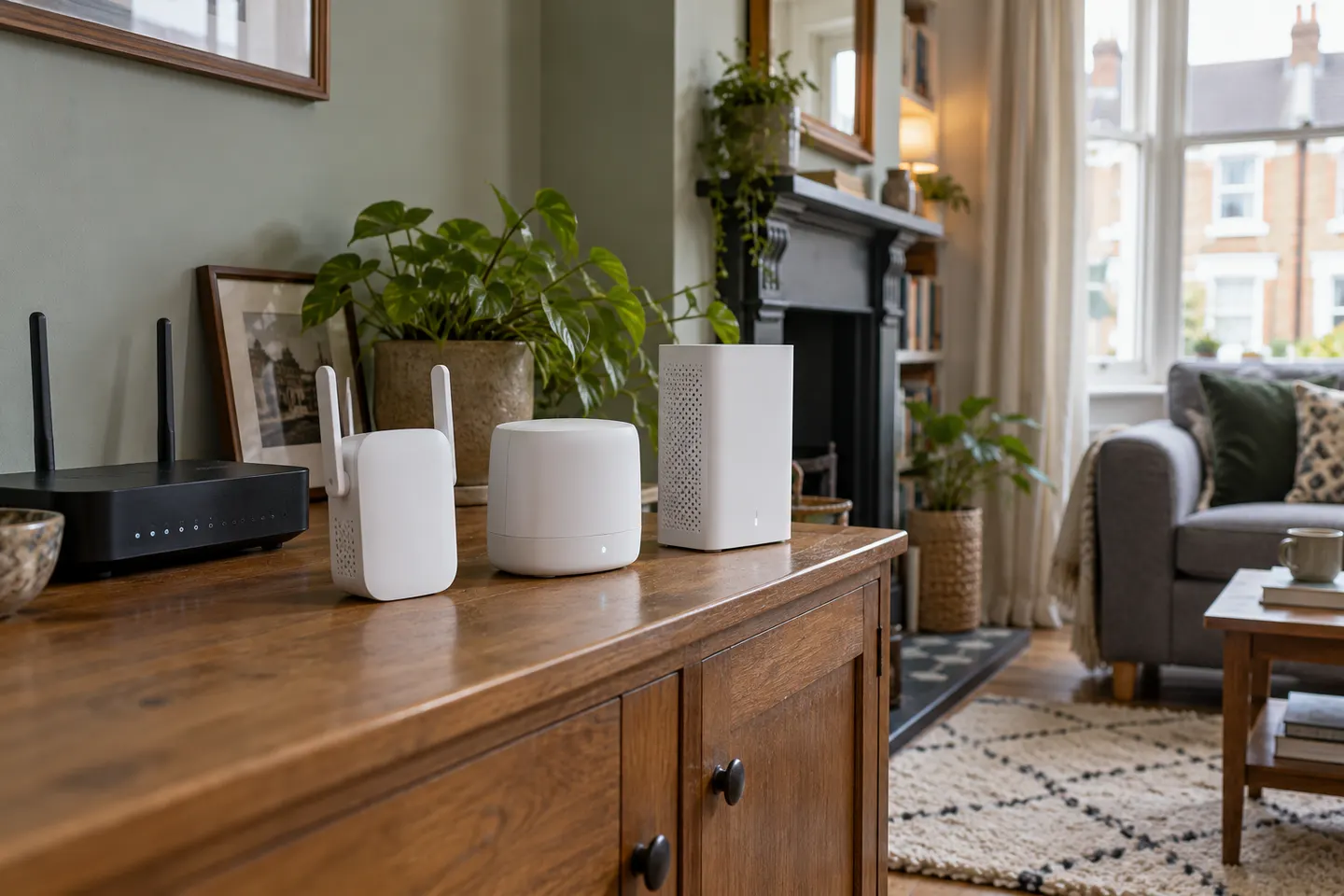
WiFi extender brands differ in how they pair with your existing network. Compare the exact model, router compatibility and setup method rather than choosing on the brand name alone. TP-Link and Netgear sell conventional range extenders; eero’s extender products are nodes for an eero mesh system.
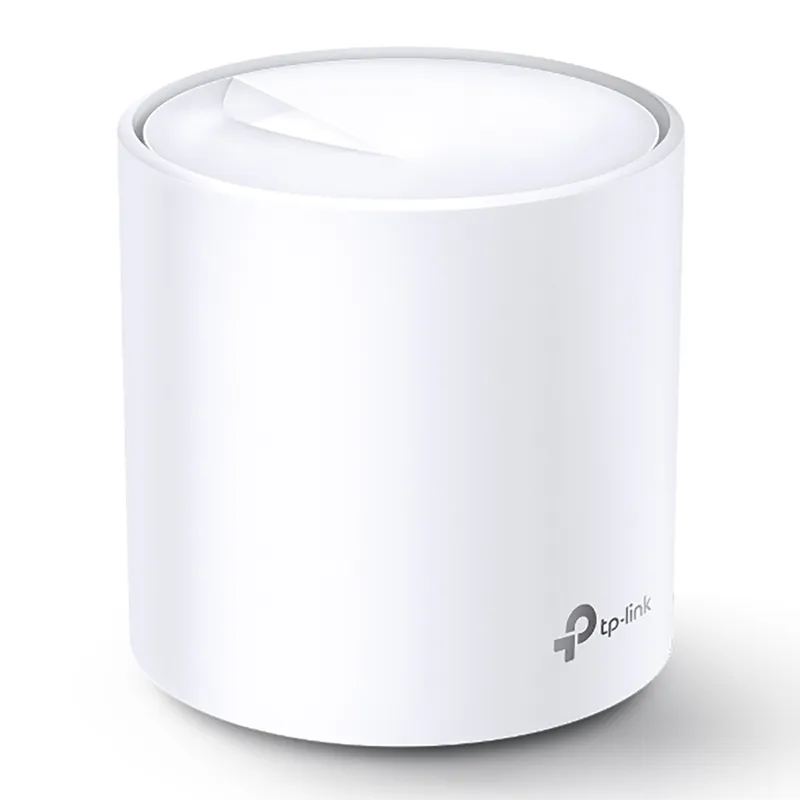
TP-Link RE315 is a practical starting point for a standard indoor dead zone. Consider a Wi-Fi 6 device for newer kit, outdoor-rated hardware for a garden, or powerline where a wireless hop struggles.
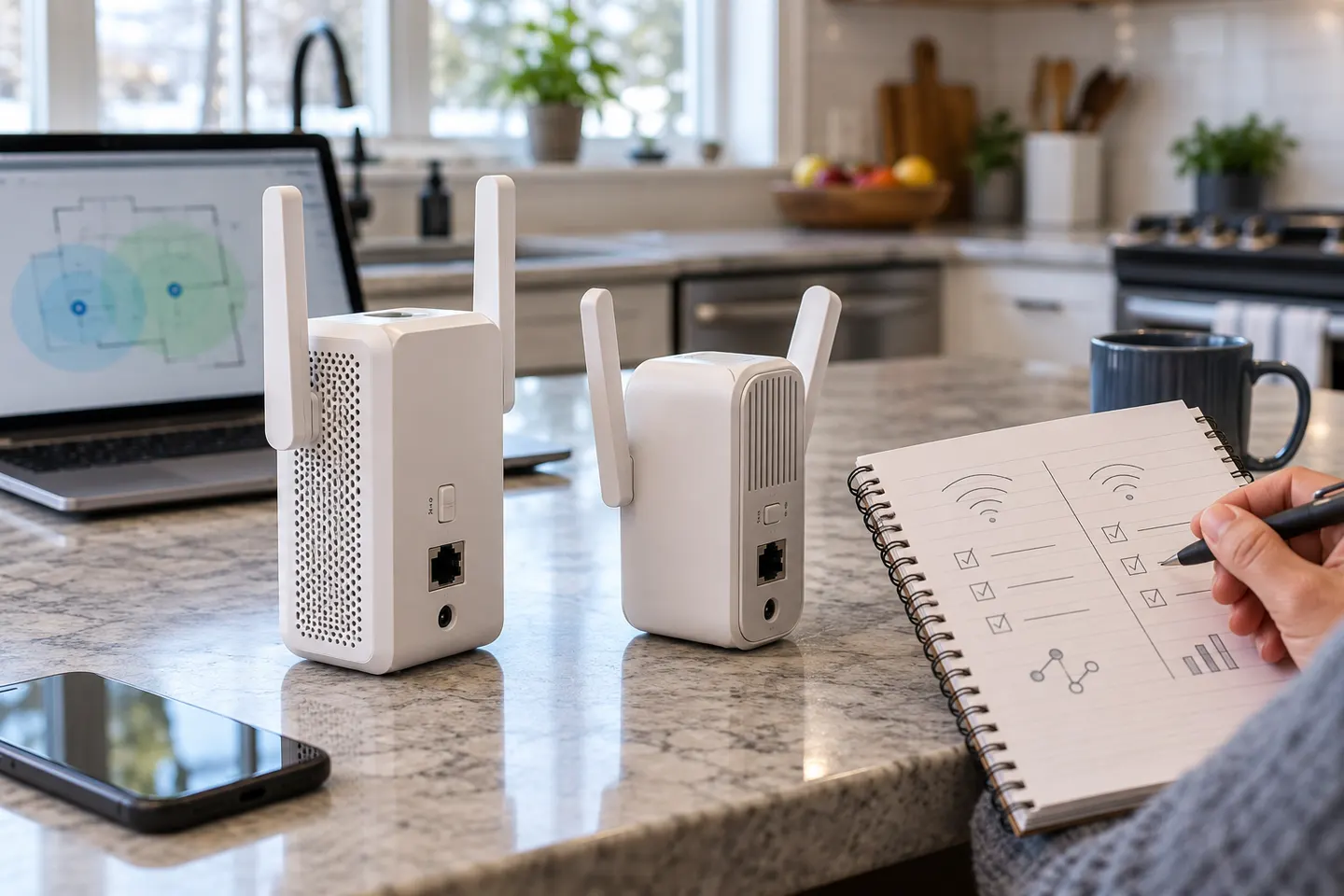
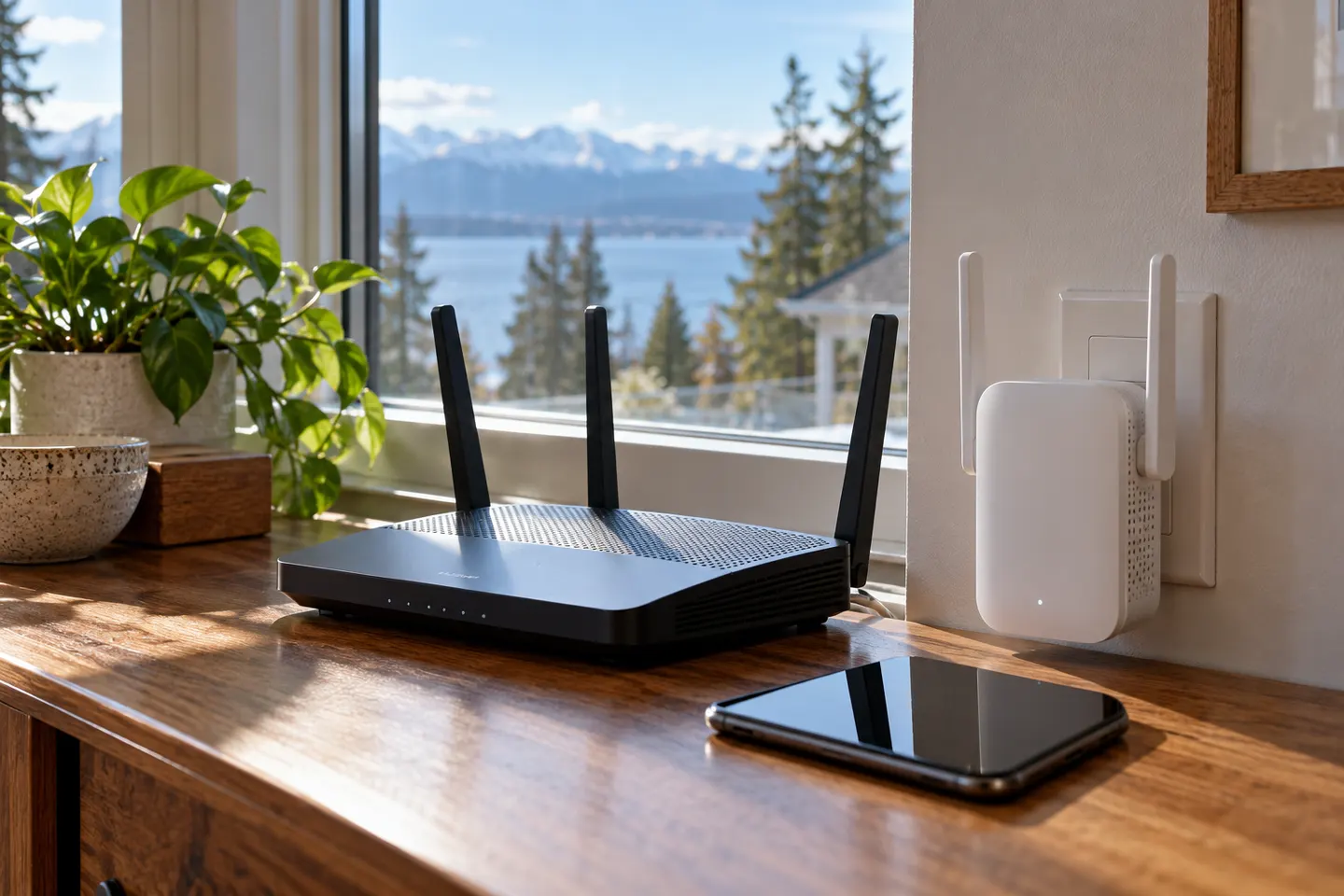
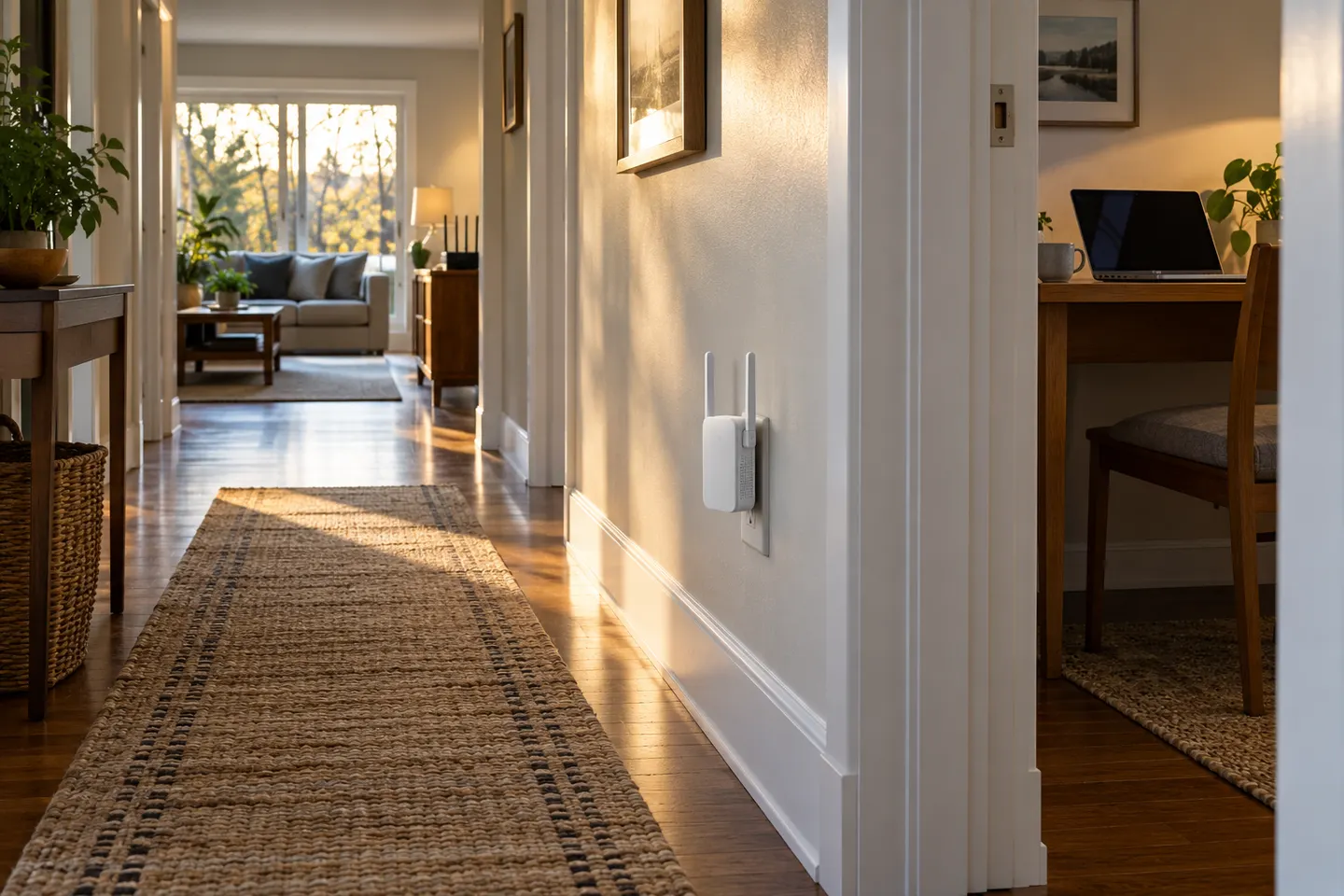
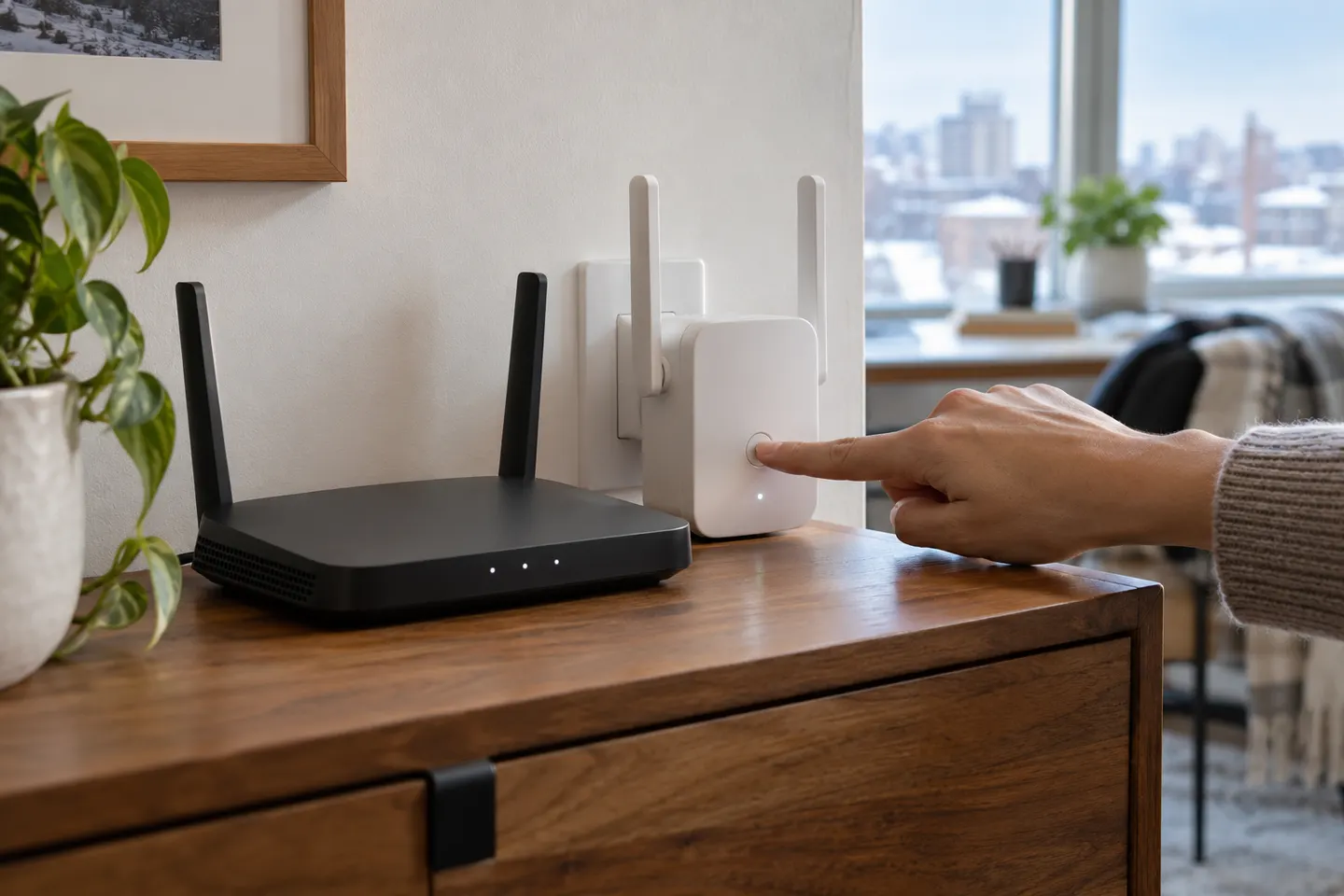
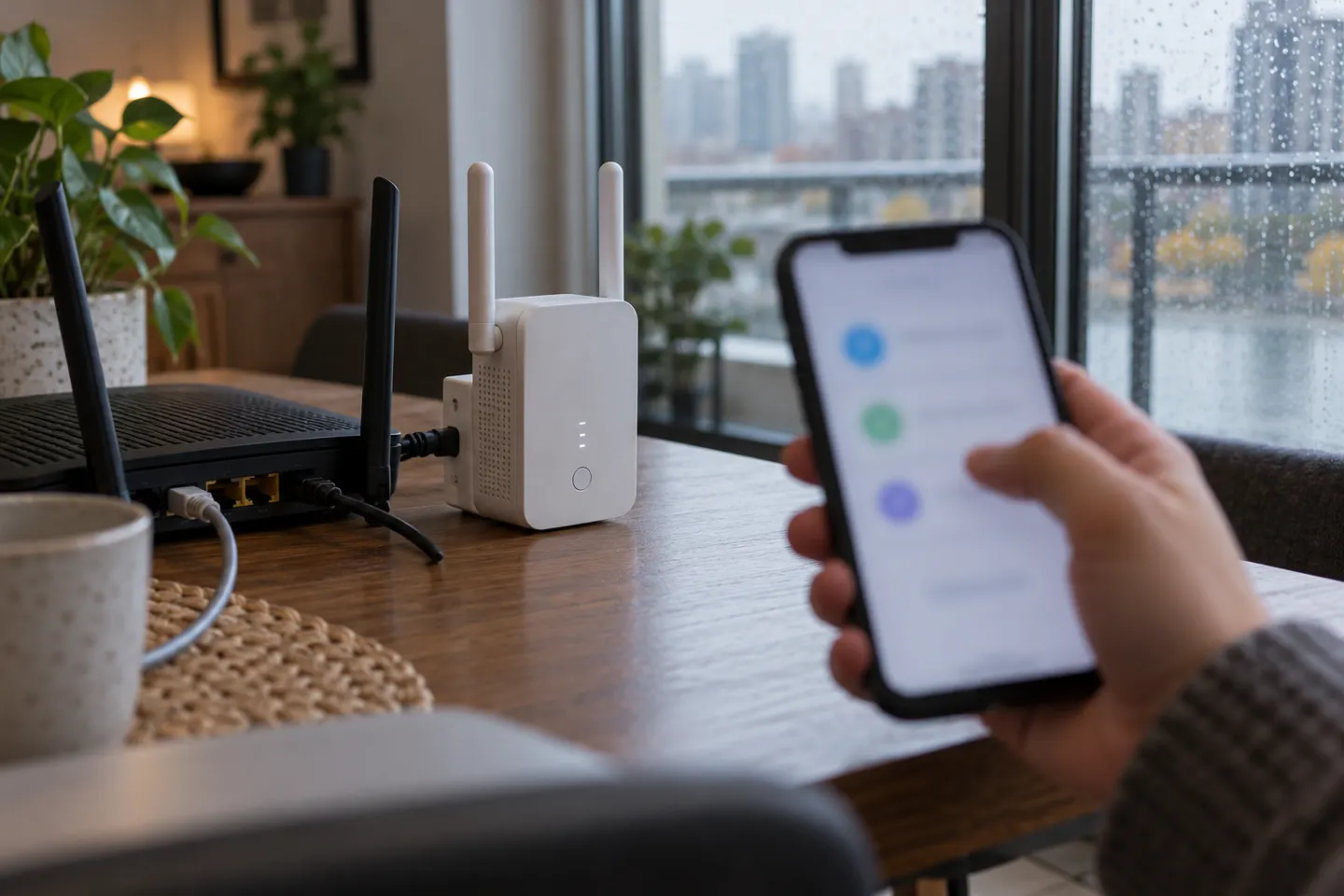
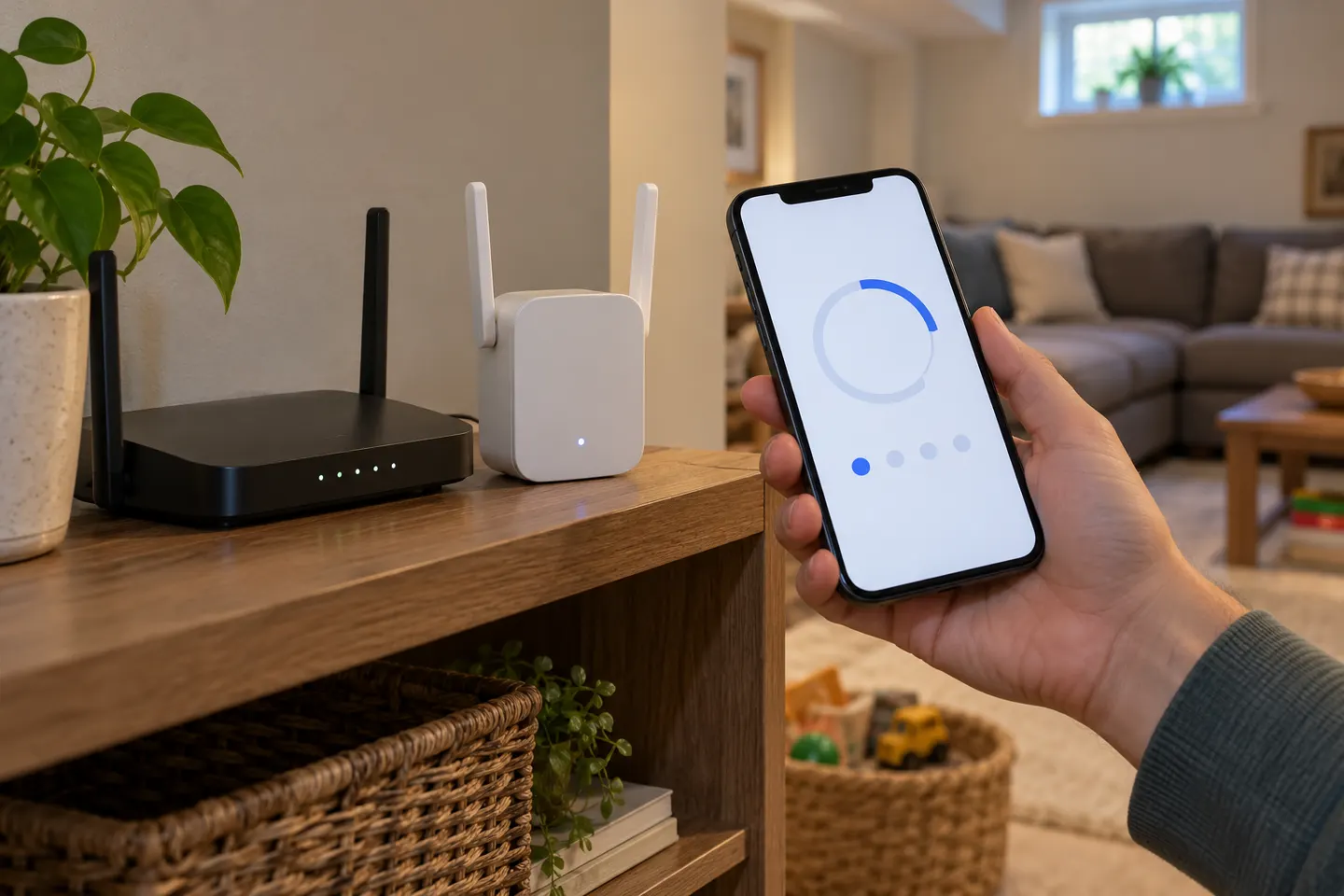
Start near the router, pair the extender using WPS or the Tether app where supported, then move it to a spot that still receives a good router signal. The exact buttons and screens depend on the model and hardware version.
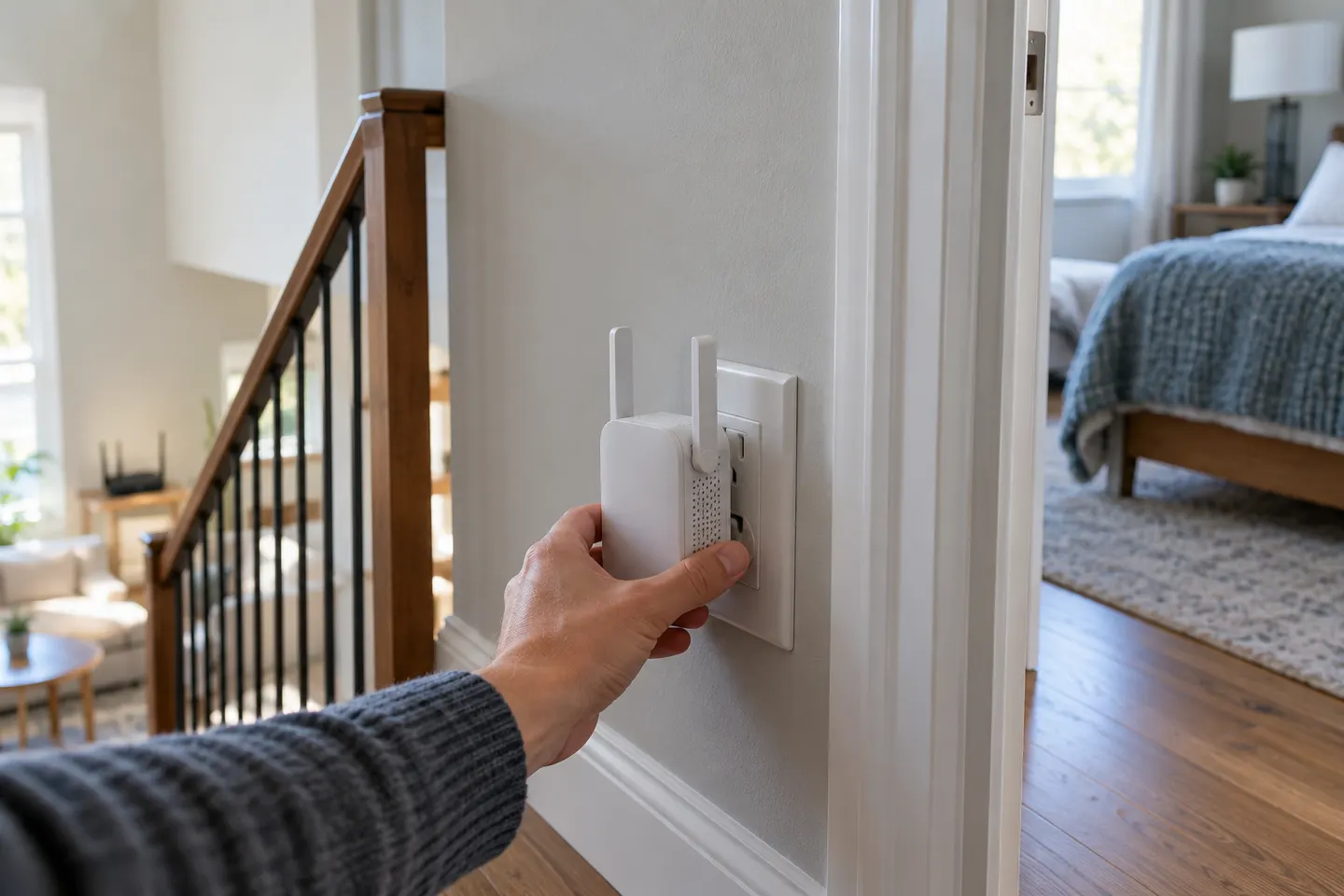
In everyday shopping, “booster” and “extender” often describe the same kind of device: one that relays a router’s wireless network. Check the operating mode and compatibility rather than relying on the label.
TP-Link RE315 is a practical starting point for a standard indoor dead zone. Consider a Wi-Fi 6 device for newer kit, outdoor-rated hardware for a garden, or powerline where a wireless hop struggles.
TP-Link offers the broadest mix of current extender features in this shortlist. Belkin is worth considering only if you specifically need a documented legacy model and have checked its support status.
Rather than treating “top rated” as a guarantee, compare the specifications and independent review evidence available for each exact model. These picks span Wi-Fi 6, AC1900, AC1200 and compact AC750 options.
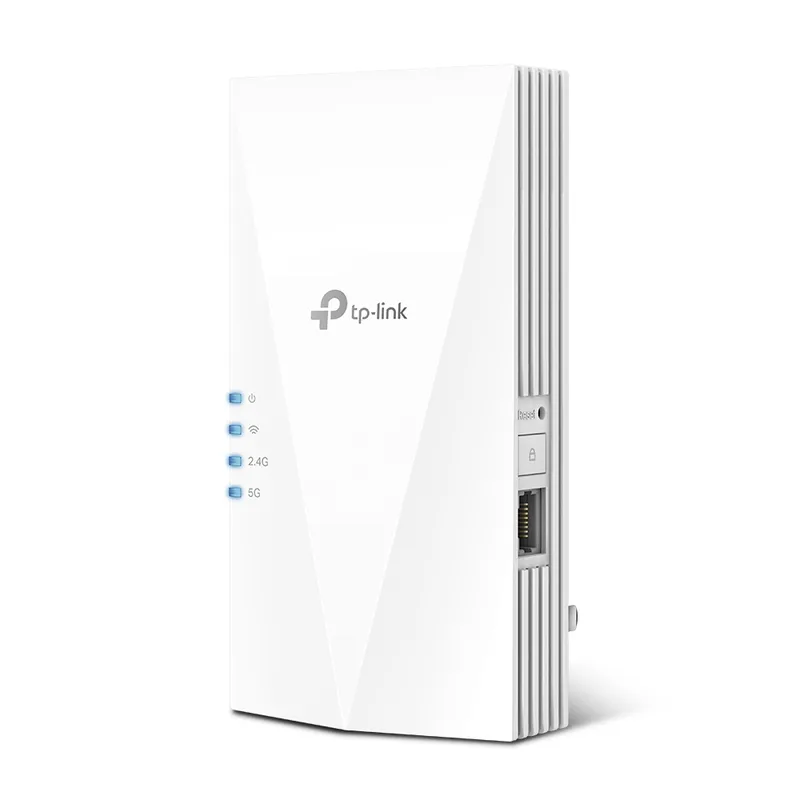
For a balanced feature set, TP-Link RE705X combines Wi-Fi 6, EasyMesh compatibility and a Gigabit port. RE315 and RE200 are simpler options; Netgear EX3700 and eero 6 Extender suit different network setups.
In everyday shopping, “booster” and “extender” often describe the same kind of device: one that relays a router’s wireless network. Check the operating mode and compatibility rather than relying on the label.
An extender is usually the simpler fix for one weak room; mesh is built to coordinate coverage across a larger home. The best choice depends on layout and router support.
“Booster” is often a loose label, while “extender” usually describes a device that rebroadcasts a router's Wi-Fi. For a useful comparison, distinguish wireless repeaters from mesh nodes and powerline kits.
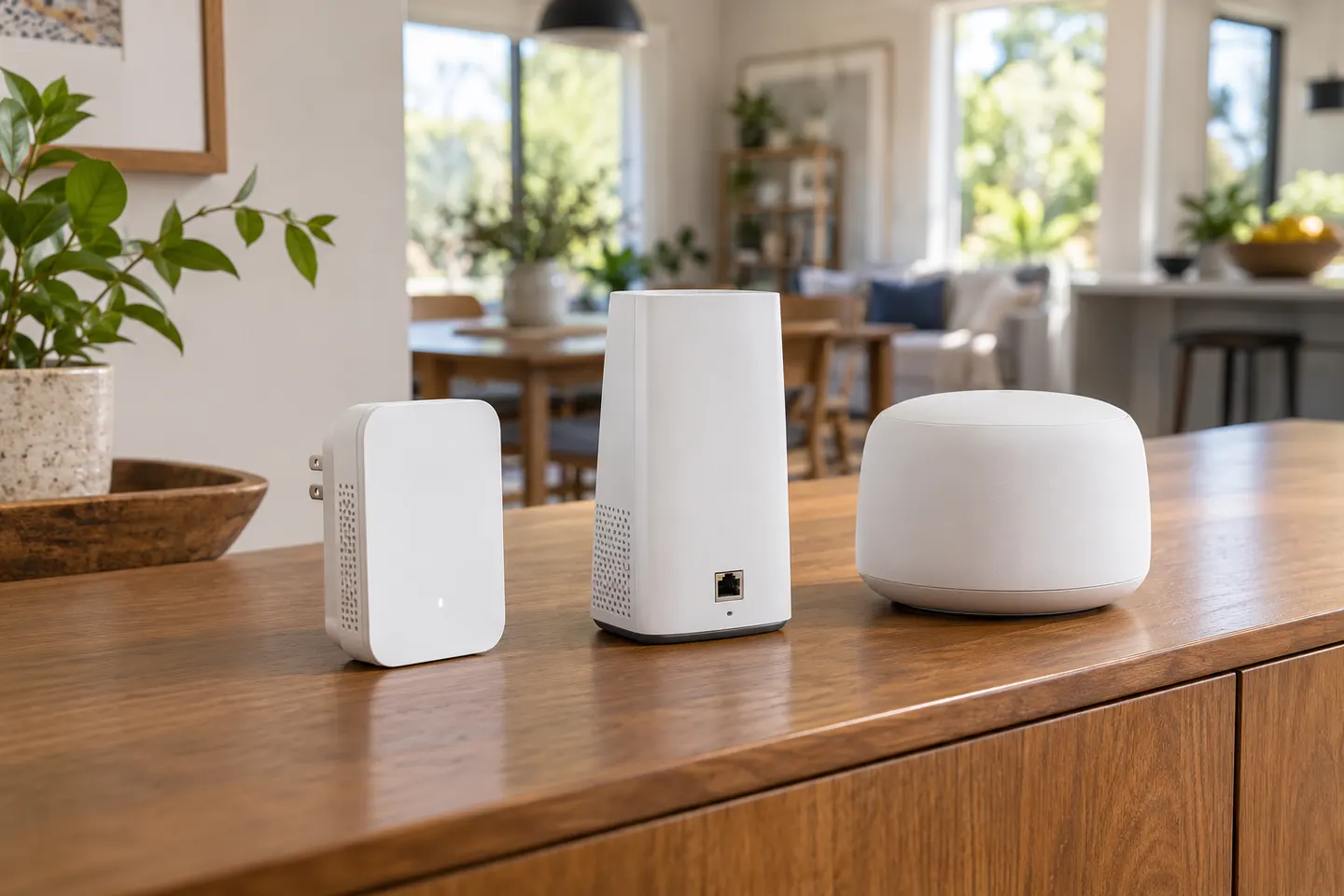
An extender is a focused way to relay an existing router signal into a nearby weak spot. Mesh uses coordinated nodes for a unified network across more of the home, if the layout suits a system change.
There is no single best brand for every setup. Match the extender to your router, the area to cover and whether you need a standalone repeater or an integrated mesh node.
Can I mix WiFi extender brands?
A standard range extender can often connect to a router from another maker, but mesh roaming and shared network features may need compatible models. Check both manufacturers’ specifications.
Is an eero extender compatible with a TP-Link router?
eero extenders are designed for an eero network. For a TP-Link router, choose a standalone extender whose compatibility notes cover standard routers, or build a compatible mesh system.
Do Sky WiFi boosters work with other routers?
Provider-supplied boosters may depend on a Sky account or specific router models. Check Sky’s current compatibility information before adding one to another network.
Your privacy
We use cookies and similar technologies. Necessary ones keep the site working. With your permission we also use statistics cookies (Google Analytics and Microsoft Clarity) to understand which guides help readers. You can accept all, reject all or choose. You can change your choice at any time from "Cookie settings" at the bottom of every page. Cookie policy






 Official manufacturer image
 Official manufacturer image
 Official manufacturer image
 Home
Home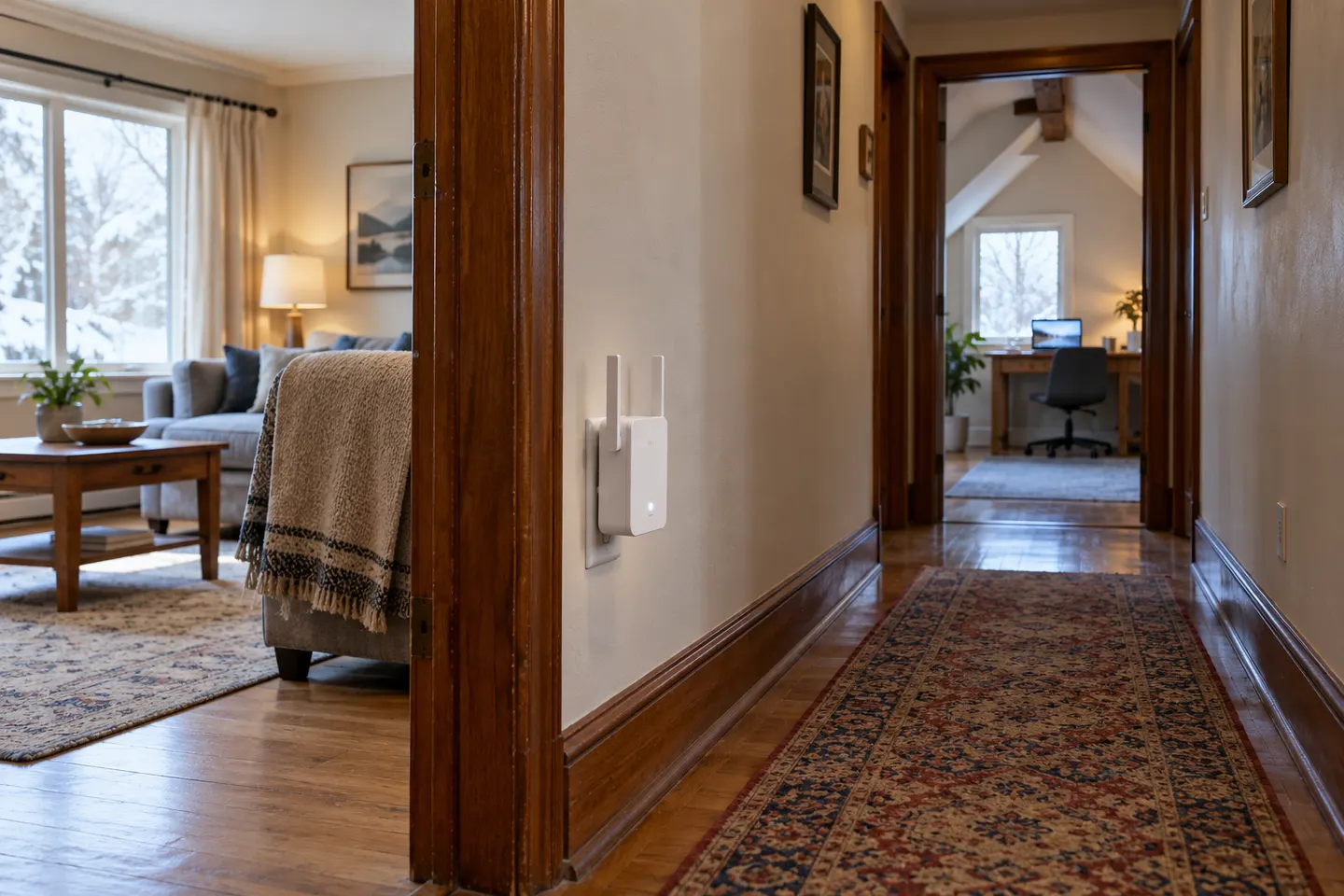 Long
Long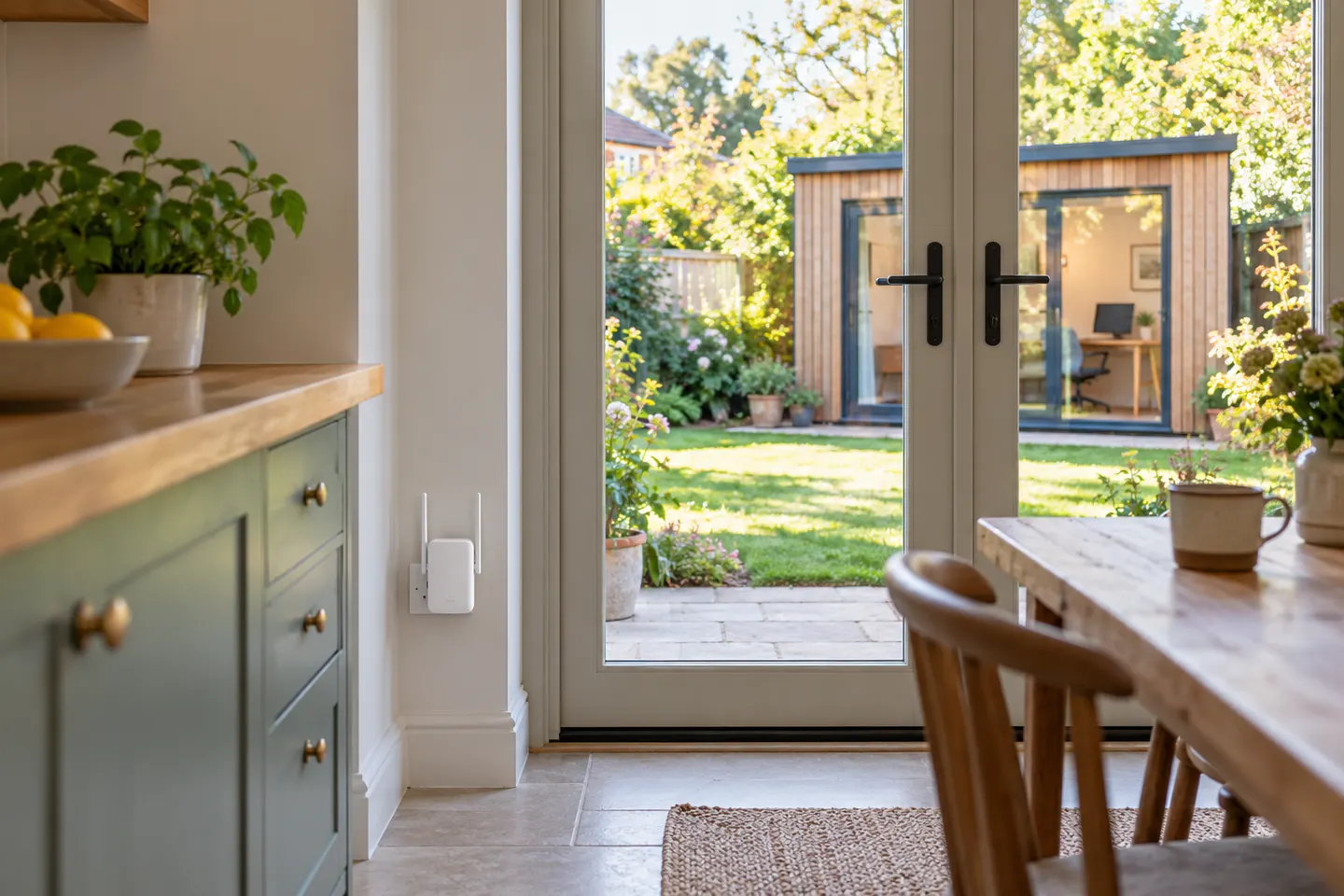 Garden
 At home
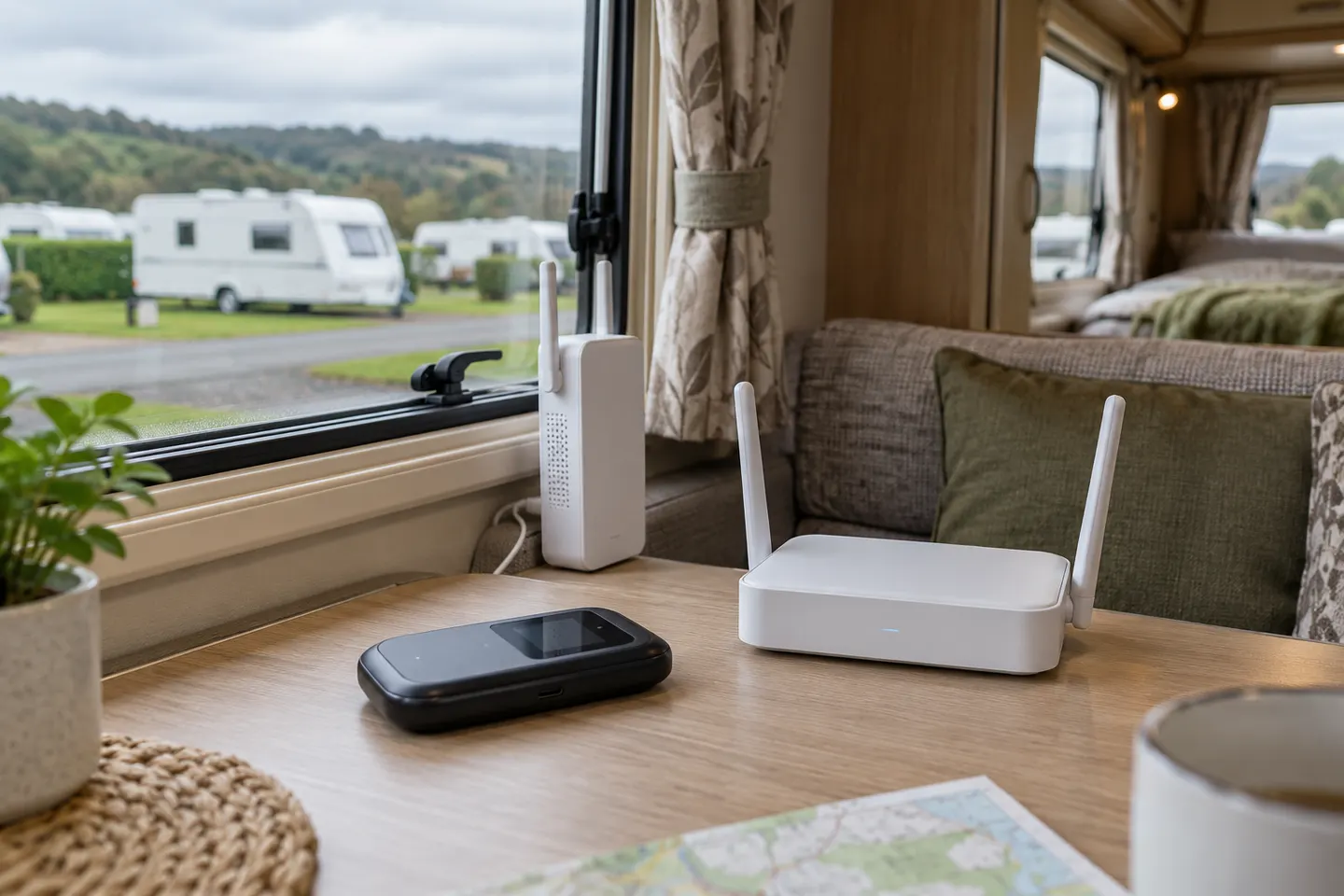 Caravan
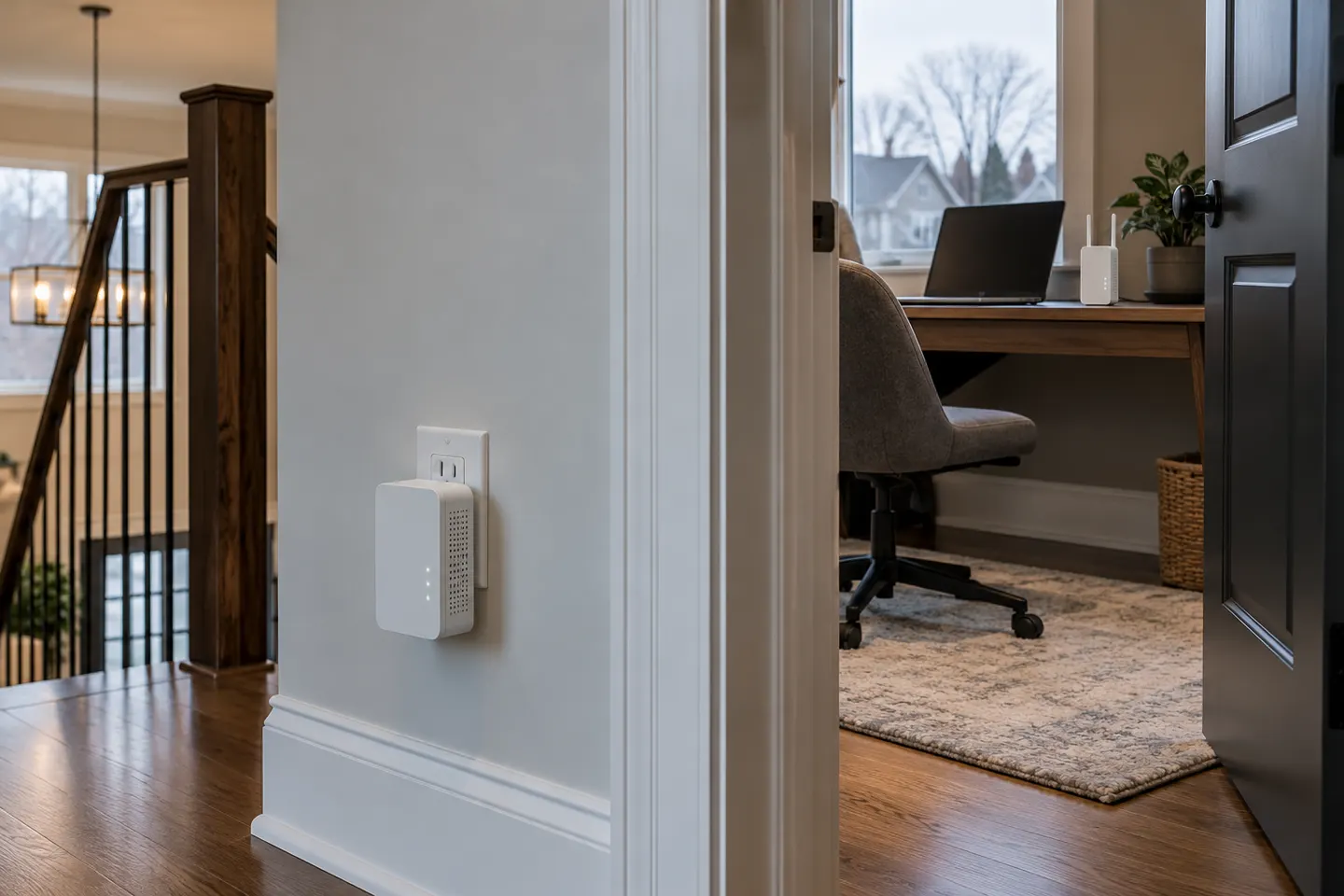 Powerline
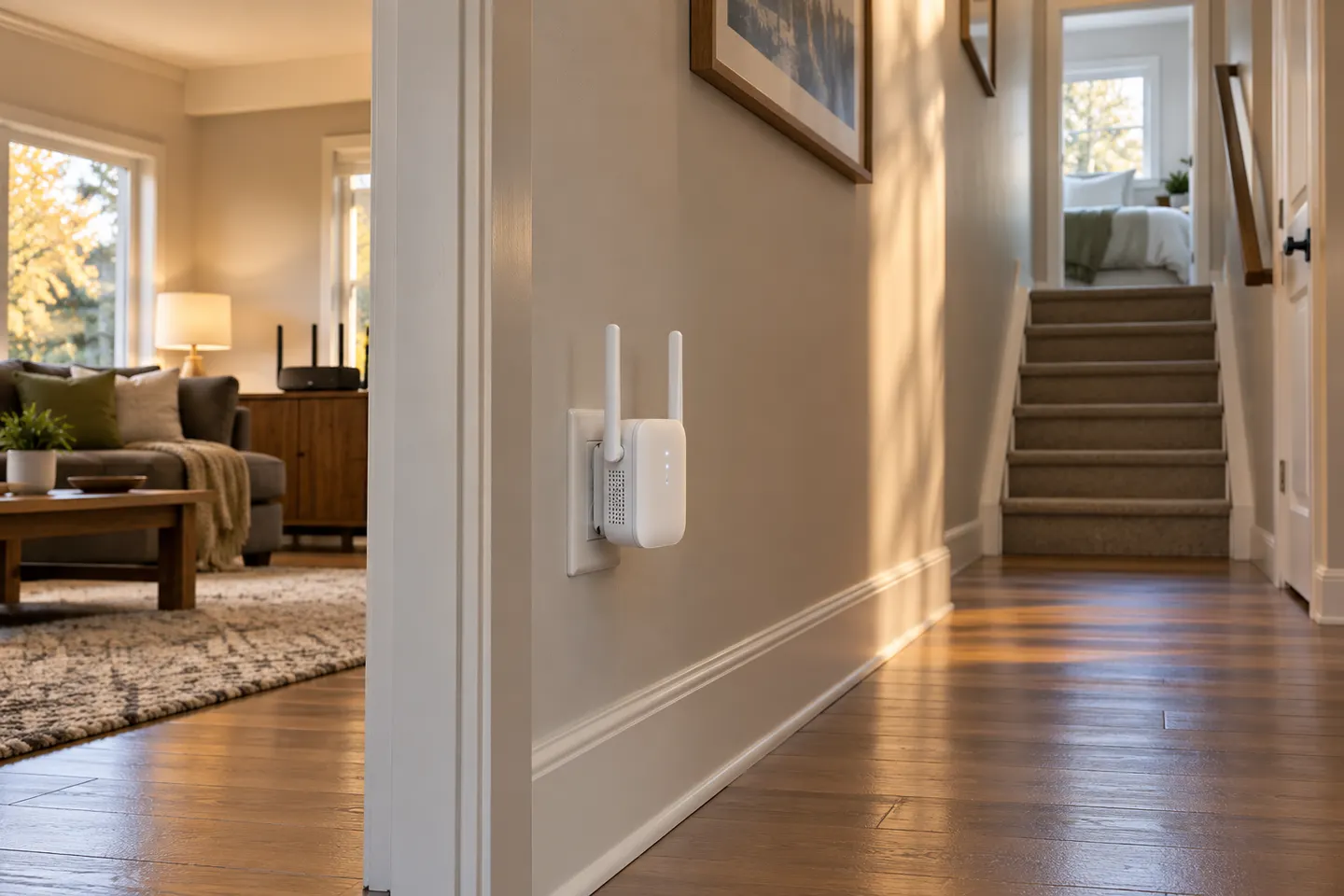 Plug
Plug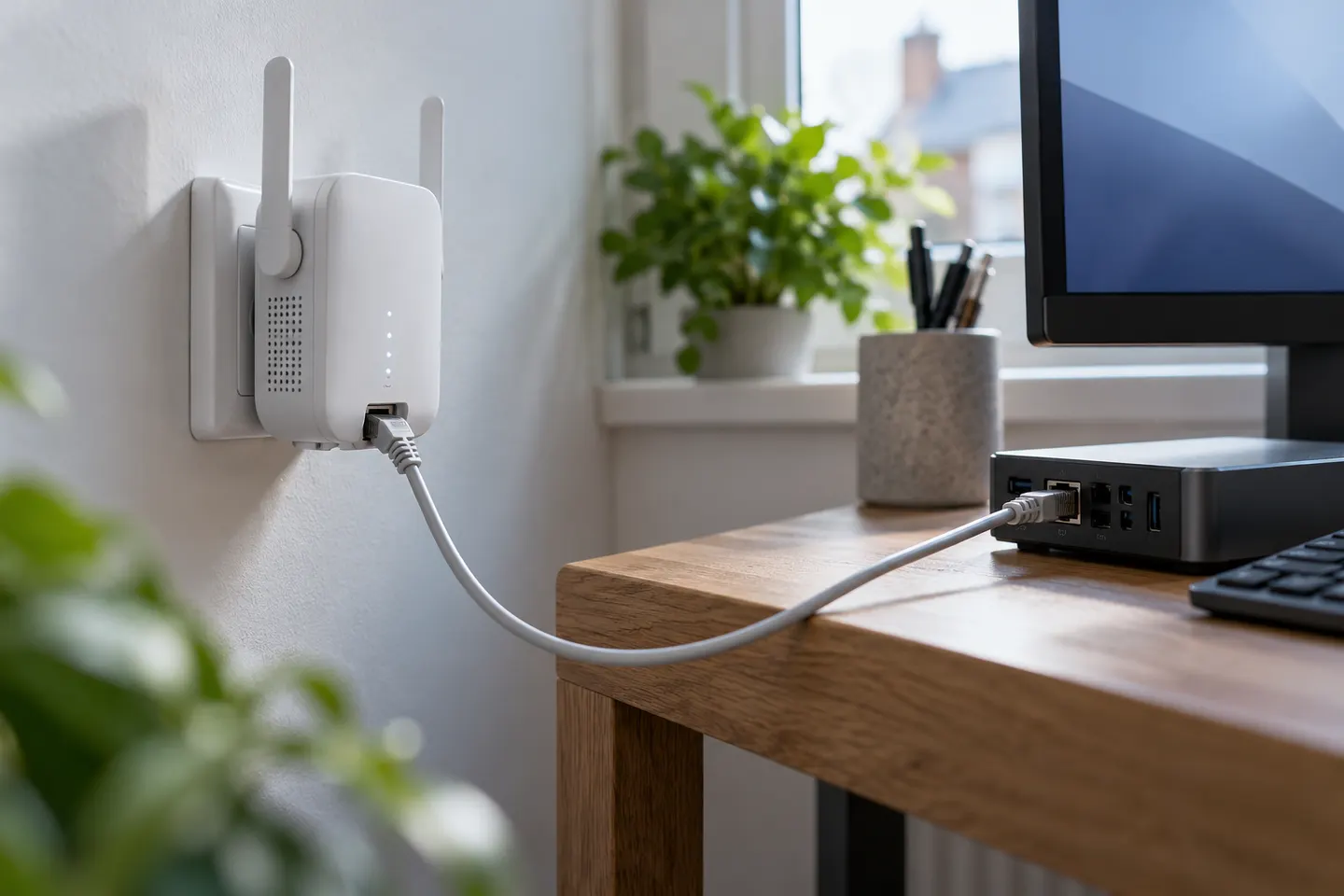 Ethernet port
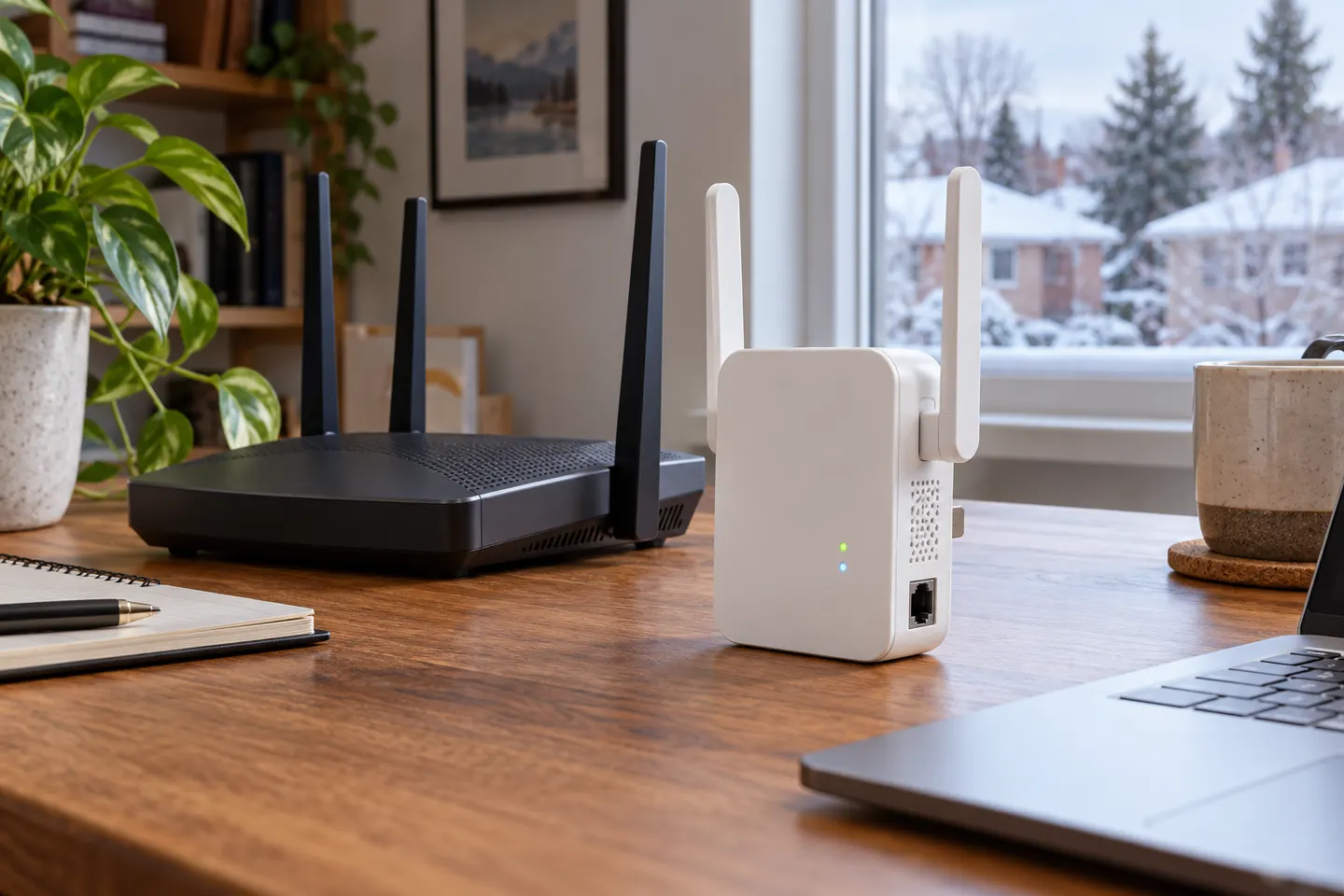 Ethernet
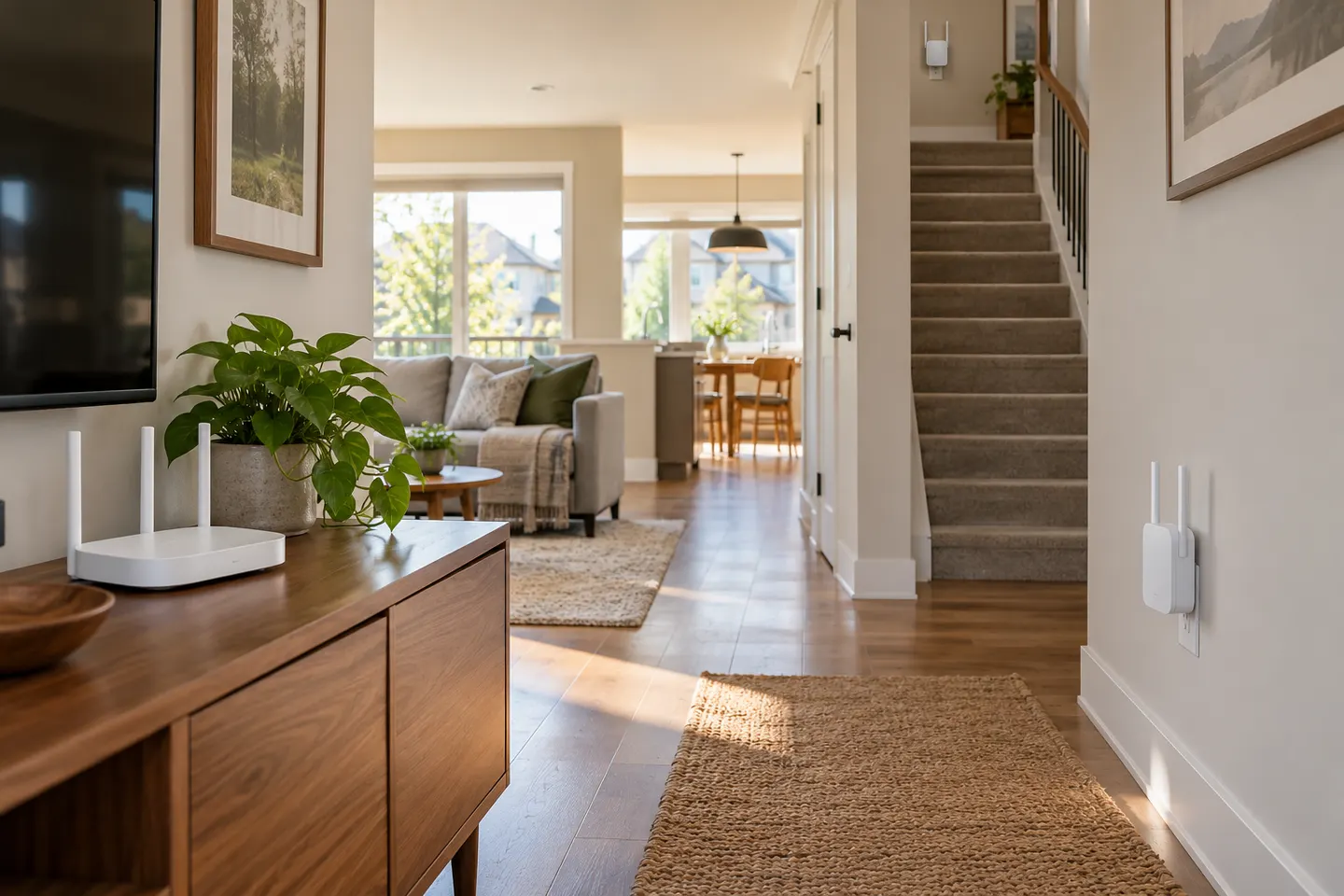 Mesh
Mesh 5ghz
5ghz Plug socket
 Setup
Setup Sky
Sky EE
EE Vodafone
 How to Connect a TP-Link WiFi Extender to Your…
 What Is a WiFi Extender and How Does It Work?
 WiFi Booster
 How to Set Up a NETGEAR WiFi Extender at Home
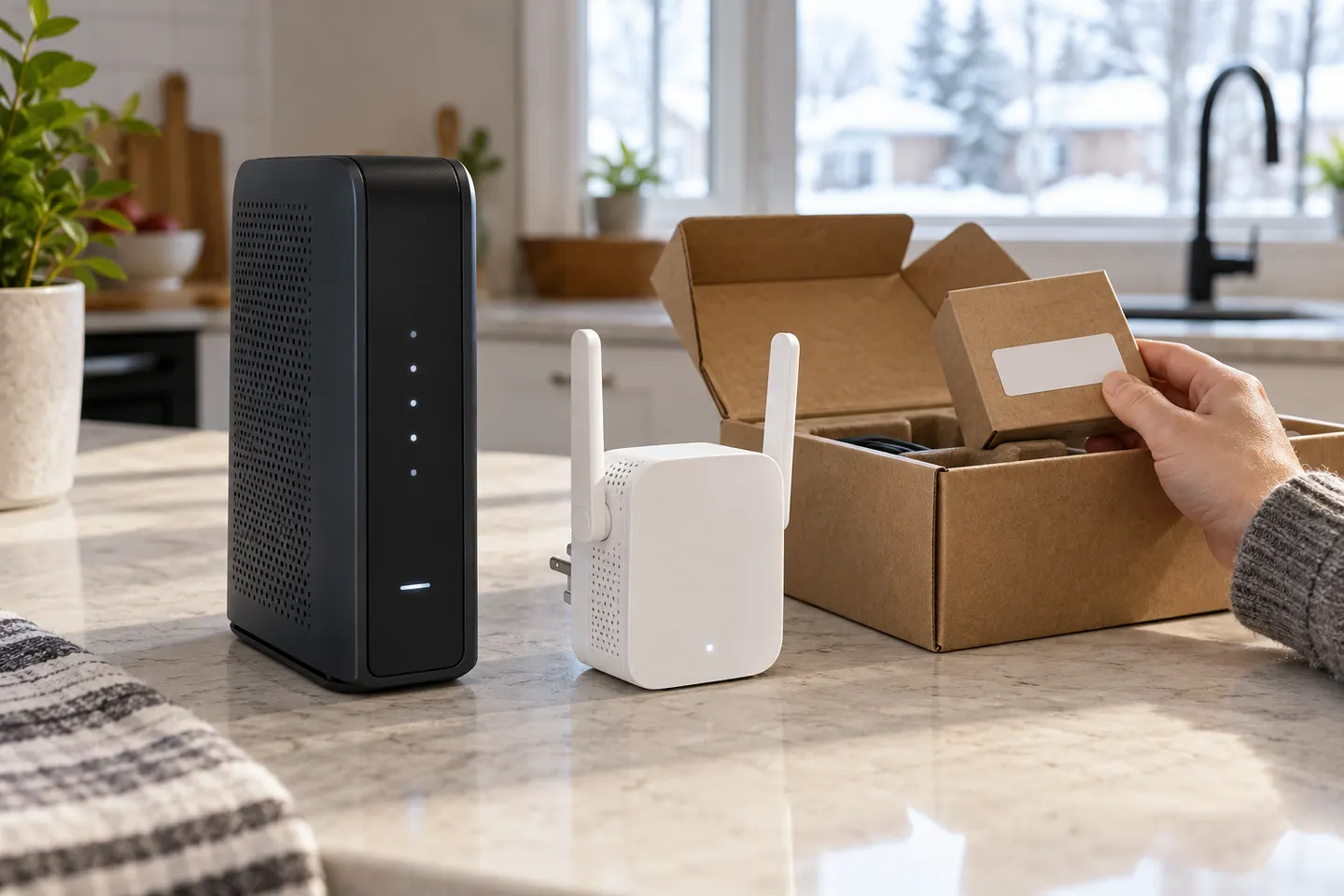 How to Set Up a TP-Link WiFi Extender for Better…
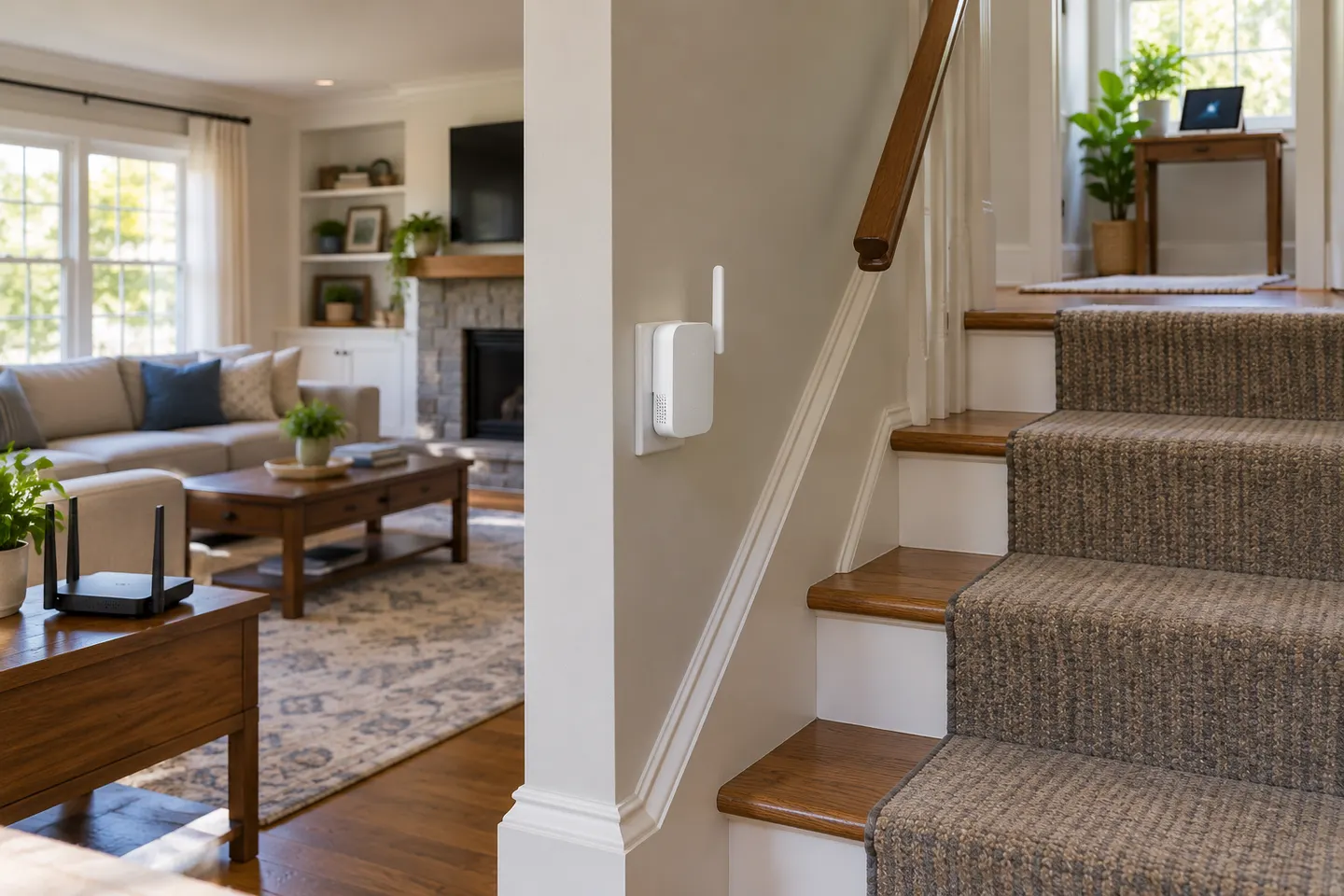 How to Boost a WiFi Signal Around Your Home
 WiFi Extenders
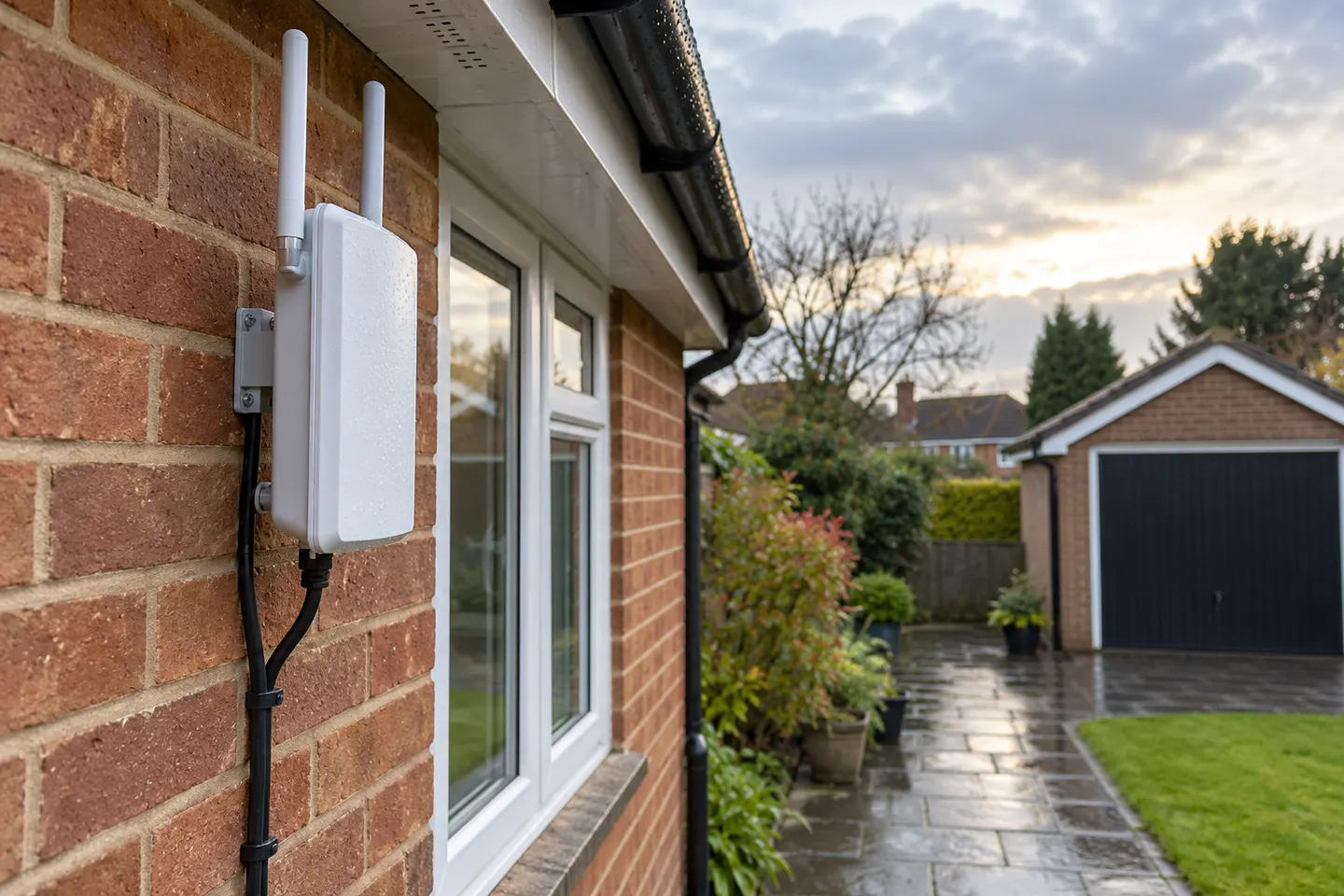 Outdoor WiFi Extenders
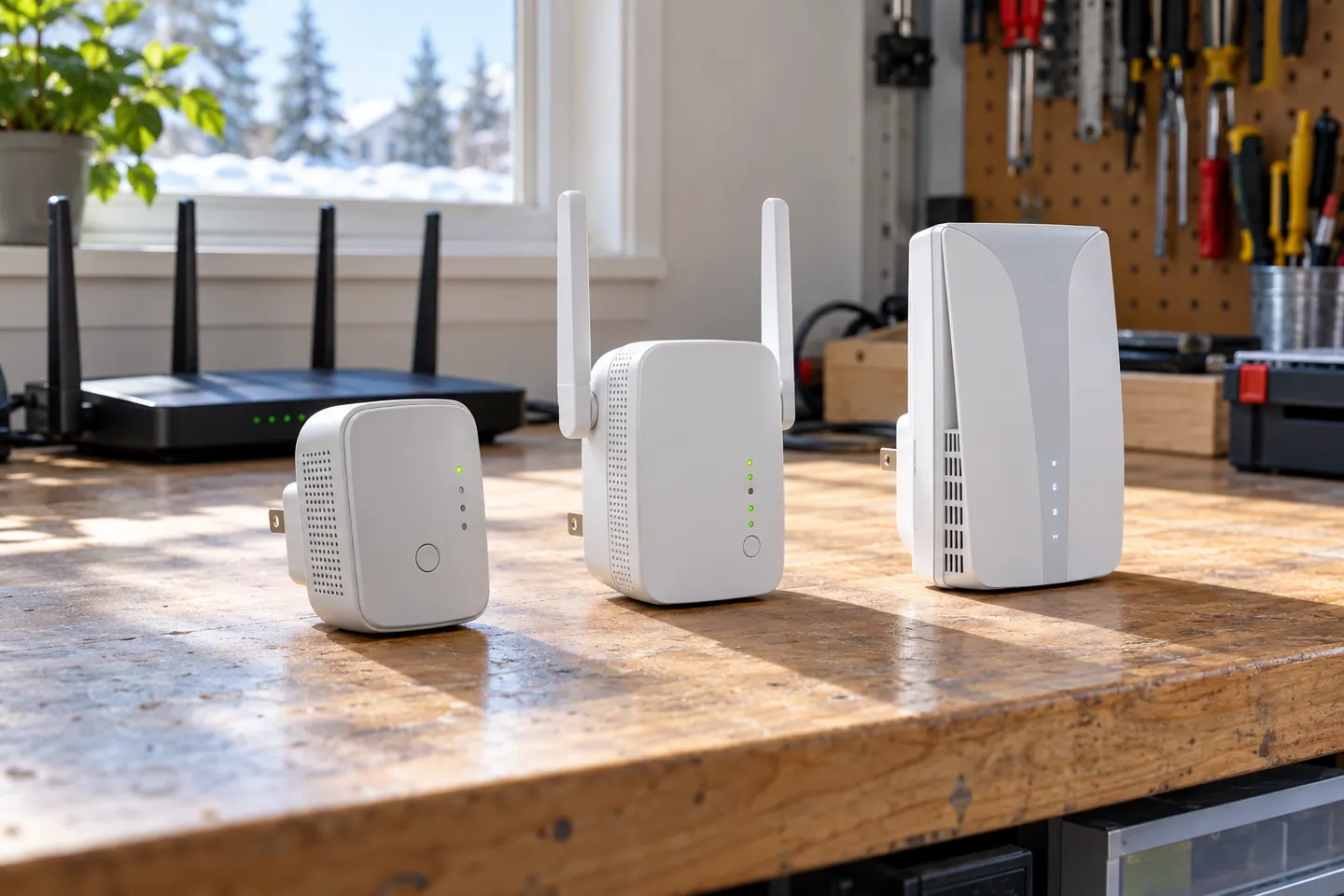 T P Link WiFi Extenders
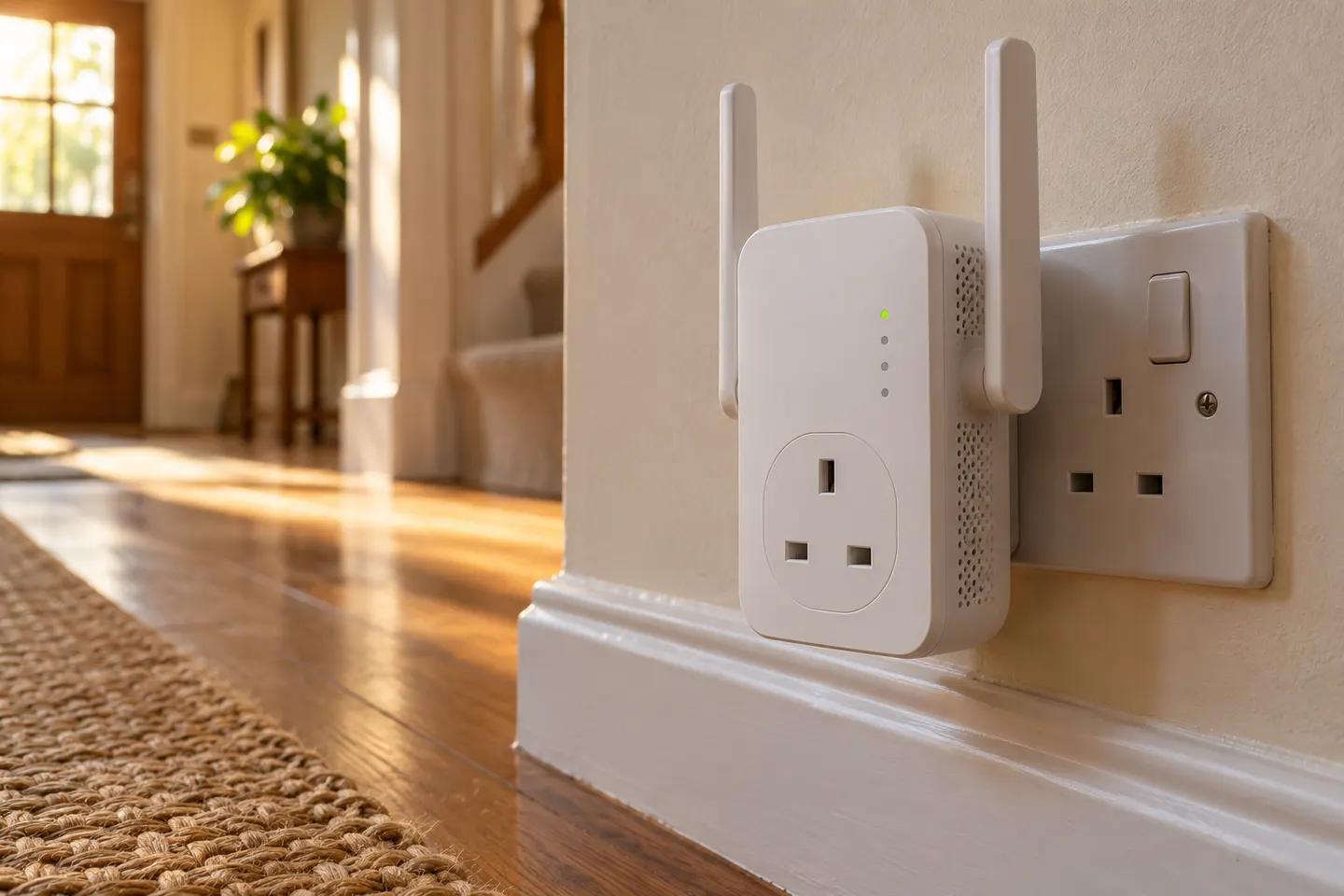 WiFi Extender Sockets
 How to Choose a Better WiFi Extender for Your Home
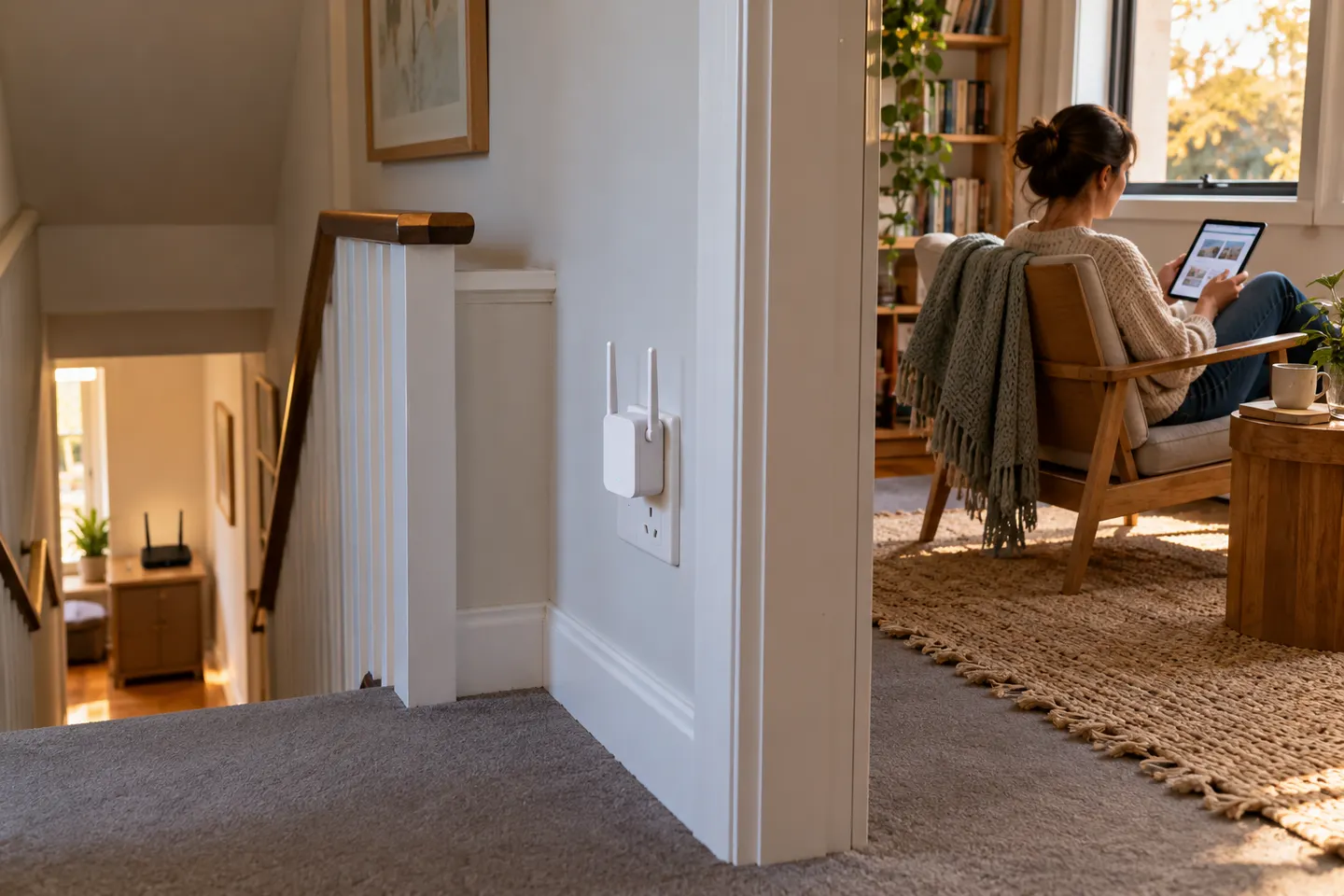 WiFi Connection Booster Options for a More…
 WiFi Coverage Extenders for Weak Areas at Home
 WiFi Reception Boosters for a Weak Home Signal