WiFi Booster: What Does It Do, and When Does It Help?
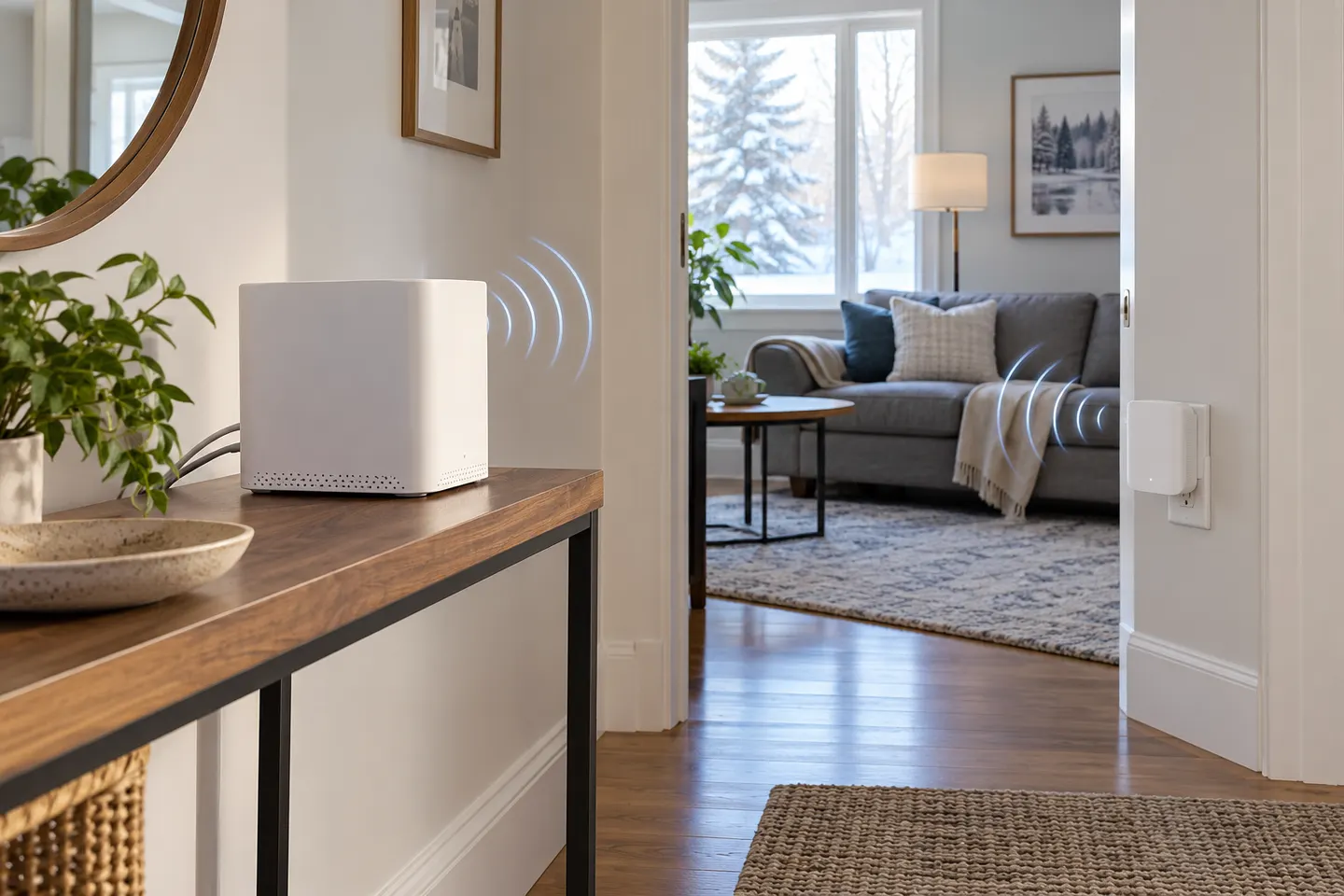
A WiFi booster extends coverage by relaying a router’s wireless signal into another area. It can help with a weak spot, but it cannot upgrade the internet plan or repair an unstable connection at its source.
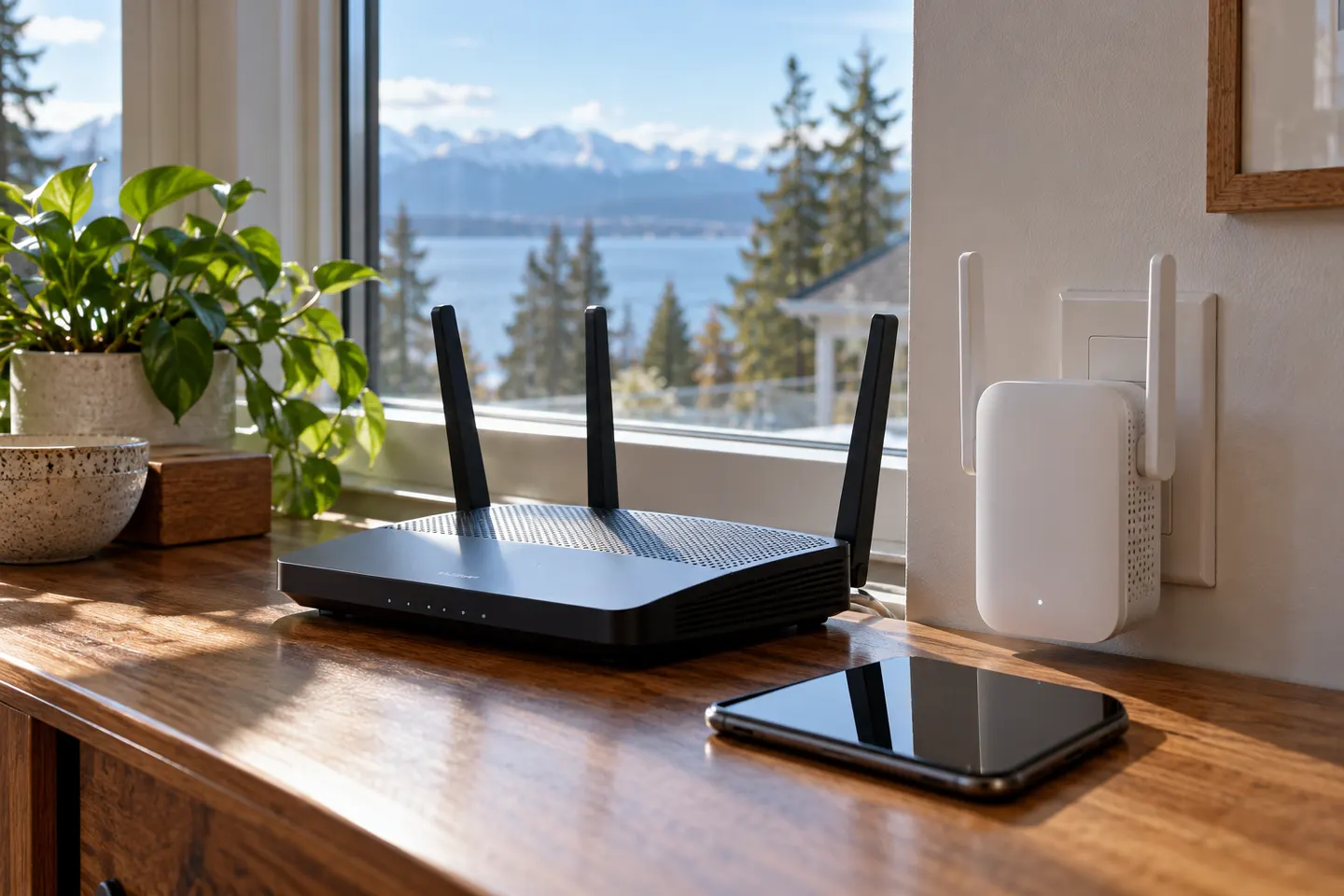
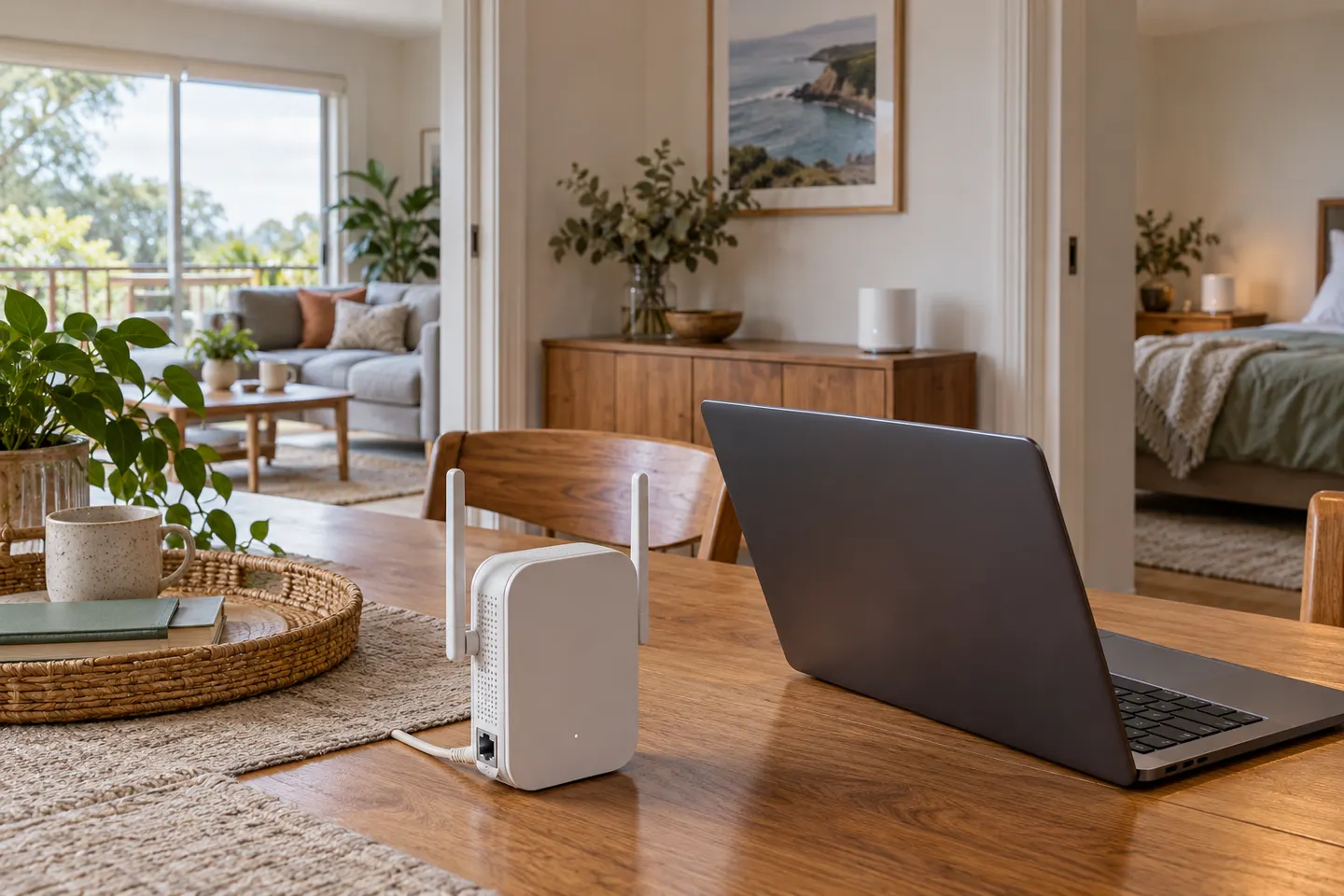
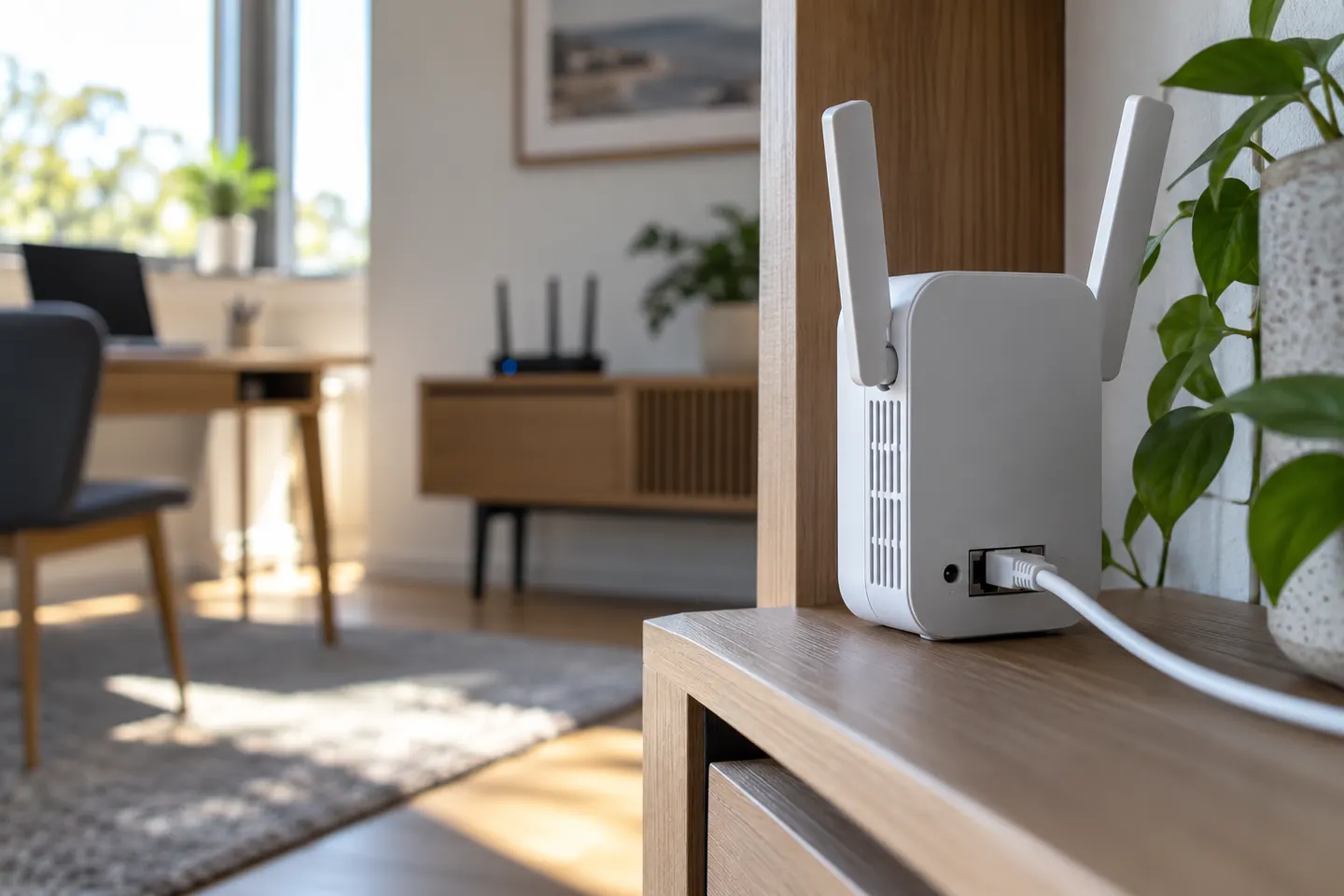
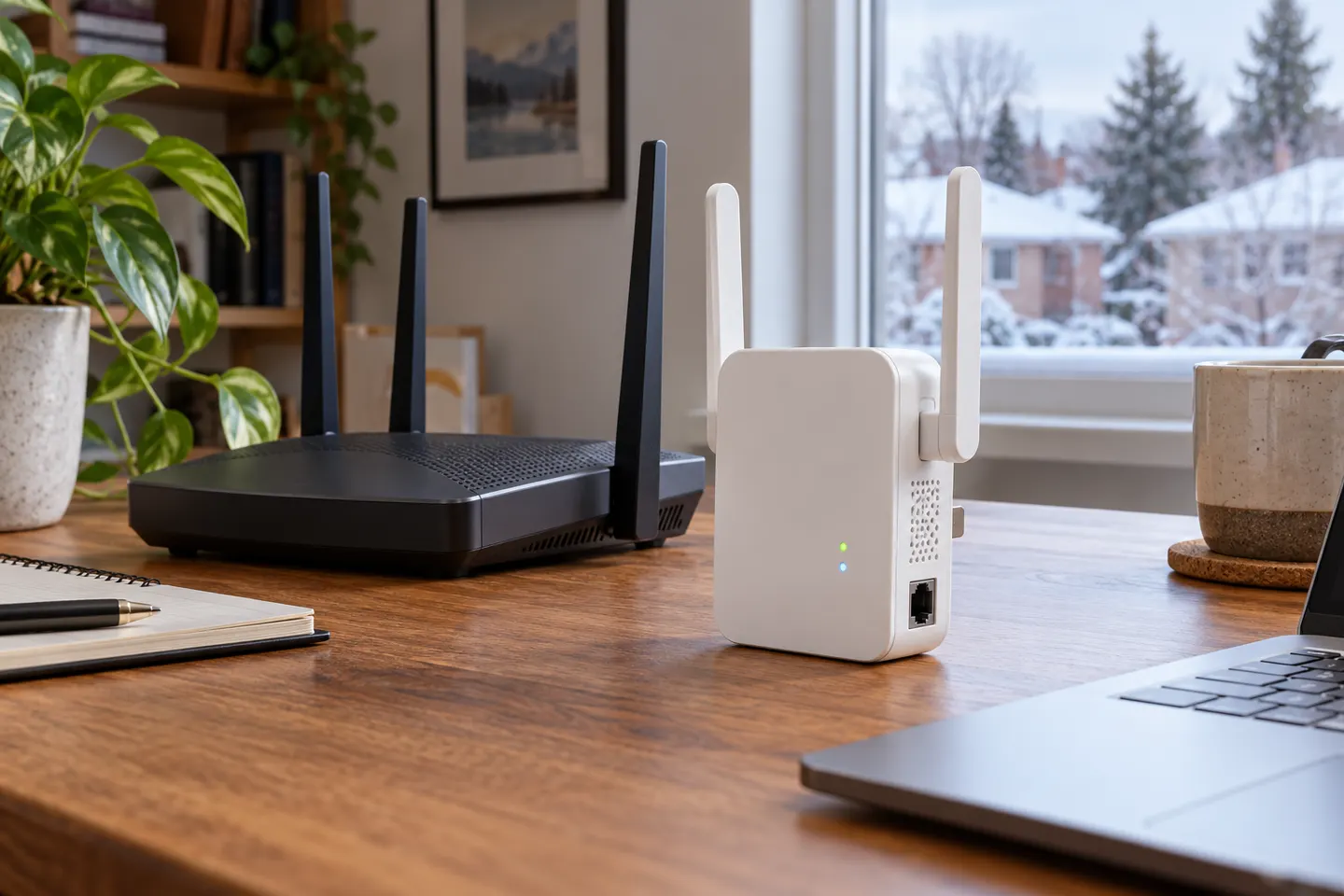
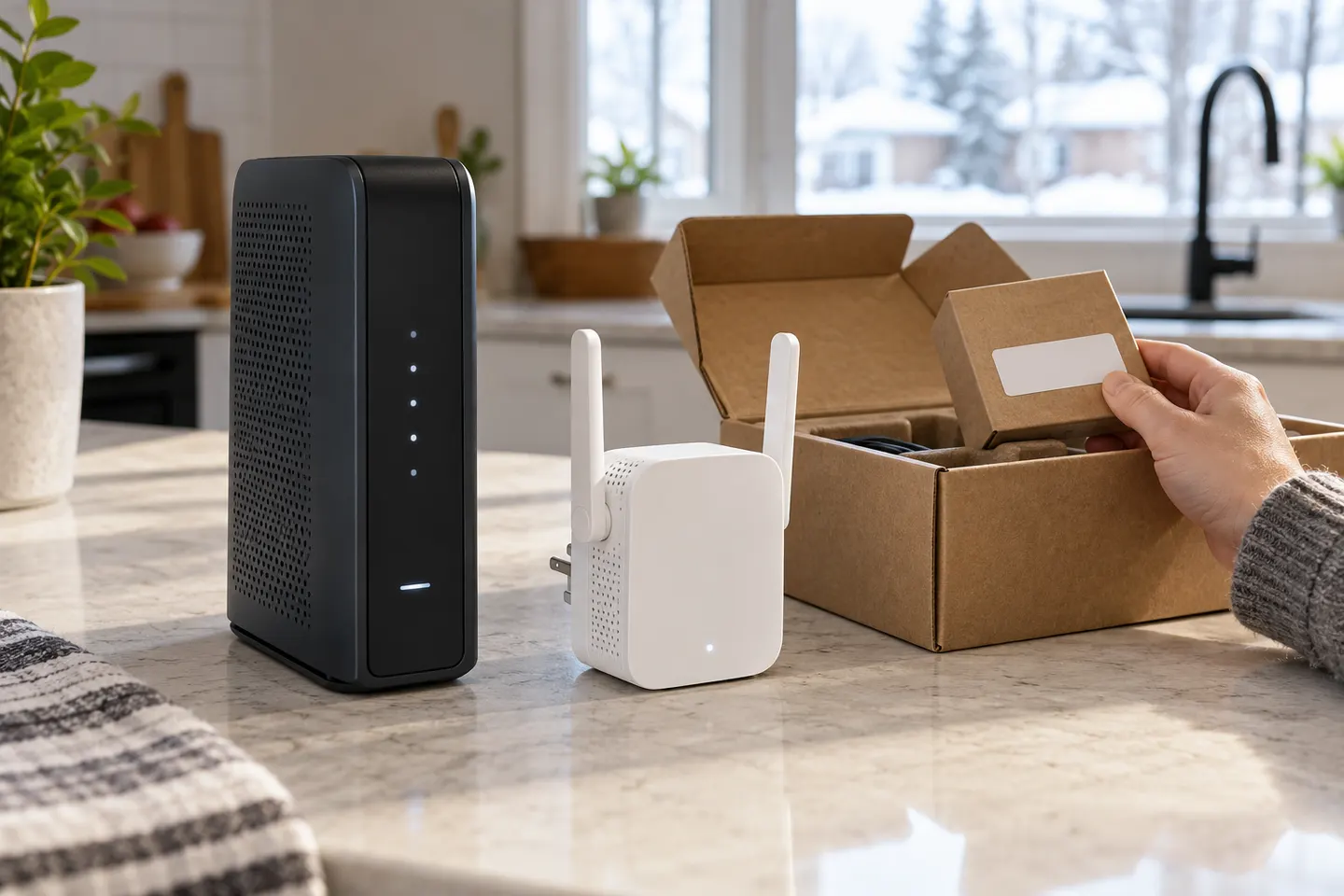
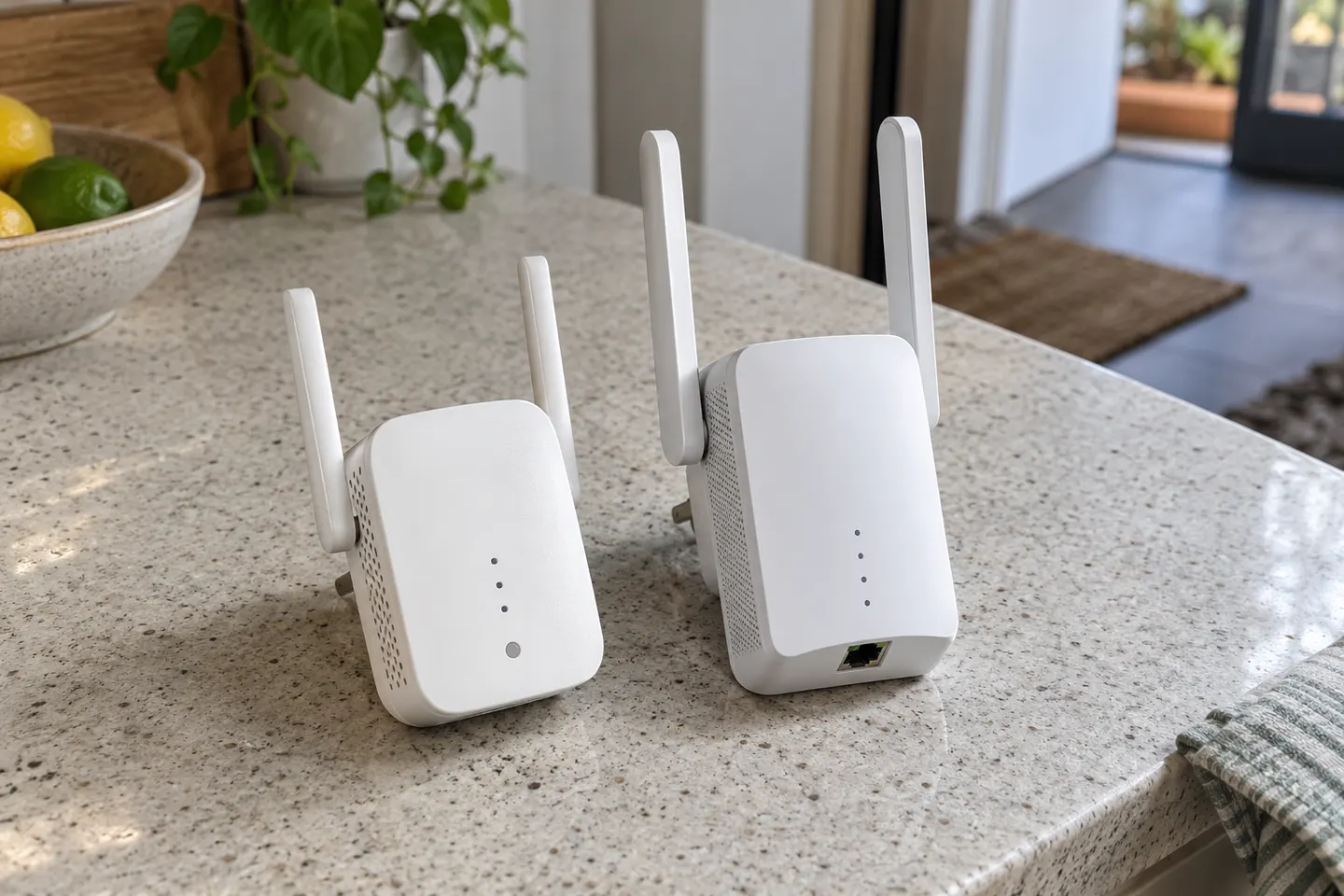
If you are asking “WiFi booster: what does it do?”, the short answer is that a wireless range extender receives a router’s WiFi and rebroadcasts it to improve reach in another part of the home. Some models also support access point mode, which uses an Ethernet connection to create WiFi.
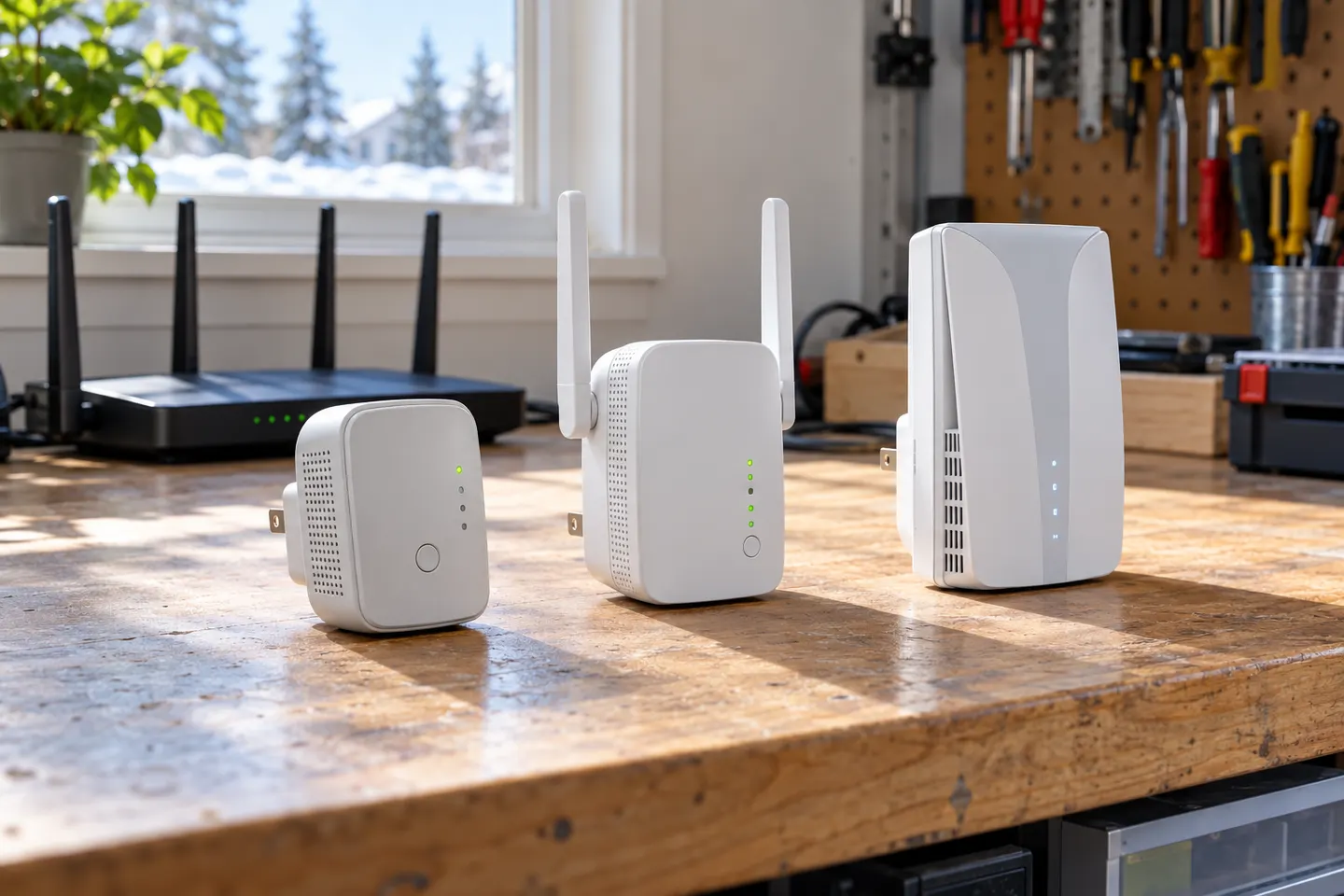
The TP-Link RE705X is a strong feature-led starting point, with WiFi 6, AX3000 class and a Gigabit port. Consider NETGEAR EAX15 for mesh-style WiFi 6 or simpler plug-in models for a basic dead zone.
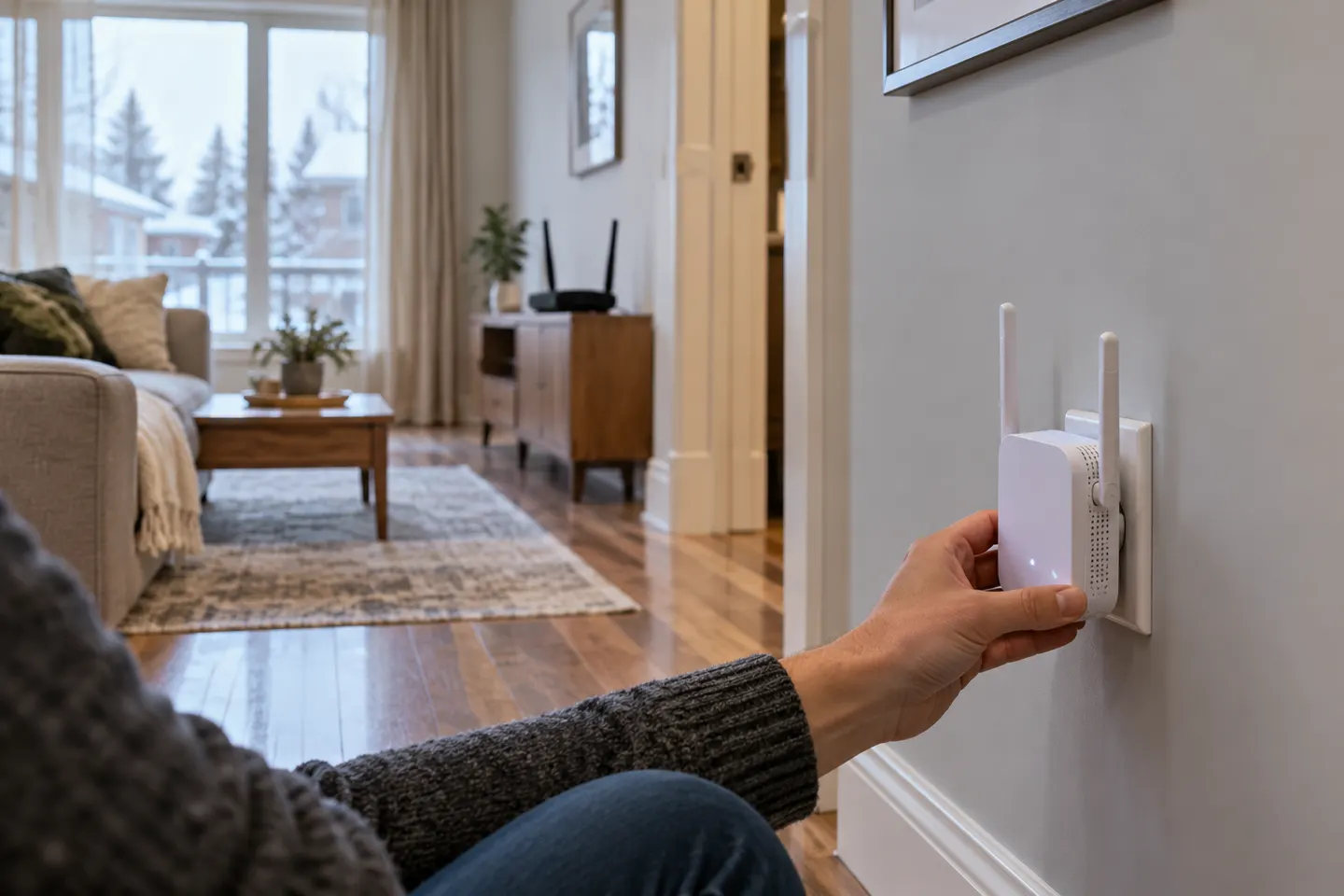
Pair the extender near your router using WPS, the Tether app or its web setup, then move it to a position with a stable router signal. The exact controls vary by model.
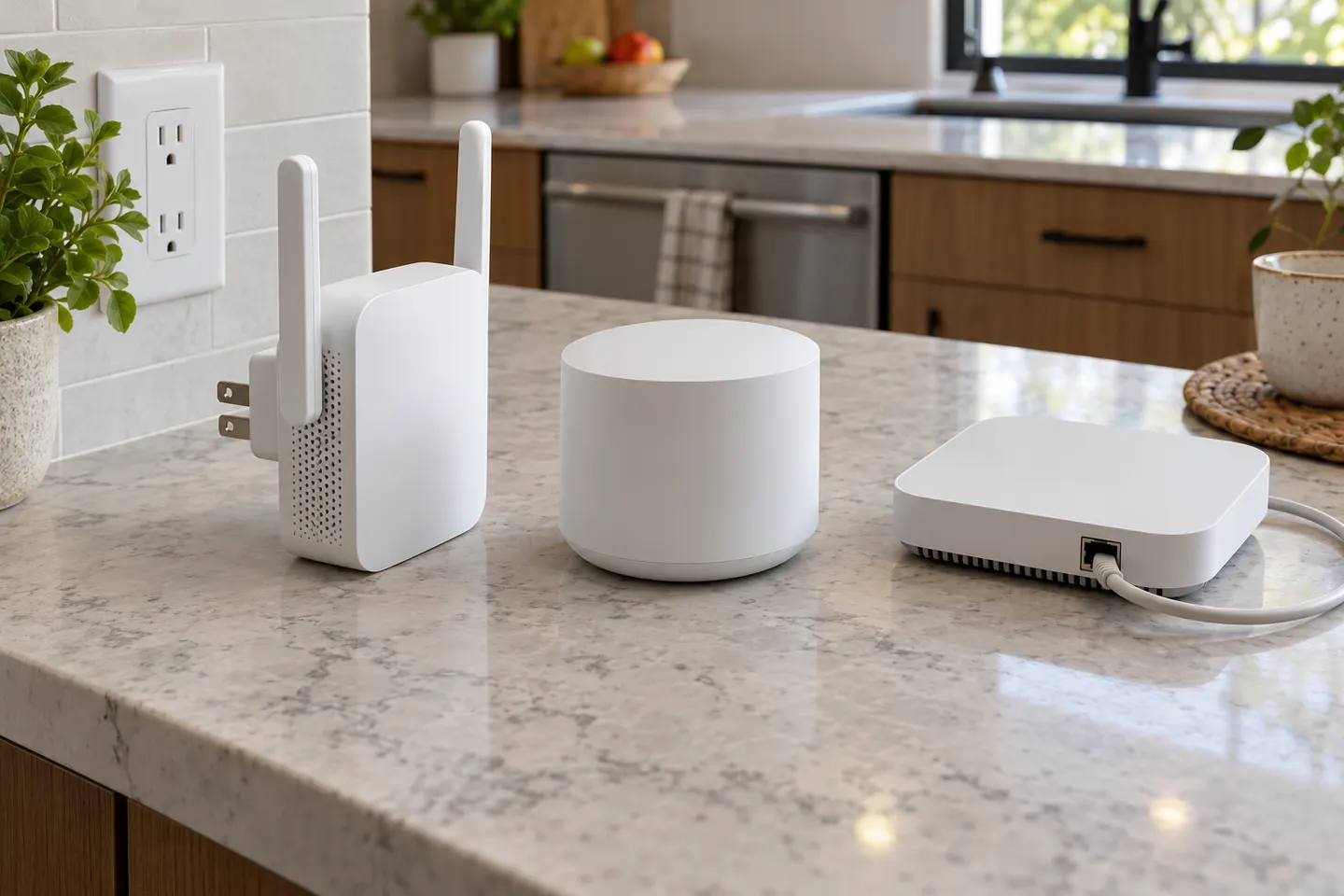
The terms often overlap: a booster may simply be a range extender. The meaningful comparison is between a standalone repeater and a coordinated mesh system from an internet provider or router brand.
The TP-Link RE705X is a strong feature-led starting point, with WiFi 6, AX3000 class and a Gigabit port. Consider NETGEAR EAX15 for mesh-style WiFi 6 or simpler plug-in models for a basic dead zone.
There is no single rating that fits every router or home. These highly specified extenders stand out in manufacturer listings for WiFi class, connectivity and operating modes.
TP-Link RE605X is a strong starting point if you want Wi-Fi 6, EasyMesh compatibility and a Gigabit port. A mesh node or powerline kit may suit larger or harder-to-wire layouts better.
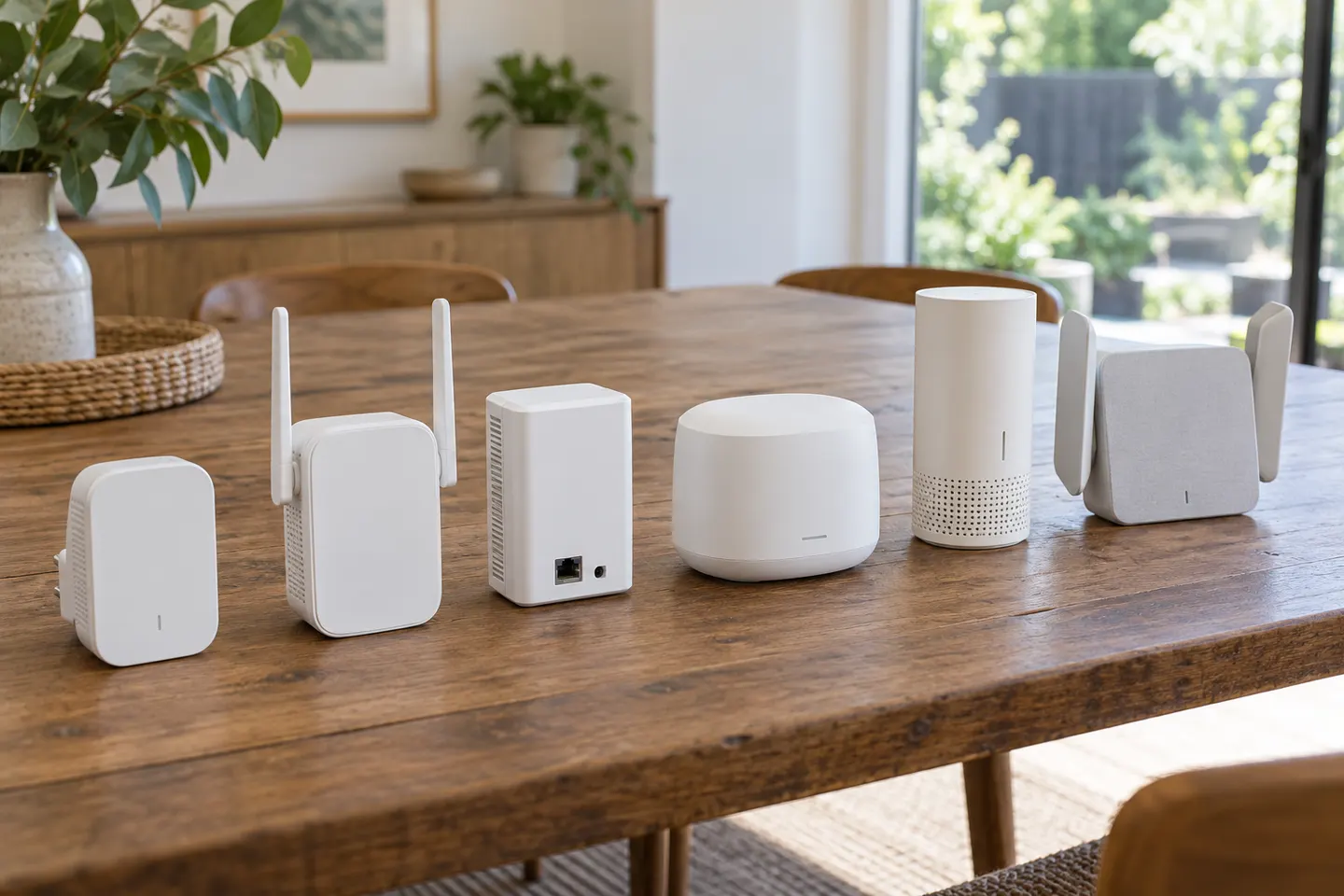
Our shortlist compares manufacturer-documented features across plug-in and desktop designs. Match Ethernet, WiFi generation and placement to your home.
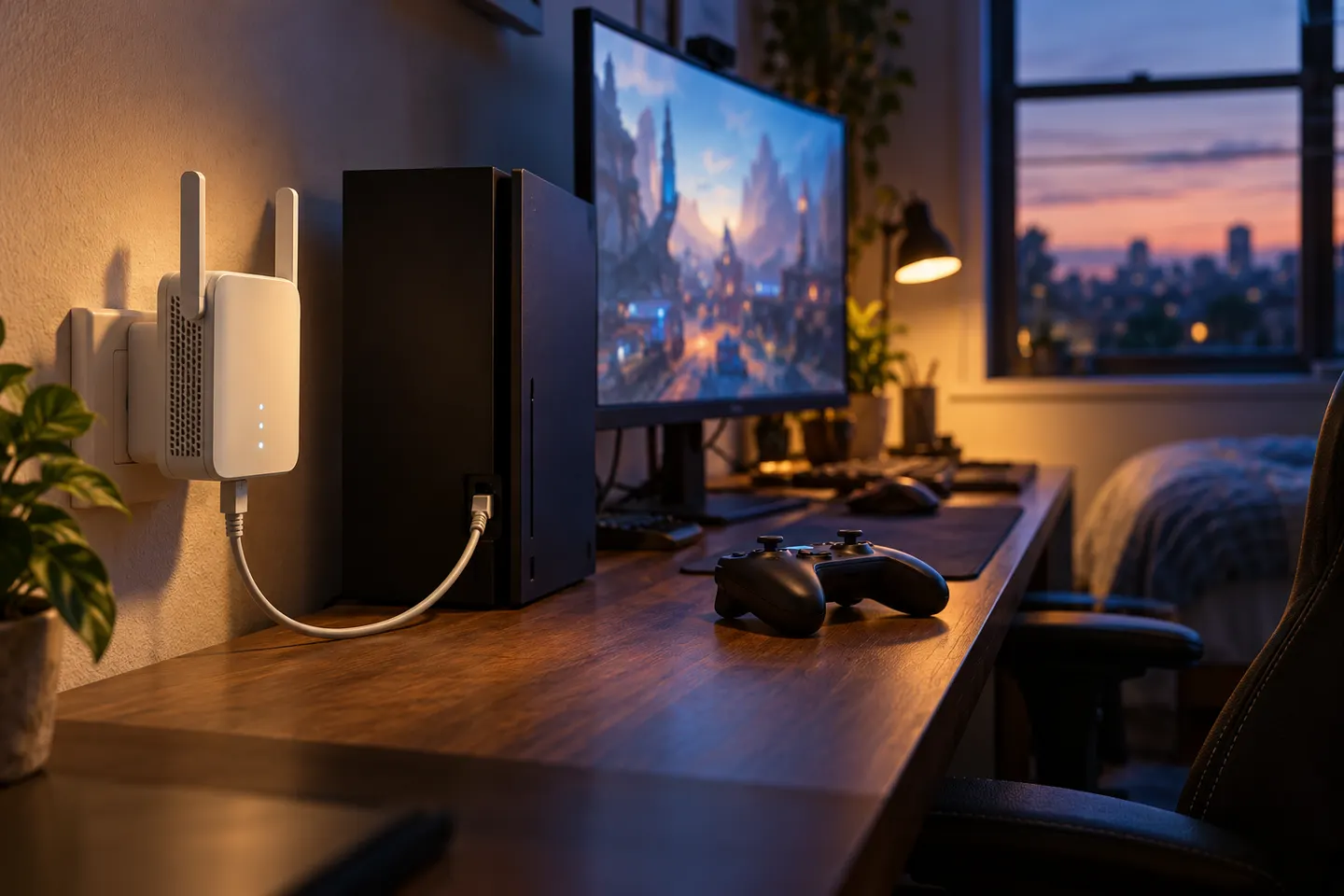
For gaming, a wired Ethernet connection is often the first option to consider. If wiring is impractical, choose an extender that can maintain a strong link to the router near your gaming space.
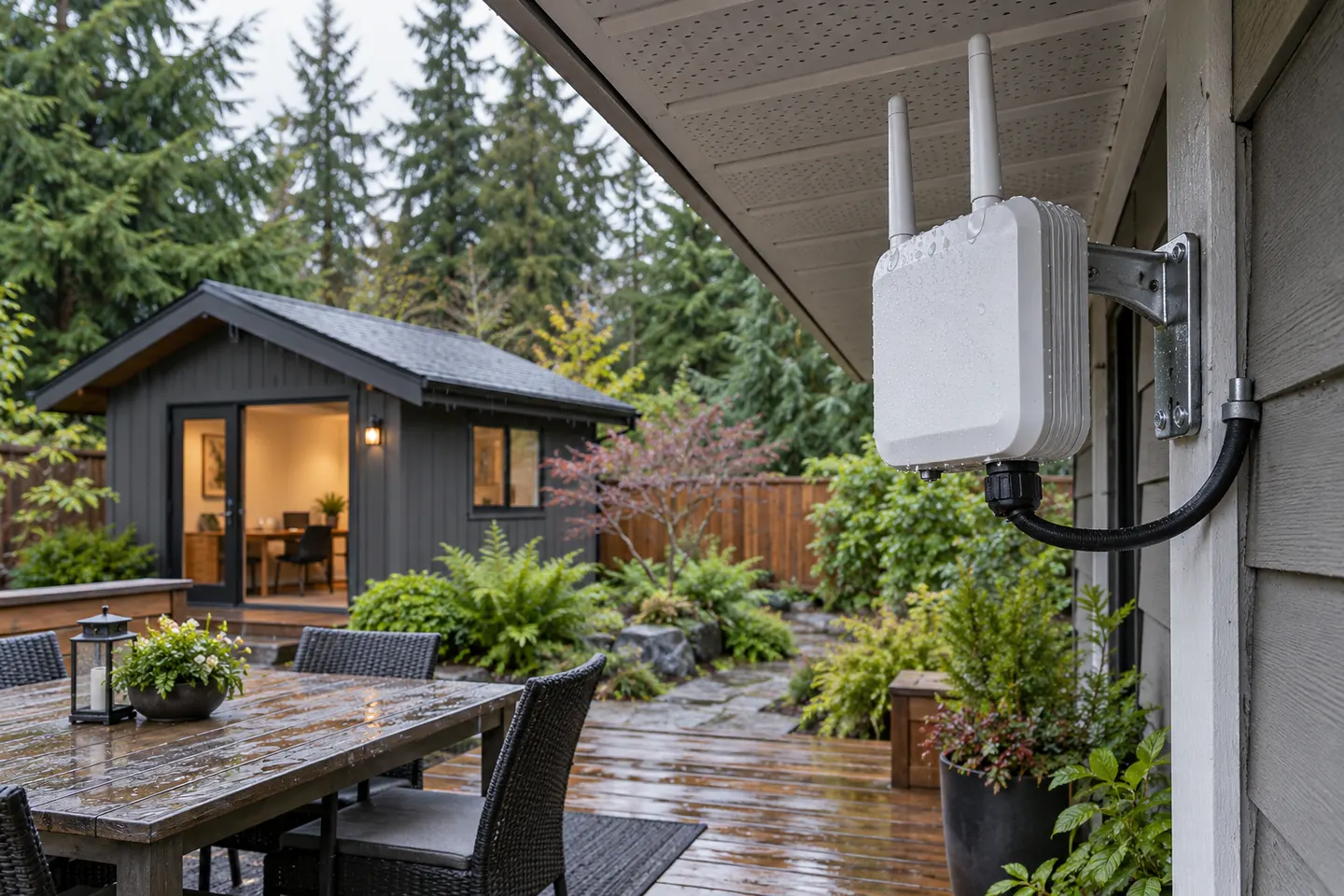
For a purpose-built outdoor link, NETGEAR Orbi RBS50Y is the clearest plug-in extender choice. TP-Link’s outdoor access points suit installations where you can run Ethernet and provide PoE.
For a typical home, the TP-Link RE715X is a strong feature-led starting point: WiFi 6, EasyMesh compatibility and access-point mode. Consider ASUS RP-AX58 for AiMesh or NETGEAR EAX20 for multiple Ethernet ports; the right choice depends on router fit and placement.
The terms often overlap: a booster may simply be a range extender. The meaningful comparison is between a standalone repeater and a coordinated mesh system from an internet provider or router brand.
Choose a single range extender for a local weak spot and a working router. Consider mesh when you need coordinated coverage across several rooms or floors.
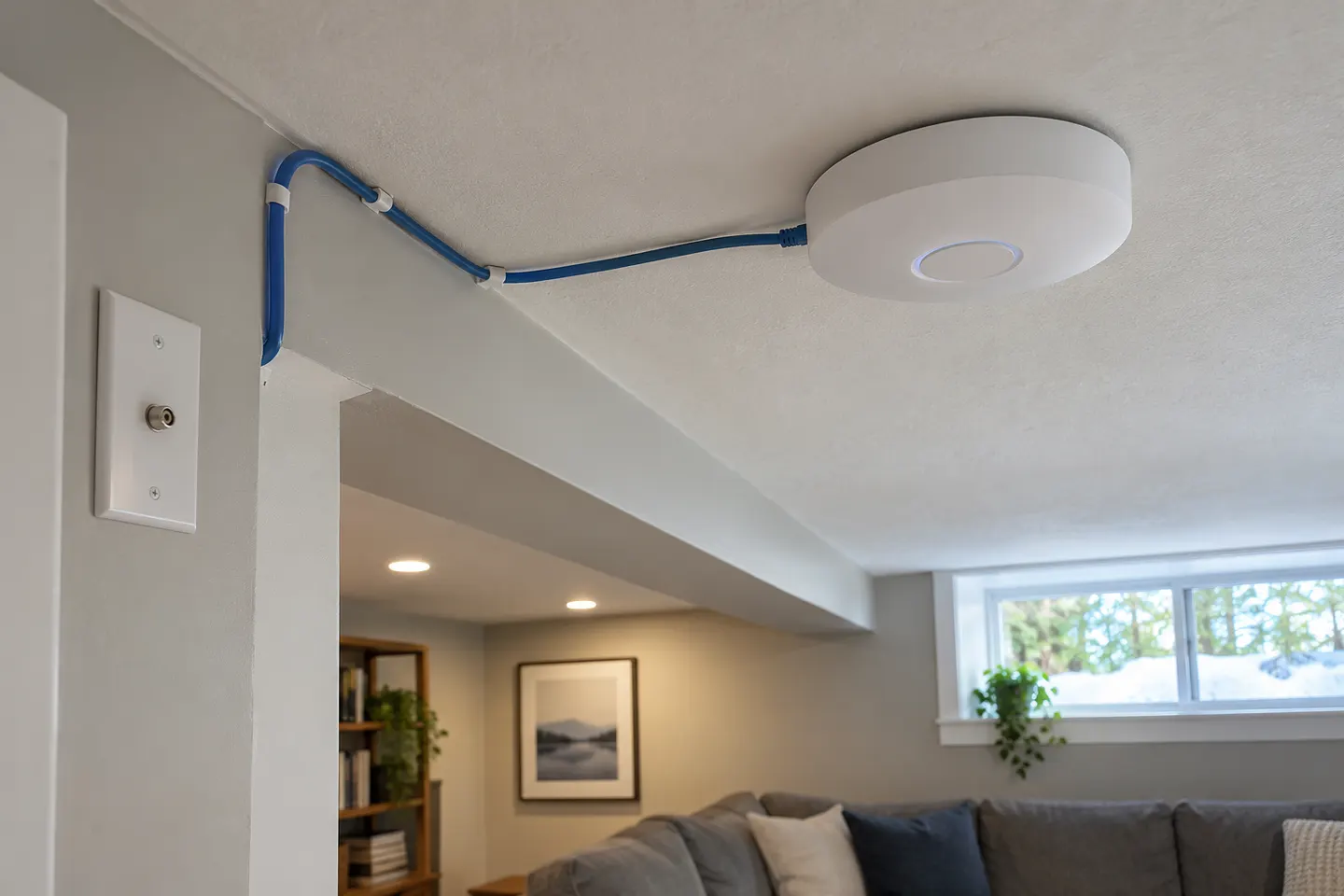
Choose an access point when you can connect it to the router by Ethernet. Choose a wireless extender when a wired run is impractical and a usable router signal reaches its location.
Choose an extender for one isolated weak spot if your router still reaches the intended placement. Consider mesh when coverage gaps span several rooms or floors and you want coordinated nodes.
Choose a wireless extender when it can receive a solid signal near the coverage gap. Consider powerline Wi-Fi when you need to carry the connection farther through electrical wiring, subject to your home’s wiring.
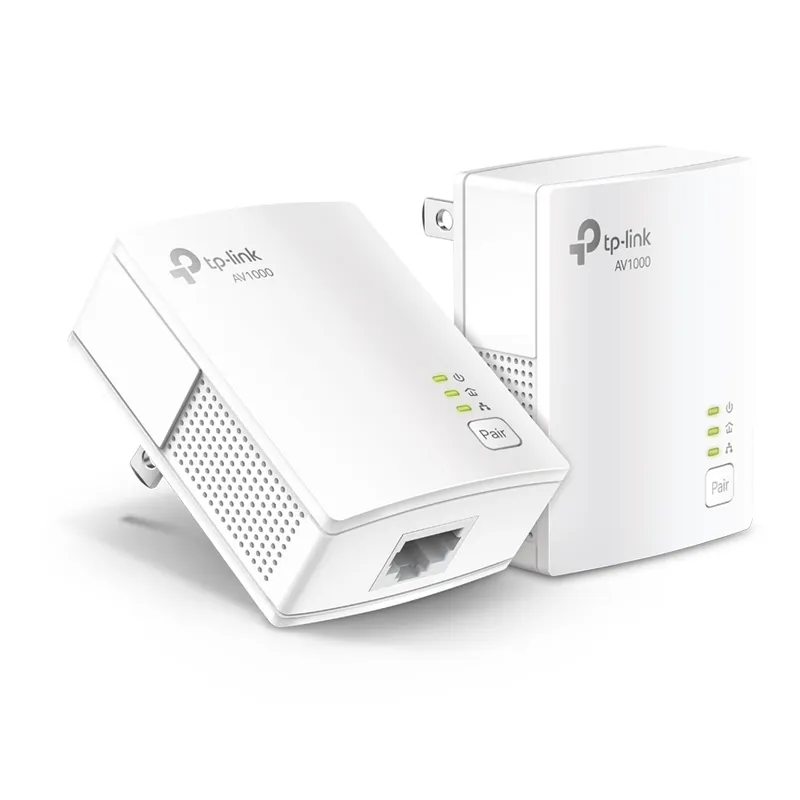
Powerline networking carries data over electrical wiring; a Wi-Fi extender relays a wireless signal. The right option depends on the route between rooms, outlet placement, and whether you need Wi-Fi or Ethernet at the destination.
Not by itself. It may improve the WiFi connection in a weak-coverage area, but it cannot raise the speed of your internet plan and the extender-to-router link can still constrain performance.
Where should a WiFi booster be placed?
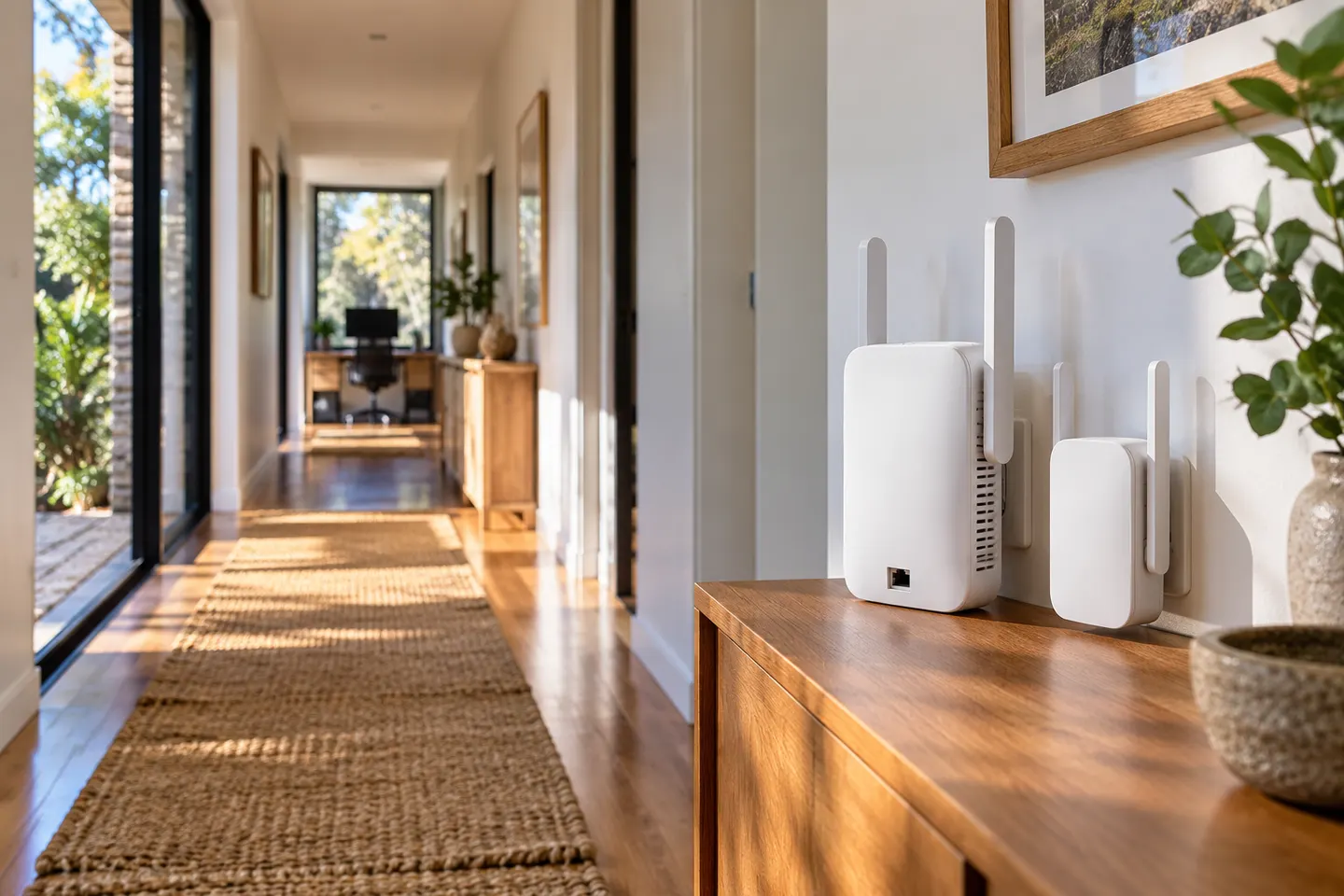
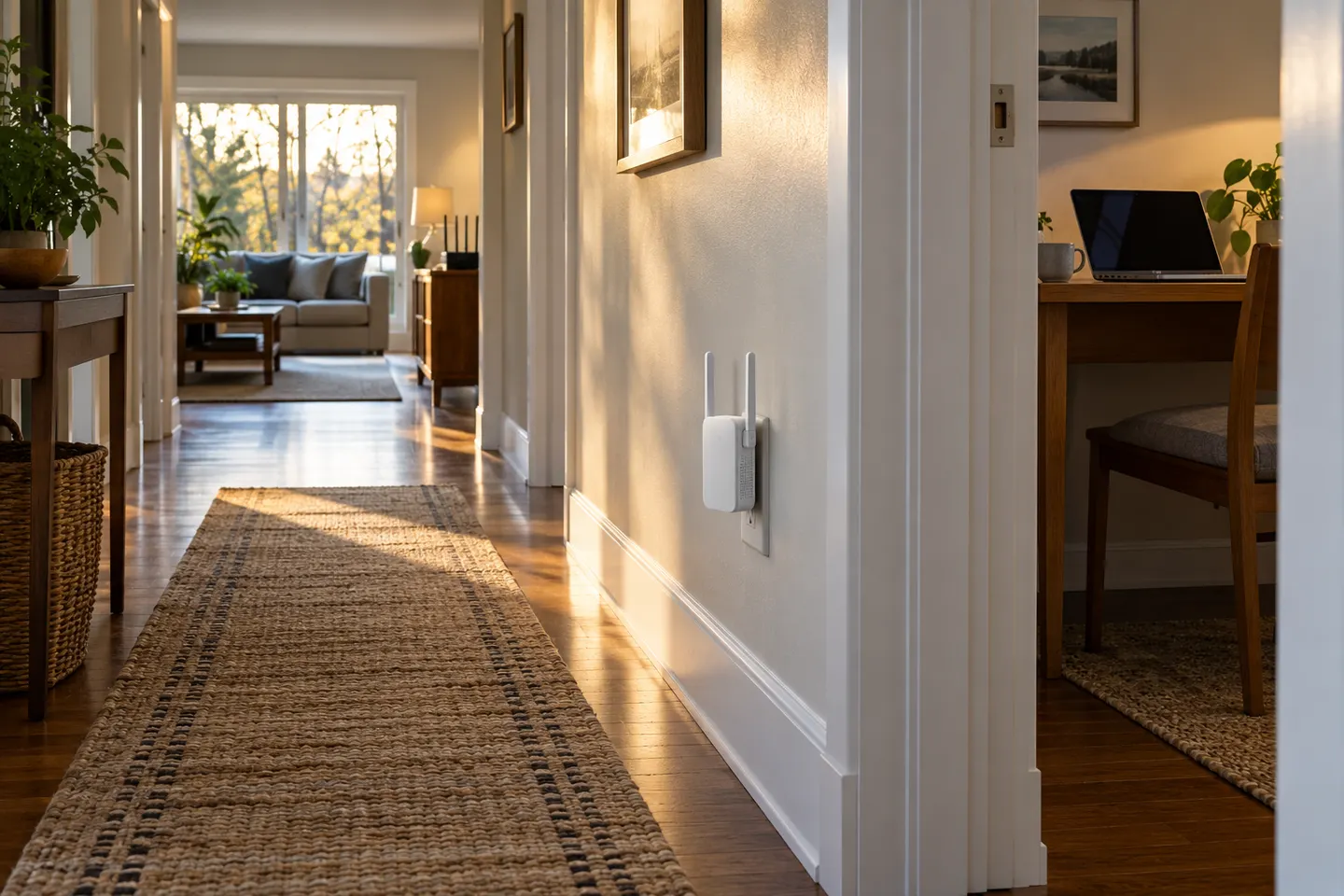
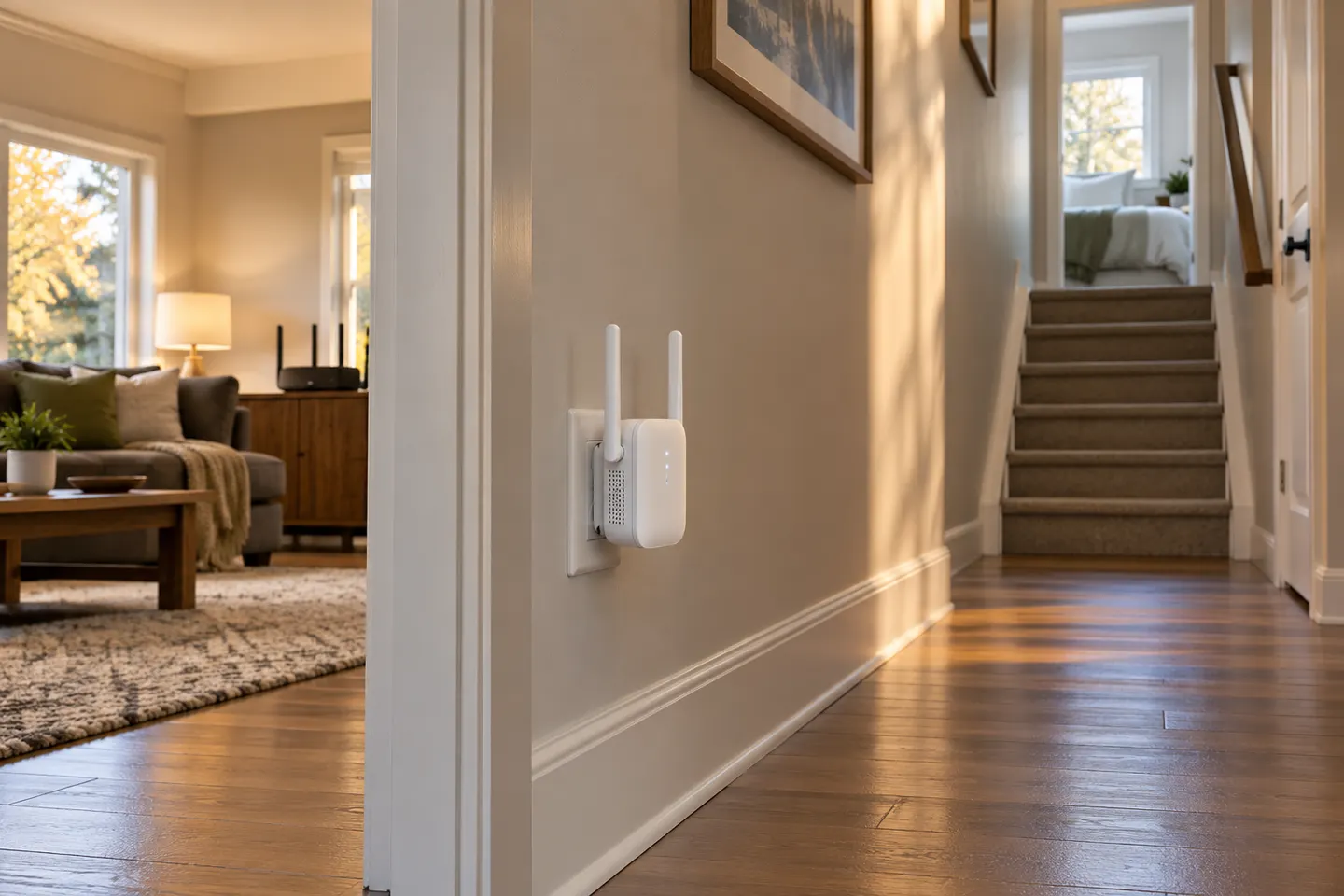
Choose a spot between the router and the area with poor reception, where the router signal is still reliable. Avoid hiding it behind large obstacles or placing it in the dead zone.
Is a WiFi booster the same as a range extender?
The terms are often used for the same kind of consumer device: equipment that extends the coverage of an existing wireless network. Check the product’s listed operating modes because features vary.
What is the difference between a WiFi extender and mesh?
An extender adds coverage by repeating a router’s signal. A mesh system uses coordinated nodes designed to work together; it can be easier to manage across several areas, but requires compatible mesh equipment.
Your privacy
We use cookies and similar technologies. Necessary ones keep the site working. With your permission we also use statistics cookies (Google Analytics and Microsoft Clarity) to understand which guides help readers. You can accept all, reject all or choose. You can change your choice at any time from "Cookie settings" at the bottom of every page. Cookie policy












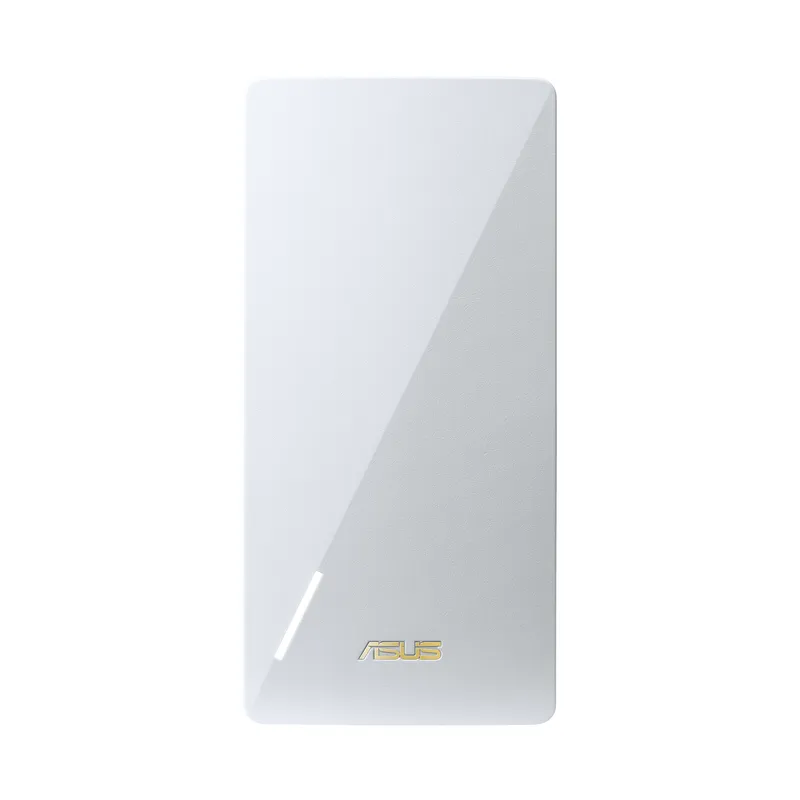
 Official manufacturer image
 Official manufacturer image
 Outdoor
 Home
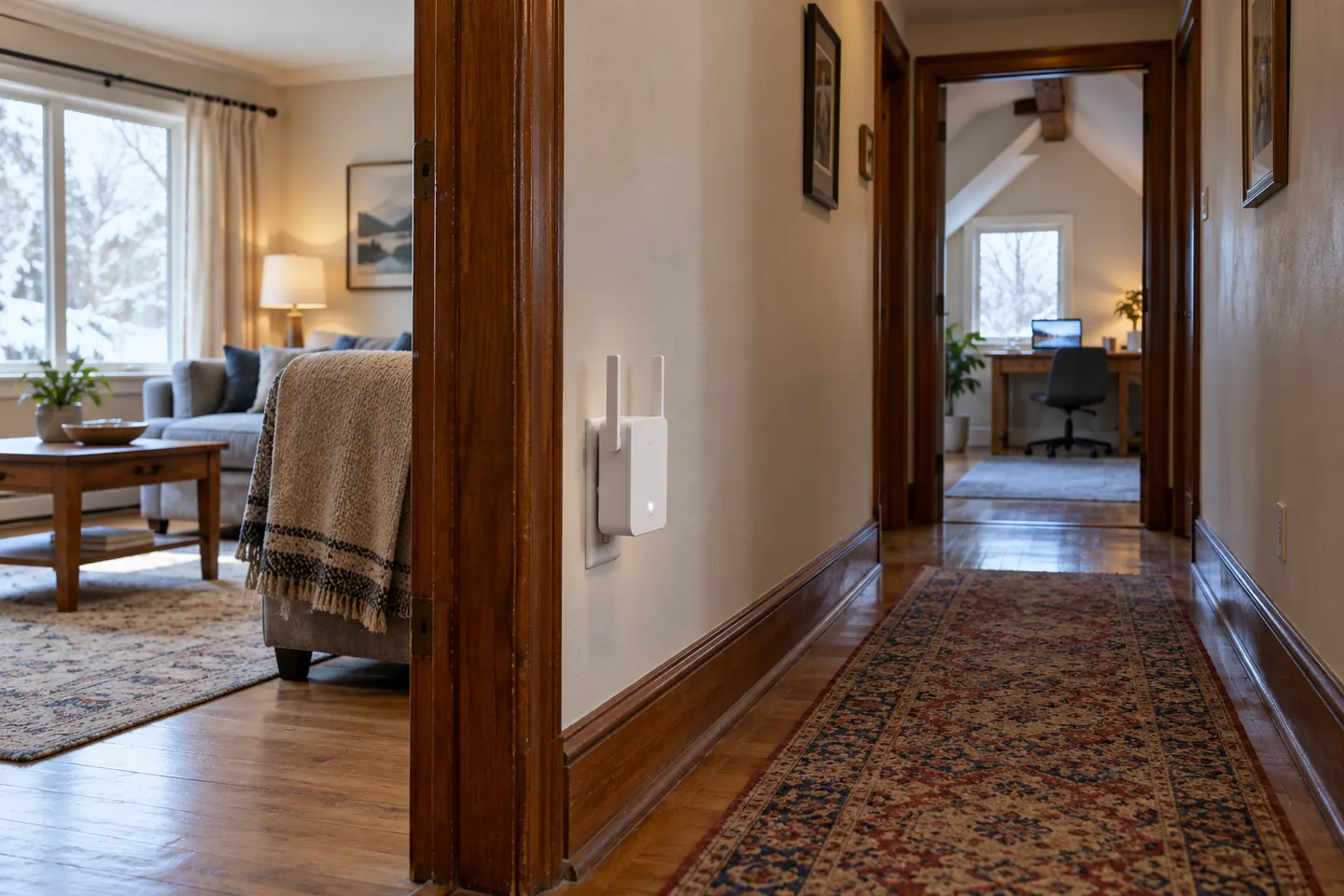 Long
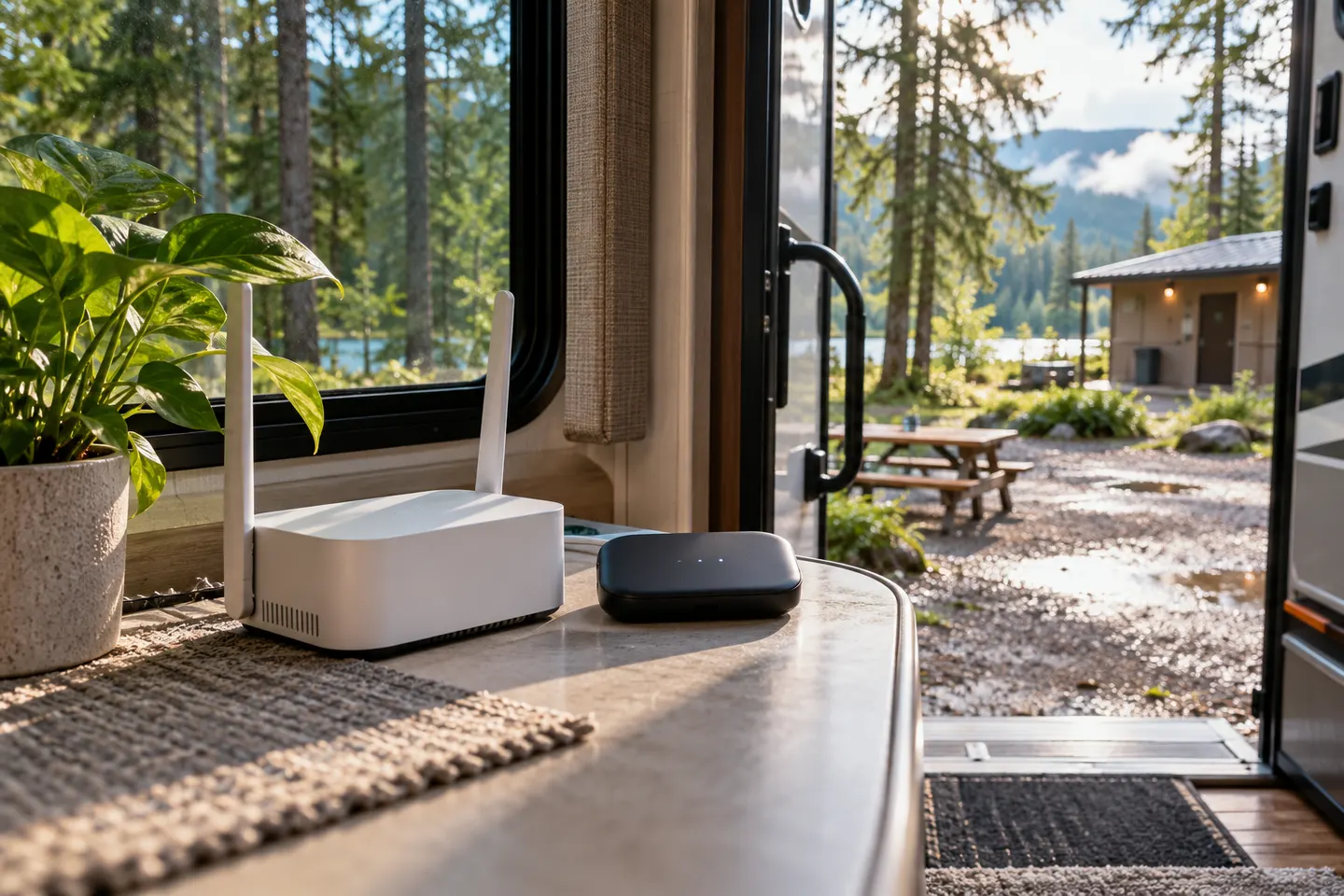 Rv
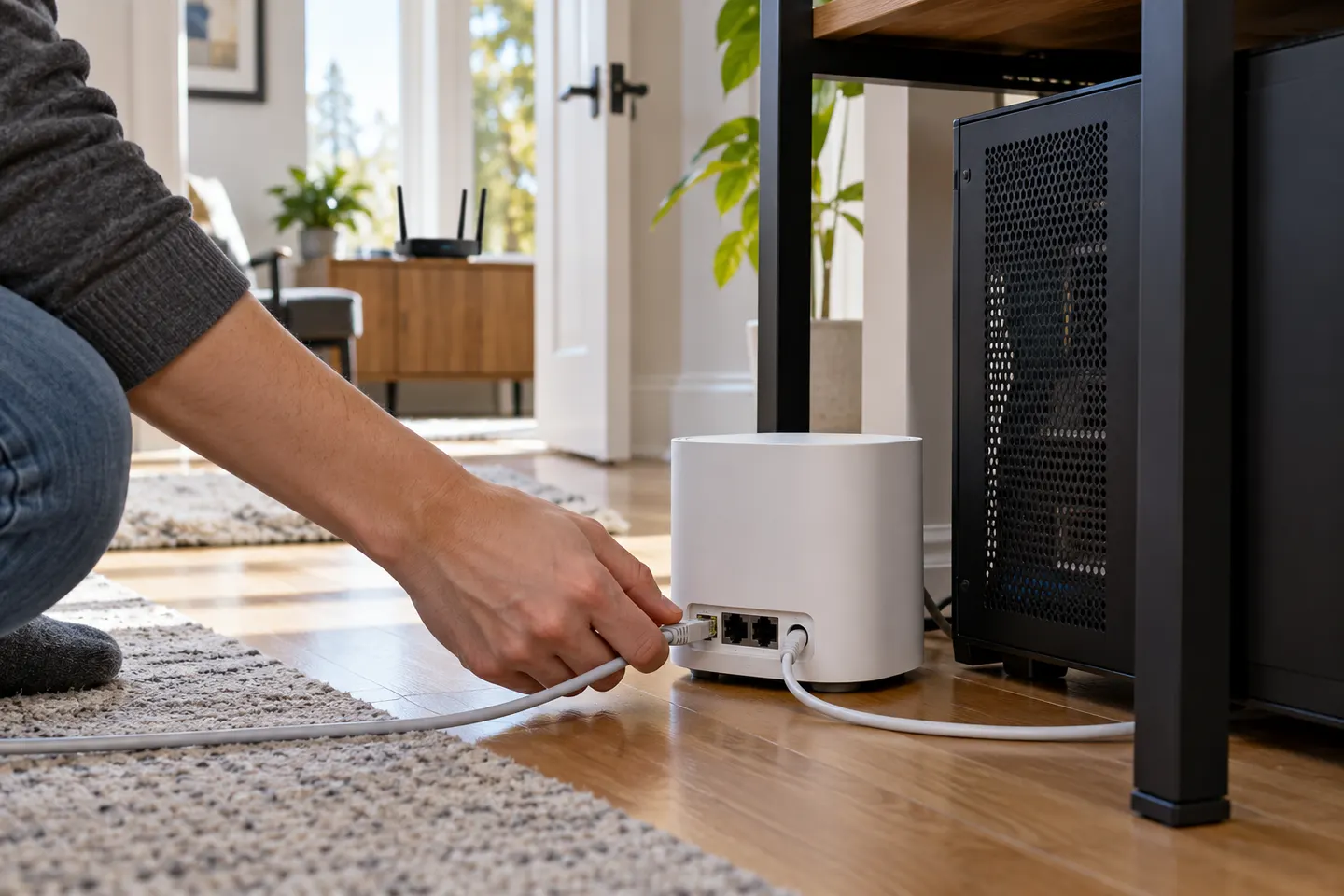 Gaming
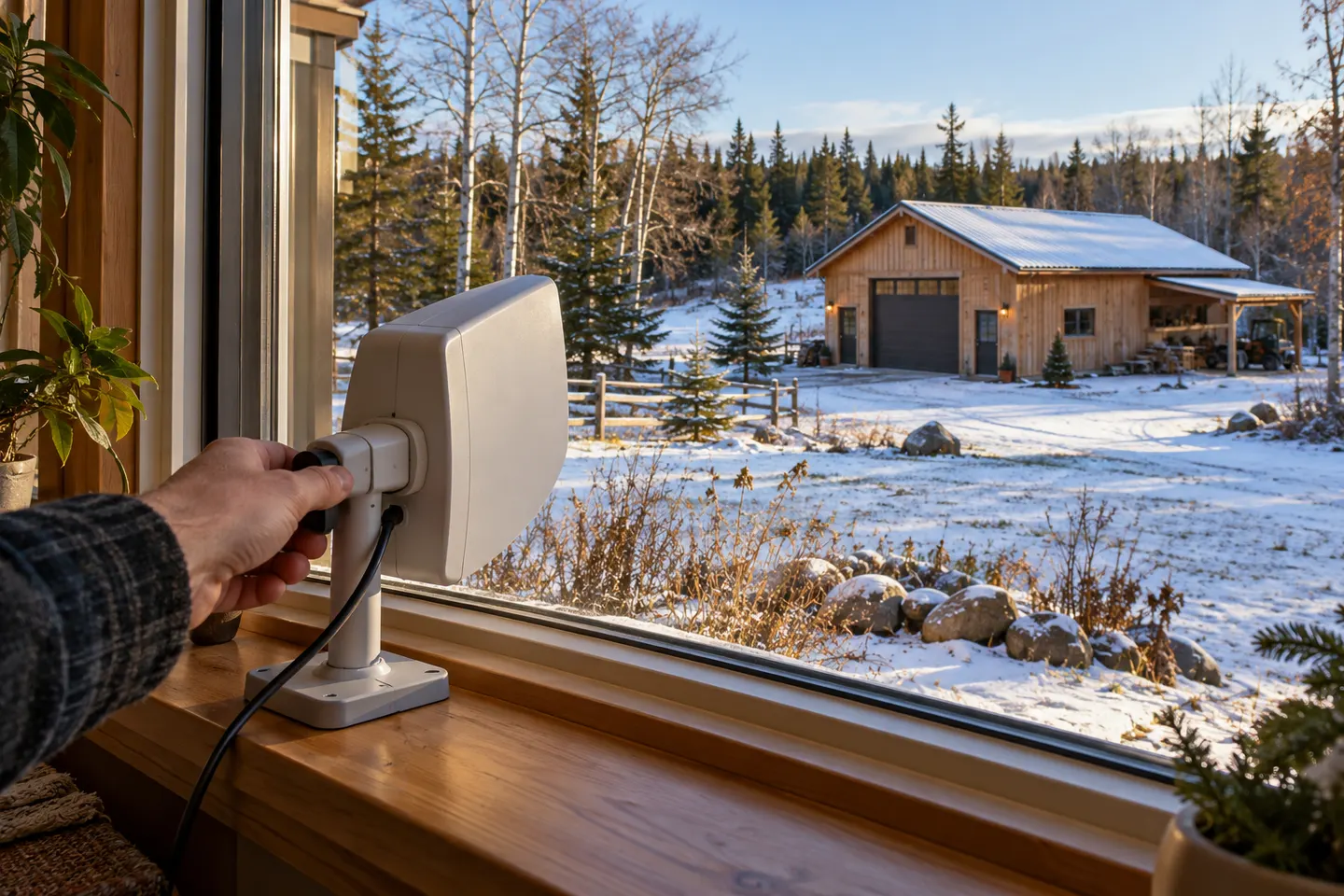 Long distance
 Tv
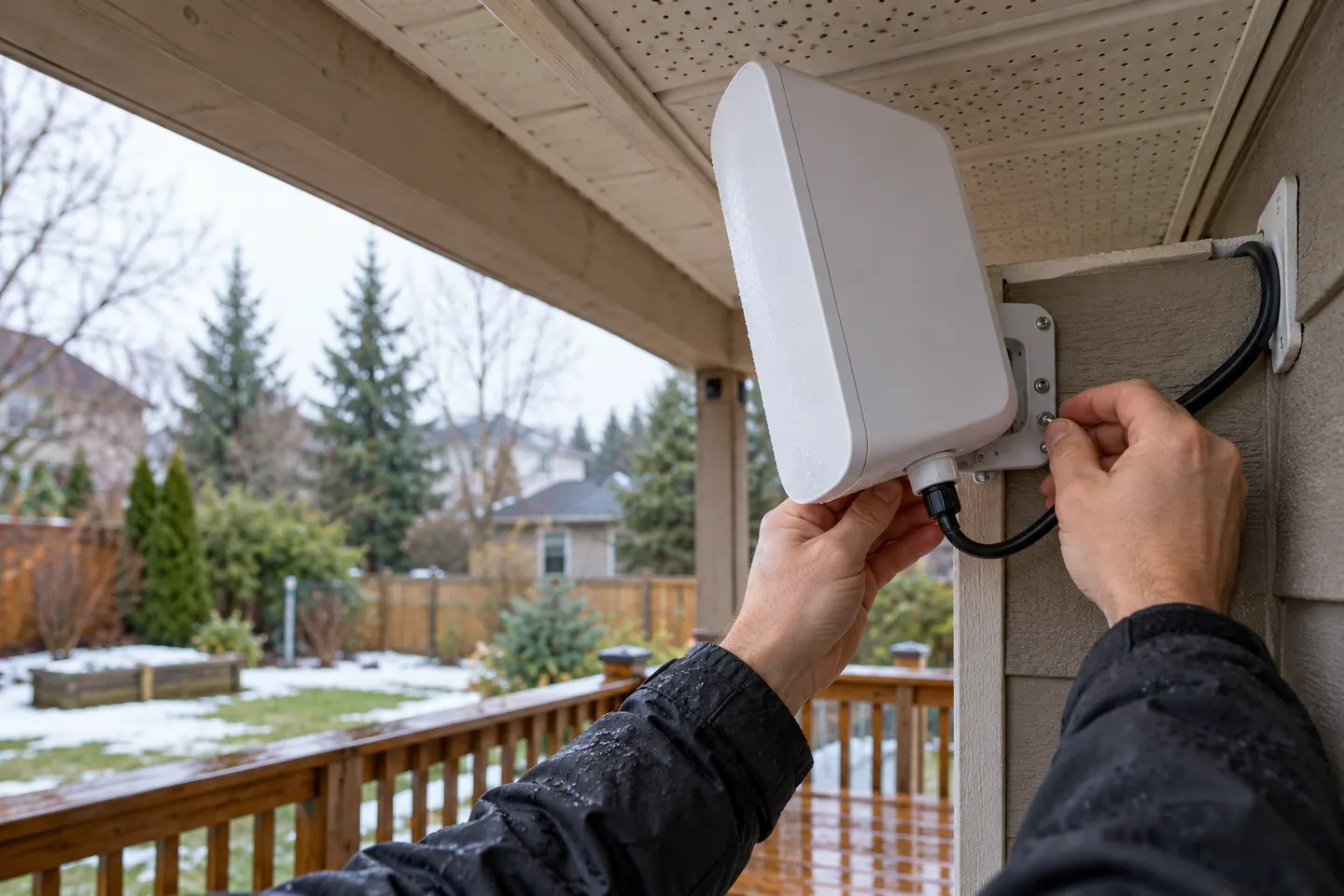 Long outdoor
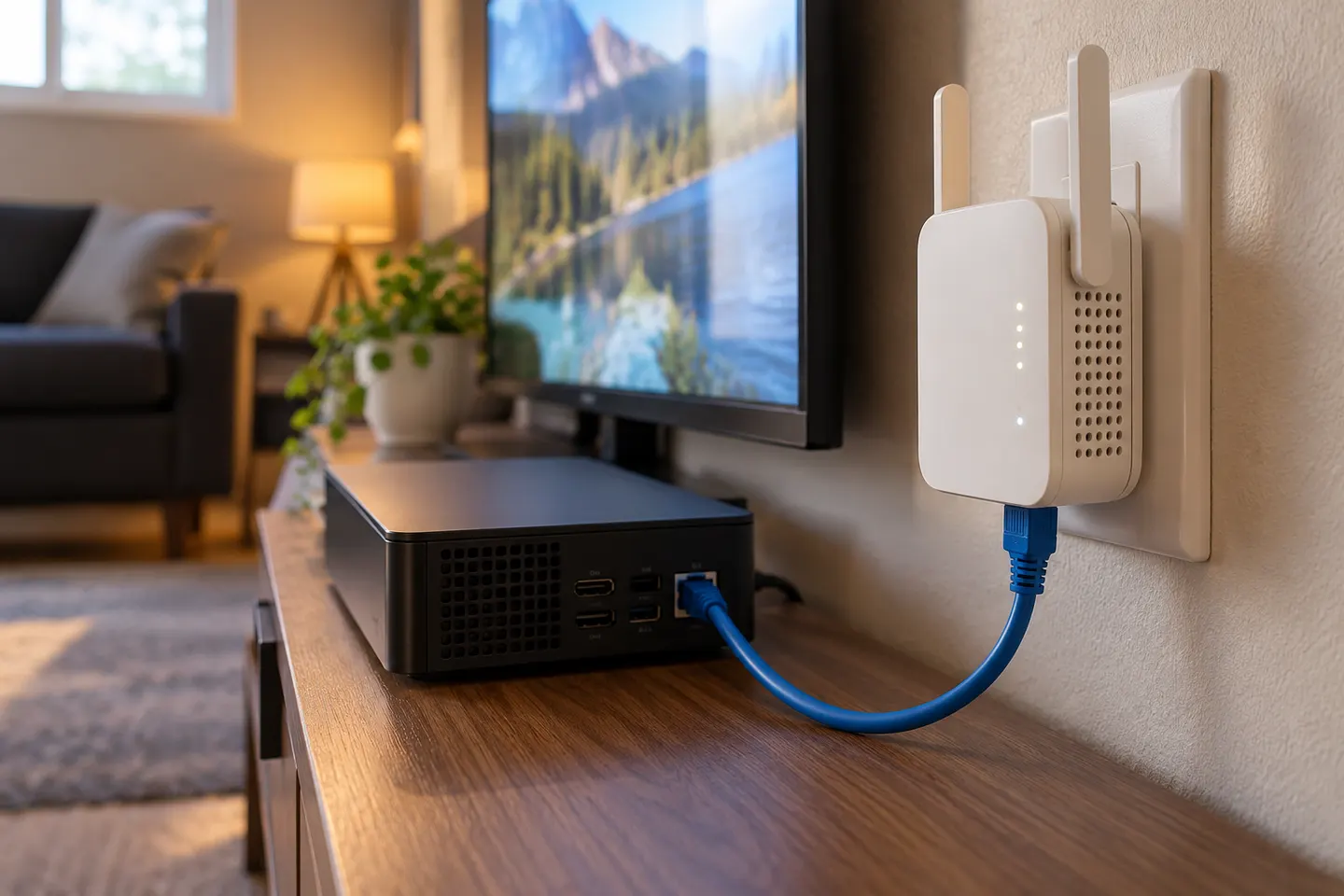 Ethernet ports
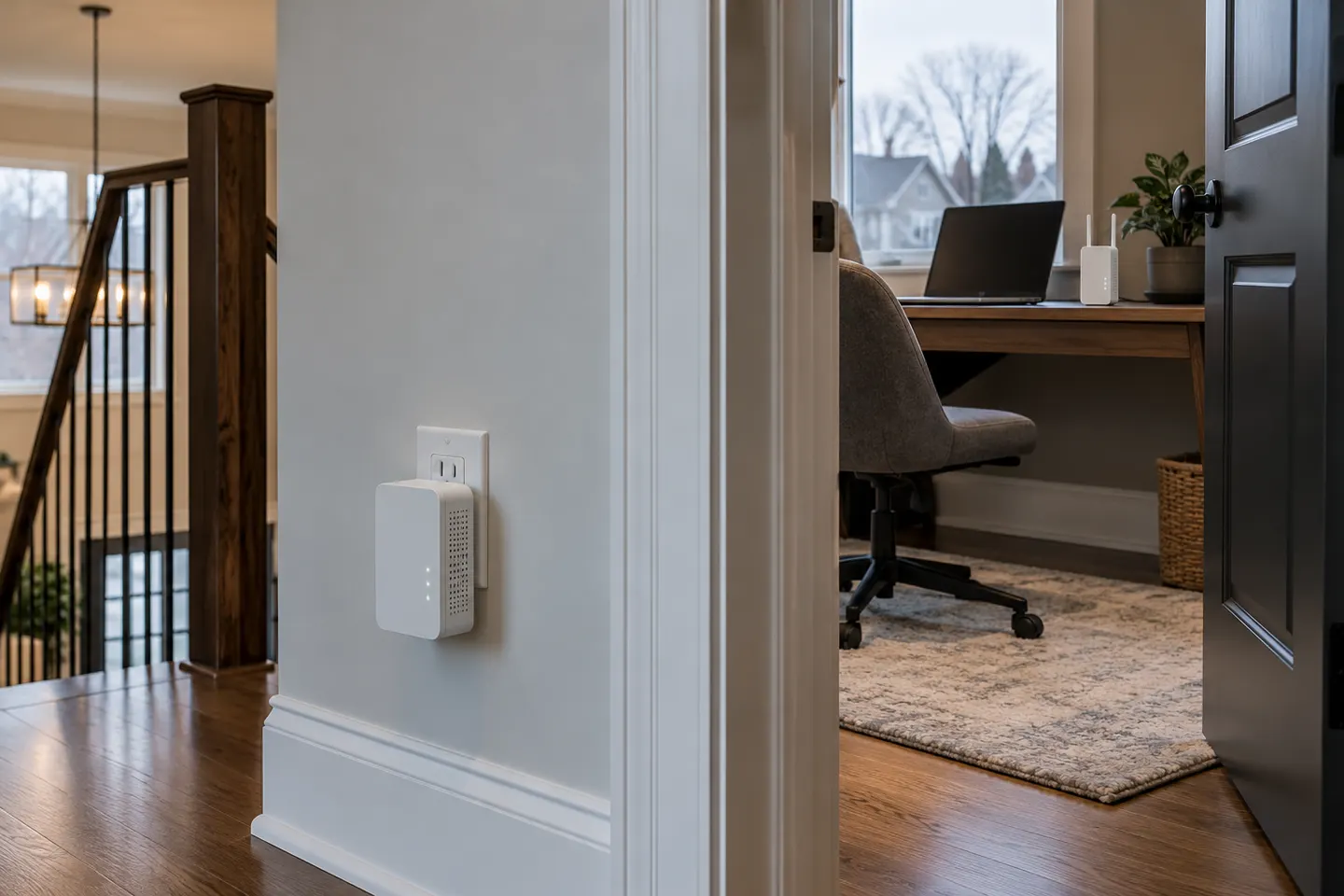 Powerline
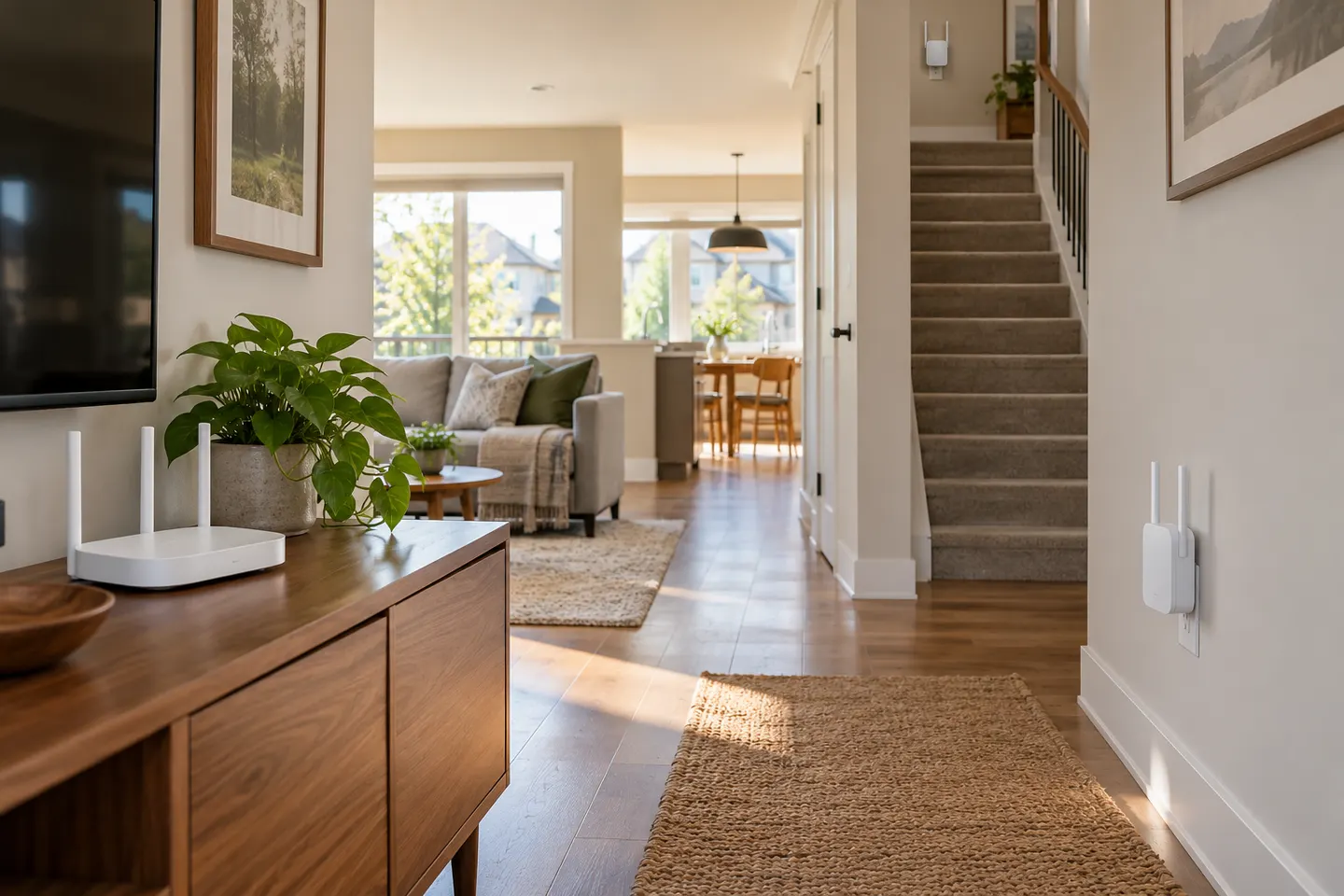 Mesh
 Dual band
 Ethernet
 Plug
 6
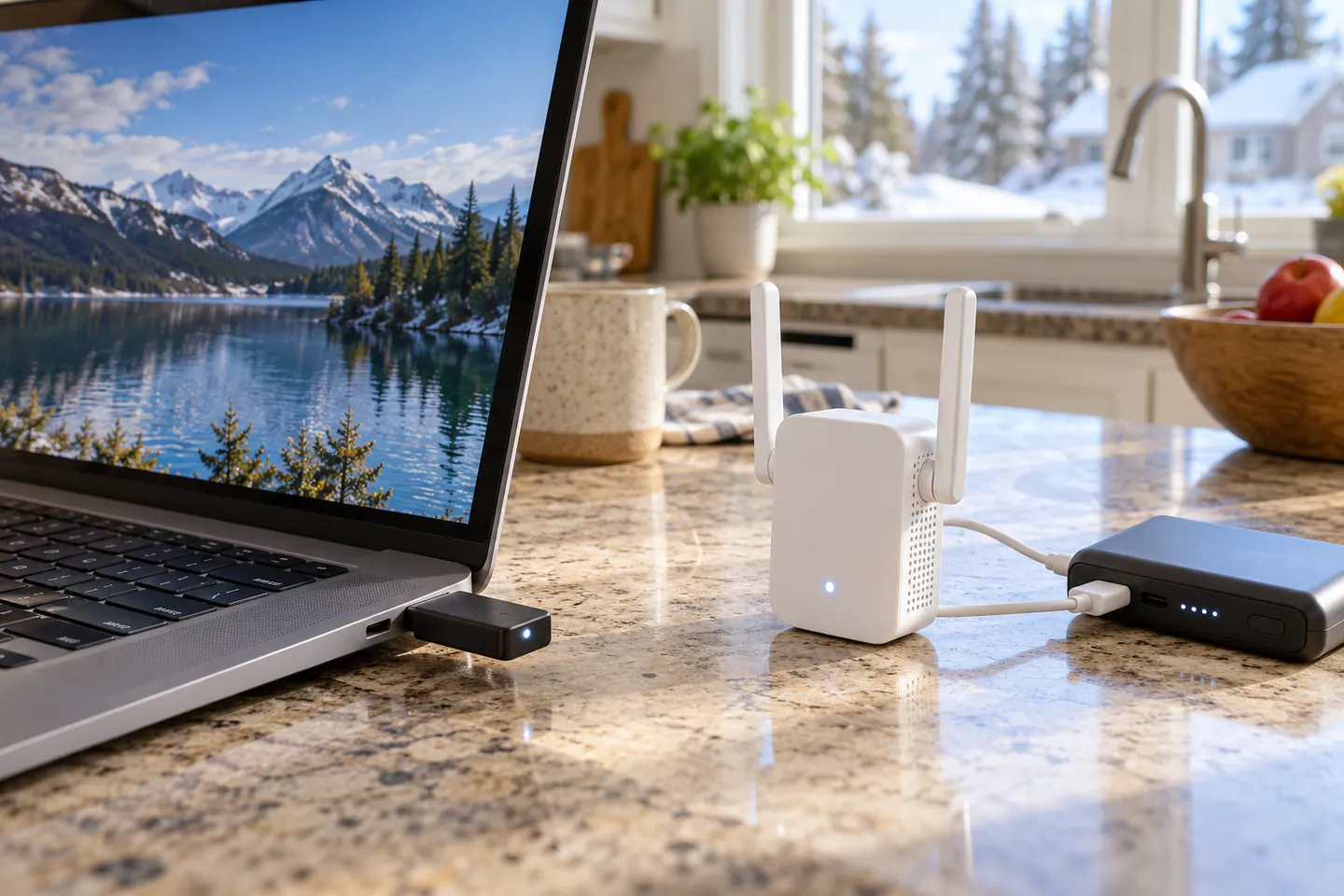 Usb
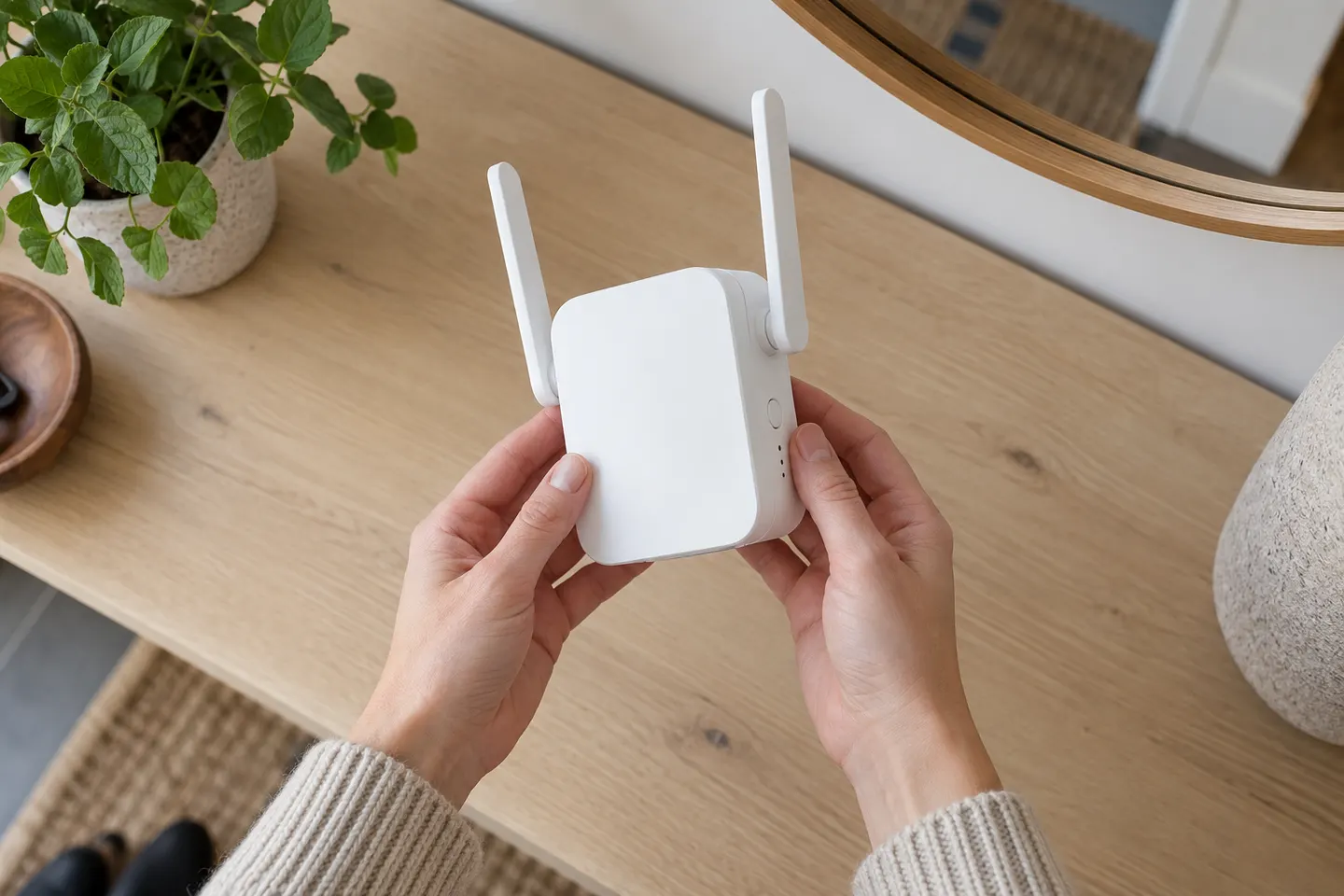 D link setup
 Setup
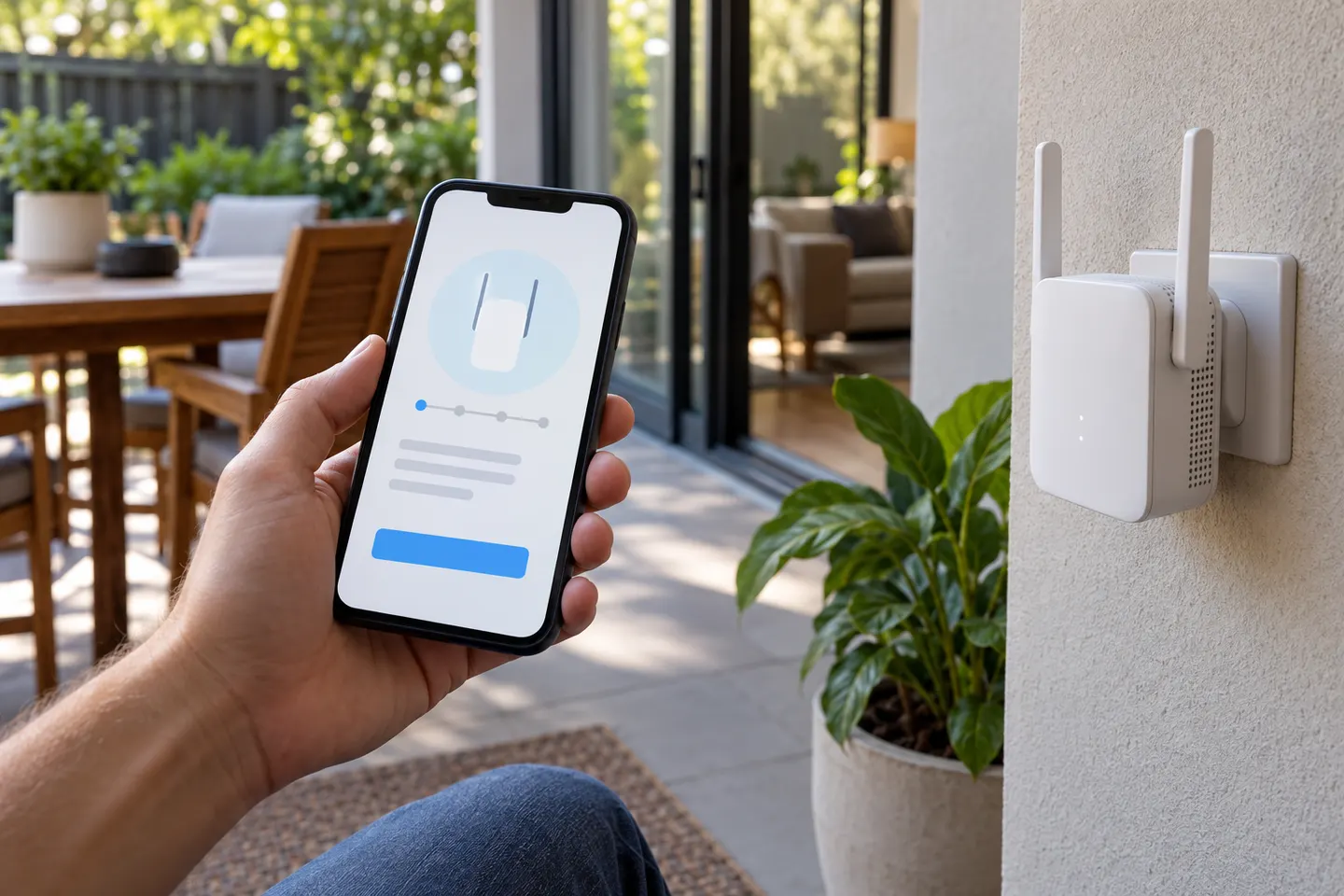 App
 D link set up
 Telus red light
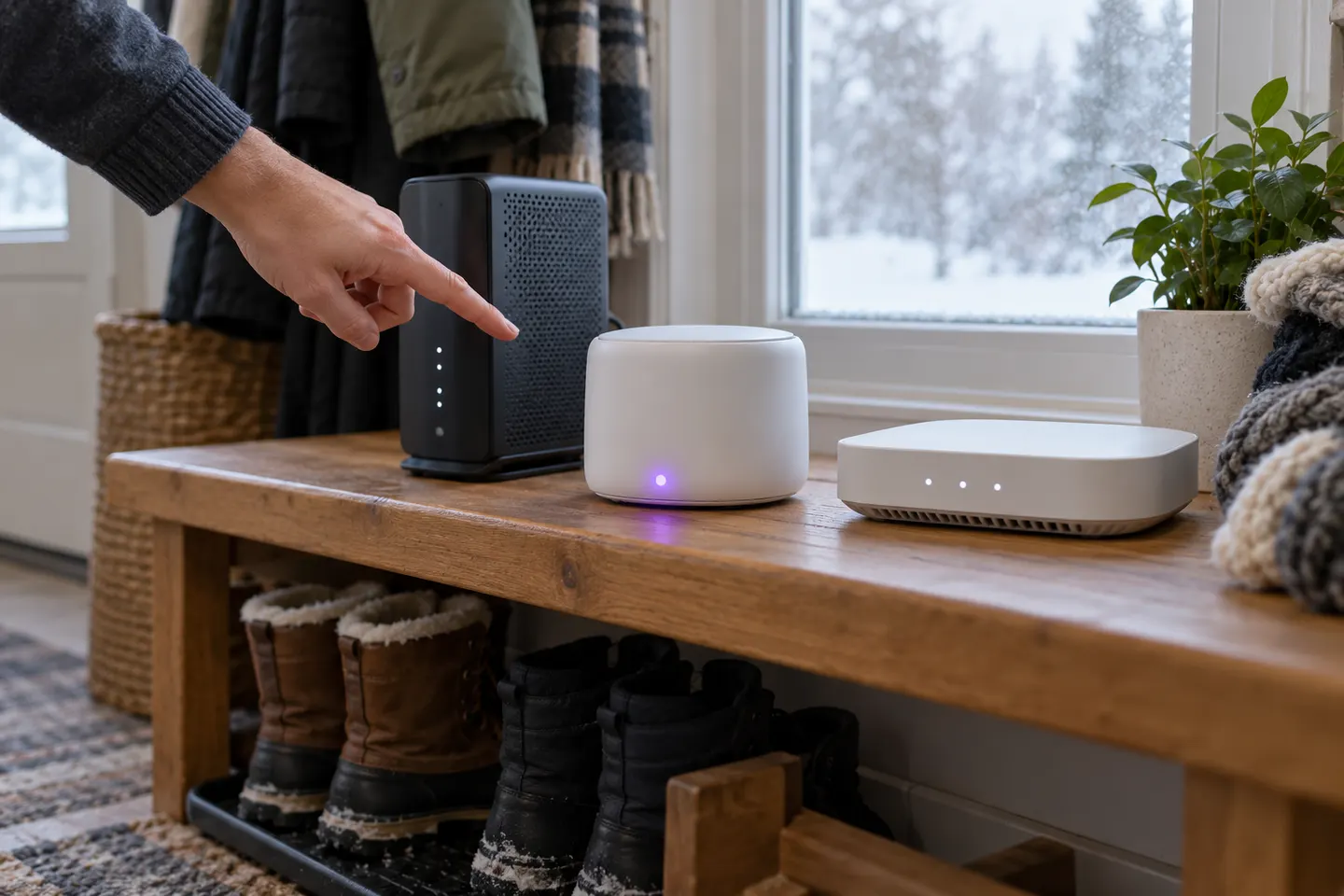 Install
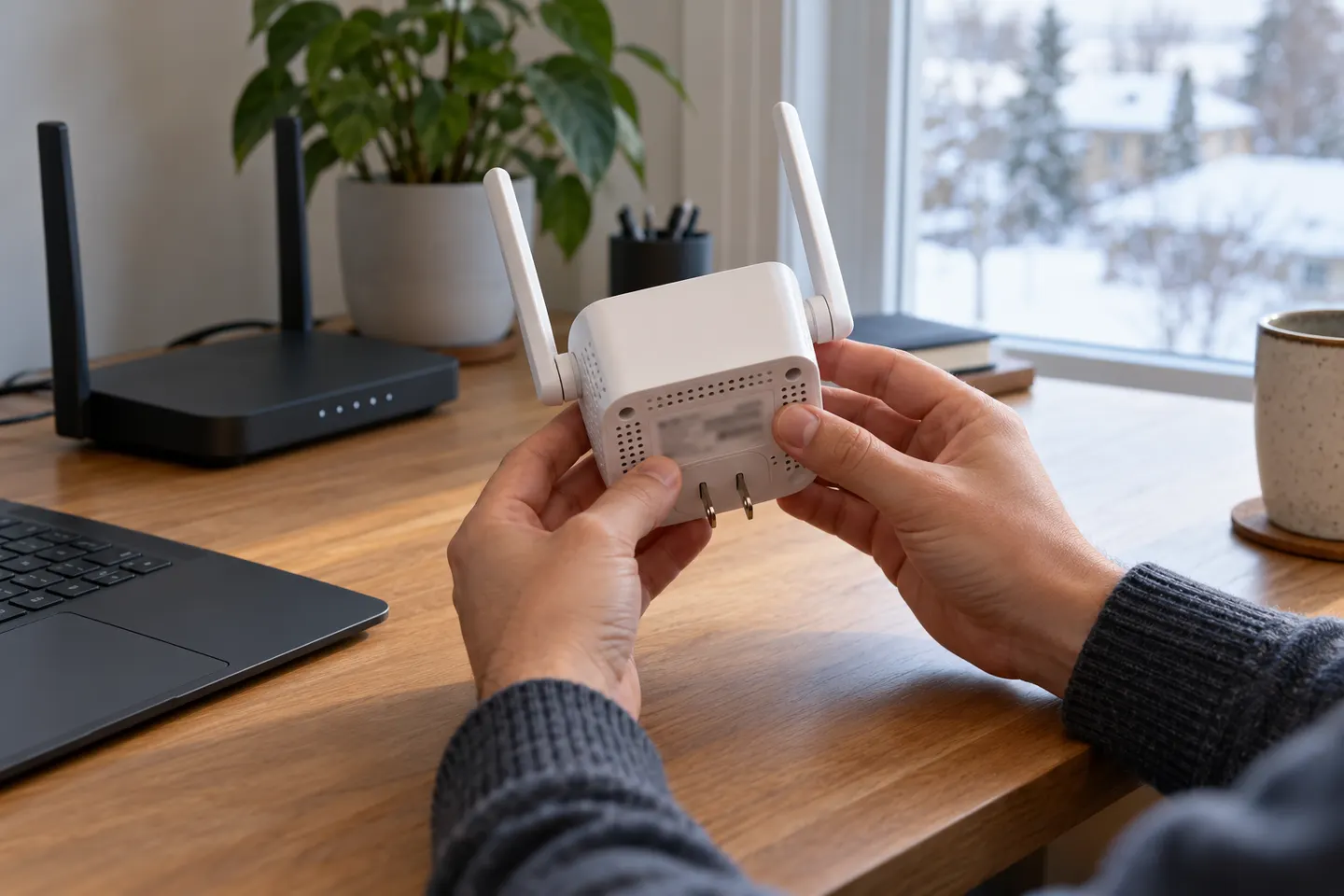 Ac1200 setup
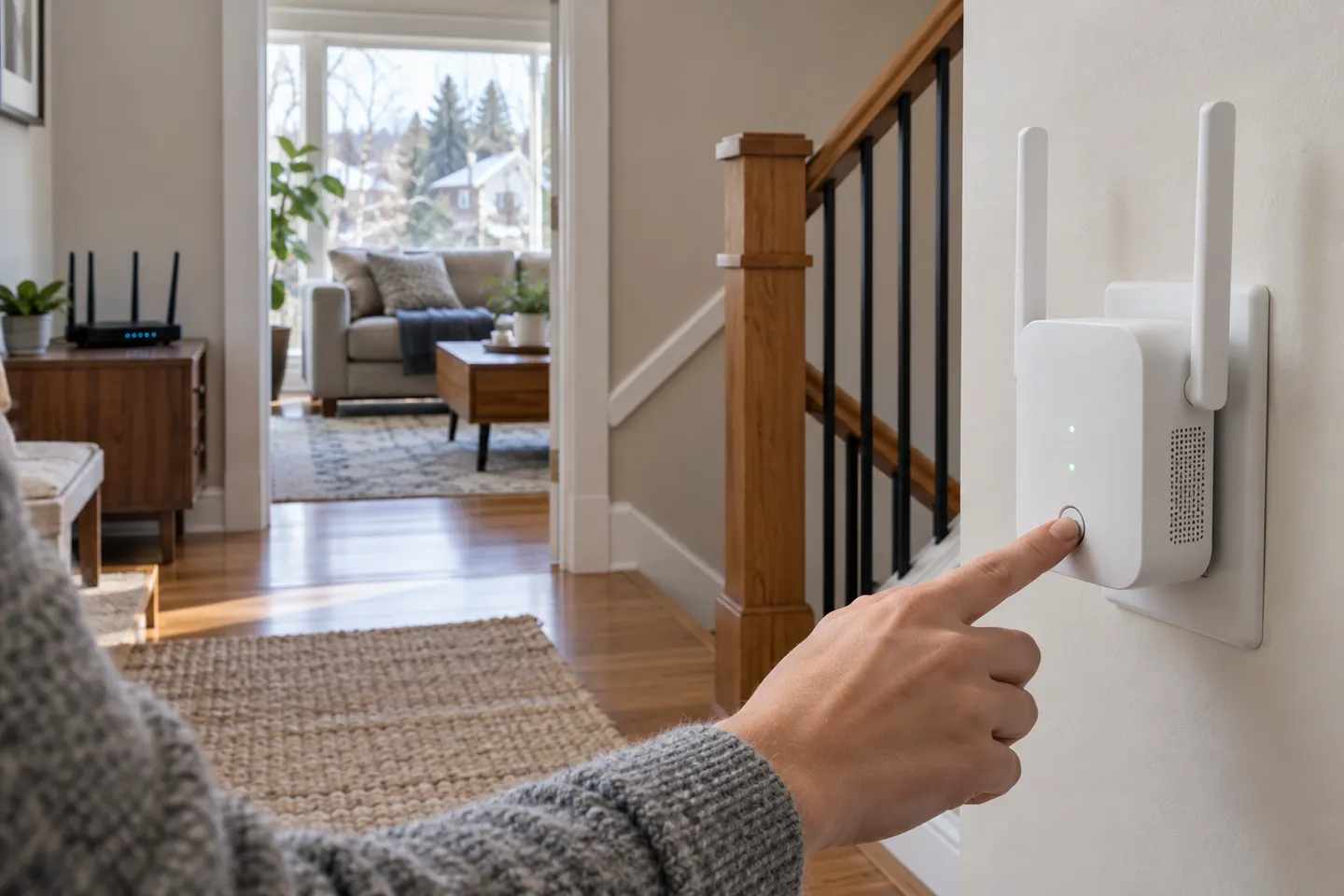 Telus setup
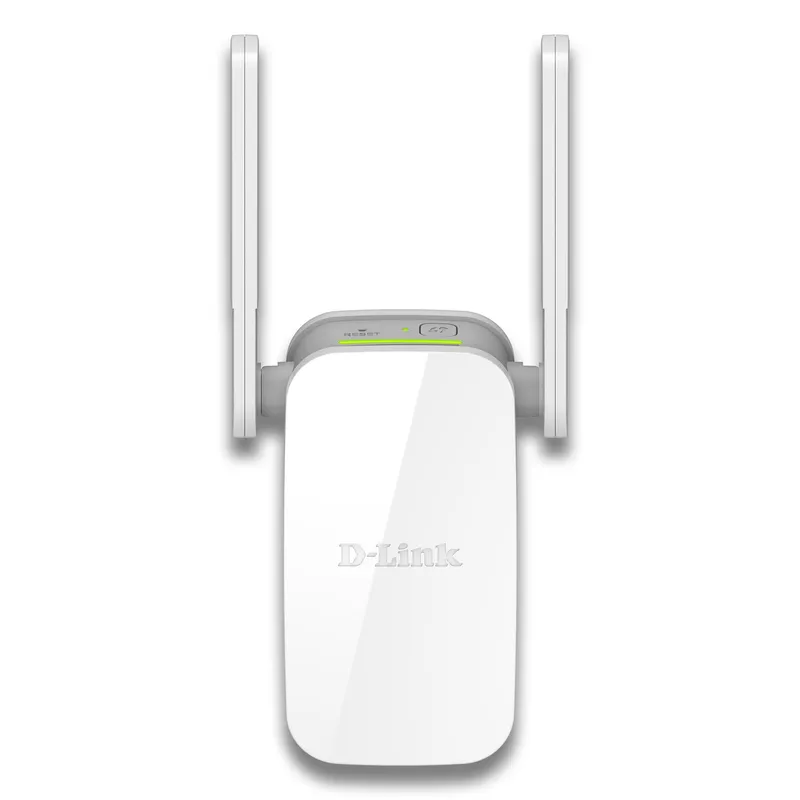 D-Link
 Starlink
 eero
 Ring
 UniFi
 How to Set Up a TP-Link WiFi Extender
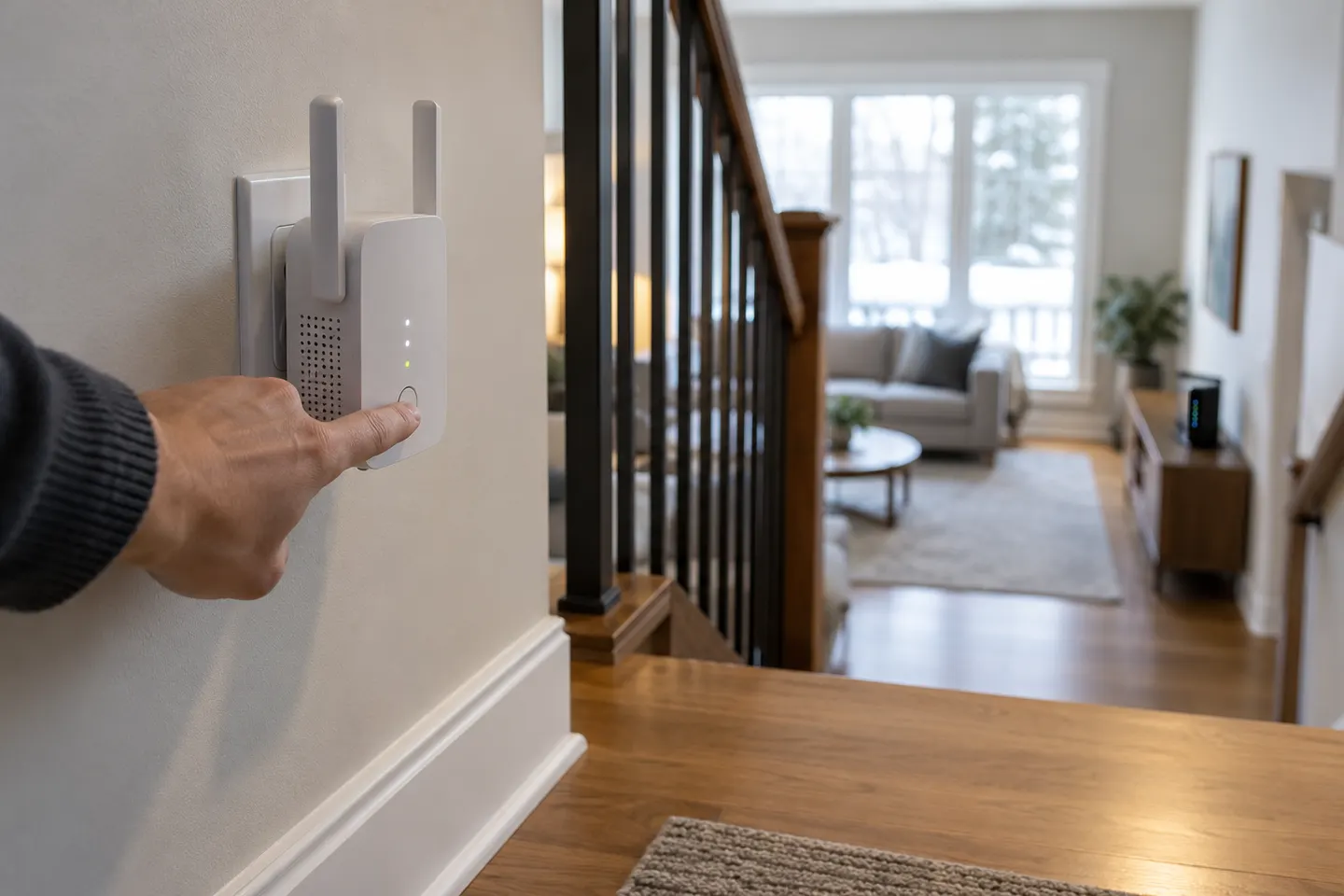 How to Configure a TP-Link WiFi Extender for Your…
 How to Set Up a NETGEAR WiFi Extender
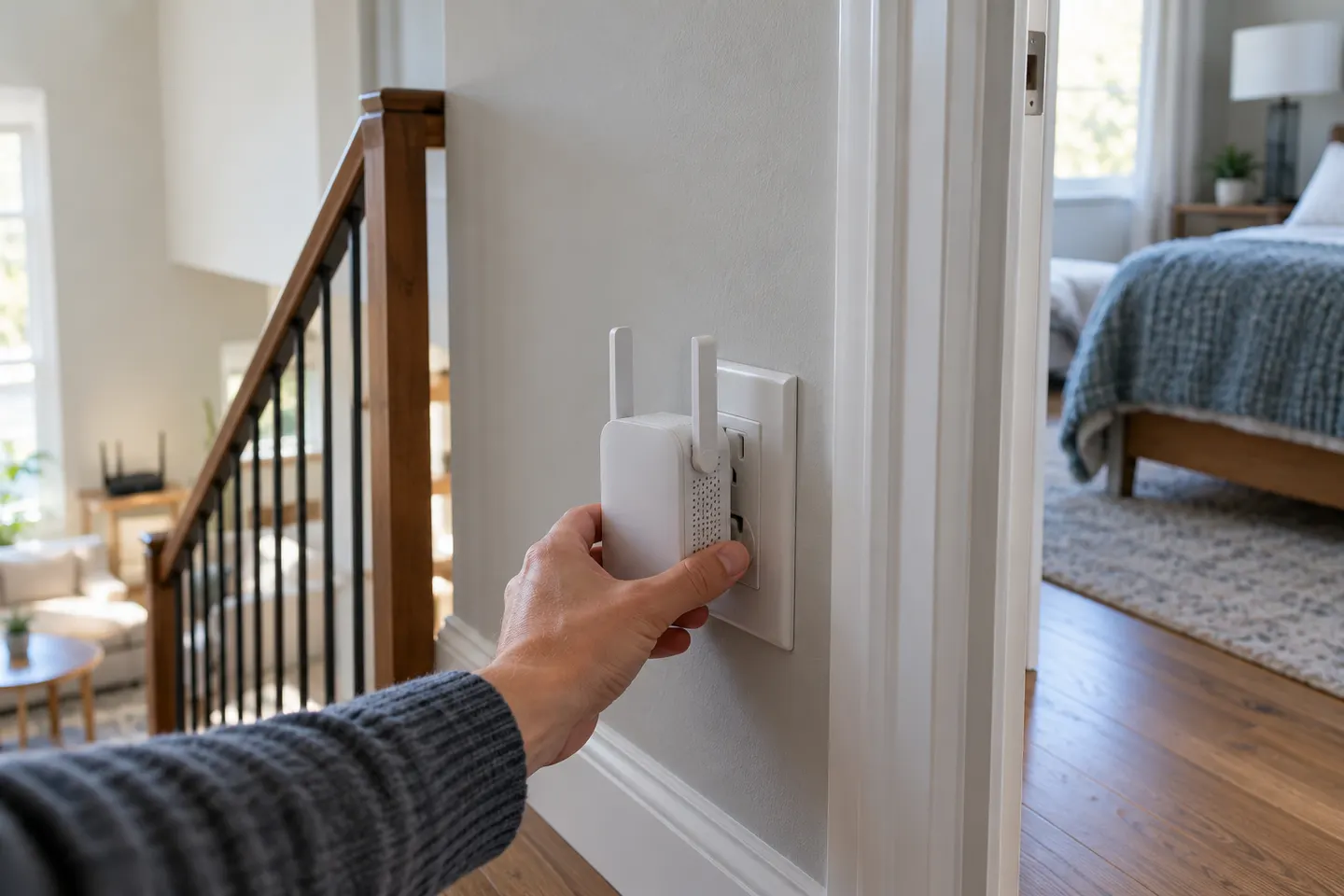 What Is a WiFi Extender and When Do You Need One?
 How Does a WiFi Extender Work in Your Home?
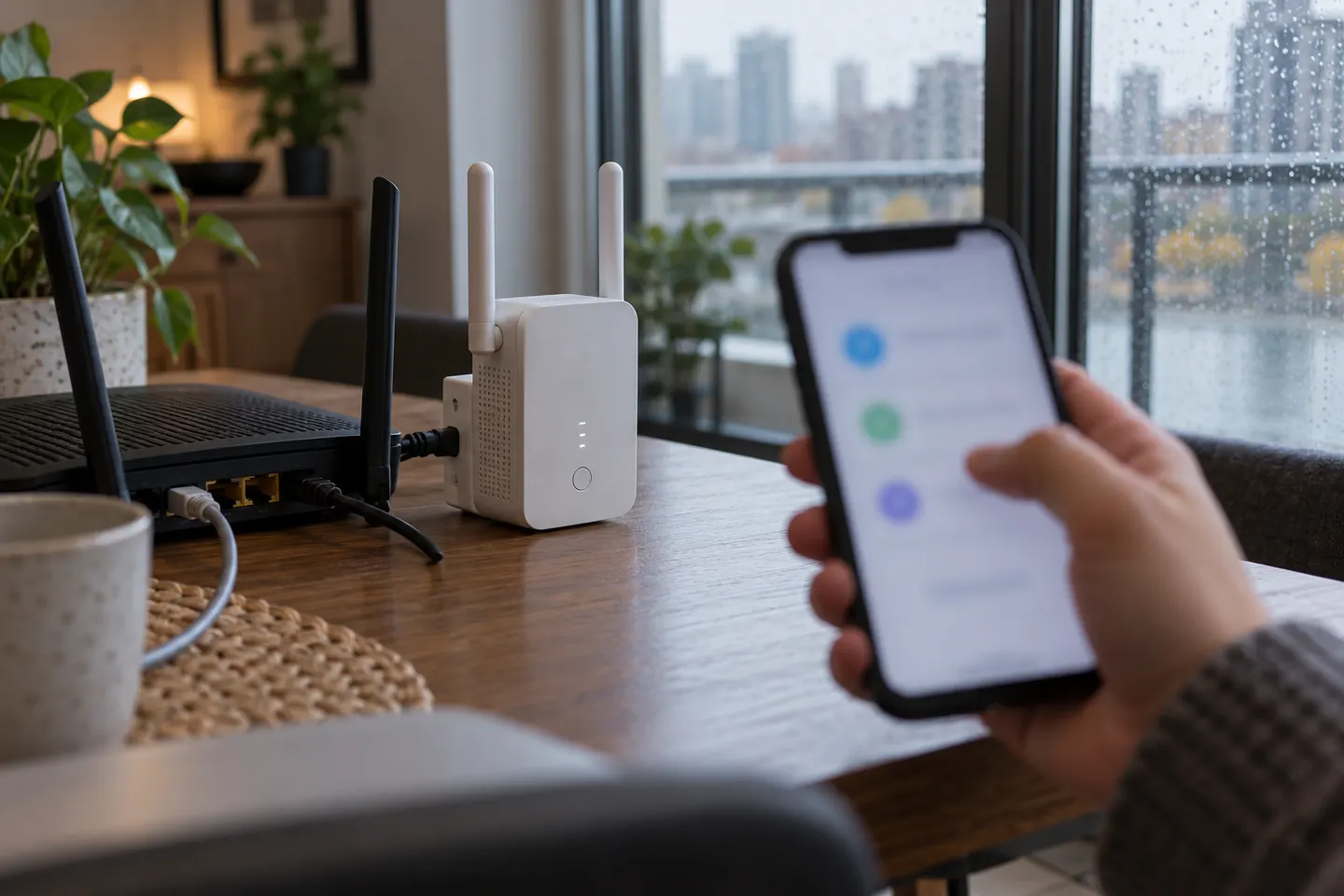 How to Connect a TP-Link WiFi Extender to Your…
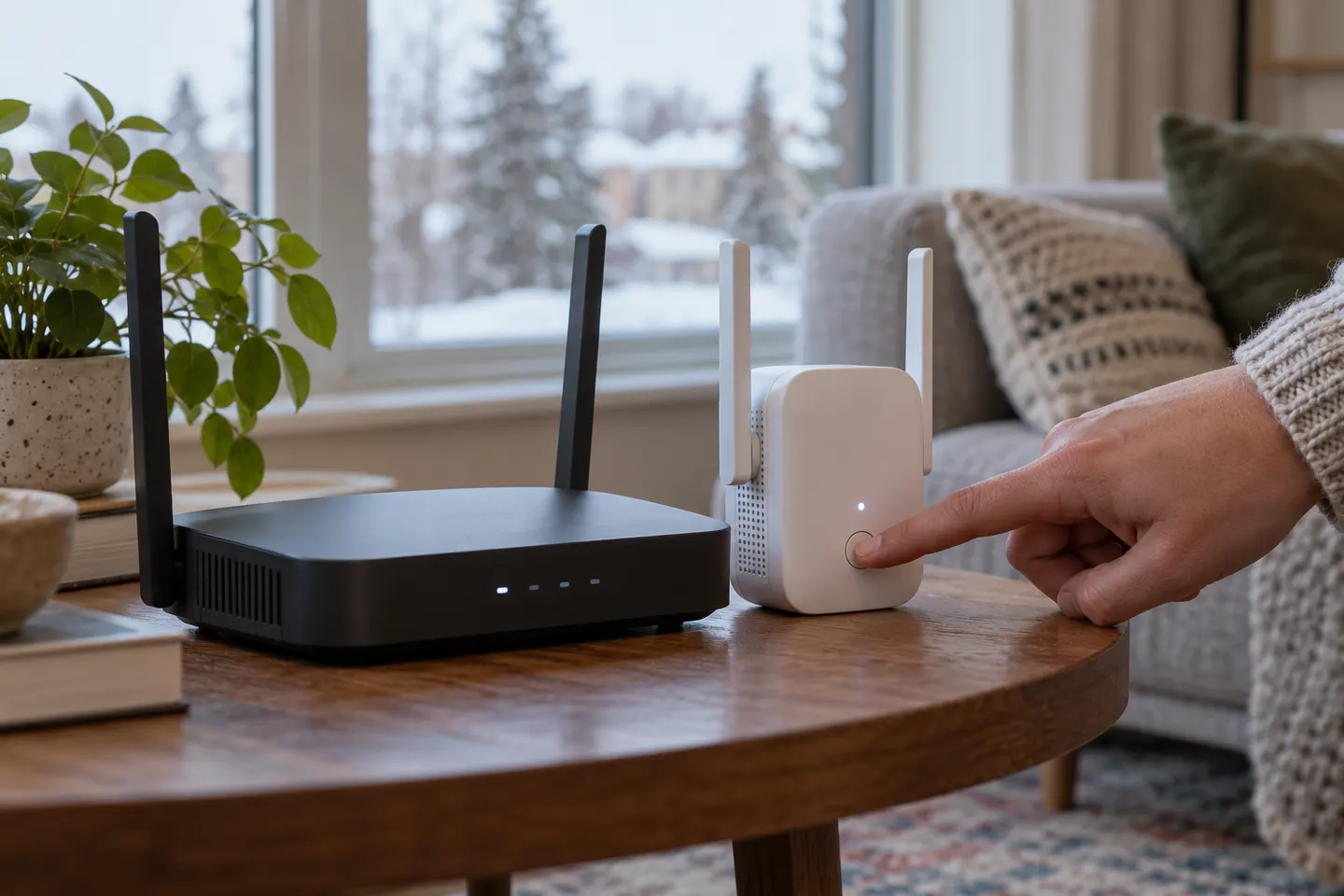 How to Connect a NETGEAR WiFi Extender to Your…
 WiFi Extenders
 TELUS WiFi Boosters
 TP-Link WiFi Extenders
 D-Link WiFi Extenders for Extending a Home Network
 Bell WiFi Extenders
 Rogers WiFi Extenders
 Better WiFi Extender Options
 WiFi Extender Brands