
Best Wi-Fi Extenders in Australia for Different Homes
The right Wi-Fi extender depends on the router signal at its location, your home layout and whether you need Ethernet, outdoor placement or powerline networking.

 Best picksBest Dash Cam in Australia: Five Models ComparedBest picksBest Wi-Fi Extenders in Australia for Different Homes
 Best picksThe Best Meat Thermometer for Every Kind of Cook
 Best picksBest Headlamp Torches for Different Uses in 2026
 Best picksBest Portable Air Coolers to Consider in Australia (2026)
 Best picksBest Winter Gloves for Everyday Wear and Outdoor Use
 Best picksBest Cordless String Trimmers for Australian Gardens (2026)
 Best picksBest air purifier for bedroom in Australia: five models compared
Start here
The right Wi-Fi extender depends on the router signal at its location, your home layout and whether you need Ethernet, outdoor placement or powerline networking.

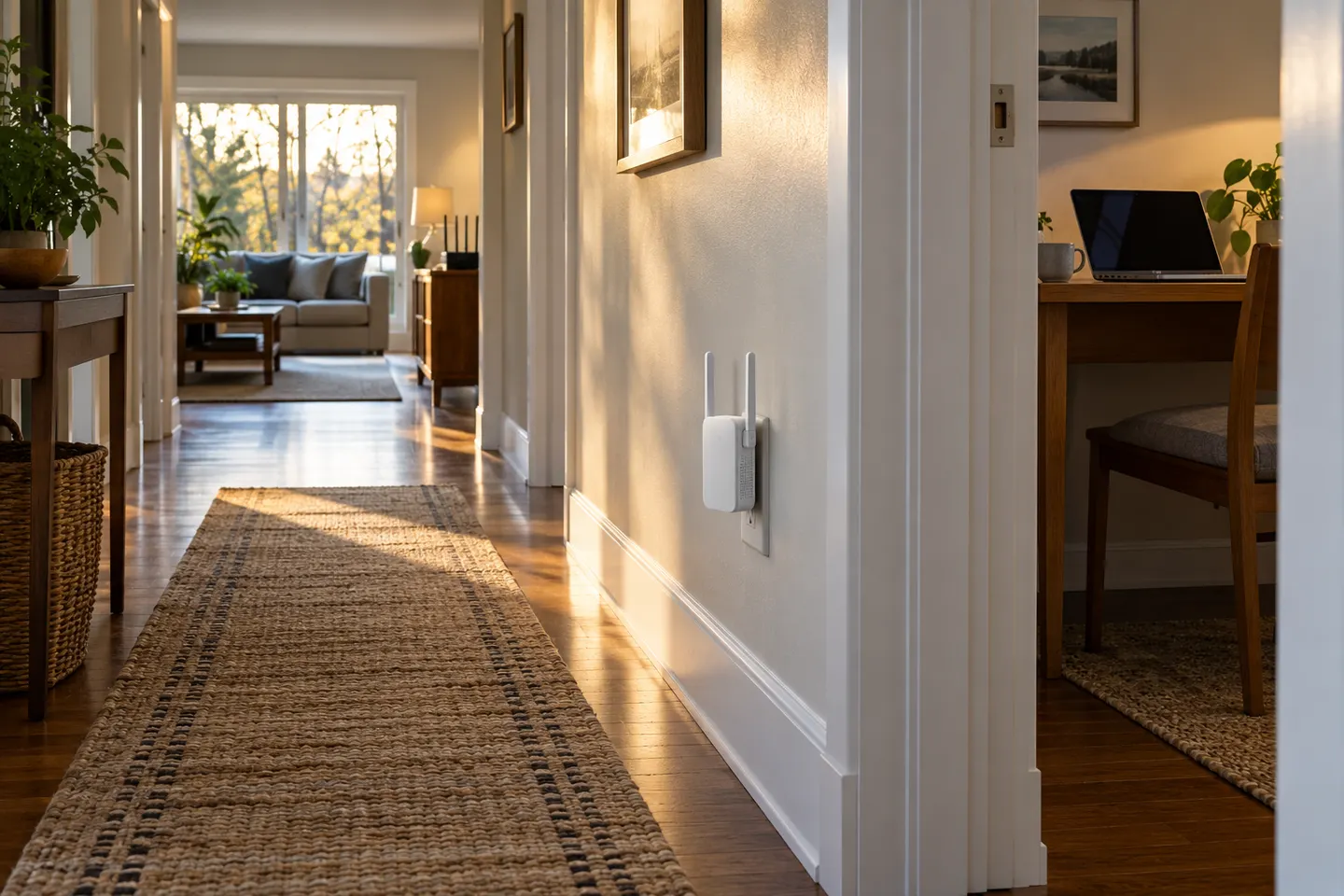
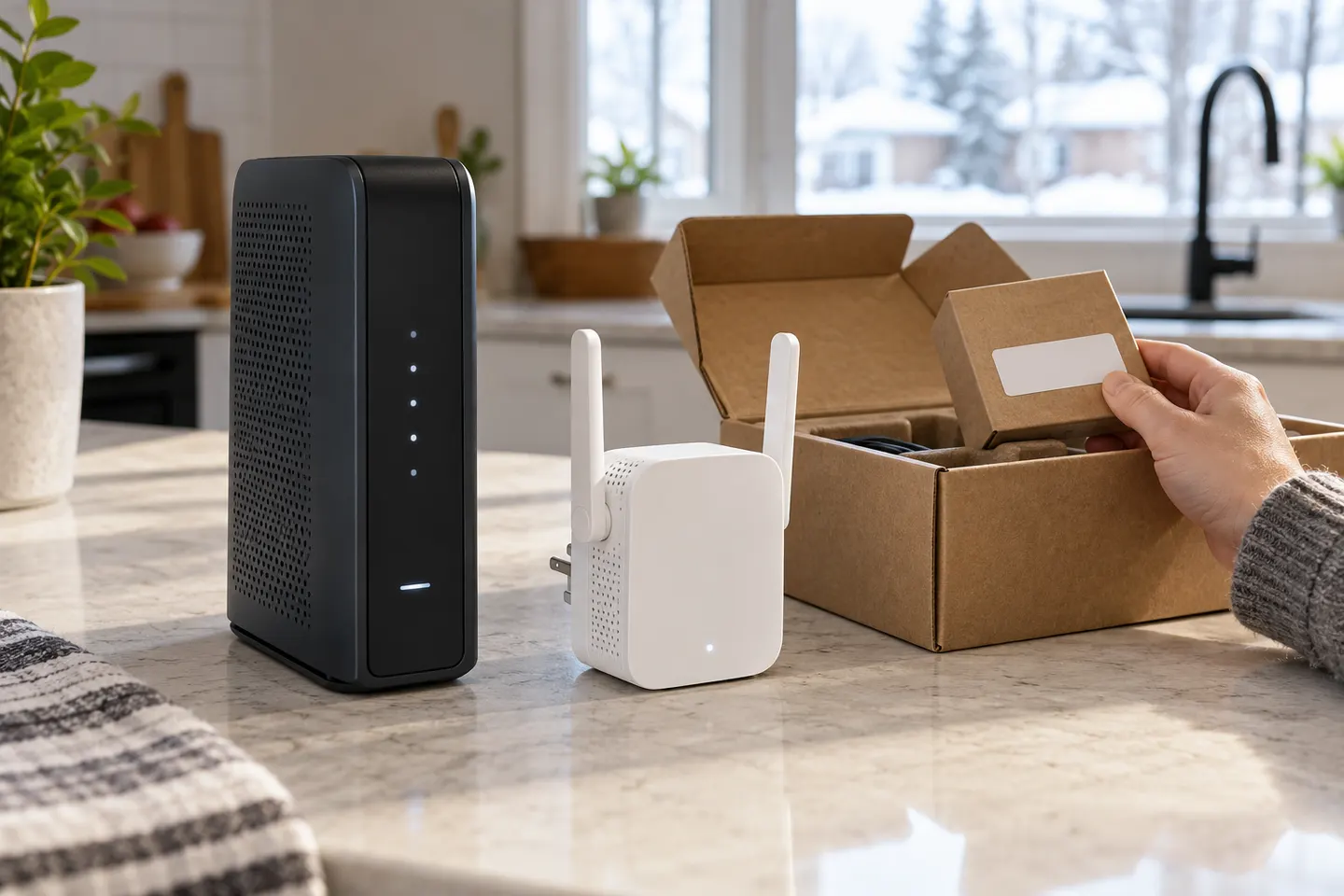
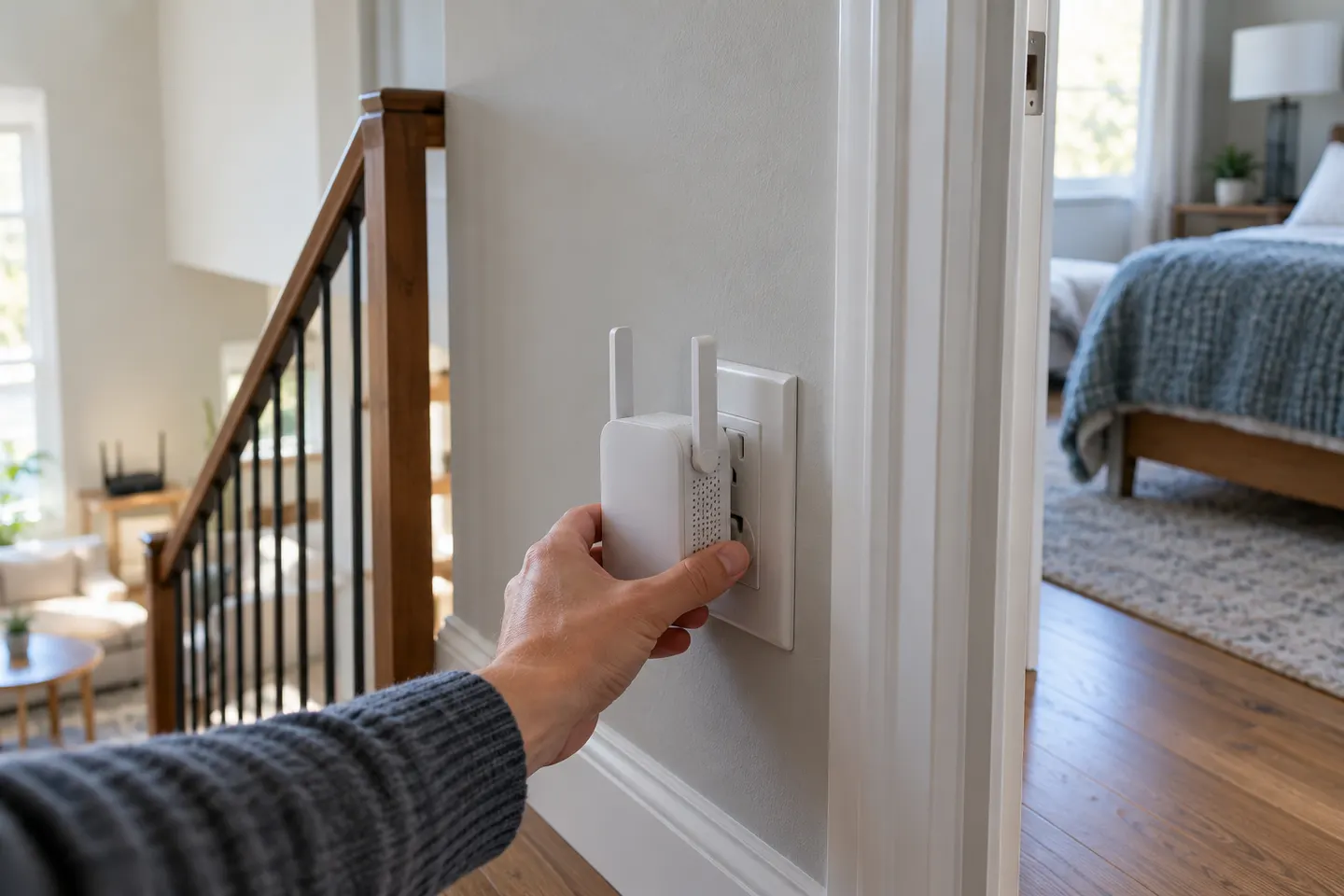
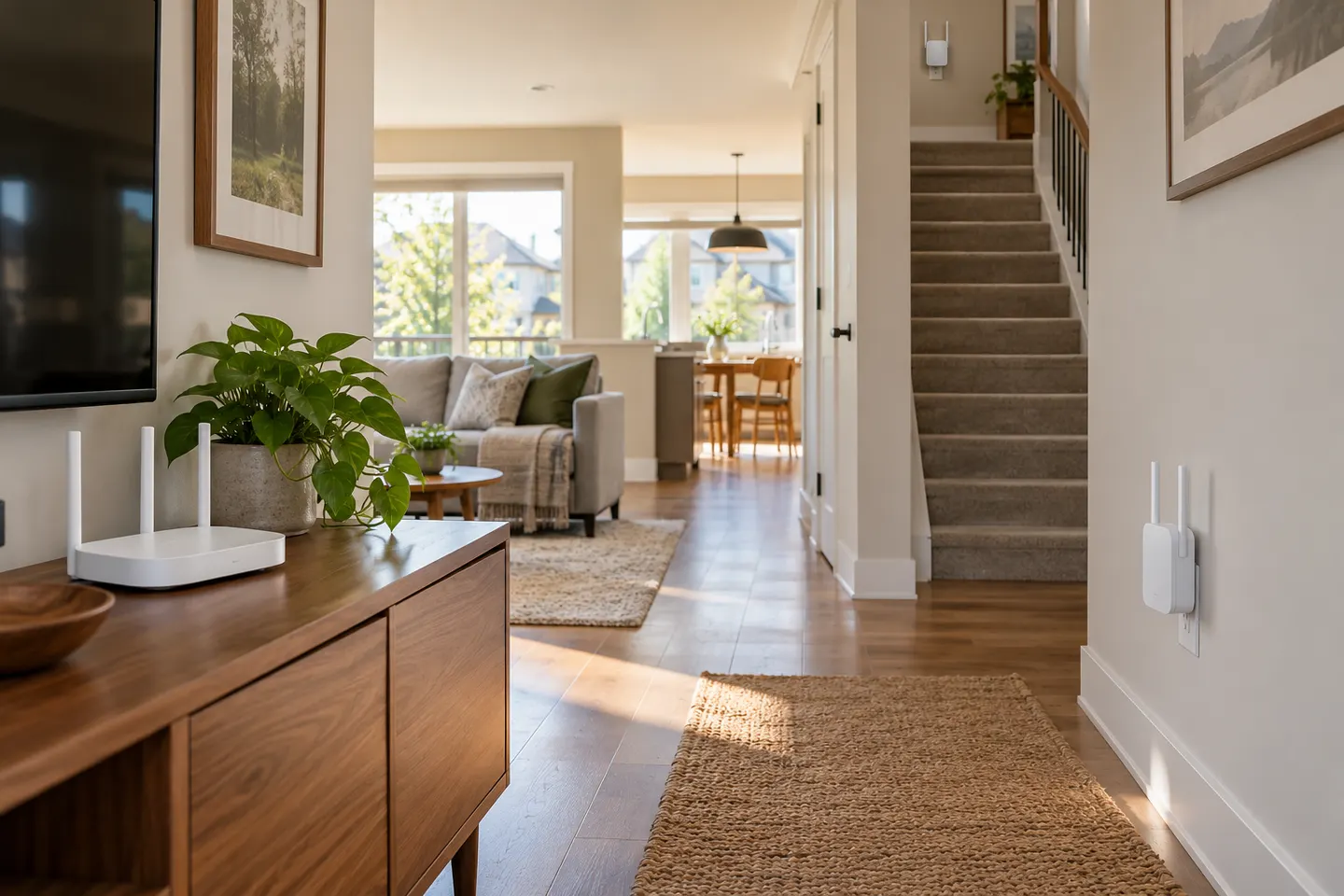
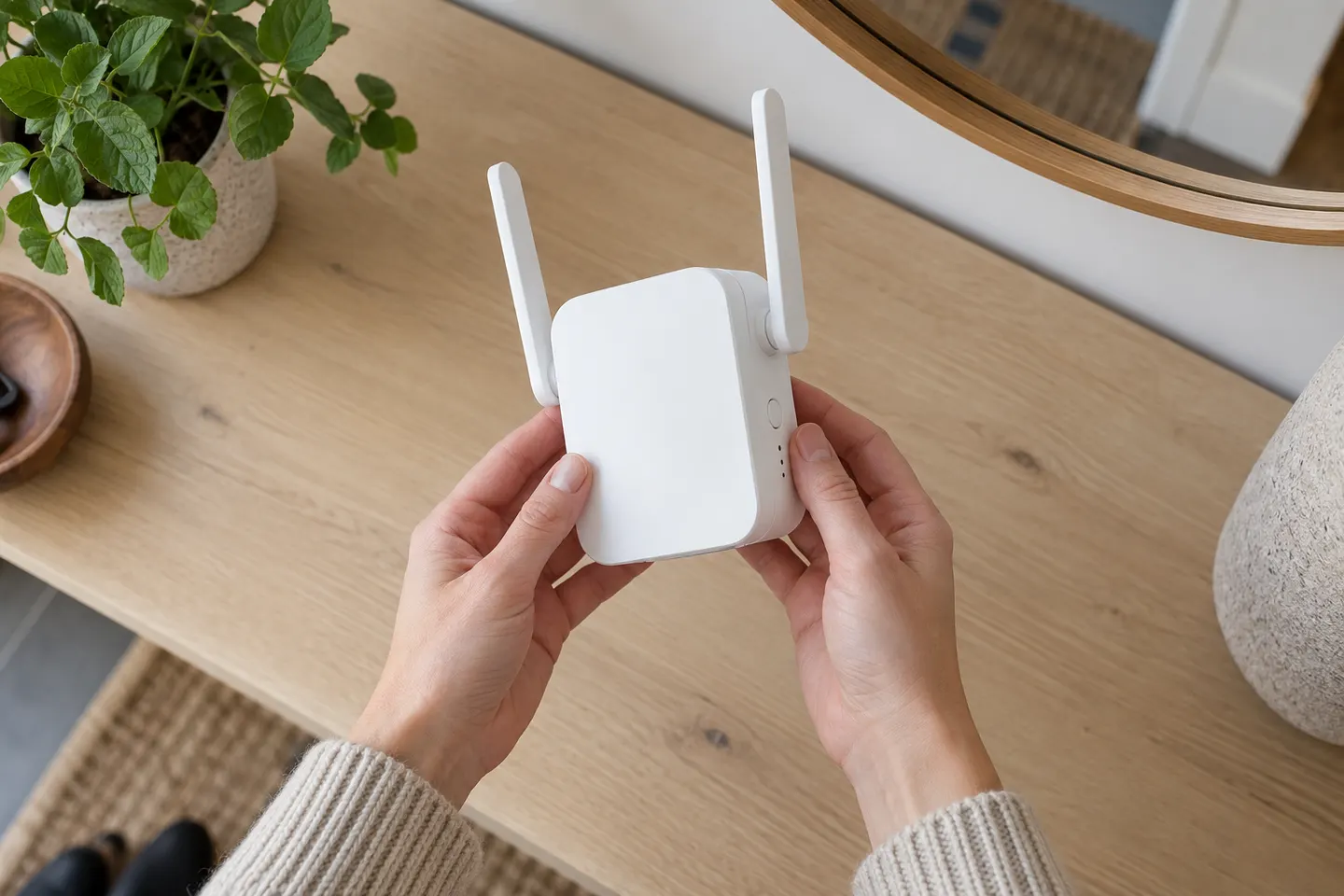
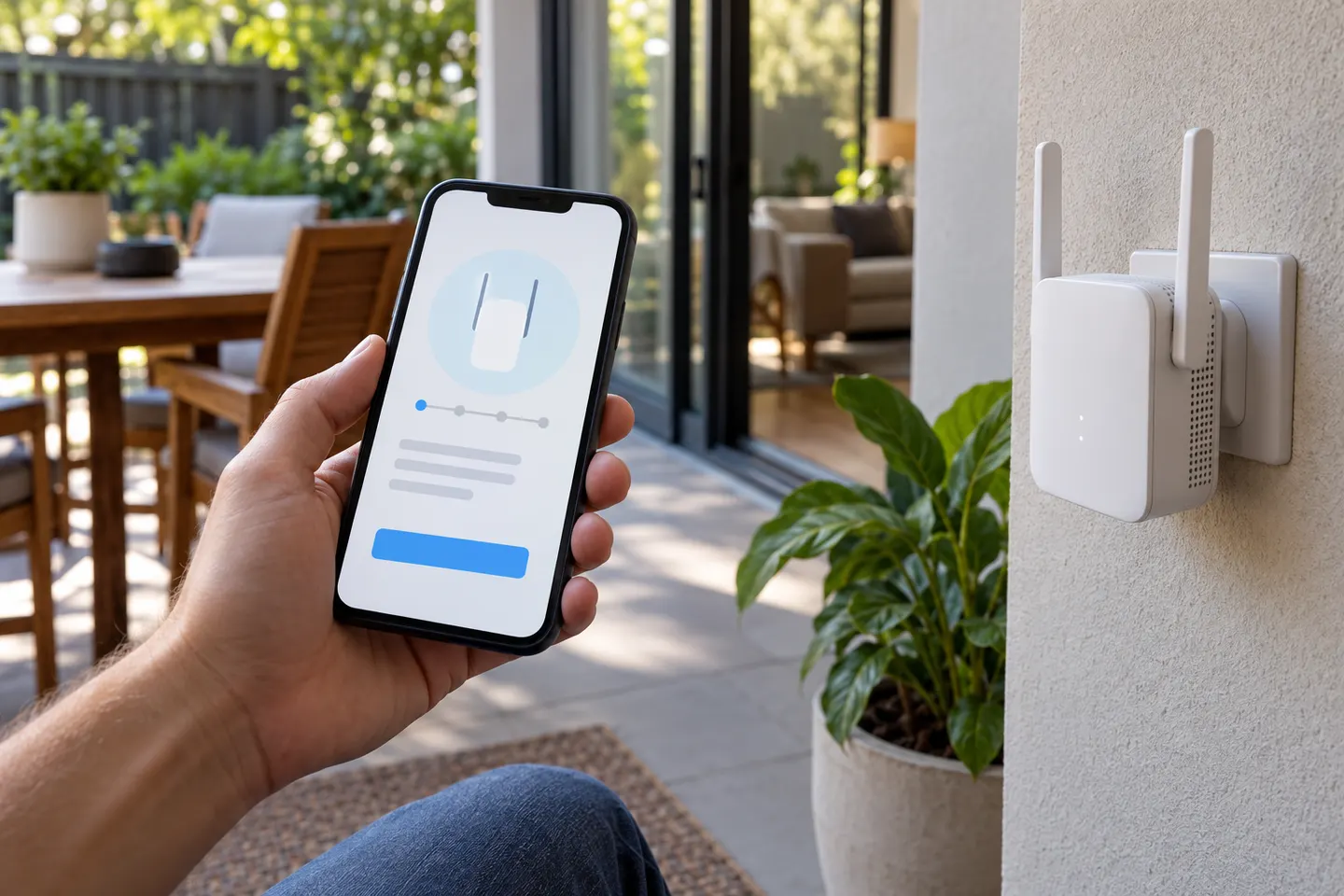
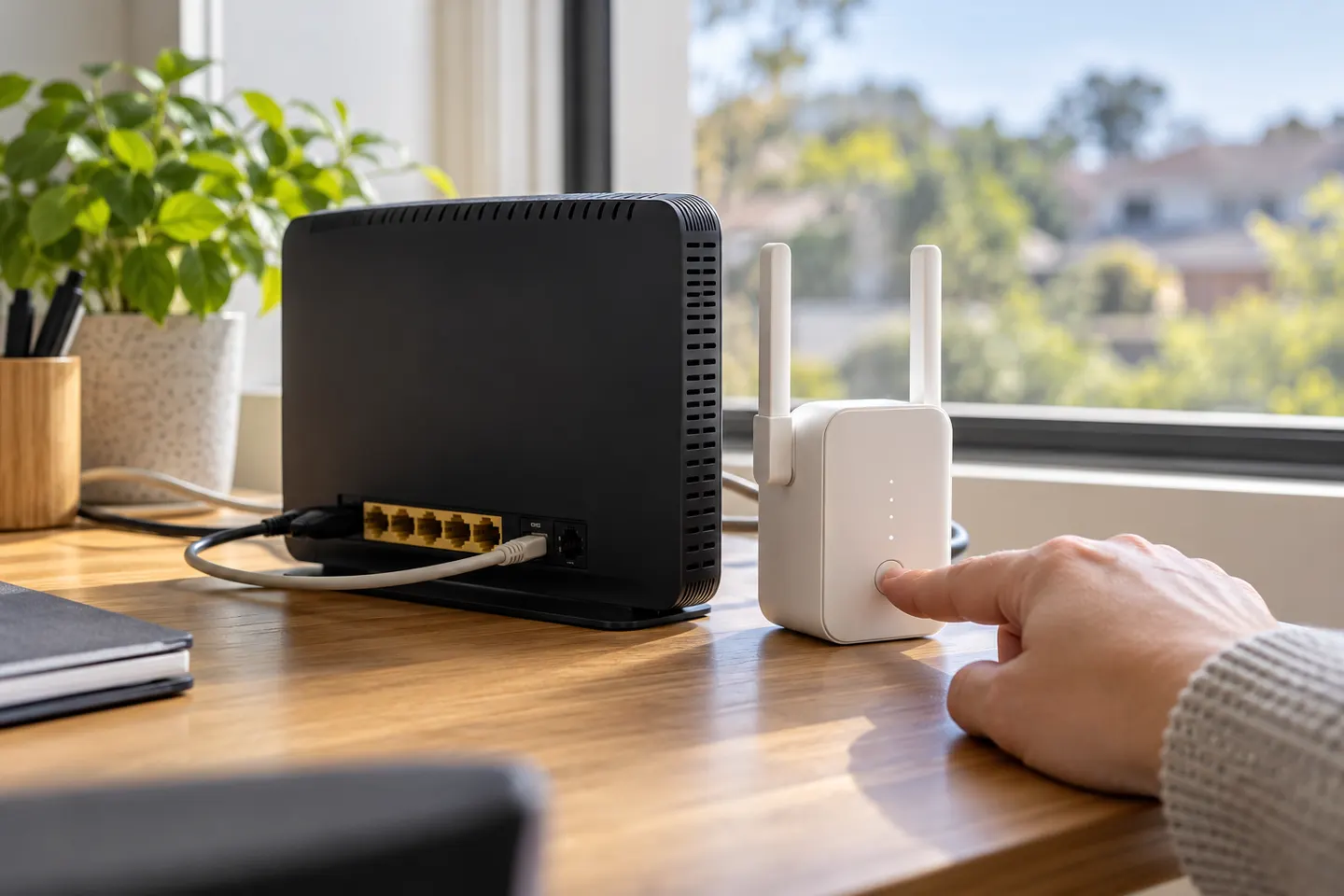
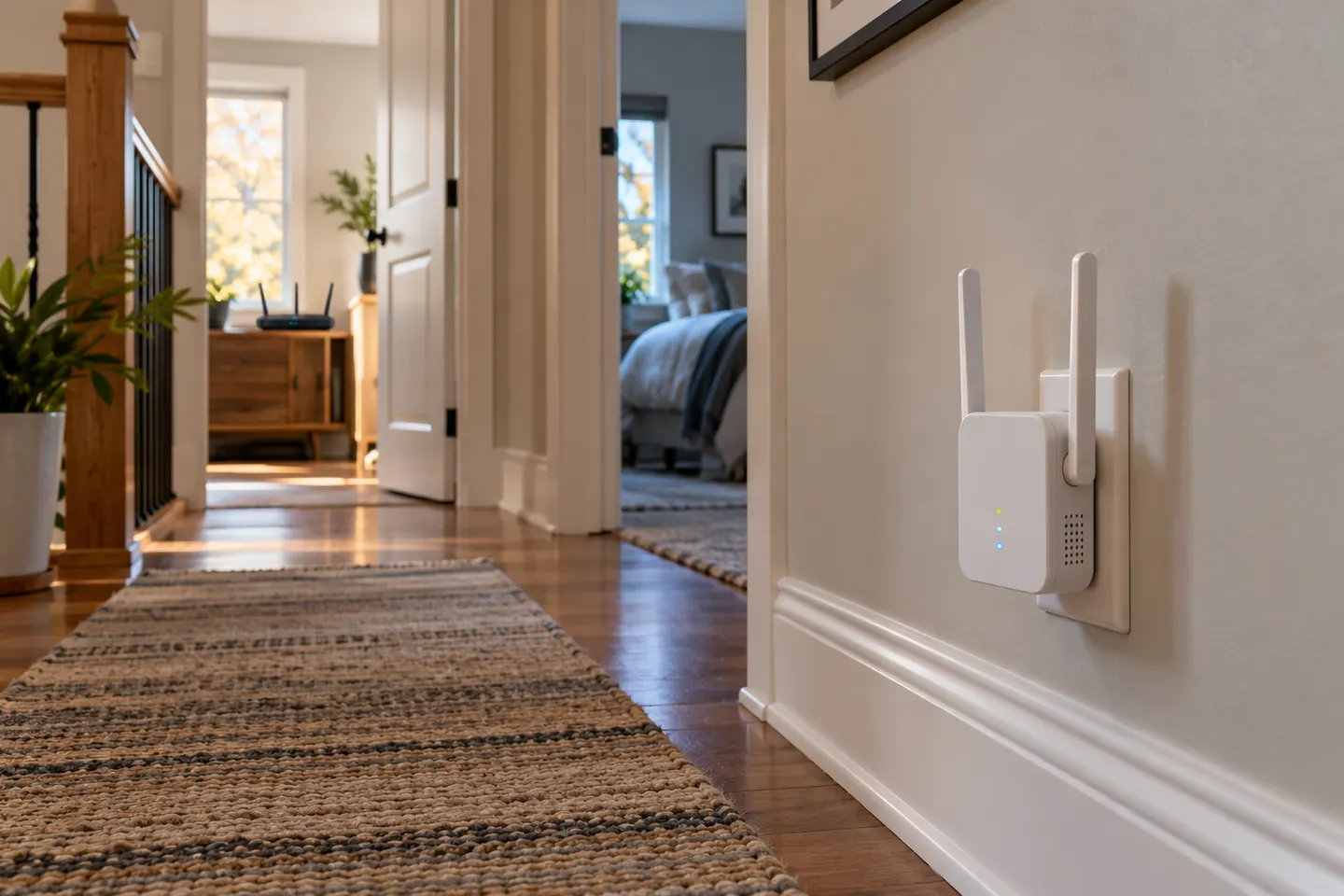
Start beside your router, pair the extender with WPS or the Tether app, then move it to a halfway point where it still receives a strong signal.

In everyday shopping, “booster” and “extender” often describe devices that relay WiFi from your router. Check the operating mode and compatibility, not just the label on the box.
Our picks
 Official manufacturer image
 Official manufacturer image
 Official manufacturer imageHow to Set Up a TP-Link WiFi Extender with Your…
 How to Set Up a TP-Link WiFi Extender Step by Step
 WiFi Extender
 What Is a WiFi Extender and How Does It Help?
 How to Set Up a NETGEAR WiFi Extender at Home
 Does a WiFi Extender Work for Weak Home Coverage?
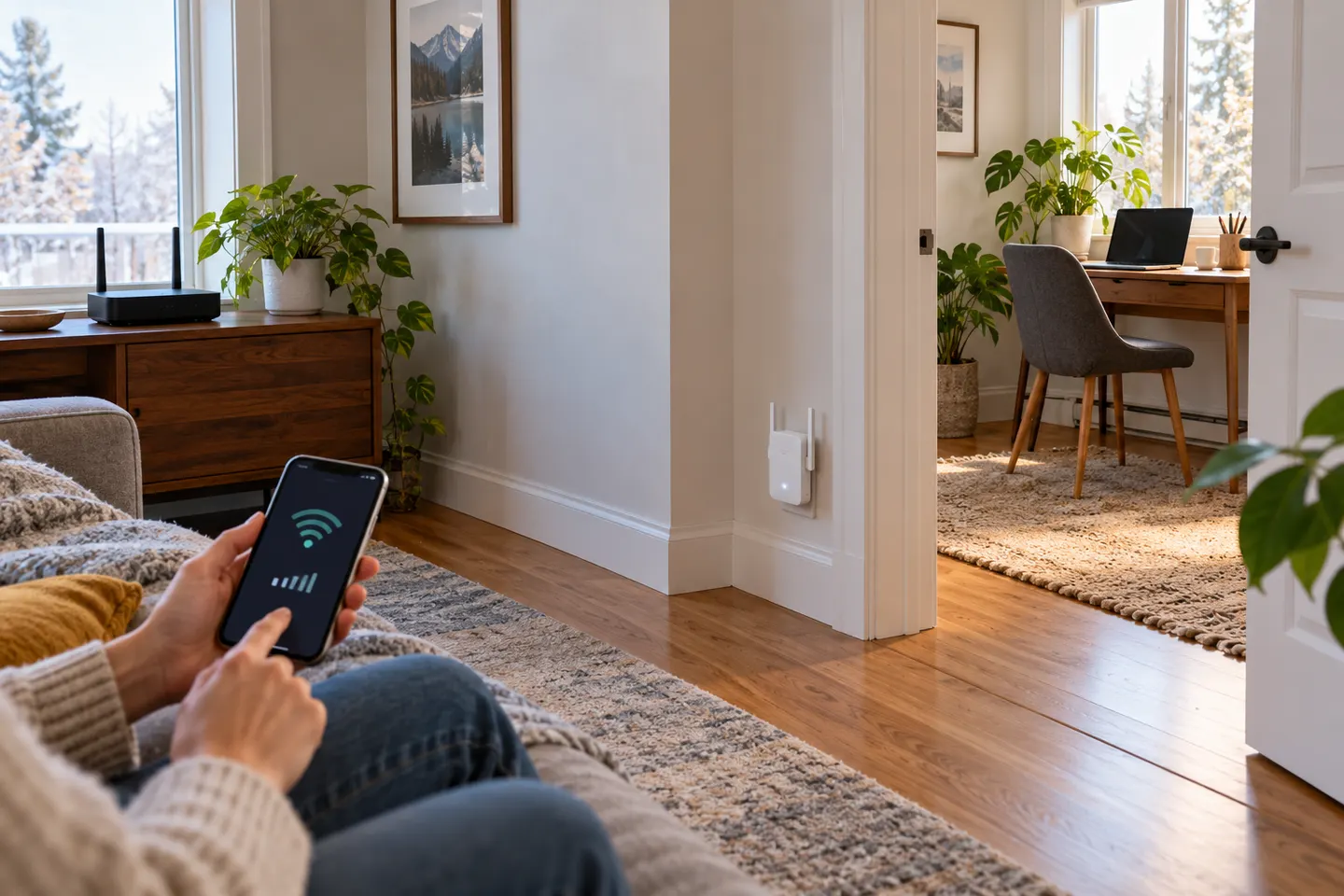 How to Set Up a NETGEAR WiFi Extender in Your Home
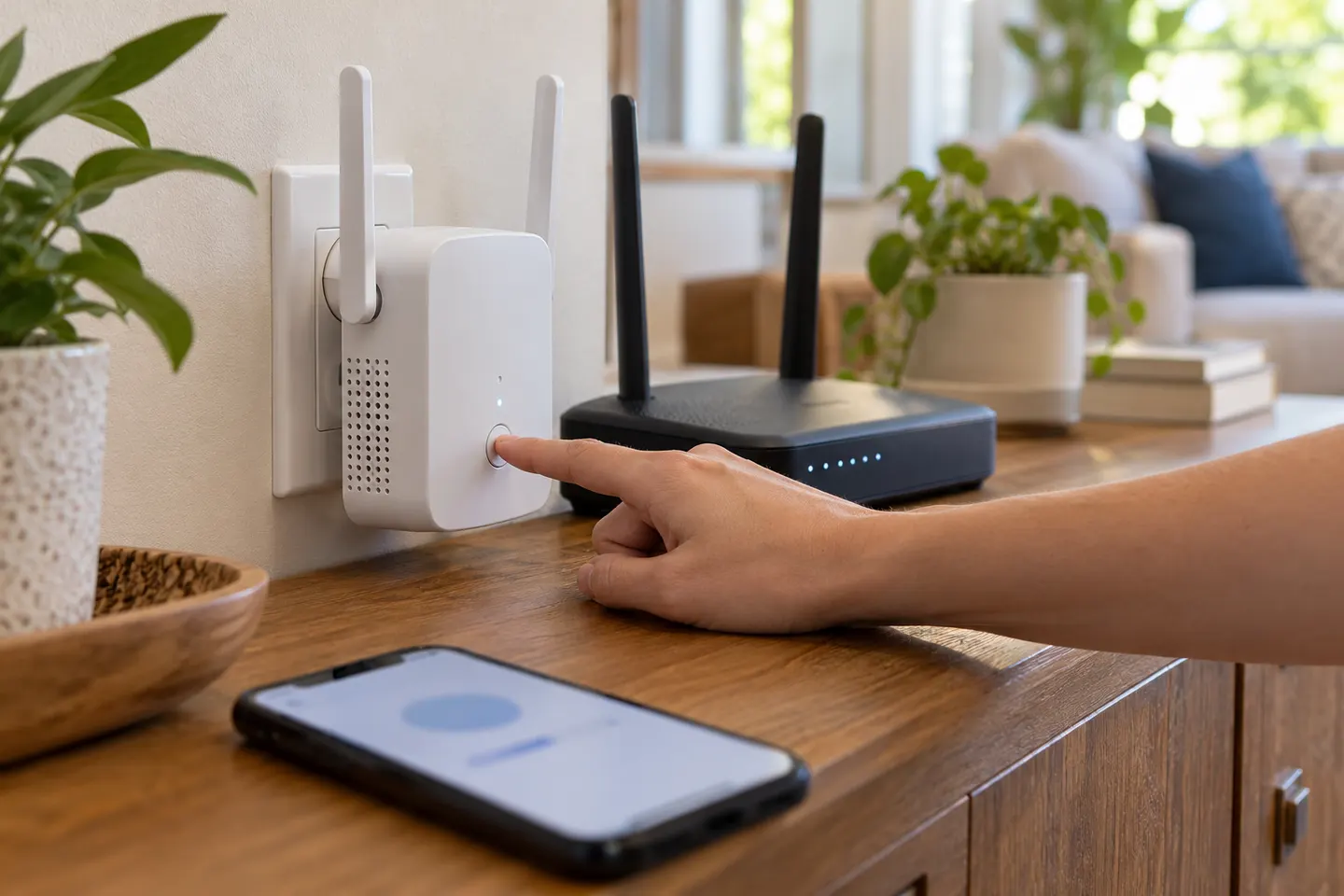 How to Connect a WiFi Extender to Your Router
 Wi-Fi Extenders
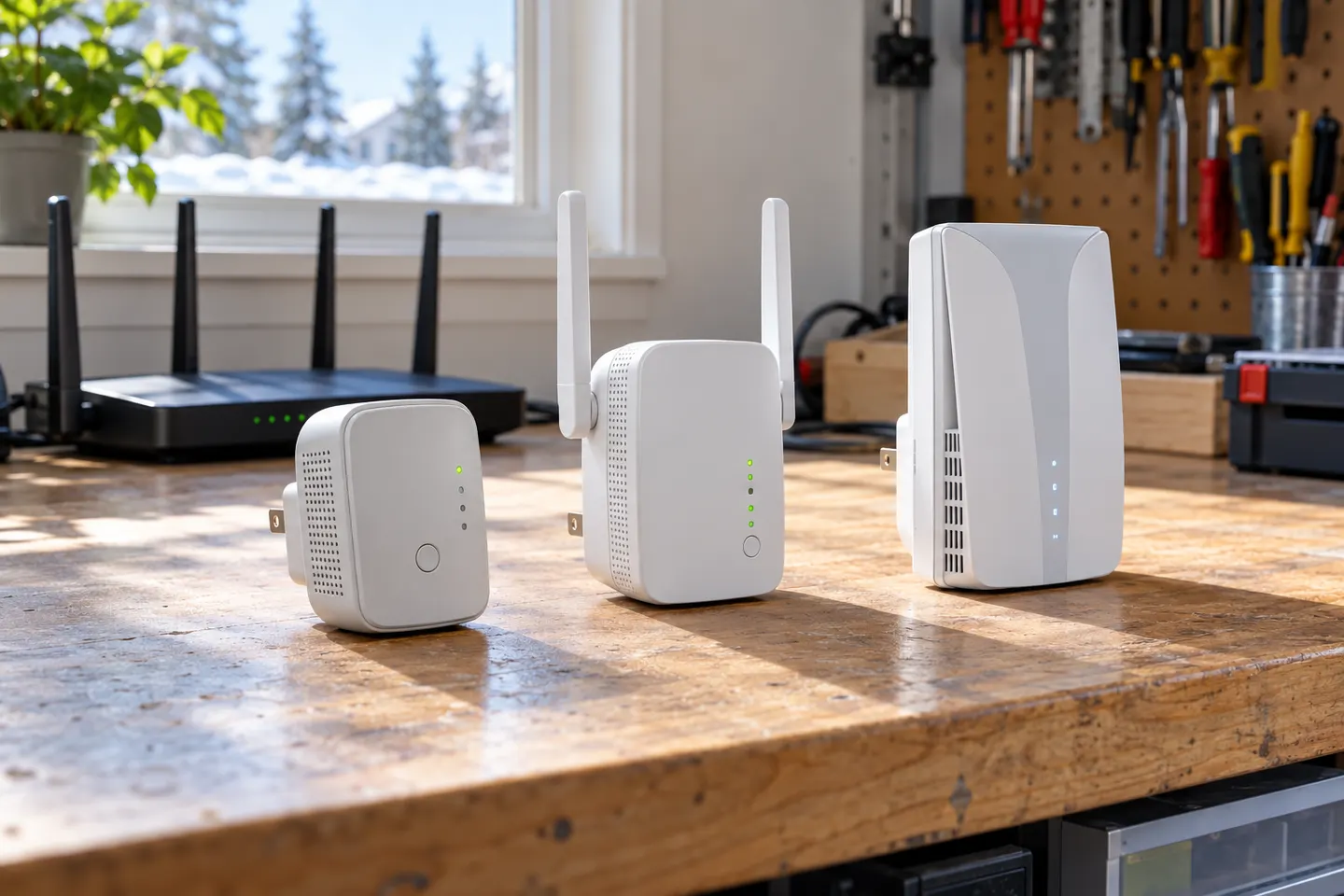 TP-Link Wi-Fi Extenders
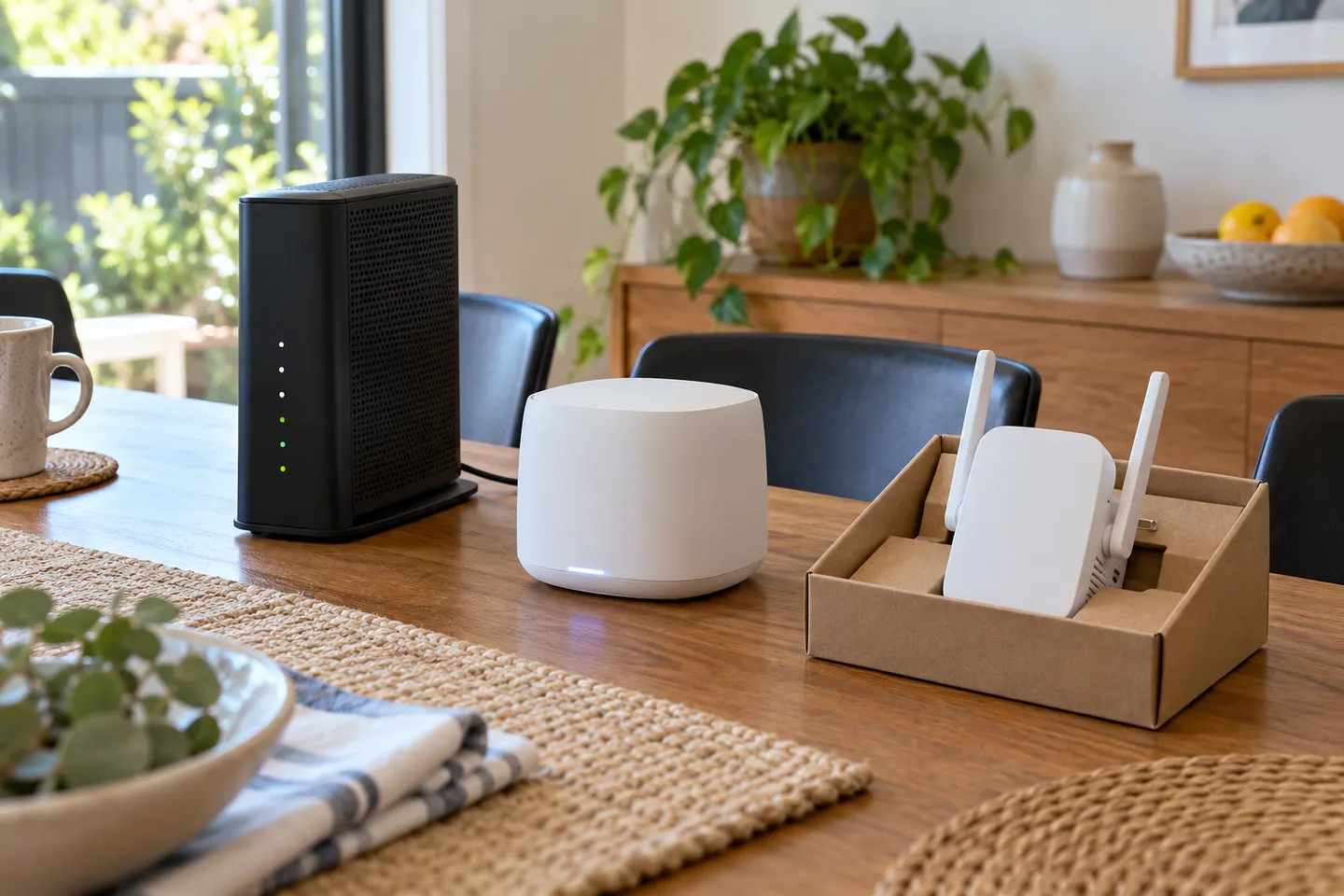 Telstra Wi-Fi Booster and Extender Options Explained
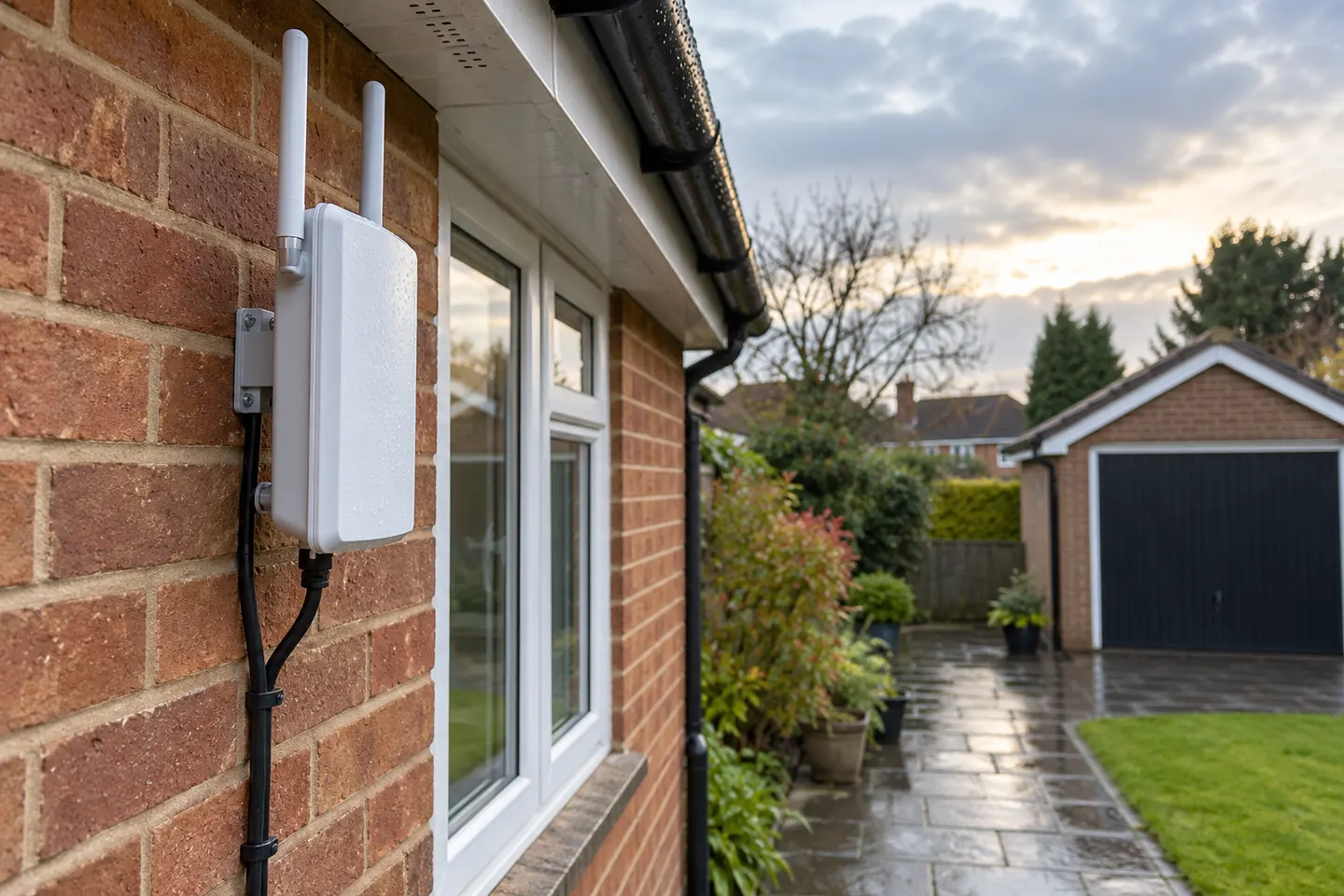 Outdoor Wi-Fi Extenders for Patios, Garages and…
 WiFi Coverage Extenders for Hard-to-Reach Rooms
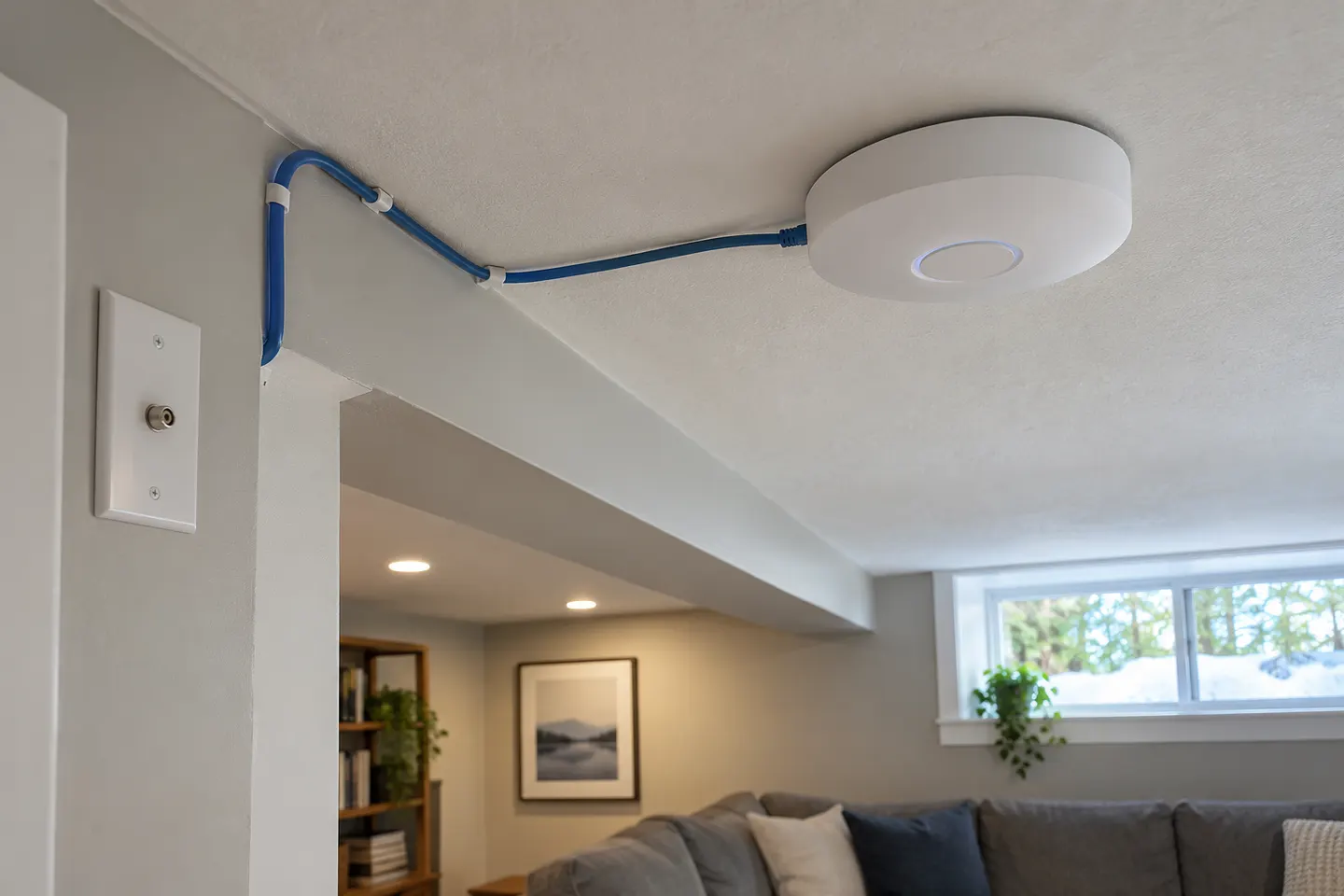 Wi-Fi Extender Brands
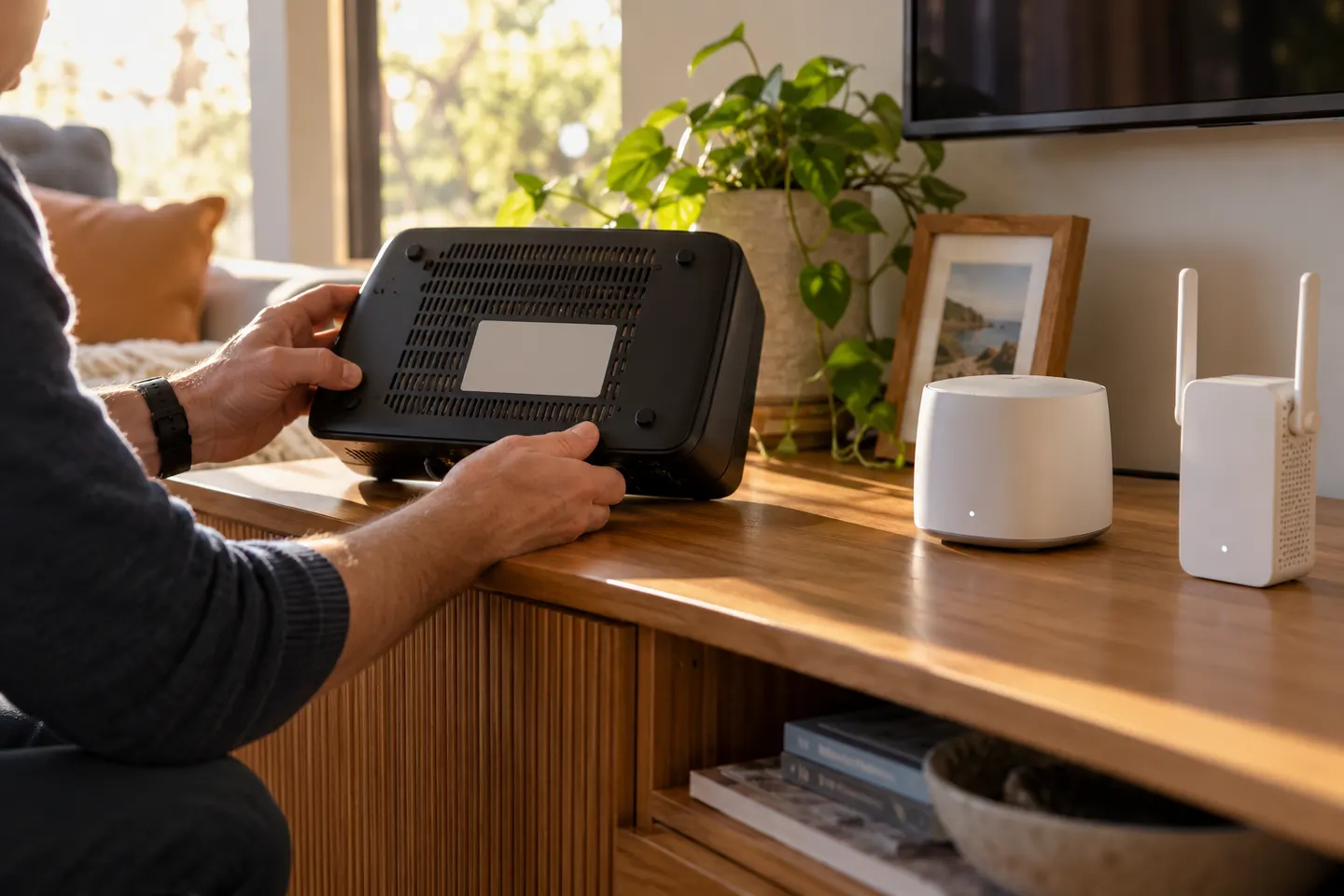 Optus WiFi Booster and Extender Options for Your…
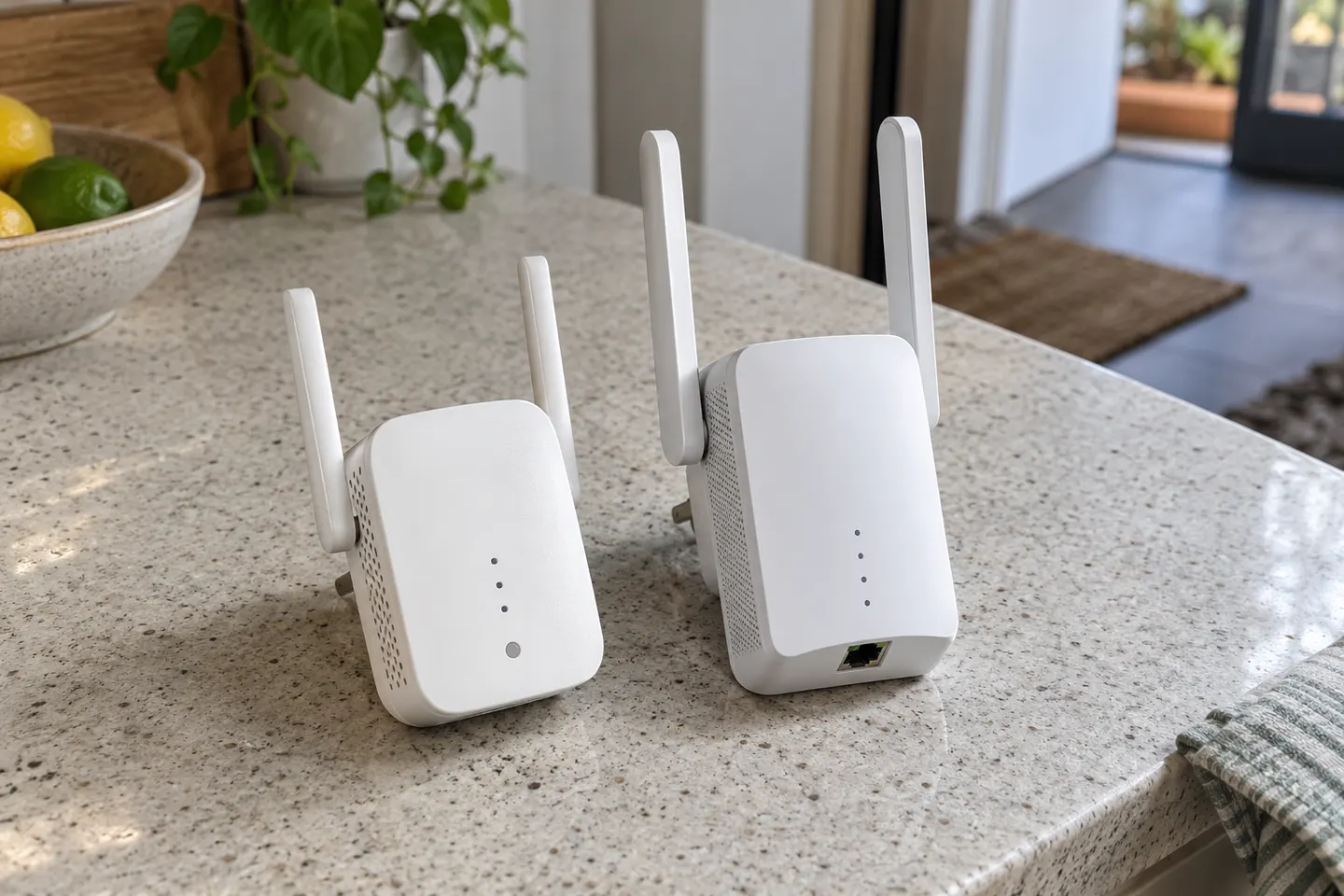 D-Link WiFi Extenders for Extending Home Coverage
Best picks
The right Wi-Fi extender depends on the router signal at its location, your home layout and whether you need Ethernet, outdoor placement or powerline networking.
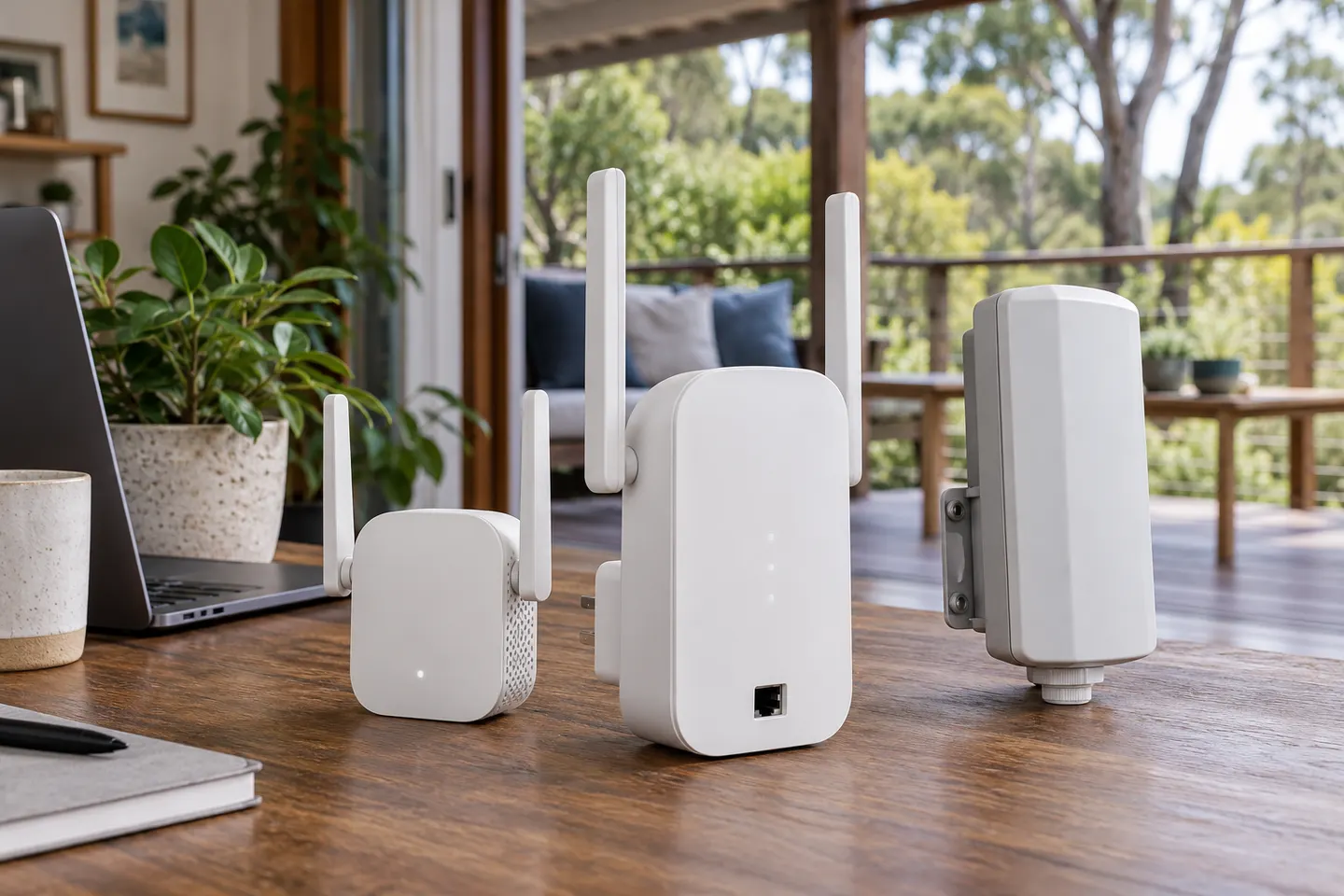
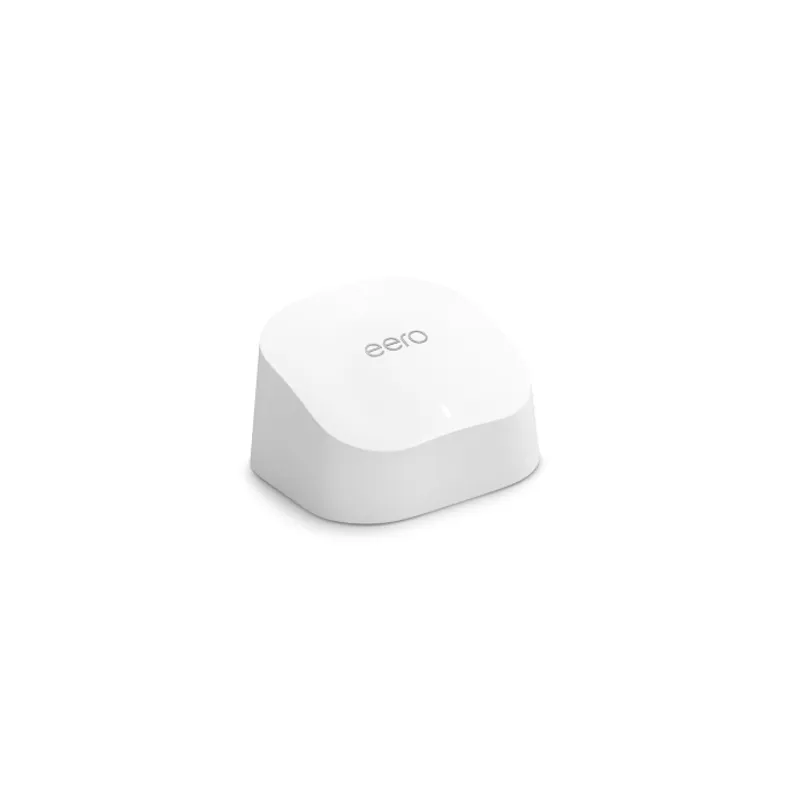
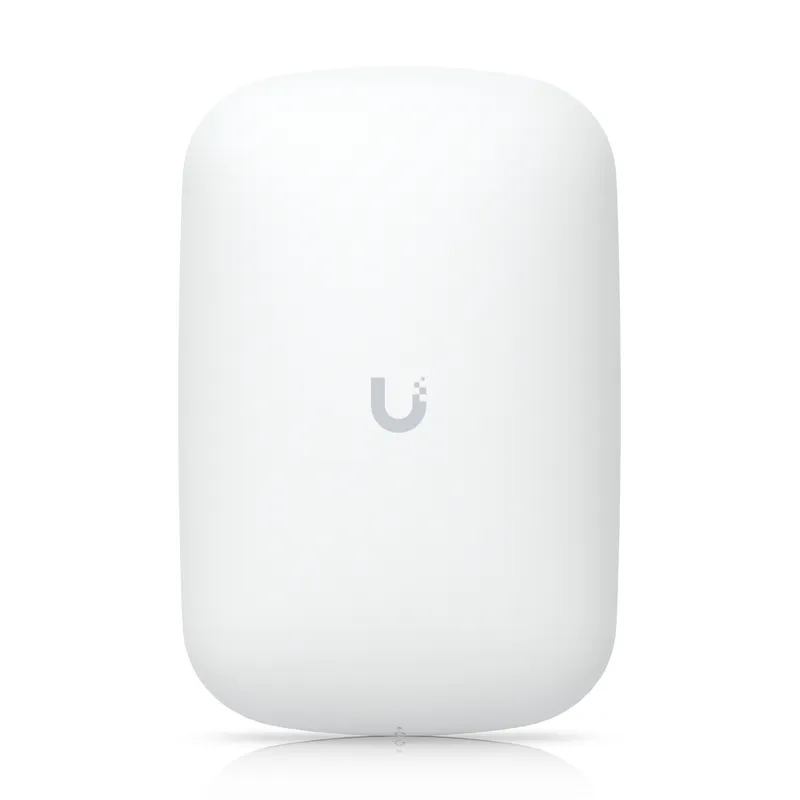
For most homes needing a single coverage fix, the TP-Link RE705X offers a useful mix of Wi-Fi 6, a Gigabit port and access point mode. Choose a basic AC model for lighter needs, an outdoor-rated option for exposed areas, or a managed system for UniFi or eero networks.
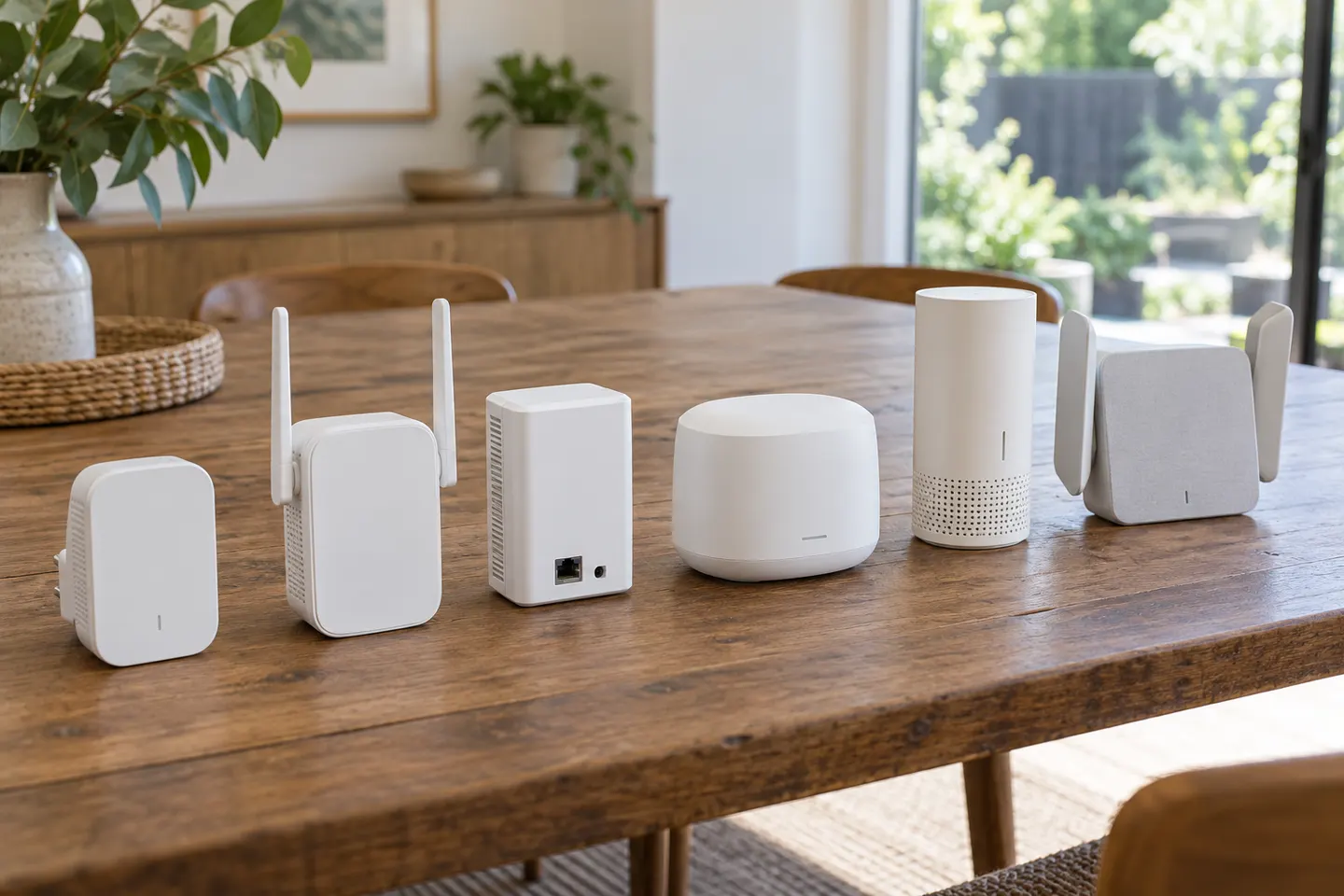
TP-Link RE605X is the most capable all-rounder on published WiFi 6 specifications; RE305 and RE200 suit simpler dual-band needs. Pick by router match, placement and wired-device requirements.
We could not match “Speed Boost” to an identifiable Australian manufacturer model. For a verifiable comparison, TP-Link RE705X and NETGEAR EAX17 have published specifications from their makers.
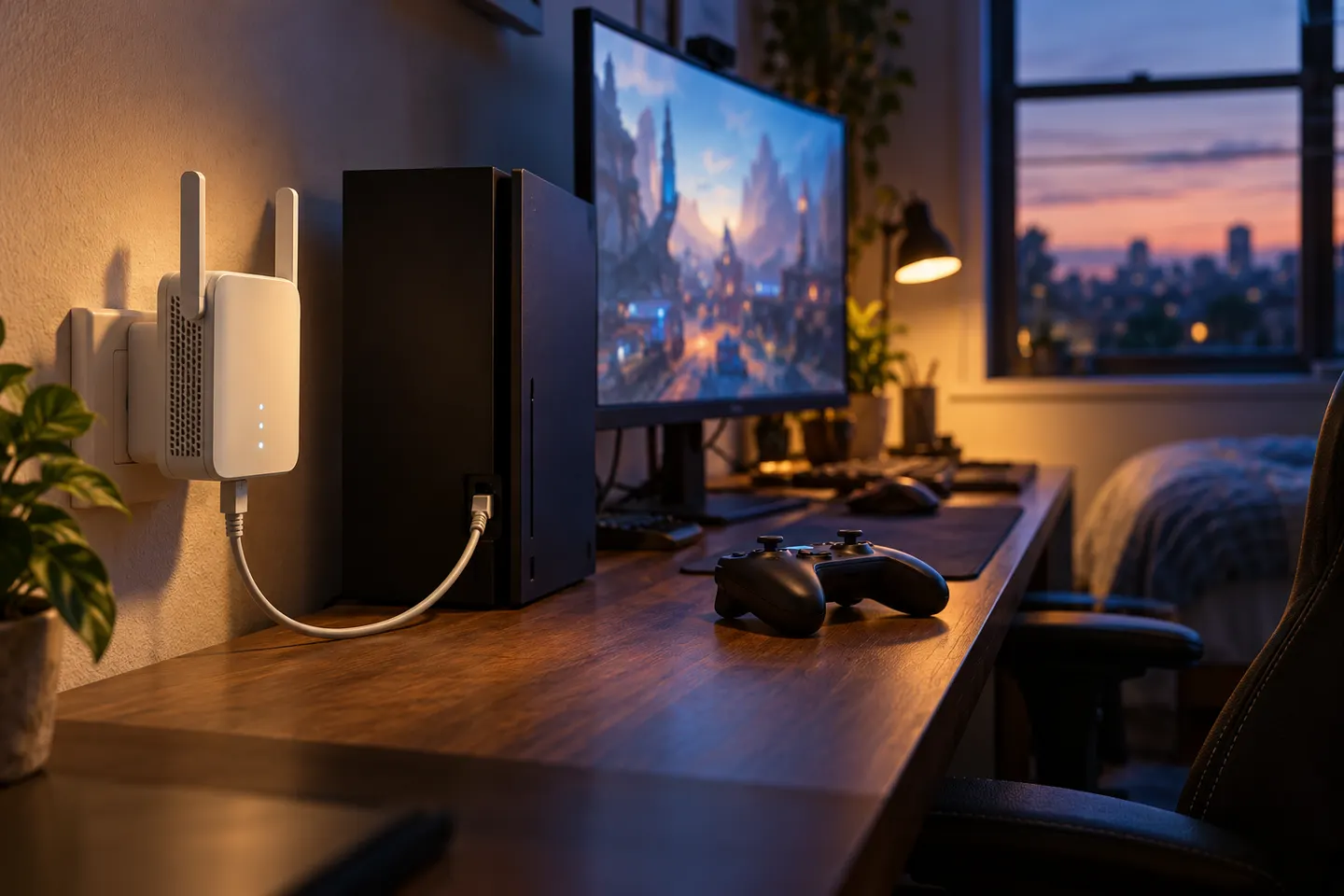
For gaming, prioritise a stable link and low congestion over an extender's headline rate. TP-Link RE705X is a documented Wi-Fi 6 pick; consider wired Ethernet or mesh where latency matters most.
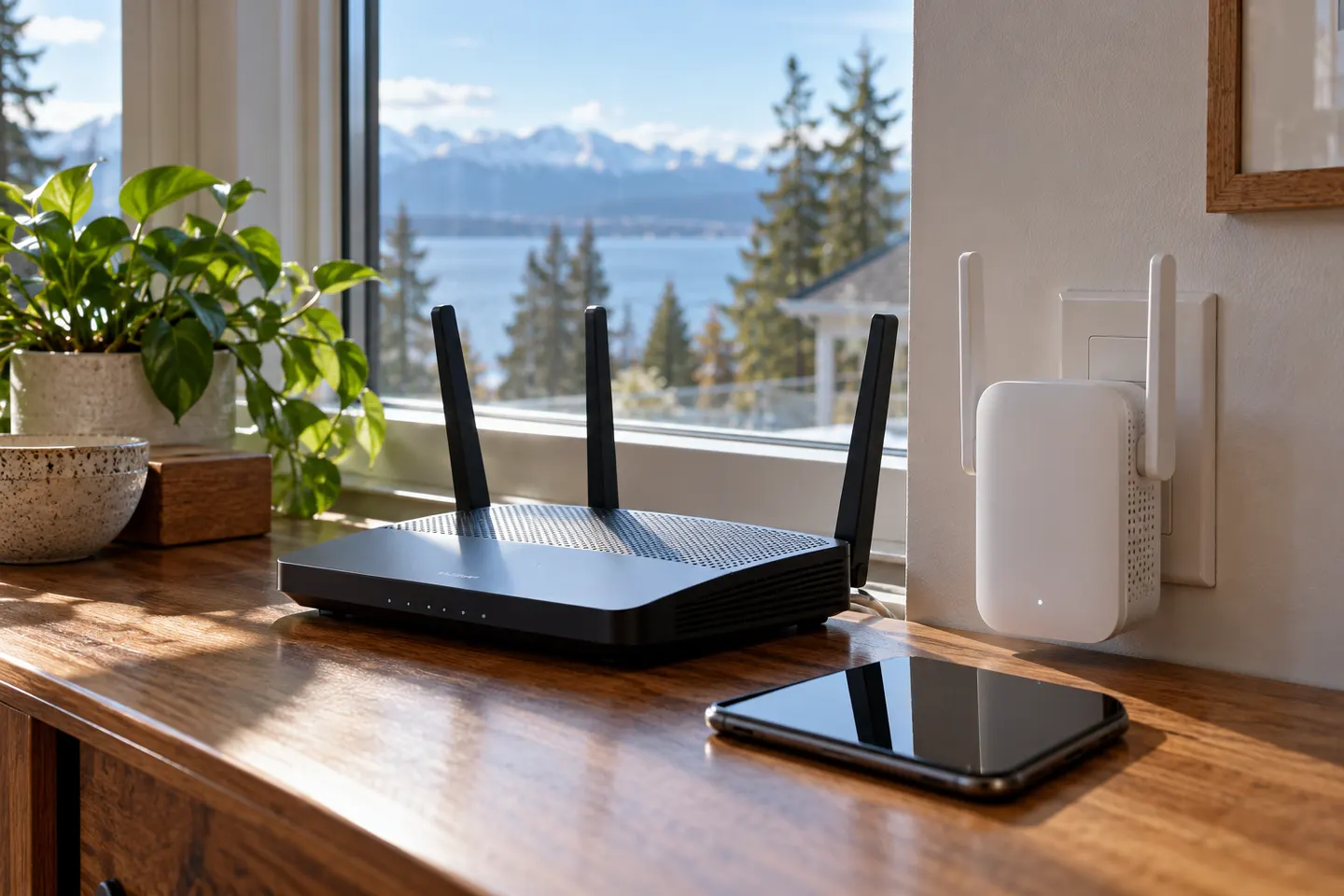
For an exposed patio or garden, the TP-Link RE705X-Outdoor is the purpose-built pick. NETGEAR Orbi RBS50Y suits households already using Orbi, while indoor models belong under cover.
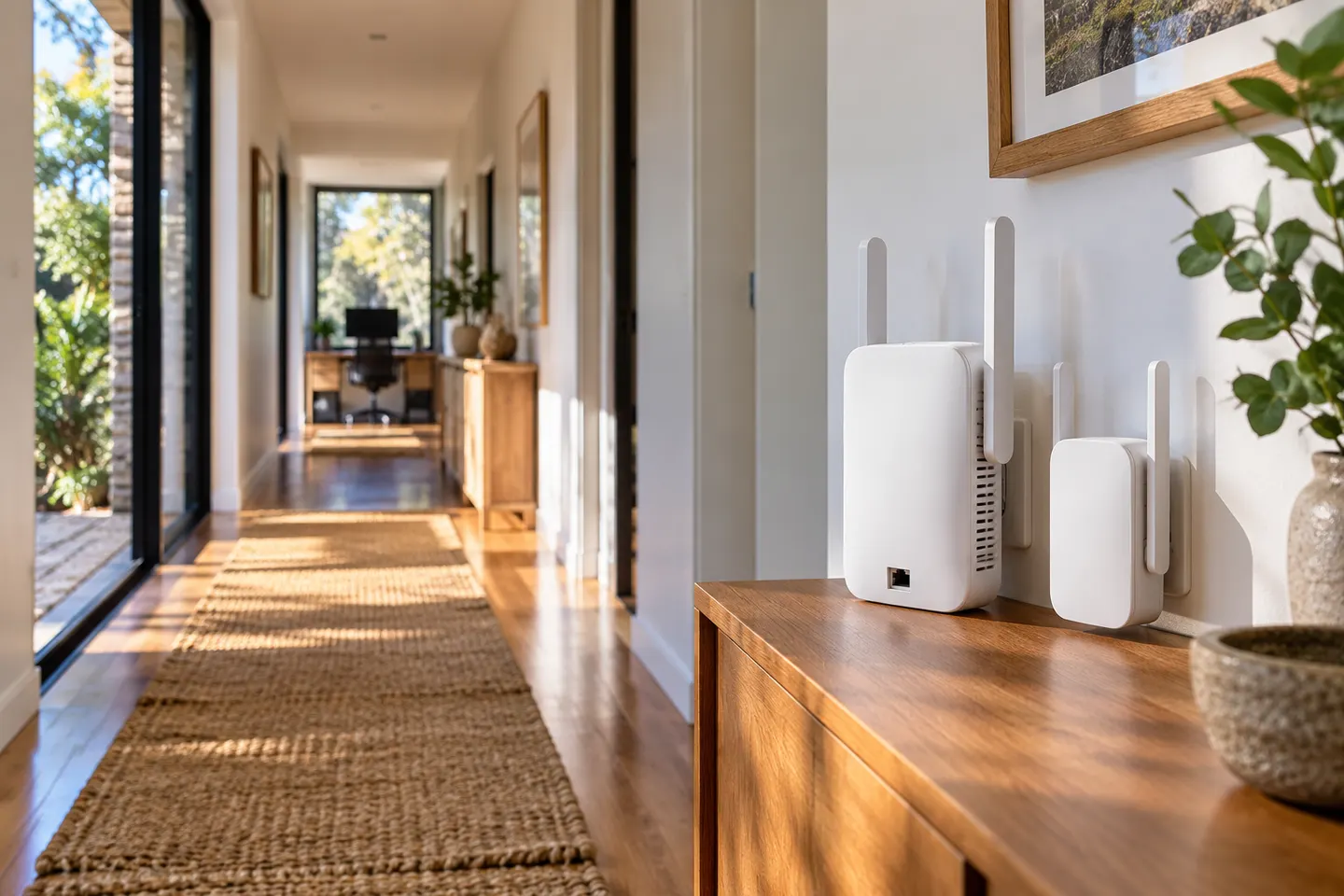
The TP-Link RE705X is our leading general-purpose option, with WiFi 6, dual bands and a Gigabit port. For larger areas, first check whether a wired access point or a coordinated mesh system will solve the coverage gap more reliably.
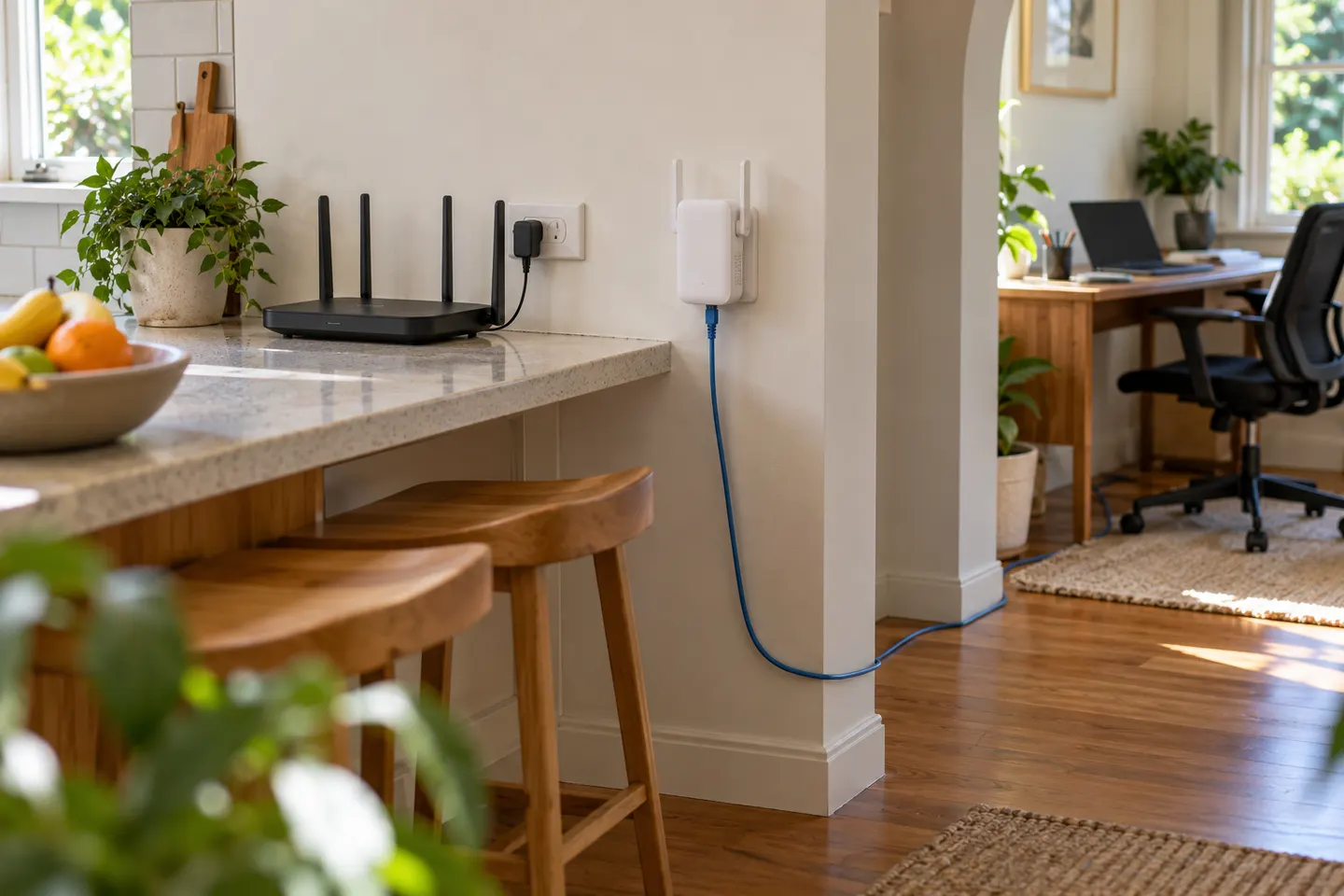
Match the extender to your NBN router and coverage problem: TP-Link RE700X adds Wi-Fi 6 and Gigabit Ethernet, while two AC options suit simpler needs.
Head to head
In everyday shopping, “booster” and “extender” often describe devices that relay WiFi from your router. Check the operating mode and compatibility, not just the label on the box.
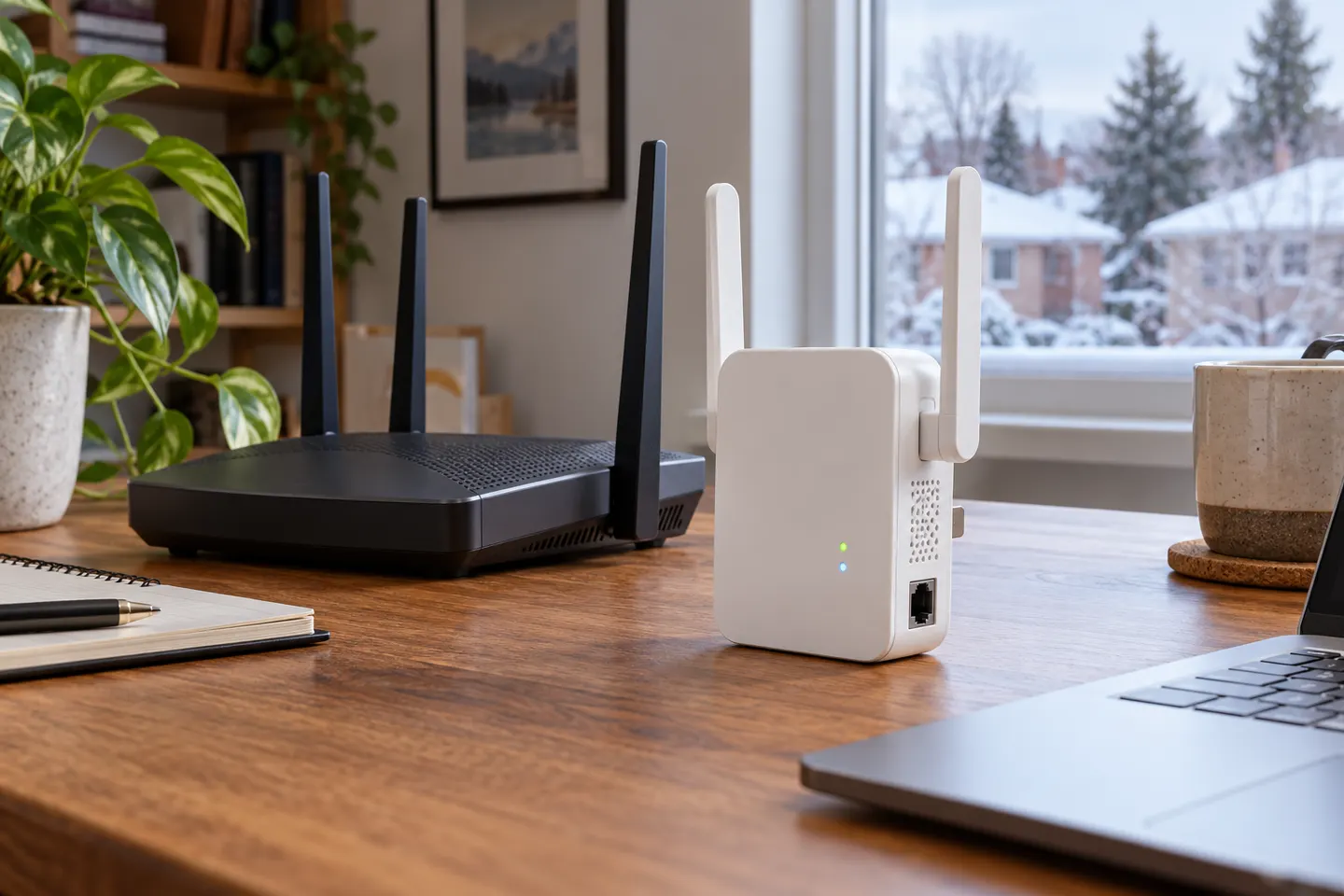
Choose a range extender for a local weak spot when the router signal reaches the relay point. Choose mesh when you need coordinated coverage across several rooms or floors.
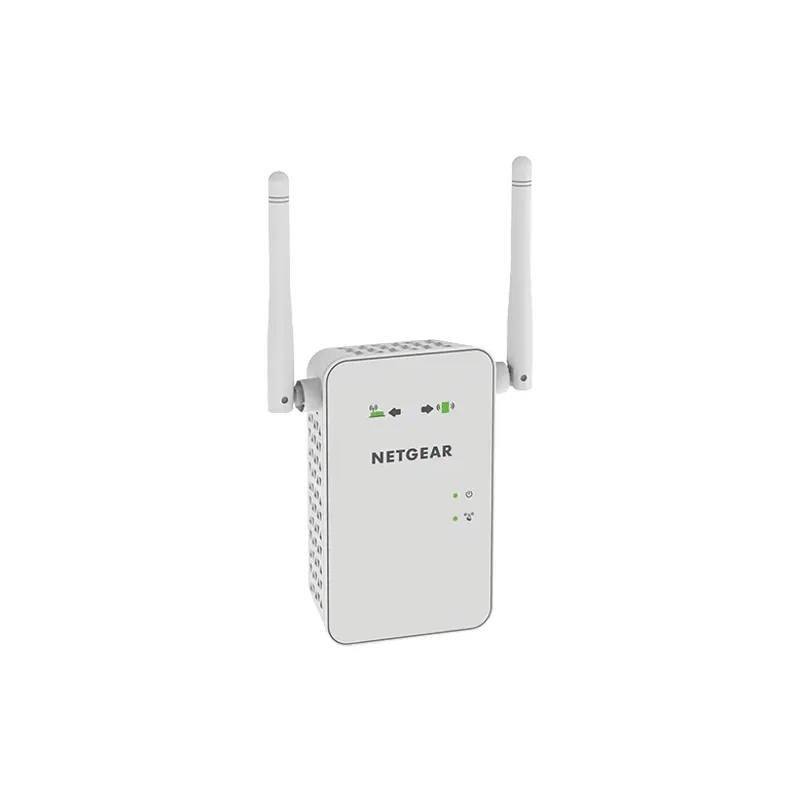
In everyday product listings, “booster” often means a WiFi range extender. Check the device’s actual connection method: a wireless repeater, wired access point and mesh system solve coverage gaps in different ways.
Choose an access point when you can run Ethernet to the coverage area; choose a range extender when a reliable wireless link is available there.
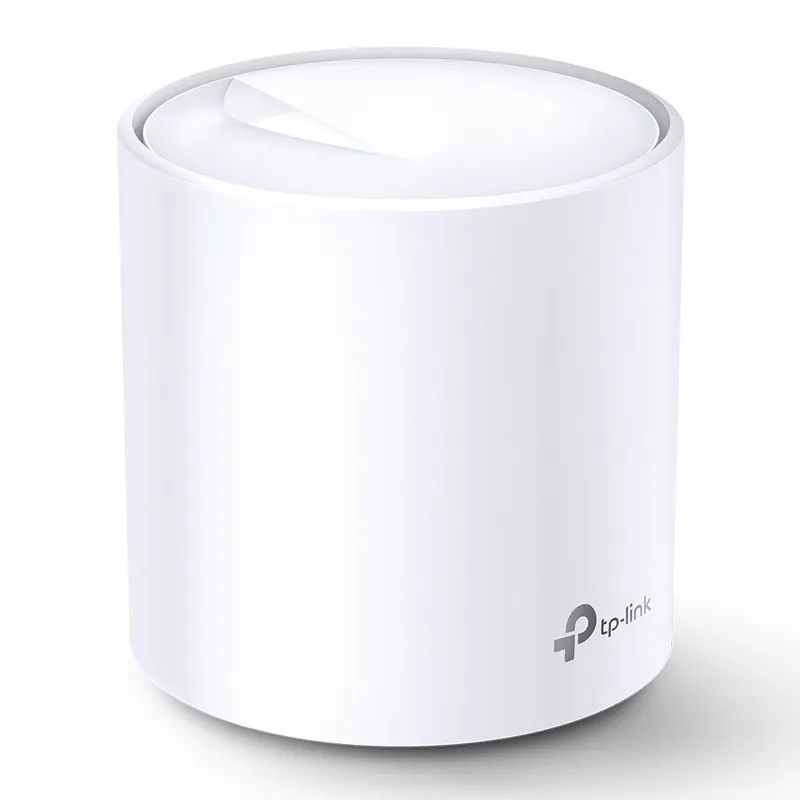
For a single weak-signal spot, a range extender can be a simple add-on. For coverage across several rooms and one coordinated network, a mesh kit such as TP-Link Deco X20 is the stronger fit.
Choose a WiFi extender when the router signal reaches a nearby weak spot. Choose a powerline adapter when wireless backhaul struggles and your electrical wiring can carry the link.
Common questions
It receives a wireless signal from the router and retransmits network access over a wider area. Its usefulness depends on the quality of the connection it receives and where you place it.
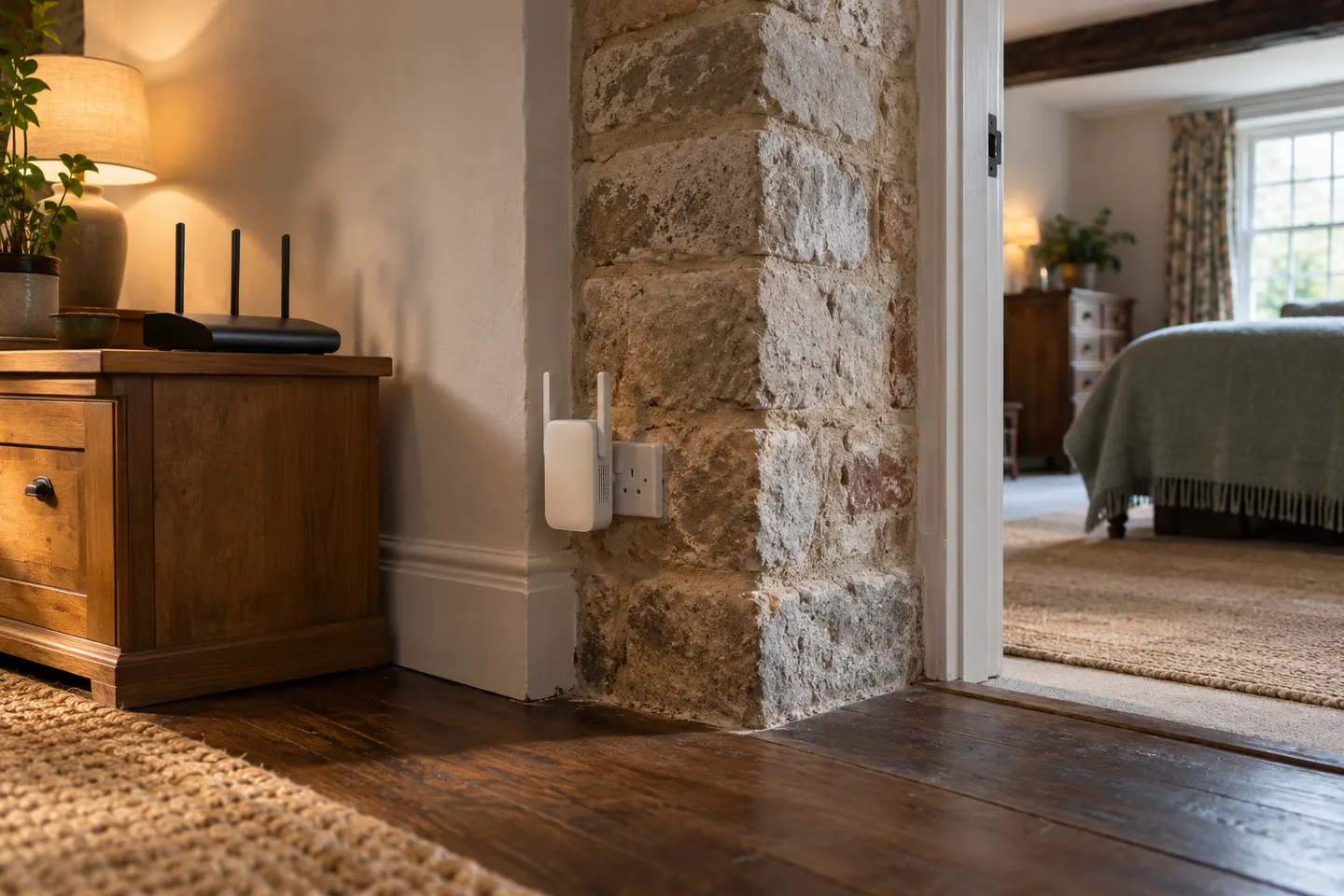
Not by itself. An extender can improve reception in a dead zone, but it cannot raise the speed supplied by your internet service or remove network congestion.
The terms are often used for the same class of device. Check the product's operating modes and compatibility rather than relying on the label.
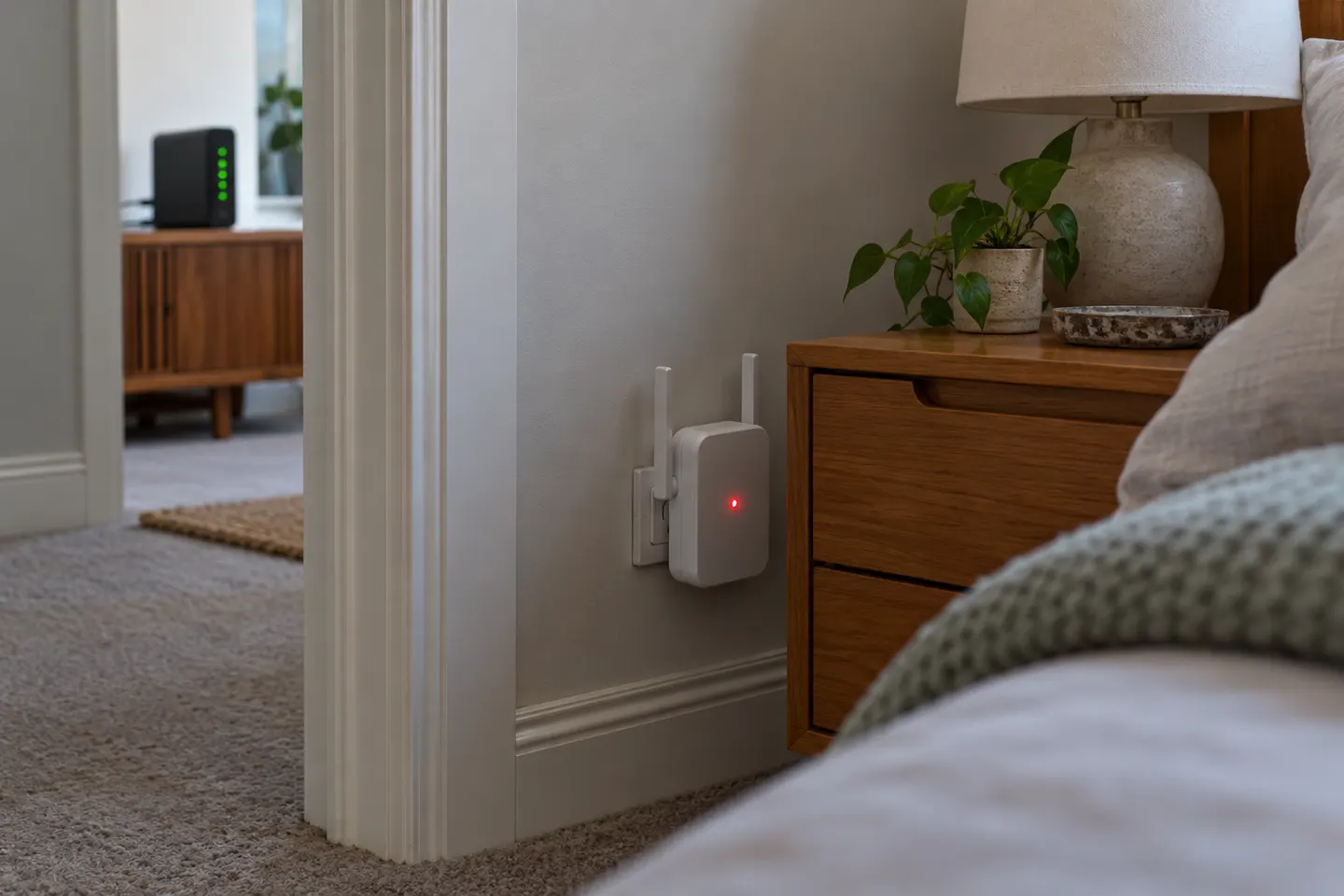
Put it where the router signal is still dependable, between the router and the area needing coverage. A location with no usable backhaul signal gives the extender little to repeat.
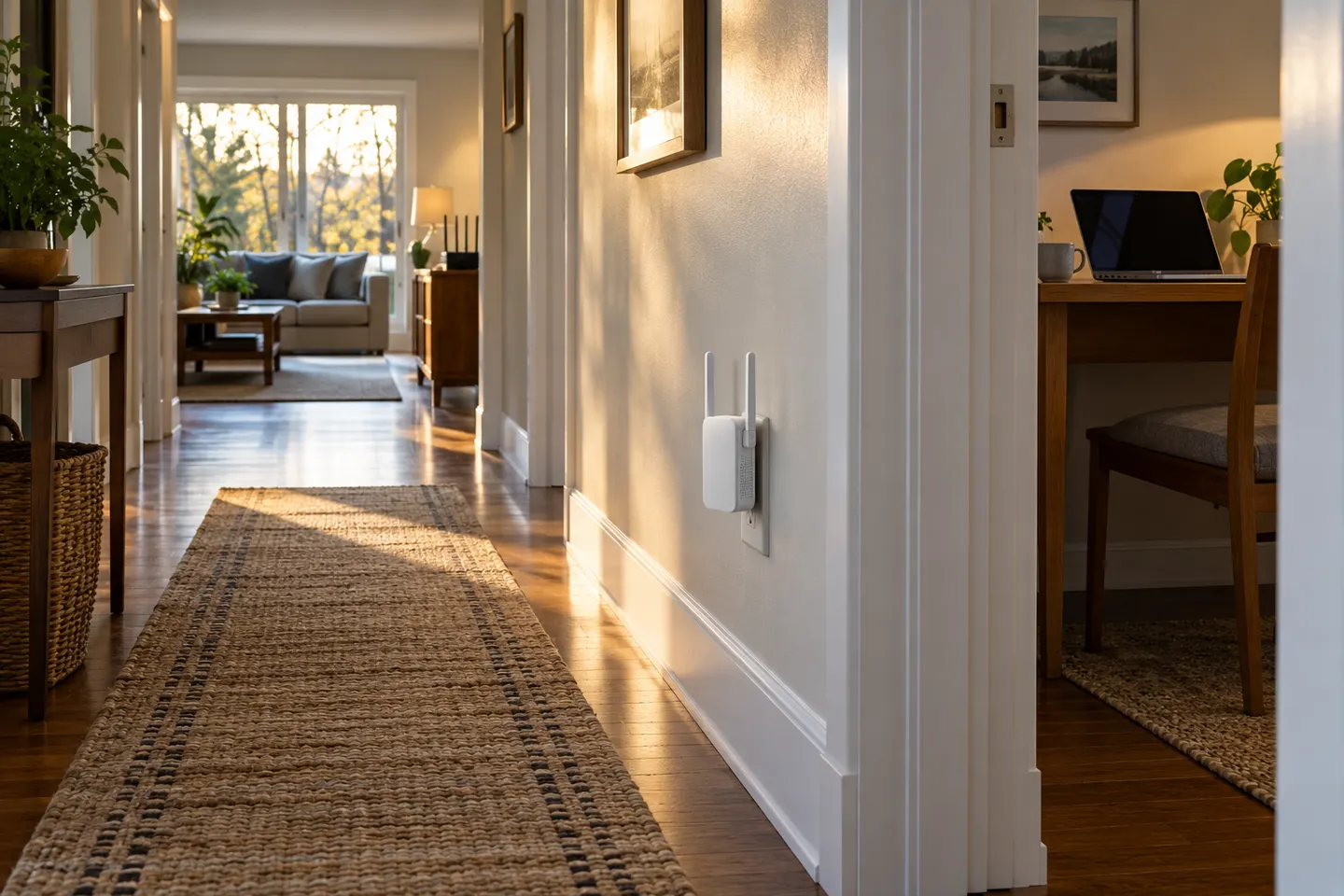 Home
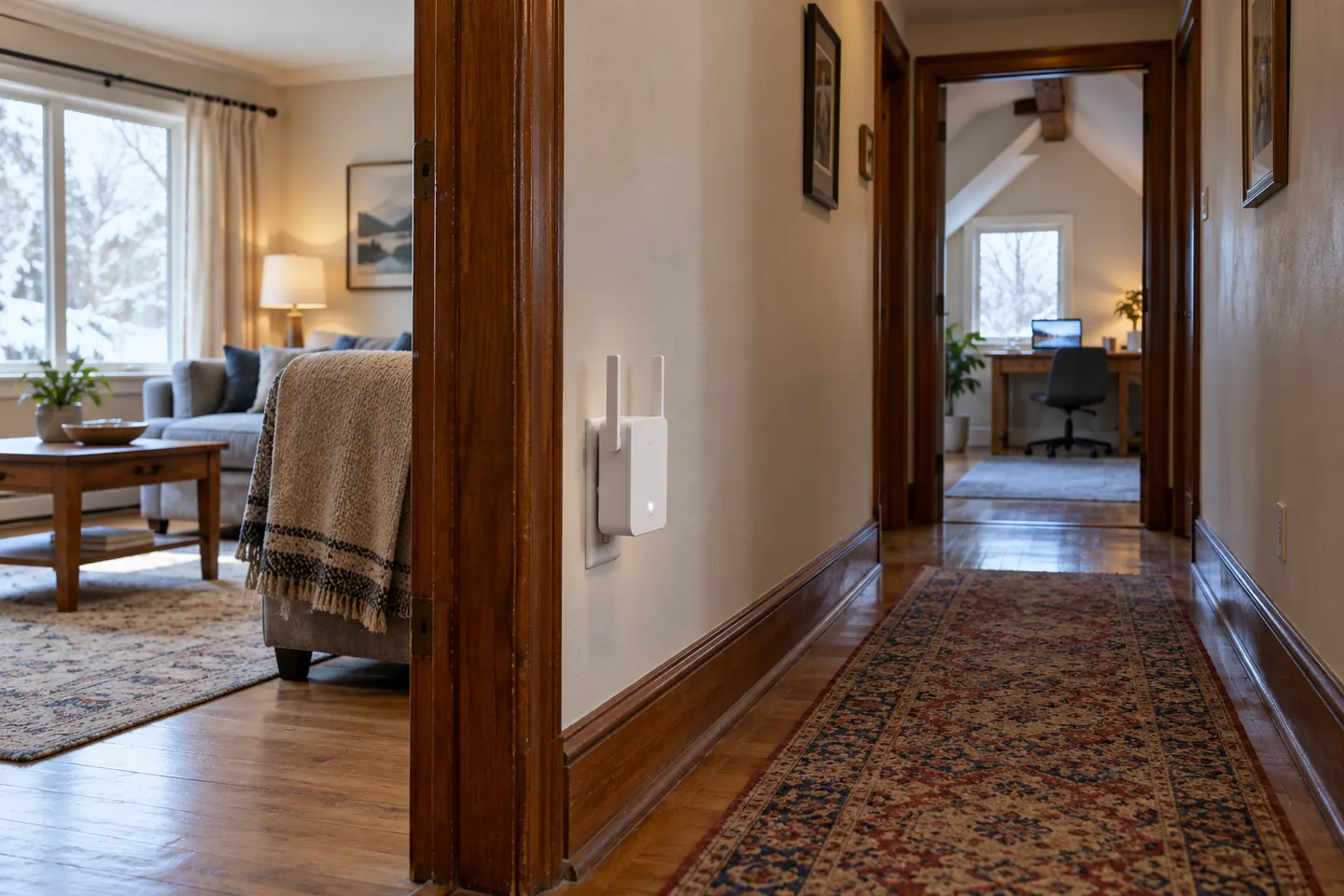 Long
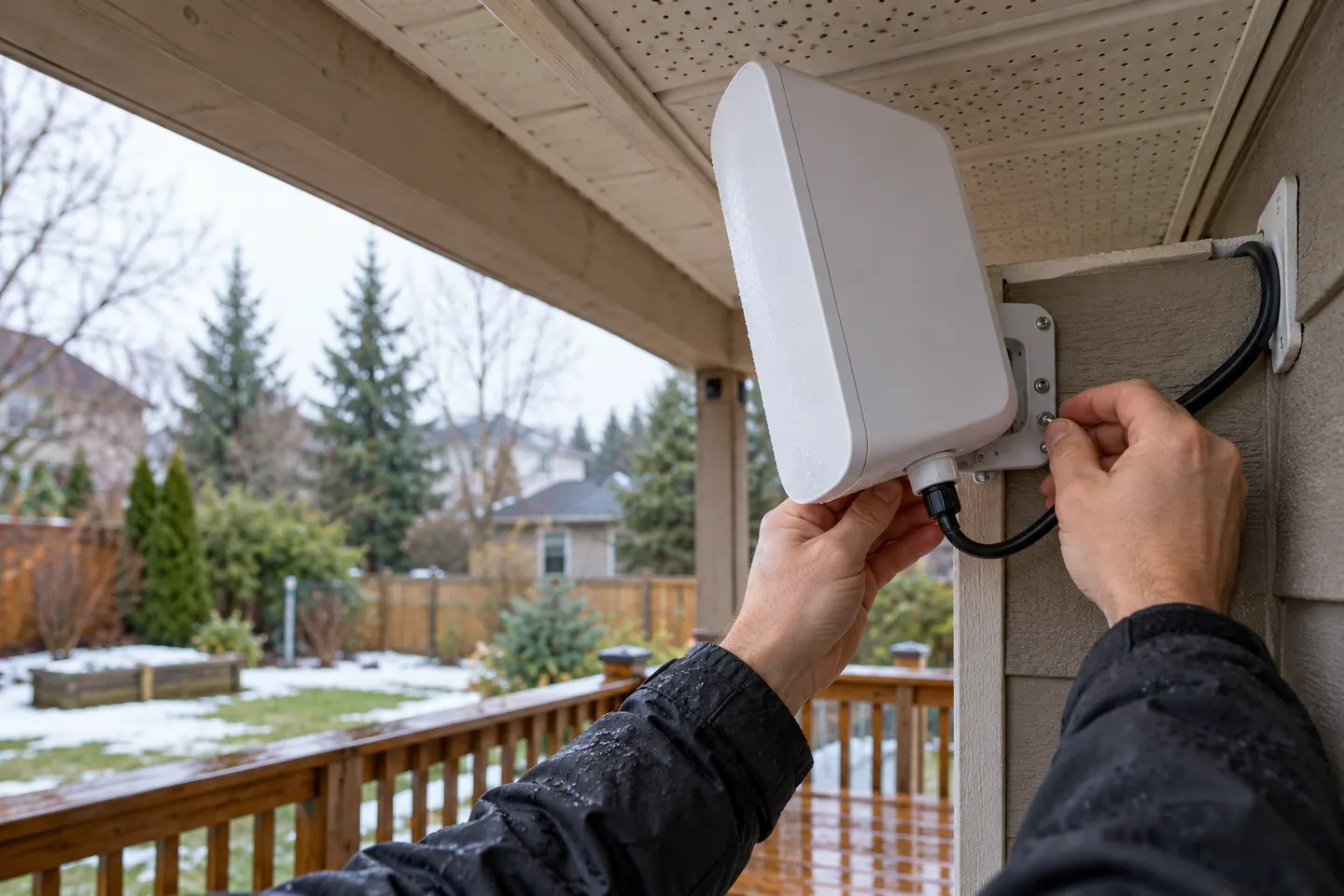 Long outdoor
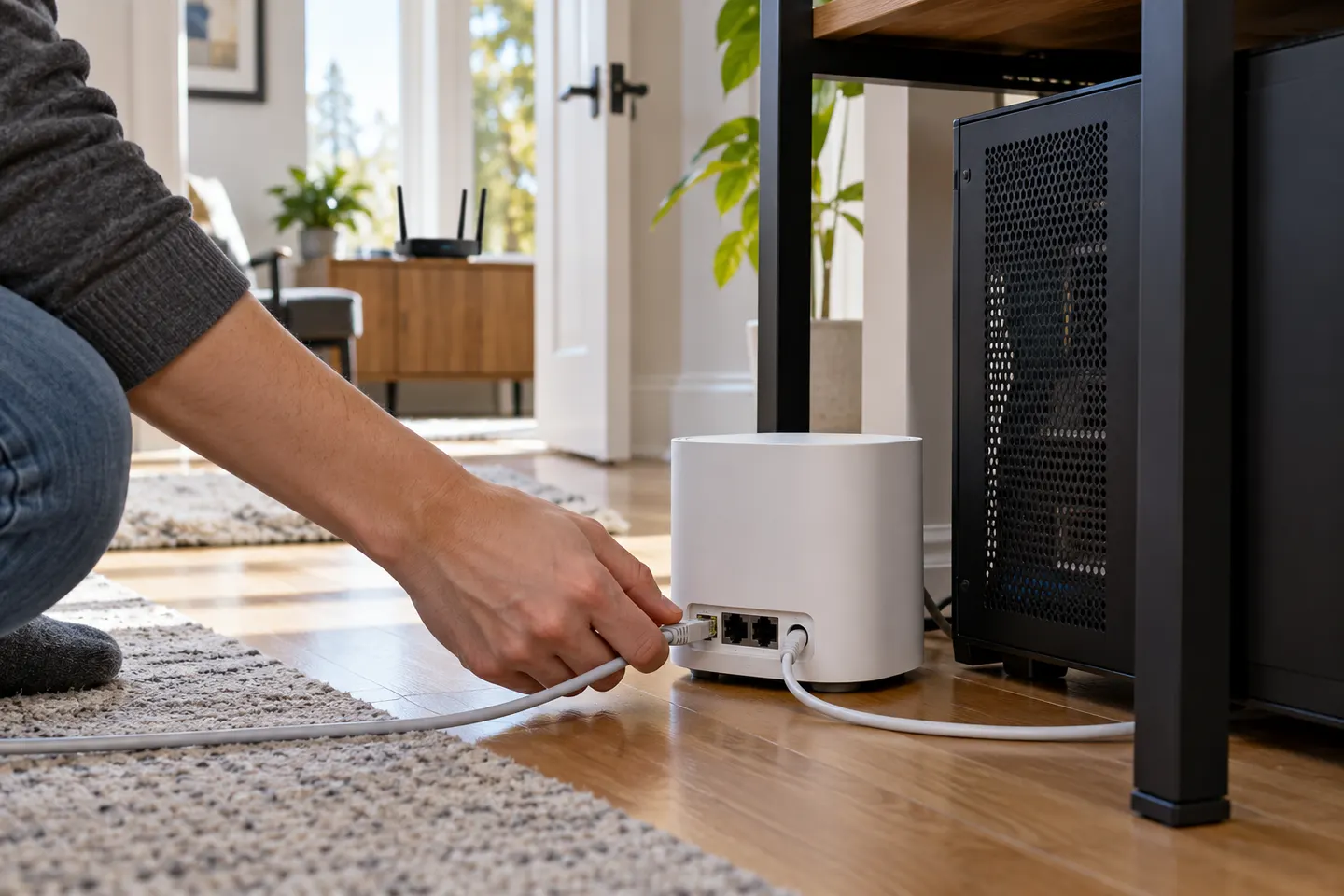 Gaming
 Tv
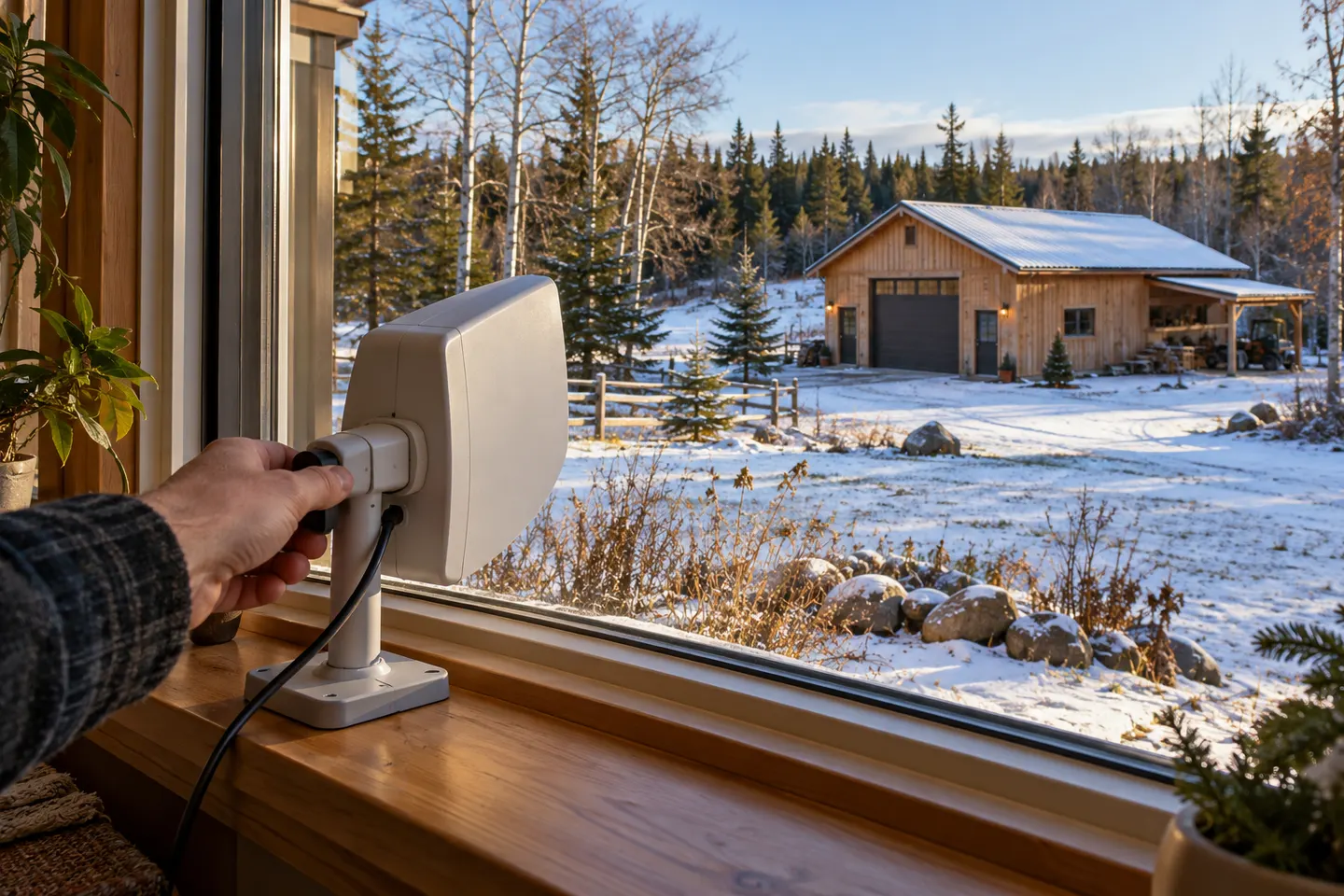 Long distance
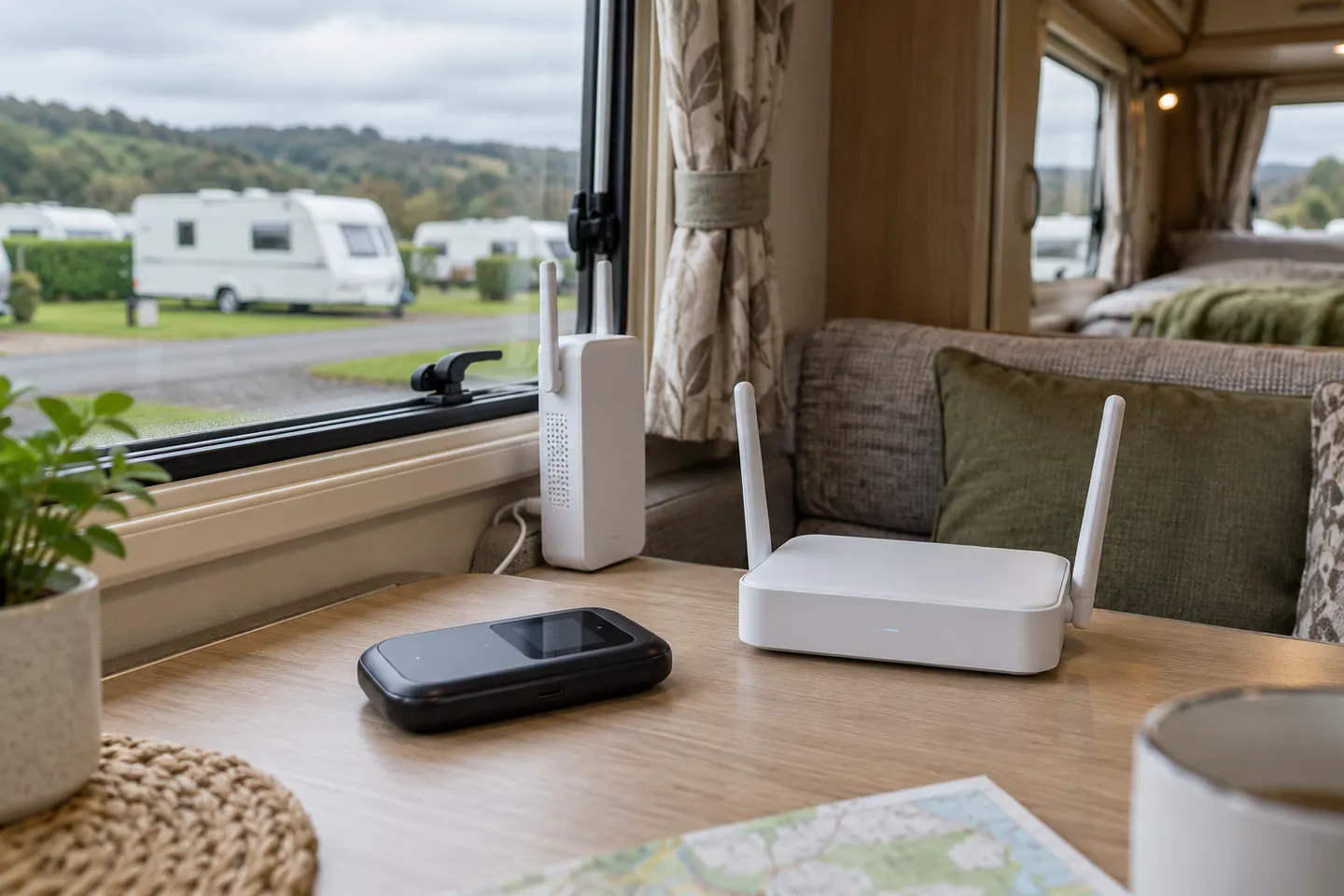 Caravan
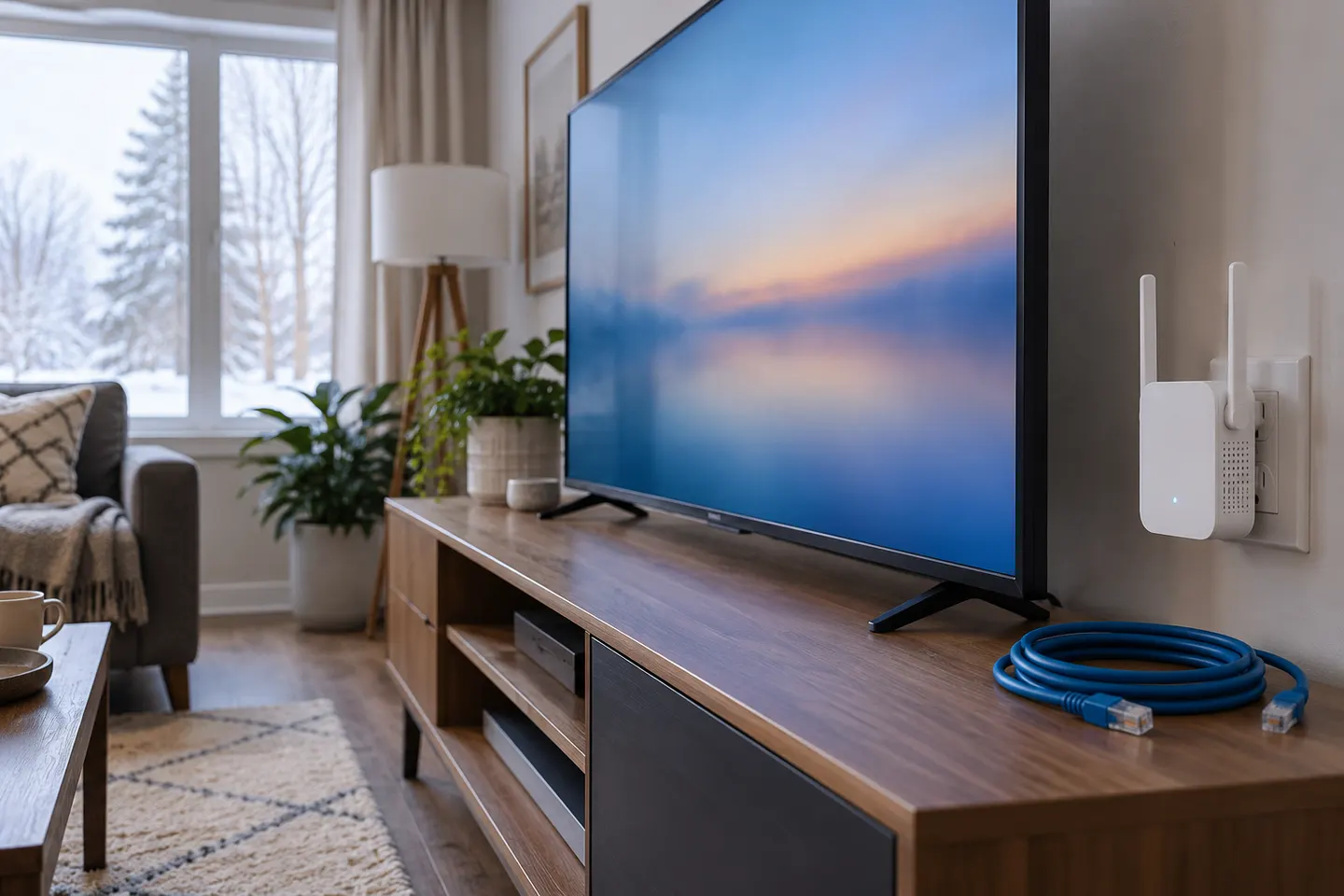 Smart tv
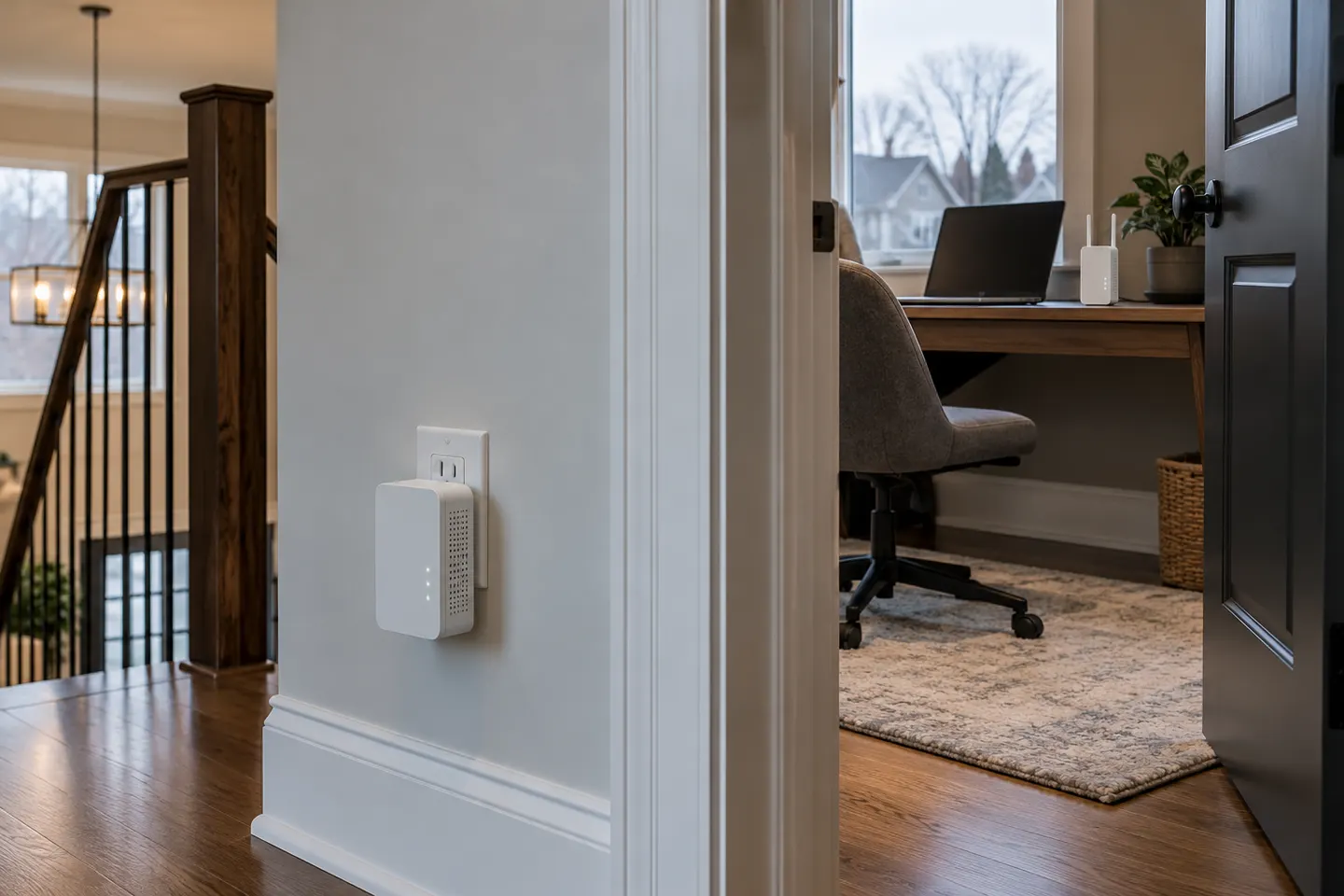 Powerline
 Mesh
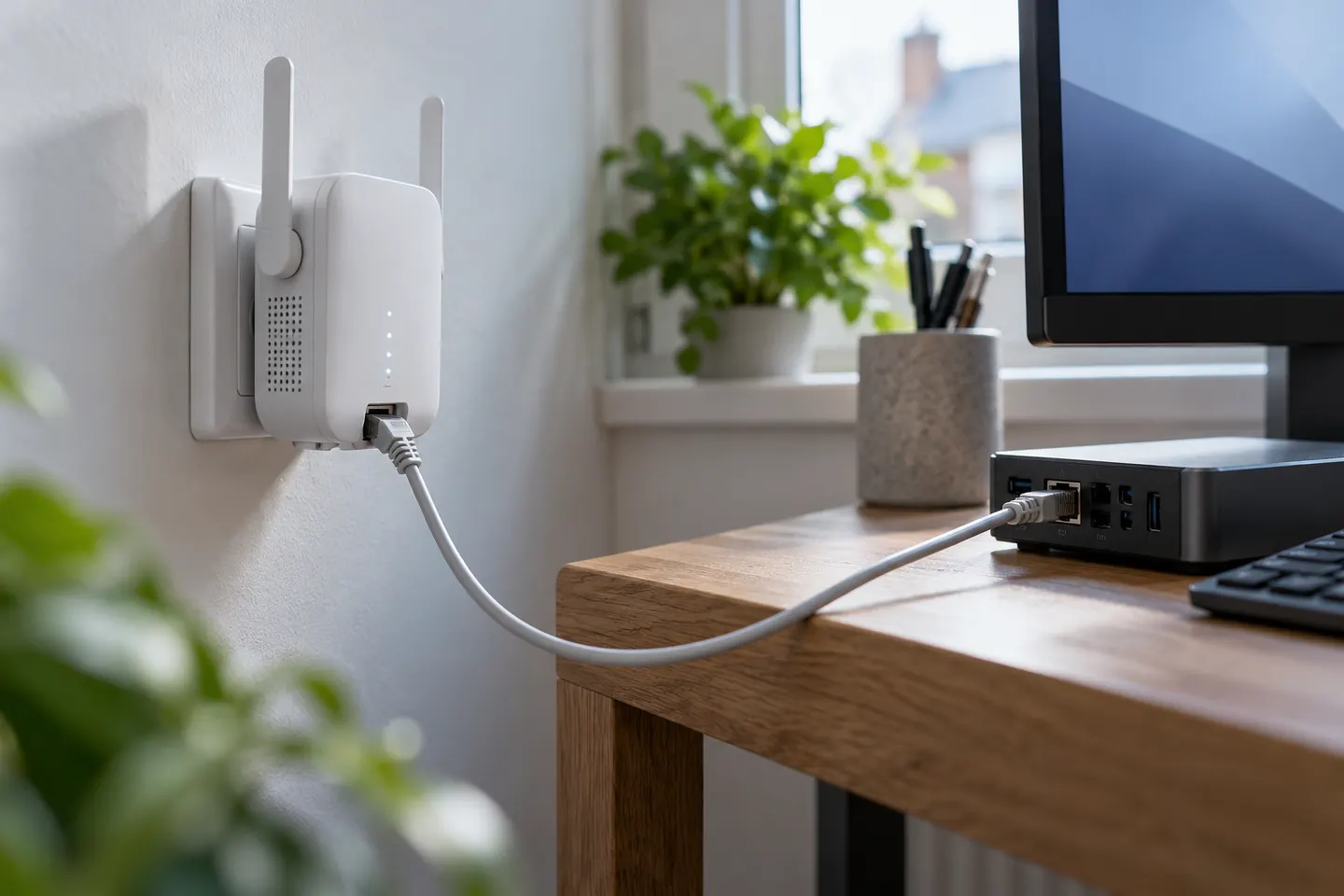 Ethernet port
 Ethernet
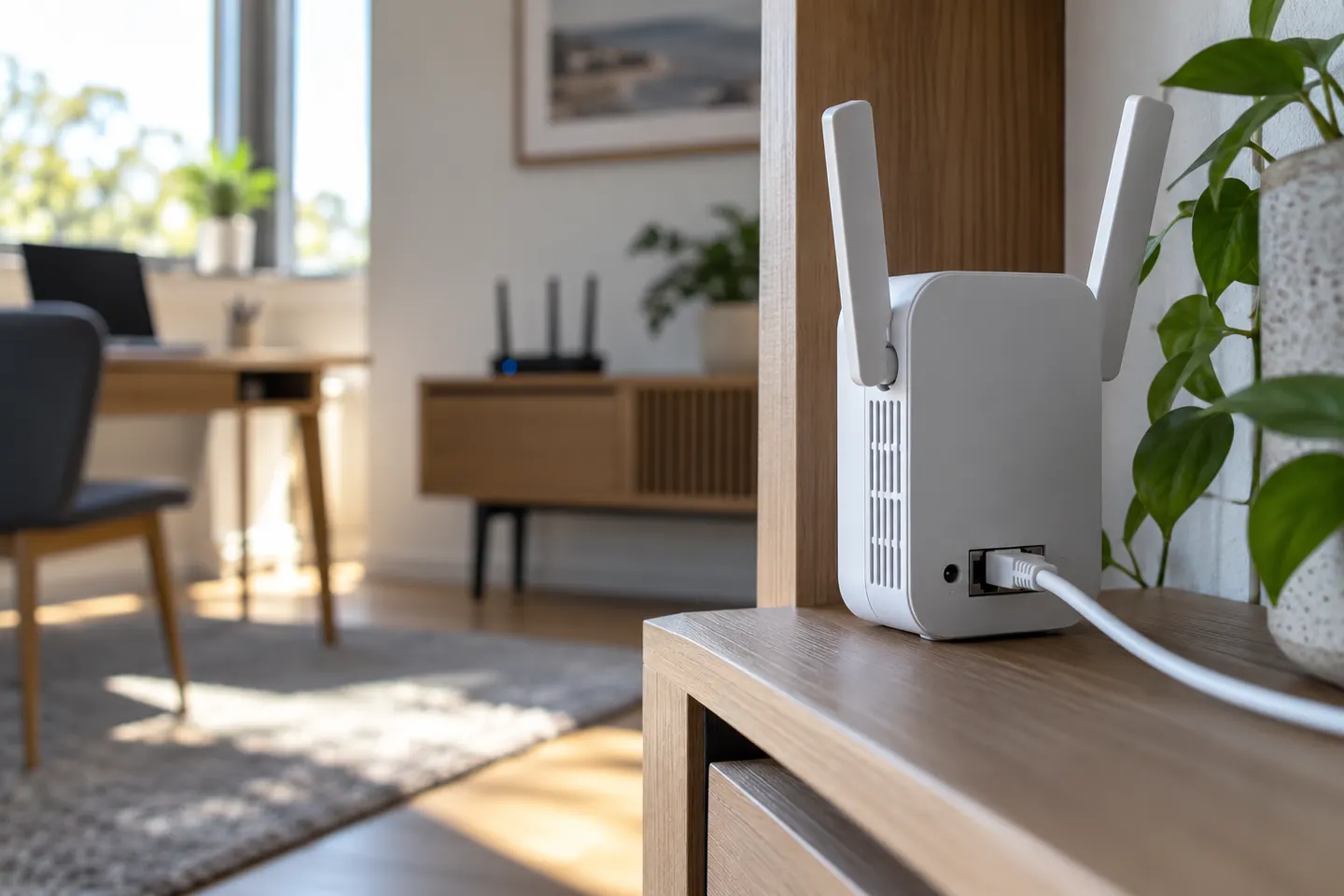 Dual band
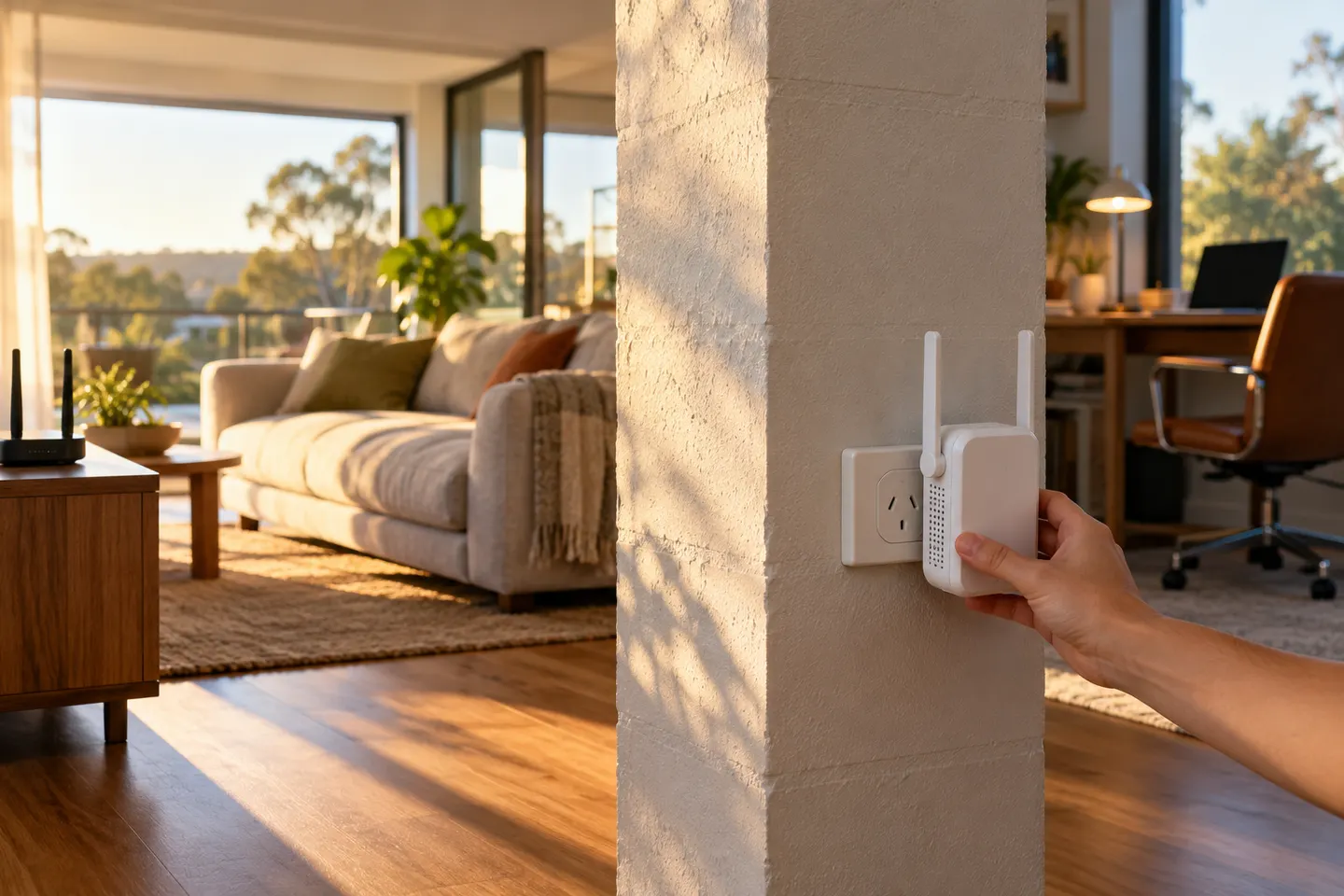 5ghz
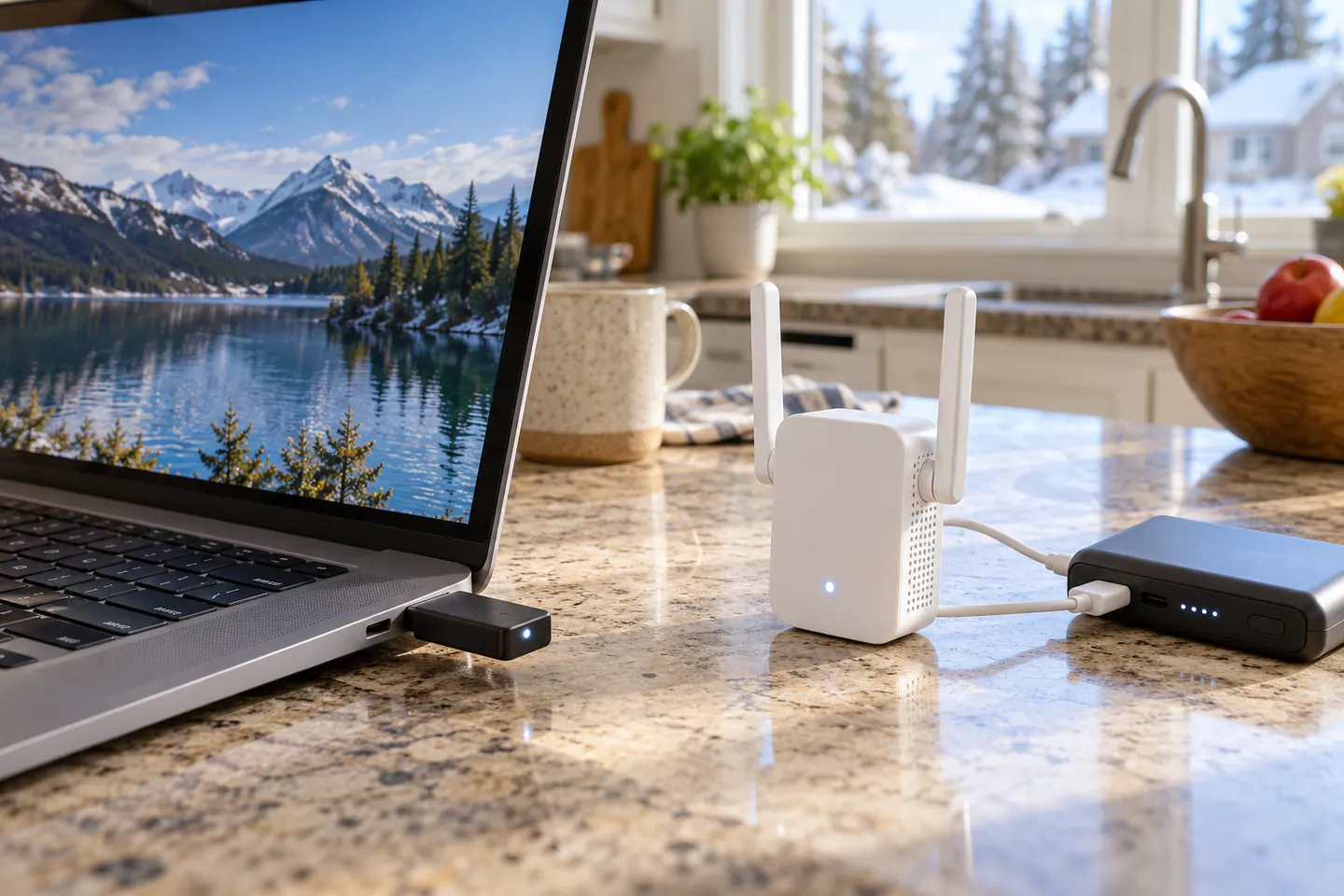 Usb
 6
 Setup
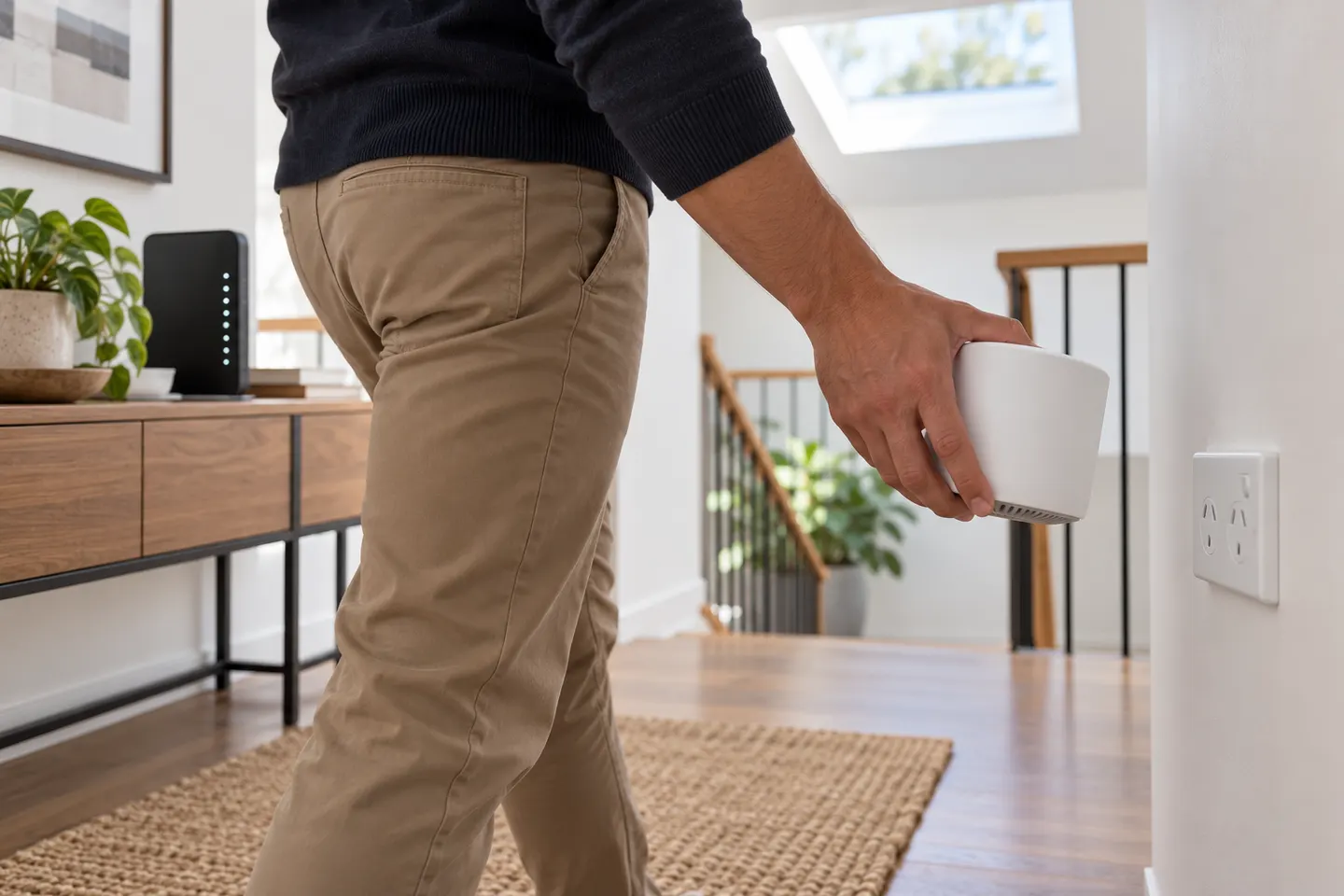 Telstra setup
 D link setup
 Telstra red light
 App
 Telstra smart 3 setup
 Ac750 setup
 NETGEAR
 Starlink
 eero
 UniFi